Hacking a Mega Drive Mini with Hakchi

I posted a few years ago of my experience with hacking my Mega Drive Mini with Project Lunar. My coworker recently bought an MD Mini himself, and since I had already hacked his SFC Mini, I offered to hack his new MD Mini too. I sent him the compatibility list. There were games he wanted on it but crossed them off his list because they weren’t compatible with Project Lunar. But when I tried to hack into his Mini unit, Project Lunar was not recognizing it. The reason for that is because Project Lunar can only acknowledge one unit for one’s computer, so that’s a big problem.

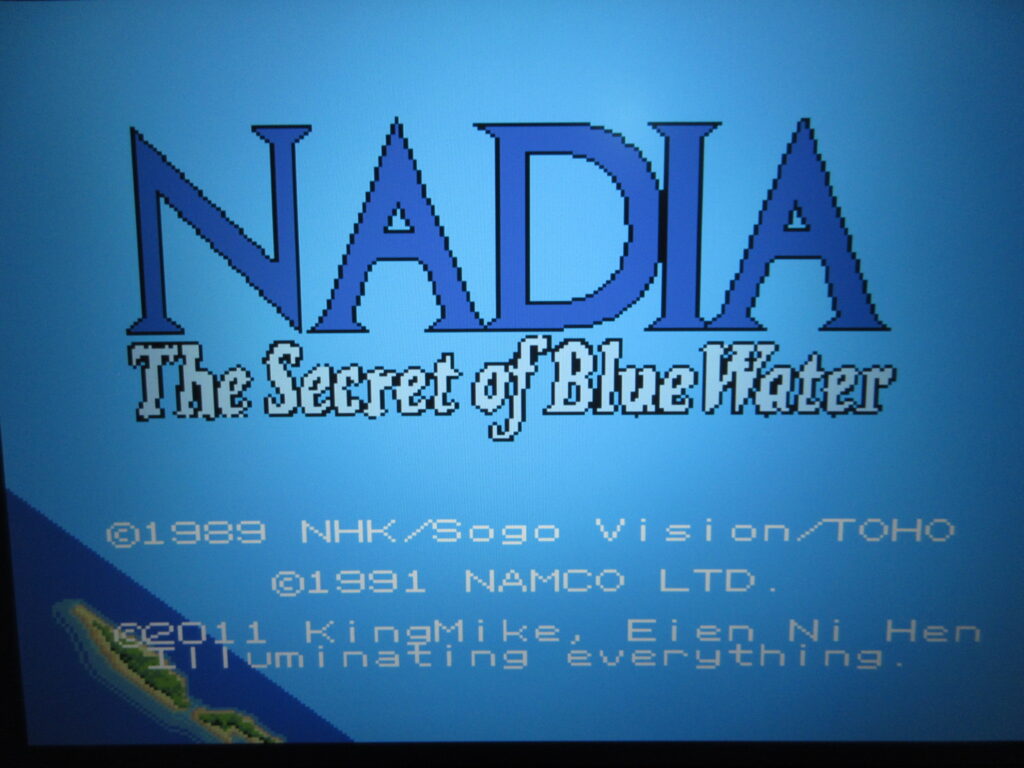
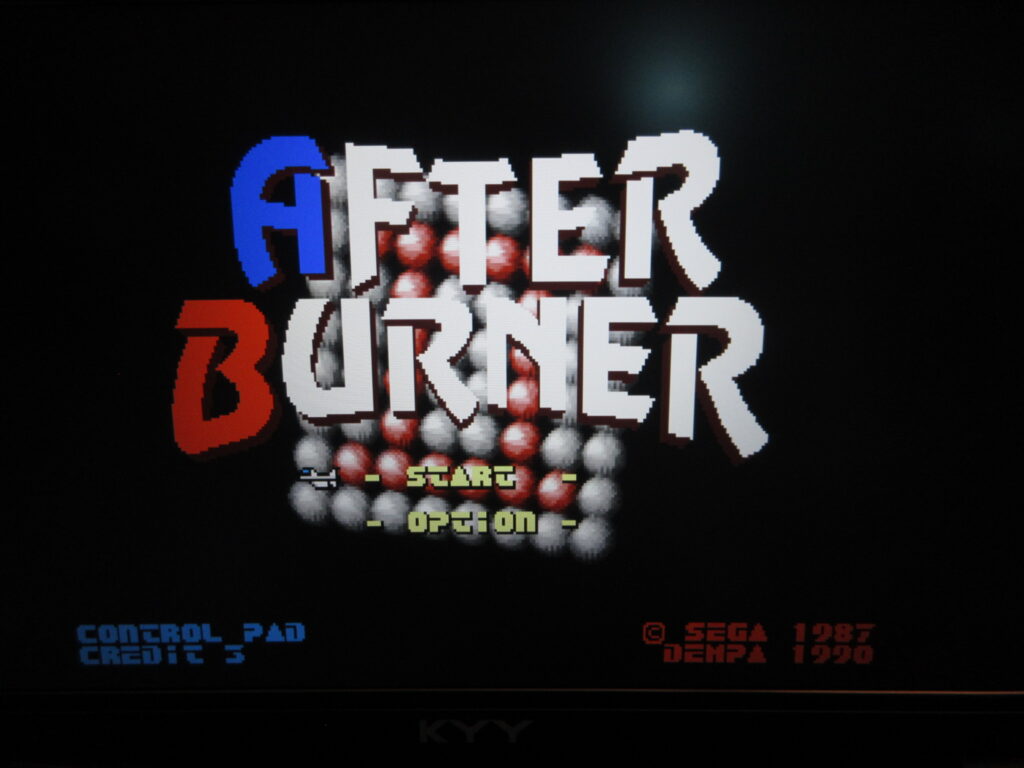
Looking for answers, I had a bit of a conversation with Google’s AI assistant thingy. Project Lunar is kinda dead. I had already noticed that its image scraper no longer works, for one thing. Google suggested to me that I should use Hakchi instead since this is what I already used to hack our SFC Minis, and that for my unit I should uninstall Project Lunar and proceed to use Hakchi to re-hack it. It told me that Hakchi can allow you to add modules to it so that when adding the games which do not work on the MD Mini’s built-in emulator by Sega, you can select Retroarch to handle the emulation for games like After Burner II, Devil Hunter Yohko, Panorama Cotton, Hellfire and so on. It also says that you can force the game’s region in order to have the game play English fan translations such as for Nadia, Battle Golfer Yui, Vixen 357 and Gleylancer.

So, you have to first use Project Lunar to uninstall it from your MD Mini. This’ll wipe it clean and restore it to its original factory condition. I had to hold down the shift key on the keyboard and then click the uninstall button. Game save data will be restored from your original backup made when you first hacked your unit. Just pay attention to which games are not compatible through the Project Lunar game compatibility list. After adding such a game, right click on its title and choose Retroarch to handle those games. Once you do that, when selecting it from the menu it’ll load without having to do anything. Essentially, it’s like Retroarch steps in and says “Excuse me, I’ll take it from here.”
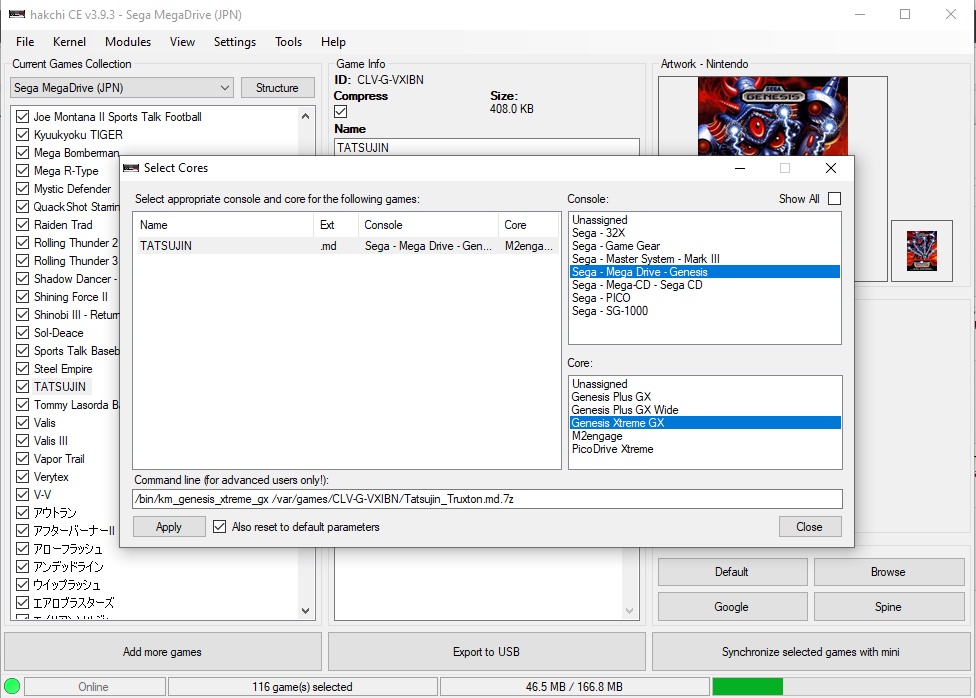
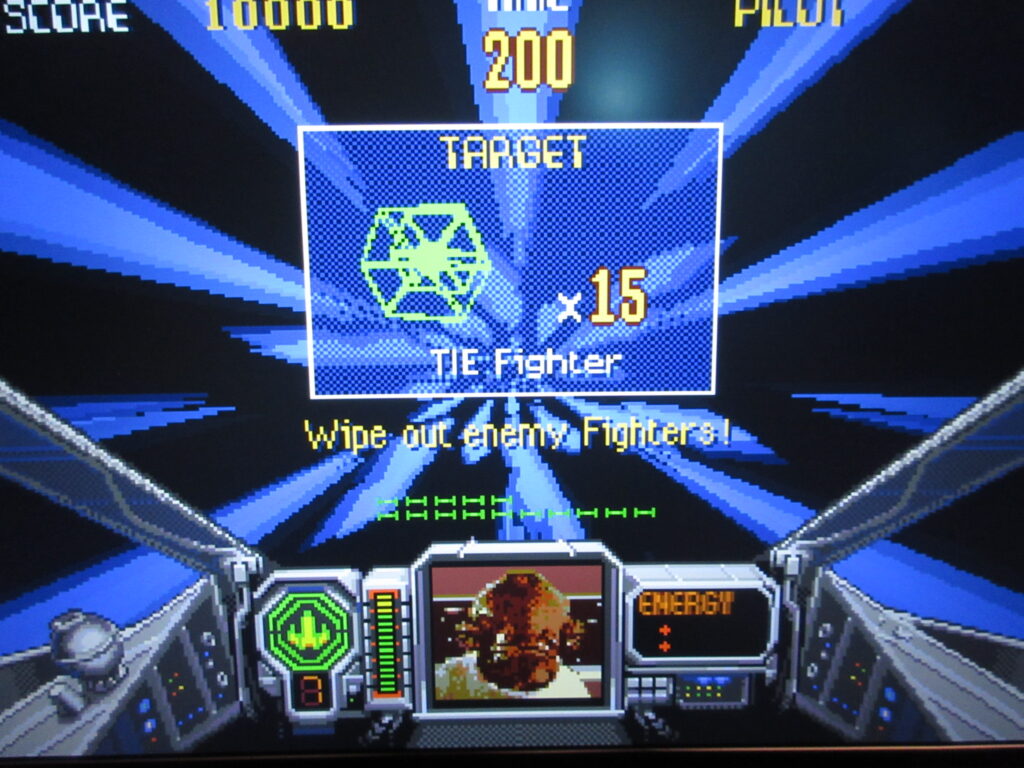
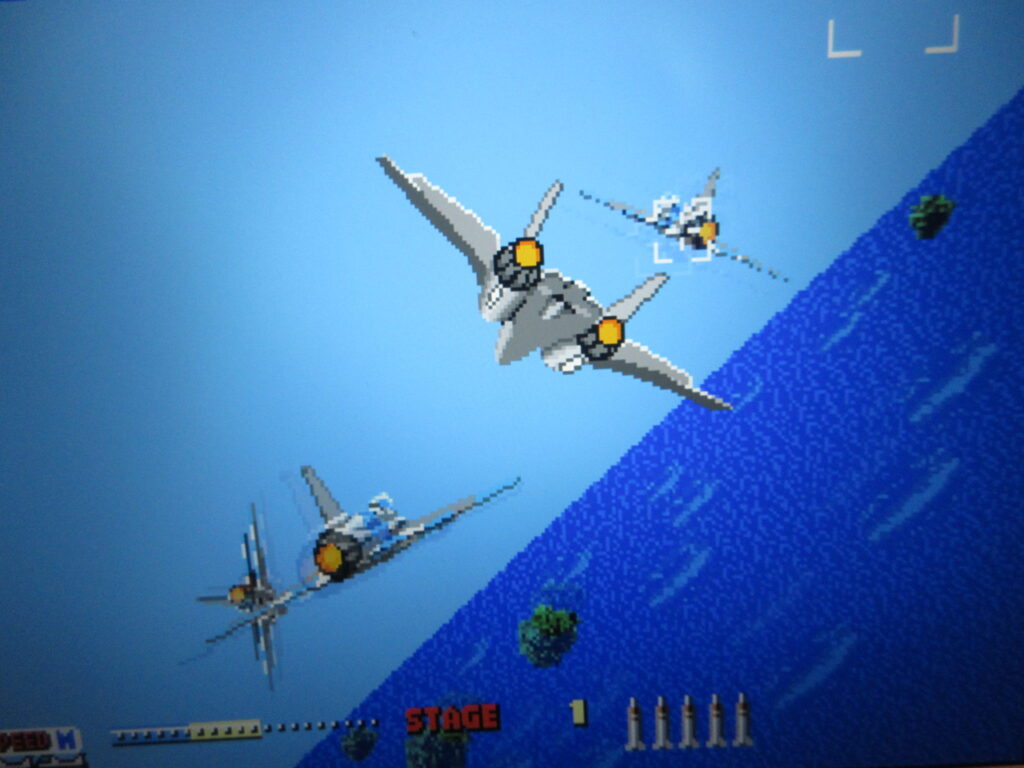
Furthermore, I learned that 32X games can be added to the MD Mini and you’ll have to assign the PicoDrive Extreme emulation core to handle it. This means that the excellent ports of Afterburner II and Space Harrier can be added! I also want to add Shadow Squadron/Stellar Assault and Star Wars Arcade too. Mega CD games can also be added.

So with Hakchi, I successfully hacked my coworker’s MD Mini unit. It took a few evenings and more consulting with the AI assistant, and I finally finished loading the games David asked for. Afterburner II, Verytex, Panorama Cotton, Devil Hunter Yohko, and so many other games now work on the MD Mini! Also, Earthion works on it too! I had tried loading it onto mine through Project Lunar, but the game was silent. Now it works great through Retroarch!
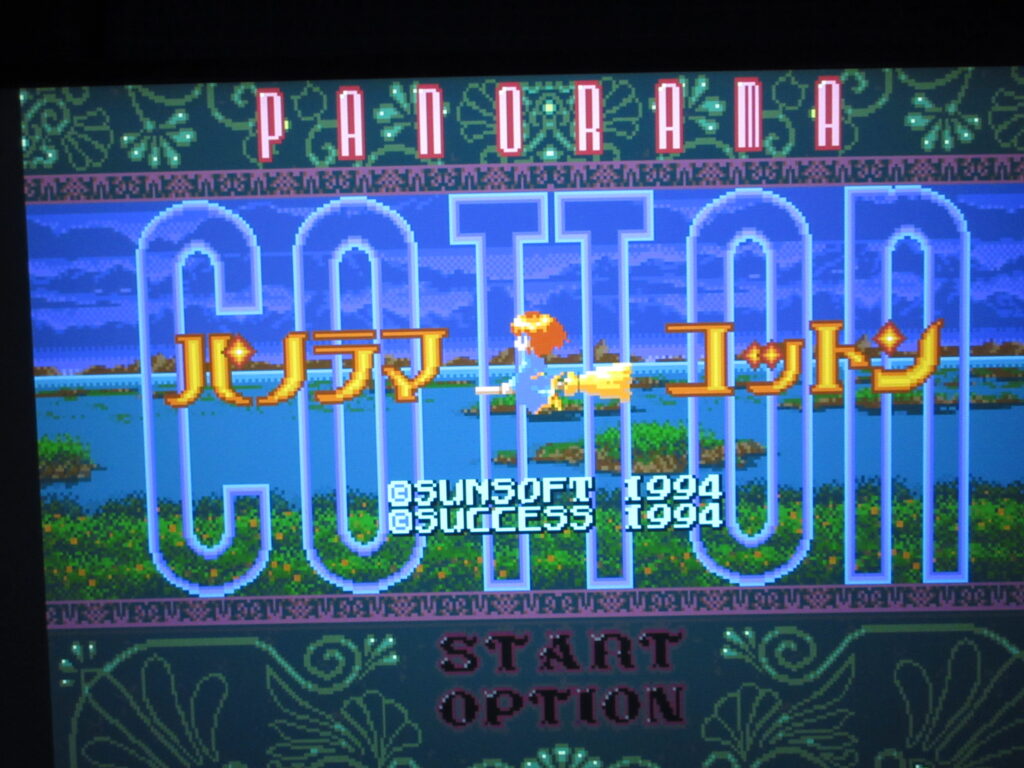
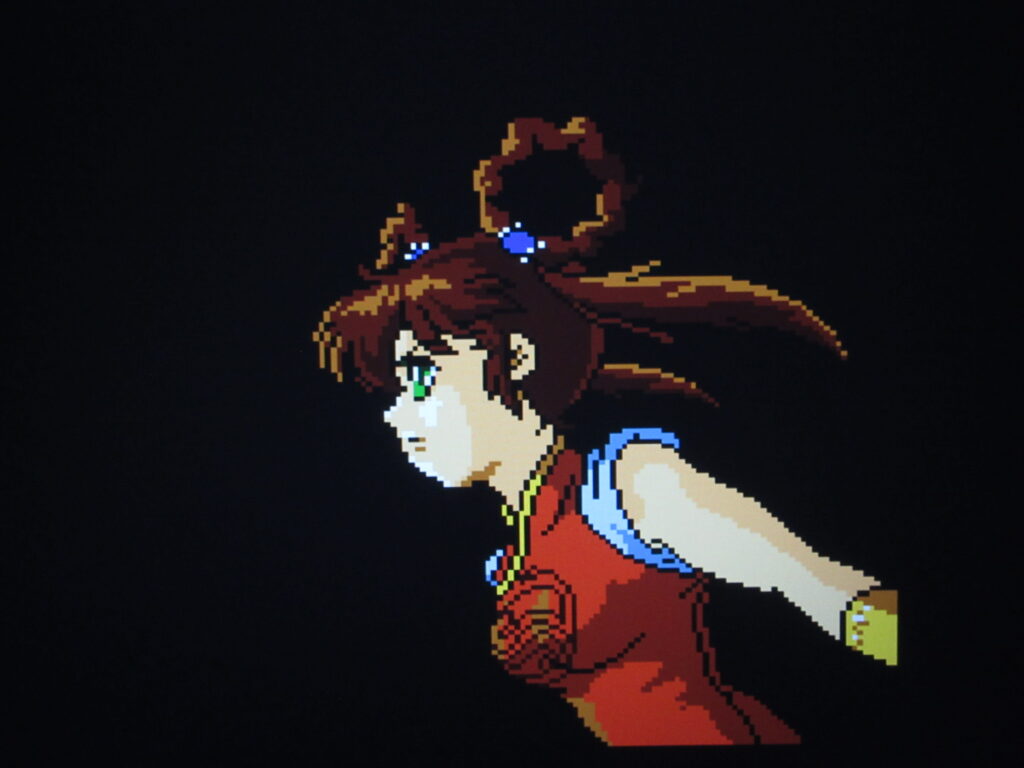
The games that the native M2engage emulator couldn’t handle for whatever reason now work on it thanks to Retroarch. You’ll just notice some Retroarch-related text that appear very briefly when you load these games. I noticed that the mode button didn’t work, so I had to press the reset button which loads the Retroarch menu. I configured the input setting so that the Mode button brings up the Retroarch menu. When you exit Retroarch, it will bring you back to the standard menu.
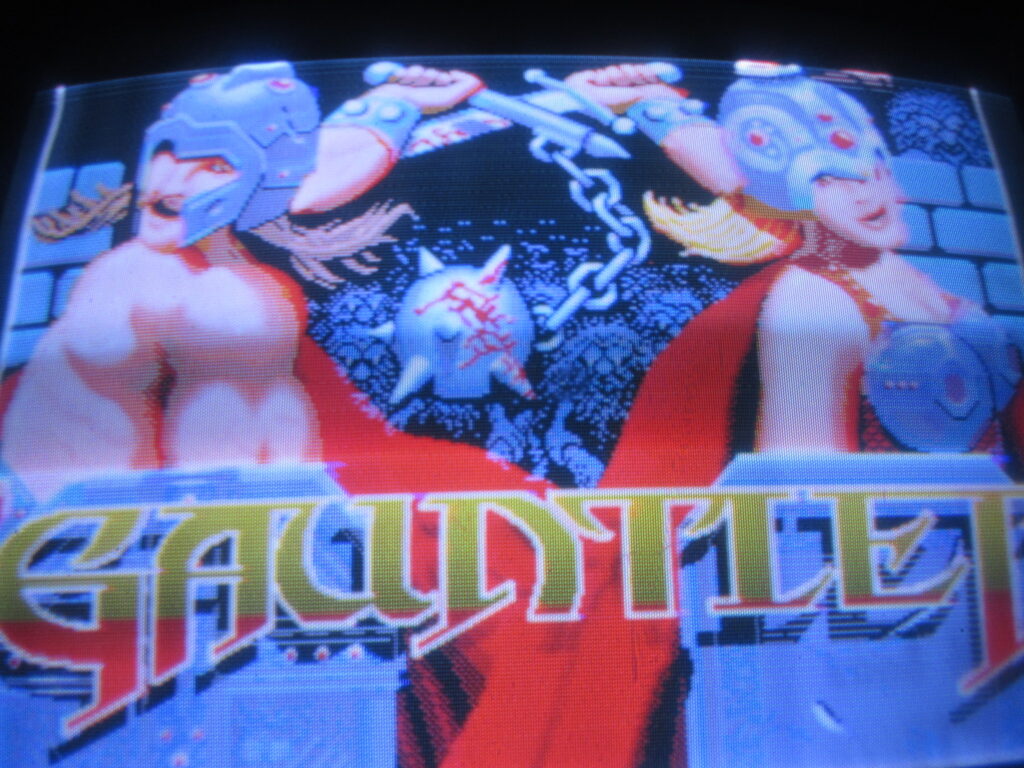
What’s more, it turns out that M2 added Sonic 1, Marble Madness, Aladdin and Gauntlet as hidden games since they had worked on these ports back in the day. Under Project Lunar, I added Gauntlet and Sonic manually but Hakchi just reveals them instantly, to my surprise. I saw them on the menu and was like, “Wait, I didn’t add these.” Bonus! That’s great. I loaded the fan efforts Final Fight MD and Mega R-Type too.
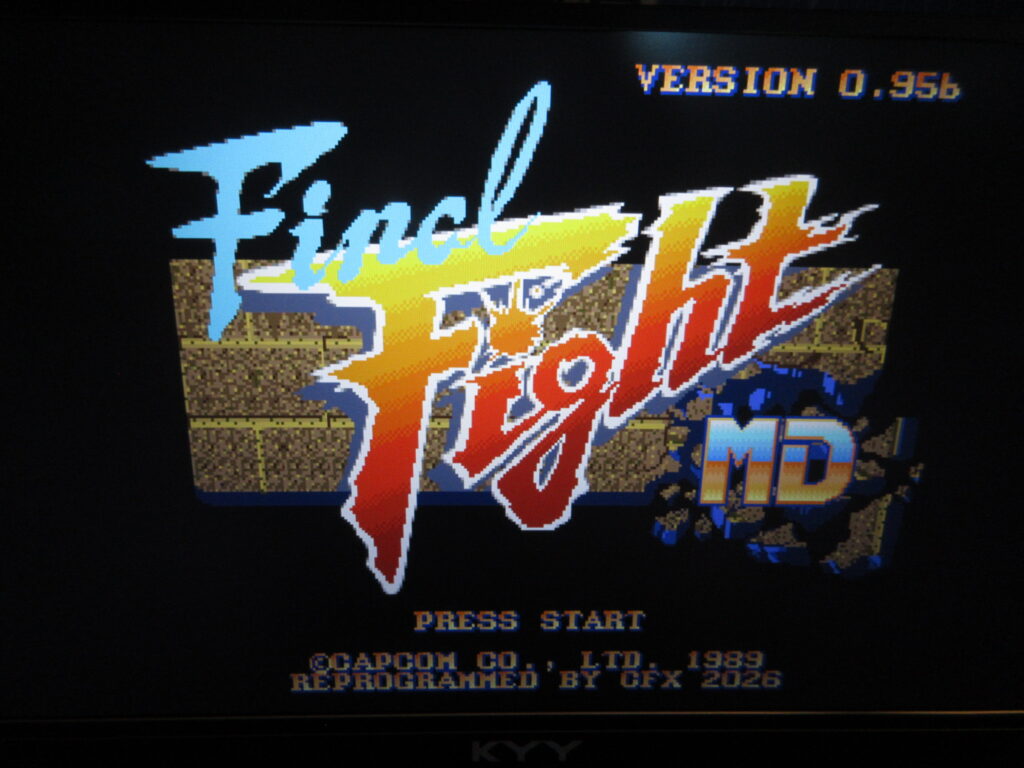
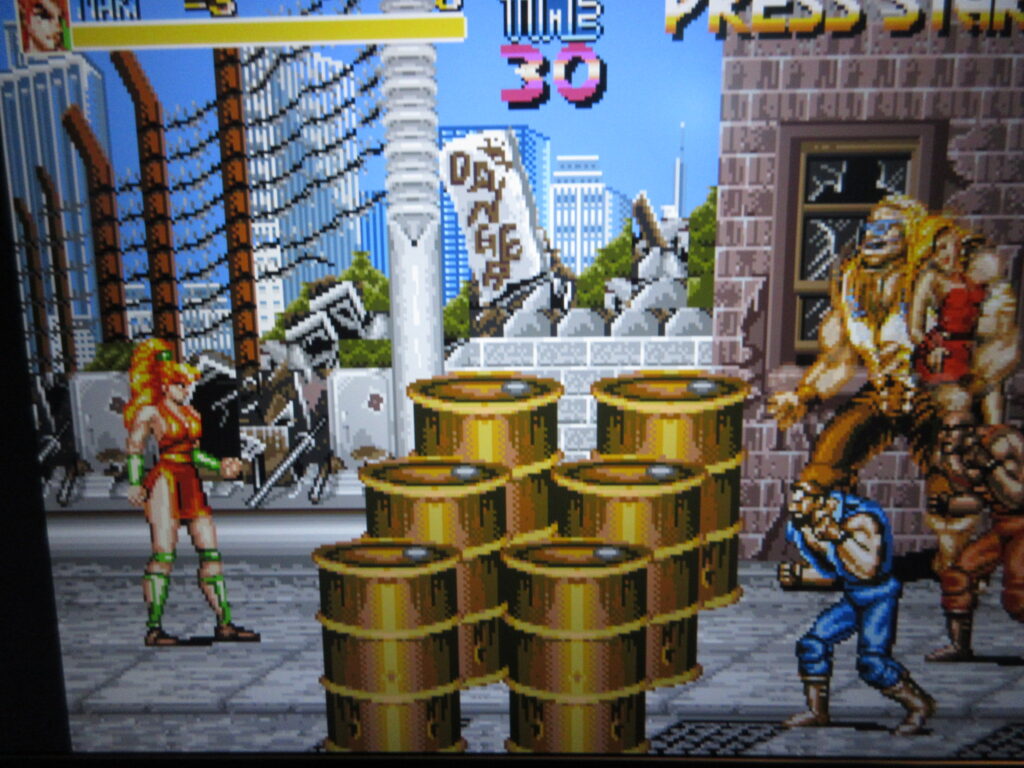
One annoyance is that upon hacking the unit, it changed half of the games’ titles to English and the genre field for these games were blank. I had to edit these and manually change them back.

The strange thing is that the built-in kanji dictionary on the MD Mini is rather limited. I didn’t have this problem with the SFC Mini. Google’s AI assistant was talking me through the process of importing an expanded dictionary, but I think it was just talking out its ass and I was going in circles for an hour or so. I thought I found an expanded kanji dictionary on GitHub, and it was telling me to FTP into the MD Mini unit to add the dictionary file to an augmentation package in its internal Linux home/usr/var directory. It still didn’t work, so I gave up. I think it’s not a big deal to most people, but it bothers me because I am a purist who can read Japanese. So for now I just switched them to English titles or the Romanized Japanese titles. I’ll have to figure out how to expand the kanji dictionary for my own MD Mini, but I doubt my coworker cares so much. For example, 餓狼伝説2 is a problem because the kanji for “hungry wolf” are complicated, thus it just shows up on the menu as 伝説2. So I just renamed it the English title, Fatal Fury 2. 鮫!鮫!鮫! just shows up blank, so I renamed it Fire Shark. Battle Mania: Daiginjou バトルマニア大吟醸 became only バトルマニア大, so I renamed it to バトルマニア2 as a workaround. And forget about the V in katakana for Valis (ヴァリス) because it doesn’t have that katakana.
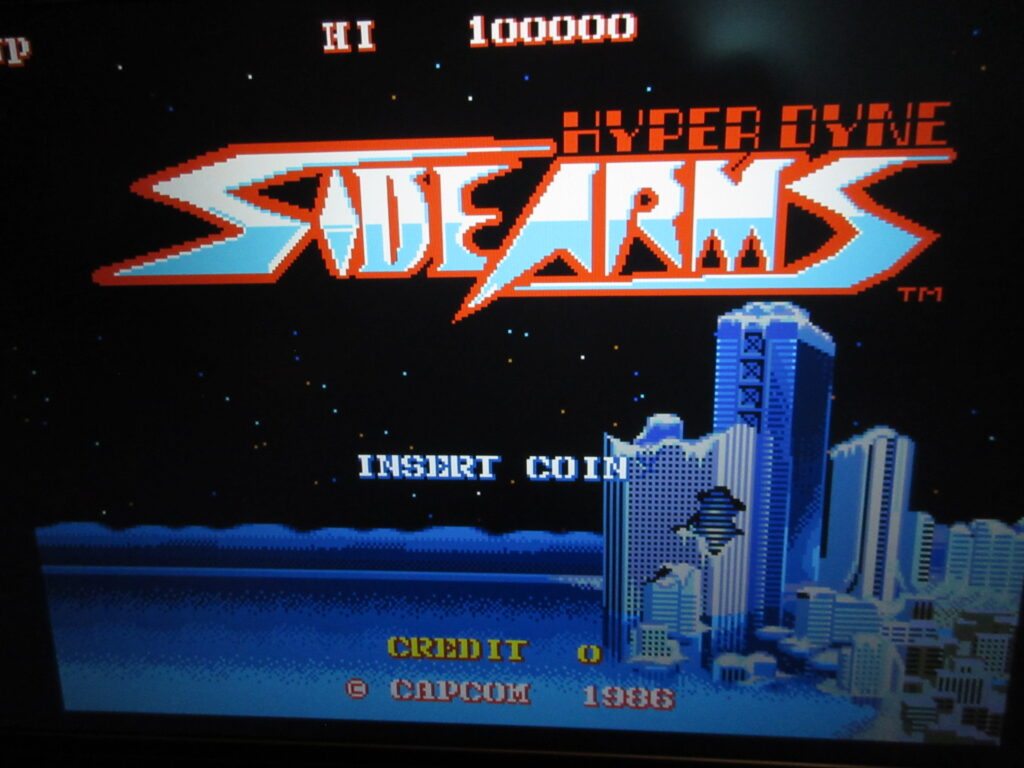
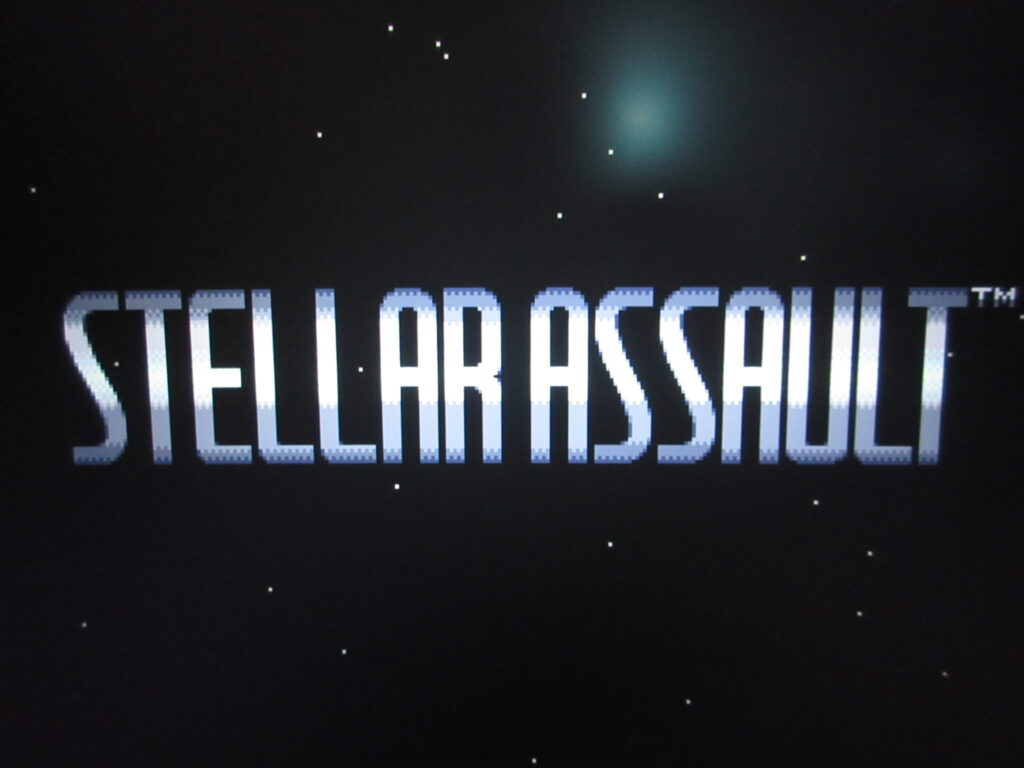
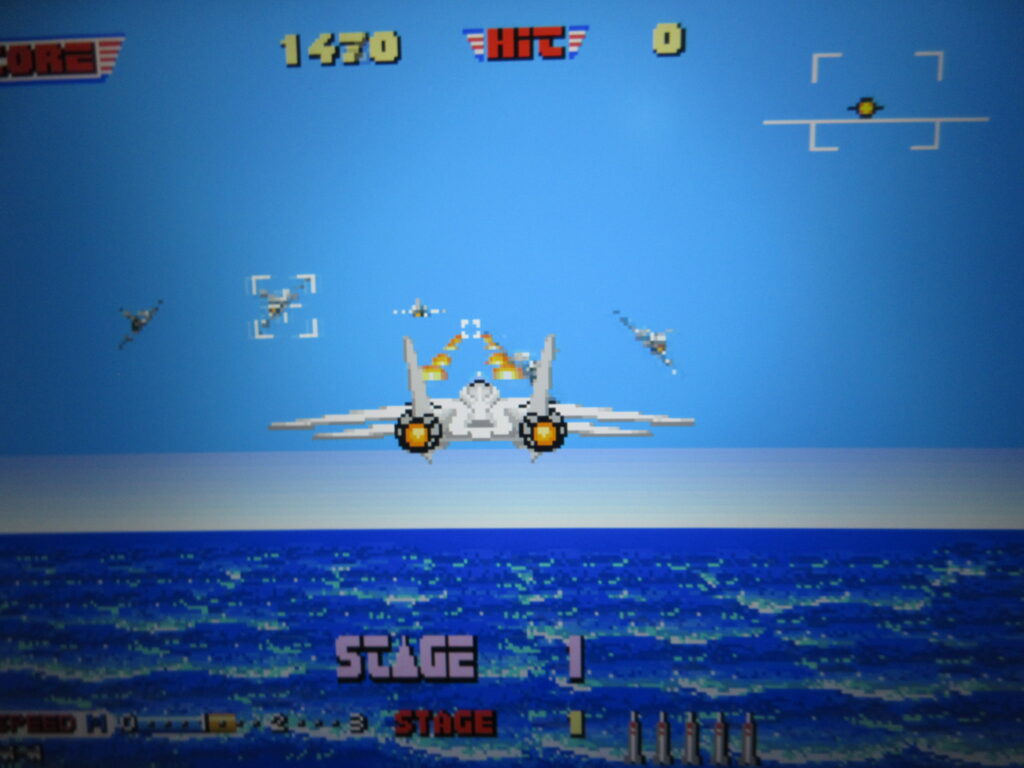
I was successful in adding 32X games easily enough. Stellar Assault (“Shadow Squadron”) and Star Wars Arcade now run on the MD Mini, as well as Space Harrier and After Burner thanks to the Retroarch PicoDrive Extreme module.
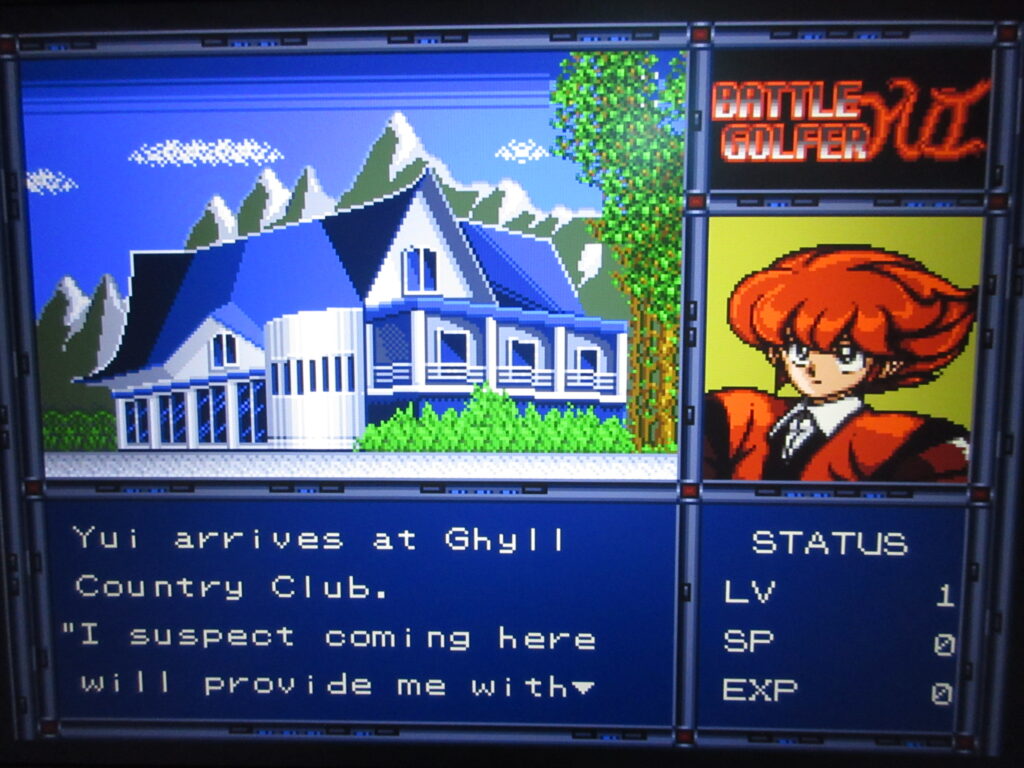
Fan translations of Vixen 357, Battle Golfer Yui and Nadia now work, and I got them to run on the built-in default M2 emulator. The trick is to force the game’s region to United States from the Hakchi screen.
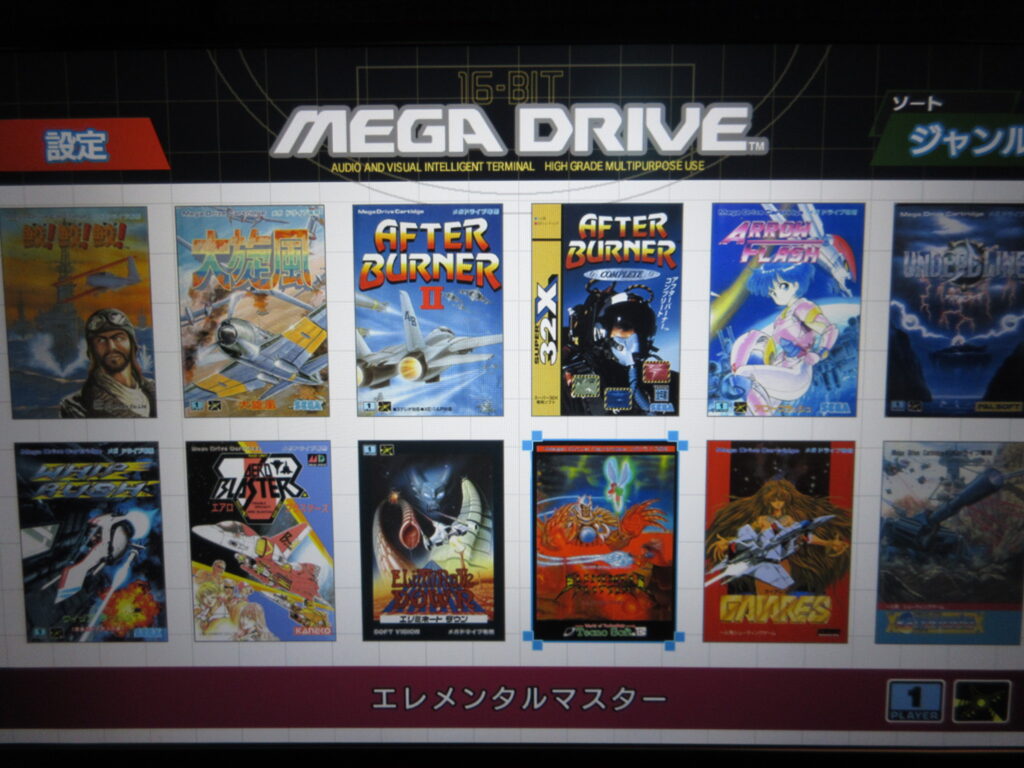
The number of shmups/shooters on my Mega Drive Mini has certainly proliferated, and as you can see the 32X and standard MD games are all listed together.
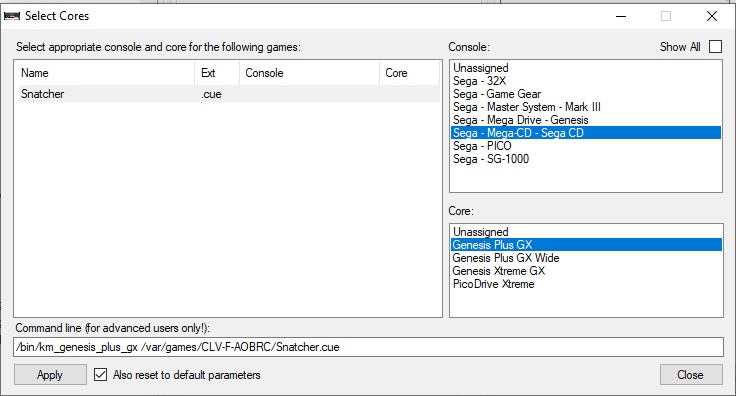
OK, so for Sega/Mega CD games, you will need the BIOS files: bios_CD_J.bin for Japanese Mega CD games and bios_CD_U.bin for North American Sega CD games. Typically the games will have all .bin files plus one .cue file. If you have all of the files unzipped to the same folder, you would just need to select the .cue file when adding the game and Hakchi will grab all the rest of the associated files automatically. The problem is that when I tried adding Snatcher, I immediately went way over the total storage capacity as it was 6x the size of the total available amount on the internal HD. You’d need an external USB drive or something to add these games, but in my position I’d rather just use my RetroPie for such games.
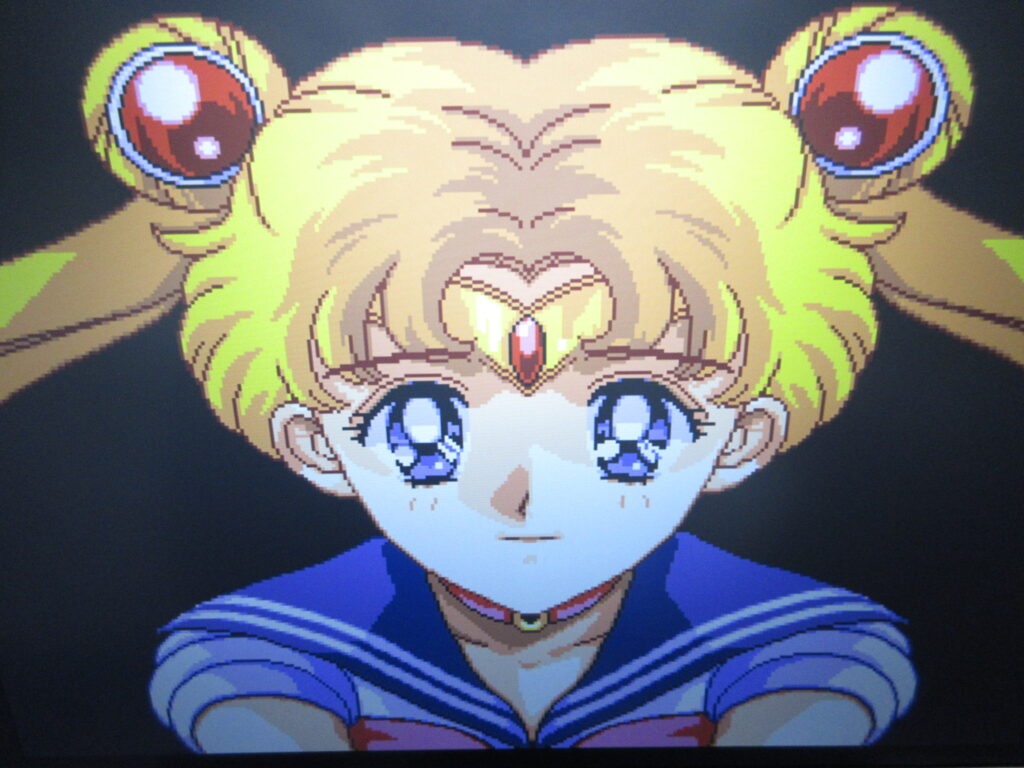
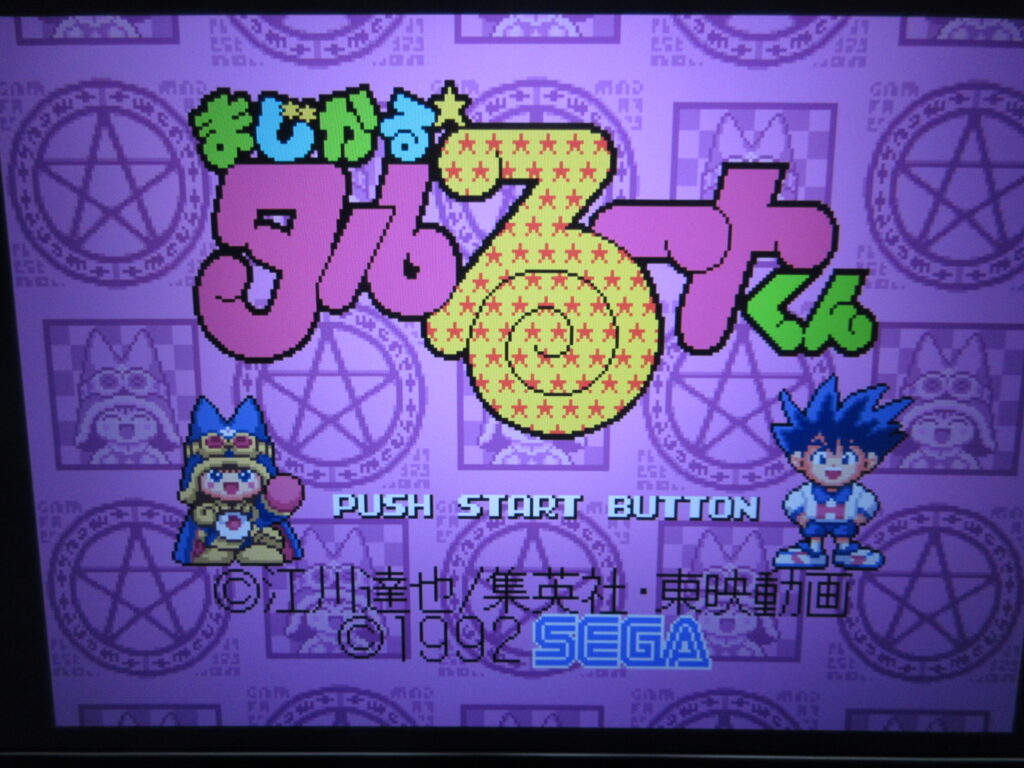
Lastly, I added two more standard MD games: Sailor Moon and Magical Taruruto-kun. I own Sailor Moon on the SFC and wanted to see the MD version. I own the original MD game of Taruruto-kun. I think I’ve only seen the anime a couple of times, way back when we had cable TV. My daughter wasn’t really interested in the show. It’s a pretty quirky platformer game. It comes with the Japanese MD Mini 2.
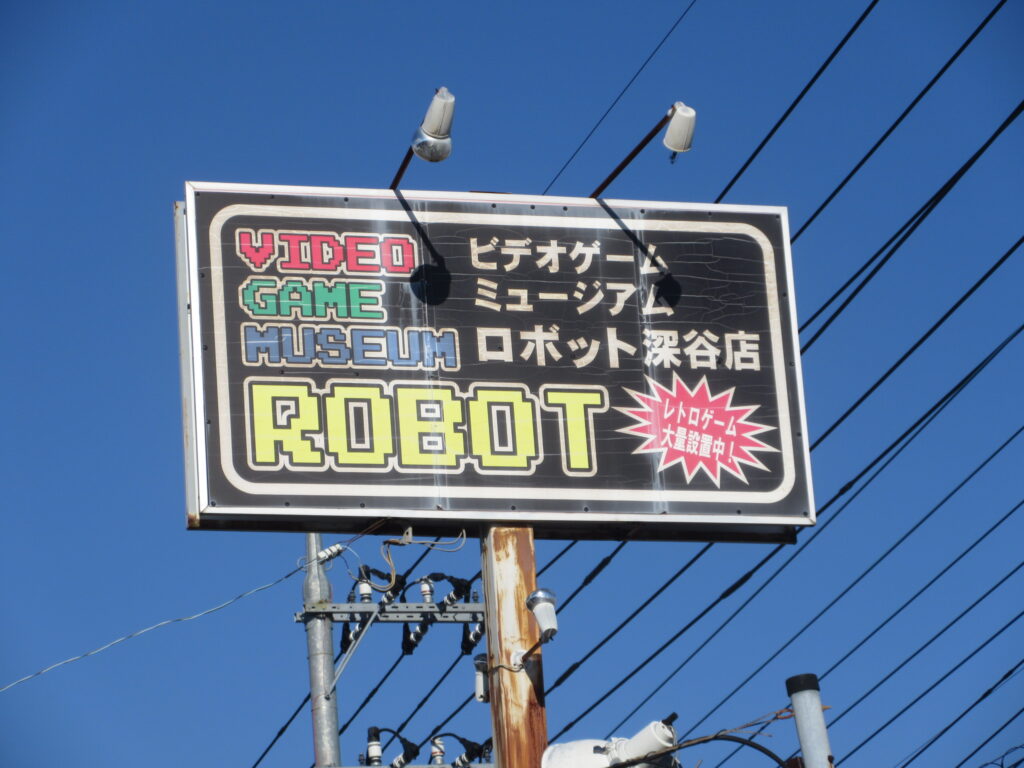
Retrogaming at Video Game Museum Robot in Fukaya, Saitama Prefecture

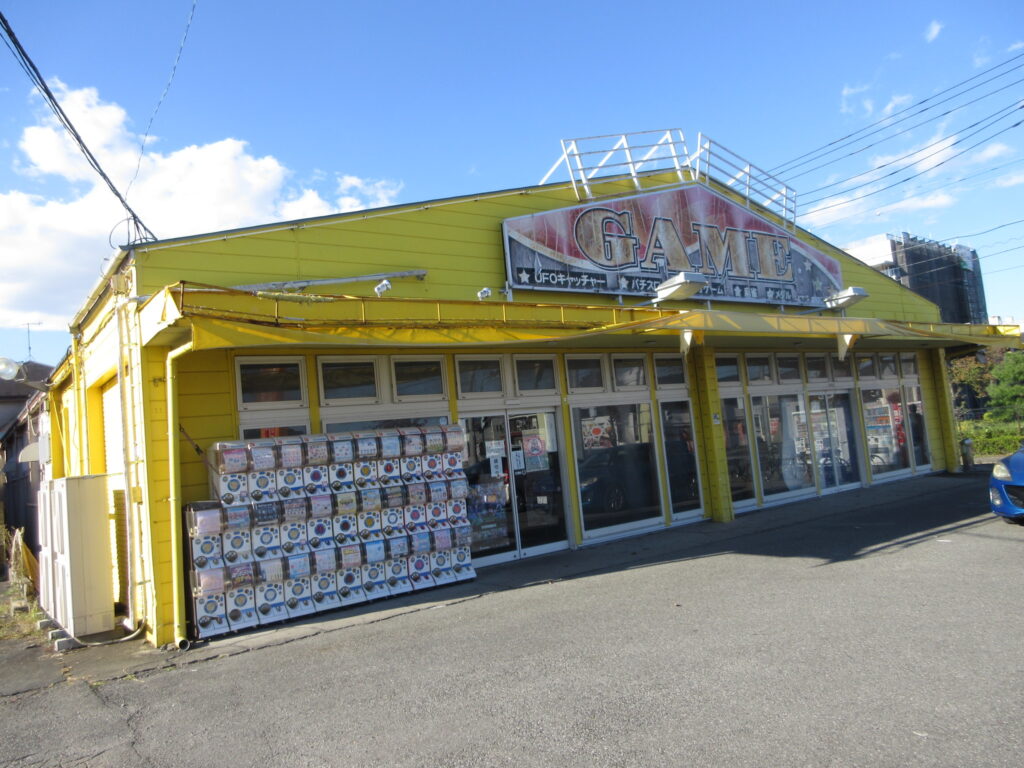
It’s Halloween today. I drove to Video Game Museum Robot in Fukaya, Saitama Prefecture with my friend Adrian to play some retro games.

The place looks like a dump from the outside, but that adds to the charm. You might just drive right by without realizing that it’s a treasure trove of retrogaming.

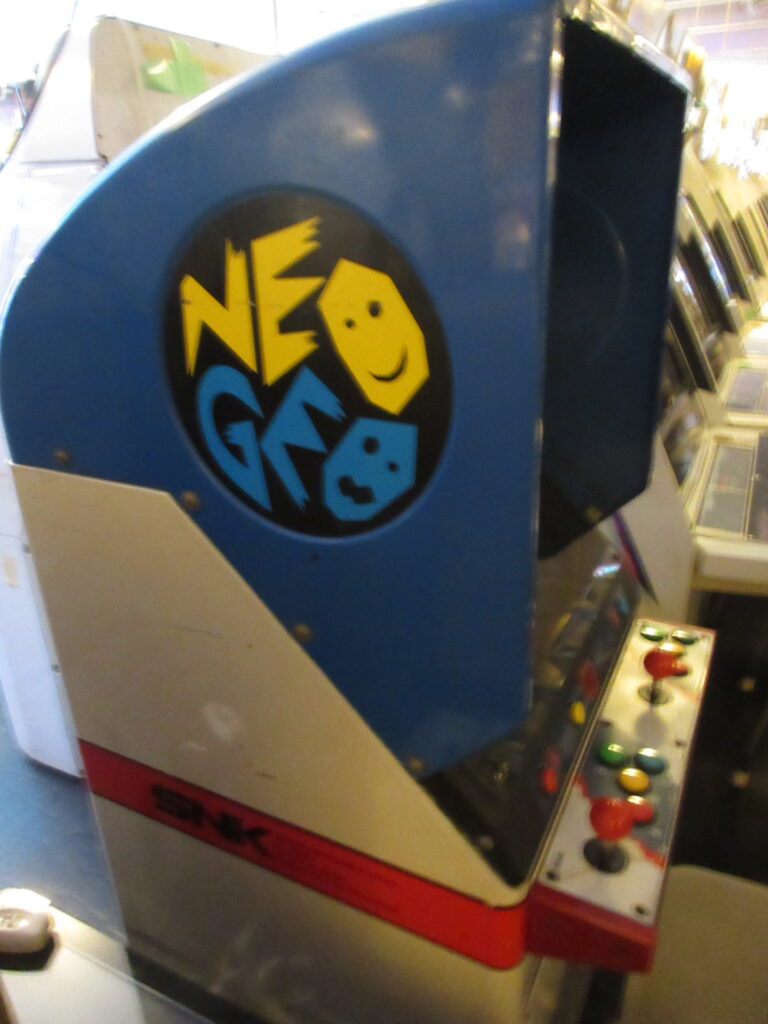
The arcade is mostly Sega cabinets: Astro City, New Astro City, and Blast City cabinets. They have this one which I believe is a Neo 19 cabinet. When we walked in, I was expecting to see row after row of glowing game screens. One thing that irritates me about Western gamers is that everyone erroneously calls every Japanese arcade cabinet a “candy cab.” I think this comes from that Neo Geo forum in the mid 2000’s and everyone just copies that. There is indeed a Neo Geo Candy, but there are many other names by various manufacturers such as the aforementioned Sega Astro City and so on, the Taito Egret, Konami Windy, Namco Cyber Lead, and many others. It’s an example of “trademark genericide,” such as when people call every tissue “Kleenex,” every cotton swab a “Q-Tip,” or like in the Philippines every toothpaste is called “Colgate.”

So when we went inside at first, it surprised me to see that aside from the newer games in the front near the door, nearly all of these retro game cabinets were shut off. To play them, you have to switch them on. This really threw me off at first because for a moment I was wondering if most of them were out of order. Then I saw the signs printed in Japanese asking customers to shut the cabinets off after using. They had switches dangling on the top right corner. Apparently this is both an effort to conserve energy and to prevent screen burn-in. Some of the screens were in better shape than others. I wonder how many customers they lose when people just poke inside, see that all the machines are off, and just leave?

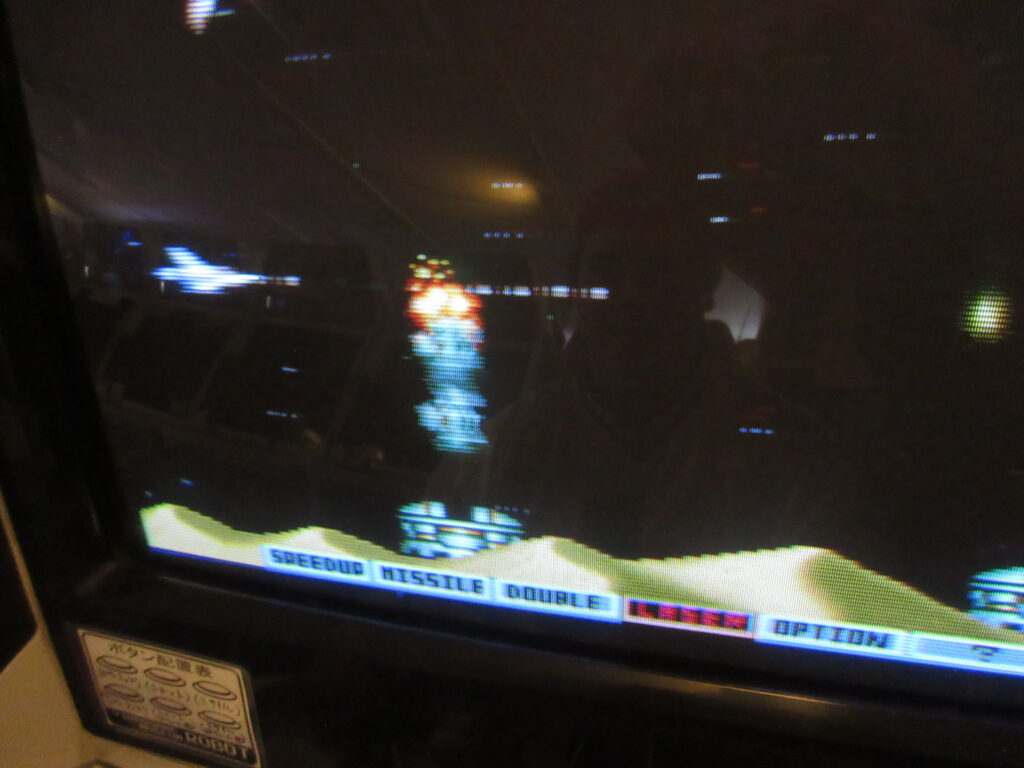
The first game we tried was Capcom’s Dungeon and Dragons, and the first player’s two main buttons weren’t working. So I was afraid that the place was a dump. But the rest of the games turned out to be fine. It certainly isn’t on par with Taito’s HEY arcade in Akihabara, but we still had fun. Since D&D was a disappointment, we moved on to playing Gradius.

Adrian had never played a Gradius game before. He wasn’t used to the powerup system.

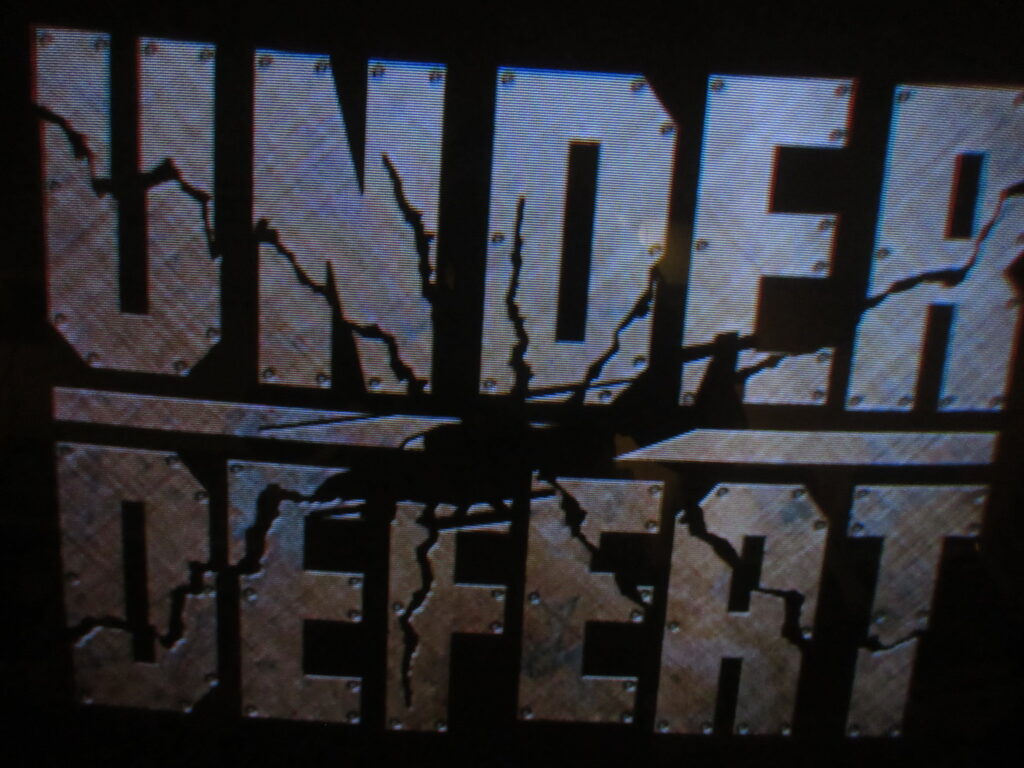
Under Defeat is one of my prized Dreamcast possessions. I think this was the first time I ever saw this game in an arcade. Maybe I have seen it before but overlooked it.

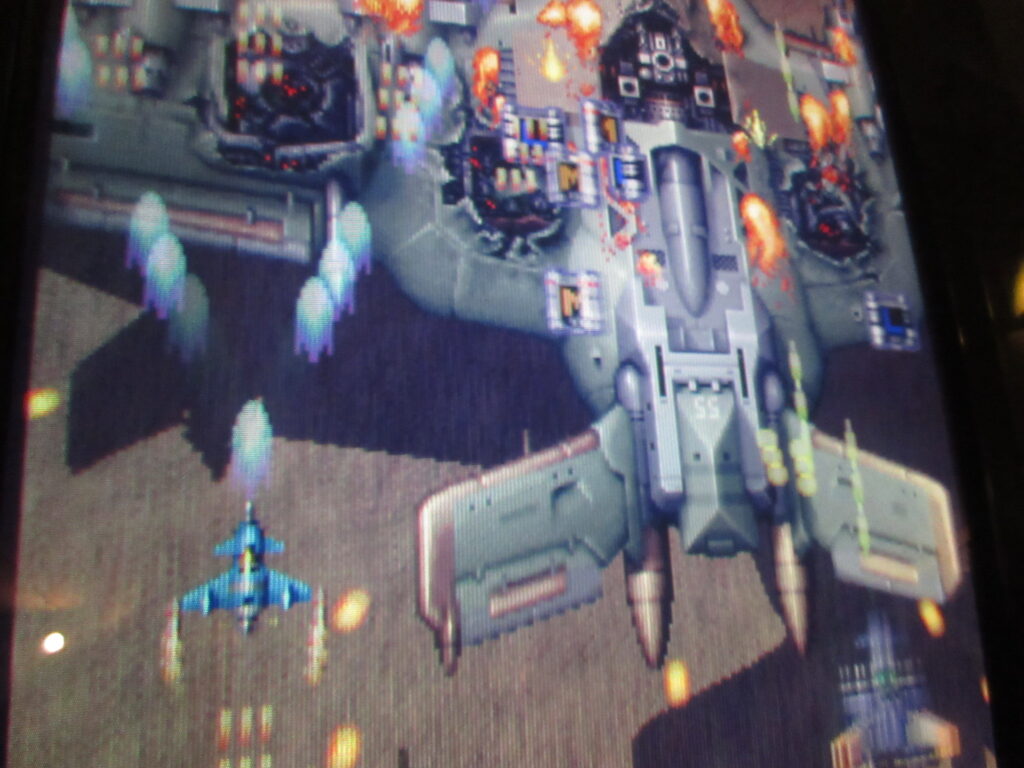
Adrian grew up playing Raiden Fighters Jet at an arcade in Los Angeles in the ’90s.

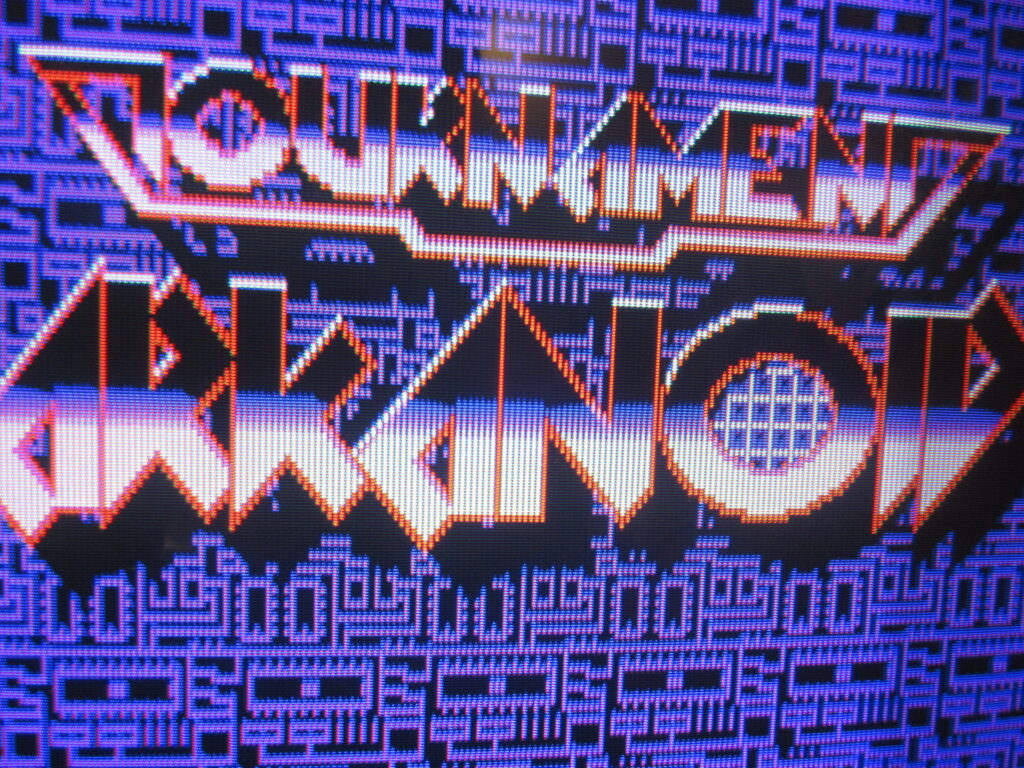
YES! I got to play Arkanoid with a wonderful knob controller! This PCB is the North American version imported from the USA, a Taito game licensed to Romstar.

I played some Mushihimesama Futari next to Arkanoid.

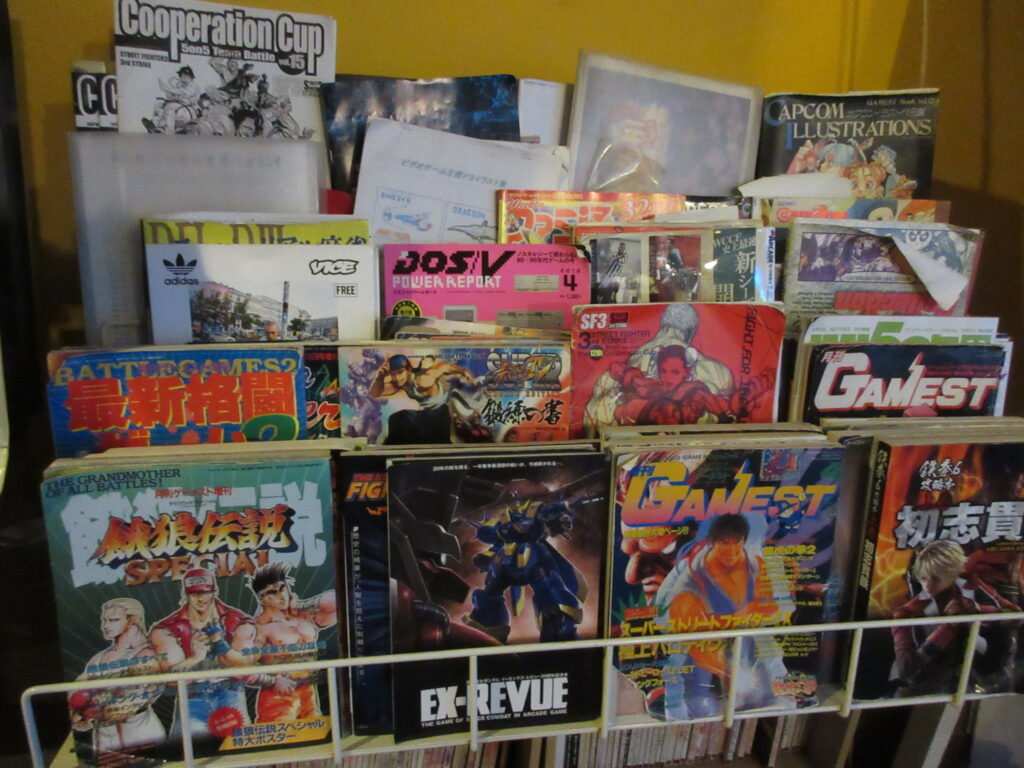
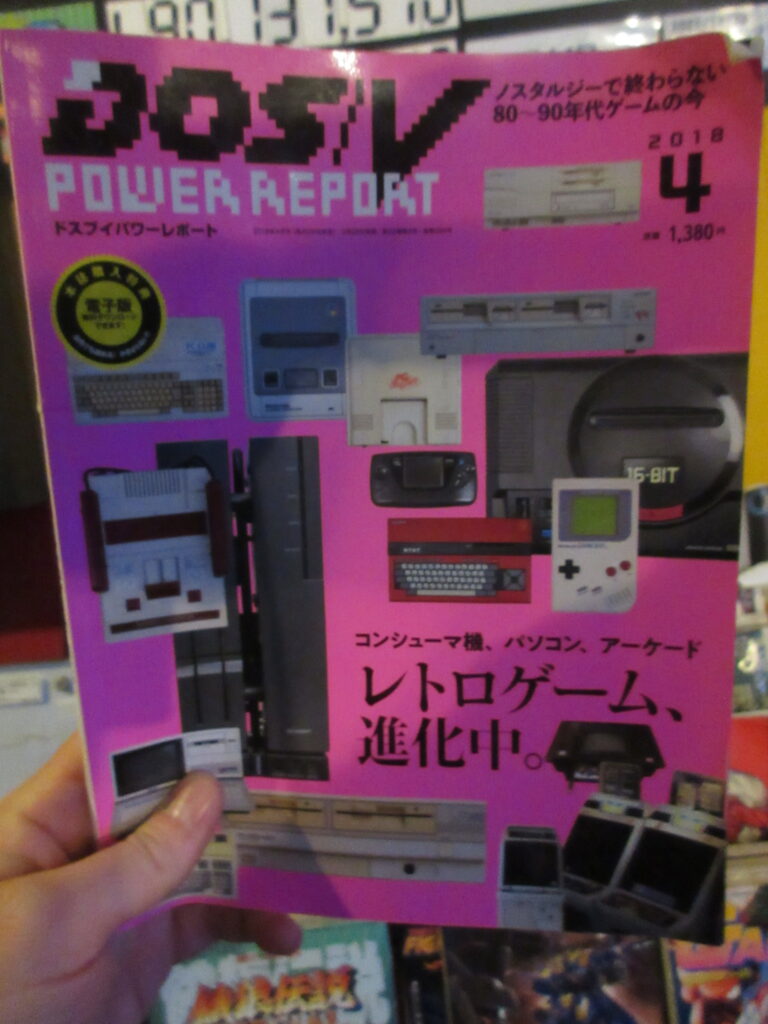
They have an excellent selection of retro game magazines to peruse! I wish I had more time to look at them more. DOS/V was the Japanese version of DOS for Japanese PCs up until Windows 95 took over in the ’90s. I thought for a moment that this was an old magazine, but it’s from April 2018.

I played some Gal’s Panic 2.

They had the Konami classic multi-game selector, so I introduced my friend to Gyruss.

I had to do it.

I was surprised to see Puzzle! Mushihime-tama there, so I played a round.

It was surprising to see a 4 player Gauntlet cab! It’s always refreshing to see an Atari game in a Japanese game center. The Mikado in Takadanobaba has a Marble Madness cab and I got to play it, but the screen was pretty messed up and the colors were weird. This Gauntlet was in better condition. We could have given it a shot, but by that time we had to get going as it was getting dark and I wanted to get back before it got too late. We were hoping to play some Marvel vs. Capcom against each other, but they didn’t have this game. I did see Vampire Hunter and Vampire Savior and I had practiced this game a bit at home on Steam recently, but maybe next time.

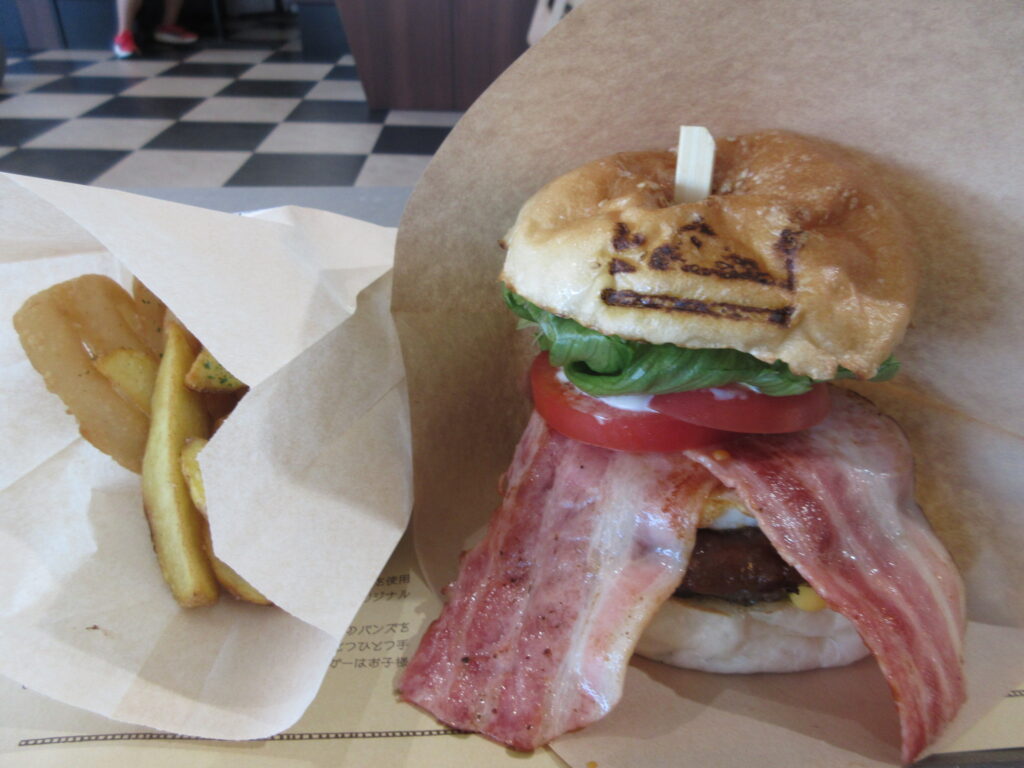
Oh yes, and before we went to this arcade, we had lunch at a place called King God Burger in Maebashi. Fantastic food!

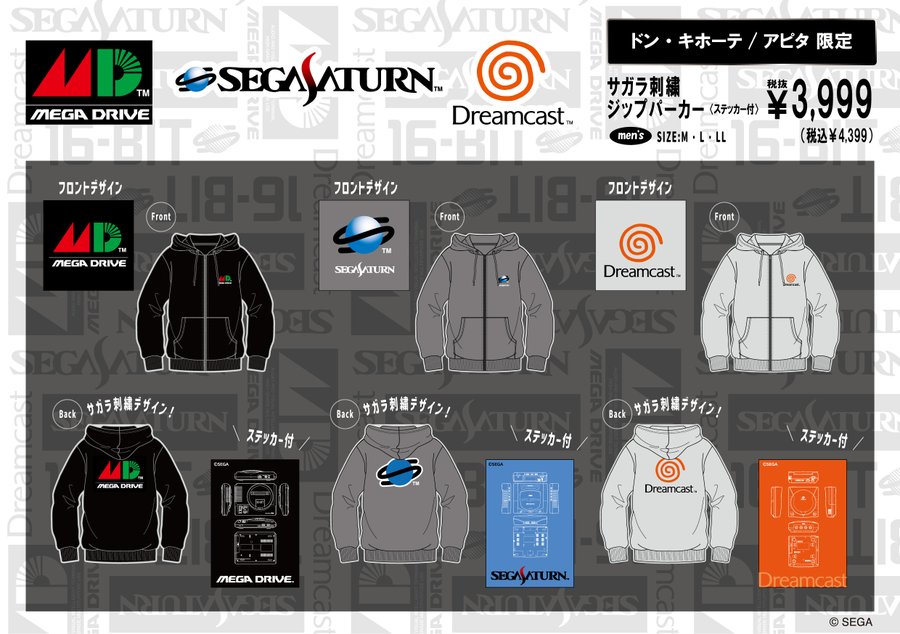
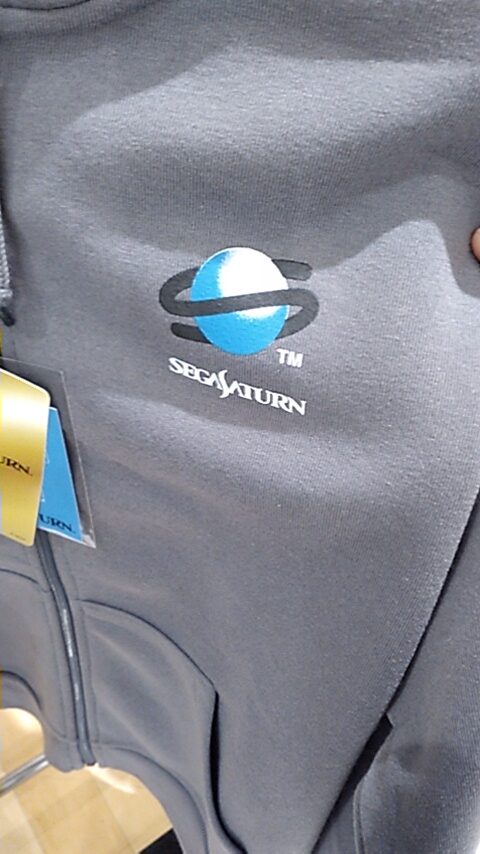
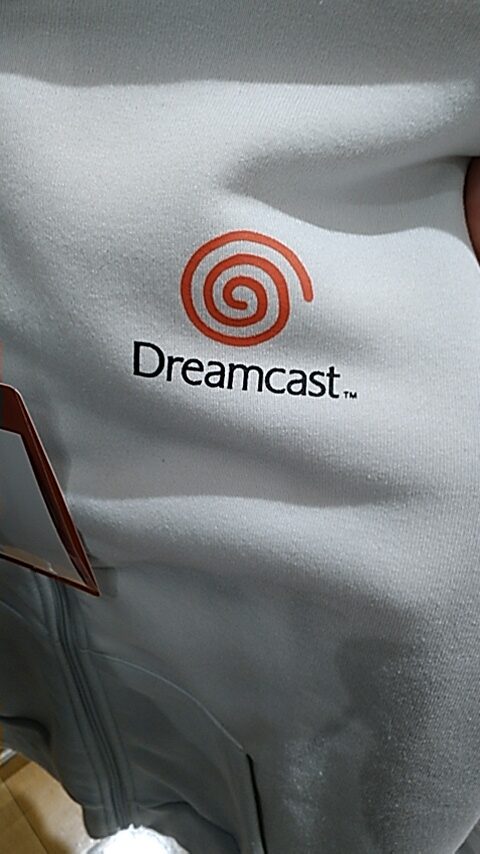
Sega console jumper jackets at Don Quijote

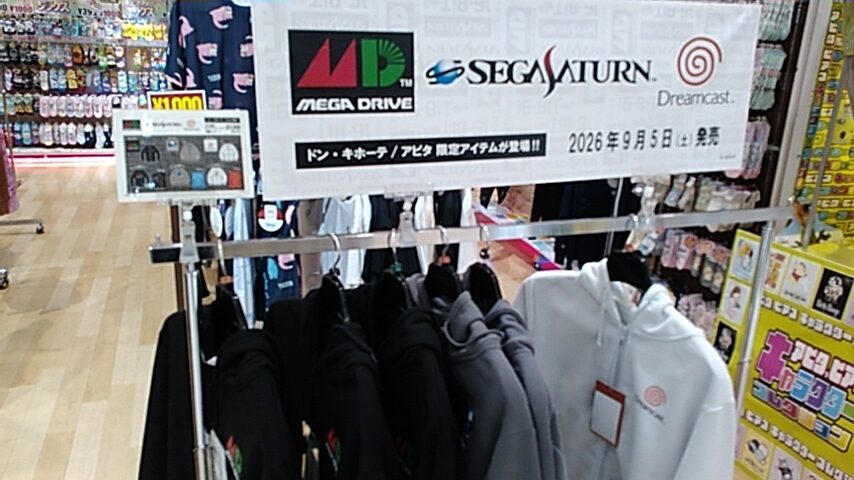
As of today, these Sega jumper jackets (called “zipper parkers”) went on sale at Don Quijote locations across Japan, but not all of them apparently. The closest location to me is the Apita in Keyaki Walk Mall in Maebashi. The mall opened at 9am, and not even an hour later this is all I saw:

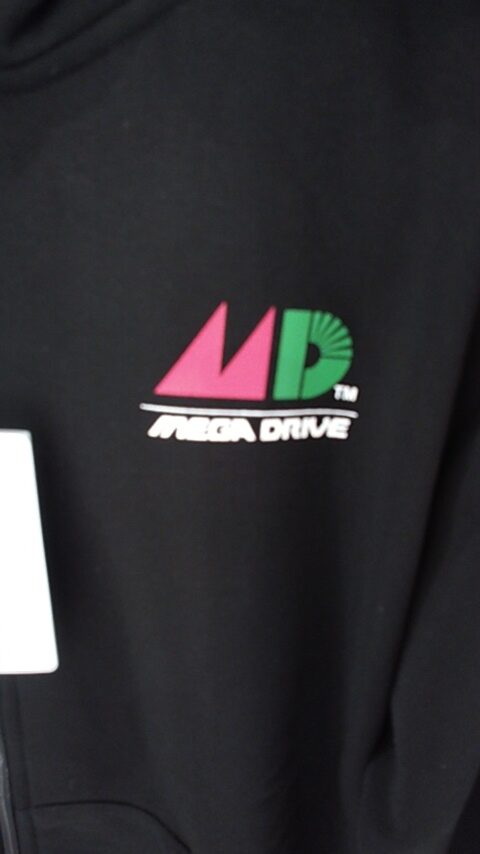
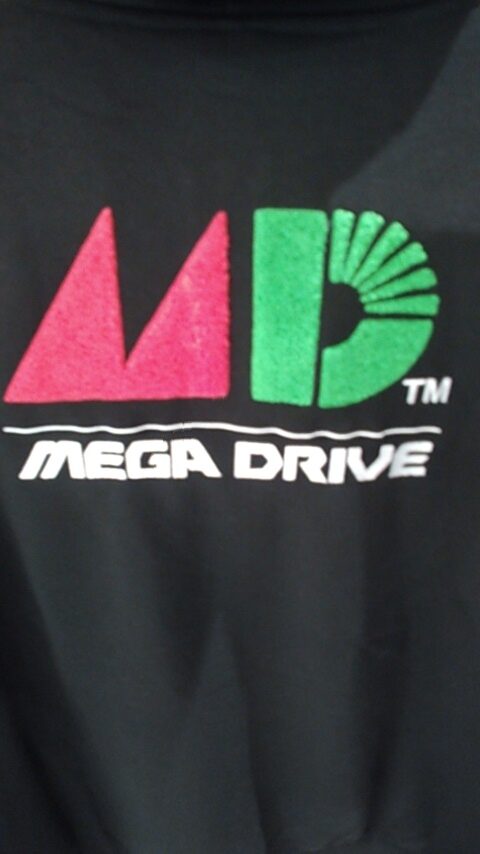
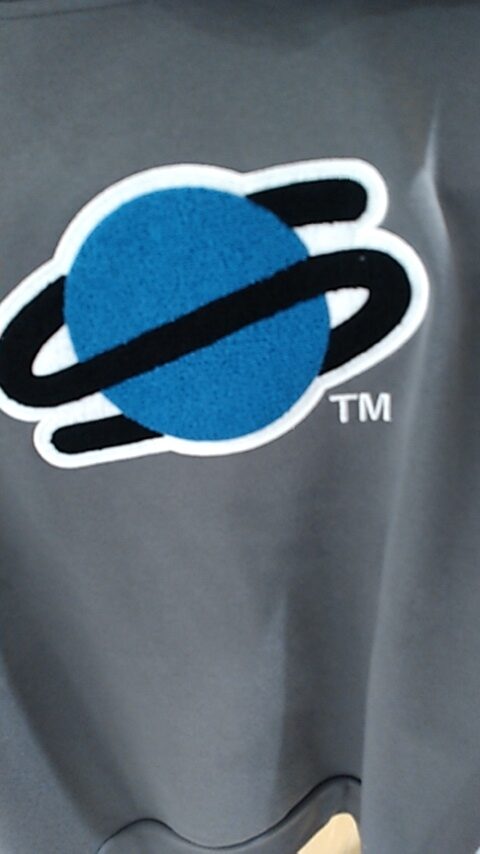
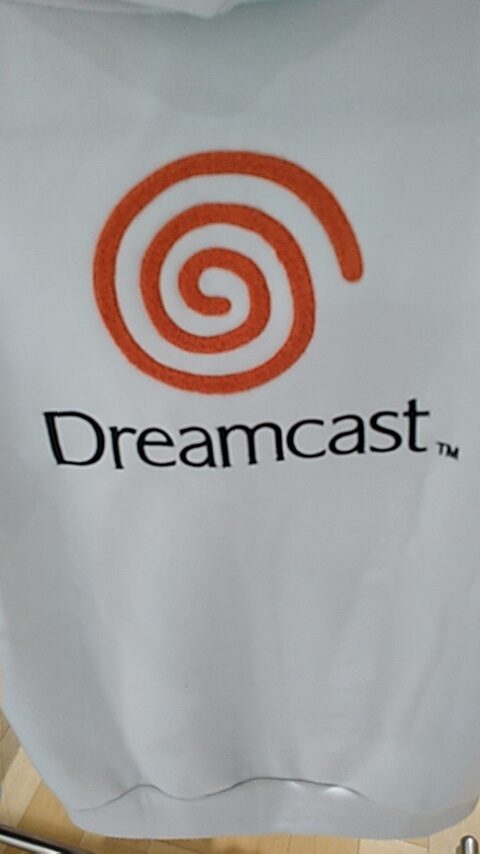
Each of these come with a sticker, which is neat. Here are the front and back of each. As you can see in the pictures below, the console logos on the back are fuzzy and raised.

I bought the LL size Mega Drive jacket. These feel thicker than the similar jackets that Shimamura sold over 10 years ago. Unfortunately, these are 100% polyester. So, I do not know if it’ll make my skin crawl after a while. The Shimamura ones I have are 65% polyester.

Another shopper arrived while I was there, wearing a Mega Drive T-shirt. So I said to him, “So you’re a big fan too.” He was looking for the L-sized jackets, and I think he bought two. I told him the other nearest location selling these was in Isesaki.

When I passed by a bit later, there were only two left, a Mega Drive and a Saturn one, both M size. These sold out fast!

Puyo Puyo merchandise at Mini Stop convenience stores

So Ulan and I stopped by the Mini Stop convenience store to get their Korean cheese hot dogs a few days ago. Holy crap, those are fantastic. They’ve recently begun selling them again and they are SOFA KING delicious. Japanese conbini food is fantastic. The last time I went to America was in 2016 and I was reminded of how gross the convenience store food is there.

As we arrived, Ulan spotted this Puyo Puyo display inside. I love Puyo Puyo, although being colorblind makes me suck at it. Ulan really kicks my ass in Puyo Puyo every time. I can’t beat her even once. but you can’t just buy whatever items you want; you pay 770 yen to reach inside a box. But it doesn’t burn your skin off like the box in Dune, nor is it full of roaches like the box in Temple of Doom. You reach inside and grab a raffle ticket. What you receive depends on what ticket you get.

The grand prizes are this Puyo lamp and this plush Carbunkle doll. I have to say that I much prefer the character designs by Compile that stayed with the series until the 4th game and I don’t care much for the new designs that came after Sega bought the Puyo Puyo license and released Puyo Puyo Fever on the Dreamcast. But Carbunkle pretty much has stayed the same.

More plush.

Eye masks. I’m glad I didn’t get that ticket.

Hand towels! Here is Draco (left) and Arle (right) taking naps. How cute.

One of these acrylic mascot keychains would’ve been cool, but that’s not what I won.

My raffle ticket let me choose a hand towel. I chose Draco the dragon girl who wears a Chinese cheongsam dress. I think she was one of the villains in the original Madou Monogatari games that Puyo Puyo is based on.

So nice to see one of these raffle deals that is of interest to me. I mean, you can see Evangelion stuff at 7-11 and I’d be happy to get a figure of Rei or Asuka, but I’d probably end up with some dumb robot instead. With Puyo Puyo though, I thought this was worth a try.

Mega R-Type: a fan/doujin R-Type game on the Megadrive!

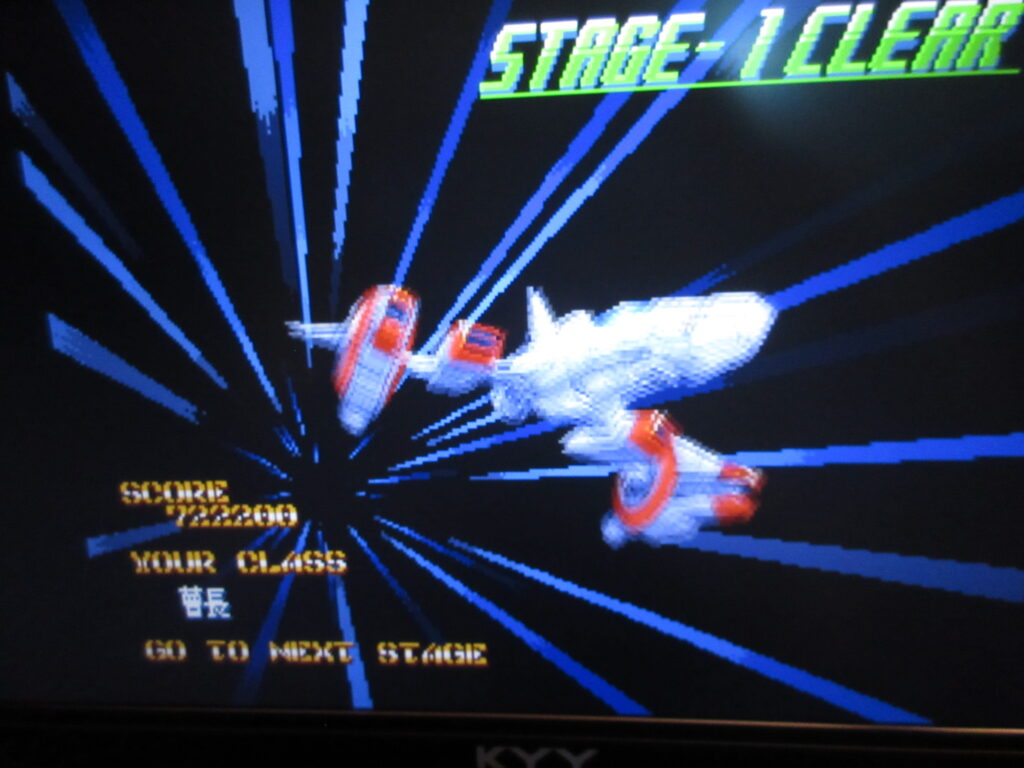
Last night I played the demo of the fan/doujin port of R-Type on the Megadrive that shmuppers were deprived of back in the day! The Master System and PC Engine got ports of R-Type, but not the Megadrive… until now! It’s actually not a “port” per se, as it is being built ground-up by an Italian family guy living in China who goes by “TheRoboz” on YouTube. The MD-generated music is fantastic! I paid for the demo rom and gave it a shot. You go from stage 1 to stages I’ve never gotten to before. The game isn’t complete and it seems to be a bit too liberal with the 1UPs for some reason. You can play as the standard R-9 Arrowhead, but also the “Leo Prototype.” Don’t get too excited about the Leo though… it doesn’t have the dual force orbs that R-Type Leo has, but rather no force orb and each powerup gives you the instant special weapons. You can shoot the powerups to change their color, like a Cotton game does. It’s definitely the Leo though, as you can tell by the sprites that it’s a rendering of the ship from R-Type Leo, but on the Megadrive. Neat gimmick, but I think I prefer having the force orb.

I used SimpleScreenRecorder in Linux to record playing as both ships. I did better the first try, but then I realized that it was recording audio from my webcam’s mic and not the actual game. So I re-did the video all over again and I ended up not doing as well. That’s what you see here. Stick around to the end… the music for the ranking screen is a fantastic MD chiptune!

(Gosh, it is a pain in the ass to embed Odysee links in WordPress!)

The site to buy and download the rom: https://theroboz.itch.io/mega-r-type

The creator’s YouTube channel: https://www.youtube.com/@theroboz