Random crap.
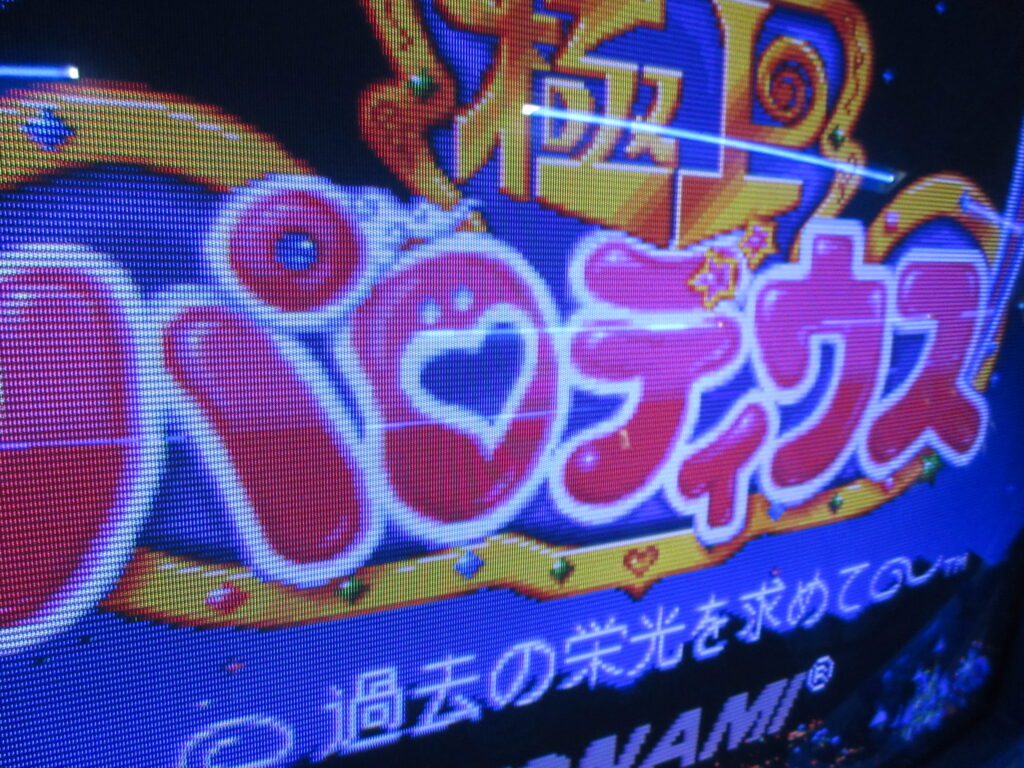
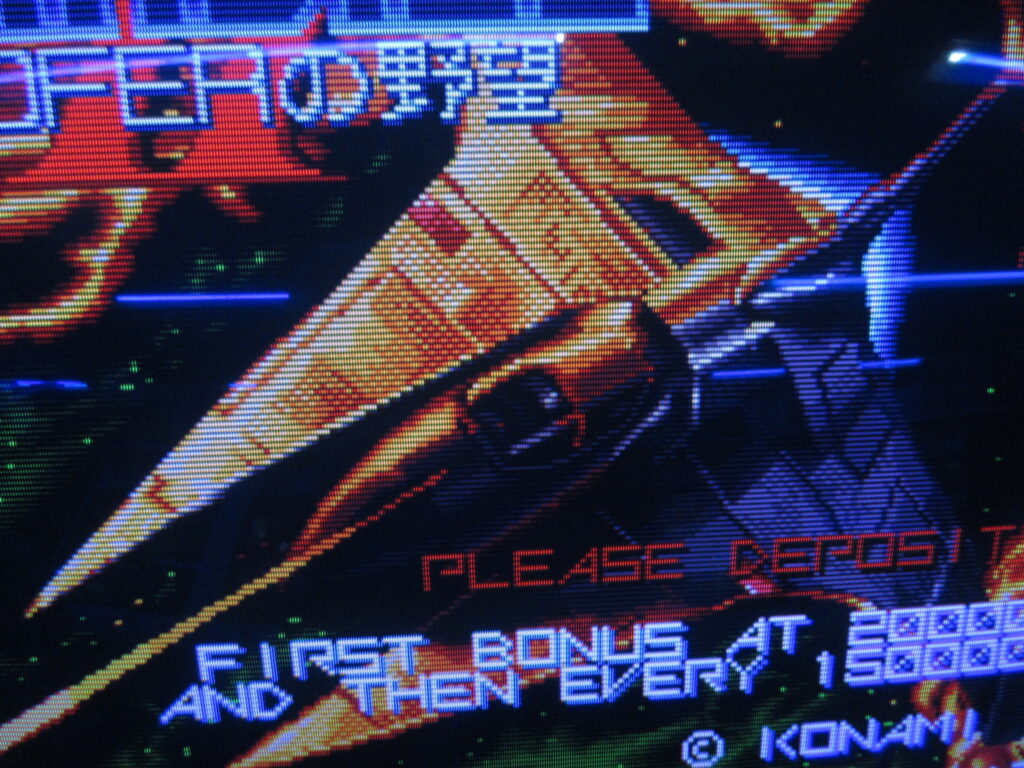
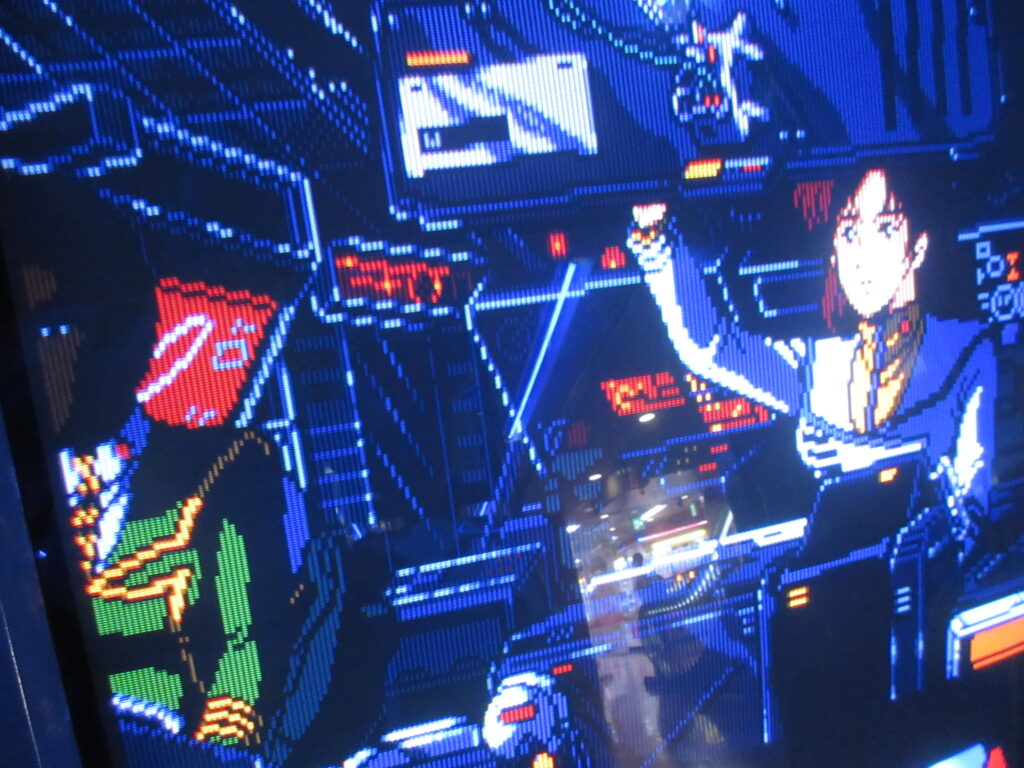
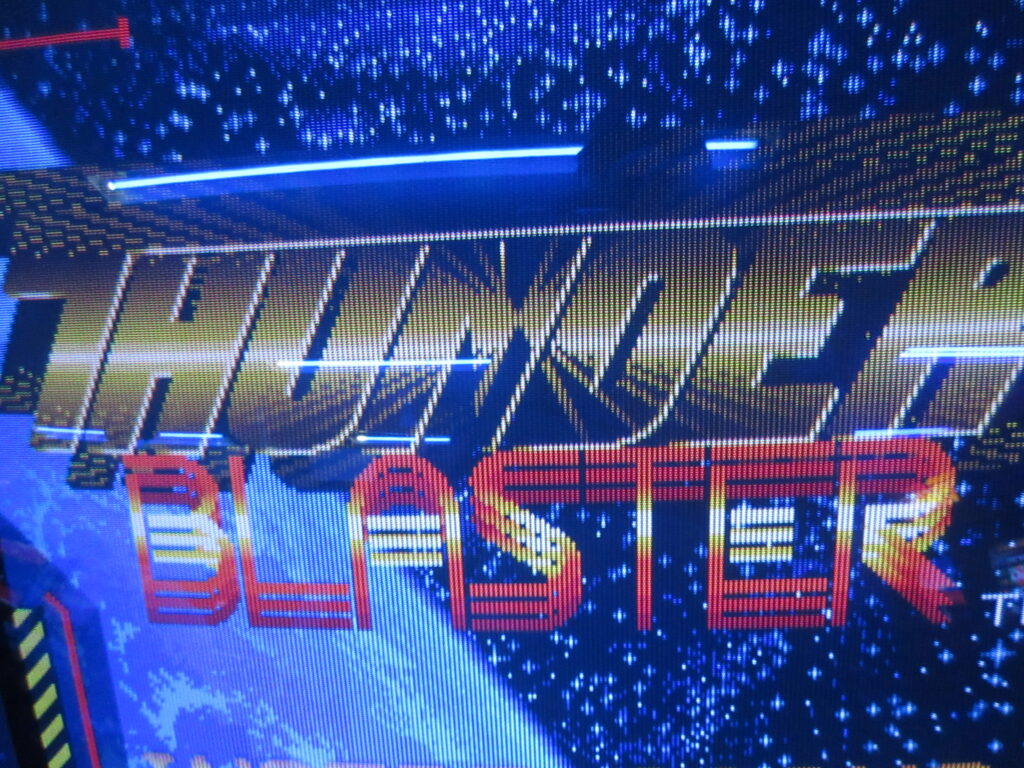
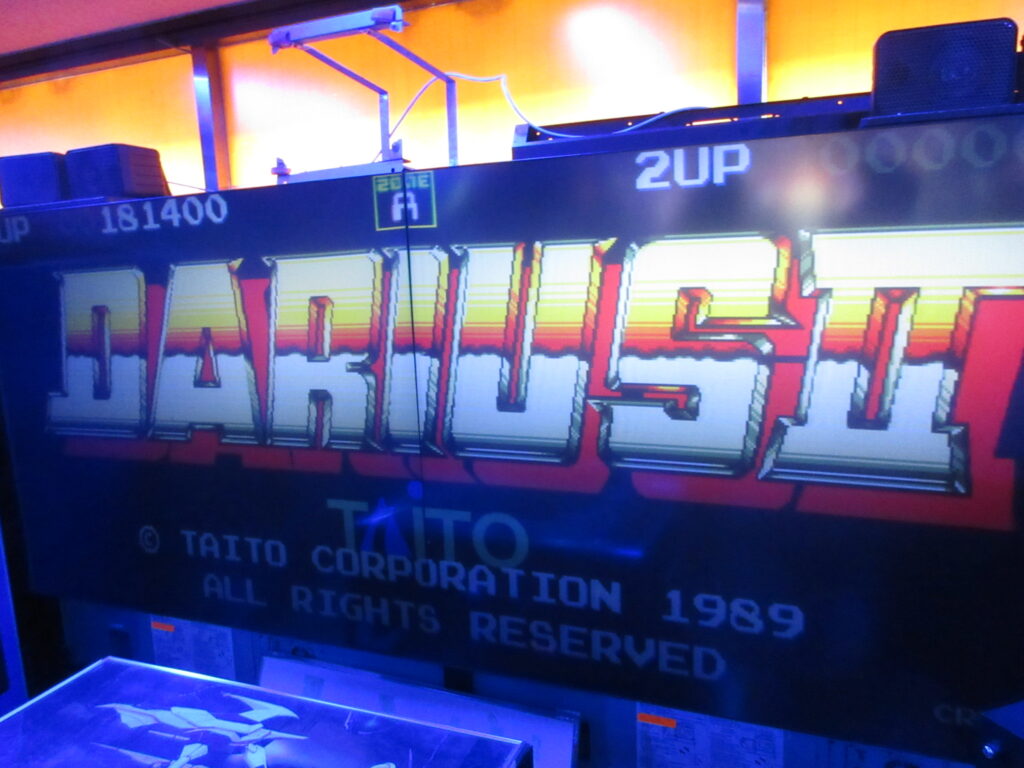
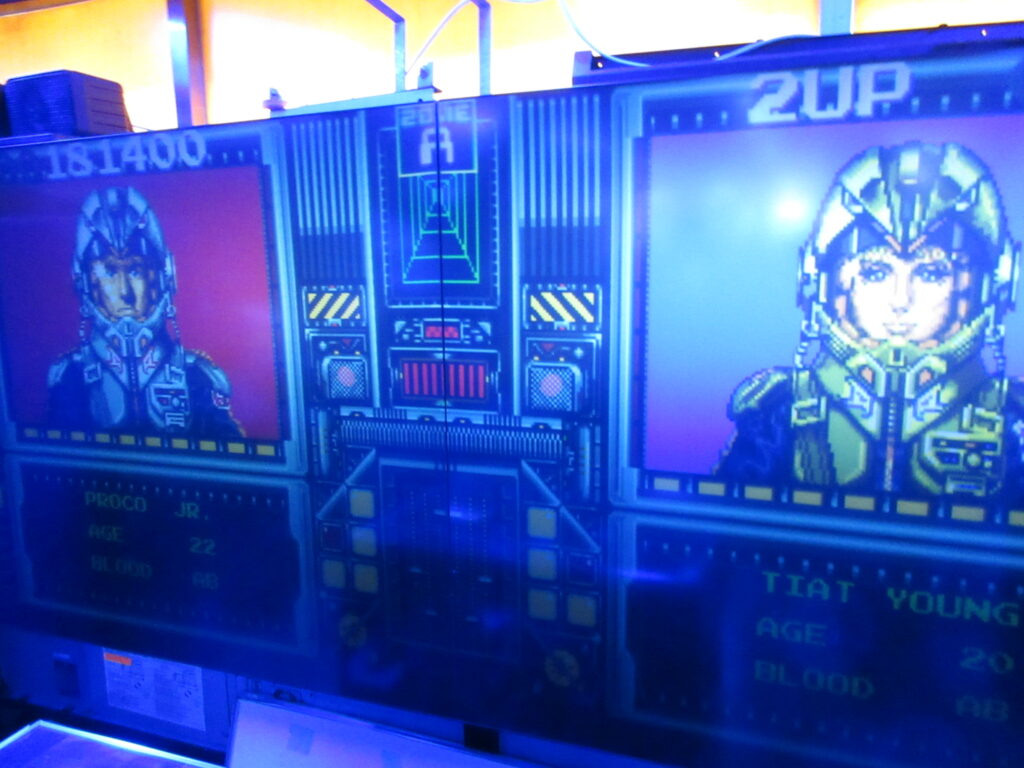
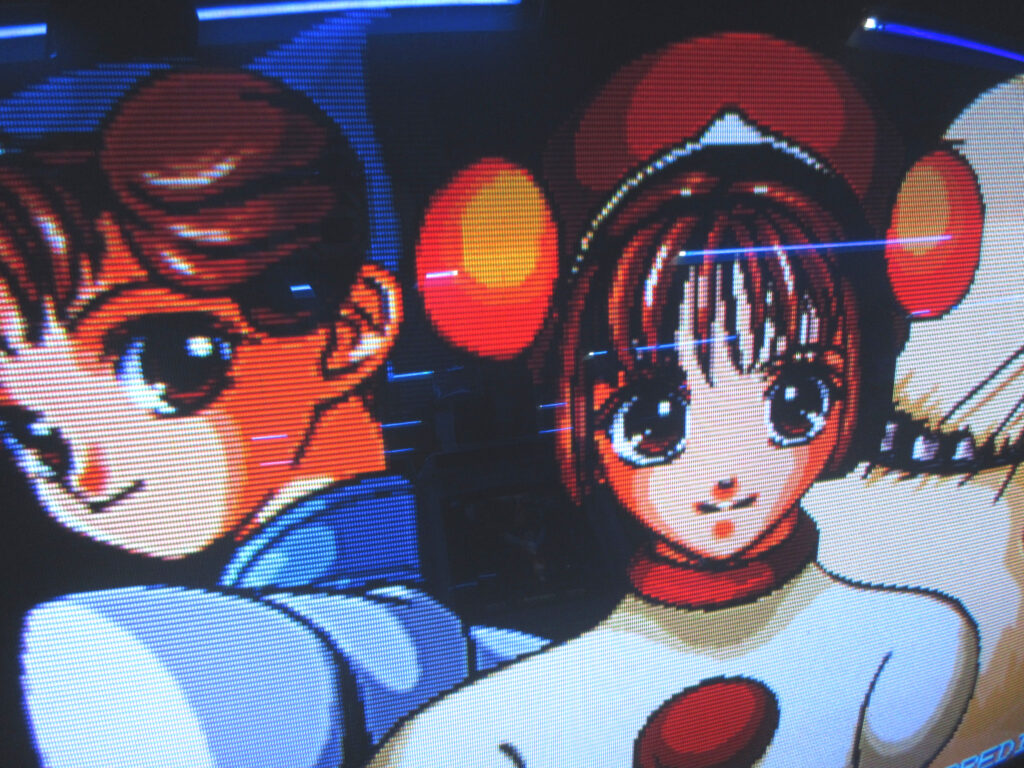
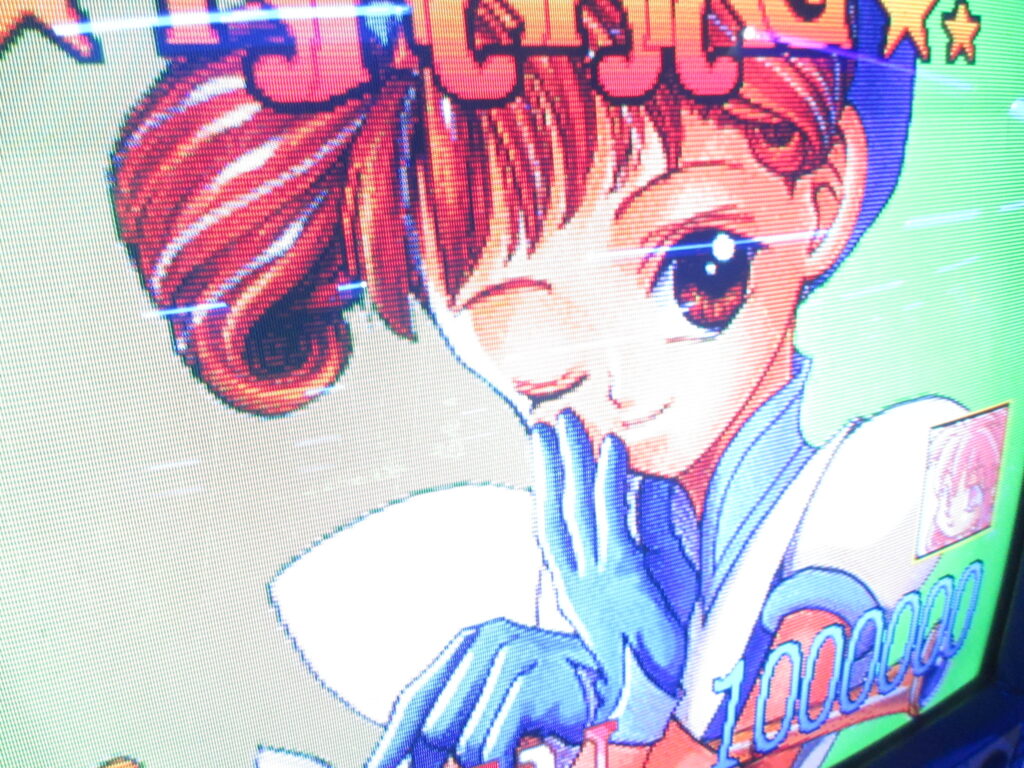
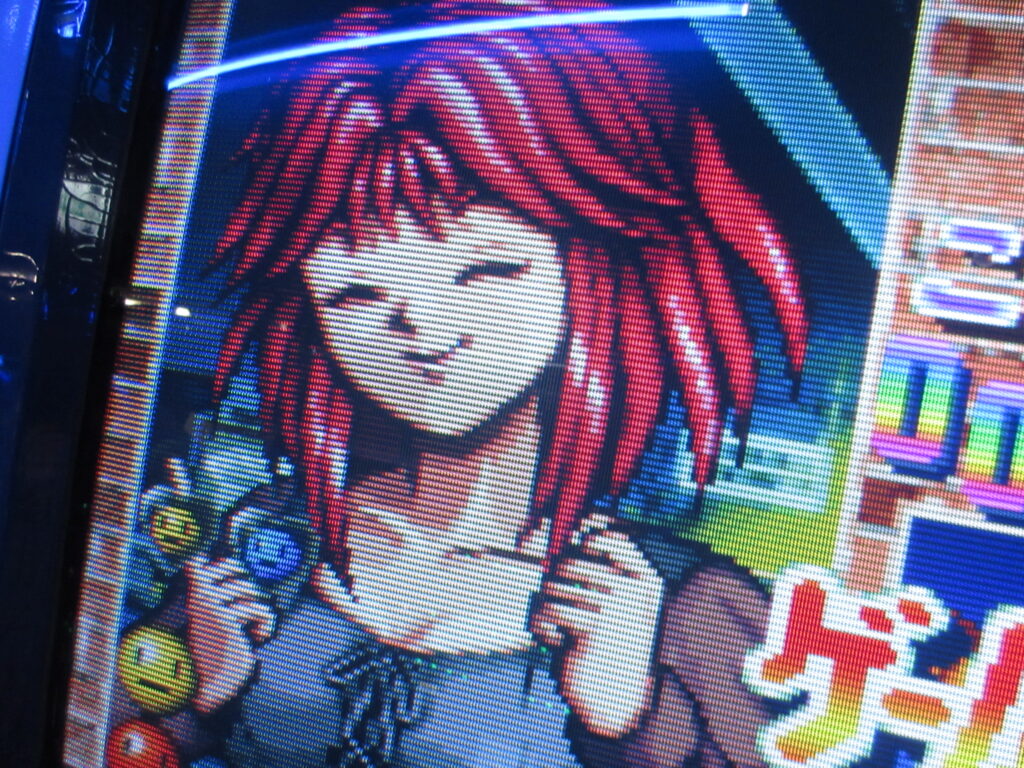
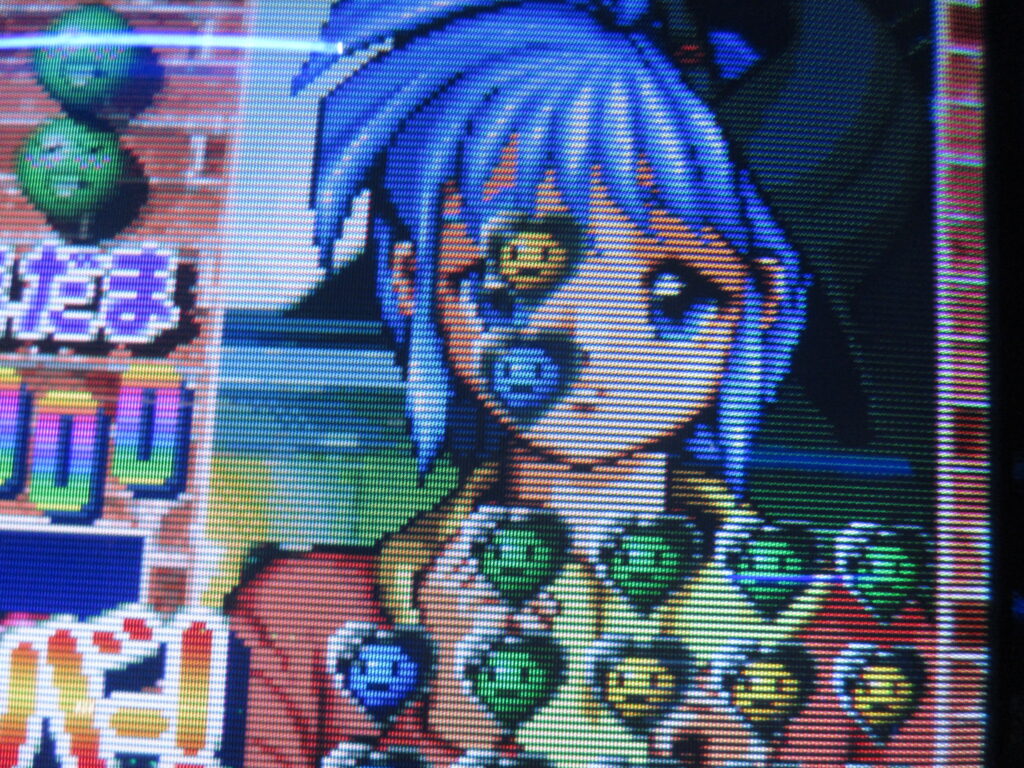
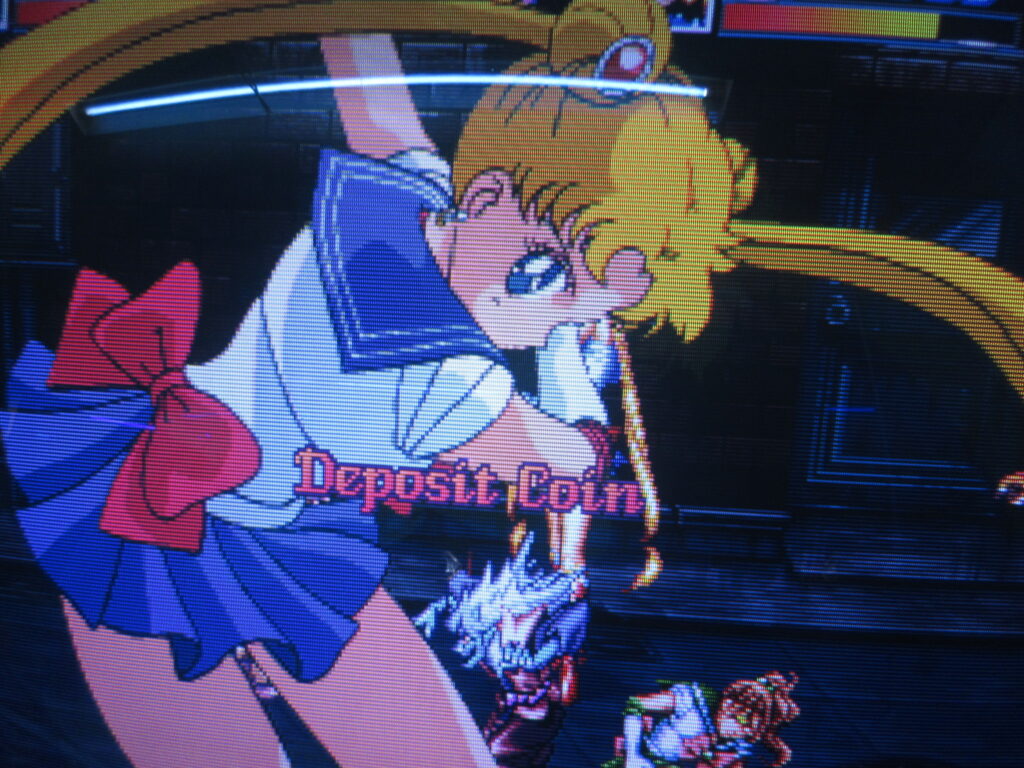
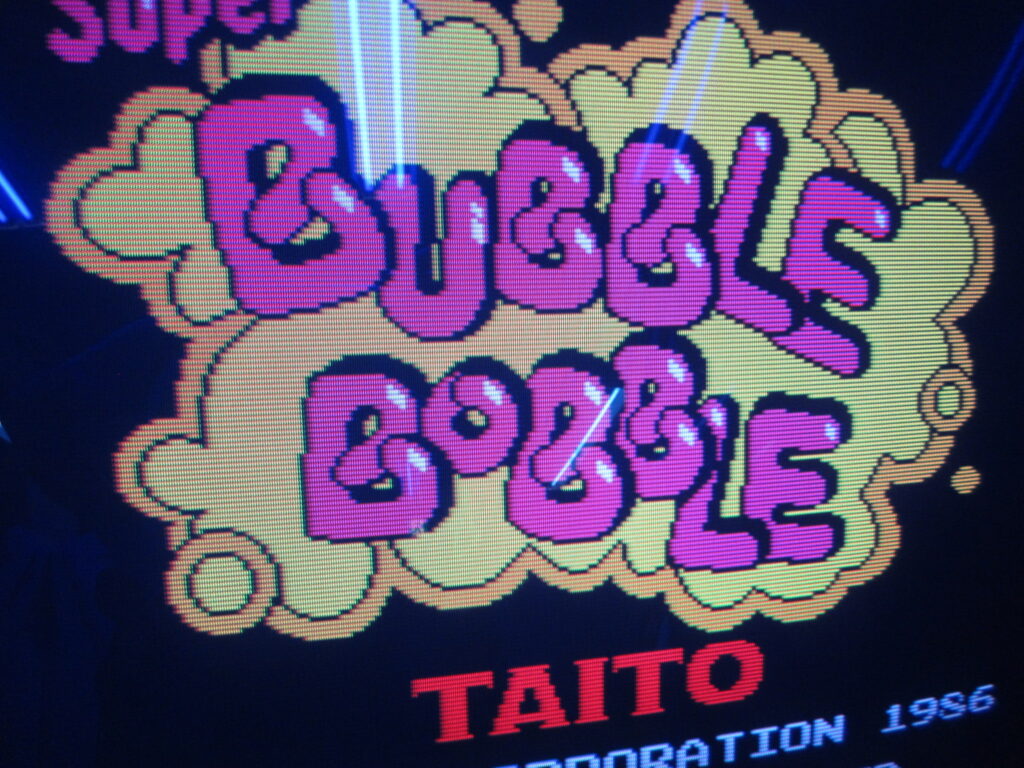
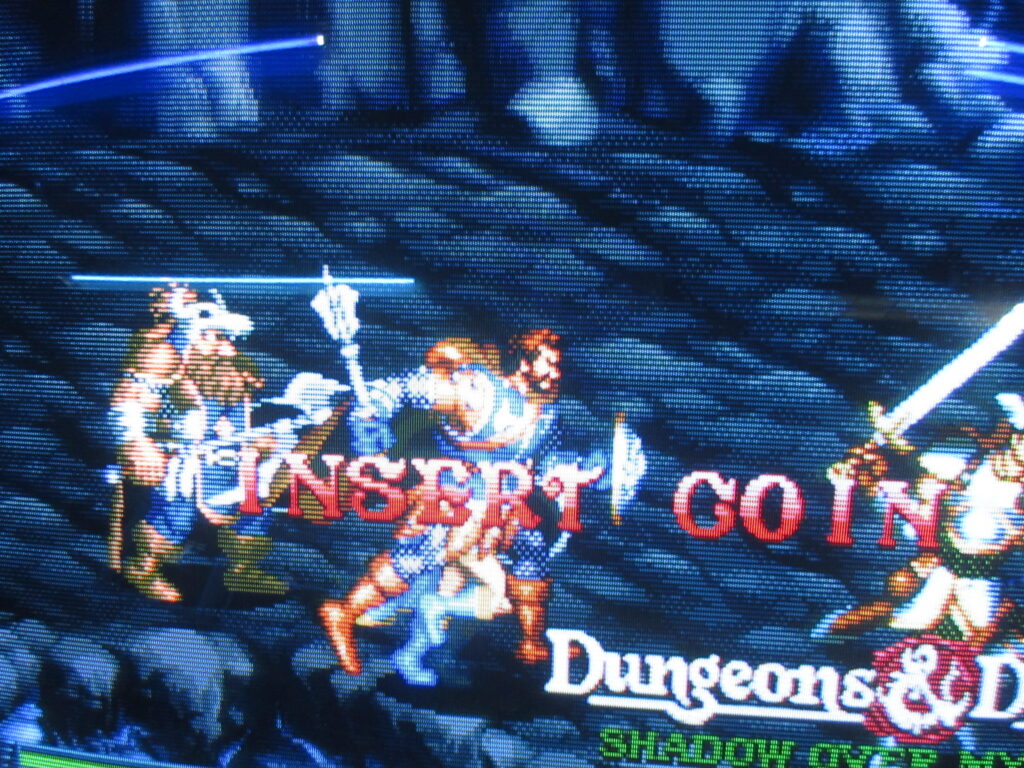
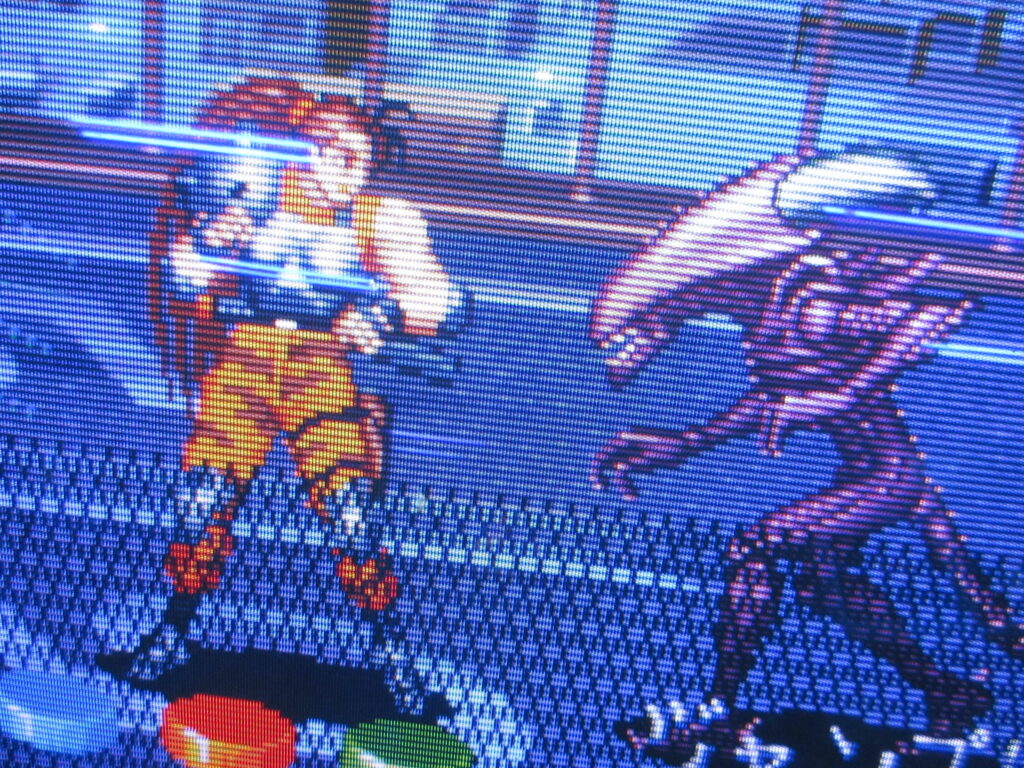
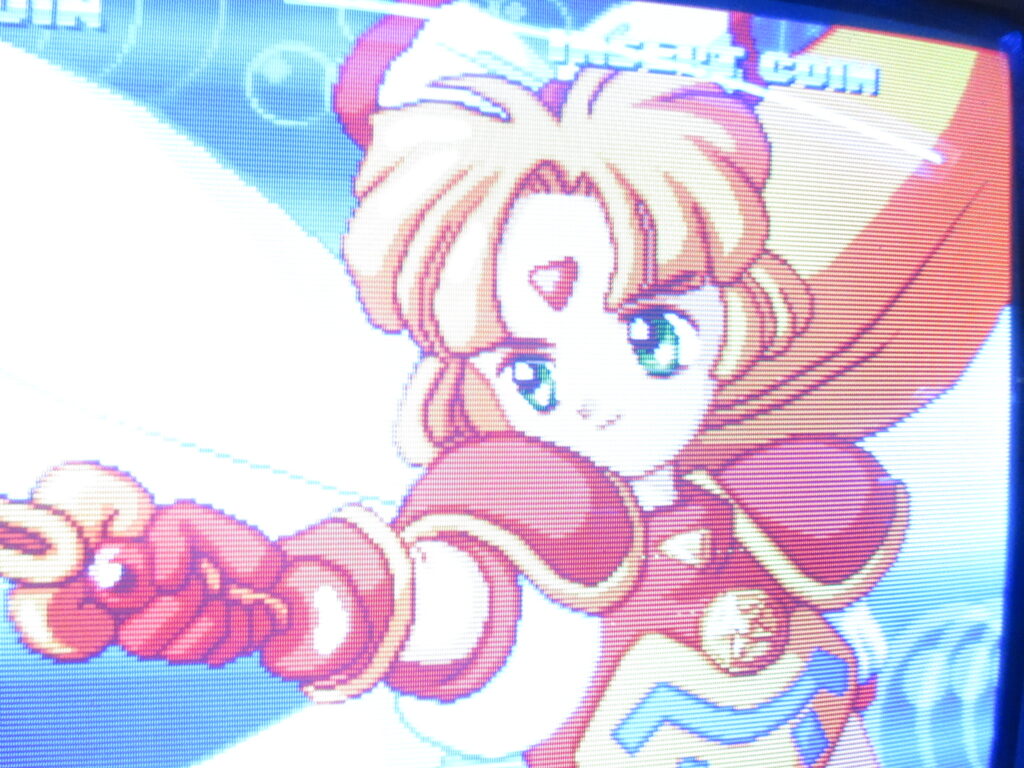
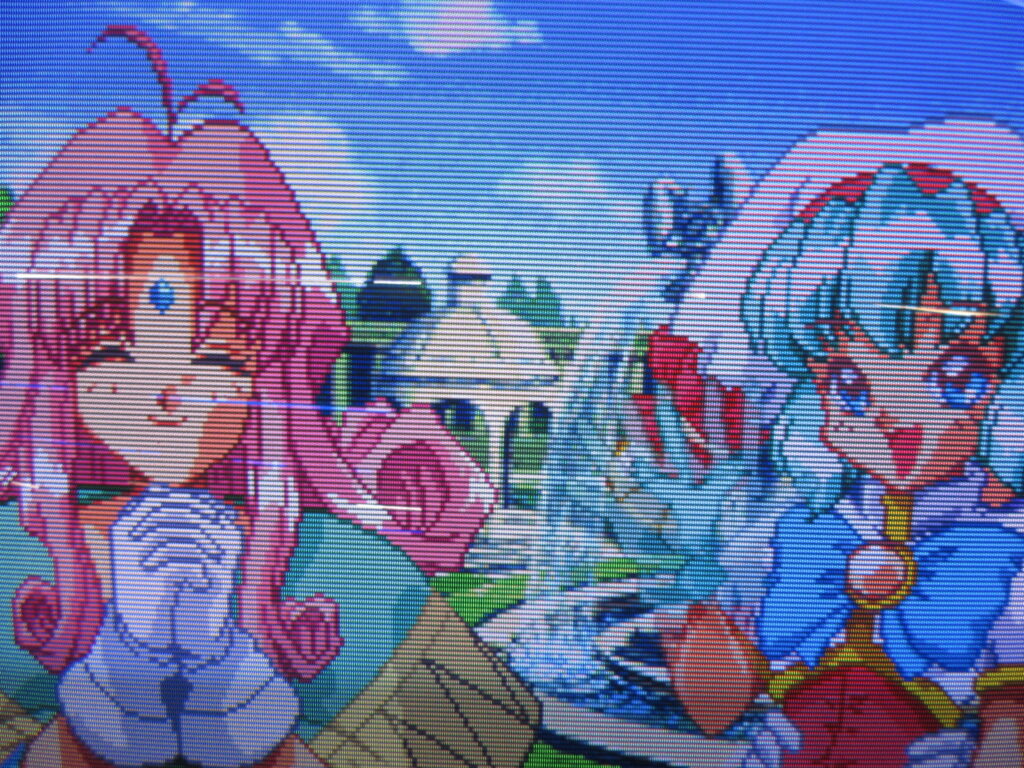
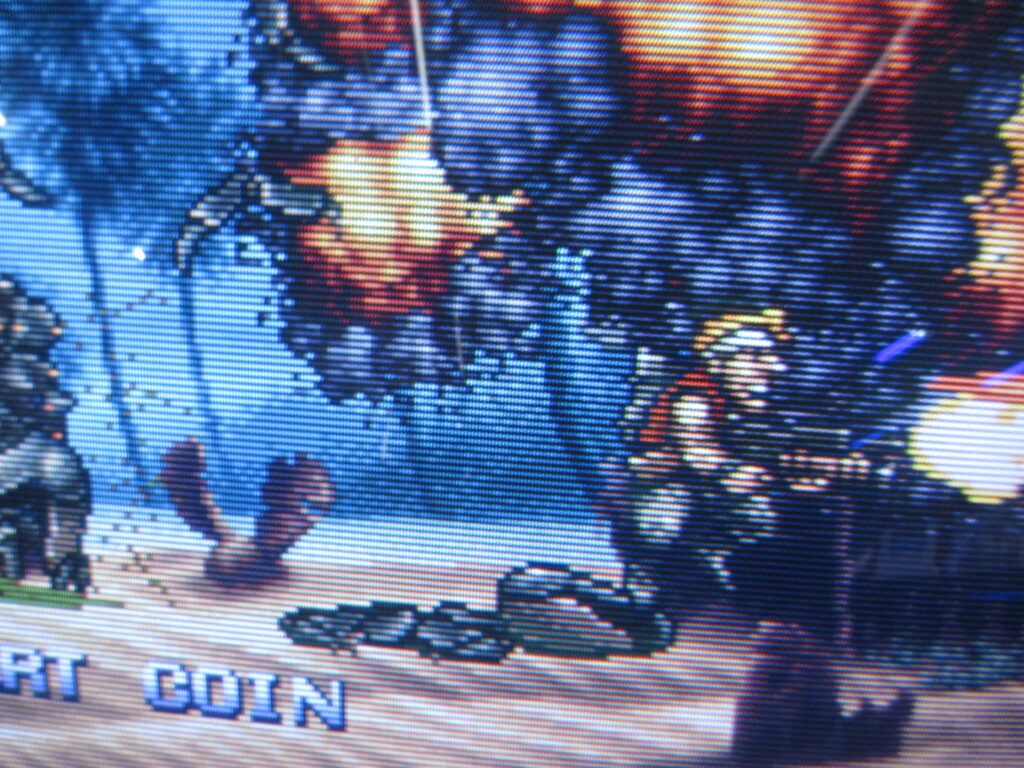
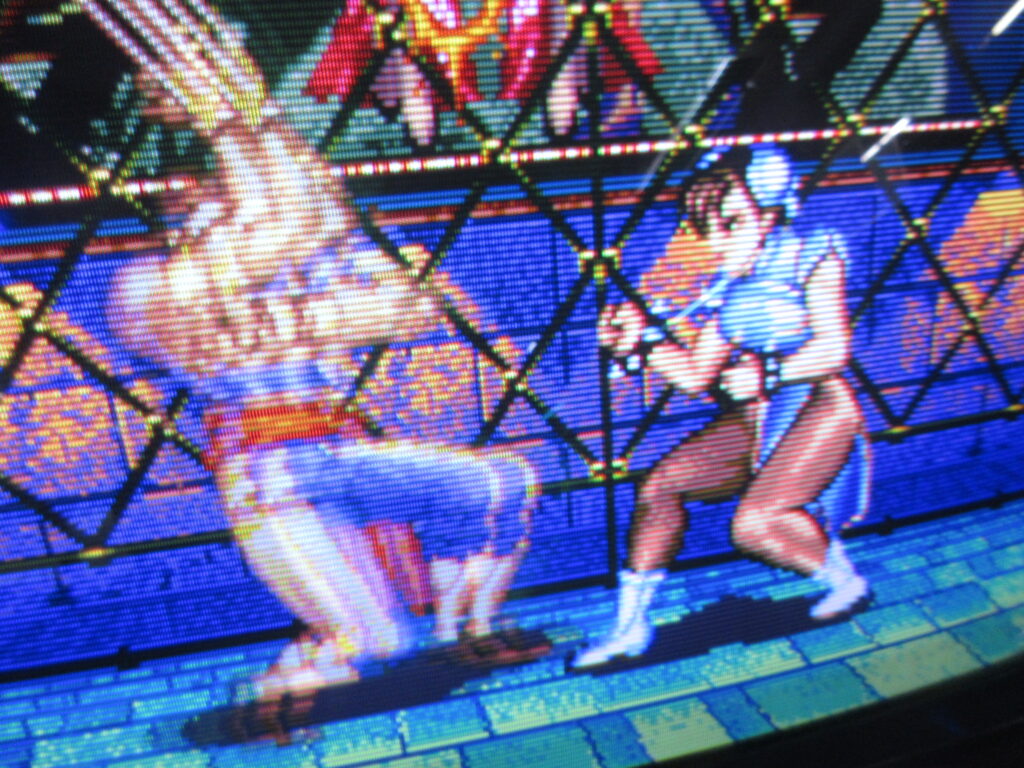
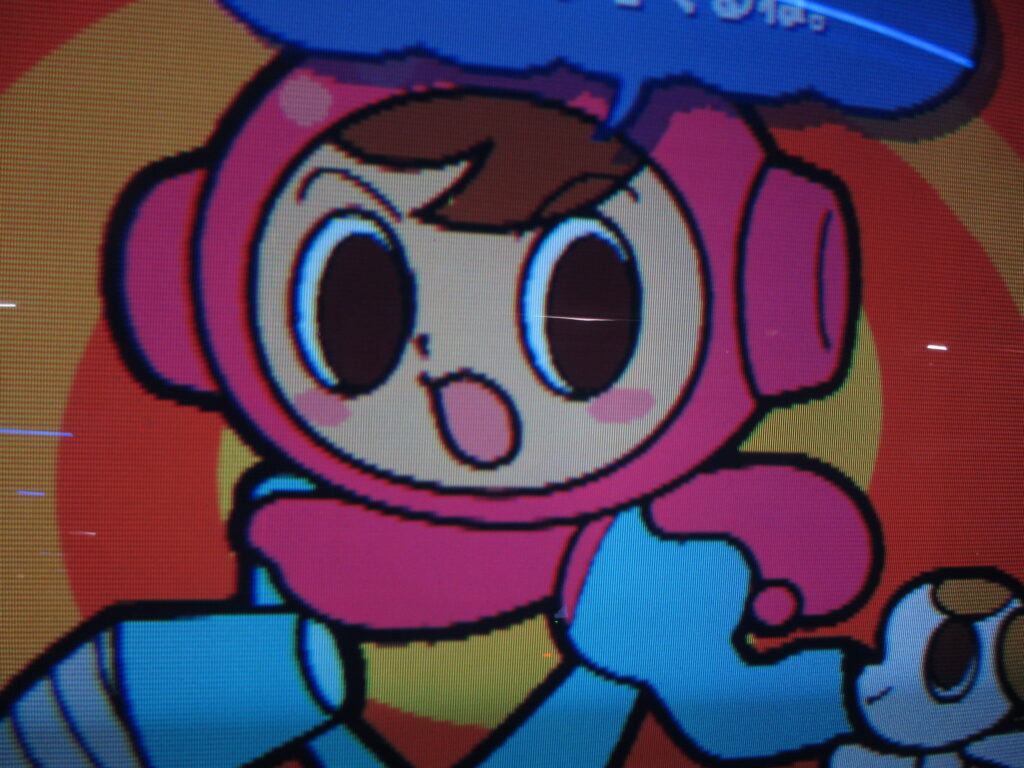
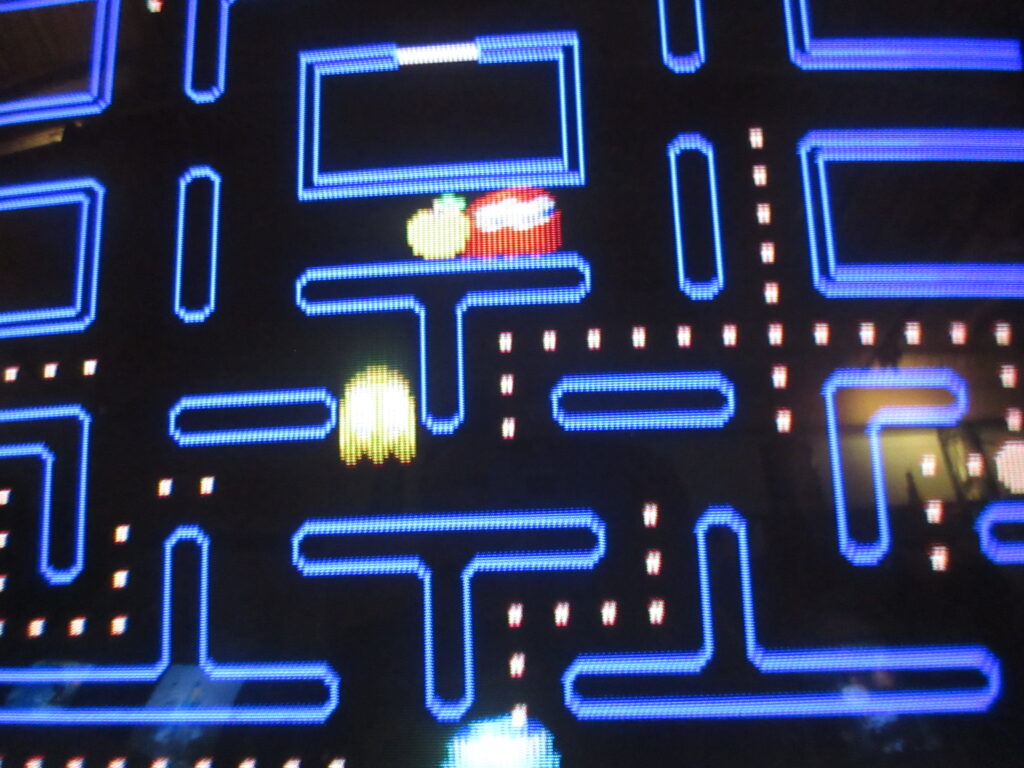
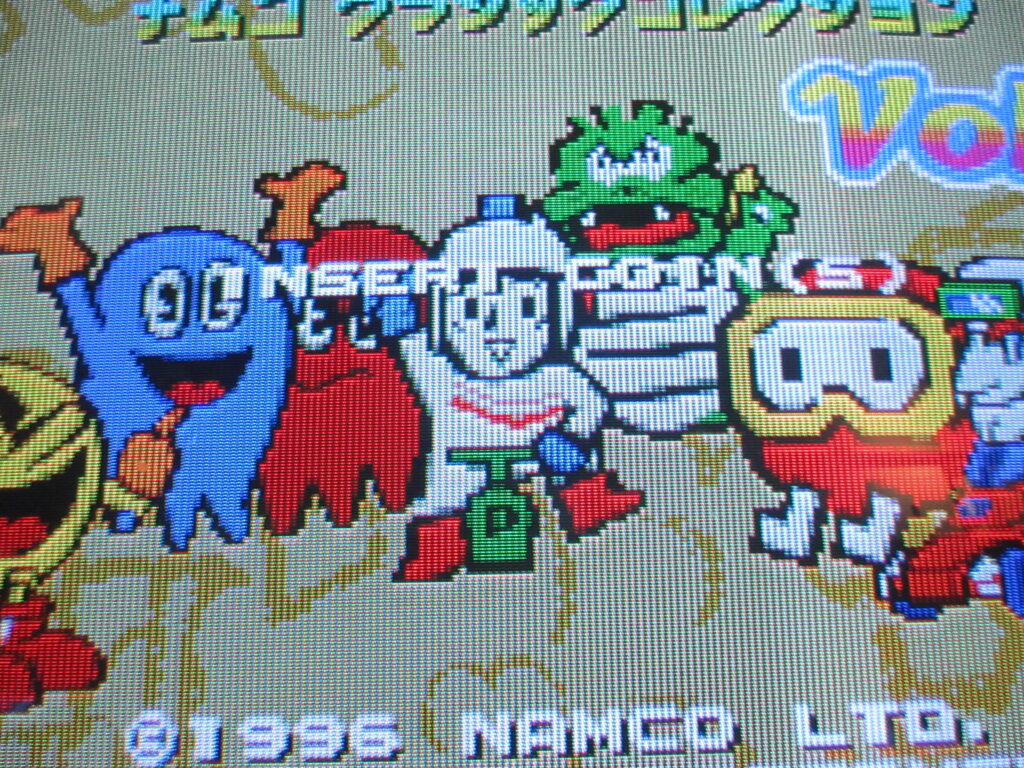
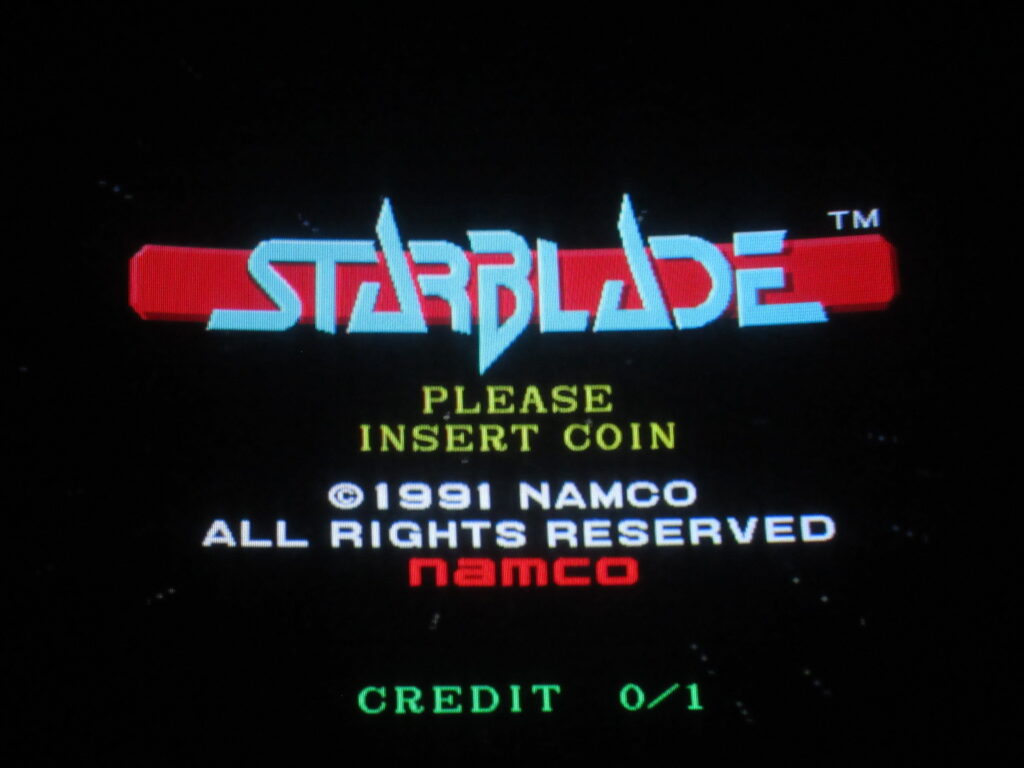
My friend Kevin took these pictures at the Starfighters arcade in Arizona I visited last year. They have some new pinball additions by Stern!
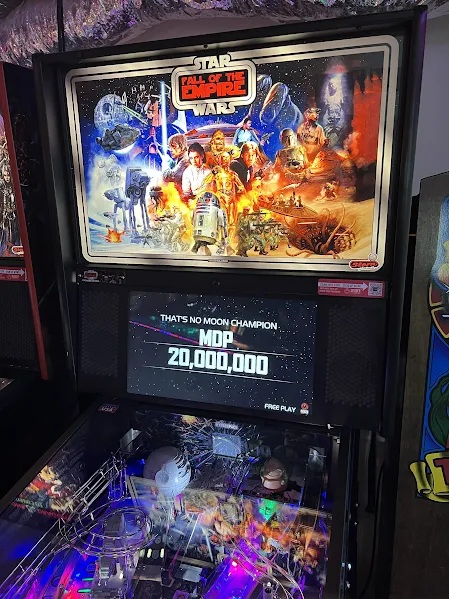
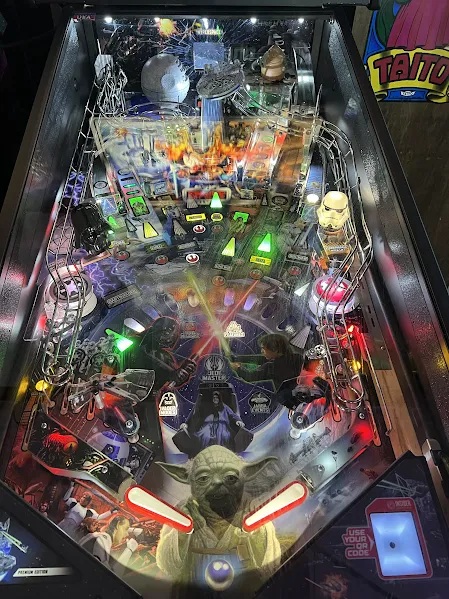
Star Wars: Fall of the Empire. Visuals only from the OT! Prequels can get lost.
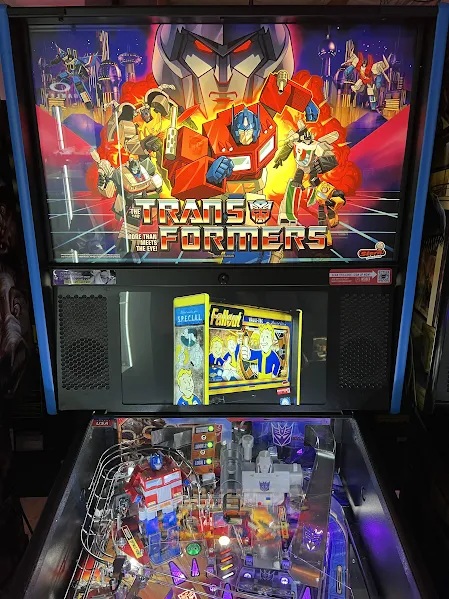
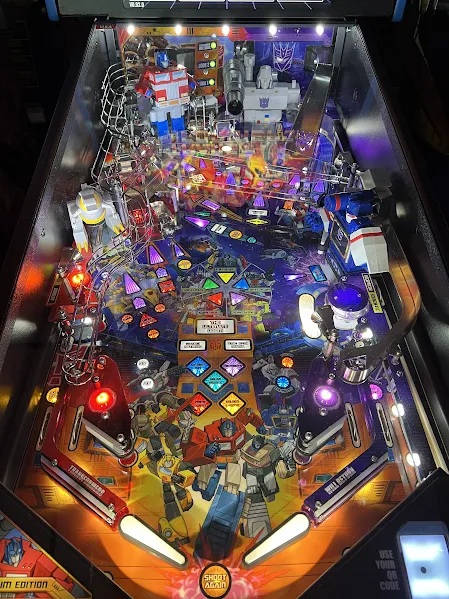
G1 Transformers! Yeah!
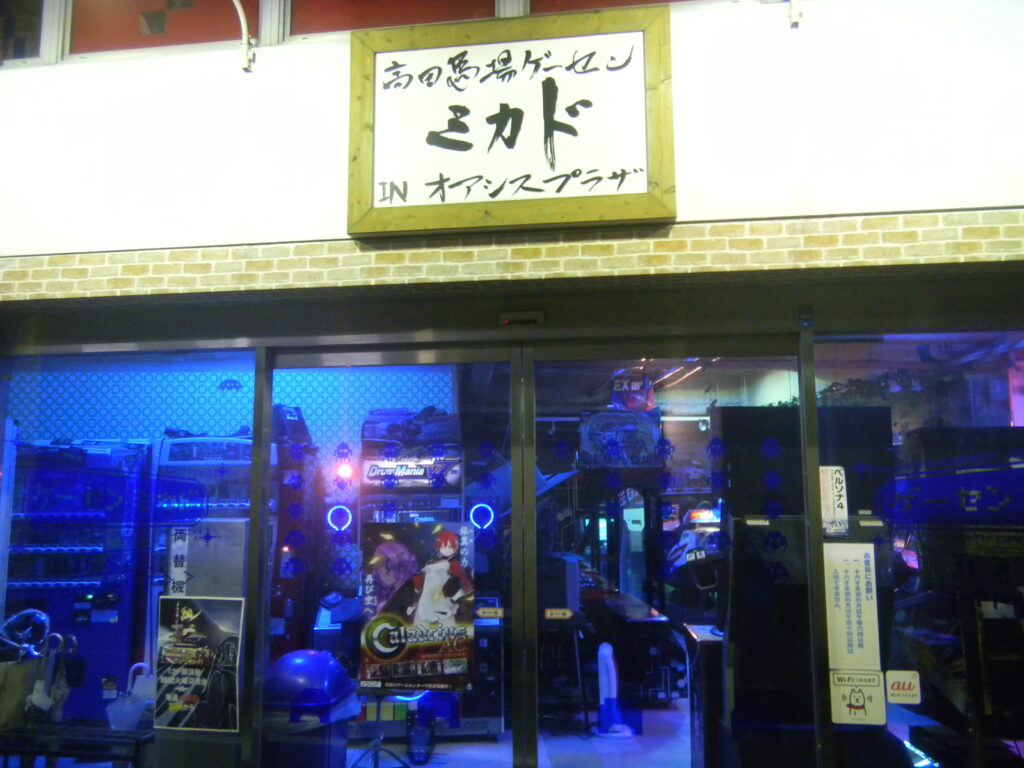
Unfortunately, I no longer know of any places in Japan where I can play pinball. There was a Mikado location near their main game arcade that specialized in pinball, but it closed down.
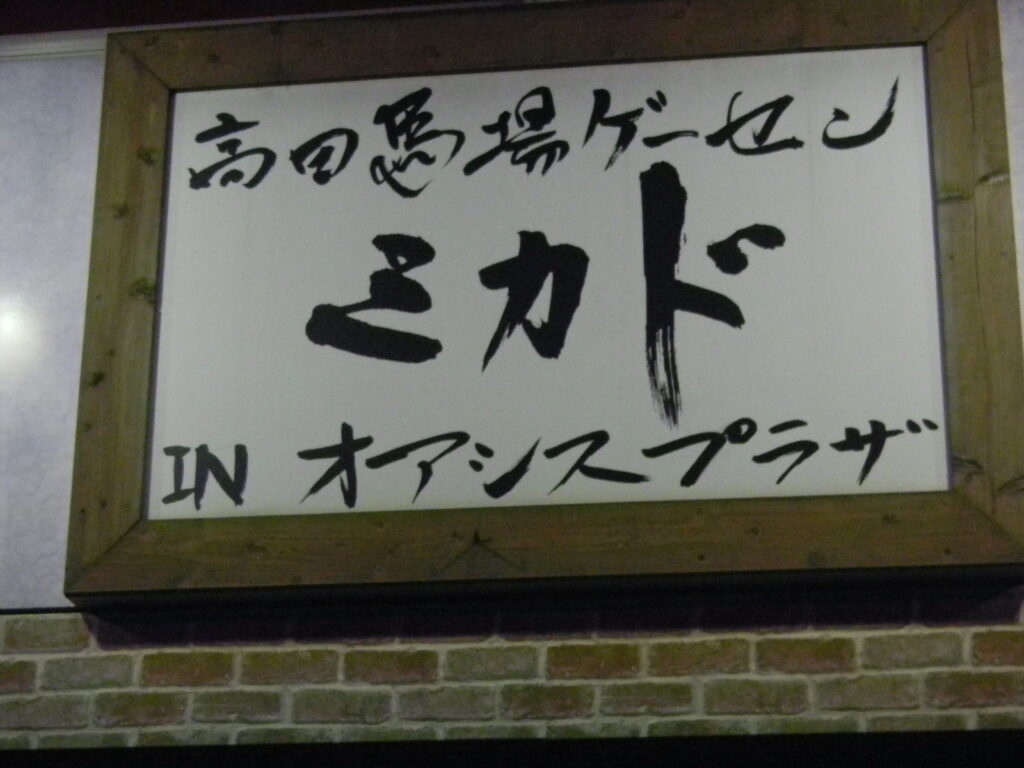
I found these photos from December 2013 on my hard drive, so I decided to post them here. This is the Mikado location next to Takadanobaba Station in Tokyo.
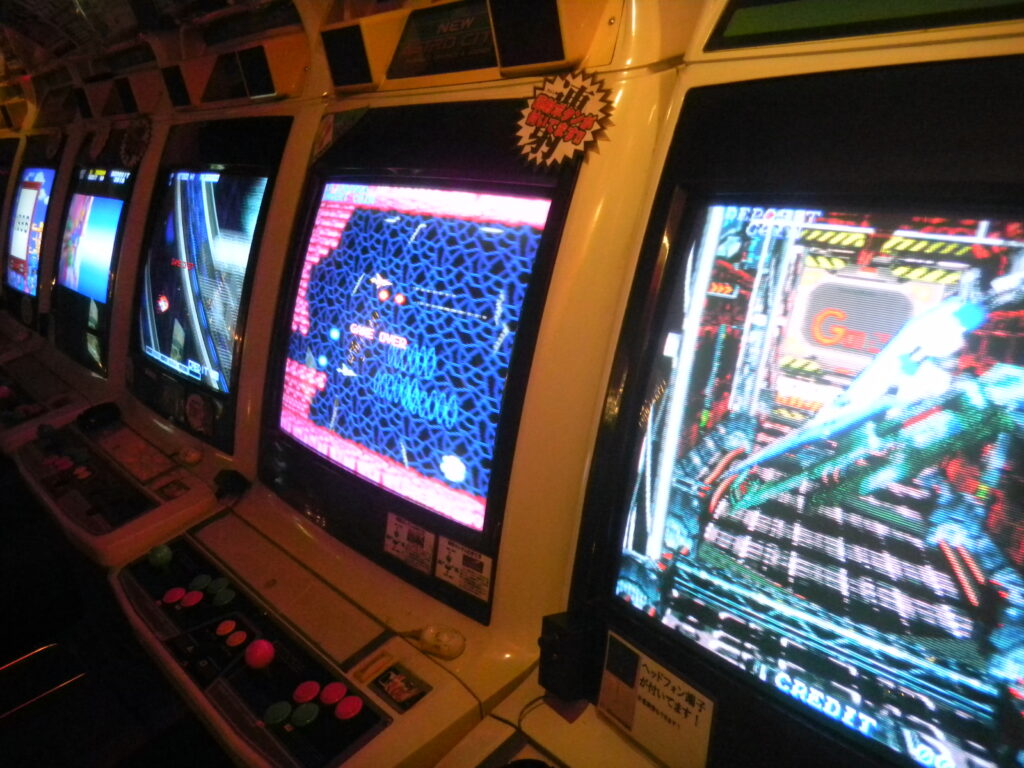
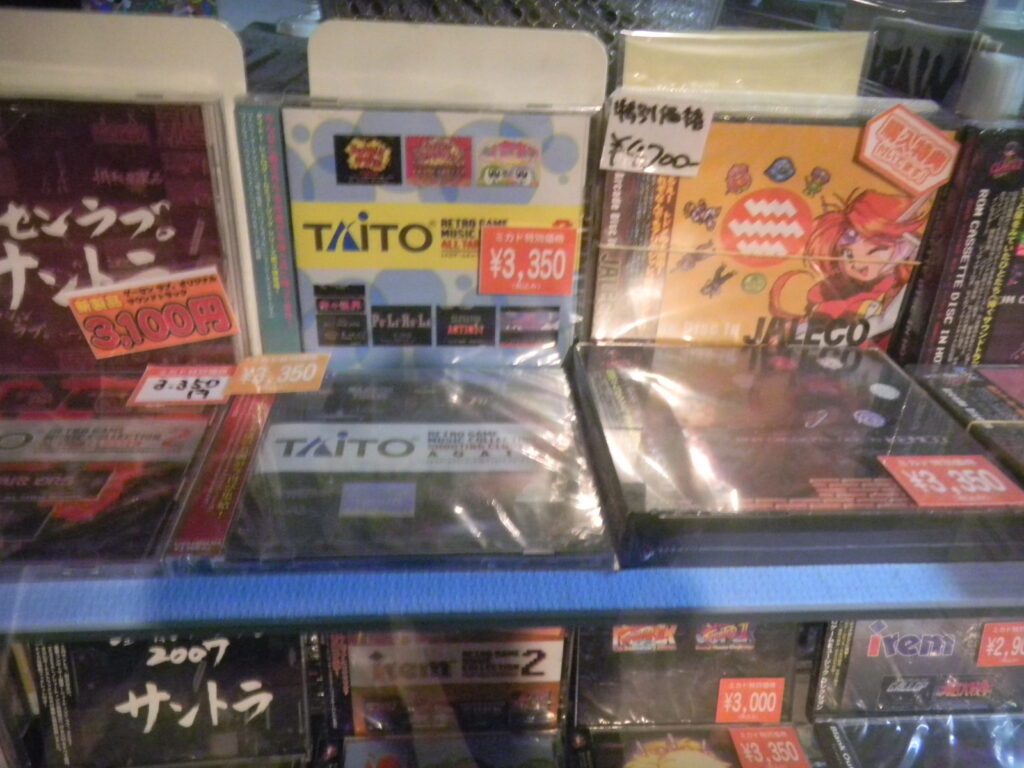
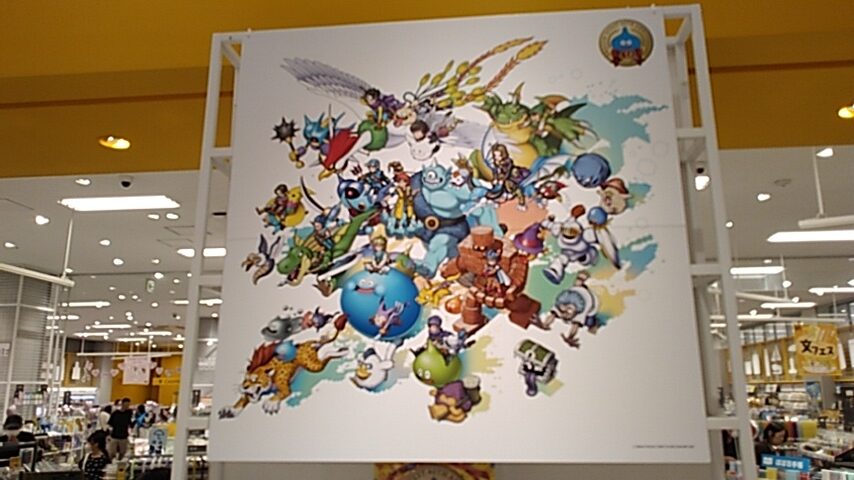
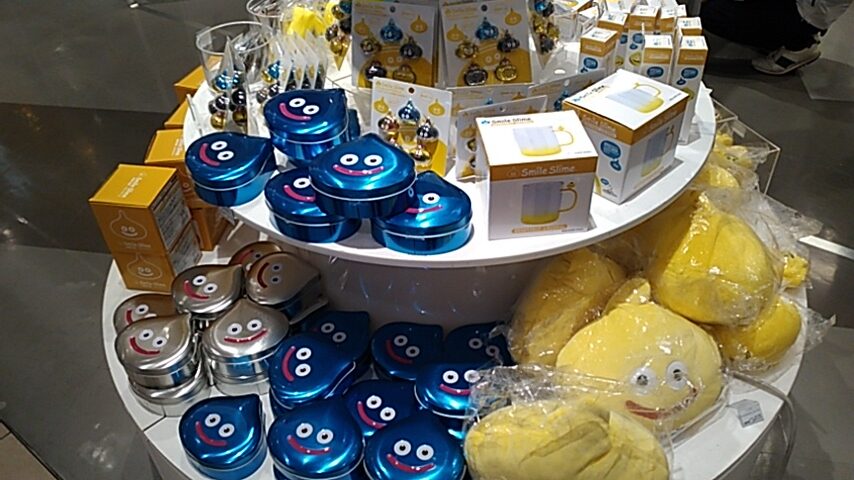
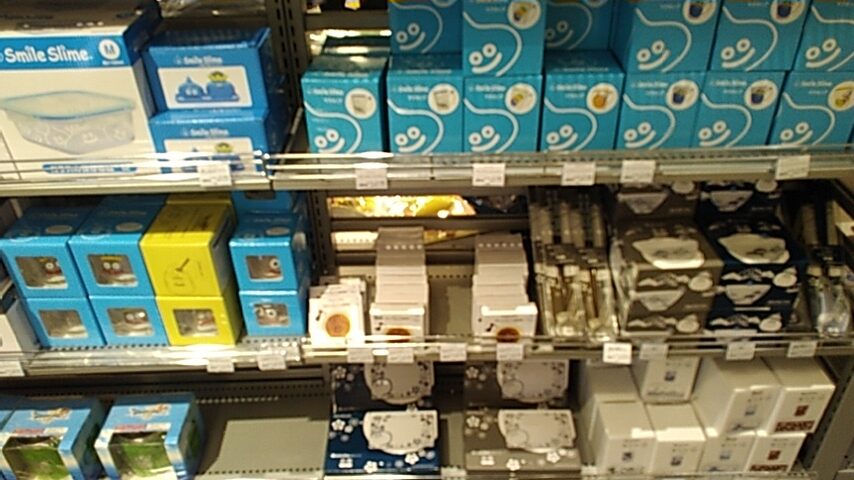
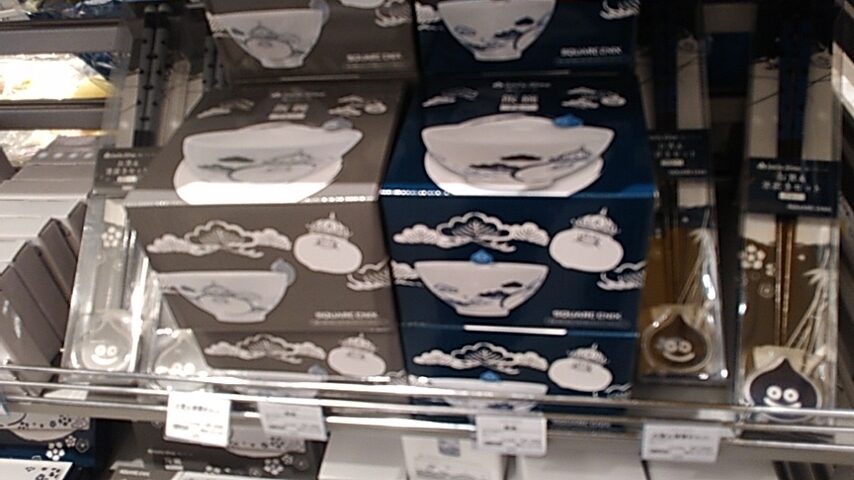
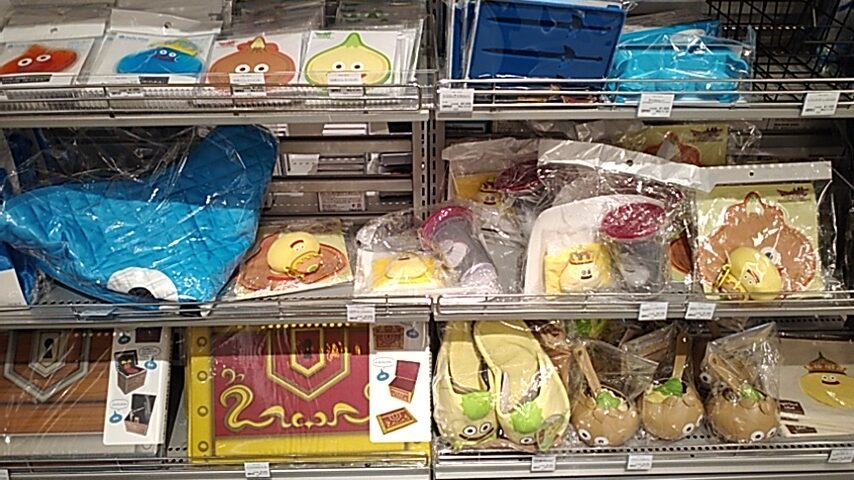
For the 3rd year in a row, Loft has had a Dragon Quest sale. This time it’s for the 40th anniversary of the beloved game series. Lots of neat merchandise on sale.
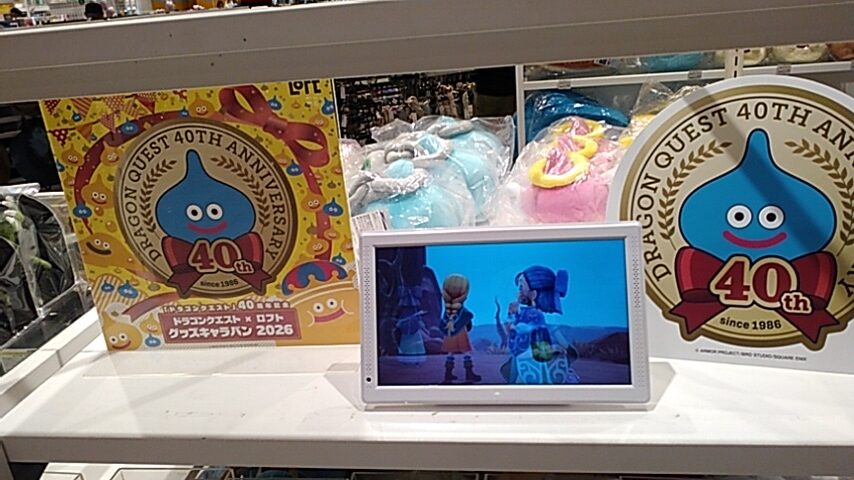
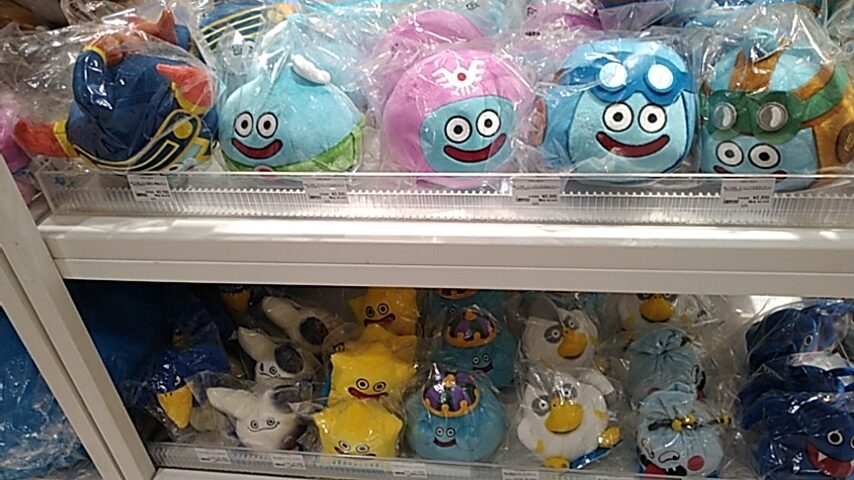
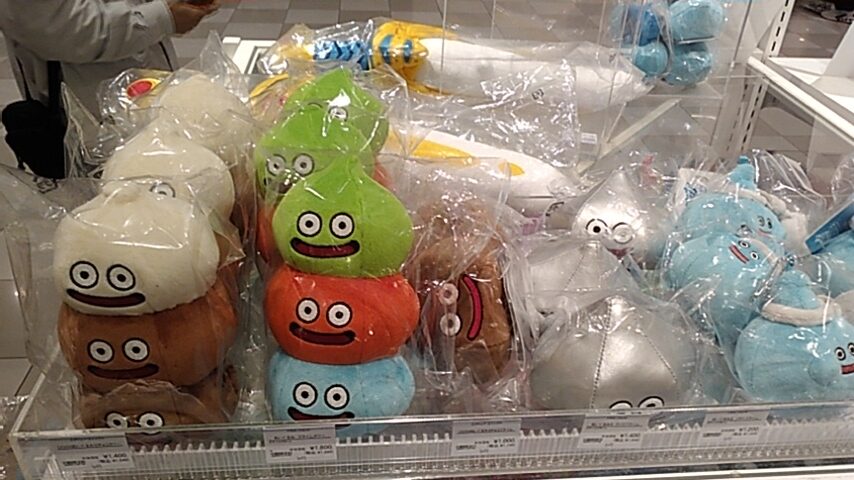
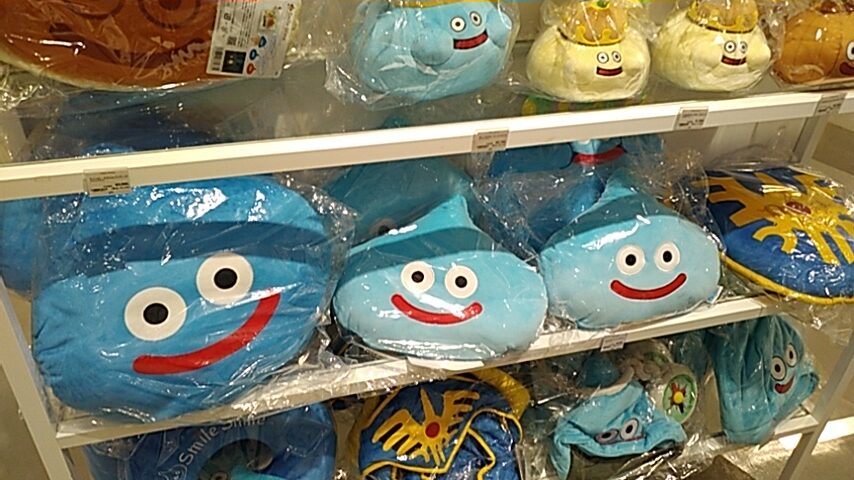
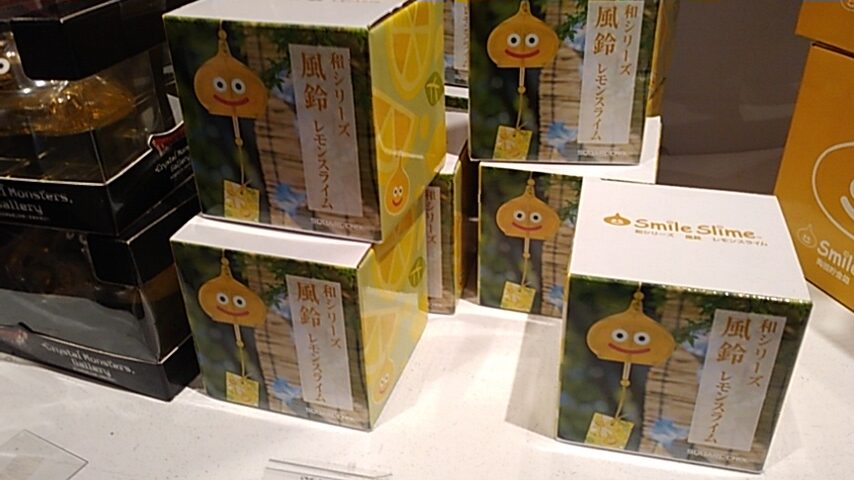
I bought one of these “Lemon Slime” windchimes. Summer is drawing to an end, but windchimes are nice any time of the year, I say.
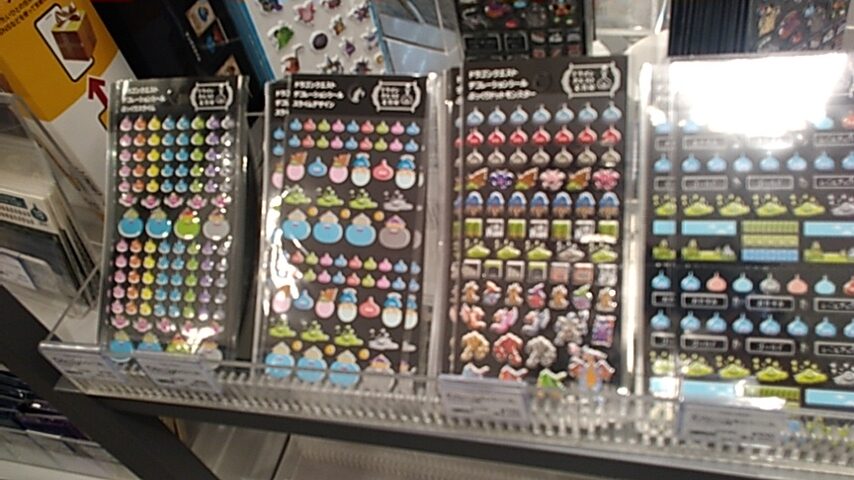
I also bought a sheet of Slime stickers.
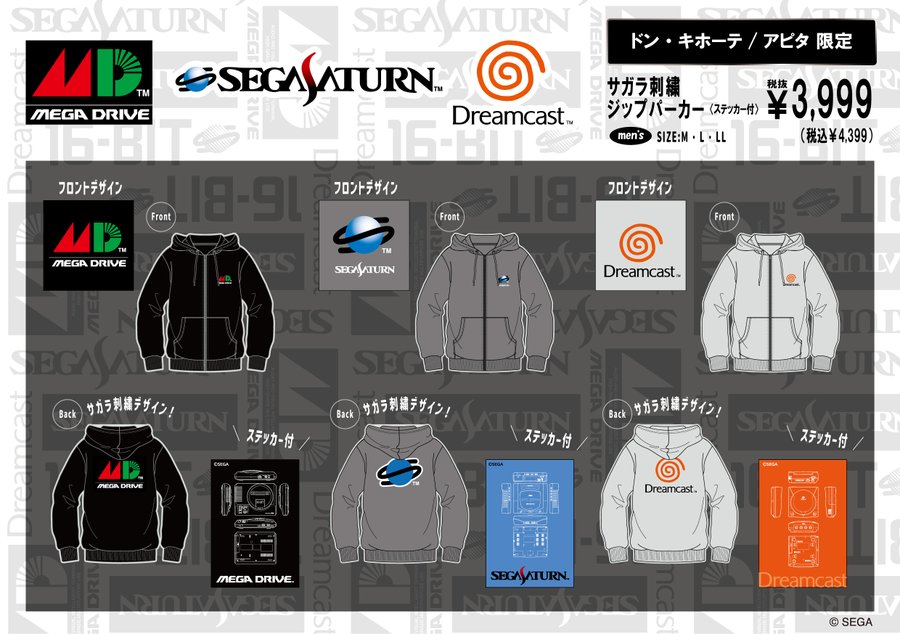
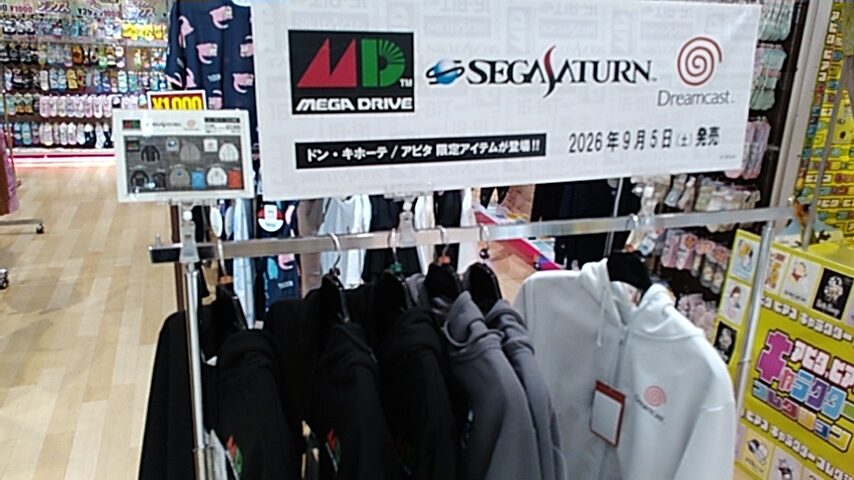
As of today, these Sega jumper jackets (called “zipper parkers”) went on sale at Don Quijote locations across Japan, but not all of them apparently. The closest location to me is the Apita in Keyaki Walk Mall in Maebashi. The mall opened at 9am, and not even an hour later this is all I saw:
Each of these come with a sticker, which is neat. Here are the front and back of each. As you can see in the pictures below, the console logos on the back are fuzzy and raised.
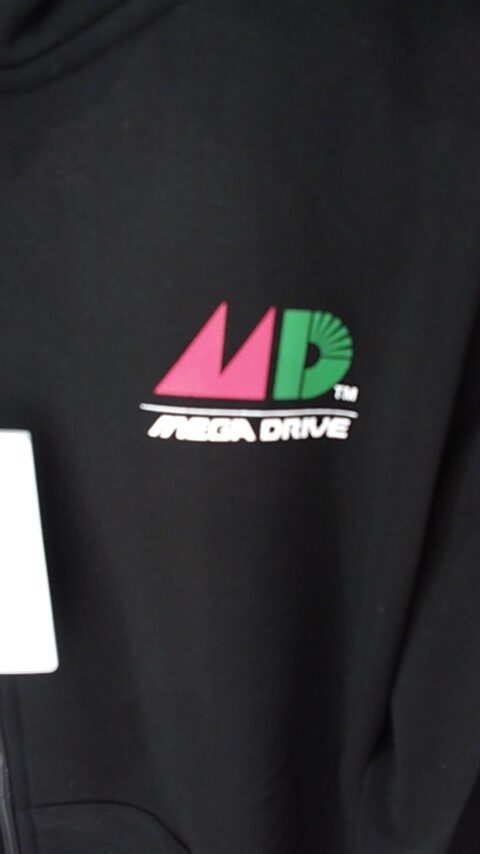
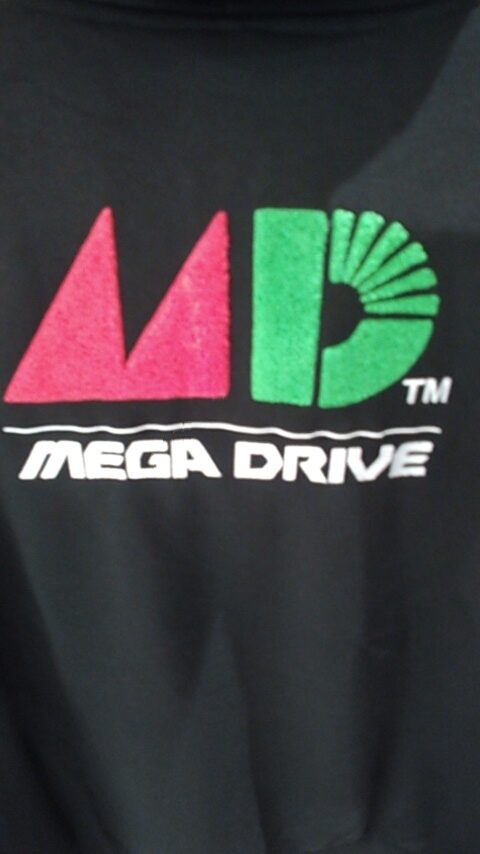
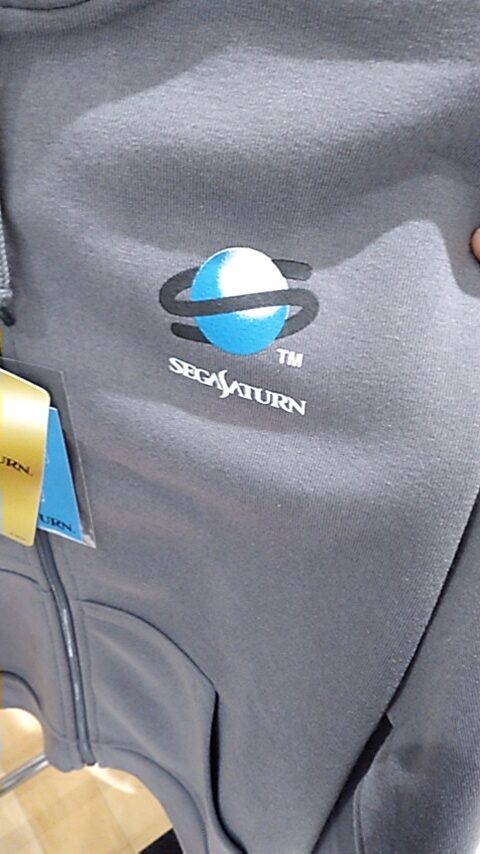

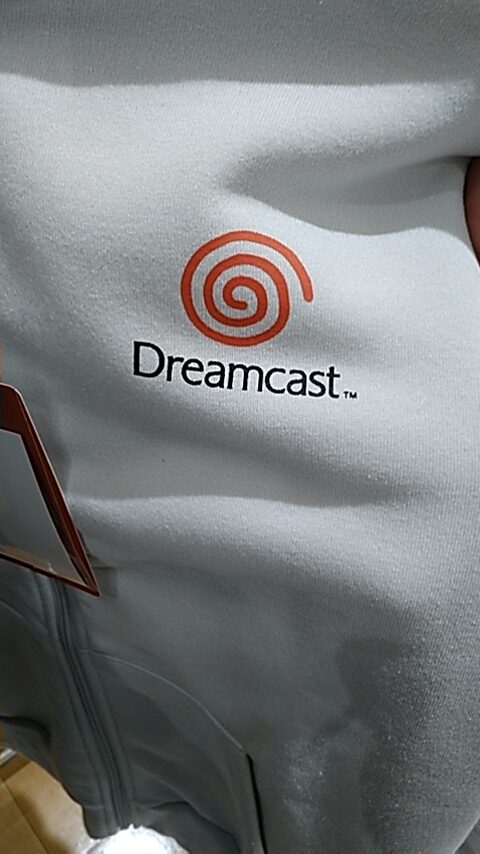
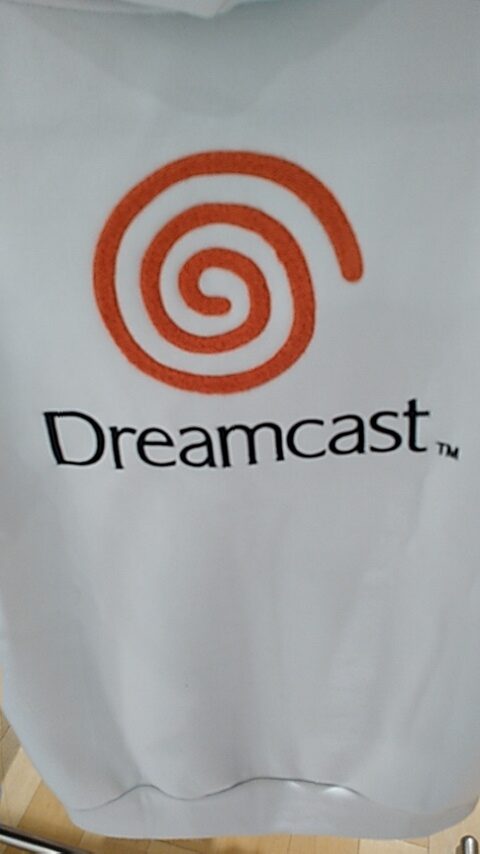
I bought the LL size Mega Drive jacket. These feel thicker than the similar jackets that Shimamura sold over 10 years ago. Unfortunately, these are 100% polyester. So, I do not know if it’ll make my skin crawl after a while. The Shimamura ones I have are 65% polyester.
Another shopper arrived while I was there, wearing a Mega Drive T-shirt. So I said to him, “So you’re a big fan too.” He was looking for the L-sized jackets, and I think he bought two. I told him the other nearest location selling these was in Isesaki.
When I passed by a bit later, there were only two left, a Mega Drive and a Saturn one, both M size. These sold out fast!
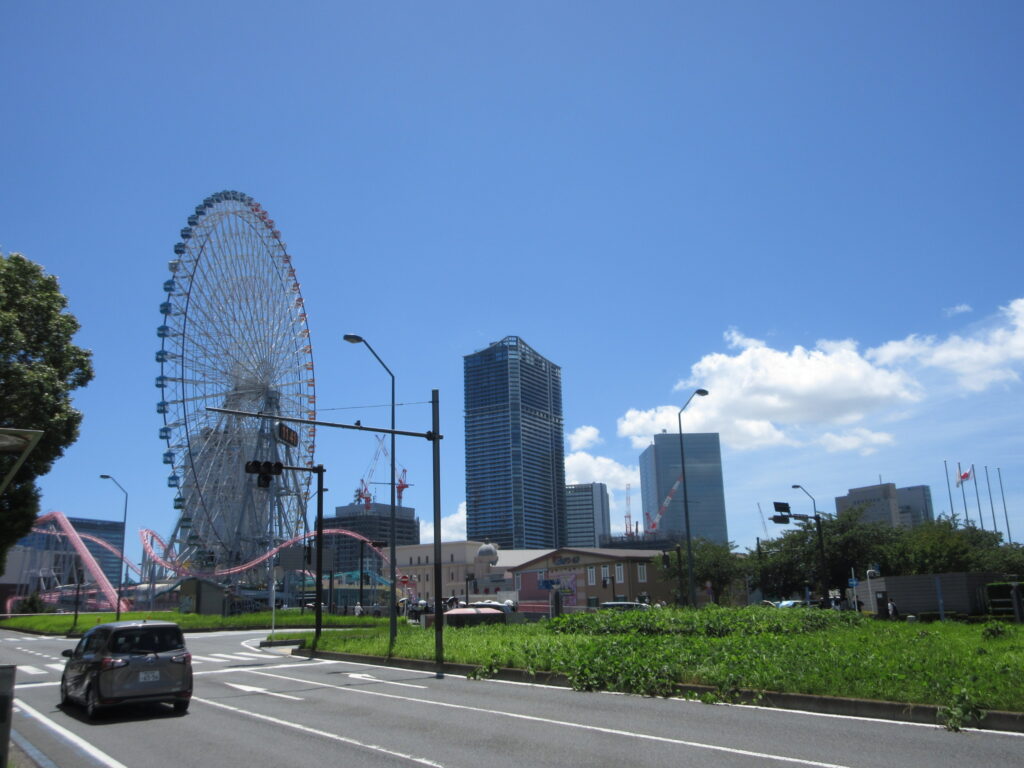
I had 9 days off during the summer, from 8th to the 16th. There were a couple of open campus events at colleges my daughter Ulan is interested in attending in the Tokyo area. For the first weekend, we drove to Yokohama. The car navi took us through the Tokyo area. I’ve always been scared of driving Tokyo’s Shutokou (首都高) expressway system in Tokyo because it’s complicated like a spider web, like concentric circles with spokes. I made one mistake and took an exit instead of merging onto an interchange ramp. The car navi recalculated how to get back onto the expressway. We ended up drive past the imperial palace and Tokyo Station in the Ginza area before getting back on.
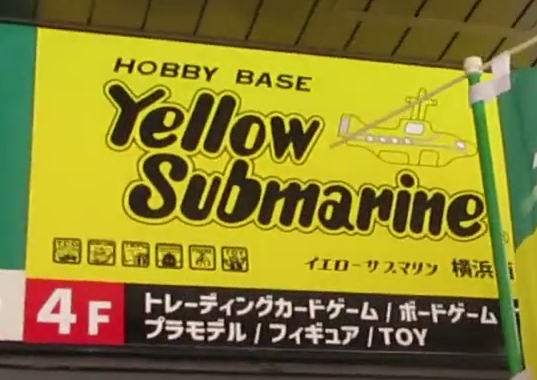
In Yokohama, we parked the car in a big parking garage in the Minato Mirai 21 area. Mayu and Ulan went to the college campus nearby while I took the subway up to Yokohama Station. I went to Yellow Submarine, a hobby store. There are actually two locations, but the first one is just card games and Warhammer stuff. At the second location I bought some neat supplies.
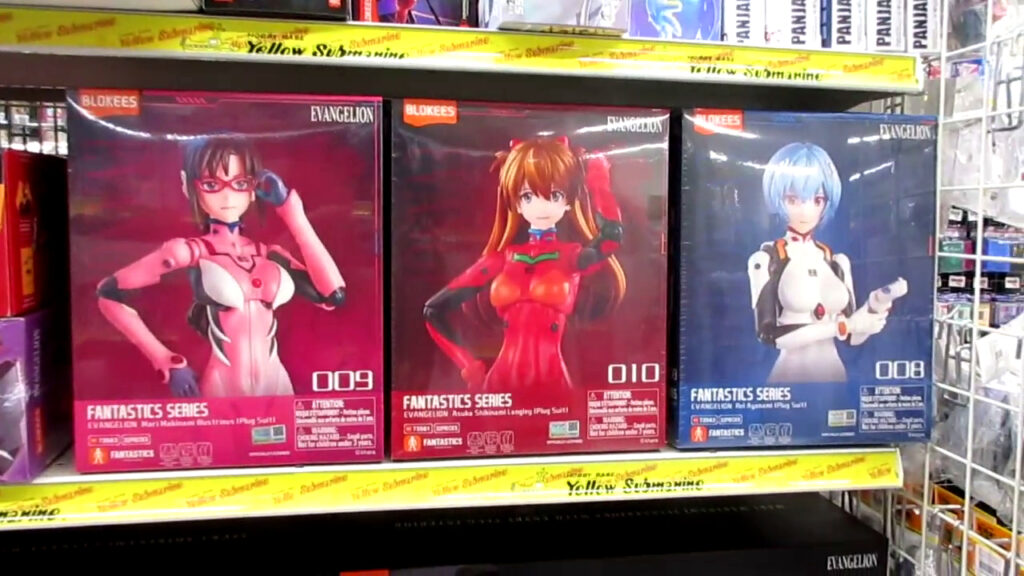
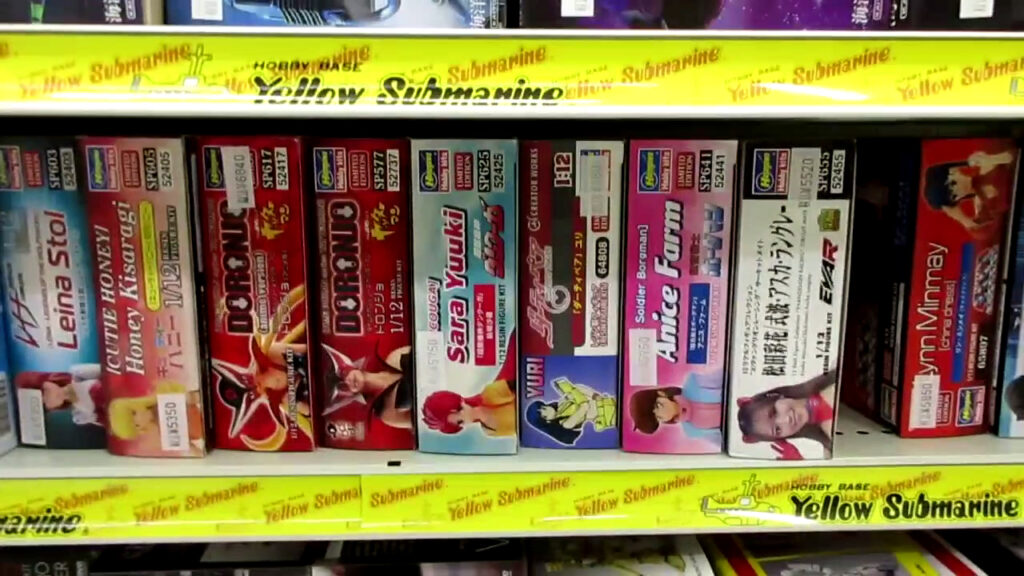
I saw these Evangelion figure model kits by Blokees for the first time. They also had several Hasegawa resin anime figure garage kits. (Click the pictures for close-up views.)
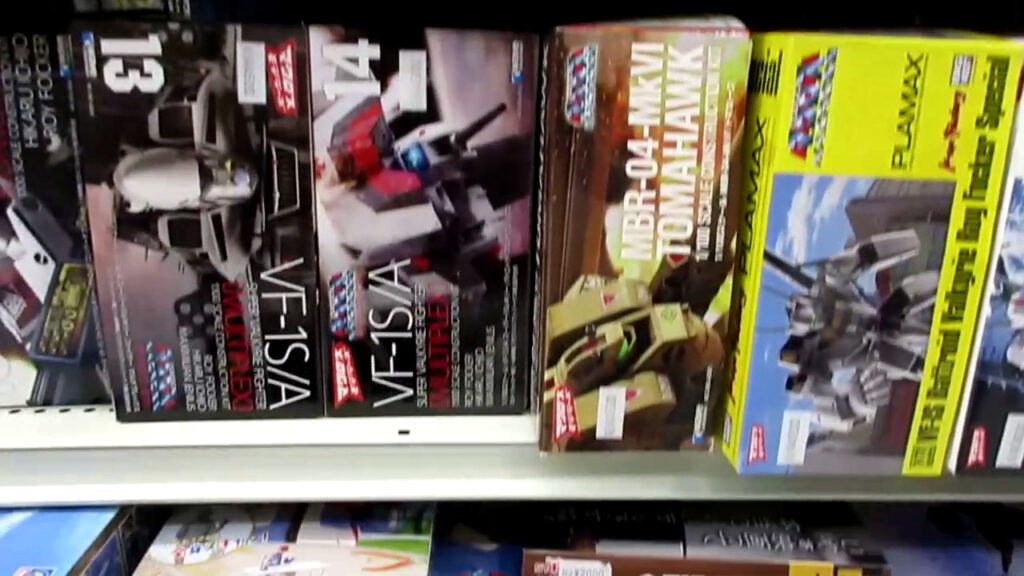
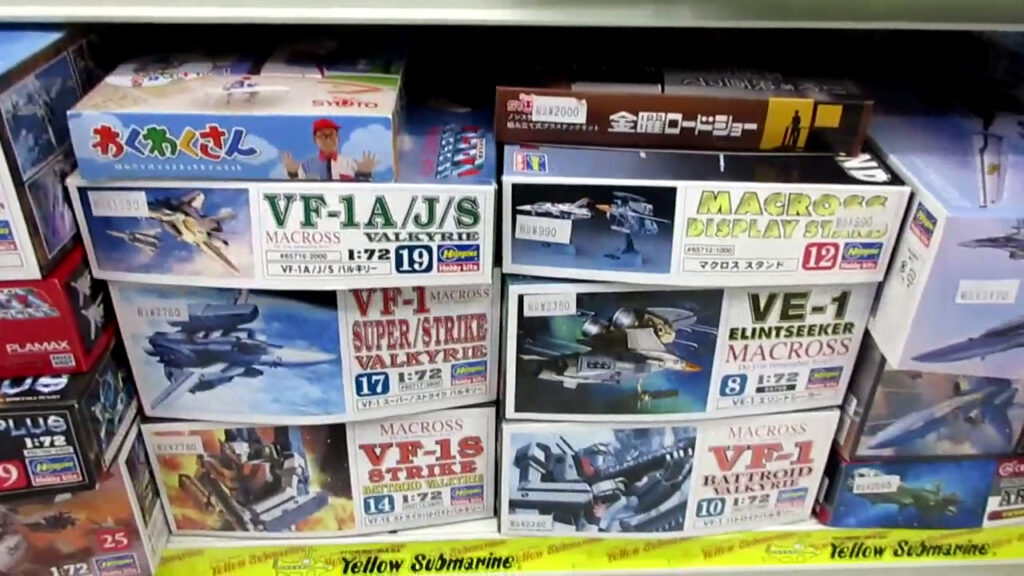
Lots of Macross model kits there too!
I went to a pizza place called Shakey’s. They had a buffet for lunch, so it was all-you-can-eat food and all-you-can-drink booze. I had macaroni and cheese with plenty of pizza slices, plus some beers and gin and sodas. Pretty nice.
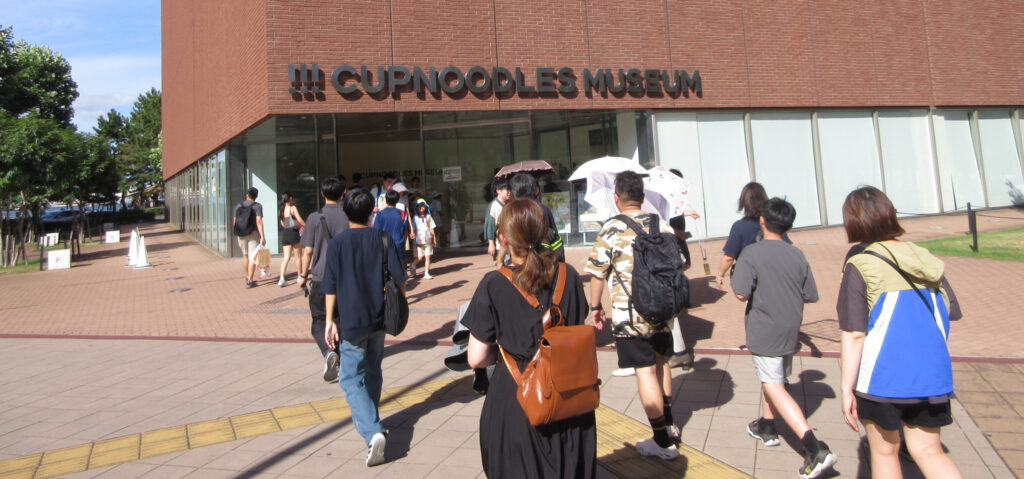
When I met back up with the two lunatics, we went to the Cup Noodle museum. That was pretty interesting. Admission is only about 500 yen.
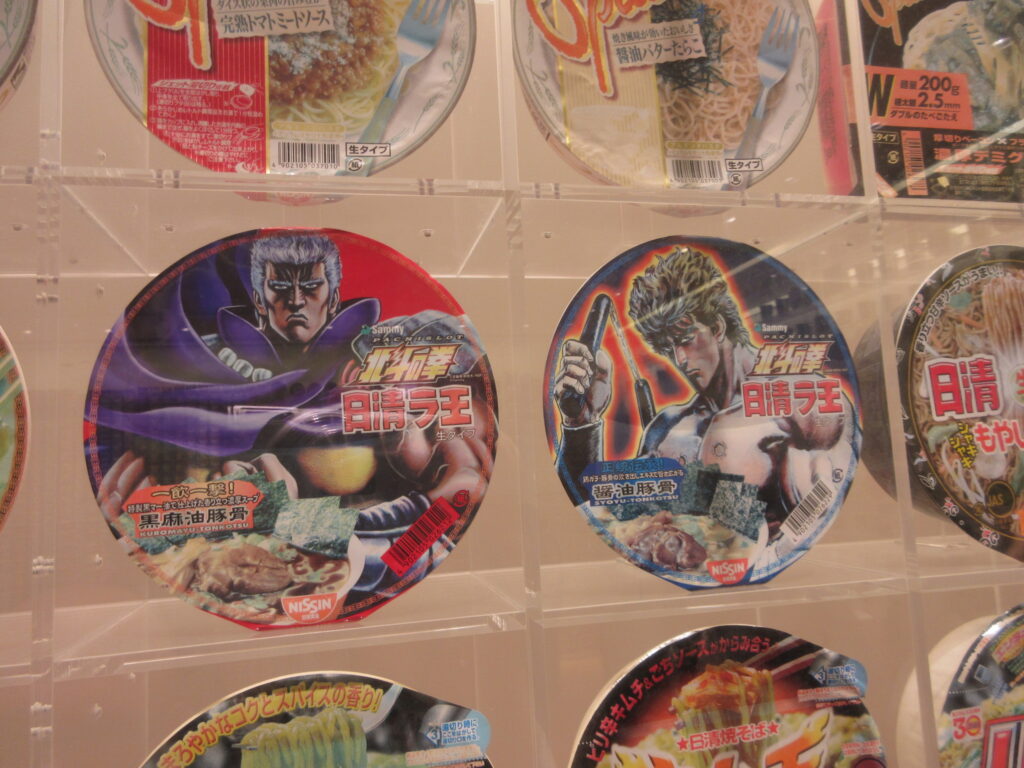
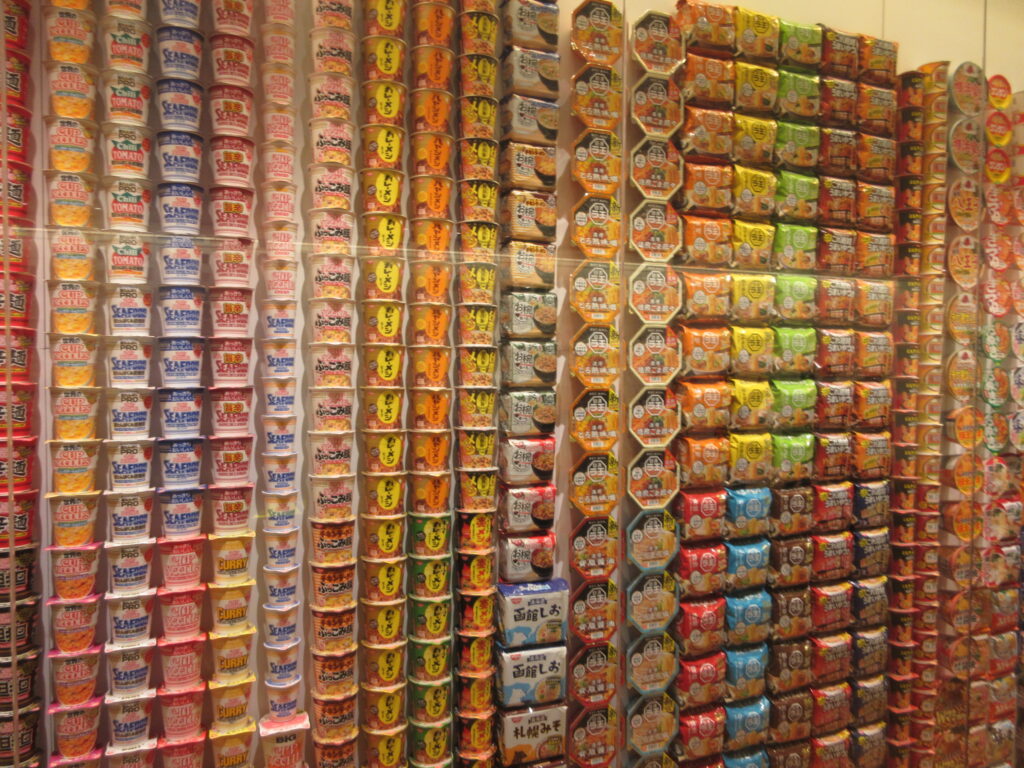
There are walls of noodle products, featuring so many limited edition versions. Here are some Hokuto no Ken (Fist of the North Star) cup ramen products.
After this, you watch an animated documentary about Momofuku Ando, the inventor of instant ramen. He went from being a down-on-his-luck inventor to becoming world-famous. I didn’t know this, but Chicken Ramen was his first invention. He created instant ramen by frying the noodles (and I assume freeze drying them). Later while visiting America, he got the suggestion from Americans to put the instant ramen into a cup because they put it into cups and eat it with forks. Thus, Cup Noodle was invented. Before he died, he invented space ramen for astronauts to enjoy.
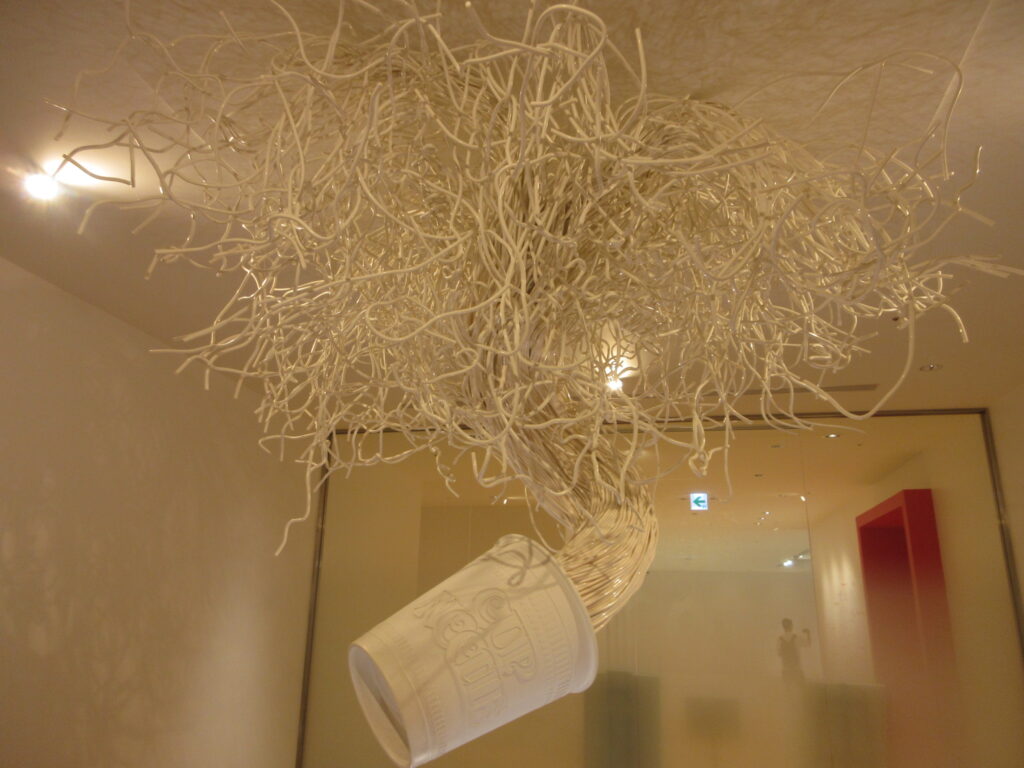
Ramen-inspired modern art. Pretty wild.
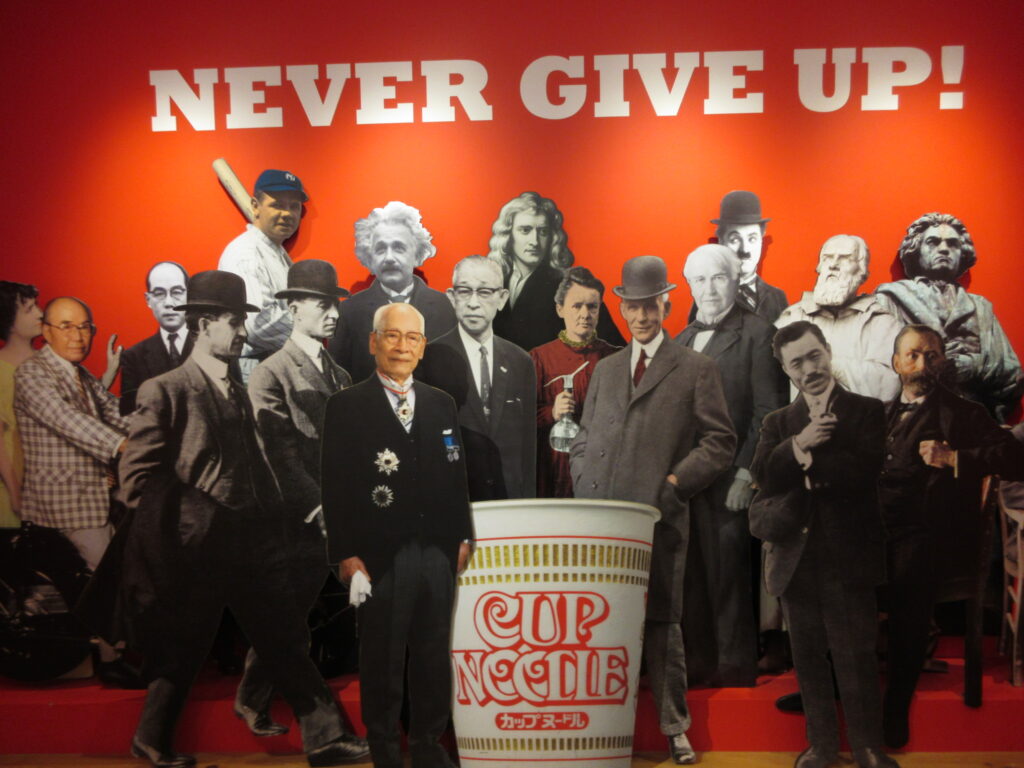
So here is Mr. Ando, pictured with geniuses like Plato, Beethoven, Charlie Chaplain (?), that SOB Thomas Edison, and Albert Einstein. OK, so where is Nikolai Tesla? They have that rotten bastard Edison but no Tesla? Ridonk.
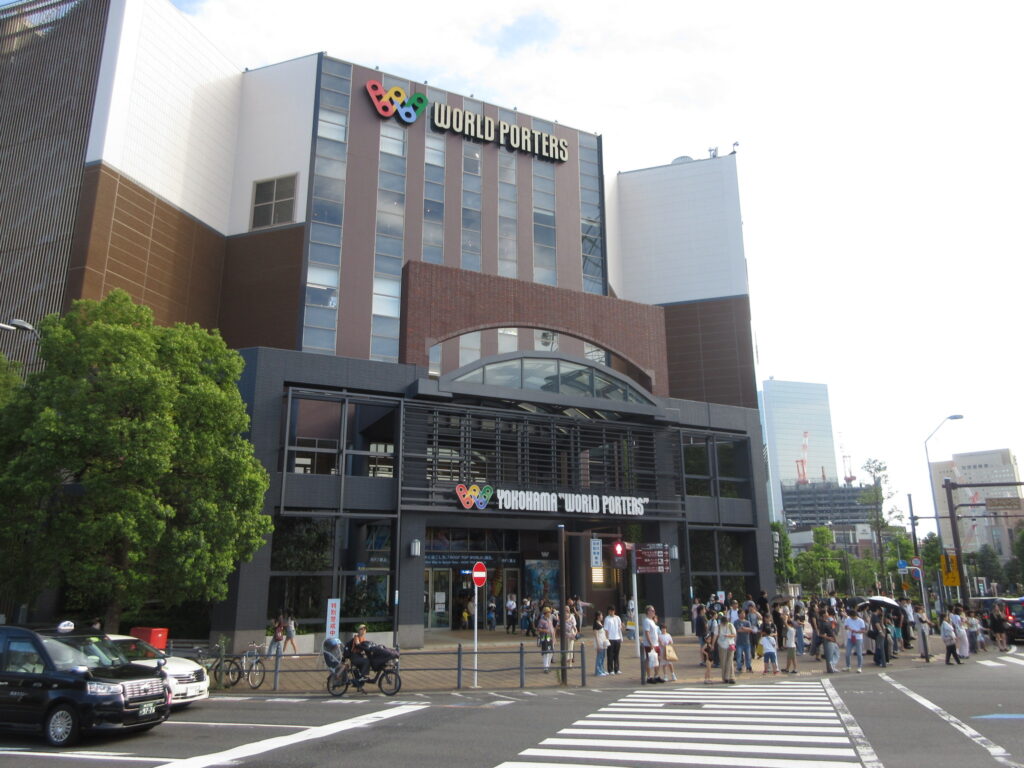
After that, we went across the street to Yokohama World Porters. When I first visited World Porters 26 years ago, the first floor was a giant import foods grocery store. It’s now a multinational food court with Indian curry, Vietnamese pho, and so on. I had a Hawaiian style avocado hamburger.
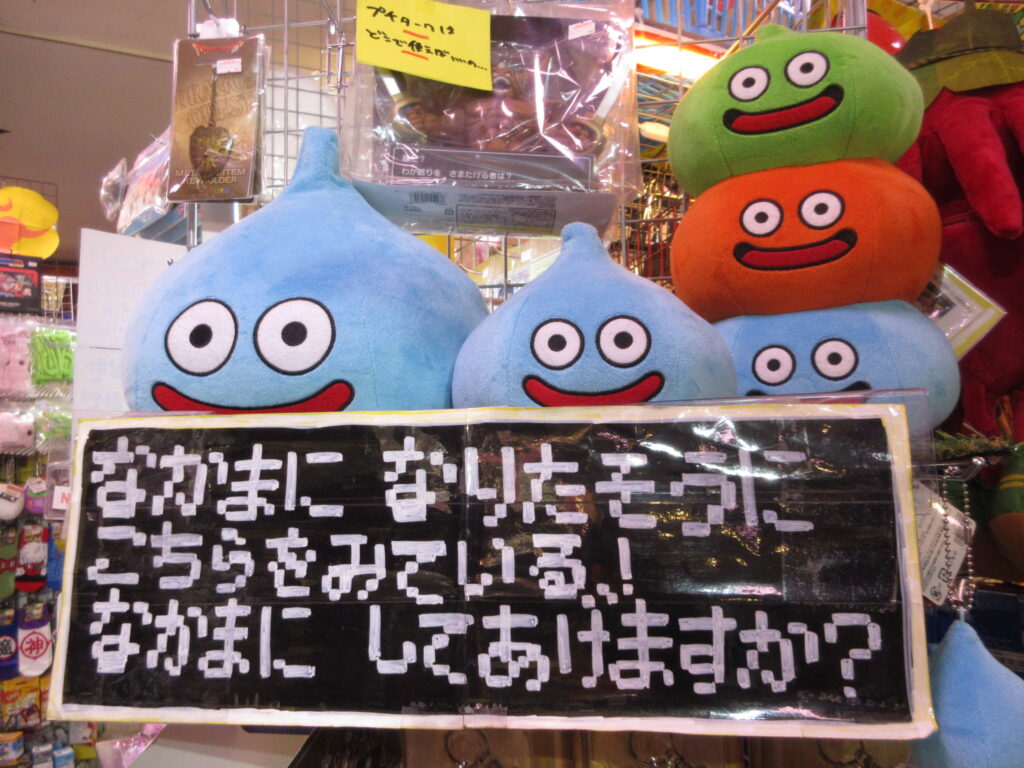
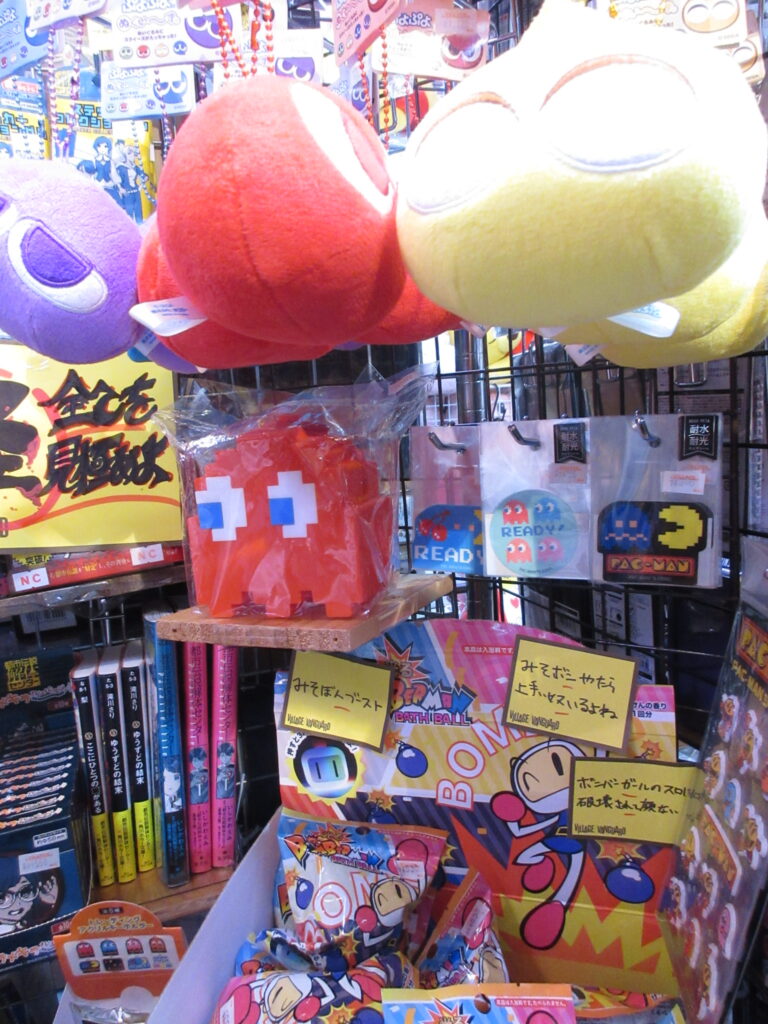
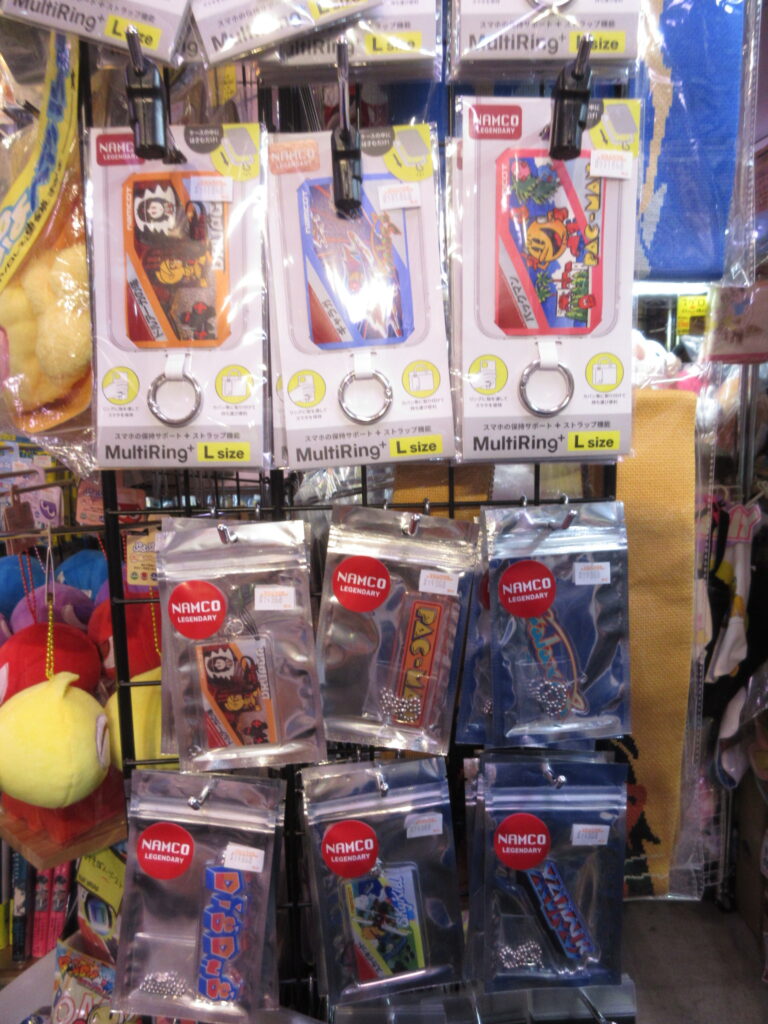
The floors upstairs consist of a typical shopping mall. There’s a Village Vanguard there! (I madea post about Village Vanguard on my Greg’s Life section.) Look at the neat video game stuff! And as always, there are handmade displays made by employees. Thus, each of these stores have their own unique displays. I bought a Pac-Man keychain for my car.
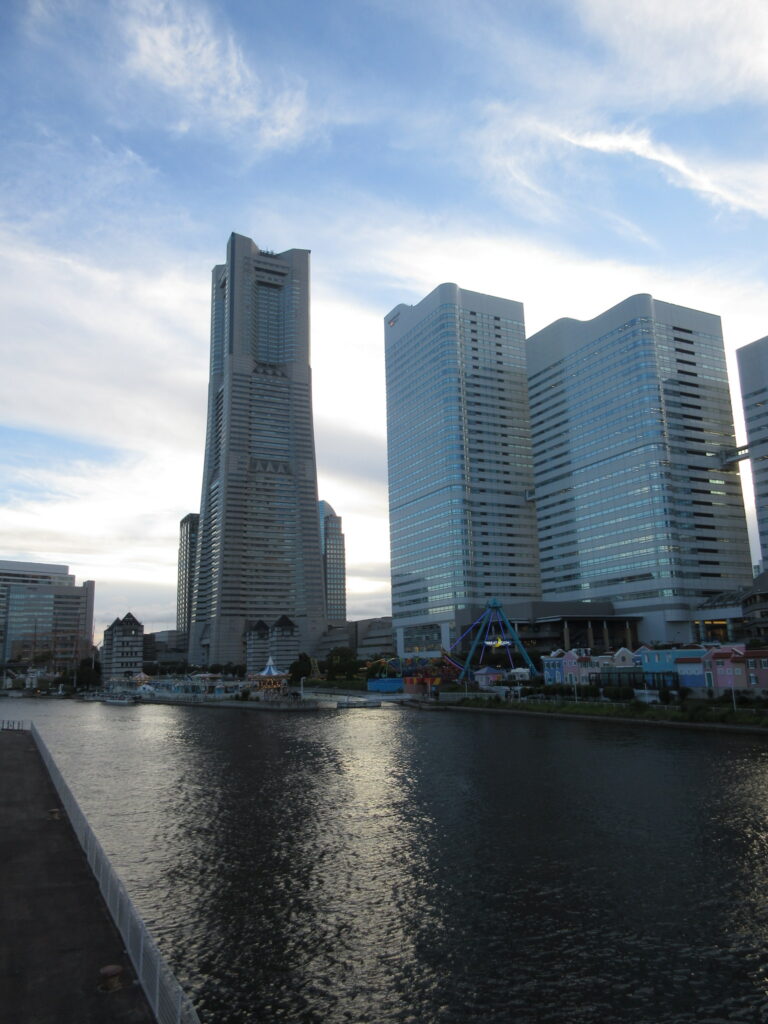
So after shopping and eating, we decided to head home. Here is Landmark Tower, standing tall in the early evening sky. It was a nice day.
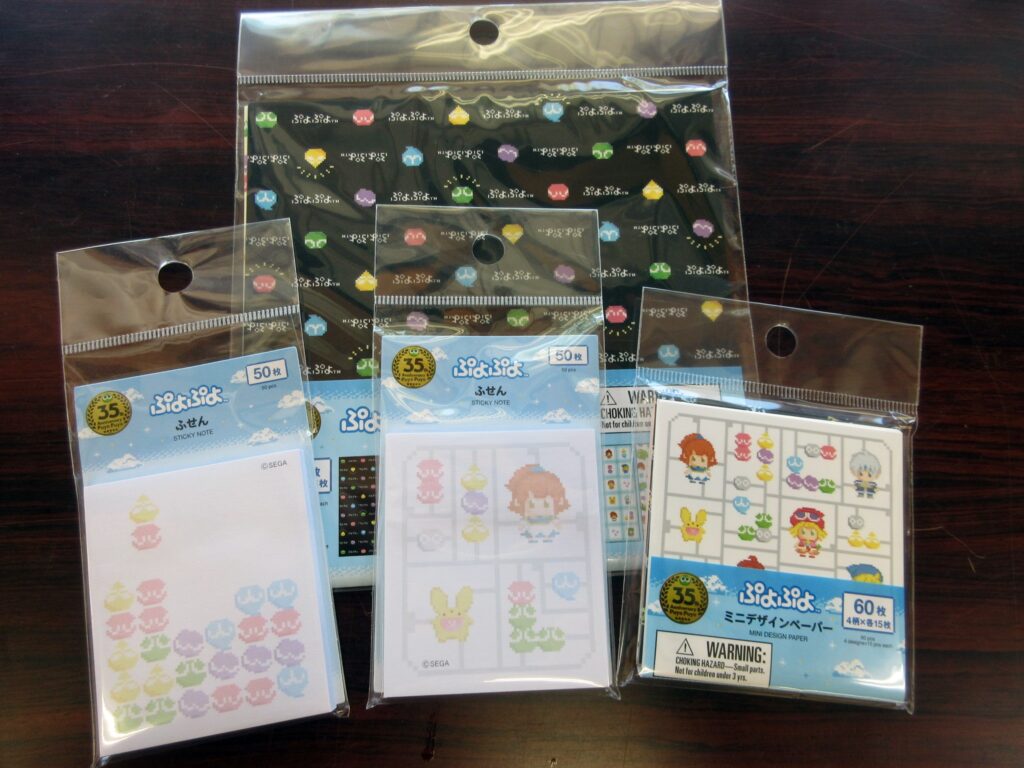
Neat Puyo Puyo loot from Daiso! I was at Daiso this week and noticed that they had these items. I’ve seen Puyo Puyo items at Daiso before, but these are new. I didn’t buy everything, but this is what I got.
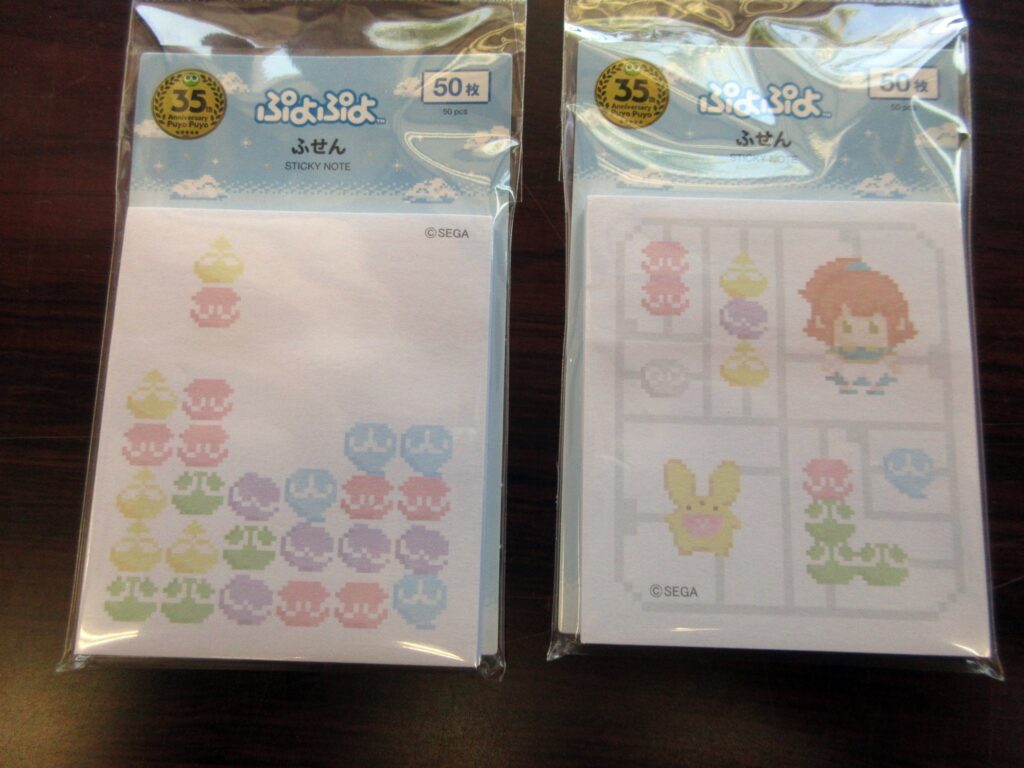
First up, let’s look at these sticky notes. I bought both varieties. On the left is a drop pattern of Puyo Puyos and on the right it’s like a plastic model with Arle, Carbunkle, and Puyos on a sprue! Retrogaming + plastic models = awesome.
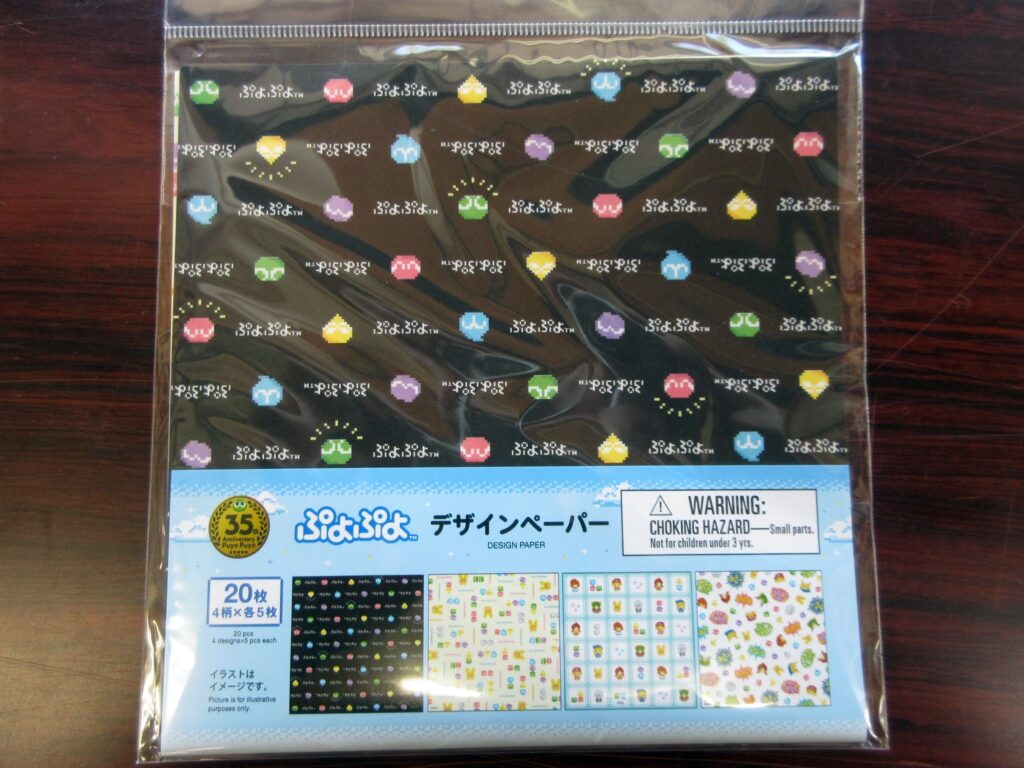
This is “design paper,” so basically origami paper. Here below are the designs:
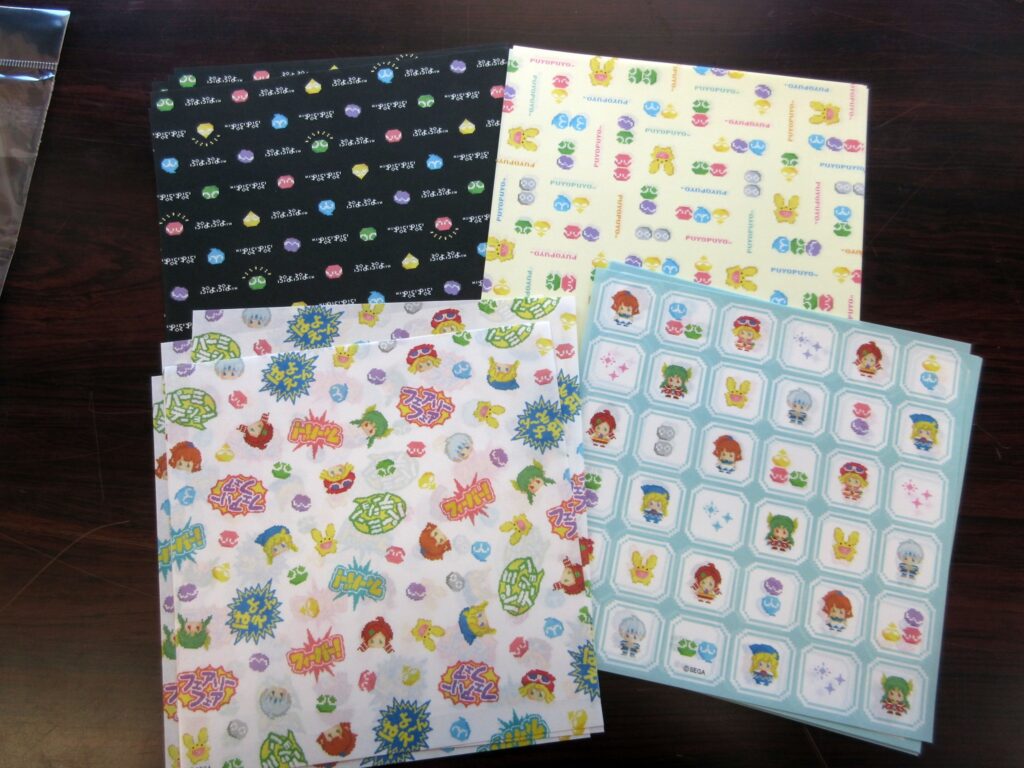
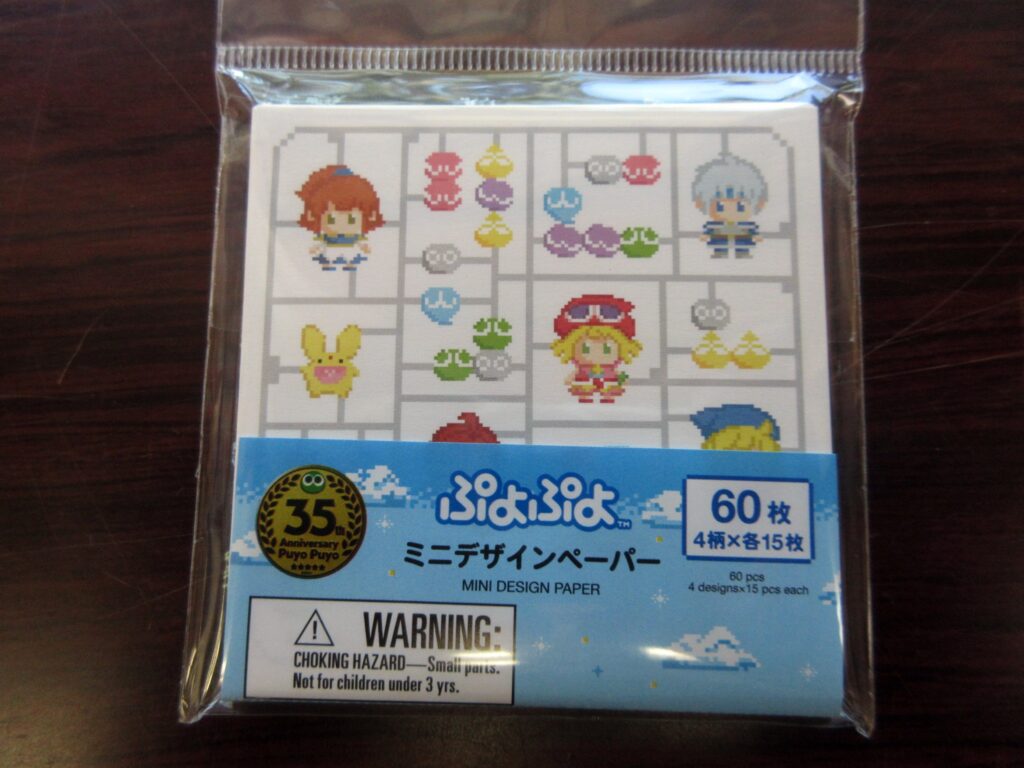
This is “mini design paper,” which is small origami paper. Here you see the same plamo motif as before, but with darker colors since these aren’t sticky notes meant to be written upon. Neat stuff is neat.
EDIT August 12th: I saw even more Puyo Puyo stuff at another Daiso and got these items.
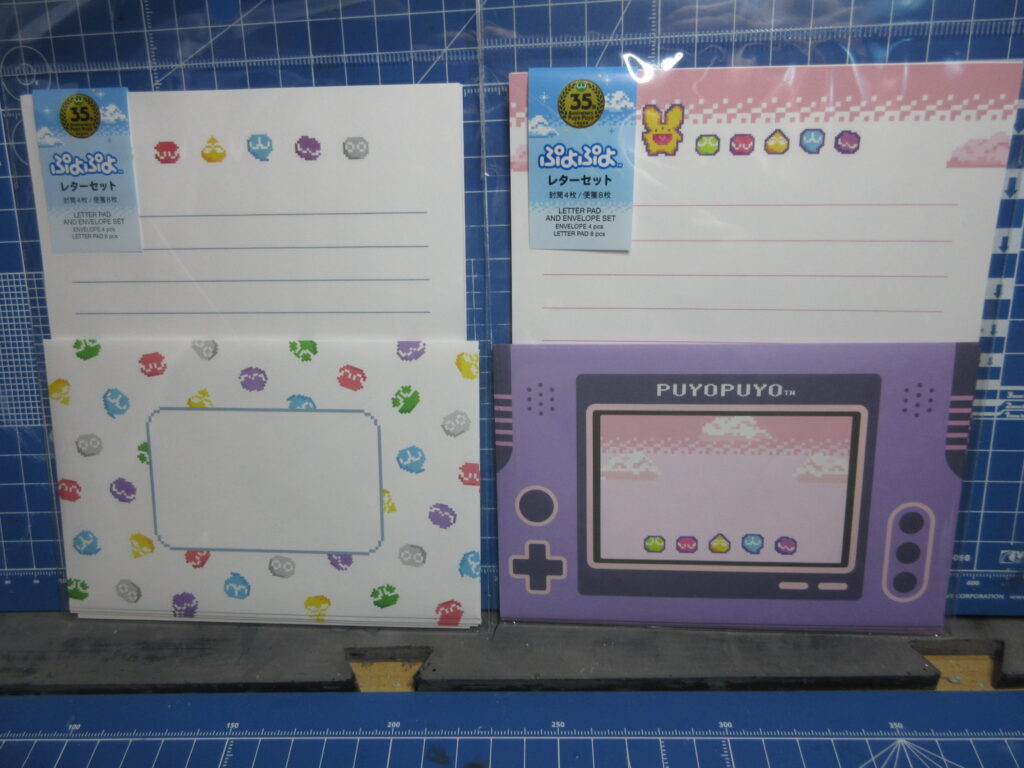
Letter paper, which comes with envelopes. Cute!
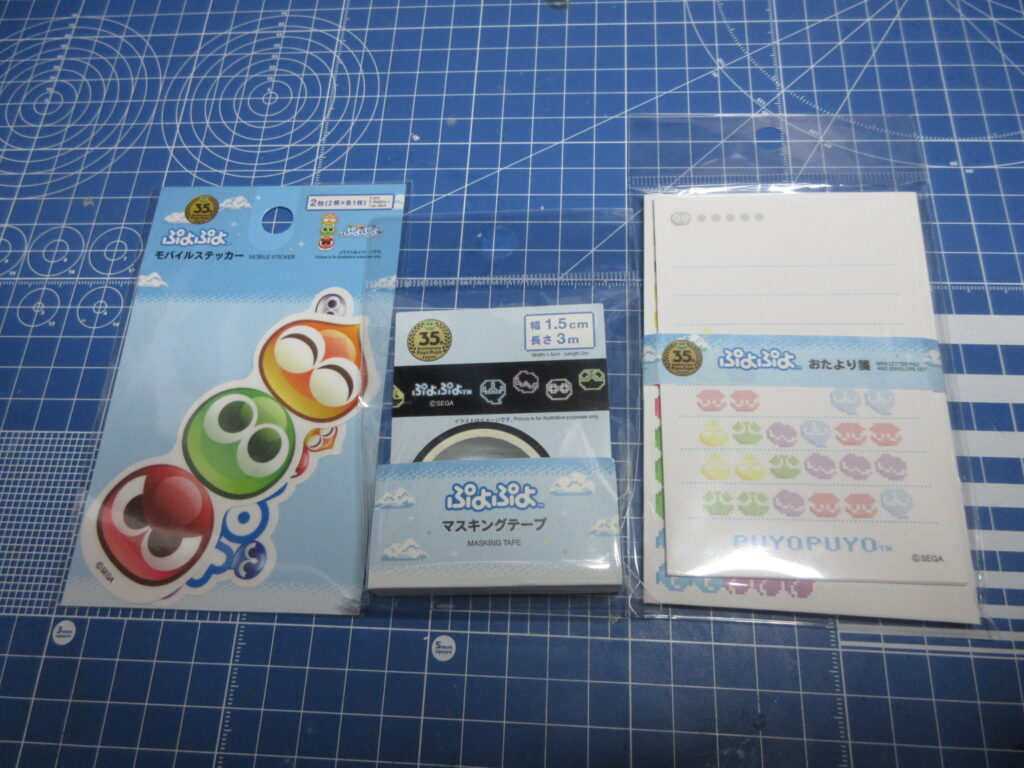
Stickers, masking tape, and a mini letter/envelope set. Neat.
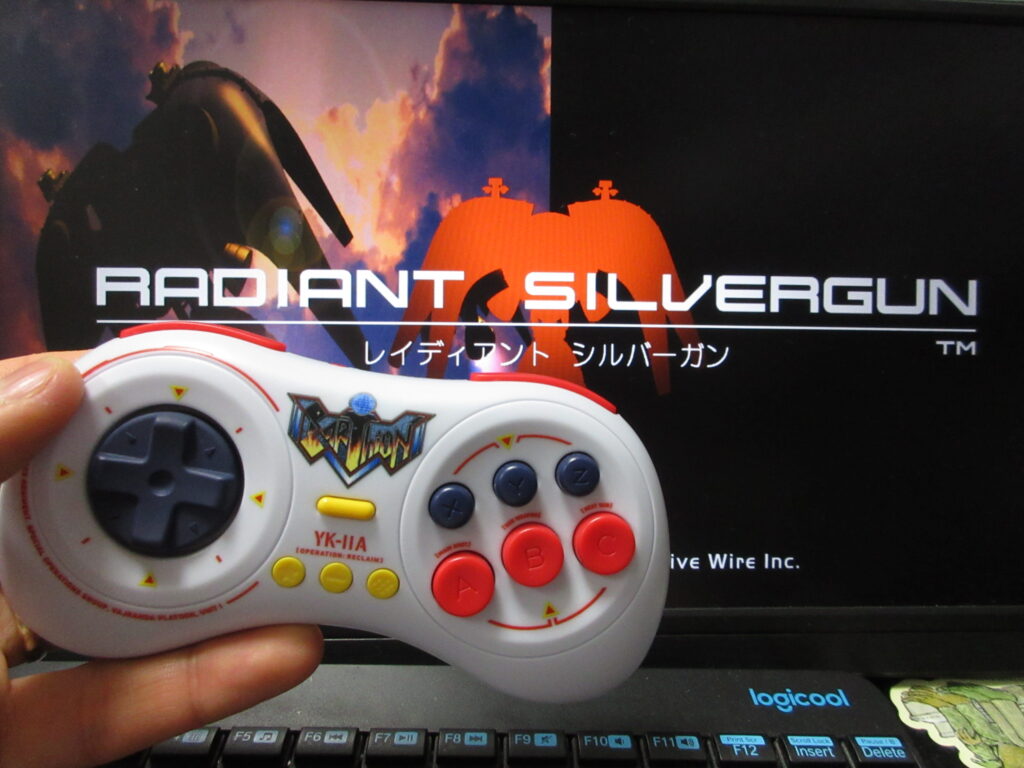
Last summer I posted a video on my YouTube and Odysee channels of testing out this LE Earthion Saturn-style gamepad by 8BitDo on Steam via Linux Mint as well as RetroPie. I recently bought Radiant Silvergun on Steam and it works great on Bazzite (I couldn’t get it to work on my Mint desktop). My desktop computer does not have built-in Bluetooth, so I bought a USB Bluetooth dongle. The results were a bit crappy. The controller works fine using the USB cable, but I have had many problems with my install of Steam on my desktop ever since I upgraded to a bigger HD. After a while, Steam forgets that the controller is connected and I have to reboot. When using the Bluetooth, the controls are floaty and is not very responsive. Fortunately with my Optiplex minicomputer with Bazzite as its OS. I am relieved, because I thought that the controller had some compatibility issue with Linux. The problem is either with the USB dongle or (most likely) the bad install of Steam I have on the Mint desktop.
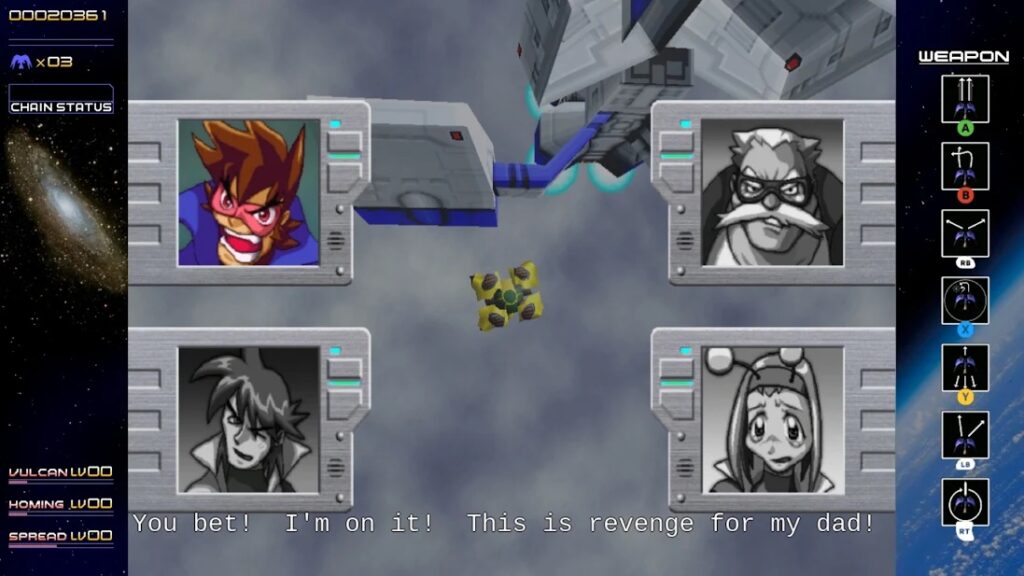
RSG on Steam features English subtitles! I was not expecting this. Mayu-chan bought this game for my Saturn back in 1997 for only 3,000 yen, when she was still my pen-pal! (Or was that in 1999?) It’s one of my most-prized Saturn games in my collection.
However, the game is too awkward playing on a Playstation-style controller (I have a Logitech F310), but if you’ve played the game on the Saturn then an 8BitDo M30 Saturn-style retro gamepad works exactly as you’d expect. After nearly 3 decades of playing RSG, I know the buttons by heart and I was expecting that I’d have to configure the buttons to get it to feel normal to me. It turns out that it wasn’t necessary at all!
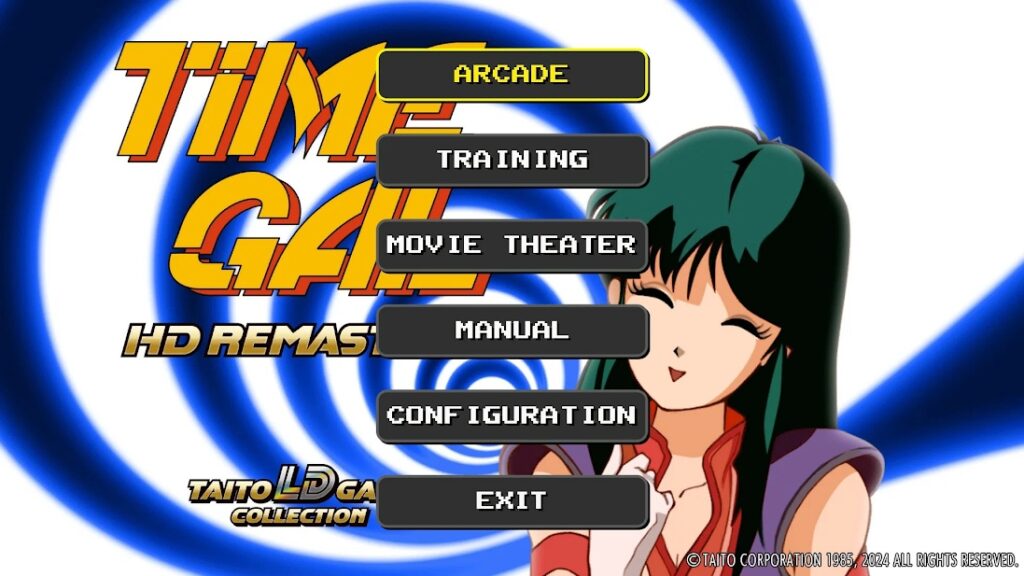
I’ve tried this M30 controller out on many games and even when Steam says that the controller may not work, it actually works fine most of the time. So this is great news as it works on nearly all of the shmups I’ve played it on so far, as well as Saturn games I own that I’ve repurchased on Steam. King of Fighters, Metal Slug, Time Gal, Gunbird, Twinkle Star Sprites, Gradius Origins and many other games.
Unfortunately, not all of the Saturn Tribute (“S-Tribute”) games by City Connection do not automatically support the M30, which is a real shame. Elevator Action Returns, Layer Section and Cotton Boomerang work with this controller, but unfortunately Cleopatra Fortune and Metal Black do not. I haven’t tried reconfiguring the Steam Input on such games yet.
I bought several discounted games on Steam’s summer sale, which is unfortunately now over. (Although it’s probably for the best as I already have so many games as it is.) I mostly bought a lot of shmups and other retro games.