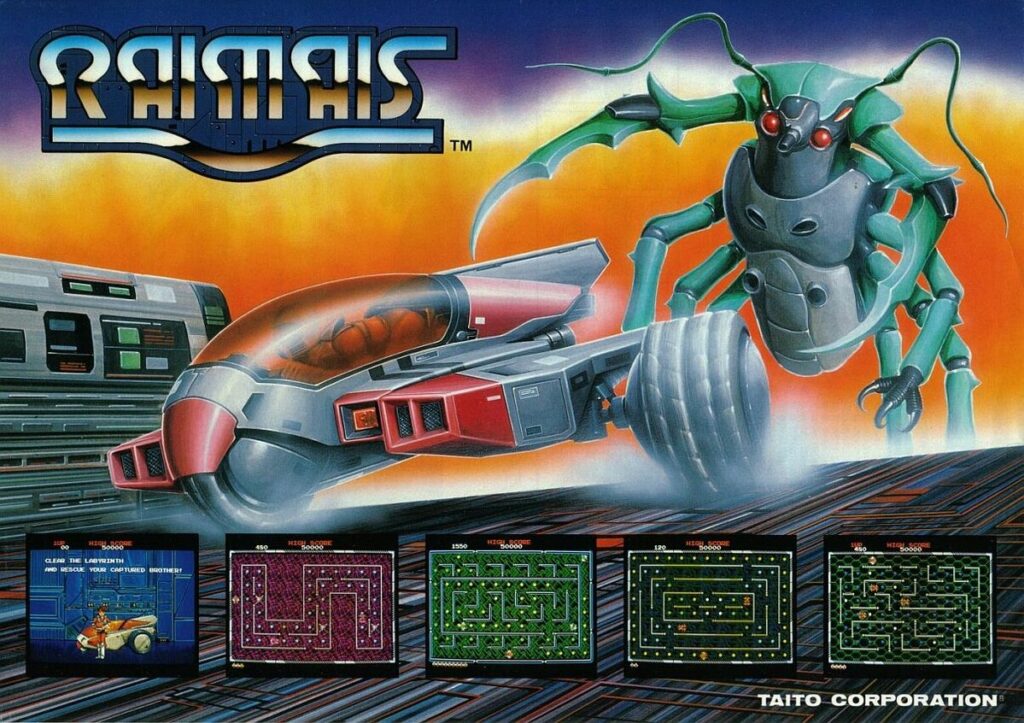
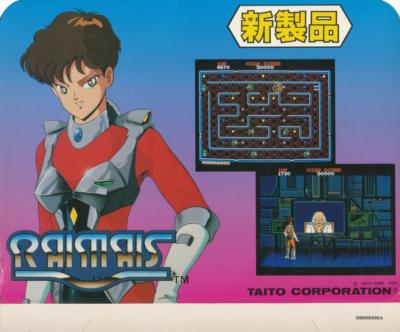
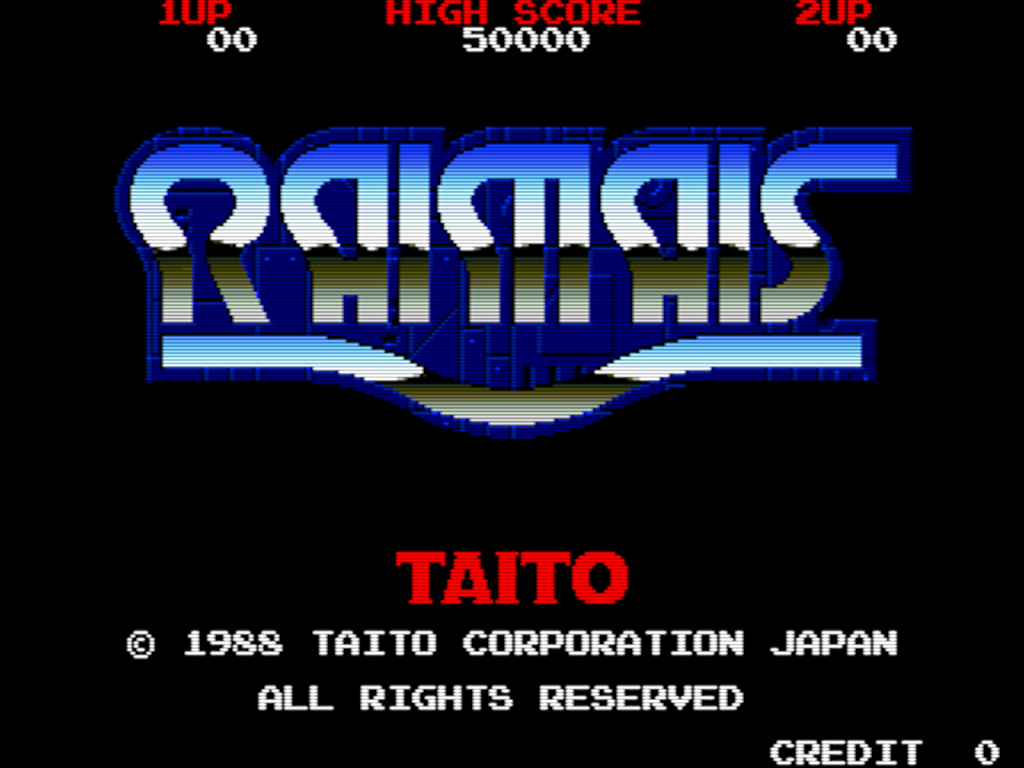
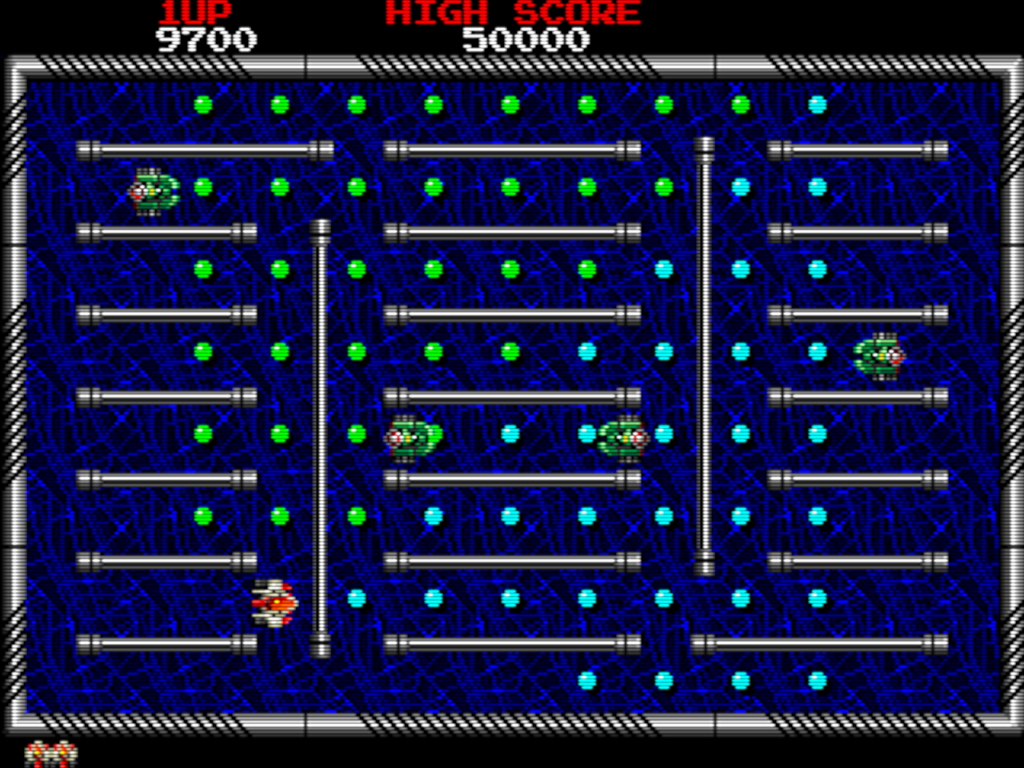
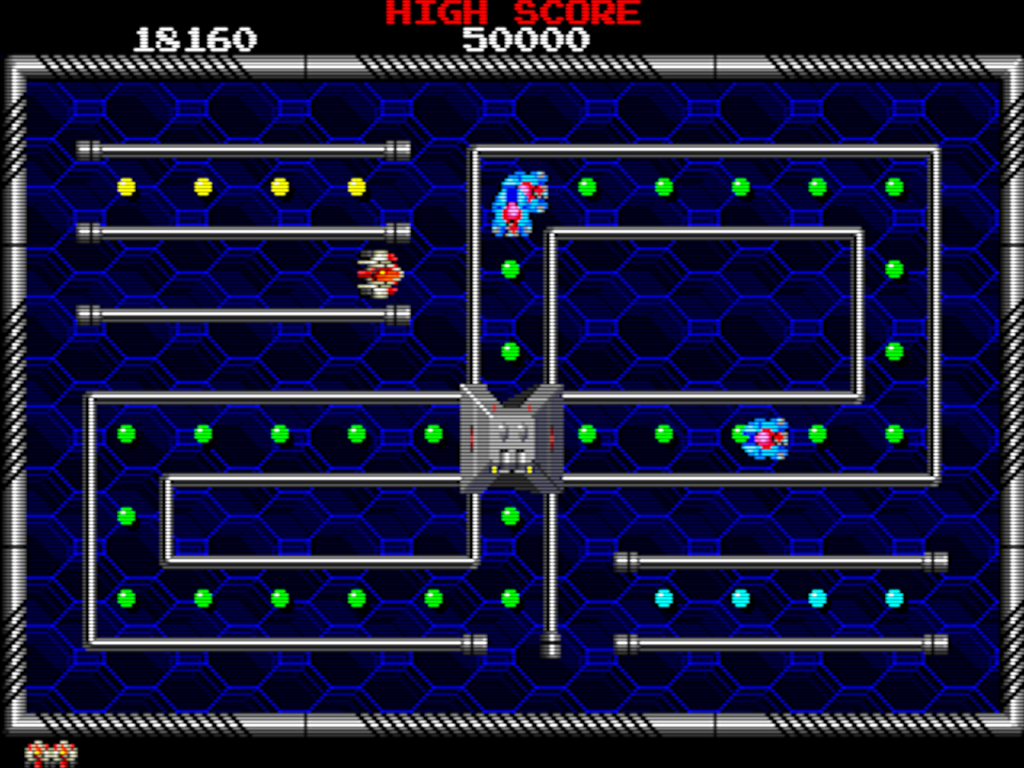
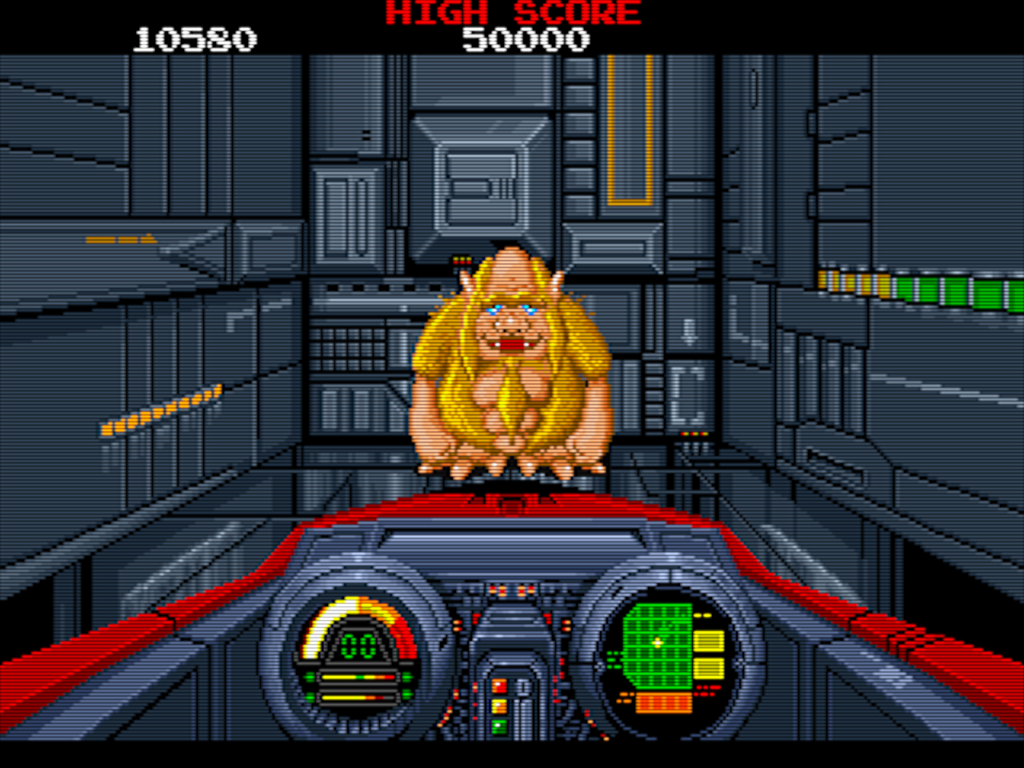
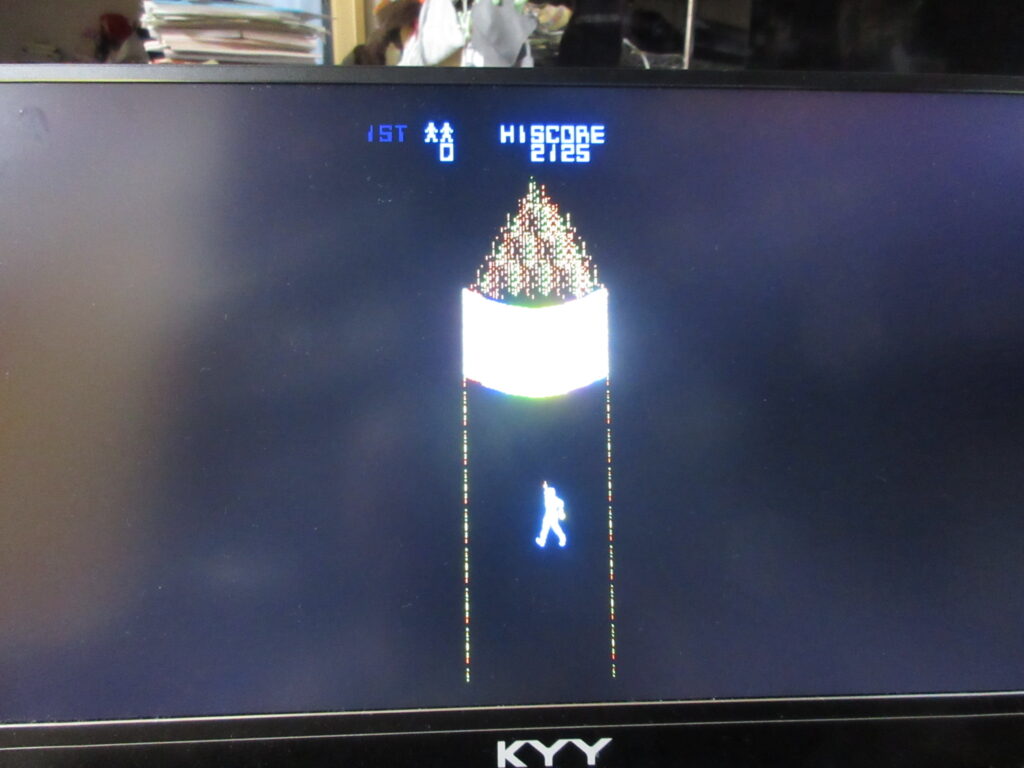
Here’s a late-’80s Taito arcade game I stumbled upon while browsing Final Burn Alpha titles. I guess I could describe it as a cross between Pac-Man and Rally-X, yet with a Taito aesthetic. Navigate the maze to collect the dots while avoiding enemies. You can collect power-ups like one to slow down the enemies, one that will kill one enemy as soon as it touches you, or a laser (similar to Arkanoid). When you clear a screen, several exits open up and the next level will be different depending on which exit you take. Give it a shot or else you suck.
According to Wikipedia, it was released as Youmais for the Famicom Disk System.
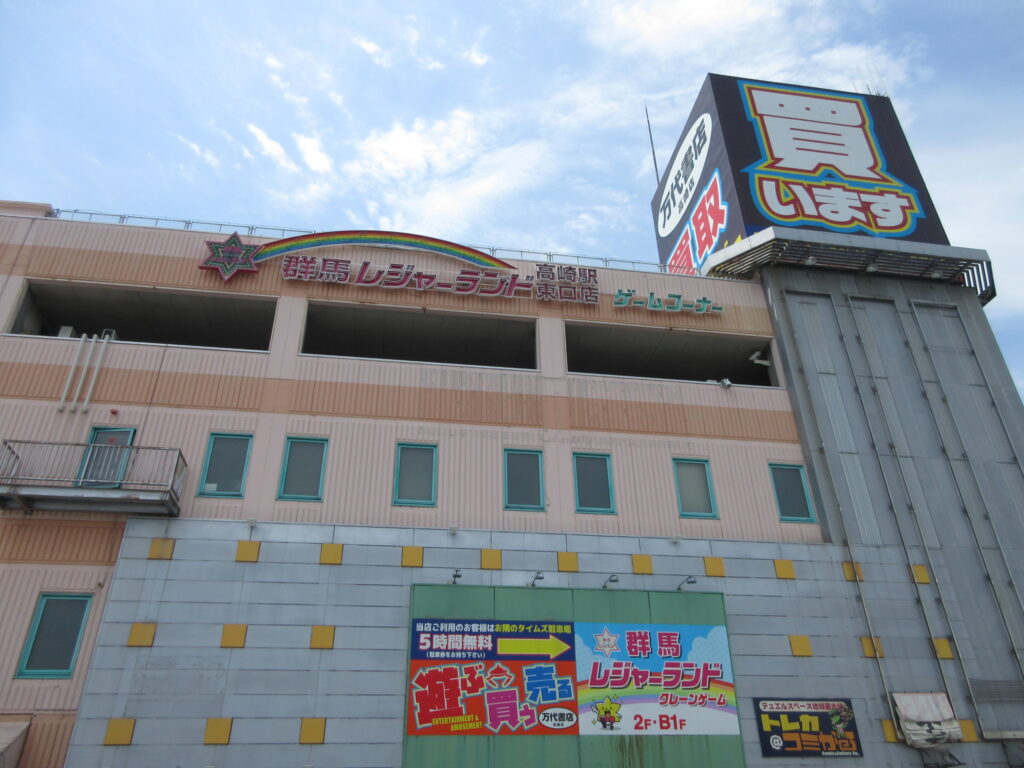
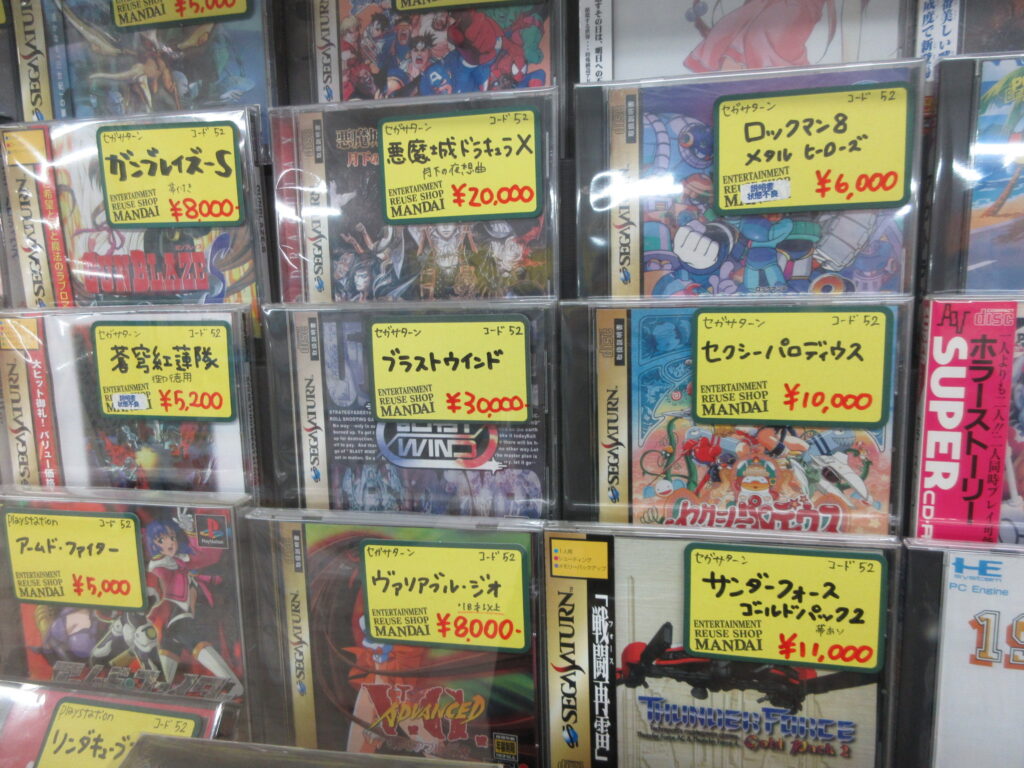
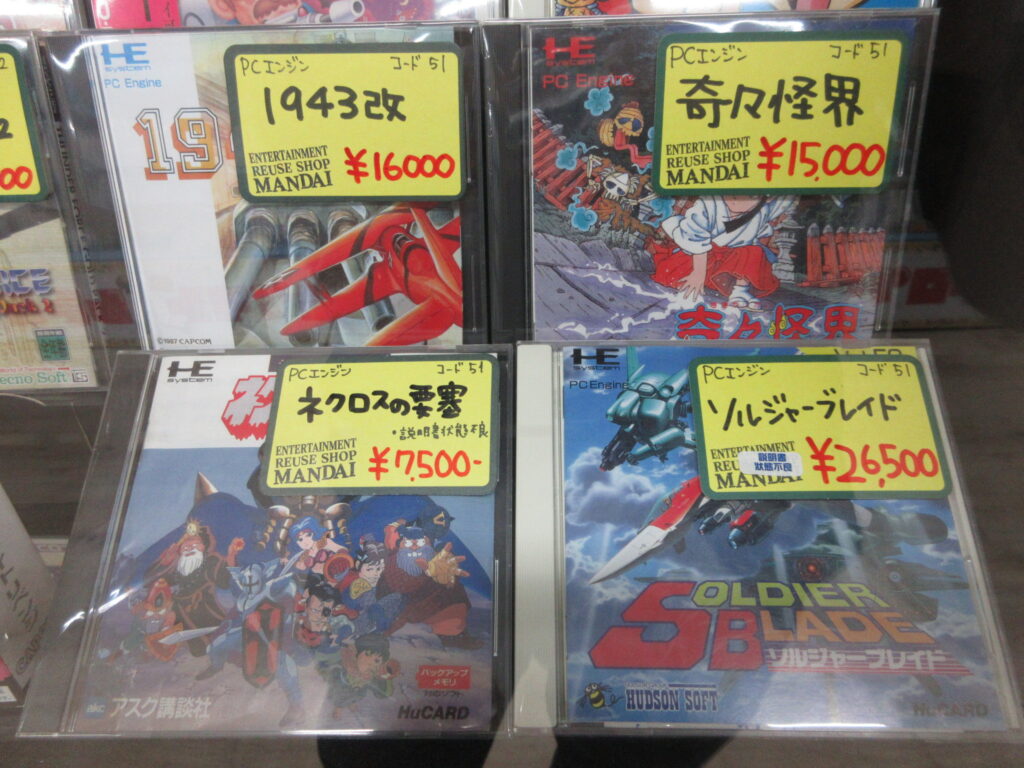
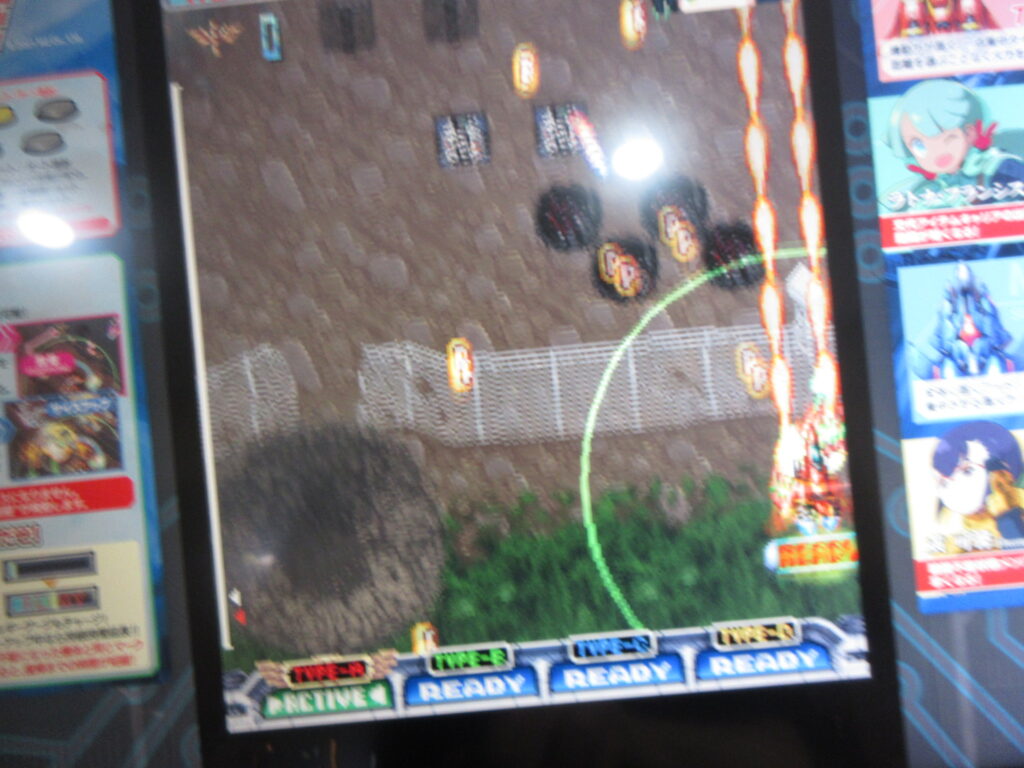
This is the building with Gunma Leisure Land game center and Mandai Shoten in Takasaki. We went down to Takasaki last Saturday. Mandai doesn’t open until 10, so I spent some time at the game center where I played some shmups like Senjin Aleste, which I wrote about in an earlier post. Then later I checked out Mandai.
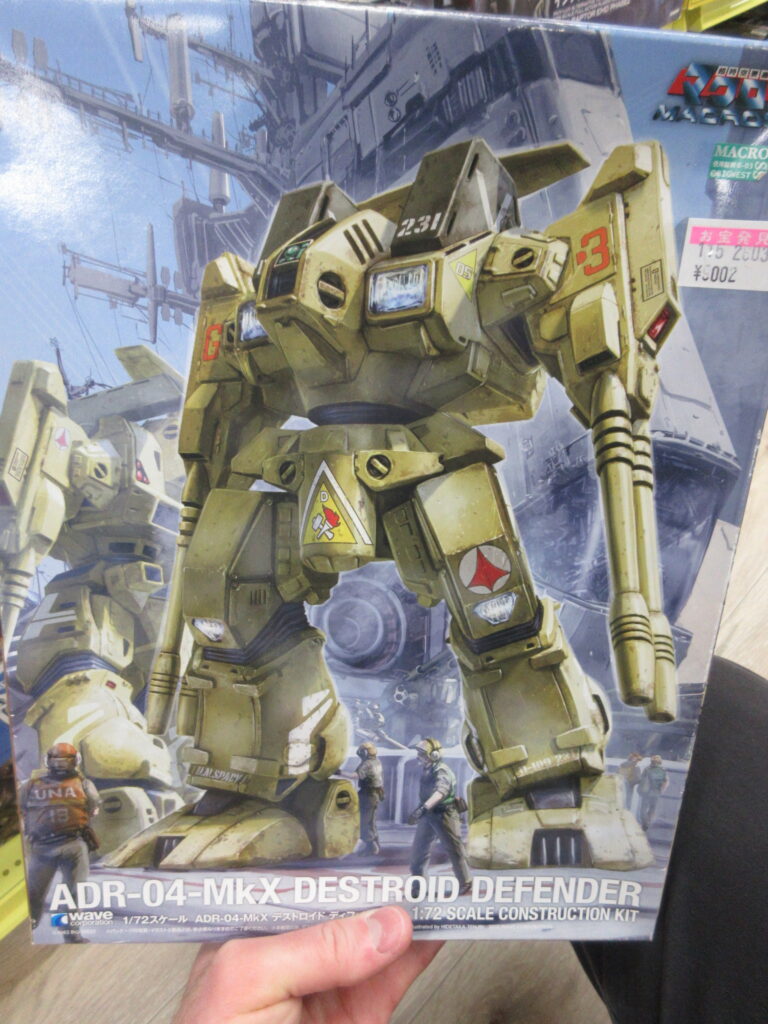
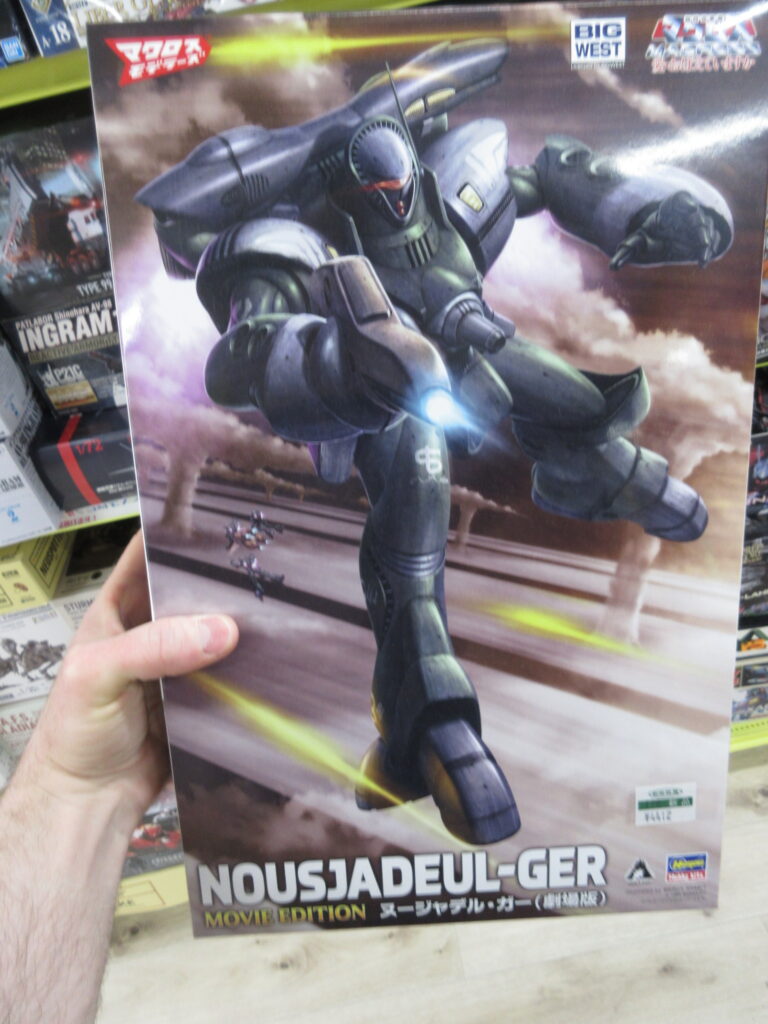
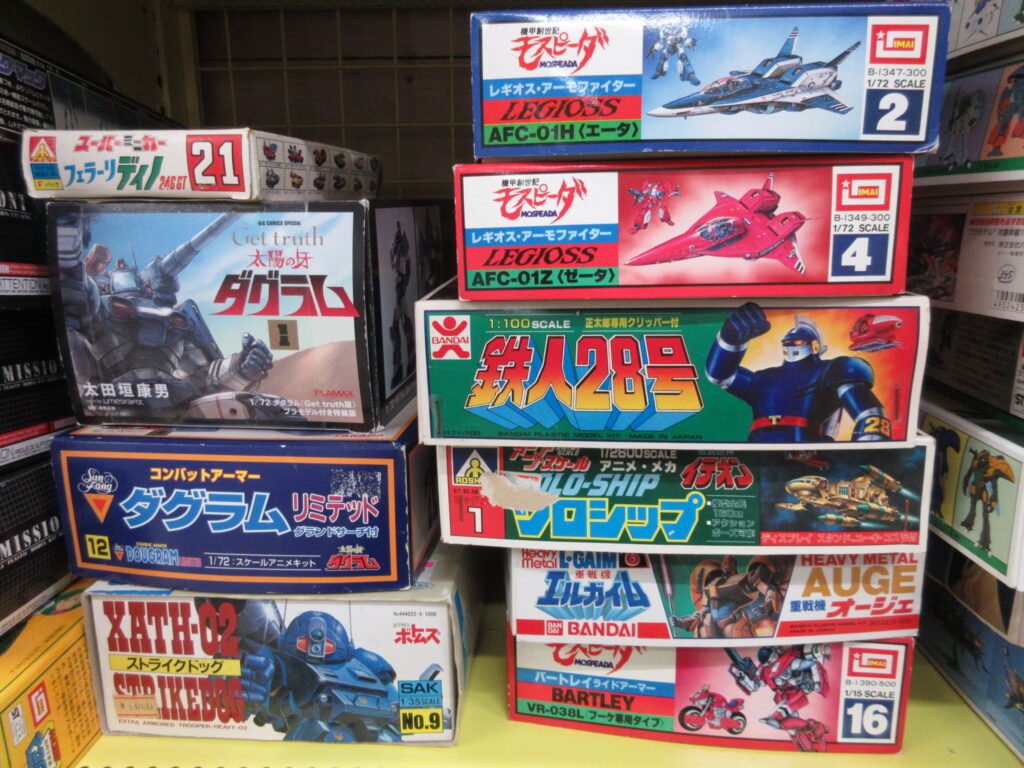
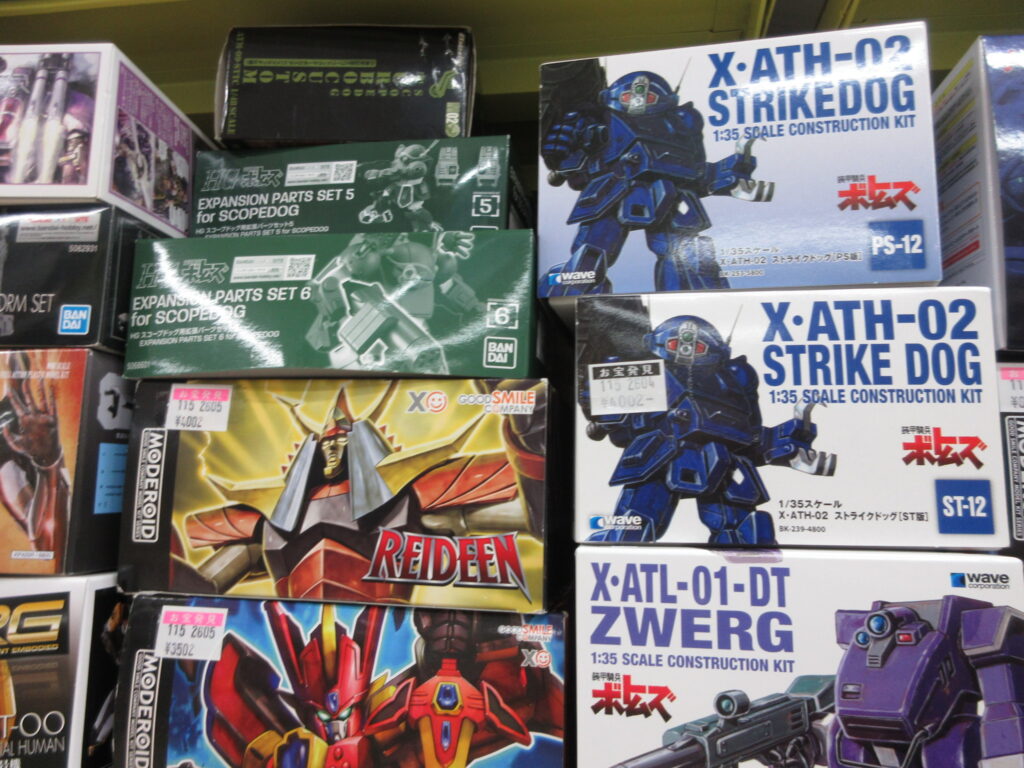
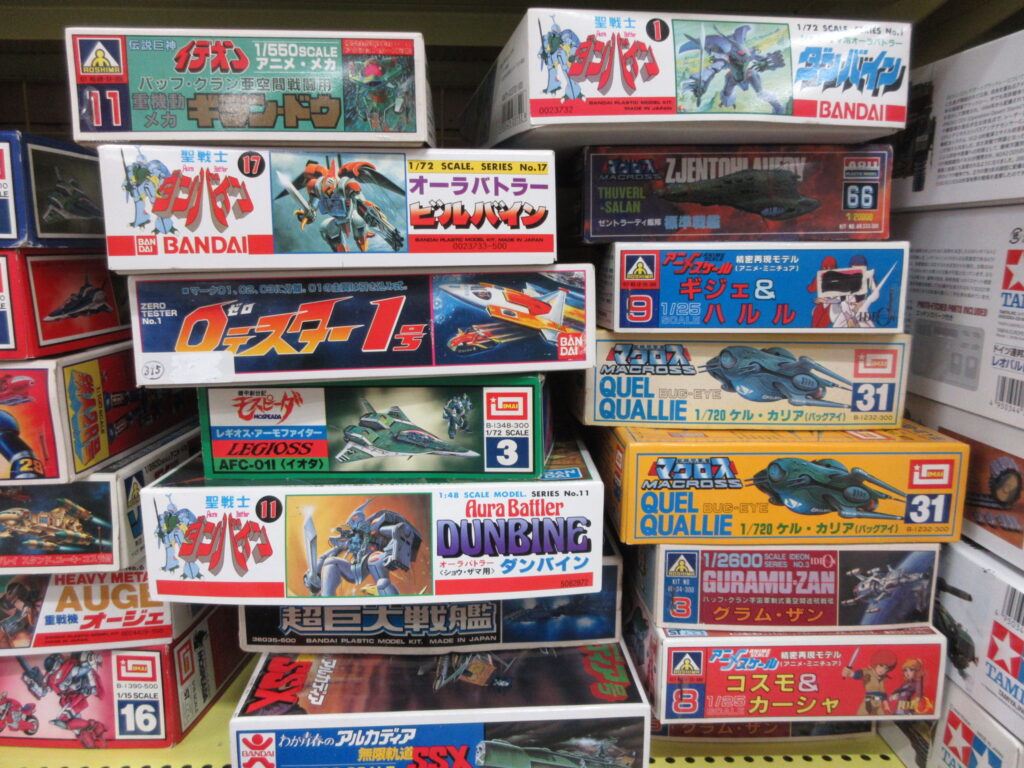
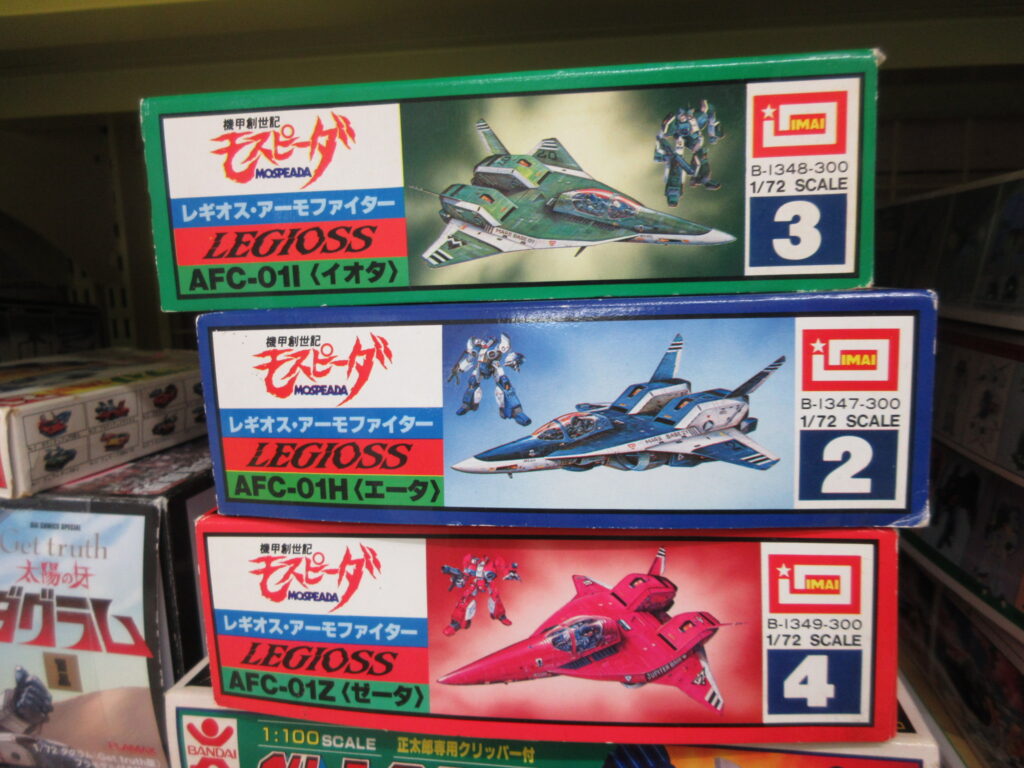
Plenty of Macross model kits, old and new.
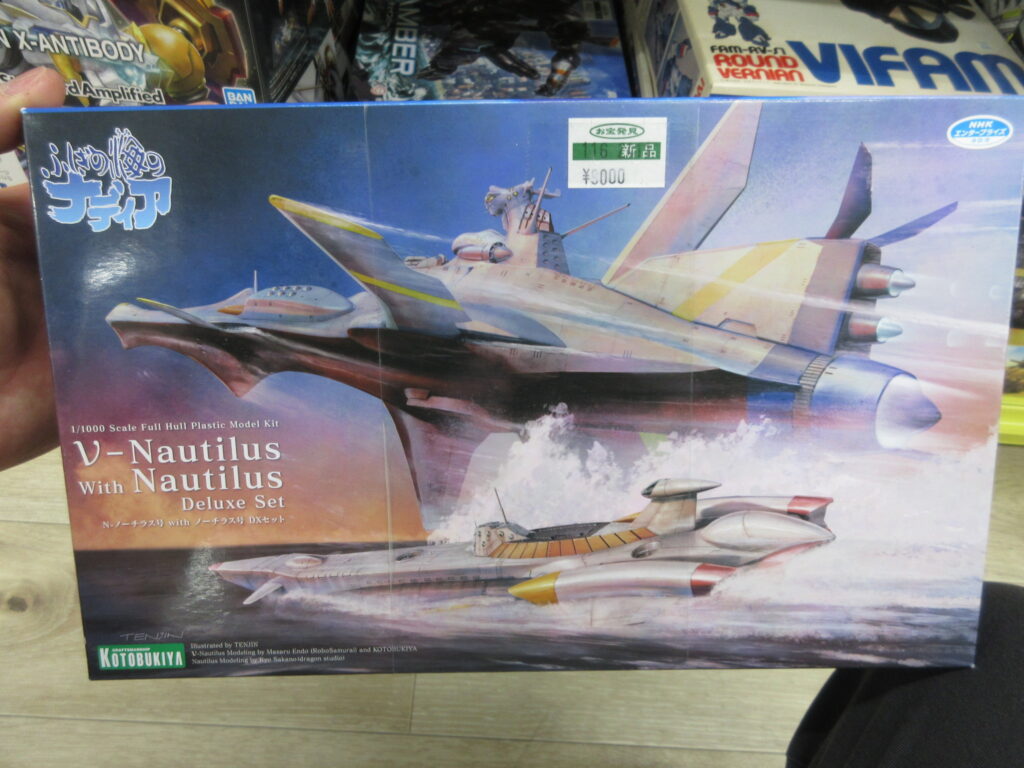
The Nautilus double set from Nadia. I have the regular submarine Nautilus, but not the nu-Nautilus starship.
The flag of Zeon was hanging overhead. Nice touch.
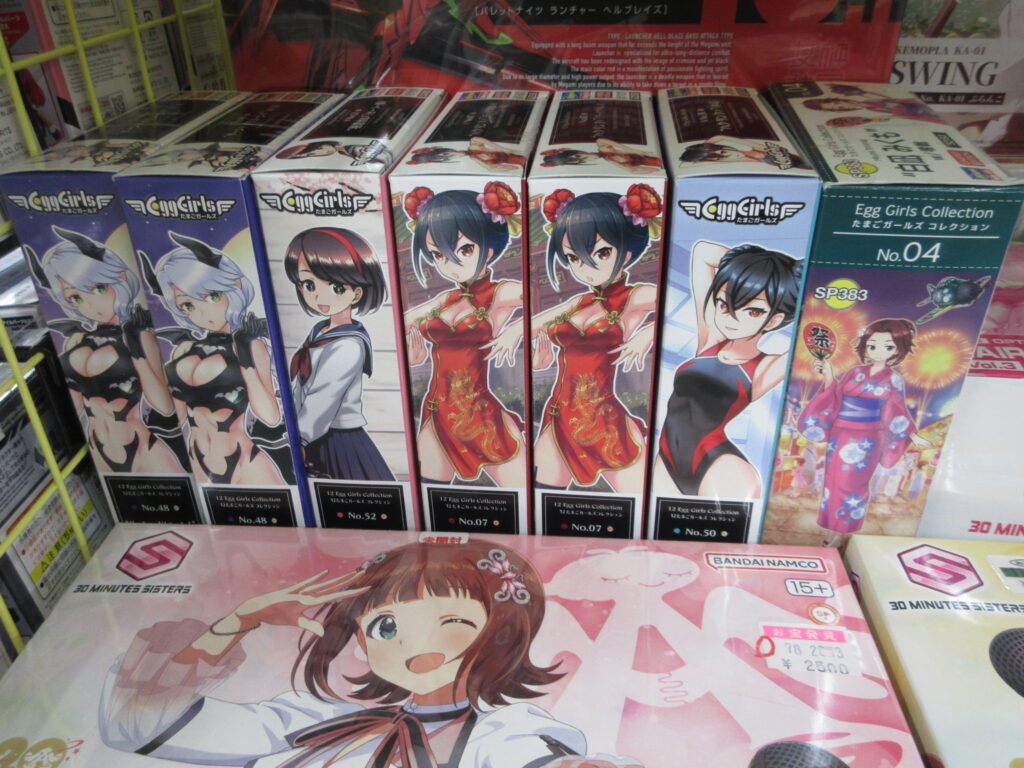
I didn’t notice these Eggplane Girl resin kits the last time I was here.
The high prices of Saturn games (and all retro games in general) is sad. I really need to sell a bunch of games now hat Ulan is getting braces. It’ll be a tough decision to make which ones I want to keep. I really can’t play any retro games anymore since my new TV has no S-Video inputs. I’d have to see if I have the regular composite inputs, but it looks like ass on a high-def TV. Rats.
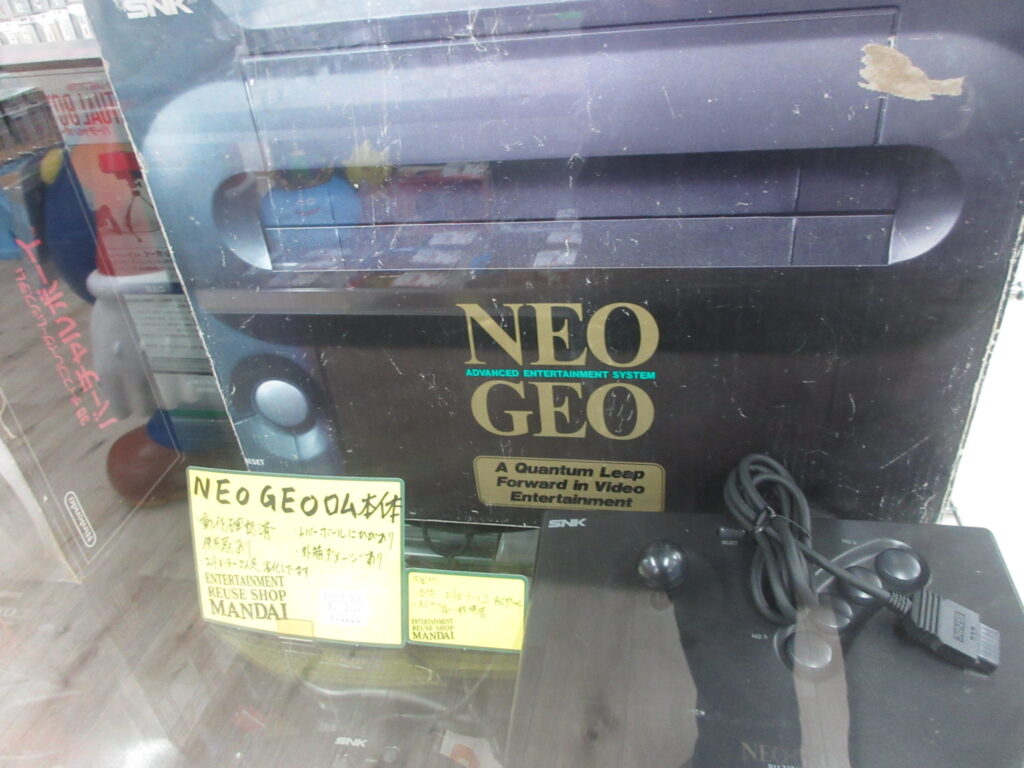
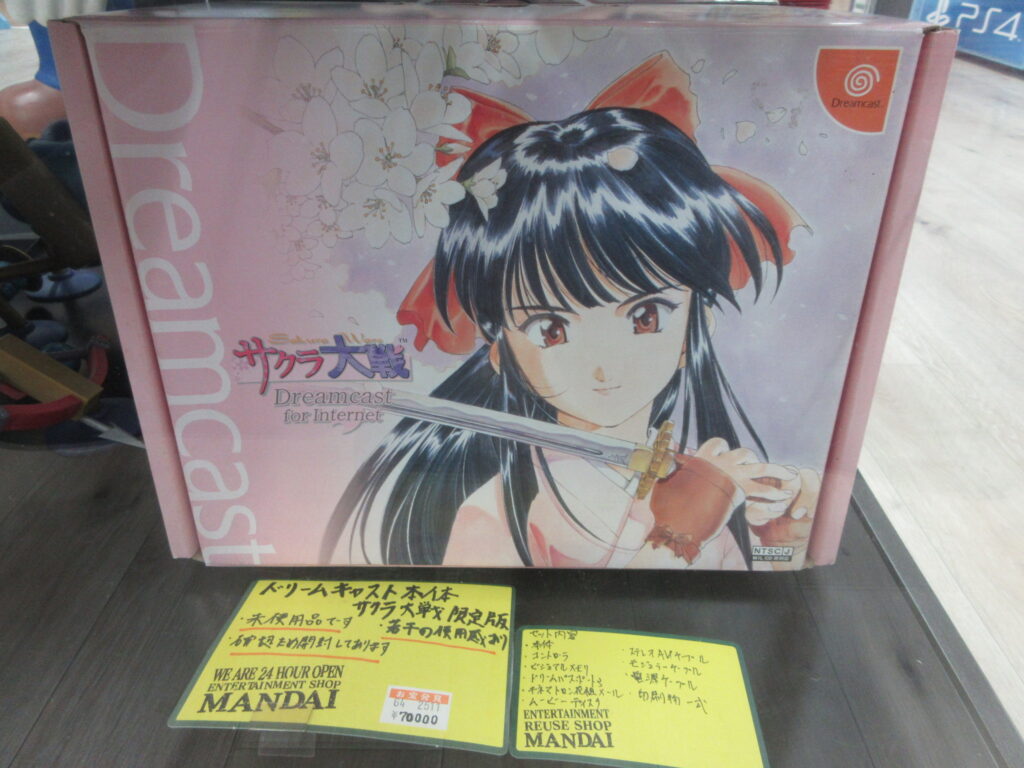
There’s a new Neo Geo console coming out that features HDMI output. Neat stuff, but I won’t be buying one. I also found a boxed Sakura Taisen Dreamcast. I bought mine when I first lived in Japan, in December 2000, IIRC. Unfortunately, the plastic has yellowed and the pretty pink color has been ruined. Rats.
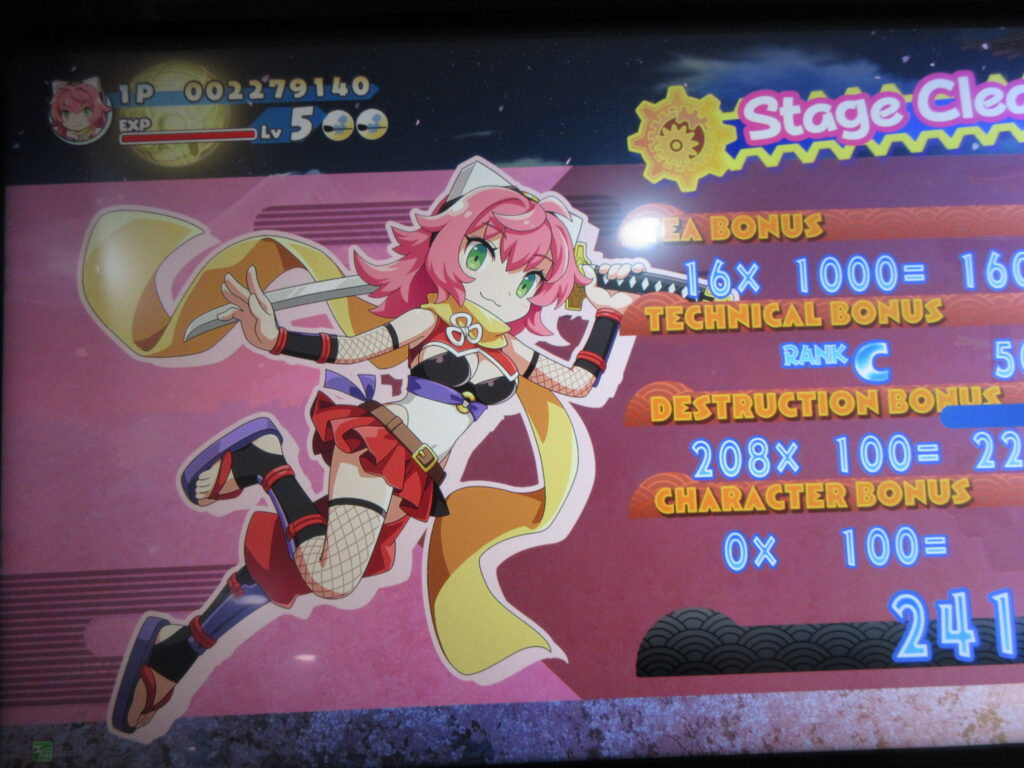
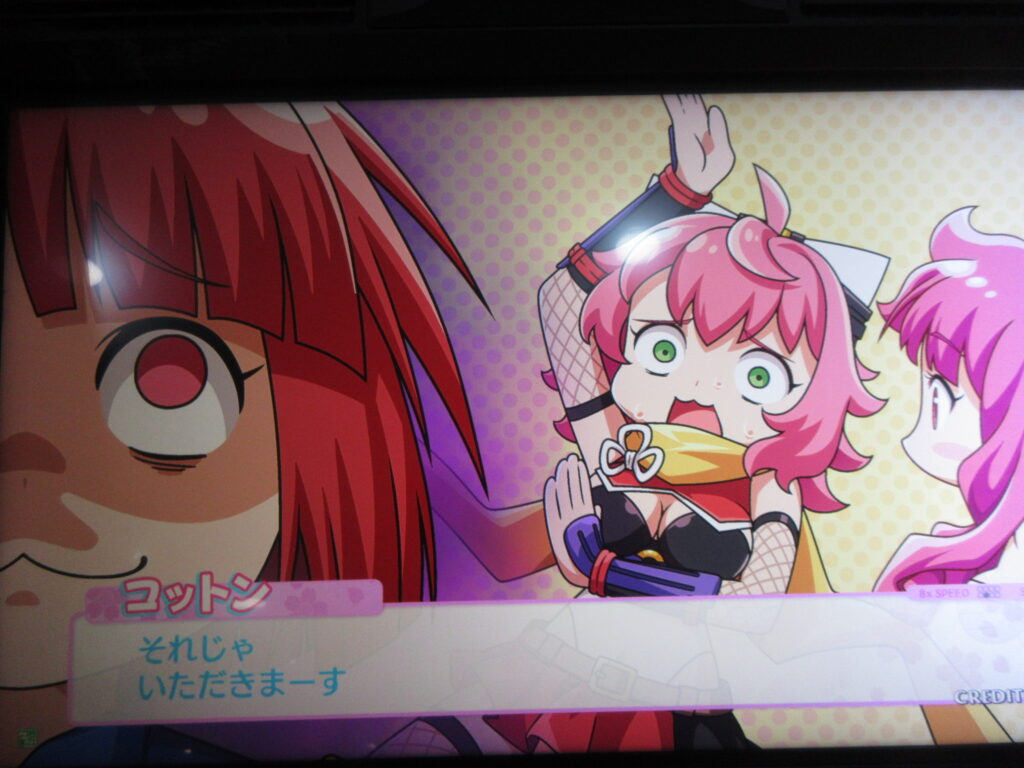
Oh yes, and when I was at the game center in the basement level, I got to play Cotton: Rock with You for the first time. You can play as Izuna, the unemployed ninja! I played those two games like crazy on the DS. Her shots are shuriken, and you can slash your sword for up-close damage and to swat enemy bullets away.
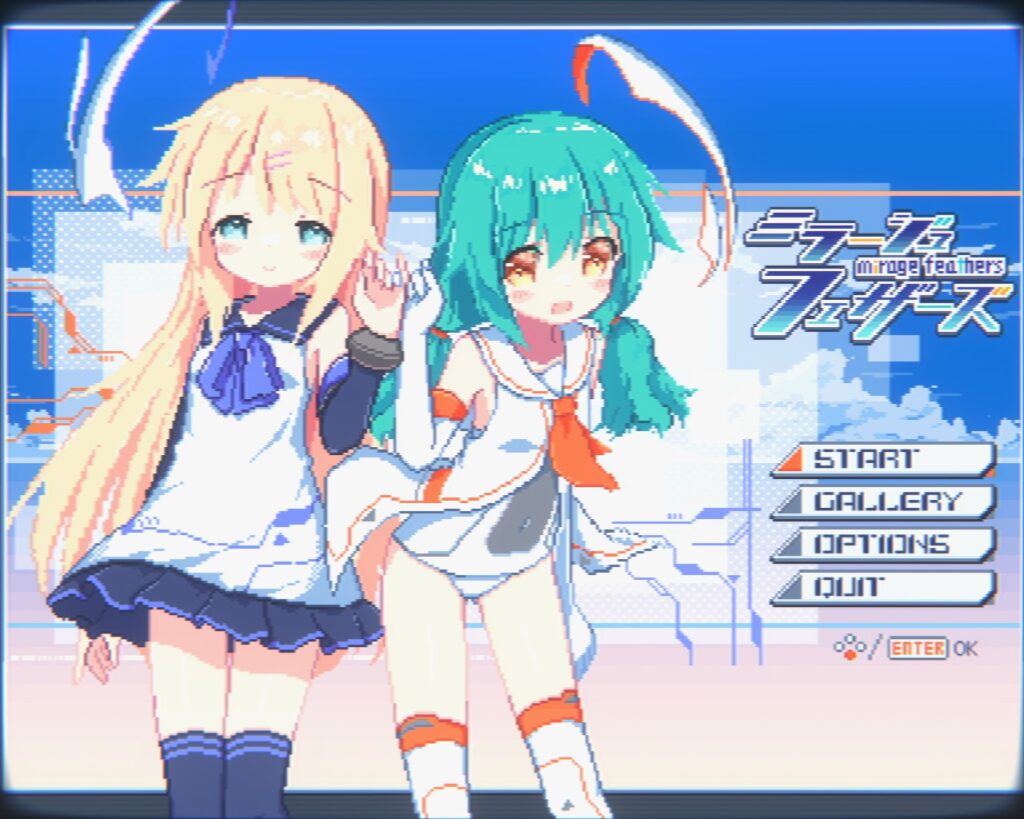
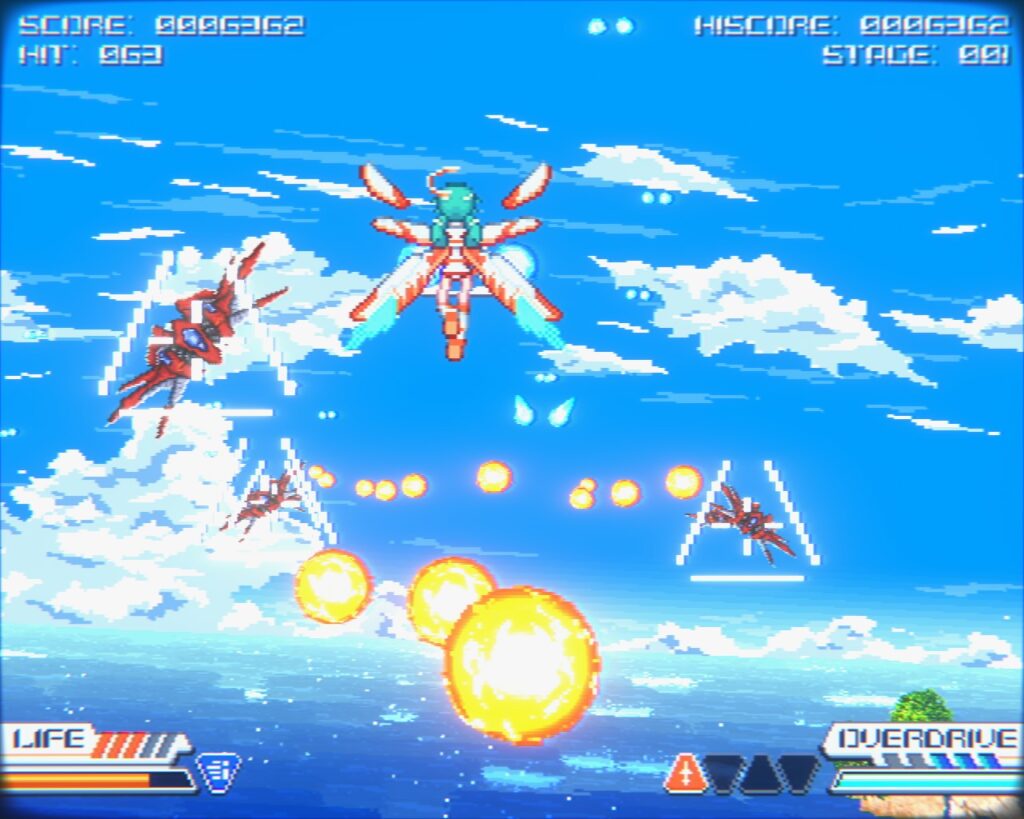
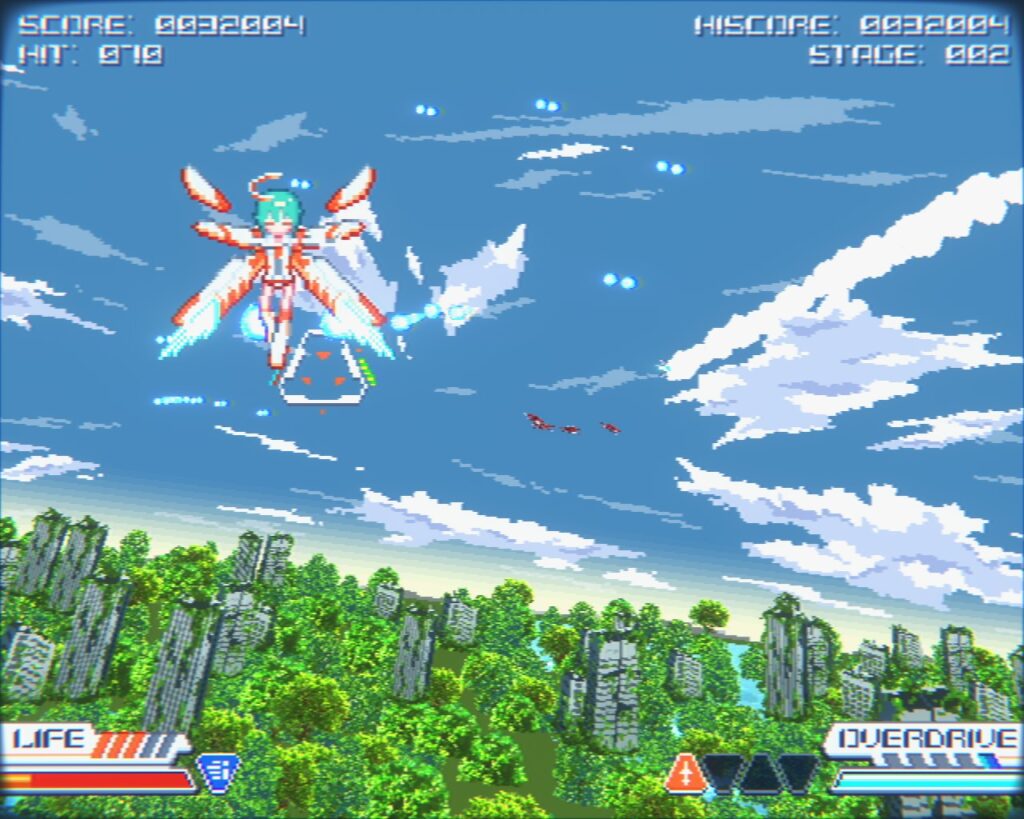
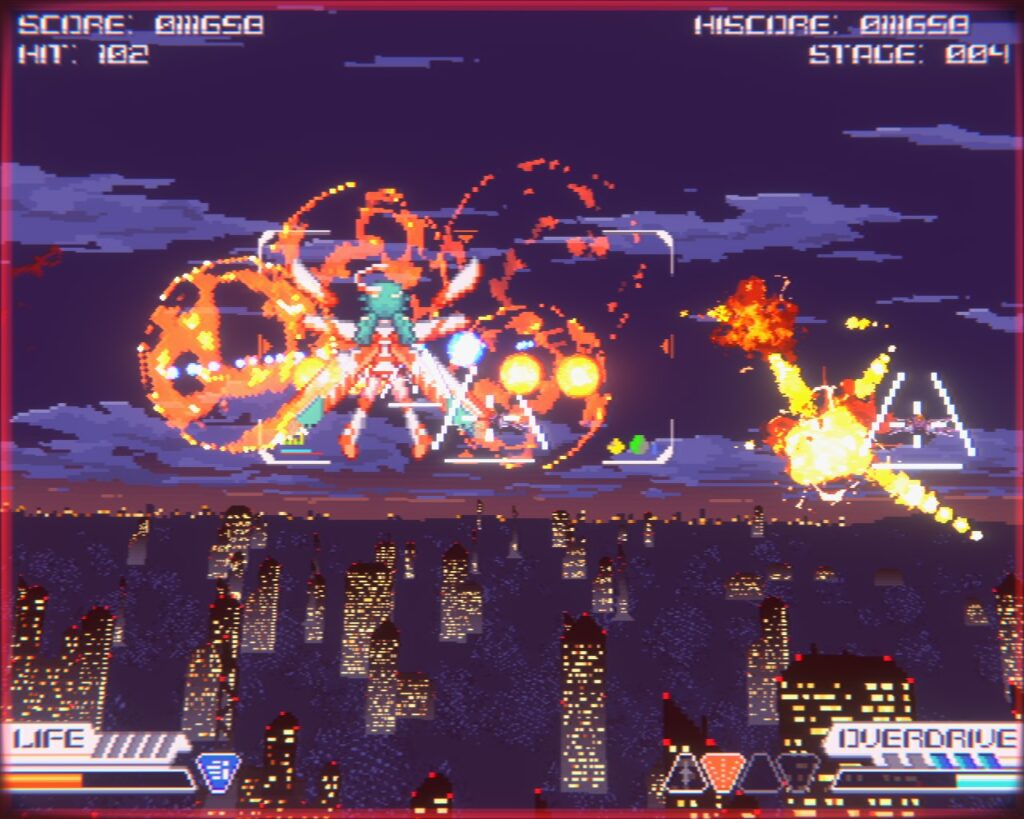
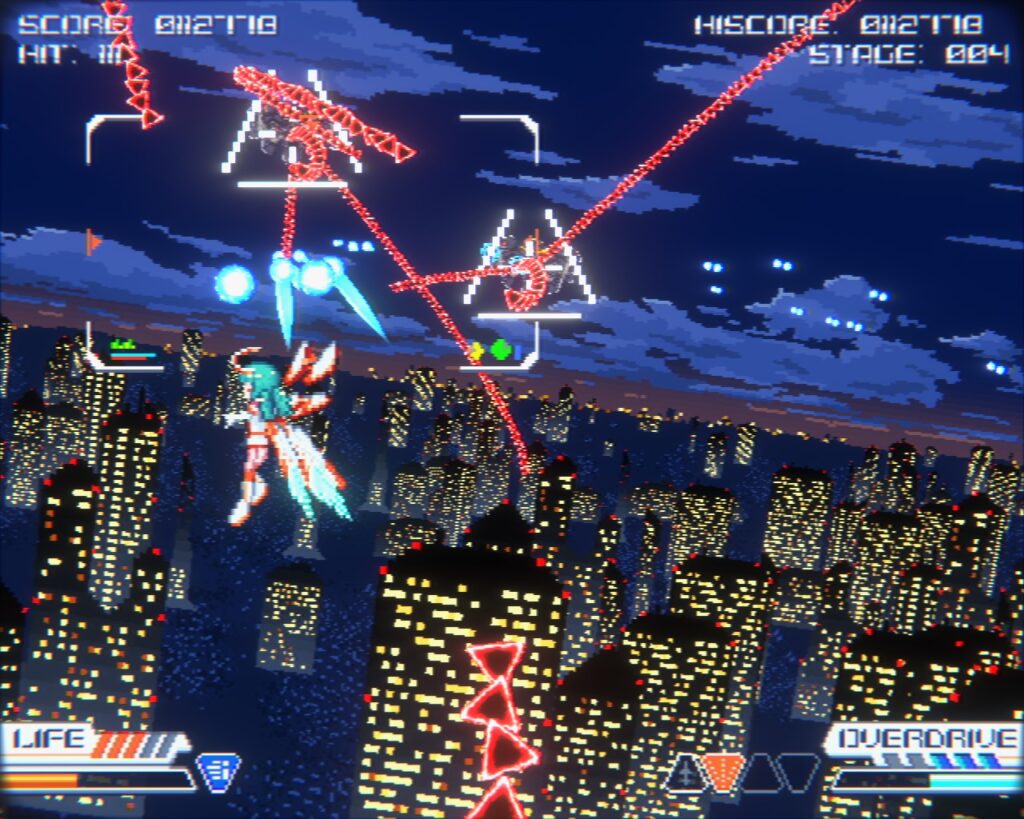
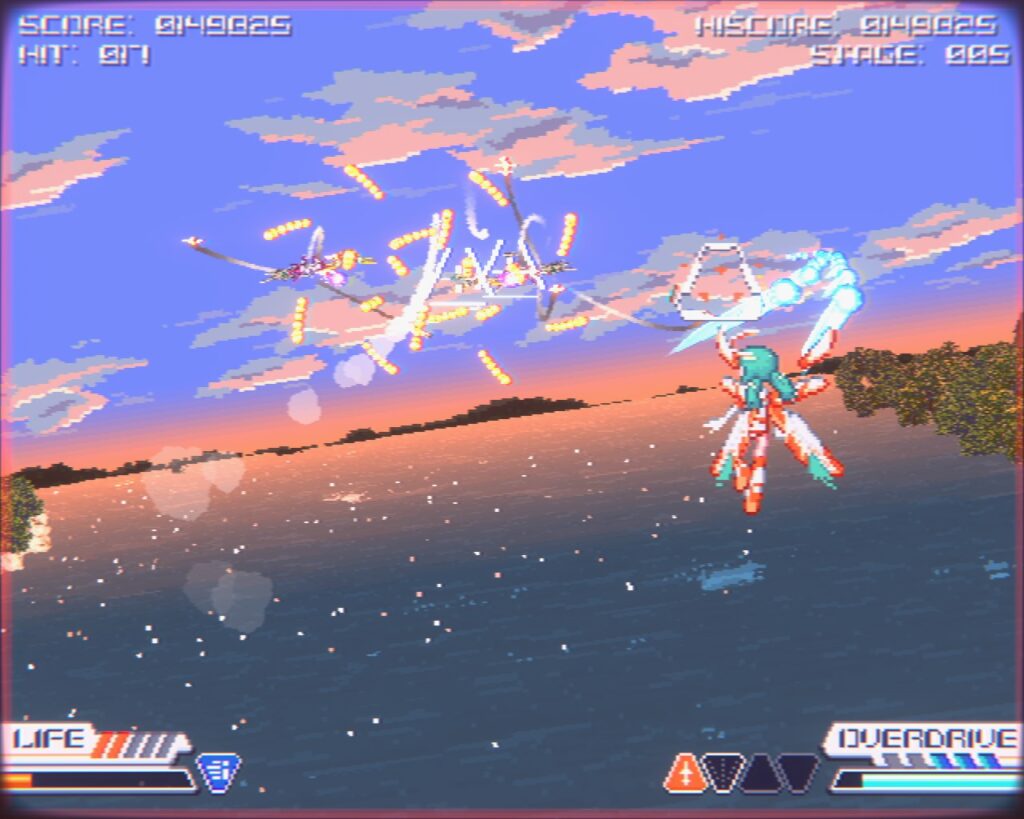
Mirage Feathers by Oyasumi Workshop is a pleasant surprise. This neo-retro game showed up in my recommendations and after just looking at the game’s video for a few seconds, I wanted to buy it. It only cost me 600 yen, so I couldn’t resist!
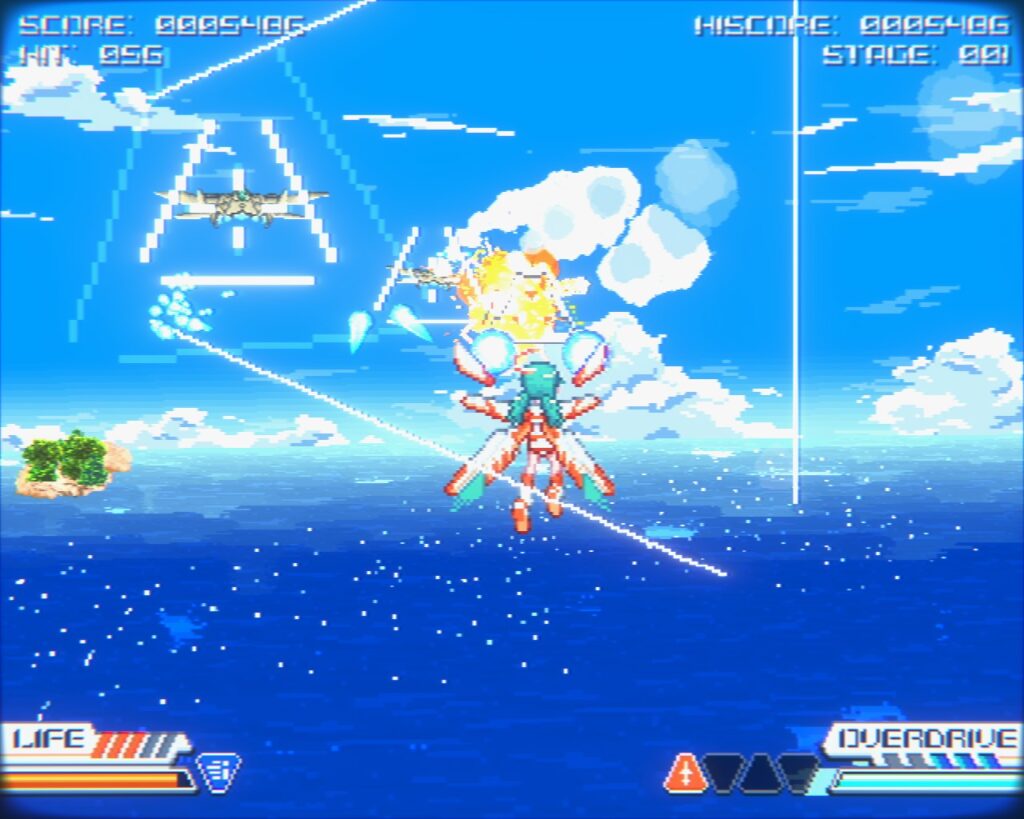
There is a war at hand, and the military has decided that they need highly-sentimental, dopey-eyed young girls to shoot rockets at stuff and blow it up. The gameplay is like Afterburner (not Afterburner II since there is no throttle control). You have a main shot plus lock-on missiles. Later you can gain new weapons, like a lock-on plasma cannon you can switch to from the missiles instead. Other weapons come along later, but I haven’t gotten that far. It gets its Touhou comparisons from bullet-hell blossoms (in 3D) and cute girls. I really like how this game supports a 4:3 aspect ratio too.
Just like Afterburner, this game will unleash hell’s fury on you and you’ll take a beating without knowing what hit you. That’s just the way this kind of game is (at least for me), so maybe younger gamers wouldn’t expect this. It’ll really kick your ass.
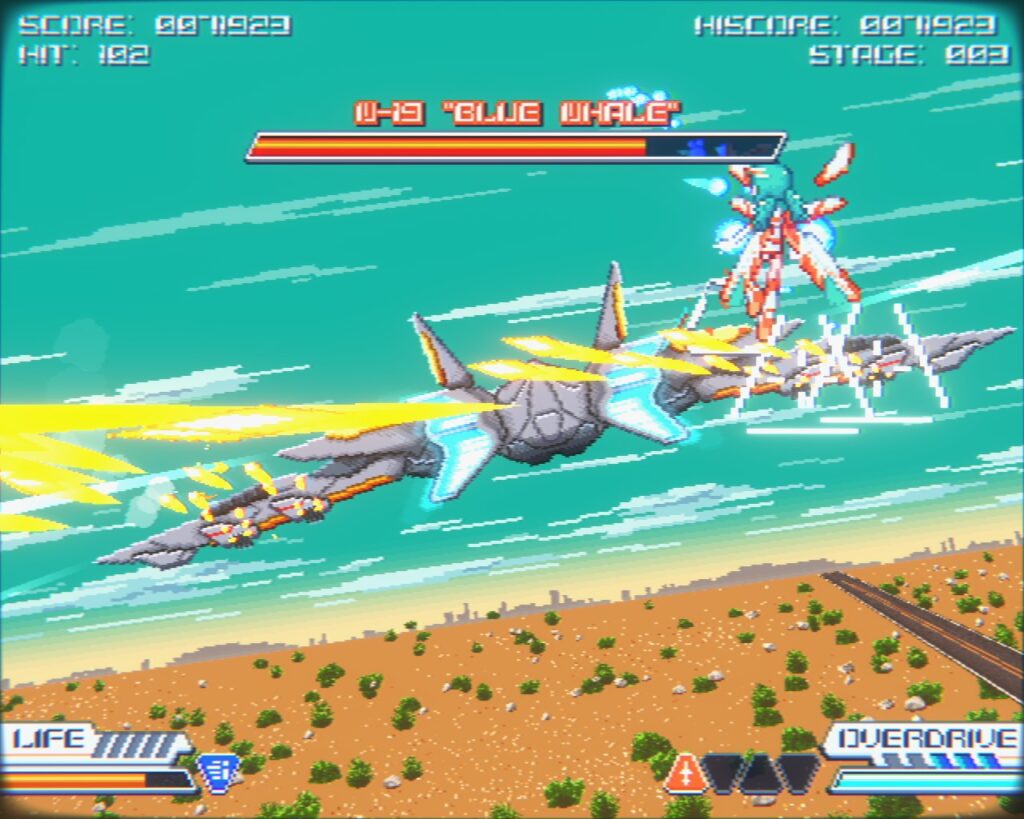
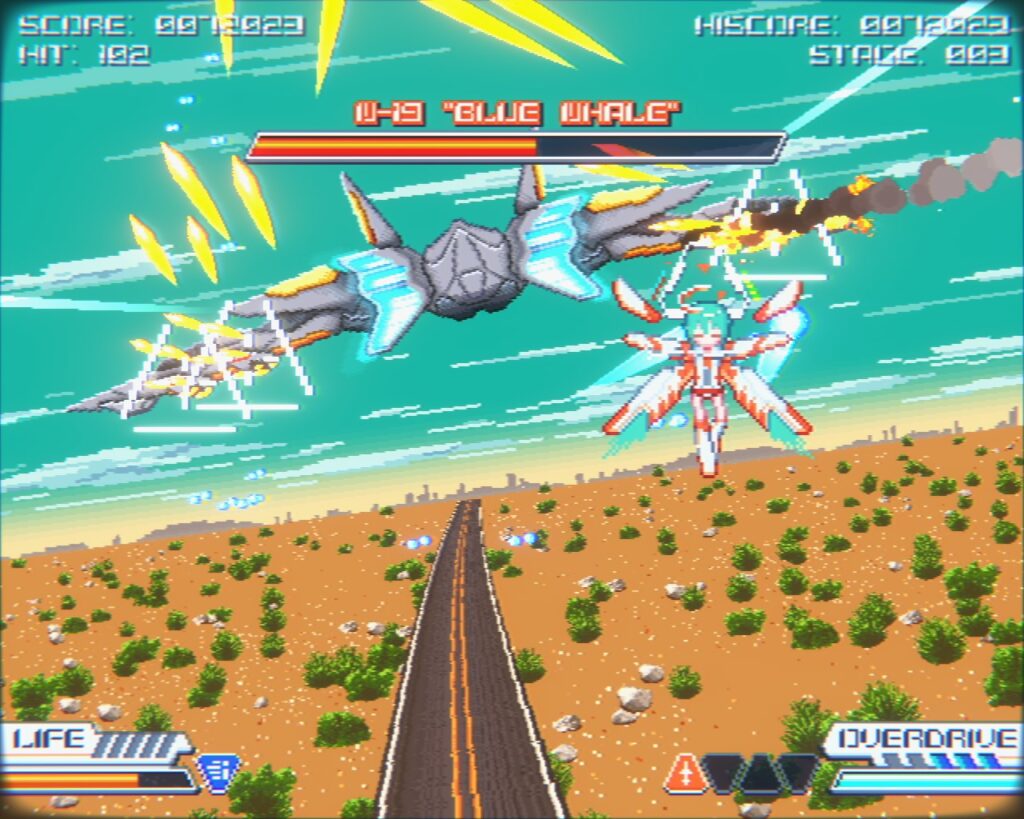
Unlike Afterburner, this game has end bosses like Space Harrier does. The first level’s boss is this huge jet called Blue Whale. The guns on this will go crazy on you.
Level 2 features night flying. The story is kinda weird. These young girls are flying soldiers of a sort and the protagonist’s best friend from the academy turned out to be some sort of MK Ultra victim who attacks her, and the protagonist is forced to defend herself. The gameplay starts with her AI assistant helping her track down her friend, and she’s getting revenge on those who turned her friend against her. The story is rather drawn-out and you’ll get an achievement just for sitting through it. I personally don’t care for the dopey moe-style character designs, but the gameplay makes up for it. Definitely recommended!
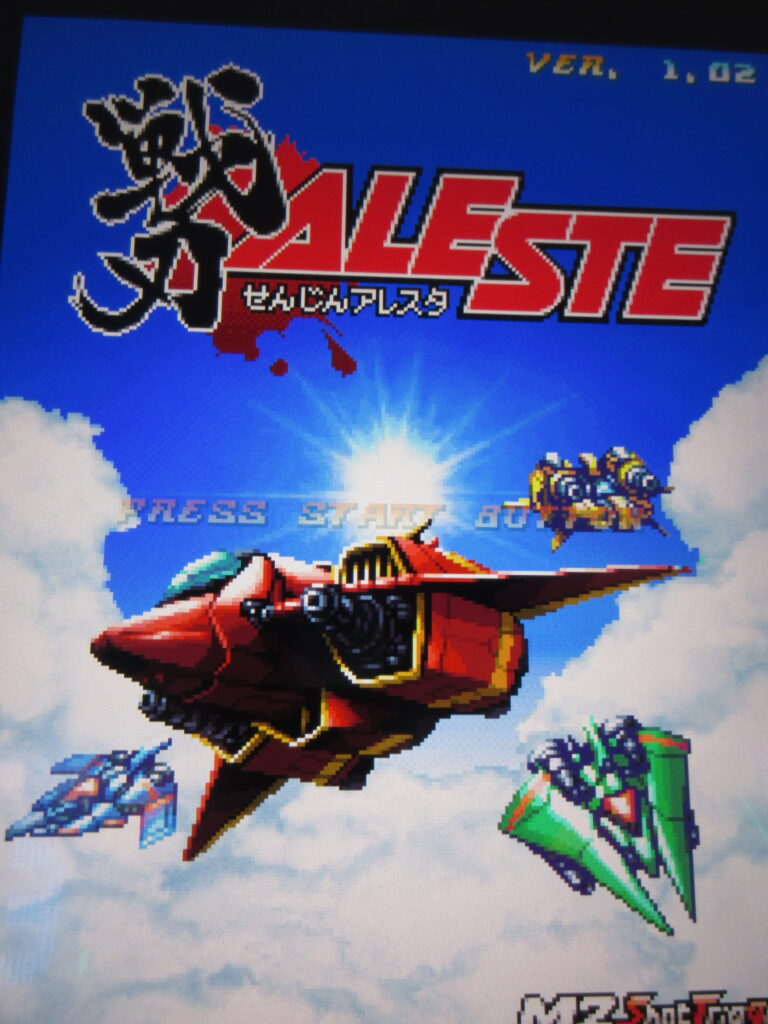
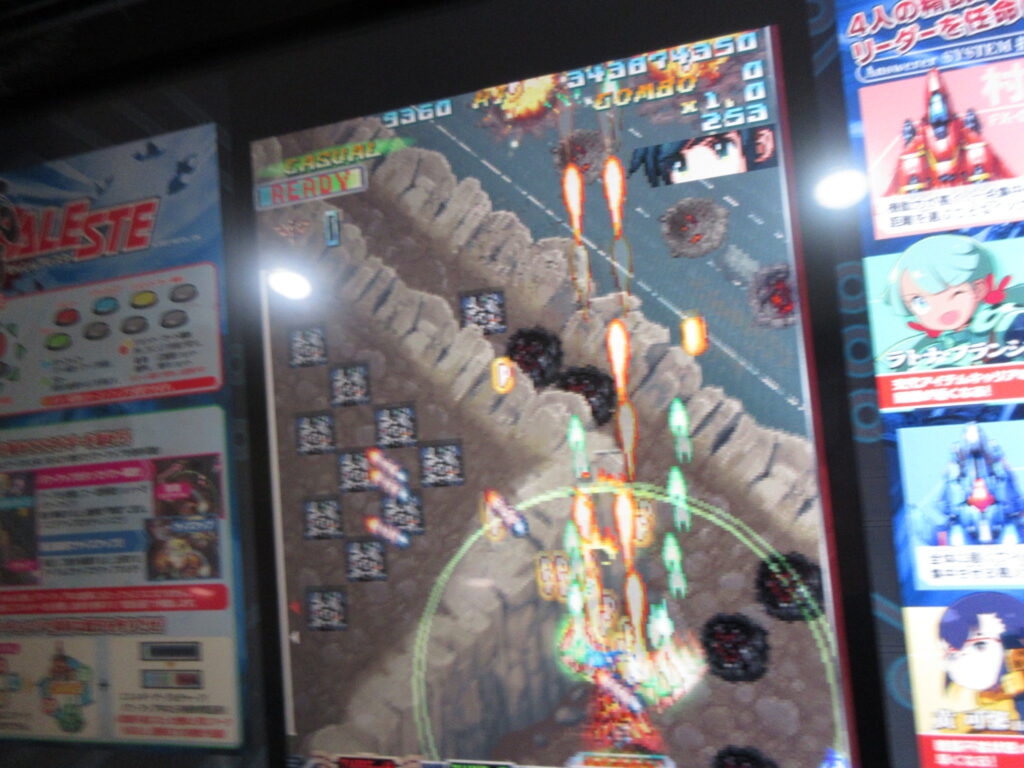
I was at the Gunma Leisure Land game center north of Takasaki Station on a Saturday morning with plenty of kill since I wasn’t with the female family units and I played Senjin Aleste. I played this game last summer at a game center in Iida, Nagano Prefecture. I really love this game and I want M2 to release this on Steam, Switch, and Playstation. It’s been a few years already. What are they waiting for?
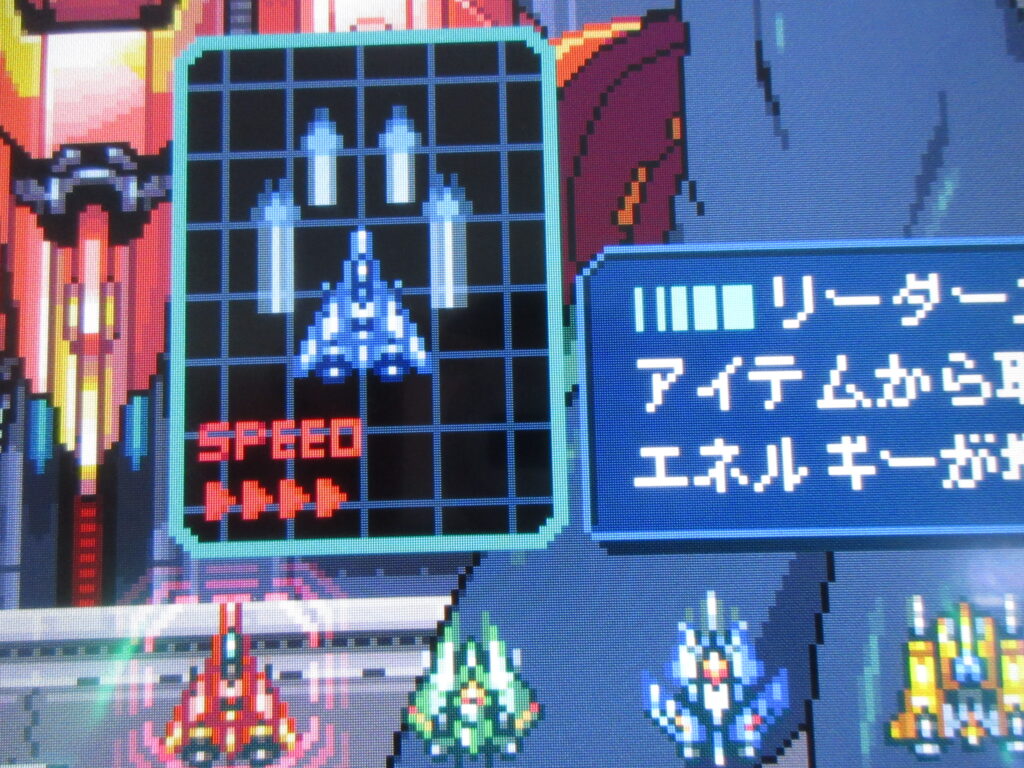
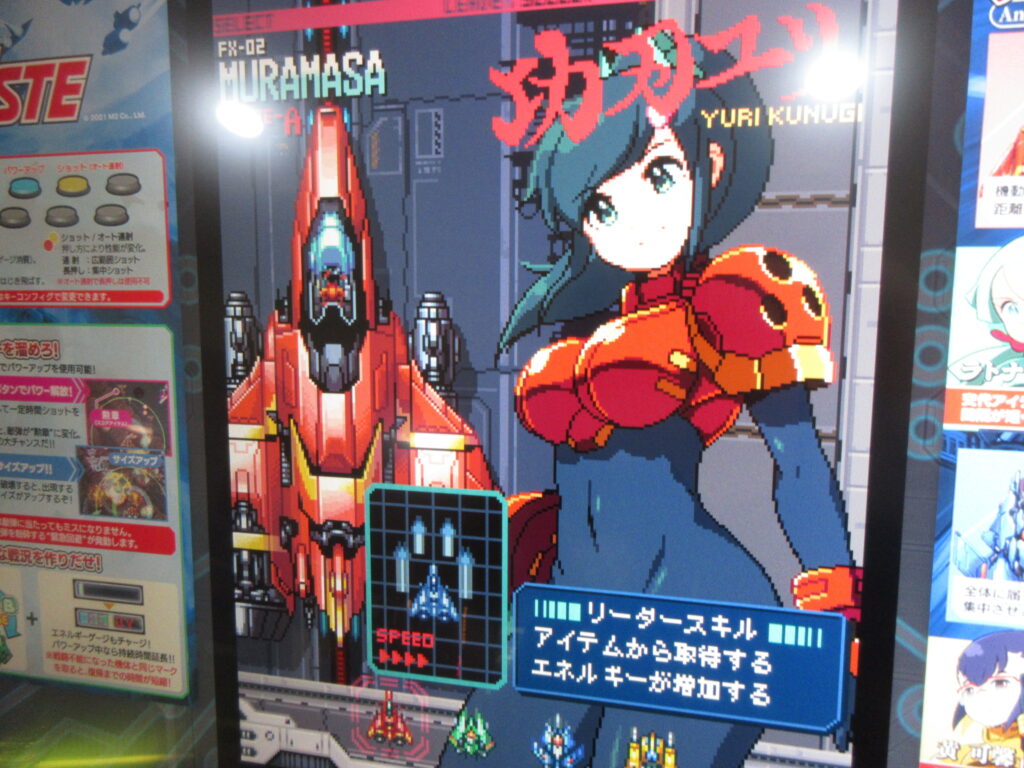
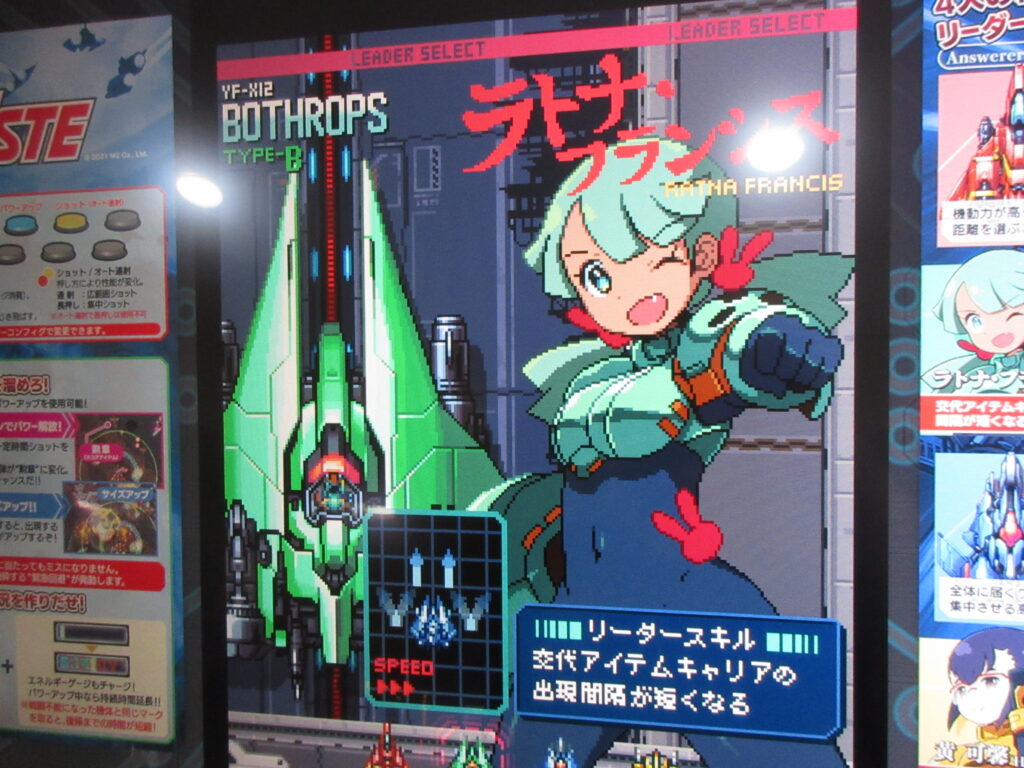
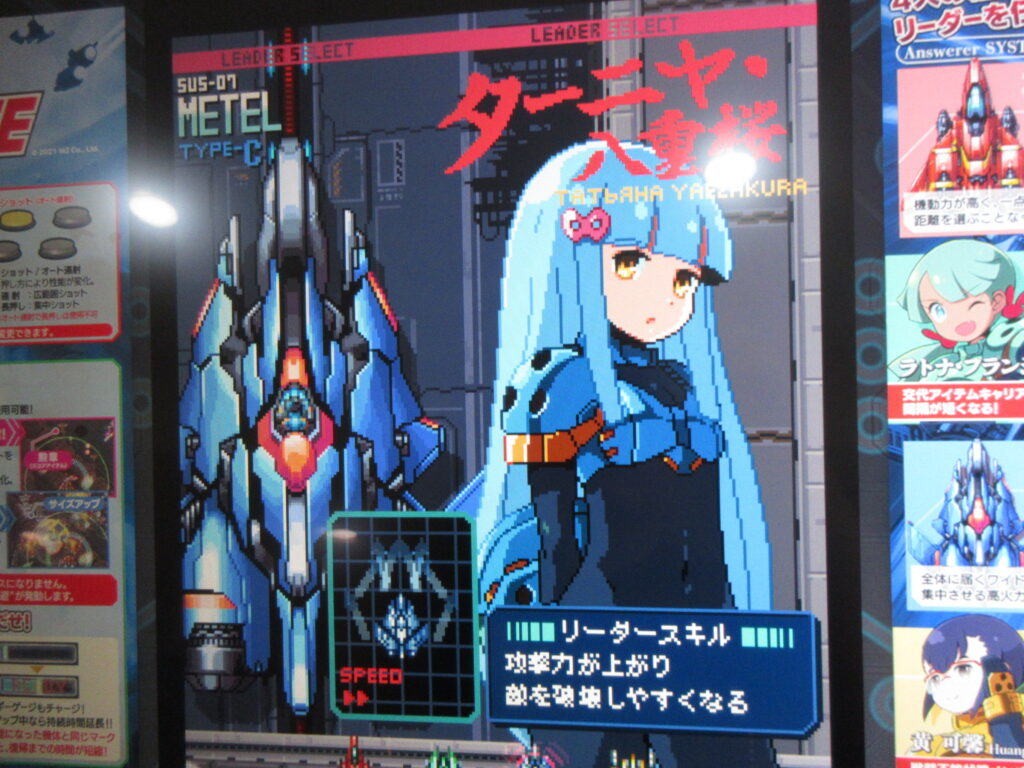
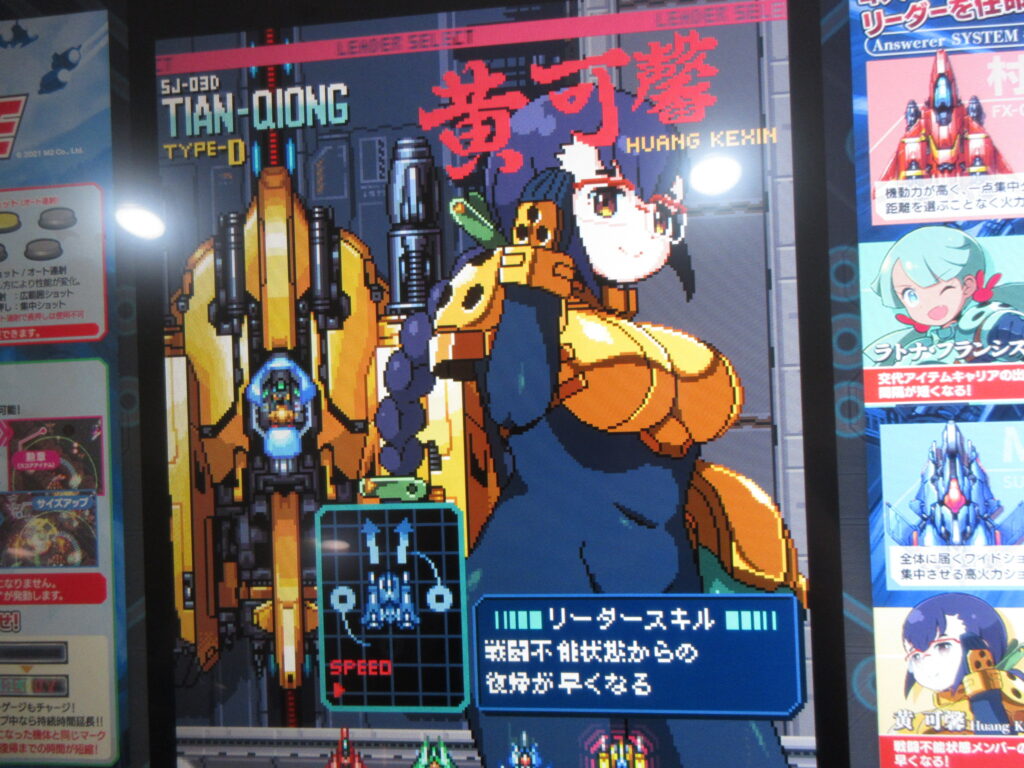
I totally love M2. They really know how to make neo-retro games. This game is 100% pixel graphics! It plays a lot like Blazing Lazers and Space Megaforce. You select a character, one of four girls. But really you end up playing them all as a team so you are just selecting the one to start with.
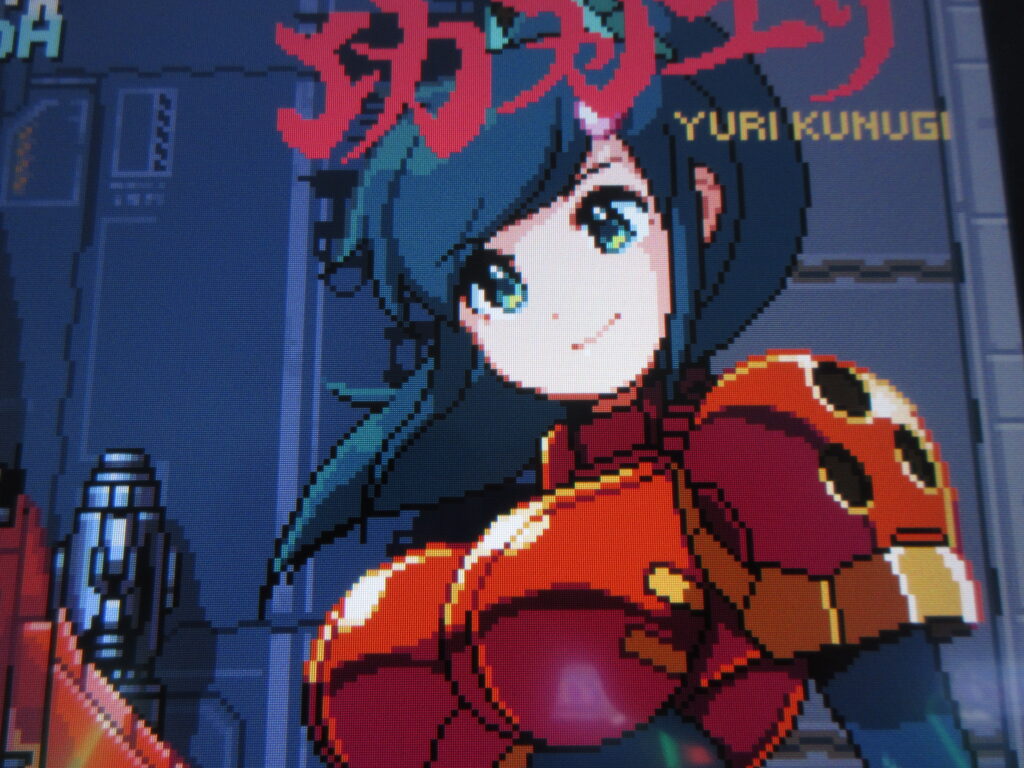
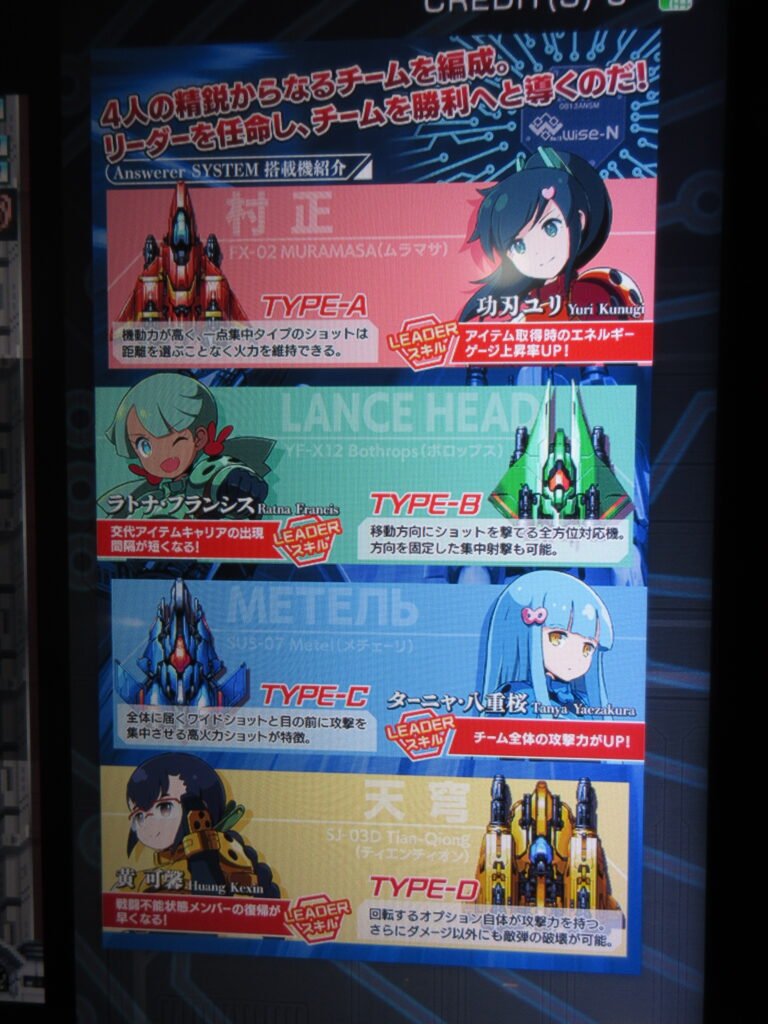
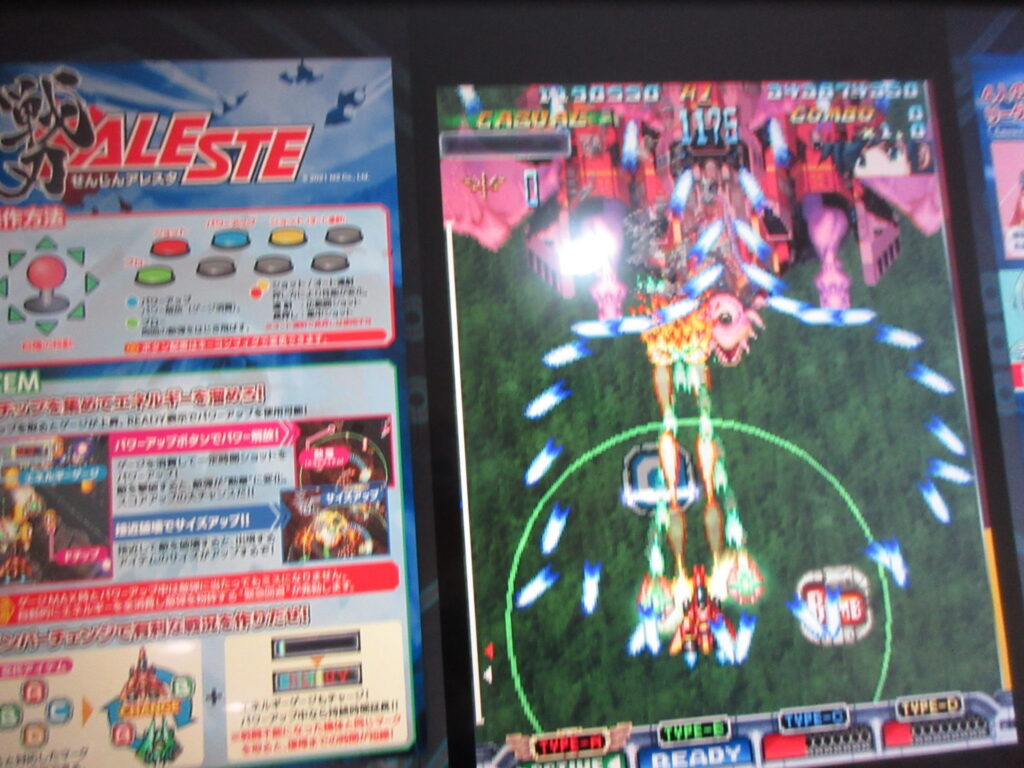
Each girl pilots her own ship, each with different weapons styles. There’s a Japanese girl Yuri Kunugi (Type-A), an ambiguous girl Ratna Francis (Type-B), a Slavic/Japanese girl Tanya Yaezakura (Type-C), and a Chinese girl Huang Kexin (Type-D). The Type-A is like a Dodonpachi-style fighter with orbiters that circle around the nose. Type-B has orbiters that fire in the direction you want them to. Type-C is more of a spread-shot. Type-D, the pudgy Chinese girl with glasses and big tits, has orbiters which fire ring lasers in 360 degrees. She really wrecks bosses, so I liked to try to save her for the end of the level.
A ring builds around your ship over time. Pressing a button will push back enemy bullets within that ring momentarily, hopefully enough for you to move out of the way. Destroying enemies give you P powerups, which gradually make your weapons stronger.
You have three buttons: your shot (which you can either rapid fire by mashing it or a focused attack by holding it down), the ring defense to escape incoming bullets, and a bomb that is actually weak. Picking up a Bomb powerup provides a much stronger bomb, so don’t hesitate to nab those when the screen is filled with badguys.
When you pick up a bomb icon, the bomb auto-activates. The four ships are A, B, C, D. Collecting any of these letter powerups will change you to that girl. When a girl gets shot down, she will slowly regenerate her ship. If all four are hit before any of them can repair, it’s game over. So the 4 girls are like a tag team.
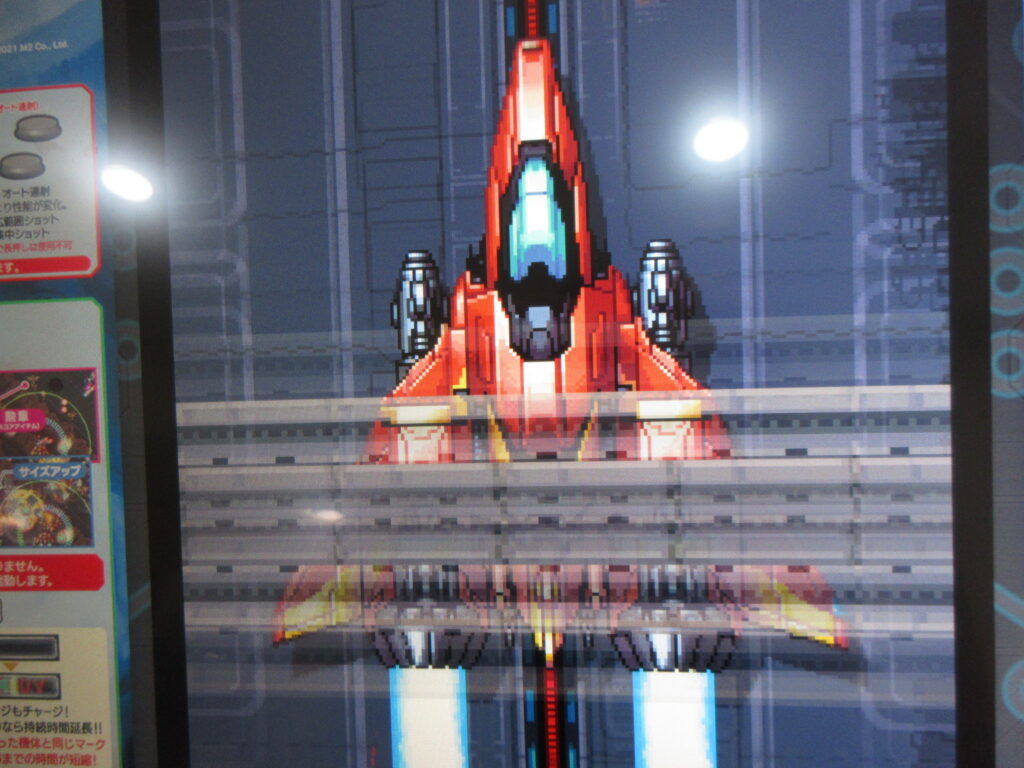
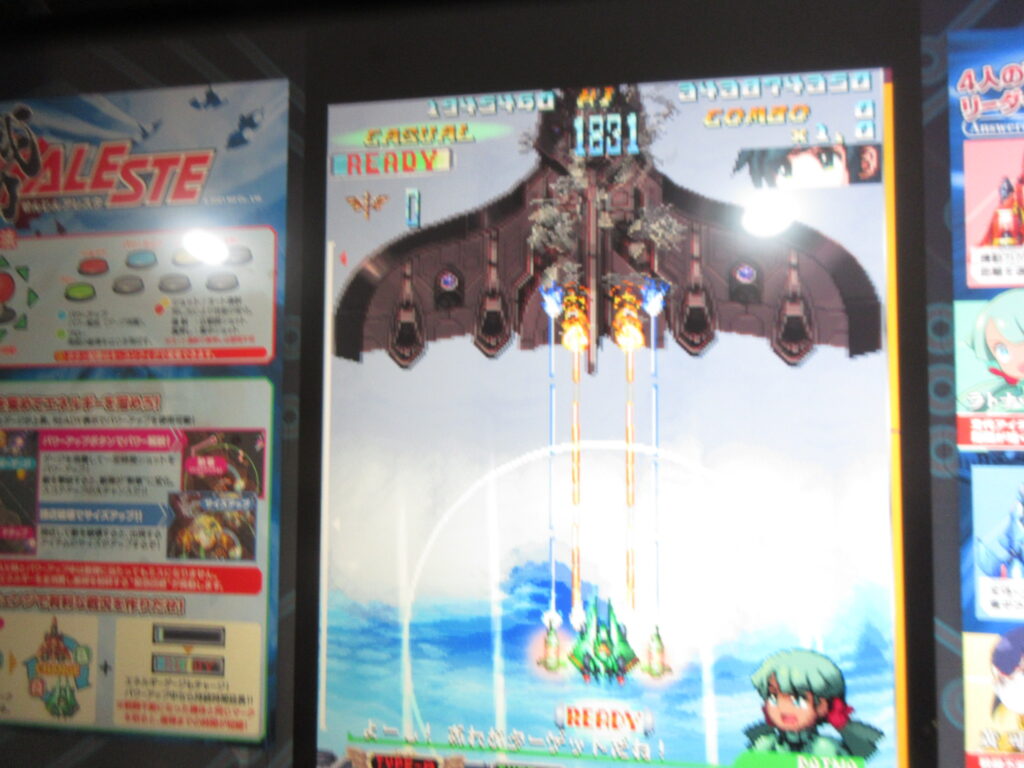
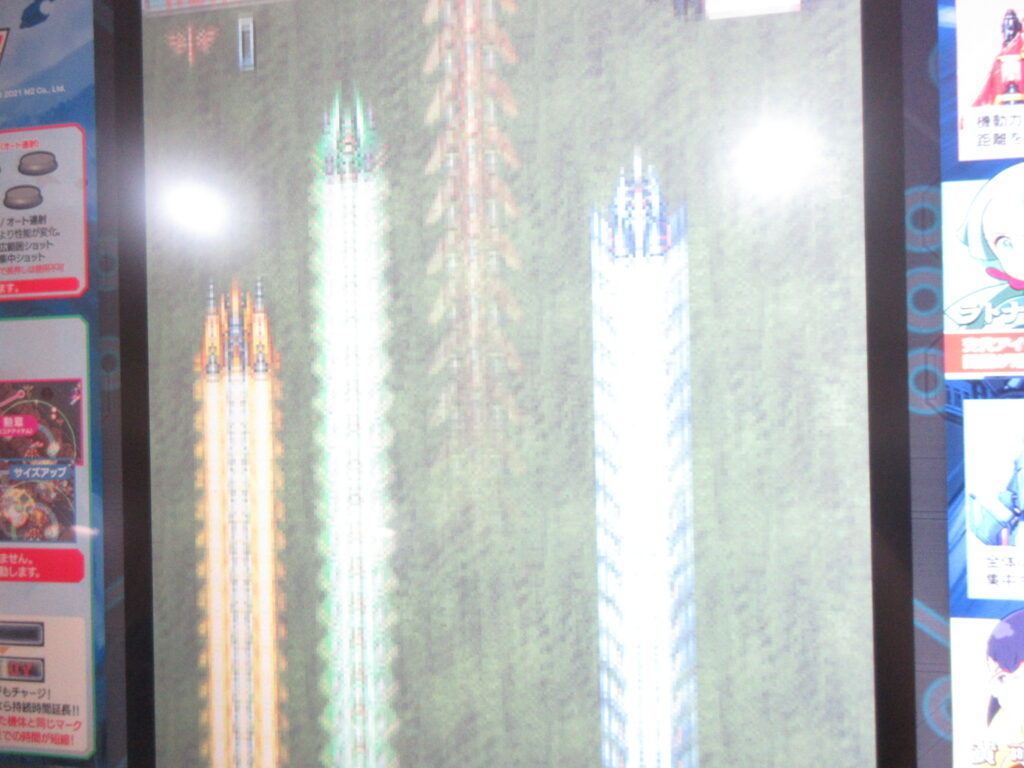
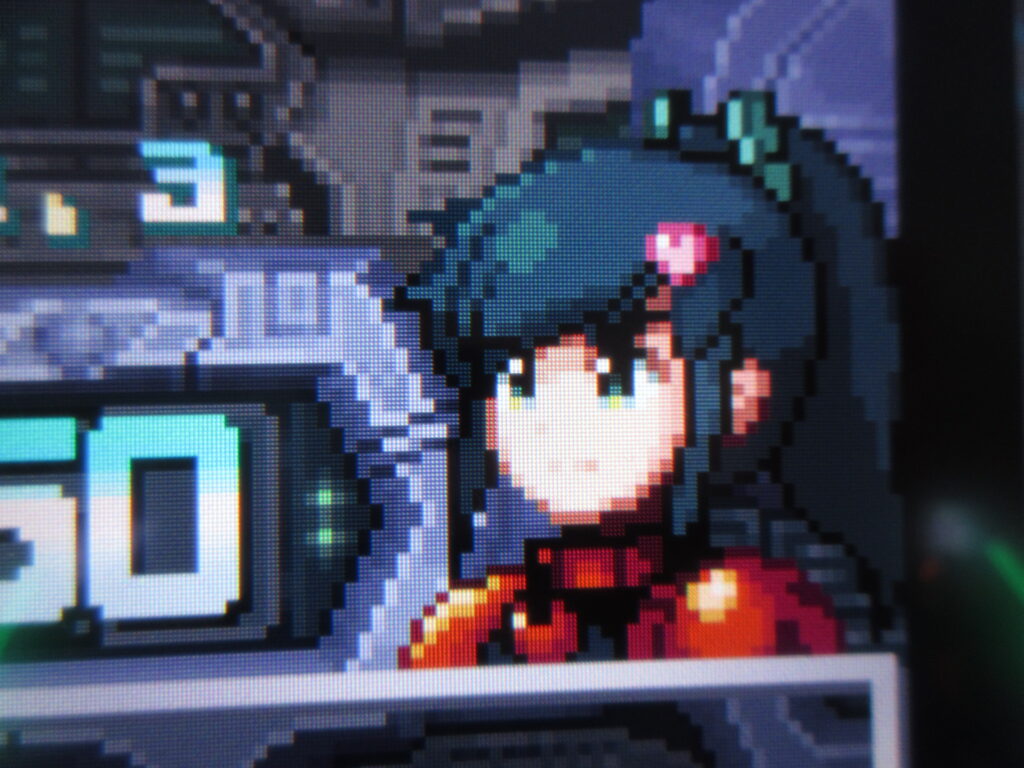
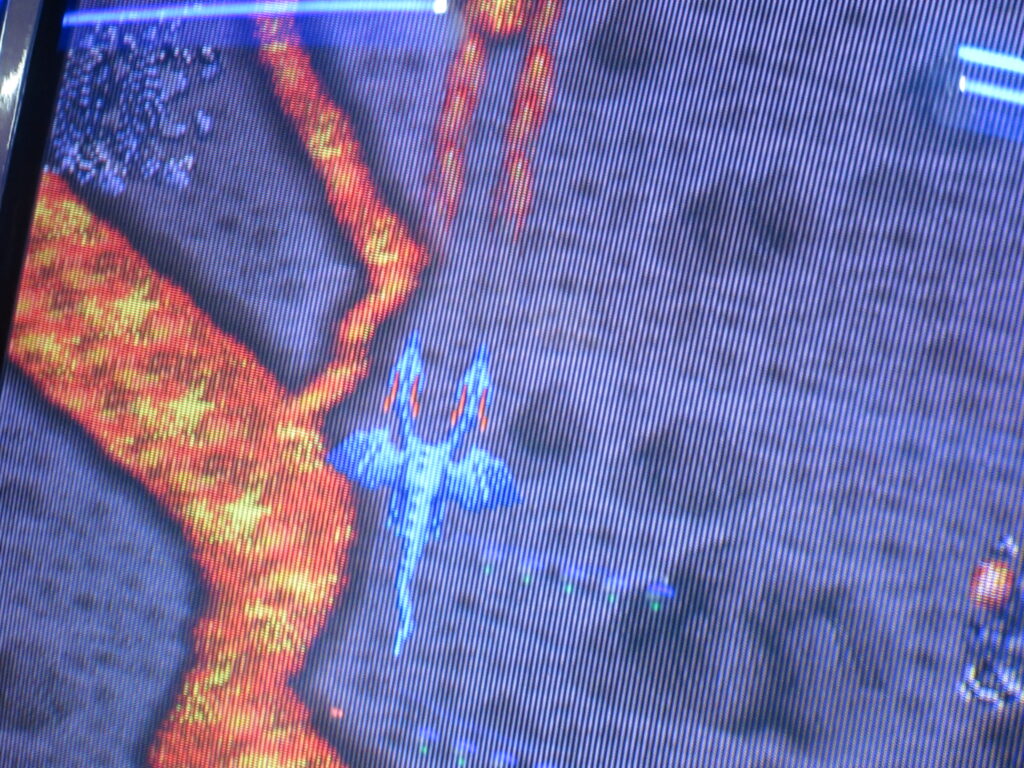
Look how the fighters streak off at the end of a level! That’s exactly like Super Aleste/Space Megaforce on the SFC/SNES! It was a bit hard to play one-handed while holding my camera to take some quick pictures, so the focus isn’t the best. Sorry. If you don’t like it, you can lick me where I pee.
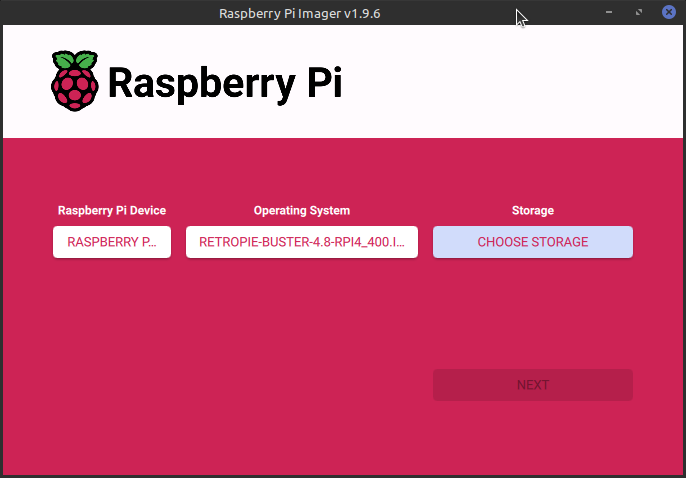
My friend Ryan built me a Raspberry Pi 5 with 16gb of RAM last year. He sent it to my dad’s home and I acquired it there when I visited in August. I had been using my Pi 4 (4gb of RAM) as a portable desktop. Once I installed Raspberry OS on my Pi 5, it blew me away how quickly it loads! It is very nice to use.
Since I no longer need to use my Pi 4 as a portable desktop, I decided to turn it into a dedicated RetroPie unit. I haven’t had a dedicated RetroPie since I sent my Pi 3 to my friend Gary.
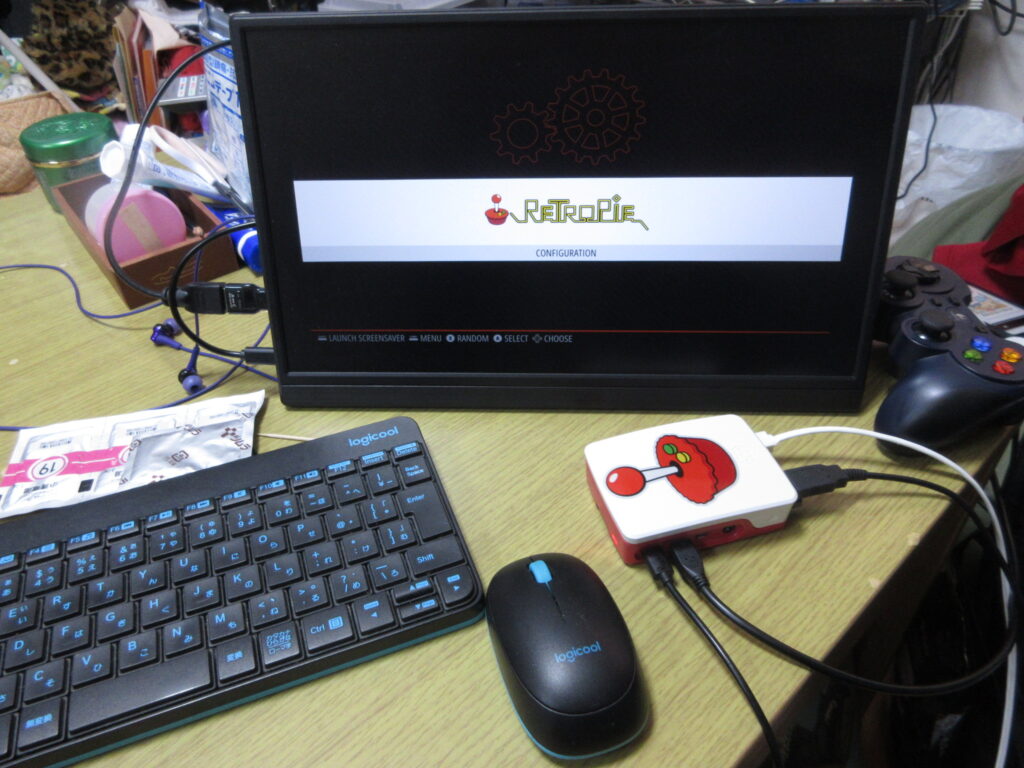
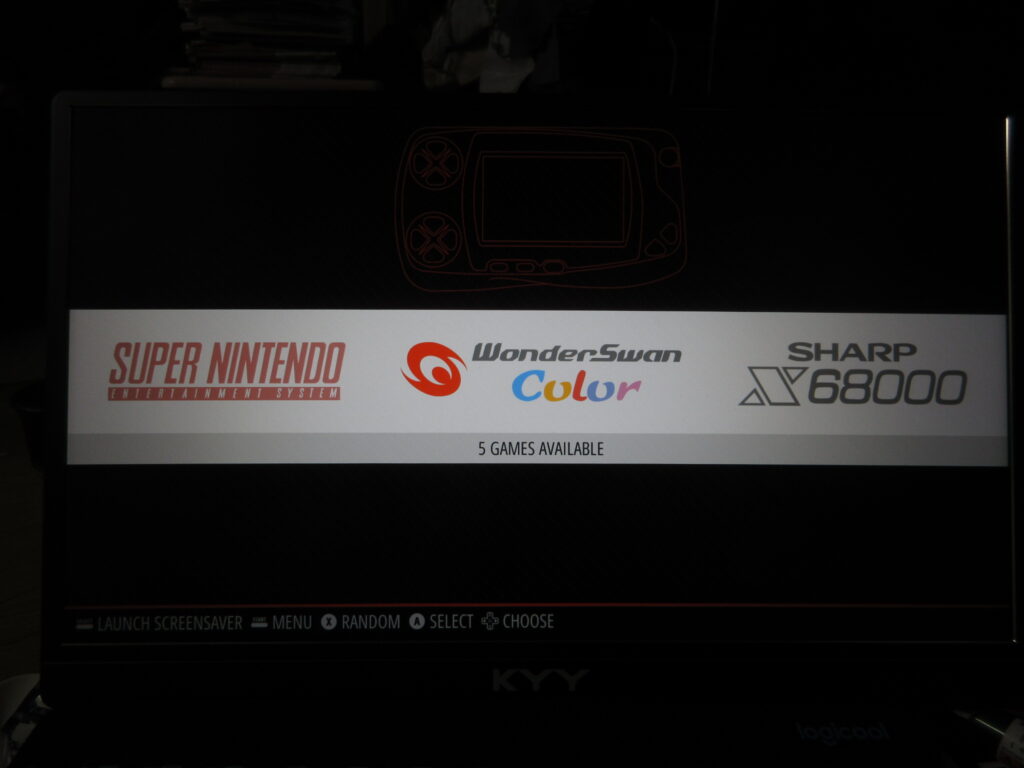
So here it is after it booted up, before any roms were added. I had to install emulators, BIOS files, the config files, and the downloaded images of the games’ covers and such. The Saturn emulator for RetroPie on a Raspberry Pi isn’t worth using. The ARM architecture cannot handle it, while the x86 architecture of my desktop can run a RetroPie Saturn emulator just fine.
At first I figured that a 32mb SD card would be enough space to install everything I wanted, but considering that I have several CD-based games for the Turbo Duo and Mega CD, I was not able to copy over all the games I wanted to. I went to Yamada Denki and bought a 128gb SD card and started over.
It’s not enough to just install the emulators and copy the roms over to their respective folders. The Retroarch controller config files as well as the game lists and game photos from the game data scrapers should also be copied to the RasPi’s new SD card. Here’s a list of what I made sure I copied over to the SD card:
home/RetroPie/BIOS -> Where any necessary BIOS files go, of course.
home/RetroPie/roms -> The actual games, duh.
opt/retropie/configs/all/emulationstation/downloaded_images -> When you scrape the games’ covers and such, this is where those images are stored for each console.
opt/retropie/configs/all/emulationstation/gamelists -> The info you’ve scraped with the games’ descriptions. Those downloaded images don’t mean a thing without these files!
opt/retropie/configs/all/retroarch/autoconfig ->This is where your controller configuration files are stored. Of course, you could just configure your controllers from scratch, but since I had to manually edit the config file for my Mayflash Sega Saturn converter, conserving this file is a must! On a Saturn pad, the LB and RB buttons become the Z and C buttons respectively, and since there is no Select button, I had to change how the menu is loaded in-game so as not to exit the game every time I pressed the Start button!
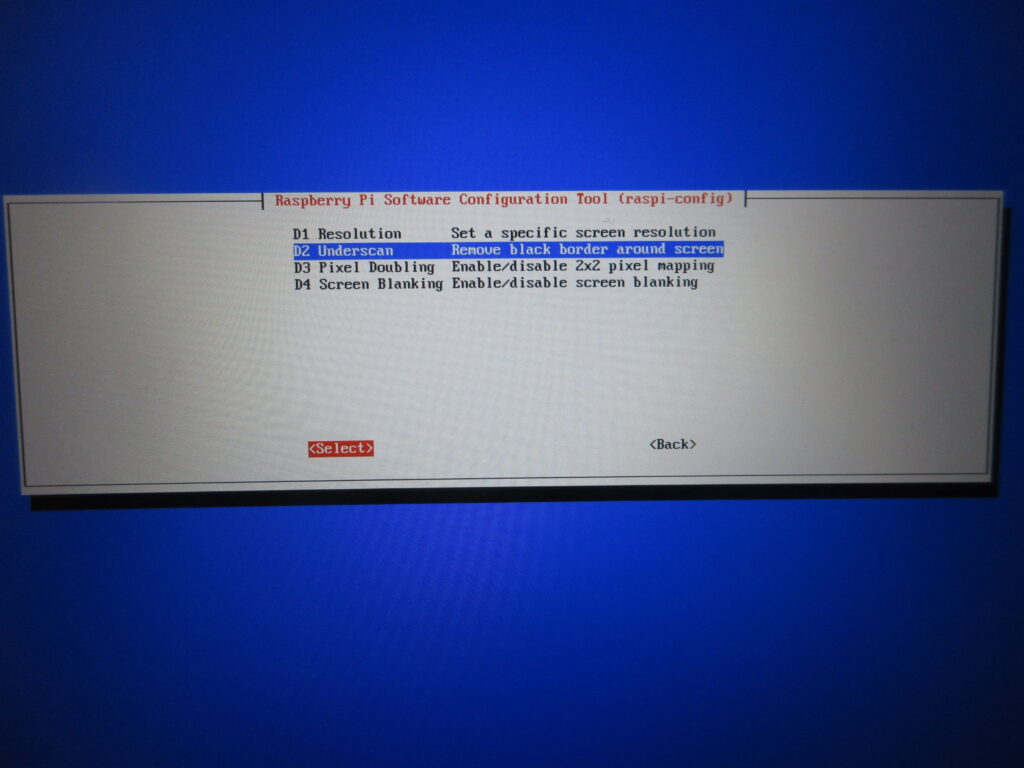
Once all those files were transferred over, it was time to test it out. I didn’t like how there was a black border on this 16:9 monitor, which made the game screens smaller. What the heck?
Here’s what I did. I set it to a resolution of 16:9 60fps and then with this “underscan” option I removed that dumb black border.
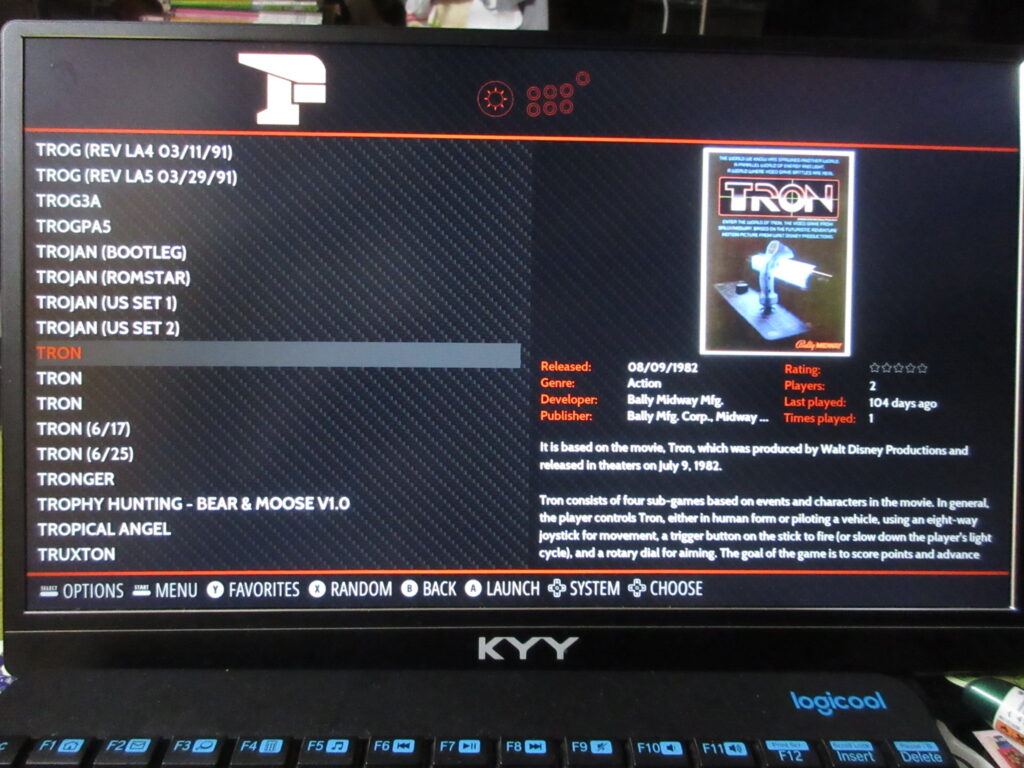
The scraped data is all there now.
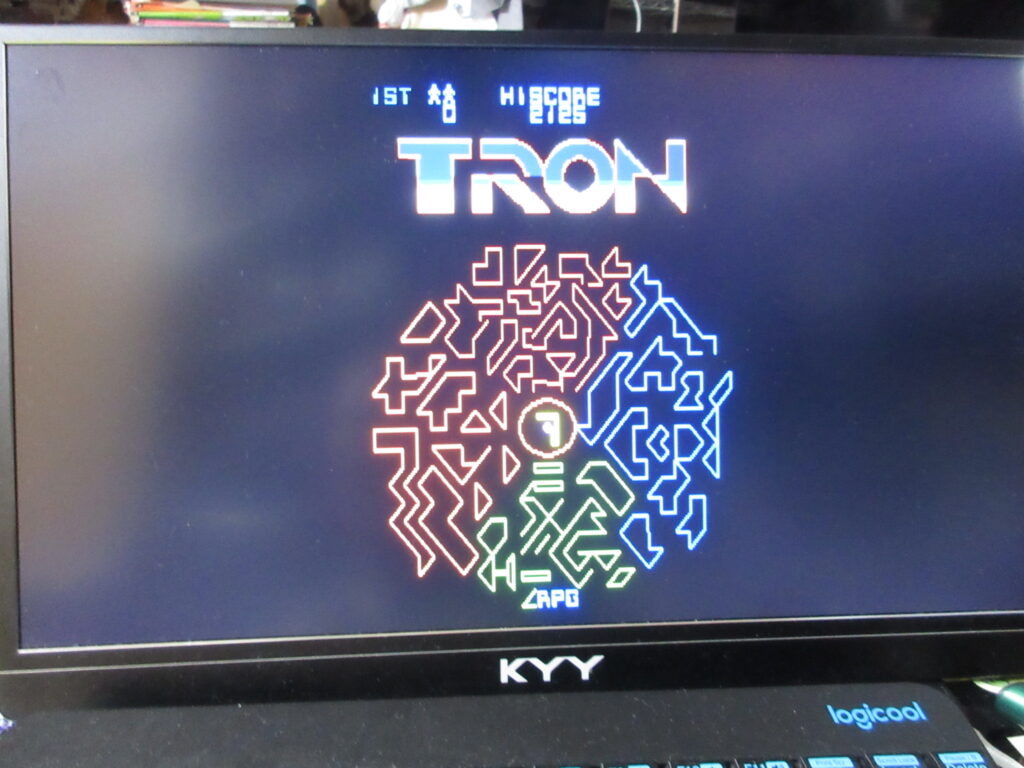
Tron. I’ll have to edit the game’s input configuration. This game is always awkward to play emulated because the arcade game had both a joystick and knob.
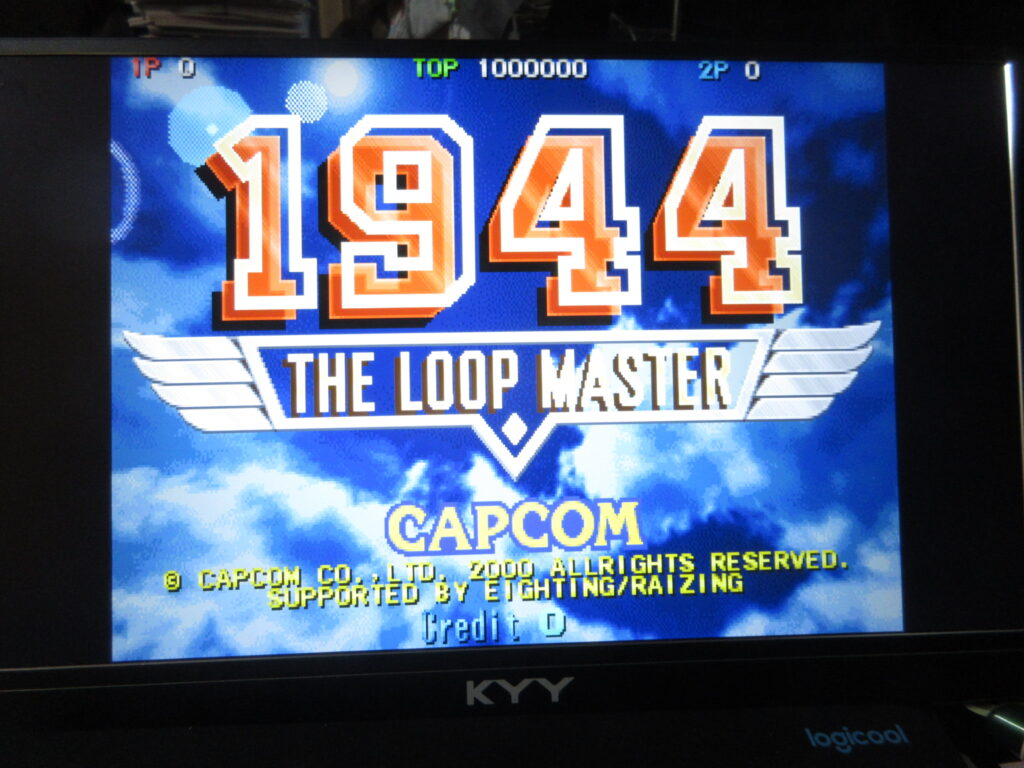
1944: The Loop Master. Once I add a CRT shader for the screen, I’ll be all set.
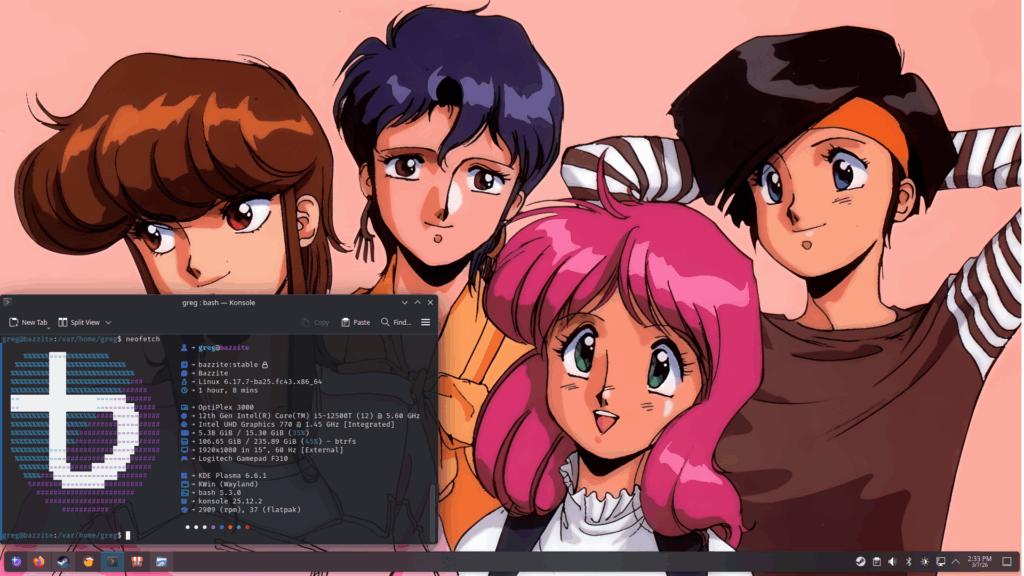
Here’s what my new Bazzite desktop looks like, with the girls from Bubblegum Crisis. My friend Lou is visiting Japan and gave me a Dell Optiplex mini computer (Intel Core i5) he rescued from the trash at his work after his company was bought out by a smaller competitor of all things. It had Windows 11 installed on it, and I installed Bazzite Linux which wiped away all that yuckie grodie Windows 11 crap off of it.
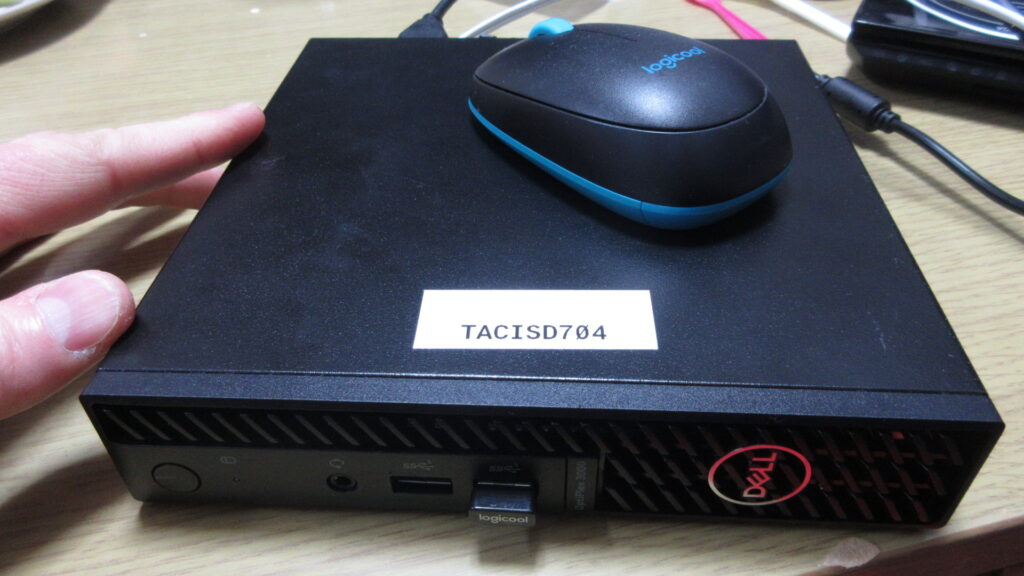
The unit is pretty small! I was surprised at how small it is. The Optiplex is pretty small, about four times the size of a Raspberri Pi. Unlike a RasPi though, this is a fully functional computer. It also has better specs than my desktop computer, which has a pretty old GPU from about 10 years ago.
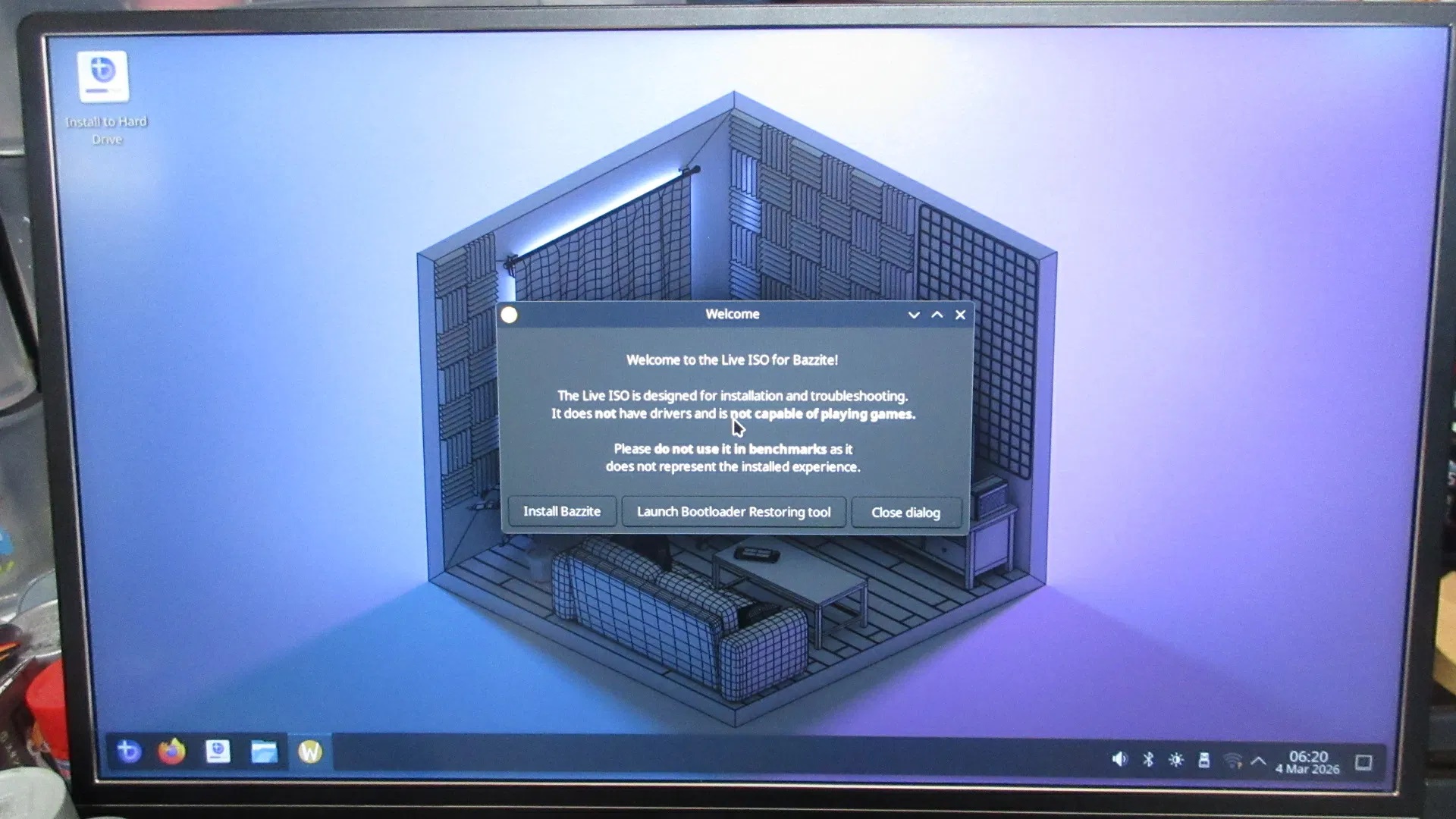
This is once it finished booting from the USB drive. After that, I installed the OS onto the hard drive.
Bazzite is essentially identical to Steam OS, although it’s Fedora-based rather than Arch-based. Bazzite desktop environment choices are either KDE Plasma like what I chose, or the gaytarded GNOME environment, which is basically the Fisher Price version of Linux. KDE resembles what GNOME used to look like before it looked like a lame tech demo.
First of all, I have to say that I’ve had problems with Steam ever since I upgraded to Mint 22. I think it was my fault, because I followed bad advice from somebody on the Steam forum about copying over Steam data files rather than just installing them fresh after a clean upgrade. Ever since I did that, some games won’t recognize the controller and Steam Input stopped working. Not only that, but downloading stuff can take a long time for some reason. I really should wipe that HD clean and do a clean install soon. Anyway, I installed a whole lot of games in short time and tested several of them out.
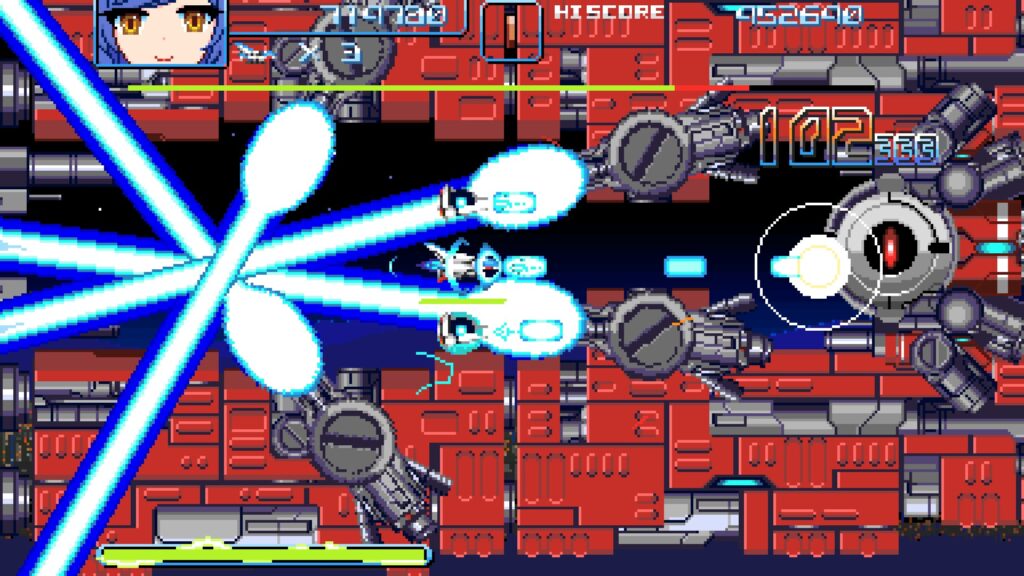
Revolgear Zero is a brand new shmup by Bikkuri Software, the same makers as Graze Counter. Their shmups have a PC Engine kind of feel to them. This is the most recent game I’ve bought on Steam.
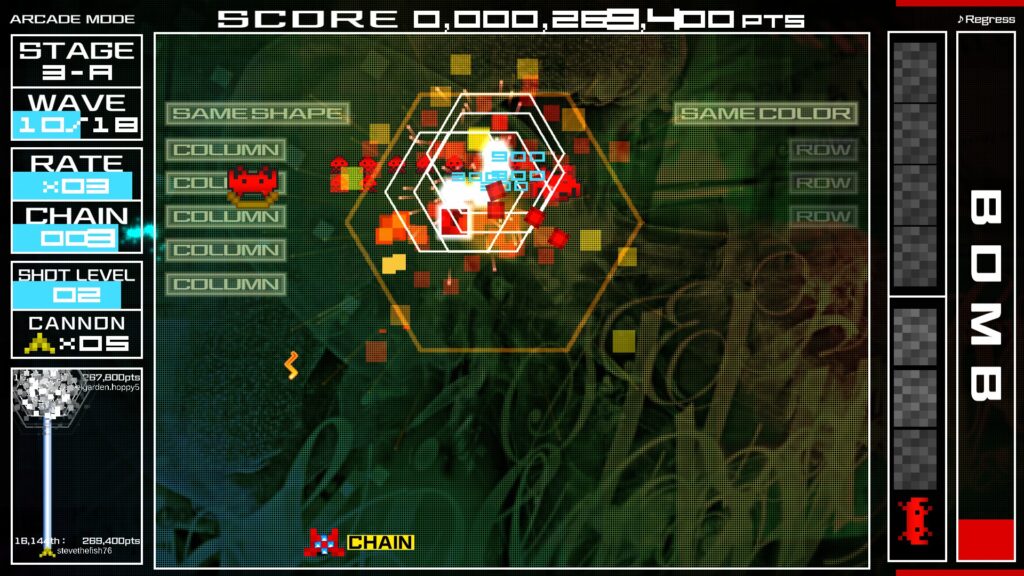
This is Space Invaders Extreme. This is one of the games that stopped working with my gamepad on my desktop.
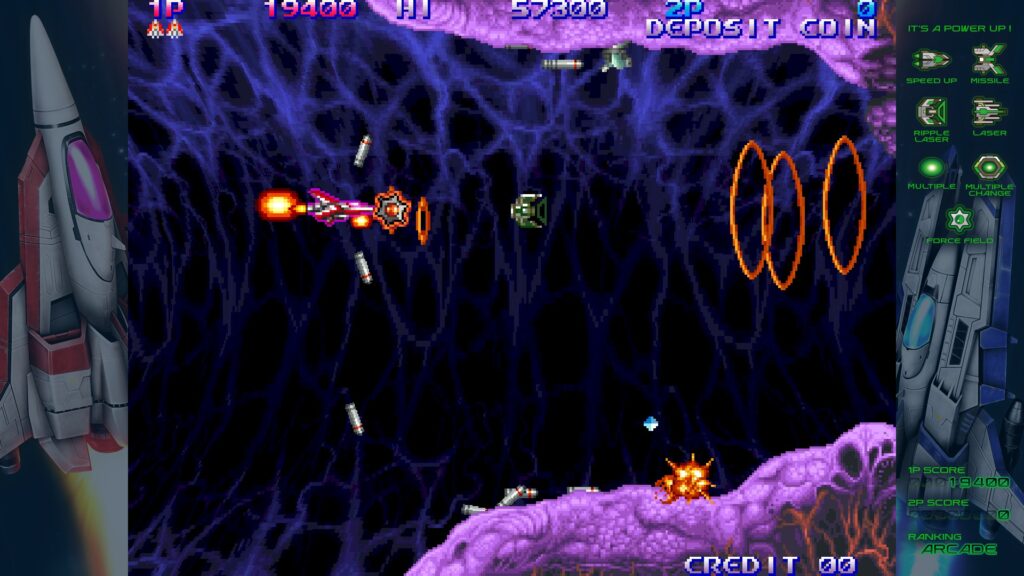
This is Salamander 3 on Gradius Origins. I bought this game in December, but the controller wouldn’t work. Here it works just fine!
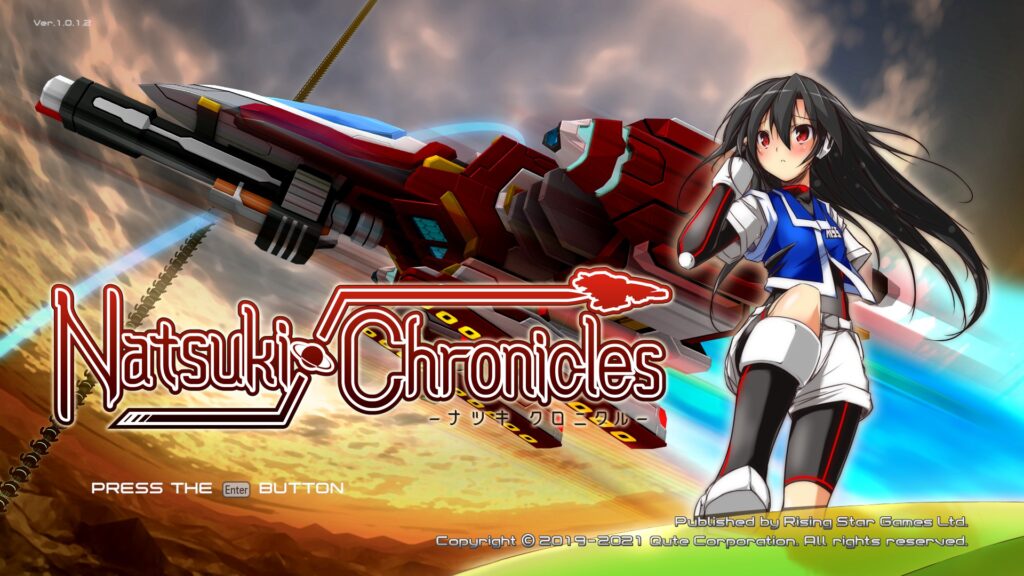
Natsuki Chronicles is a shmup that reminds me of the Thunder Force series. It runs a bit slow on my desktop, but it is smooth on this Optiplex!
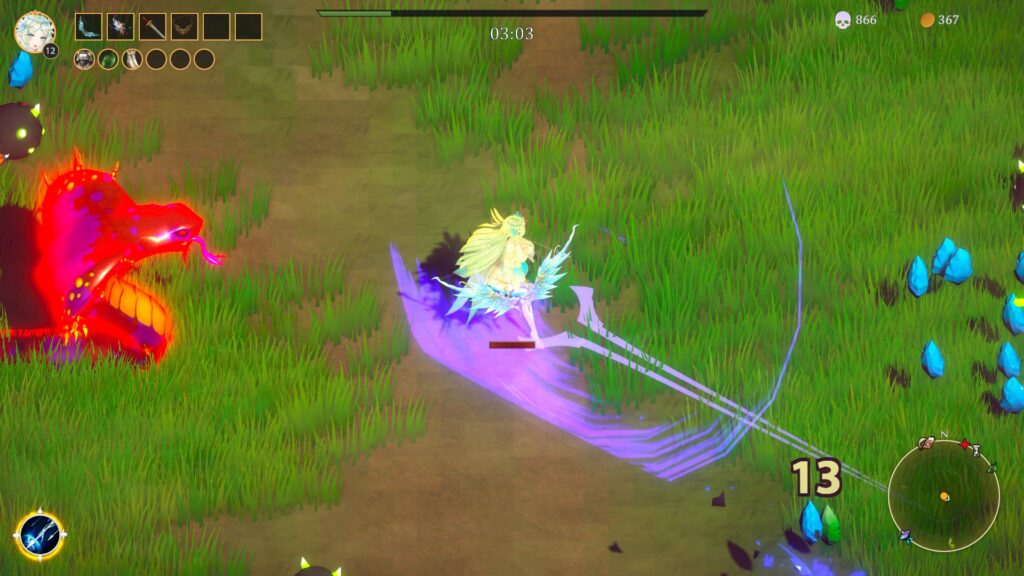
Beautiful Mystic Survivors is one of those twin stick action/Roguelike/arena shooters featuring what I call “moon boobs.” (I mean like jiggle physics if the girls are on the moon. It’s not too overdone here like it is on some smartphone games.) This game is kind of like Gauntlet meets Smash TV where your attacks are automatic and timed. You choose one of several large-breasted anime beauties on a quest and you get swarmed with ever-increasing hoards of enemies. It eventually starts to choke, but this runs smoother on this new computer than my desktop.
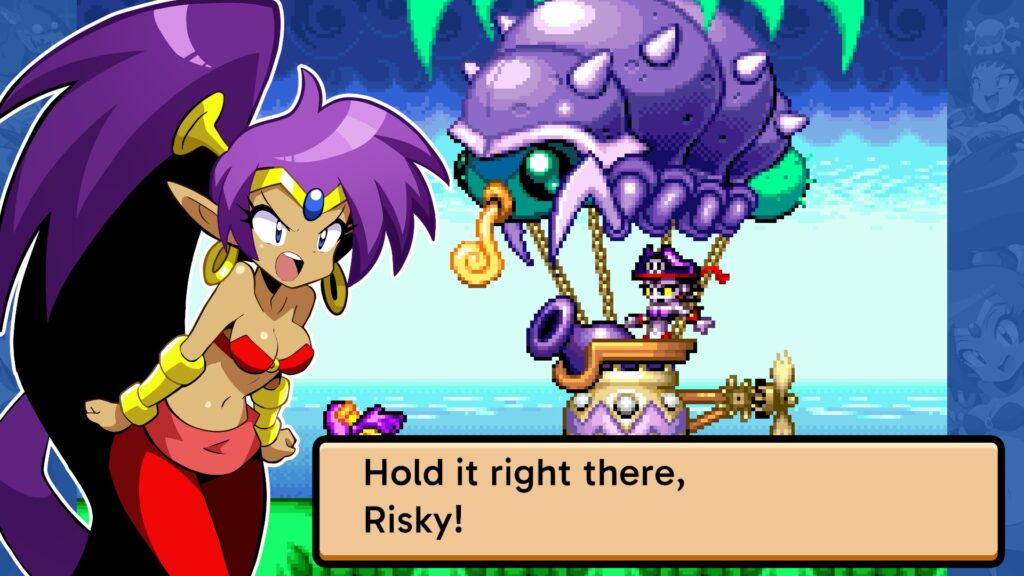
Shantae Advanced: Risky Revolution was an abandoned Shantae game for the GBA that was recently completed at last. It’s essentially a GBA game, but with some enhanced character graphics during cutscenes such as this picture above. The problem is that it’s completely unplayable on my desktop computer! This Steam version is just a GBA game with some overlay enhancements, so what the heck was WayForward doing when they screwed this up? How is a GBA game more taxing on a system’s resources than the previous game, Shantae and the Seven Sirens? Shantae: Half-Genie Hero was the most taxing game in the series, but I could still play it on my desktop. I found the GBA ROM for Shantae Advanced and downloaded it to play on RetroPie. I paid for the game, so I felt justified in doing so. Fortunately, the game runs smoothly on this new computer! Pixelated jiggle physics FTW!
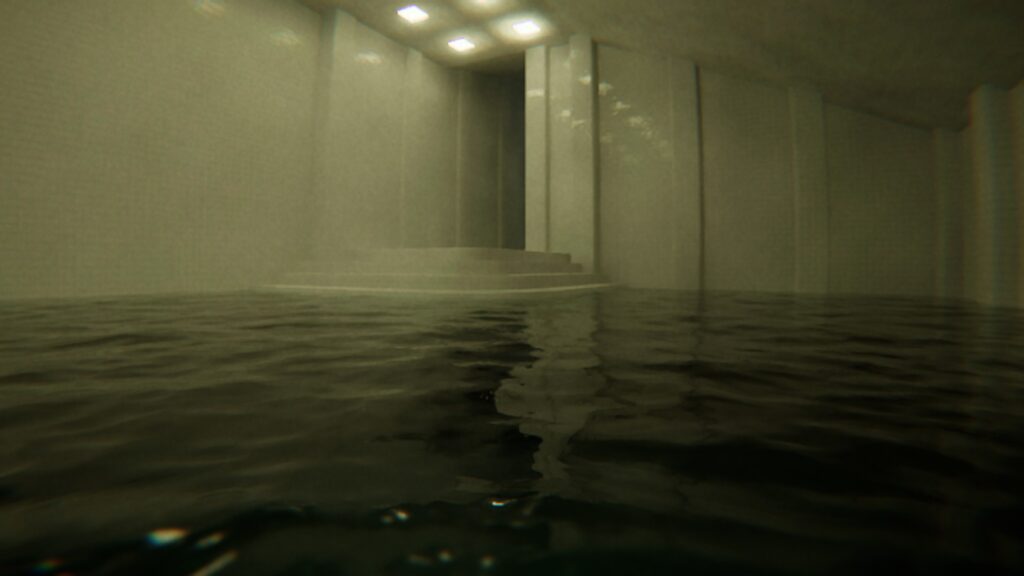
I tried out one of Ulan’s games, Pools. She says it runs rather slowly on the desktop, but here it runs pretty smoothly without having to sacrifice the visuals. Eventually I will install Alien: Isolation and see how it runs on this Optiplex.
I use a Logitech F310 controller. These controllers are alright, but I’m on my third one now. I threw my previous one out last year because the Y button was getting stuck or something. The one before that had something similar go wrong with it. Last night I accidentally pressed the Logitech button in the center of the controller and it brought me into a sort of Steam console mode. It’s called “Big Picture Mode”, which is basically like a fullscreen console OS. I guess Bazzite gives an option for the computer to boot up in this way or to boot to the desktop. Interesting.
I wasn’t able to install Mozc to use with Fcitx5 for Japanese IME keyboard input. Bazzite is a bit different. Since this Fedora and not Debian/Ubuntu based, the “sudo apt install” command doesn’t work, so I’ll have to figure out the different syntax. Apparently you type “rpm-ostree install” instead. I remember using the “yum” command in Fedora 20 years ago. Also, the software manager is called “Bazaar” and it took me a while to realize that this was the software library. I’ll have to get used to such differences.
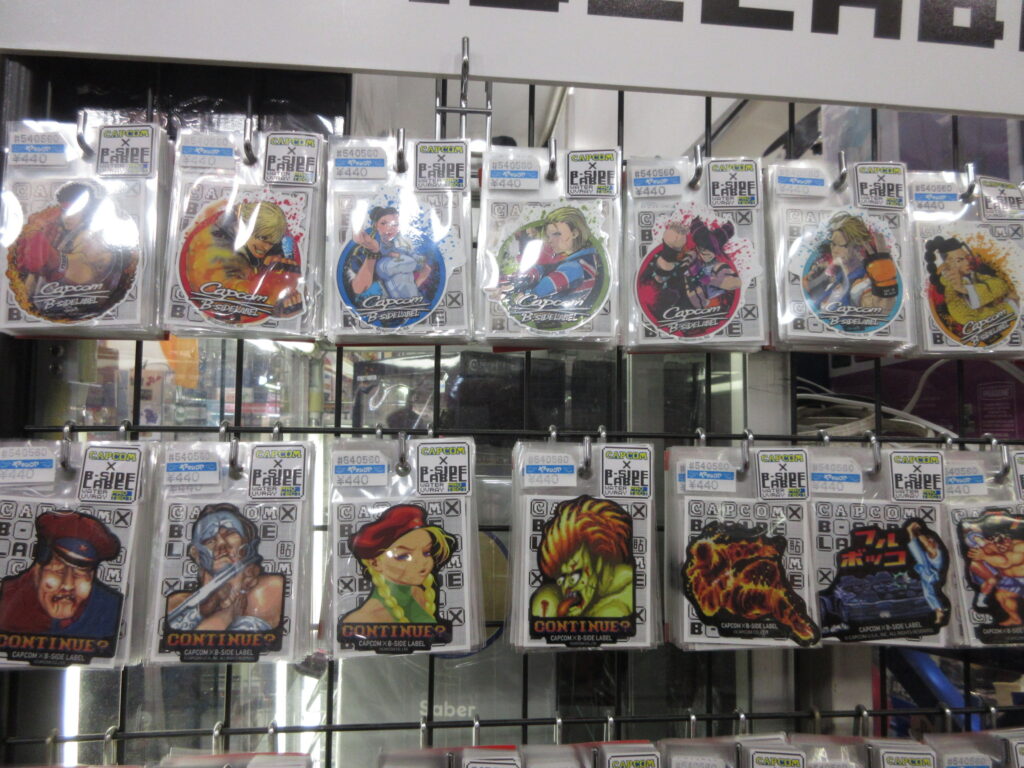
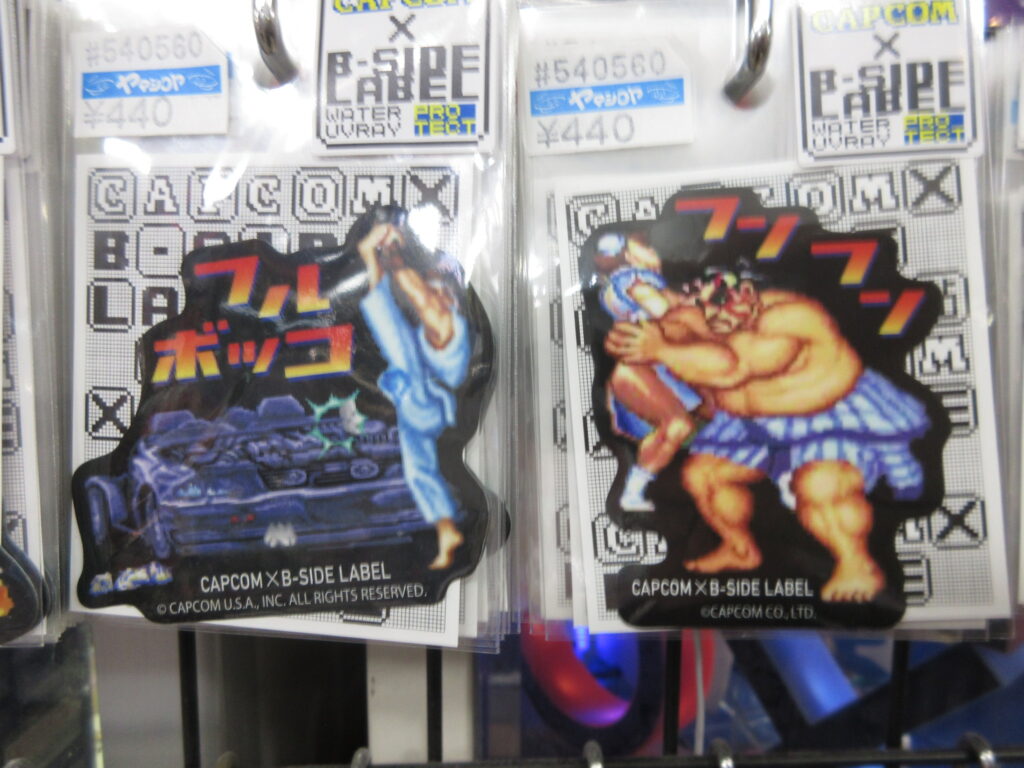
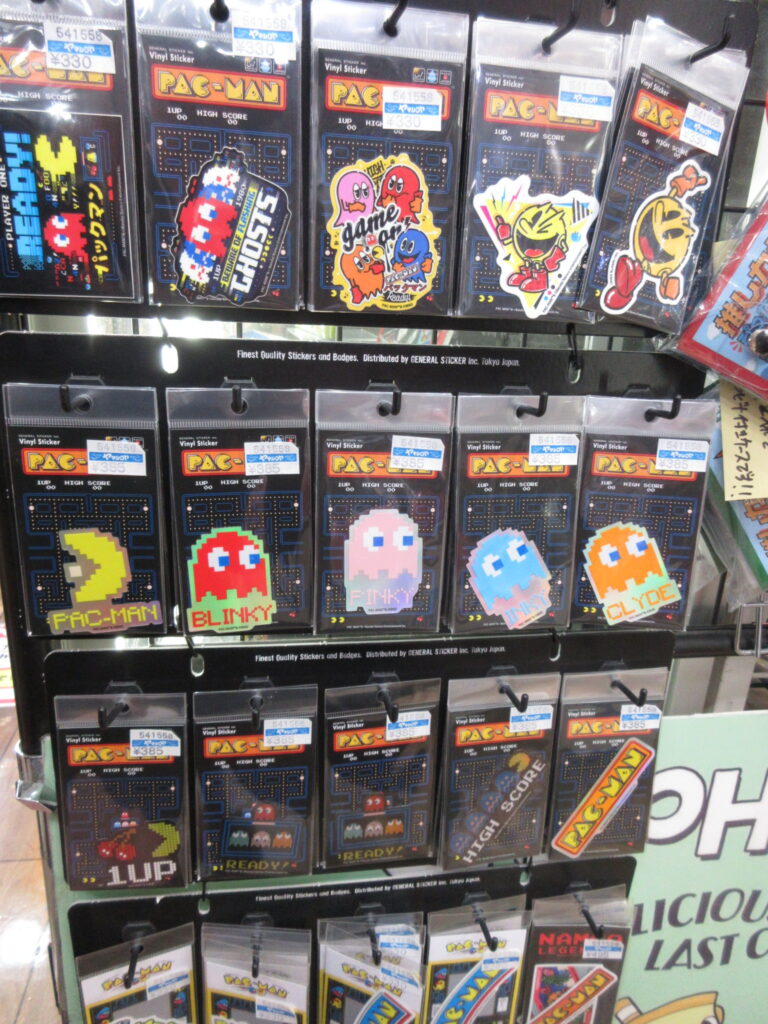
B-Side Label stickers can be found in stores like Loft and Village Vanguard. When visiting Yamashiroya in Ueno, I found these great Capcom stickers by B-Side Label.
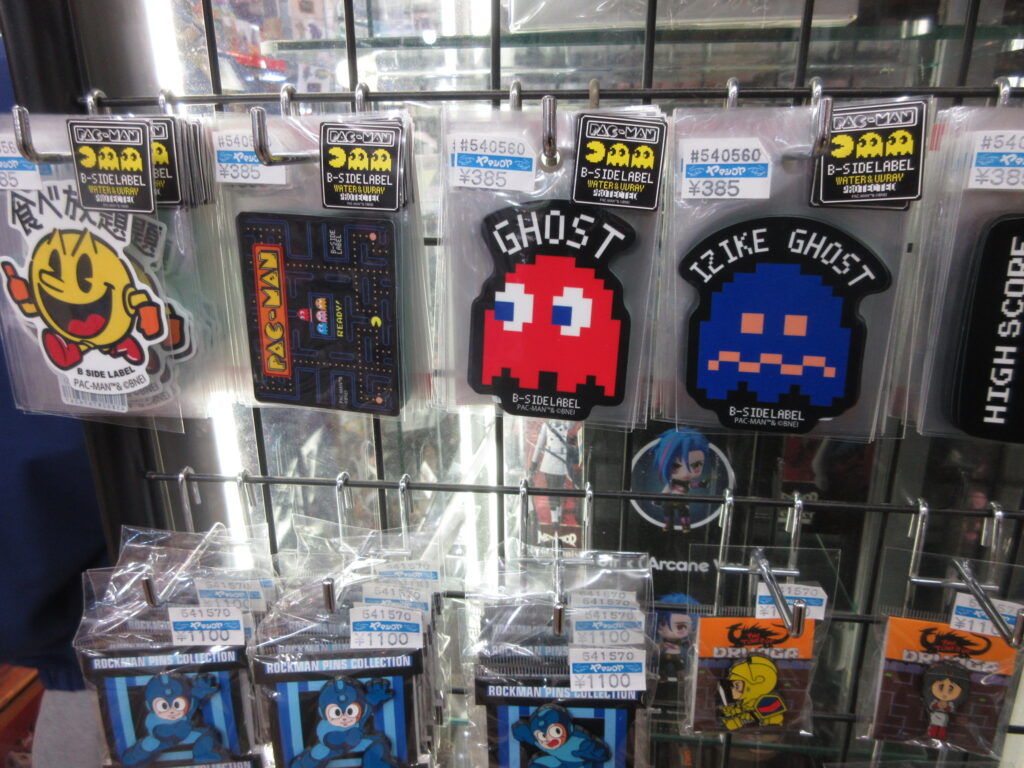
There were a lot of Namco B-Side Label stickers too!
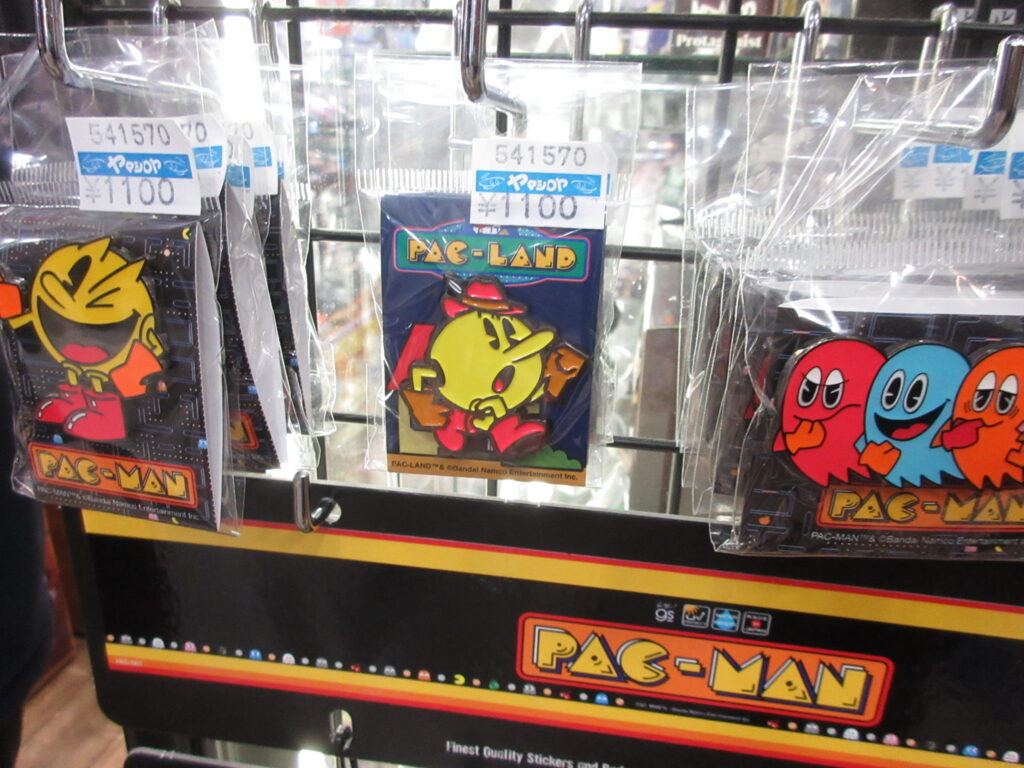
Yeah, that’s a lot of stickers. They had some pin badges too. Check these out:
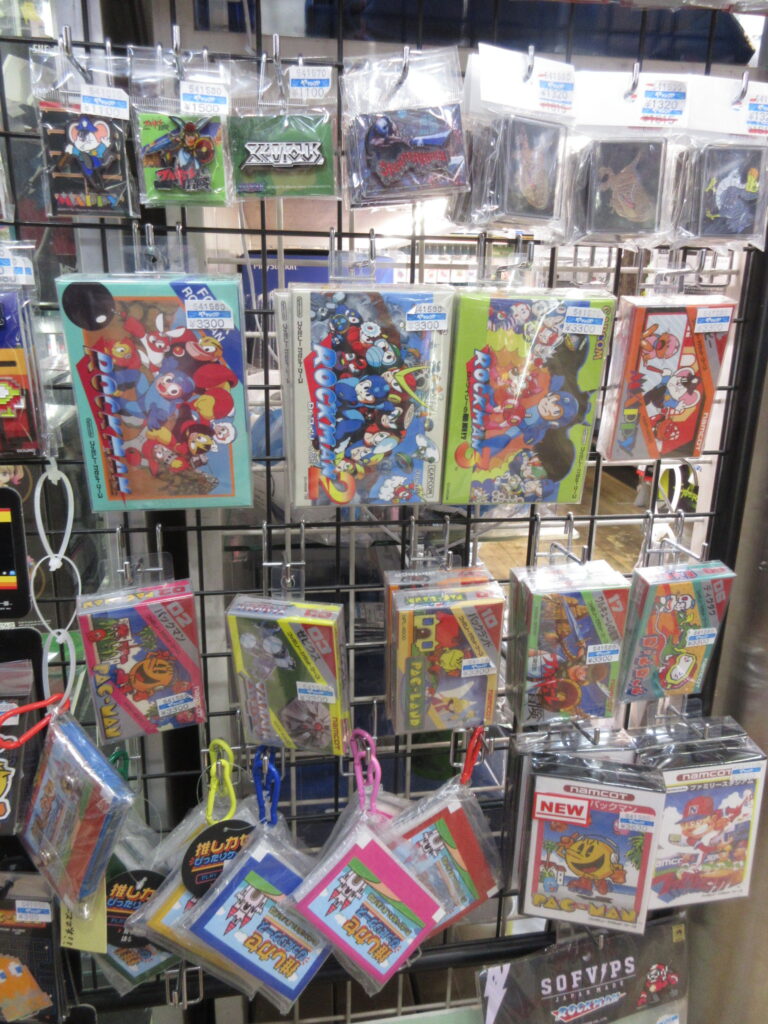
They had this other stuff, too. Brand new Famicom cartridges of Rockman, Pac-Man, and others. They looked like they’d been recently re-manufactured.
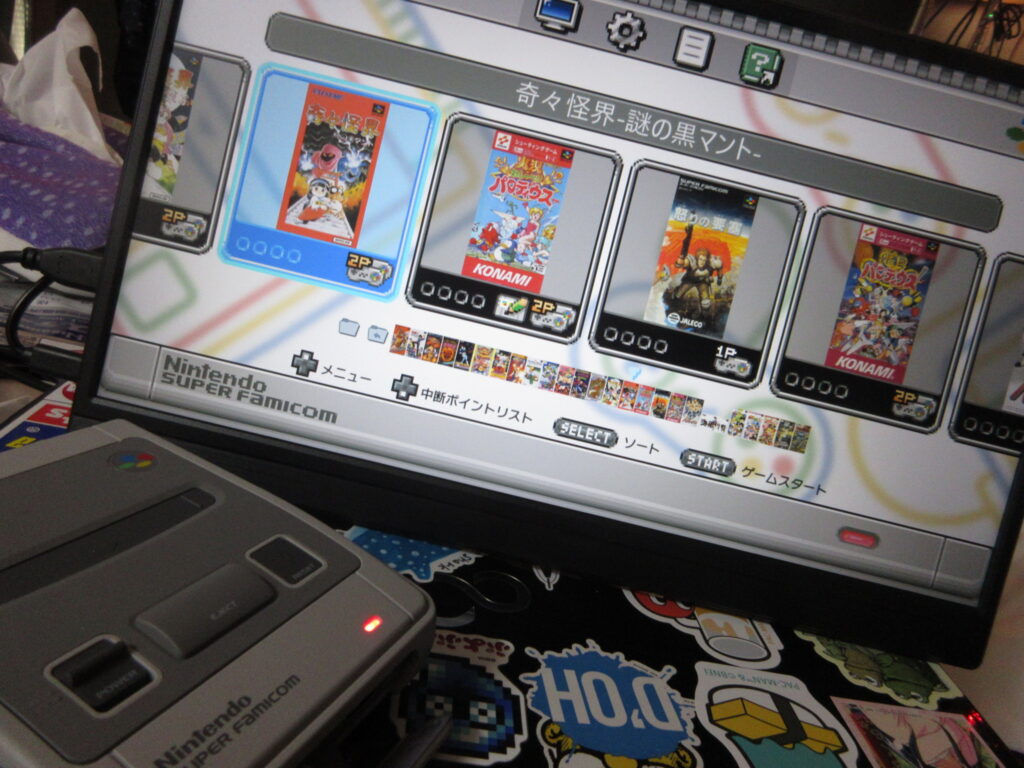
My Christmas Eve was spent hacking my Super Famicom Mini console. Unlike my Megadrive Mini, I didn’t really play my SFC Mini’s default game lineup because I found them a bit boring. Not only do I prefer Sonic over Mario, but there are no shmups for the SFC Mini!
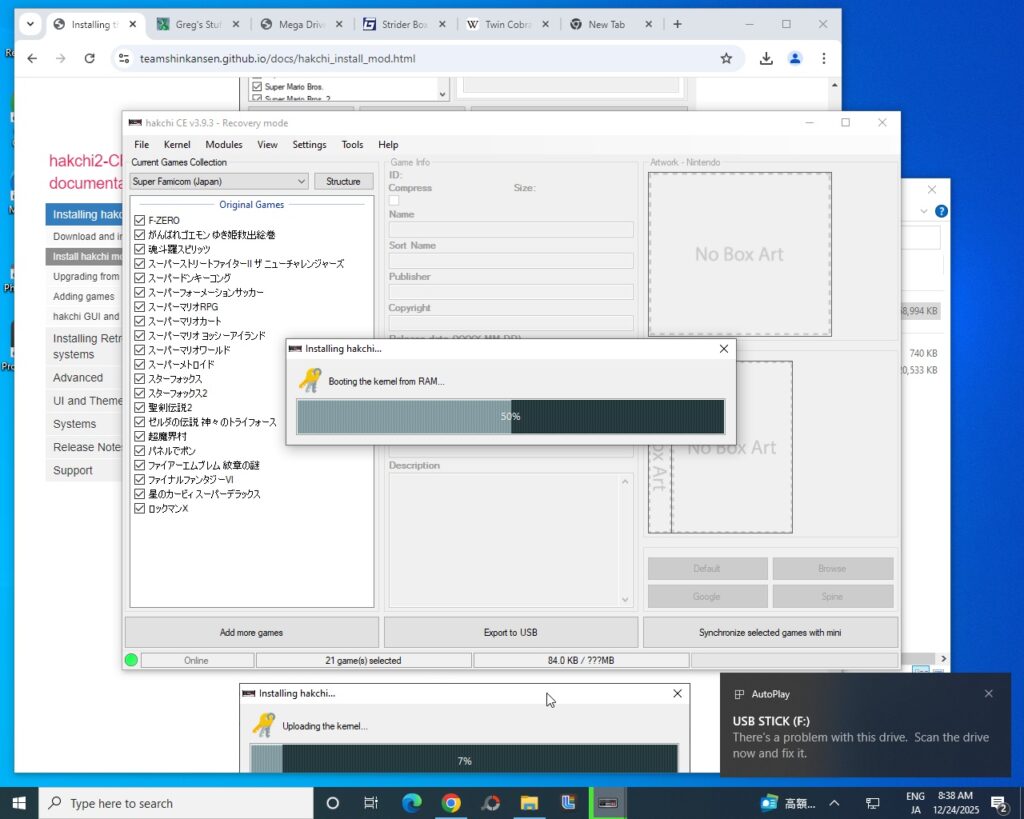
Using a program called Haxchi, the process is similar to how I hacked my MD Mini. Load the program, then under Kernel choose install/repair. This will update the Linux kernel on the device. It’ll then tell you to switch the SFC Mini on, and while pressing the reset button, plug in the USB cable and wait for it to recognize the unit.
These mini consoles are essentially Linux boxes, right? So why the hell do I have to risk contracting digital monkey pox by having to swap my hard drive out for my Win10 hard drive? I’d think that it would be very easy for them to release versions of this software for Linux, but unfortunately I am stuck having to use Win10. Gay. I read that someone had gotten Hakchi to work via Wine on Arch and Manjaro, but I couldn’t get it to work with Mint. Oh well.
So here is how you add games. When you add a game, it defaults to box covers from North America/Europe, so I had to look up Japanese SFC box scans on Gamefaqs to keep things uniform. I mostly loaded the unit with Japanese SFC games rather than English SNES games, however there are some games I was surprised that there was no Japanese port, such as Sunset Riders. There was no Japanese ROM for this game, nor could I find any SFC box art for it.
After synchronizing the additions to the unit, it’s done! As you can see, I didn’t even come close to filling up the hard drive. I didn’t think to try adding any fan-translated games, since Project Lunar on my MD Mini didn’t manage to do this for me when I tried.
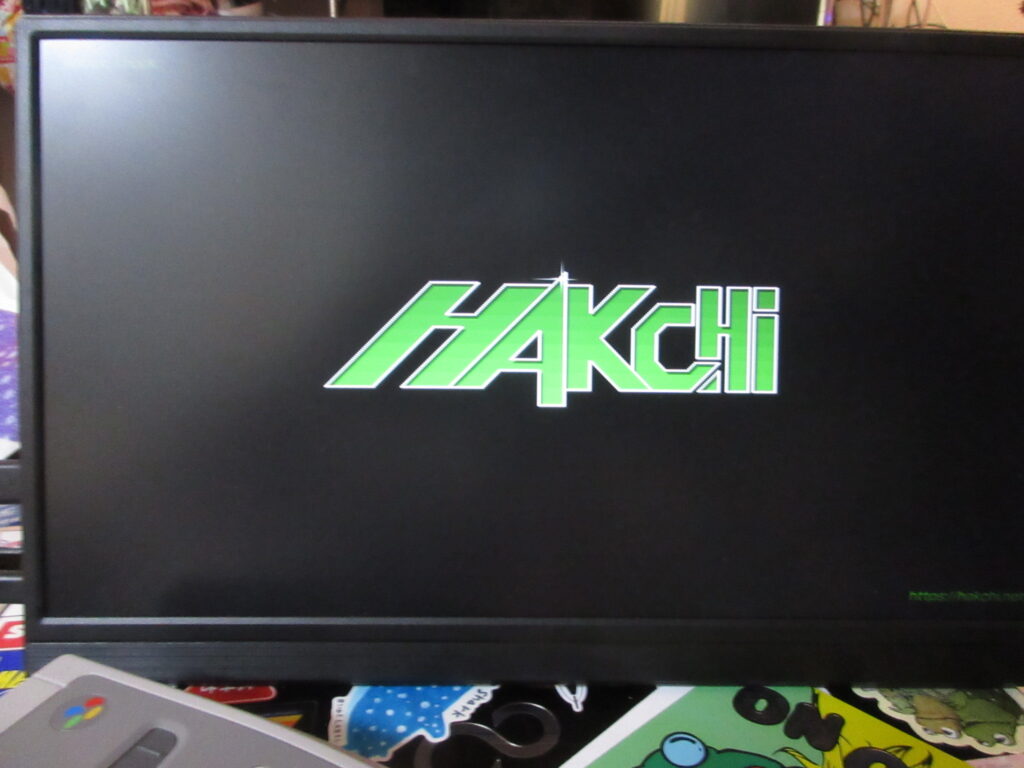
The Hakchi logo now appears when booting up.
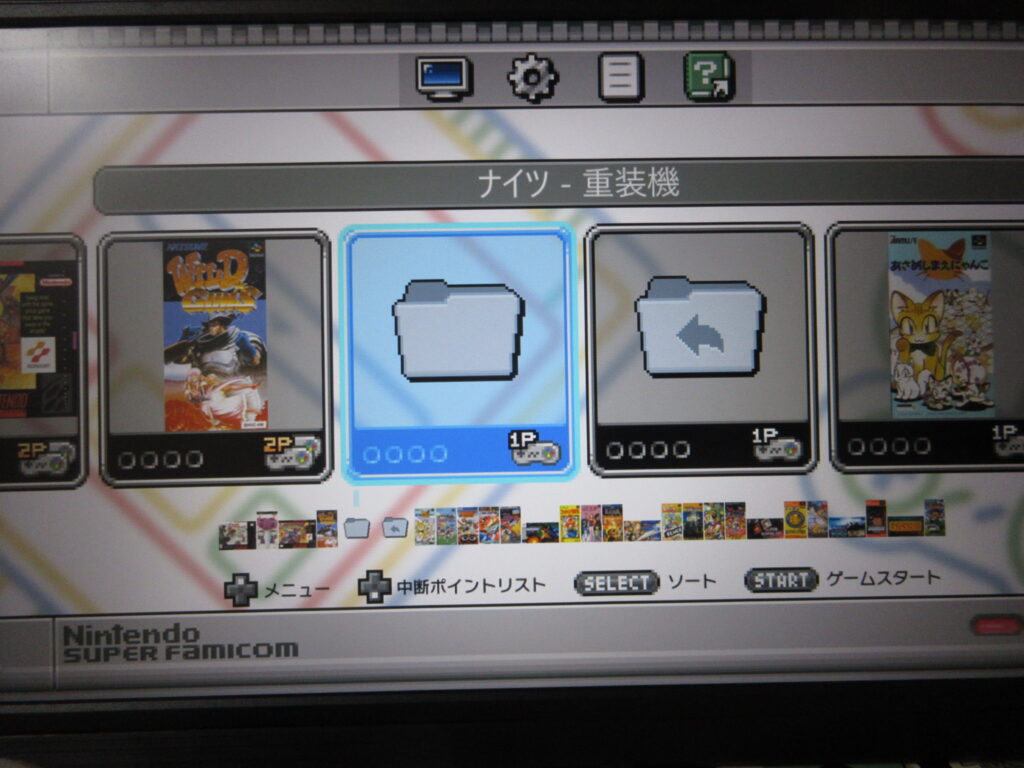
So now the game menu has this folder icon. Selecting this brings up another layer of games, the ones which I added.
Here are more games I added! Sonic Wings, Darius Twin, Tetris Battle Gaiden, and Doremi Fantasy.
With one more layer, selecting this folder icon will bring up a third set of games. Or the icon to the right will bring me back one level.
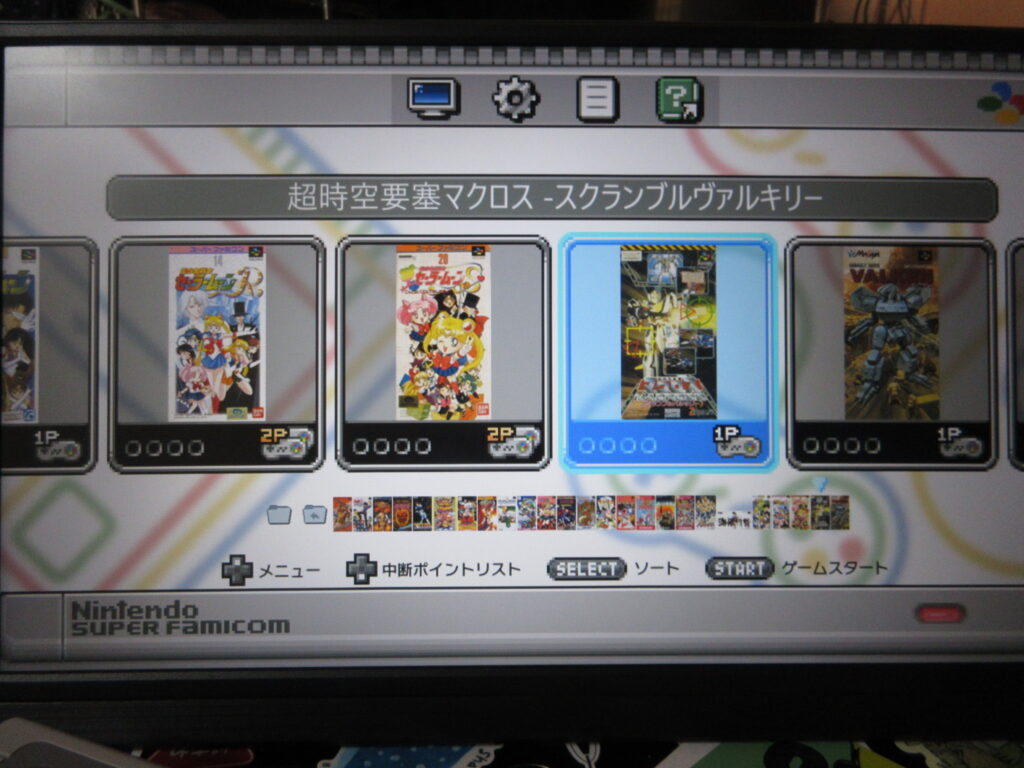
And here is the third layer, with Sailor Moon, Macross, and Assault Suits Valken among many other games.
Kiki Kaikai (Pocky & Rocky) and Hyper Iria.
Final Fight 2 and Wild Guns.
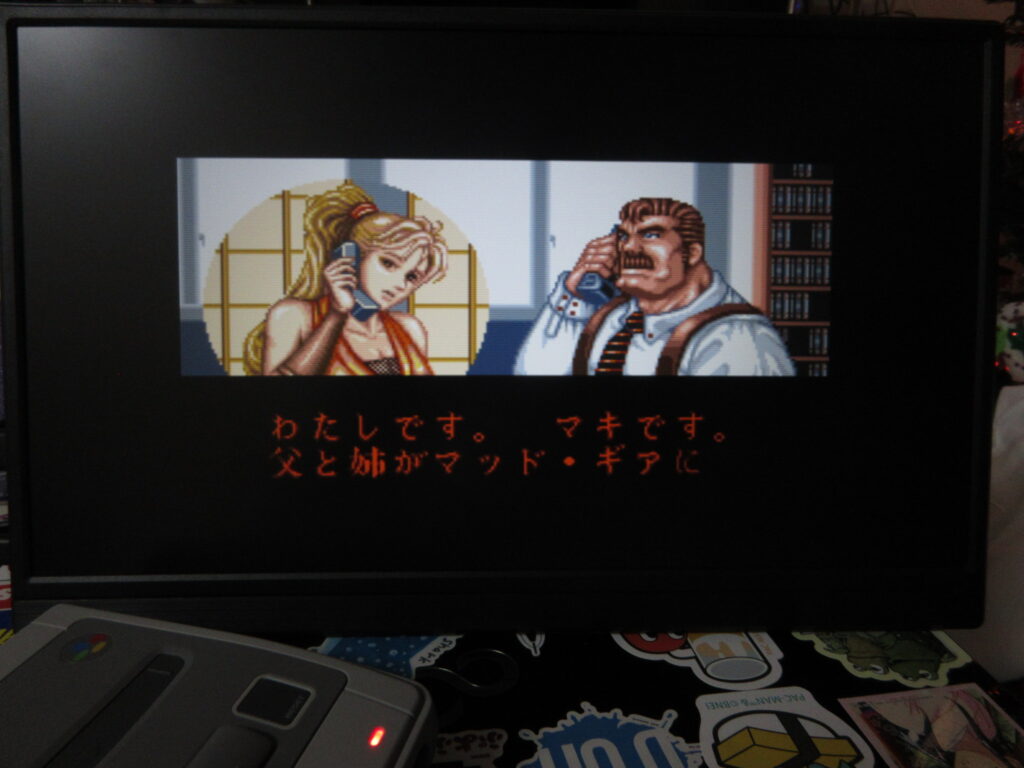
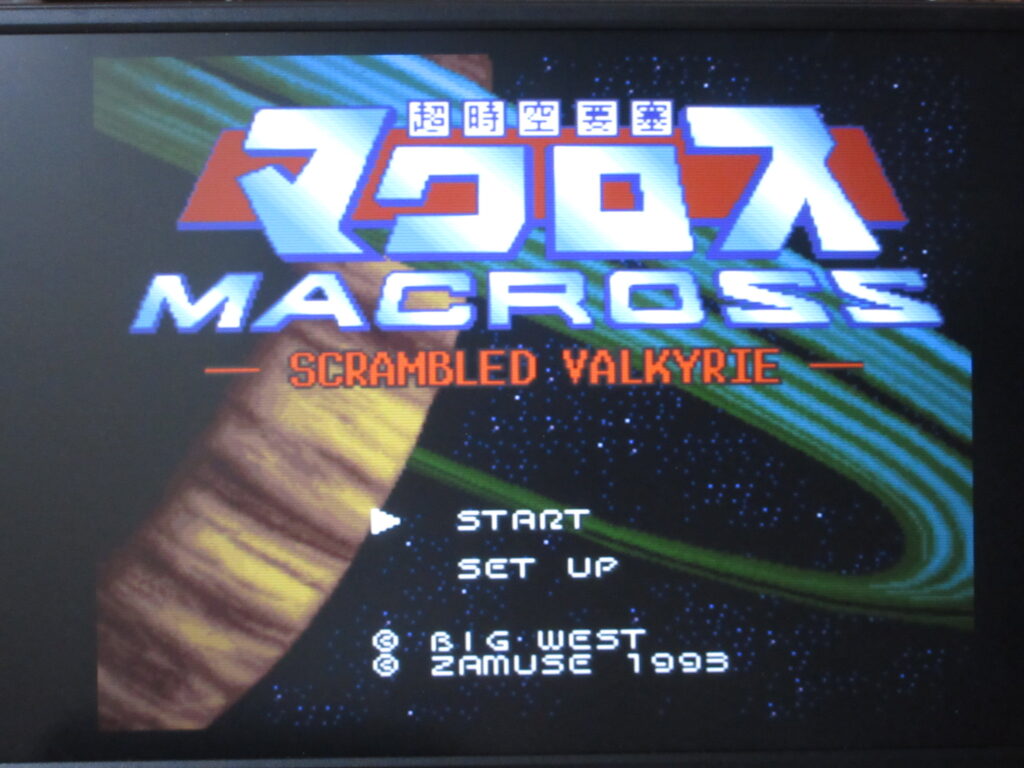
SHMUPS! R-Type, III, Gradius III, and Macross: Scrambled Valkyrie. While the MD Mini came with some great shmups, the SFC Mini came with none. Well, now mine is now full of great shmups at last.
Arkanoid II: Revenge of Doh for MS-DOS, Taito/Nova Logic (1987) When Dad bought the family our first computer, a 286 AT computer back in the summer of ’89, I bought a simplistic, 2-button analogue computer joystick. It came loaded with a bunch of crappy shareware games, most of which used colored ASCII characters. But the first real game I bought for that computer was Arkanoid II: The Revenge of Doh for MS-DOS. It came on a big 5.25″ floppy disk, yeah!
A:\>arkanoid.exe was the command that ran it. I’d switch to the A: floppy drive and type “arkanoid” to run the game.
I had to calibrate the joystick every time I played the game, going from the top right position, click the button, go to the bottom left position, click the button, and then center and click again. That analogue joystick provided decent control for this game, which of course used a knob in the arcades to control. Later we bought a mouse for our computer, but for some reason the paddle in the game didn’t move as fluidly as it did with the joystick for some reason.
Arkanoid II was ported to MS-DOS by Nova Logic and it let you customize your own levels. Later when I got a Thunderboard (Soundblaster clone) to upgrade the sound, I ended up playing it to death all over again to experience the game with proper sound.
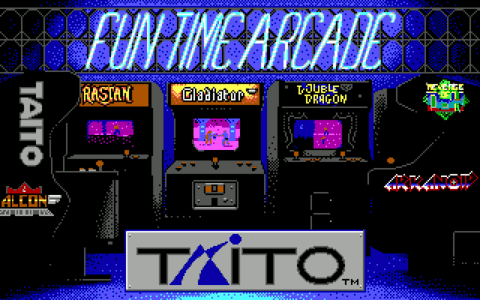
Another Taito game I bought for MS-DOS was Qix. I somehow do not remember ever encountering Qix in the arcades as a kid, and I would have loved playing it since it sort of reminds me of Tron.
One year for Christmas I also got Sky Shark, the famous Toaplan shmup distributed by Taito, also ported to DOS. The cover art for this game (as well as the NES version) prominently featured Flying Tigers-inspired artwork of a P-40 Warhawk attacking battleships, and Mom knew I was really into the Flying Tigers at that time. However, that didn’t survive for long because I had once left it in the disk drive by accident. When Dad booted the computer he realized a disk was in the drive, and mindlessly he took it out while the floppy was reading the disk, which ruined the data on the game. The other Taito games I had were Operation Wolf (which worked great with a 2-button mouse) and Rambo III, which was a sort of Metal Gear-inspired stealth-focused game.