I posted a few years ago of my experience with hacking my Mega Drive Mini with Project Lunar. My coworker recently bought an MD Mini himself, and since I had already hacked his SFC Mini, I offered to hack his new MD Mini too. I sent him the compatibility list. There were games he wanted on it but crossed them off his list because they weren’t compatible with Project Lunar. But when I tried to hack into his Mini unit, Project Lunar was not recognizing it. The reason for that is because Project Lunar can only acknowledge one unit for one’s computer, so that’s a big problem.
Looking for answers, I had a bit of a conversation with Google’s AI assistant thingy. Project Lunar is kinda dead. I had already noticed that its image scraper no longer works, for one thing. Google suggested to me that I should use Hakchi instead since this is what I already used to hack our SFC Minis, and that for my unit I should uninstall Project Lunar and proceed to use Hakchi to re-hack it. It told me that Hakchi can allow you to add modules to it so that when adding the games which do not work on the MD Mini’s built-in emulator by Sega, you can select Retroarch to handle the emulation for games like After Burner II, Devil Hunter Yohko, Panorama Cotton, Hellfire and so on. It also says that you can force the game’s region in order to have the game play English fan translations such as for Nadia, Battle Golfer Yui, Vixen 357 and Gleylancer.
So, you have to first use Project Lunar to uninstall it from your MD Mini. This’ll wipe it clean and restore it to its original factory condition. I had to hold down the shift key on the keyboard and then click the uninstall button. Game save data will be restored from your original backup made when you first hacked your unit. Just pay attention to which games are not compatible through the Project Lunar game compatibility list. After adding such a game, right click on its title and choose Retroarch to handle those games. Once you do that, when selecting it from the menu it’ll load without having to do anything. Essentially, it’s like Retroarch steps in and says “Excuse me, I’ll take it from here.”
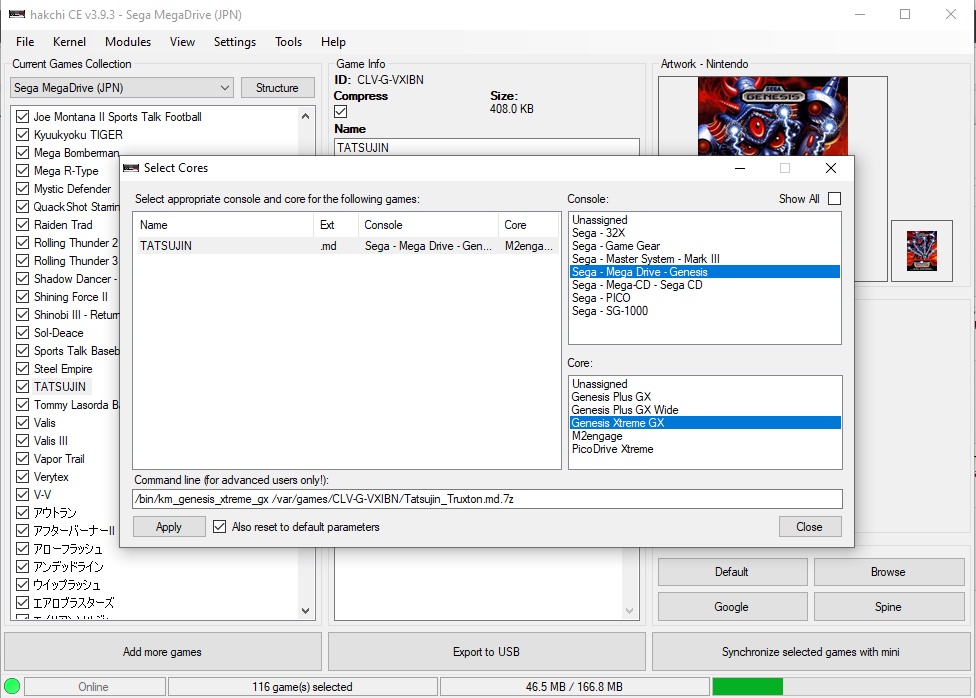
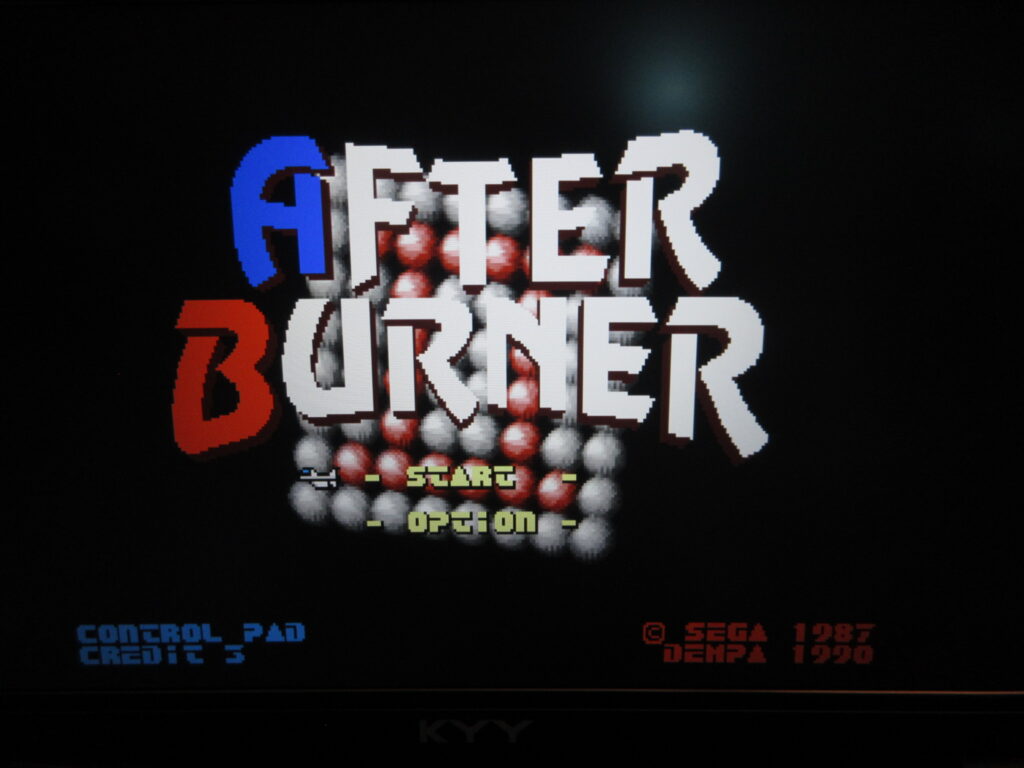
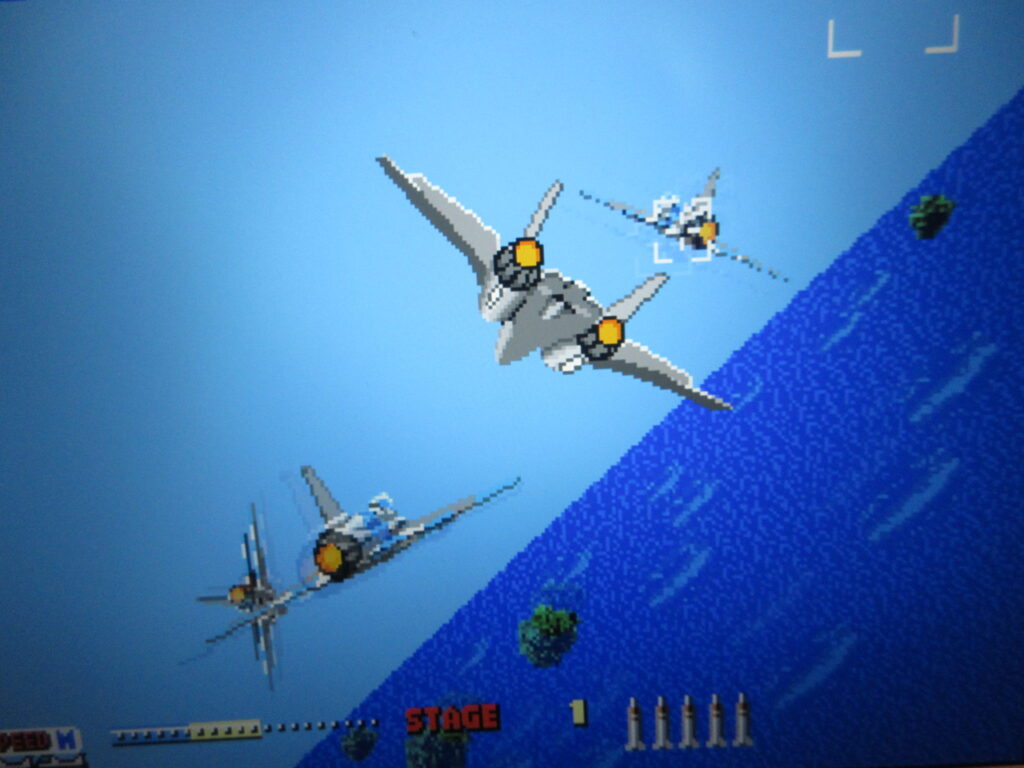
Furthermore, I learned that 32X games can be added to the MD Mini and you’ll have to assign the PicoDrive Extreme emulation core to handle it. This means that the excellent ports of Afterburner II and Space Harrier can be added! I also want to add Shadow Squadron/Stellar Assault and Star Wars Arcade too. Mega CD games can also be added.
So with Hakchi, I successfully hacked my coworker’s MD Mini unit. It took a few evenings and more consulting with the AI assistant, and I finally finished loading the games David asked for. Afterburner II, Verytex, Panorama Cotton, Devil Hunter Yohko, and so many other games now work on the MD Mini! Also, Earthion works on it too! I had tried loading it onto mine through Project Lunar, but the game was silent. Now it works great through Retroarch!
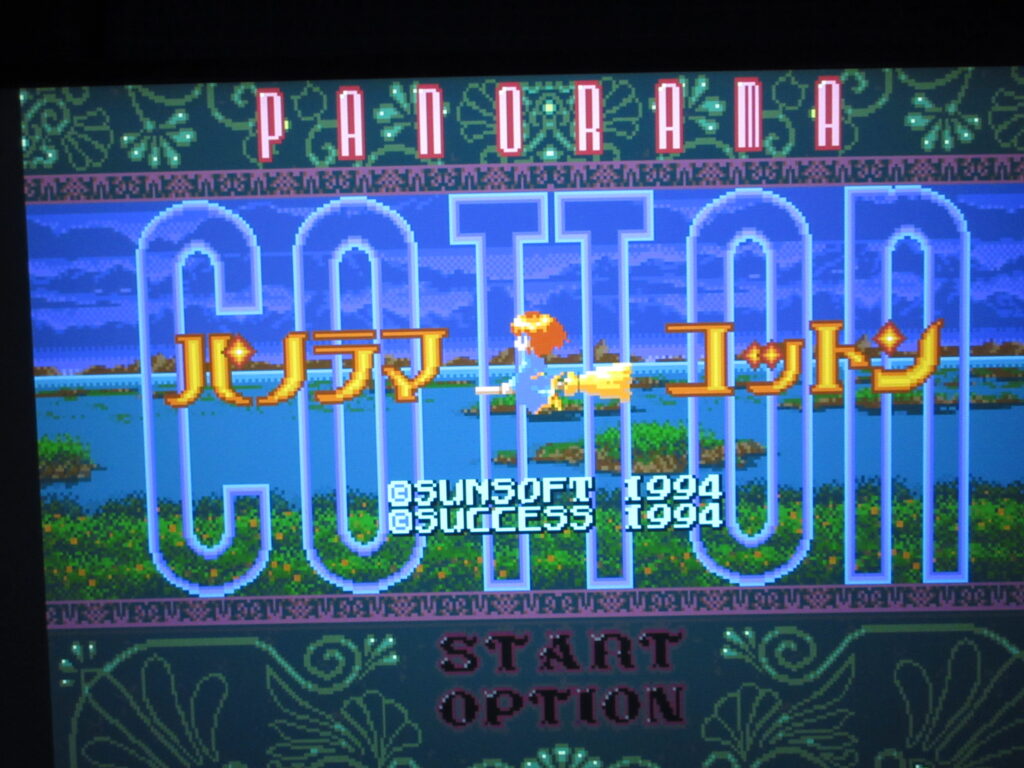
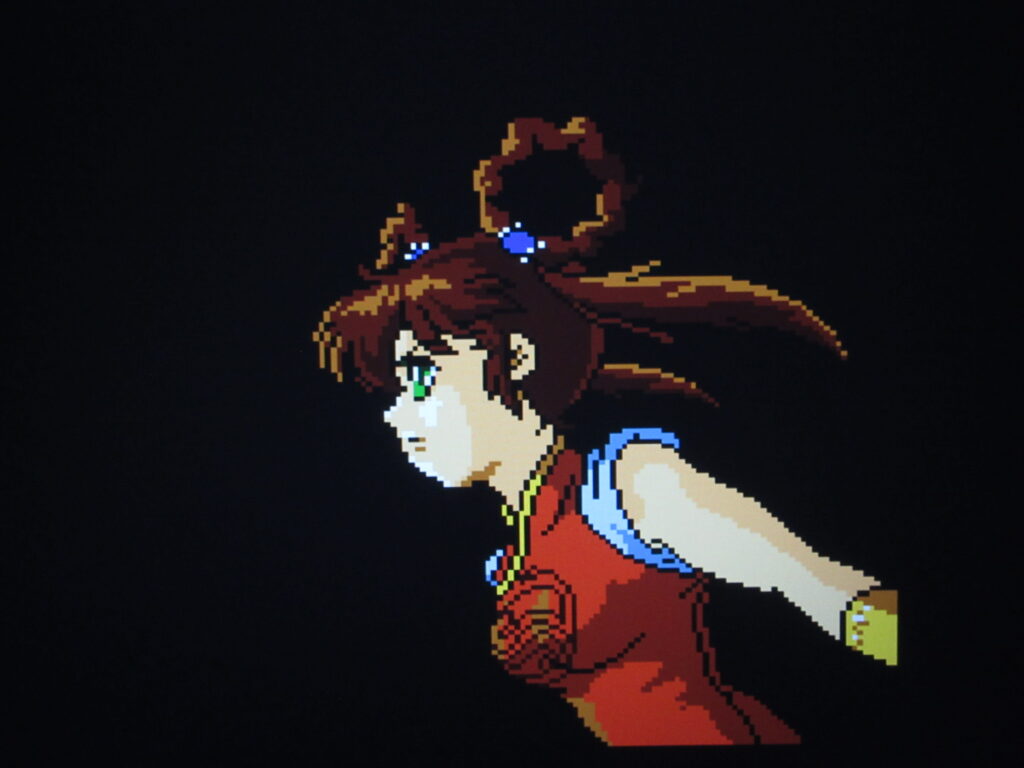
The games that the native M2engage emulator couldn’t handle for whatever reason now work on it thanks to Retroarch. You’ll just notice some Retroarch-related text that appear very briefly when you load these games. I noticed that the mode button didn’t work, so I had to press the reset button which loads the Retroarch menu. I configured the input setting so that the Mode button brings up the Retroarch menu. When you exit Retroarch, it will bring you back to the standard menu.
What’s more, it turns out that M2 added Sonic 1, Marble Madness, Aladdin and Gauntlet as hidden games since they had worked on these ports back in the day. Under Project Lunar, I added Gauntlet and Sonic manually but Hakchi just reveals them instantly, to my surprise. I saw them on the menu and was like, “Wait, I didn’t add these.” Bonus! That’s great. I loaded the fan efforts Final Fight MD and Mega R-Type too.
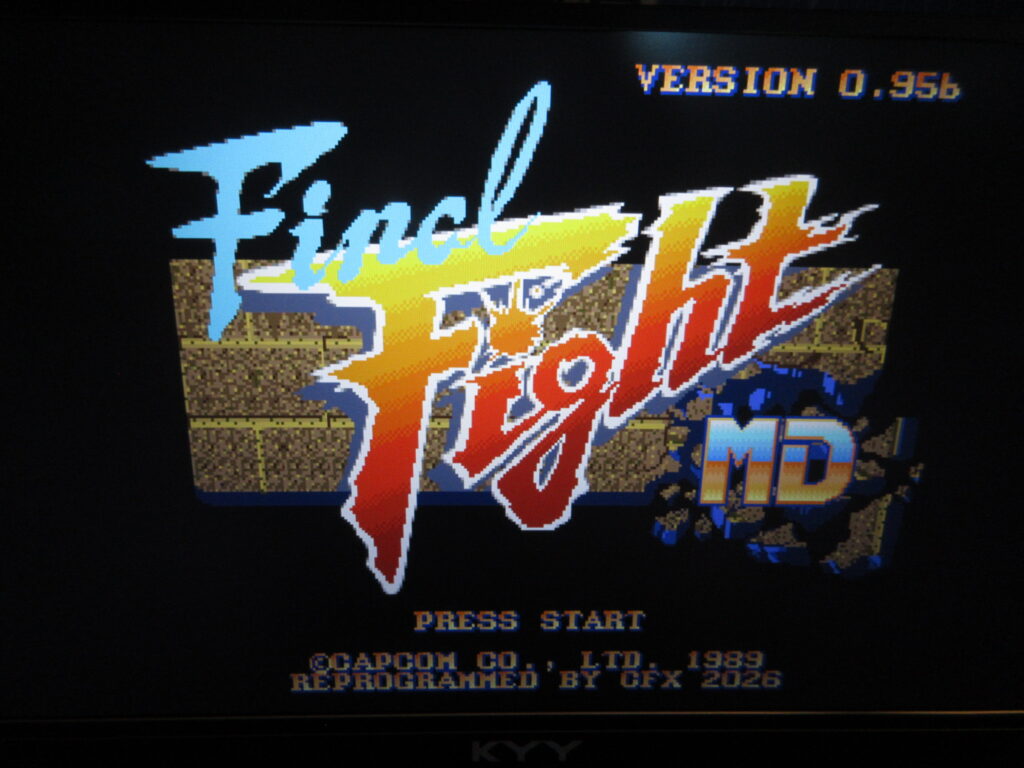
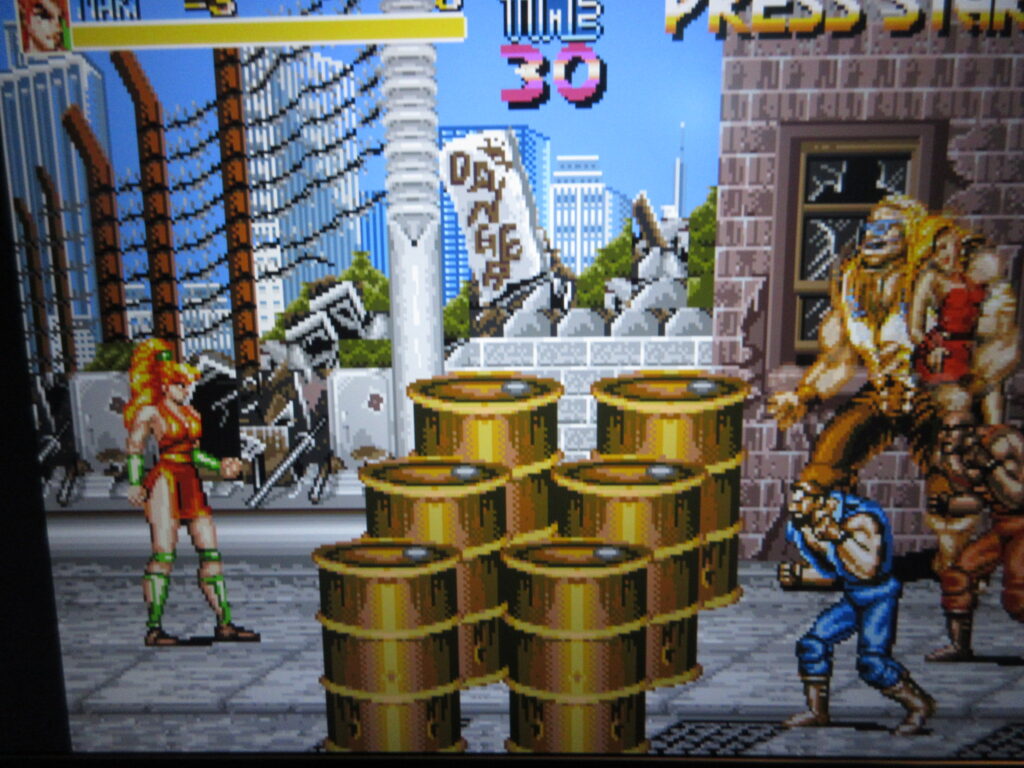
One annoyance is that upon hacking the unit, it changed half of the games’ titles to English and the genre field for these games were blank. I had to edit these and manually change them back.
The strange thing is that the built-in kanji dictionary on the MD Mini is rather limited. I didn’t have this problem with the SFC Mini. Google’s AI assistant was talking me through the process of importing an expanded dictionary, but I think it was just talking out its ass and I was going in circles for an hour or so. I thought I found an expanded kanji dictionary on GitHub, and it was telling me to FTP into the MD Mini unit to add the dictionary file to an augmentation package in its internal Linux home/usr/var directory. It still didn’t work, so I gave up. I think it’s not a big deal to most people, but it bothers me because I am a purist who can read Japanese. So for now I just switched them to English titles or the Romanized Japanese titles. I’ll have to figure out how to expand the kanji dictionary for my own MD Mini, but I doubt my coworker cares so much. For example, 餓狼伝説2 is a problem because the kanji for “hungry wolf” are complicated, thus it just shows up on the menu as 伝説2. So I just renamed it the English title, Fatal Fury 2. 鮫!鮫!鮫! just shows up blank, so I renamed it Fire Shark. Battle Mania: Daiginjou バトルマニア大吟醸 became only バトルマニア大, so I renamed it to バトルマニア2 as a workaround. And forget about the V in katakana for Valis (ヴァリス) because it doesn’t have that katakana.
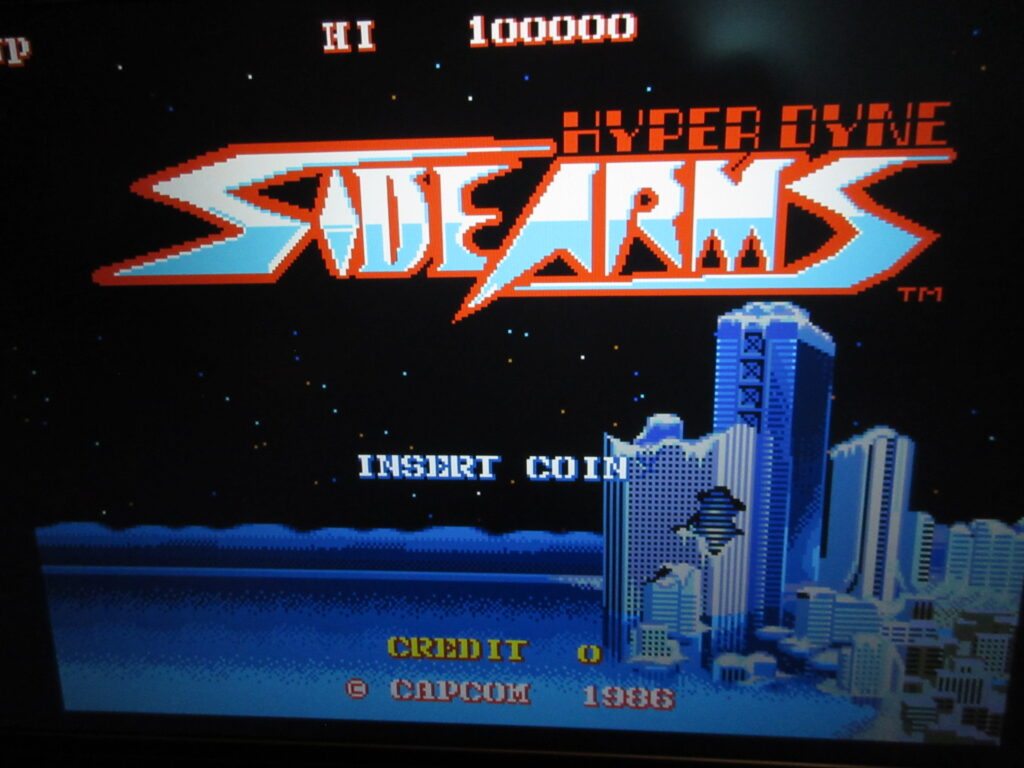
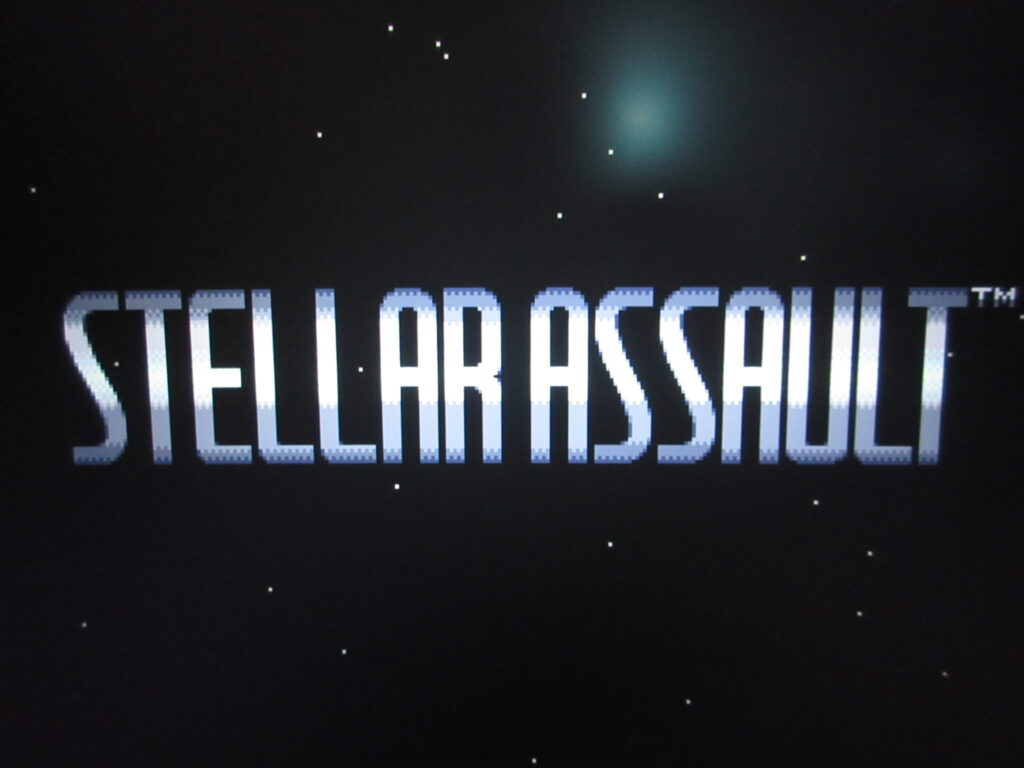
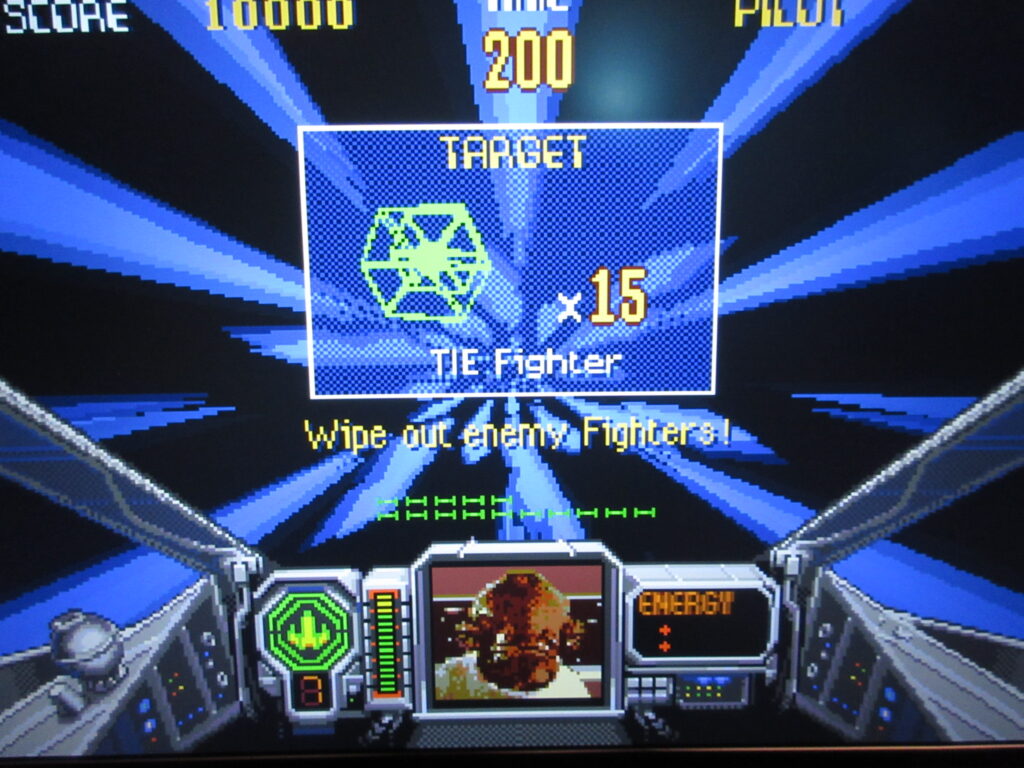
I was successful in adding 32X games easily enough. Stellar Assault (“Shadow Squadron”) and Star Wars Arcade now run on the MD Mini, as well as Space Harrier and After Burner thanks to the Retroarch PicoDrive Extreme module.
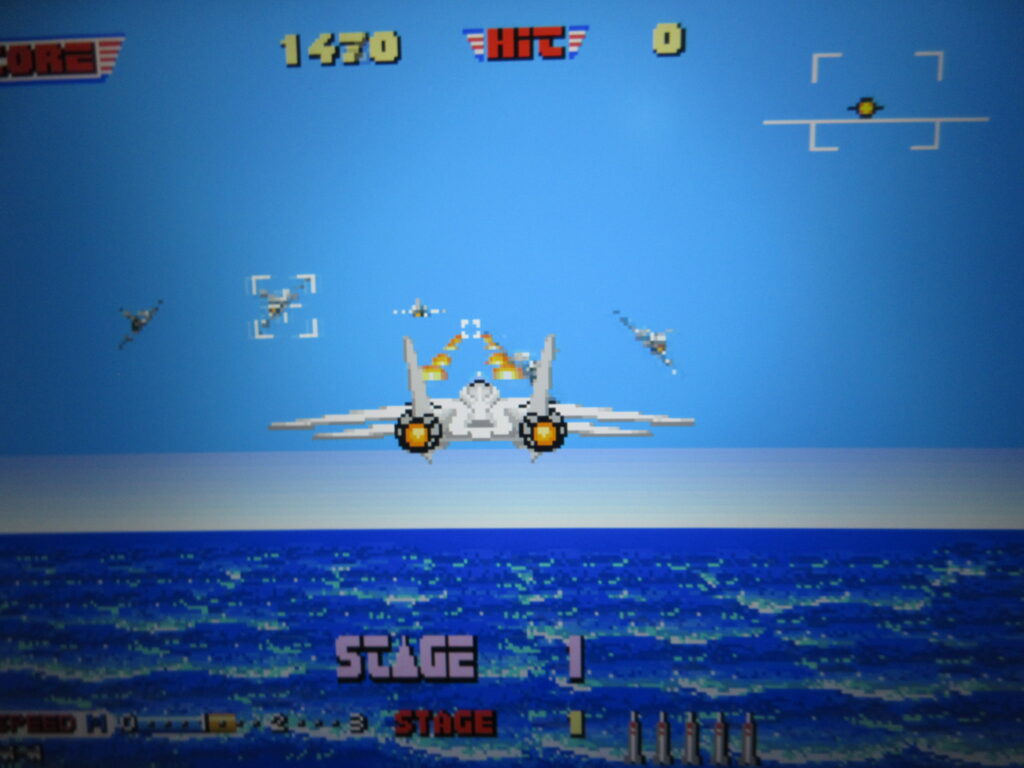
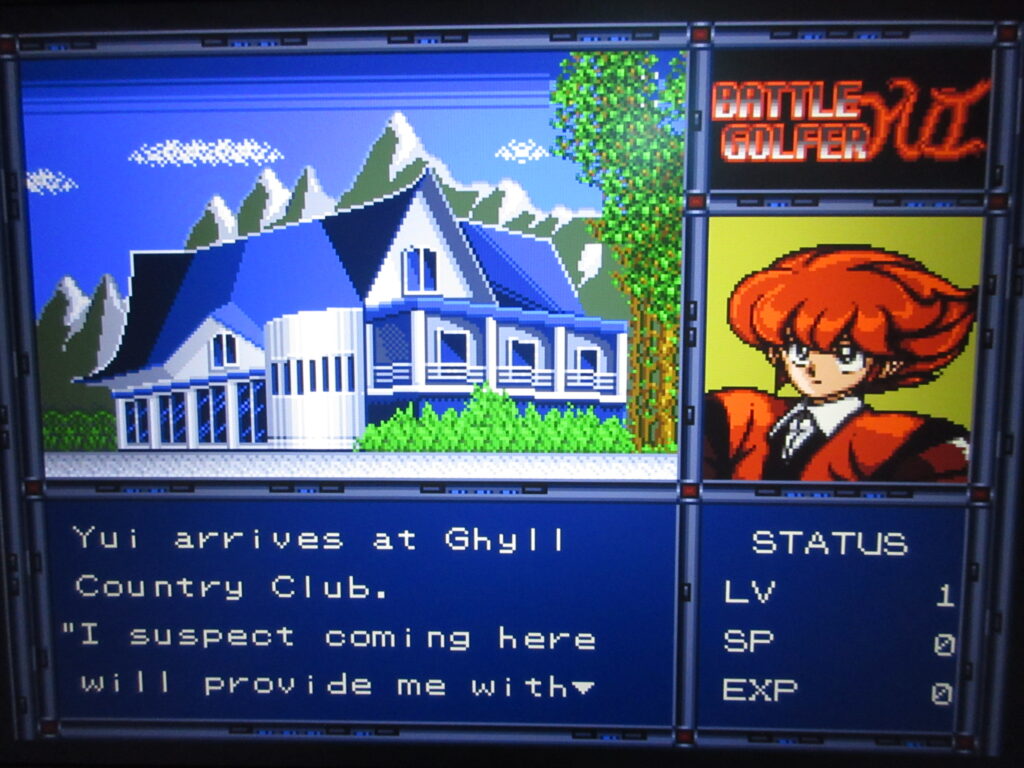
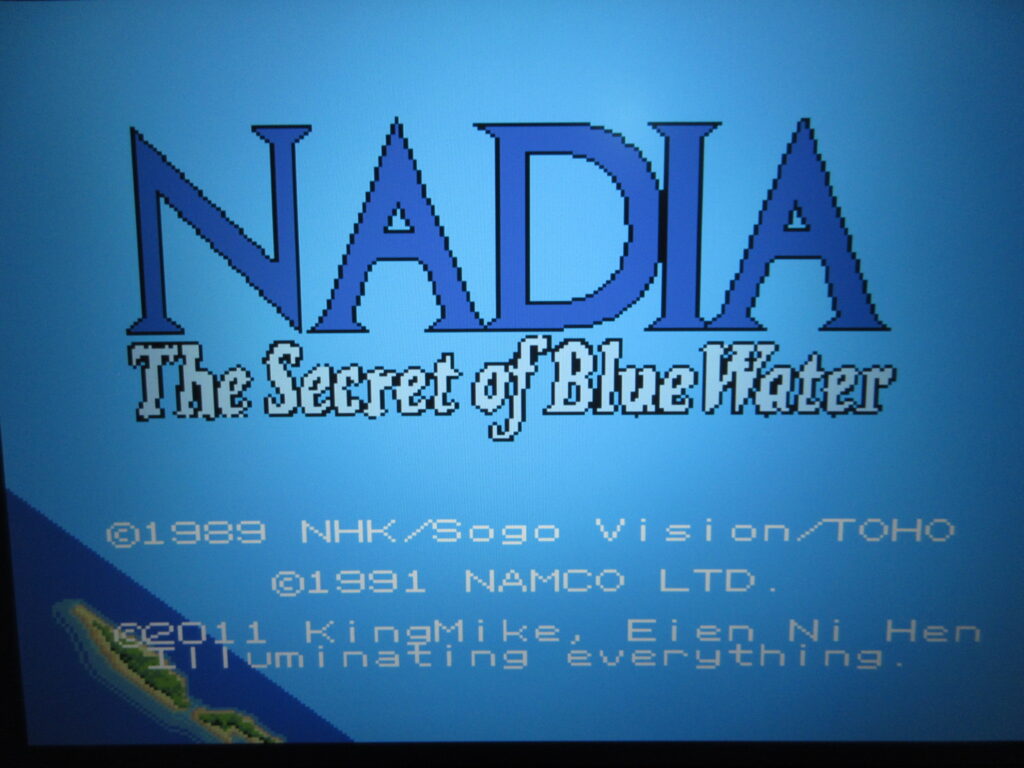
Fan translations of Vixen 357, Battle Golfer Yui and Nadia now work, and I got them to run on the built-in default M2 emulator. The trick is to force the game’s region to United States from the Hakchi screen.
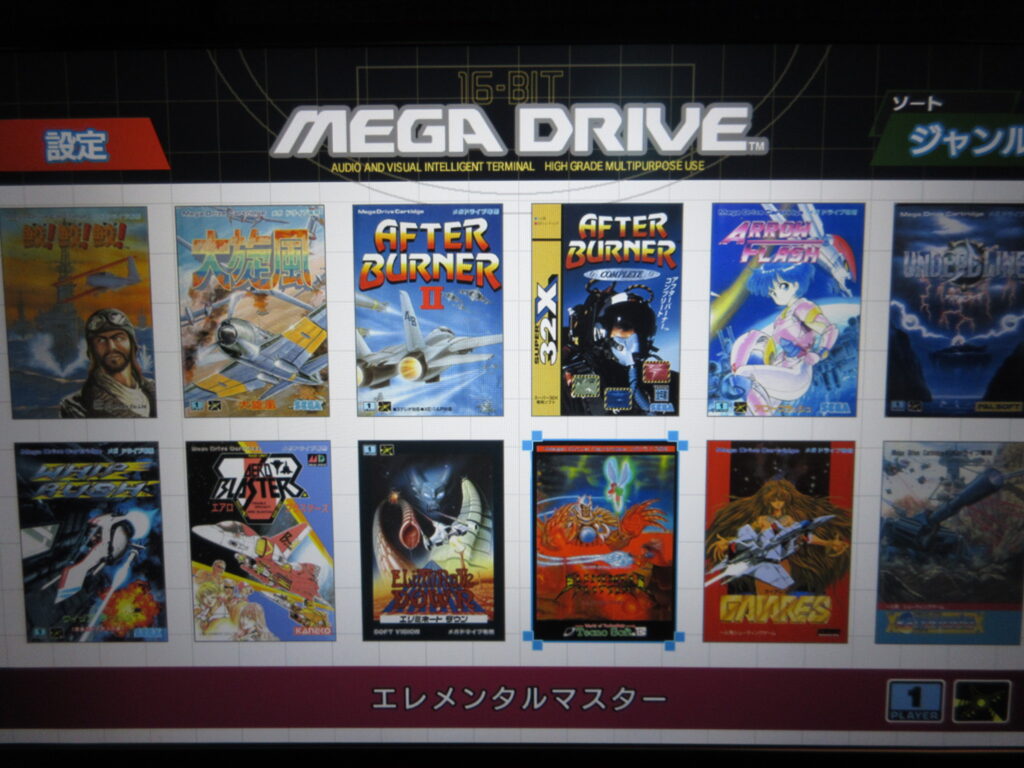
The number of shmups/shooters on my Mega Drive Mini has certainly proliferated, and as you can see the 32X and standard MD games are all listed together.
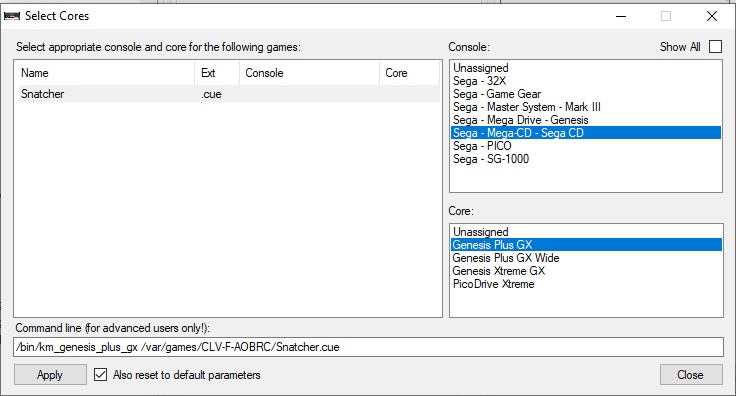
OK, so for Sega/Mega CD games, you will need the BIOS files: bios_CD_J.bin for Japanese Mega CD games and bios_CD_U.bin for North American Sega CD games. Typically the games will have all .bin files plus one .cue file. If you have all of the files unzipped to the same folder, you would just need to select the .cue file when adding the game and Hakchi will grab all the rest of the associated files automatically. The problem is that when I tried adding Snatcher, I immediately went way over the total storage capacity as it was 6x the size of the total available amount on the internal HD. You’d need an external USB drive or something to add these games, but in my position I’d rather just use my RetroPie for such games.
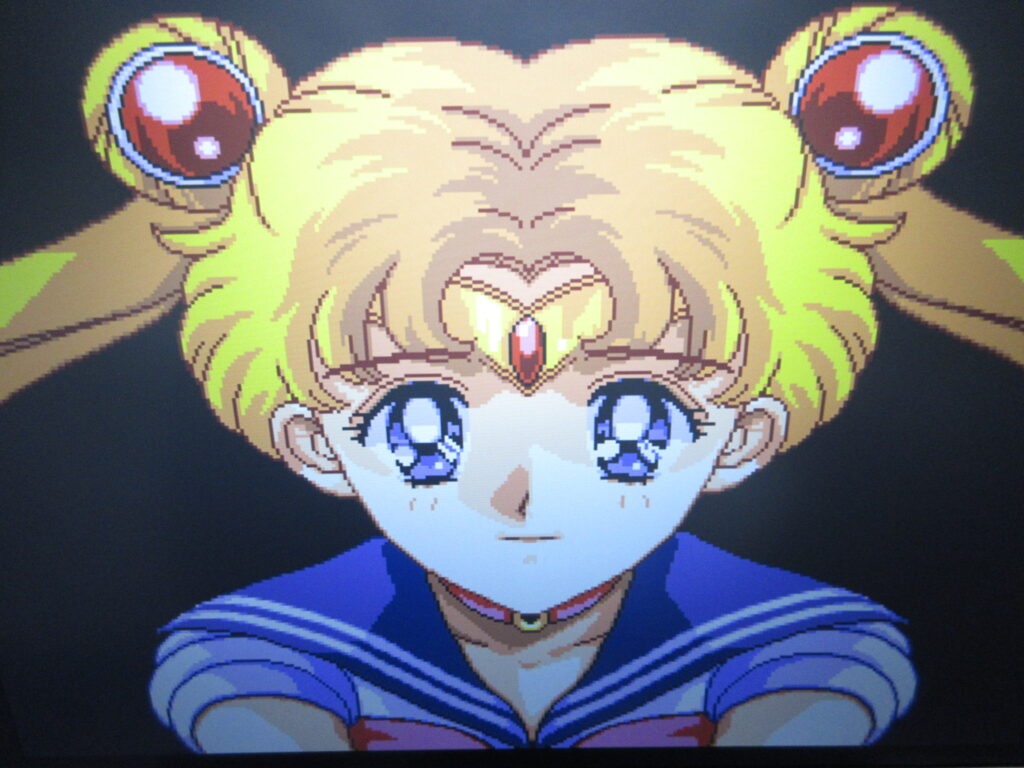
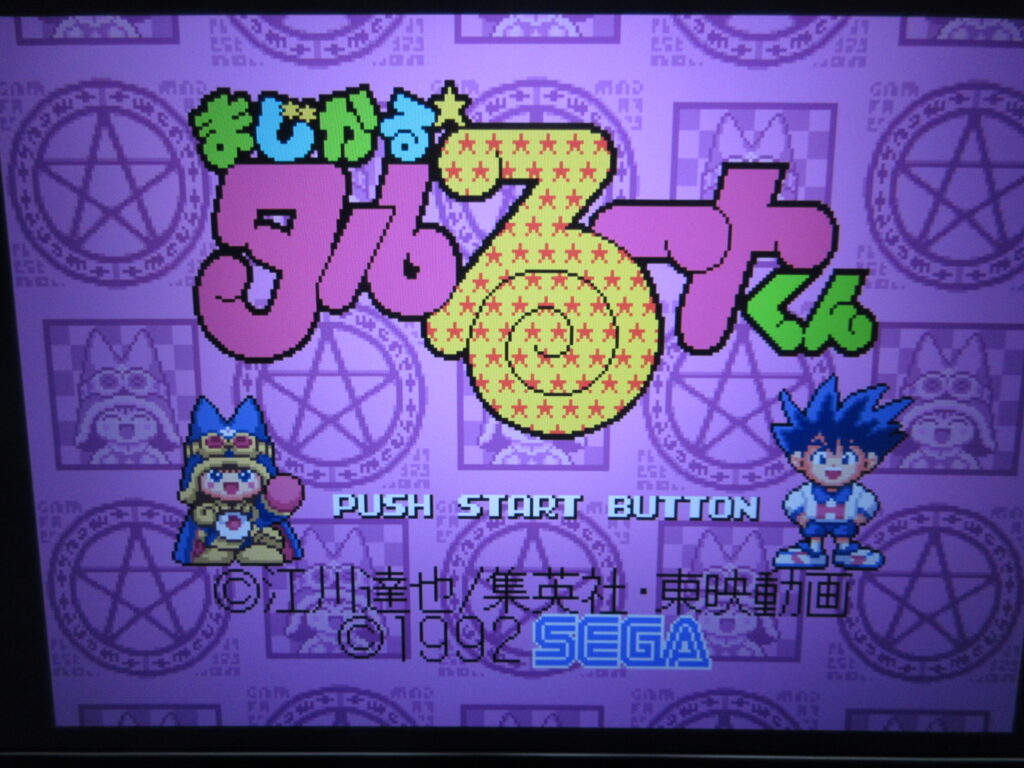
Lastly, I added two more standard MD games: Sailor Moon and Magical Taruruto-kun. I own Sailor Moon on the SFC and wanted to see the MD version. I own the original MD game of Taruruto-kun. I think I’ve only seen the anime a couple of times, way back when we had cable TV. My daughter wasn’t really interested in the show. It’s a pretty quirky platformer game. It comes with the Japanese MD Mini 2.