Random crap.
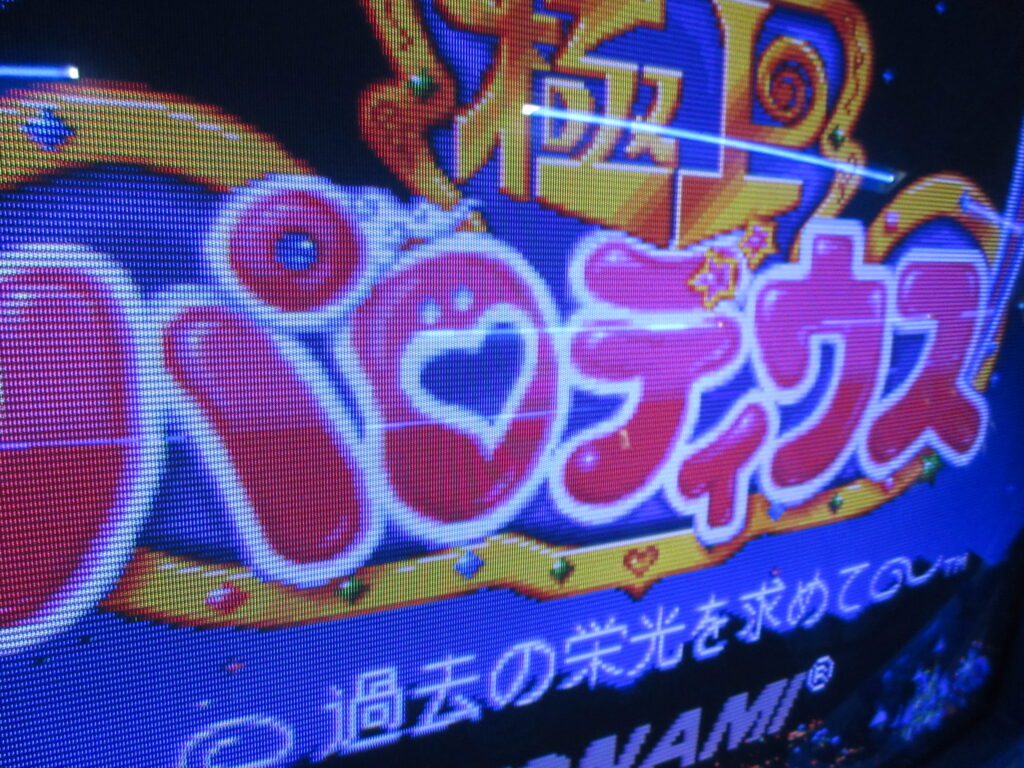
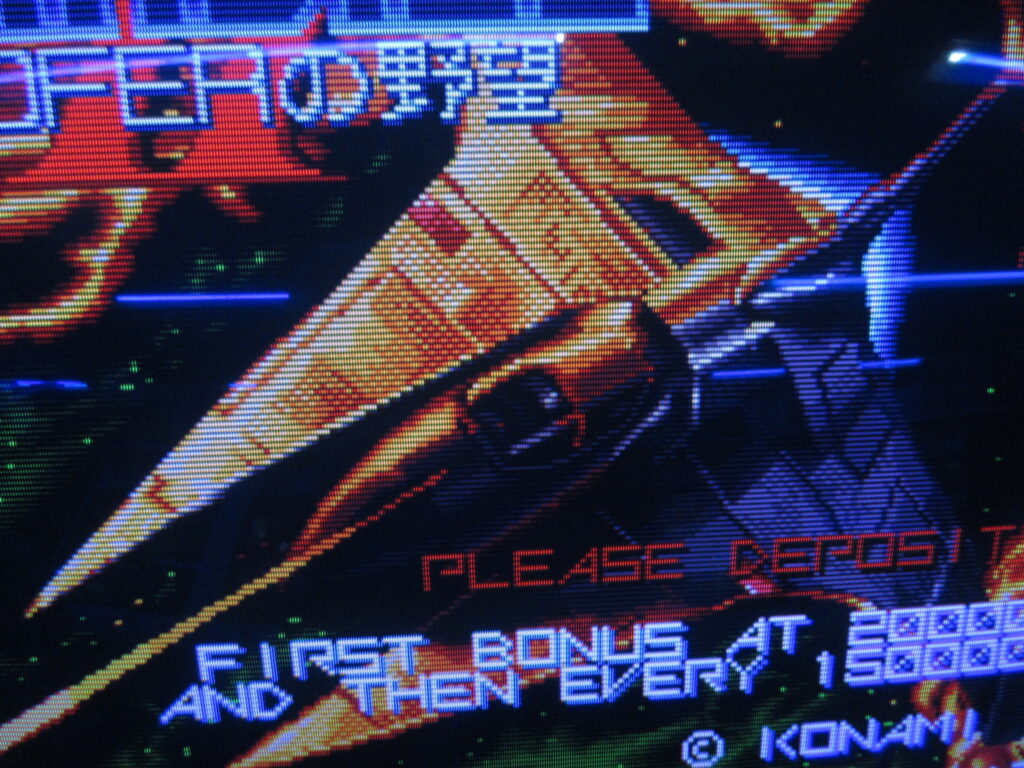
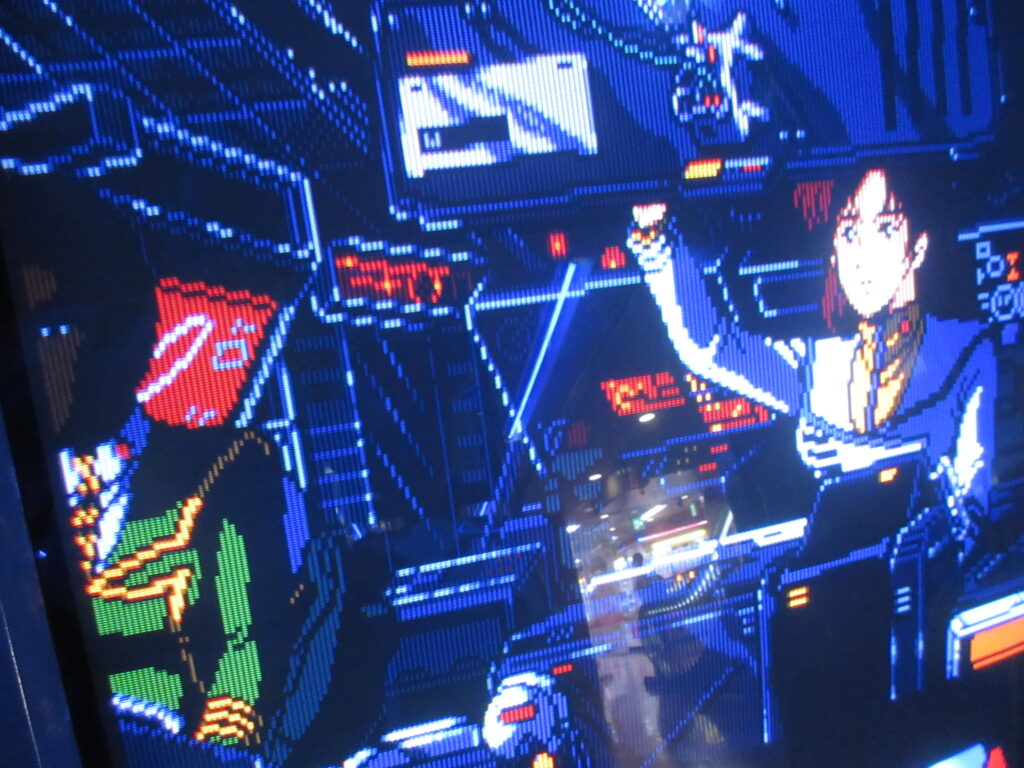
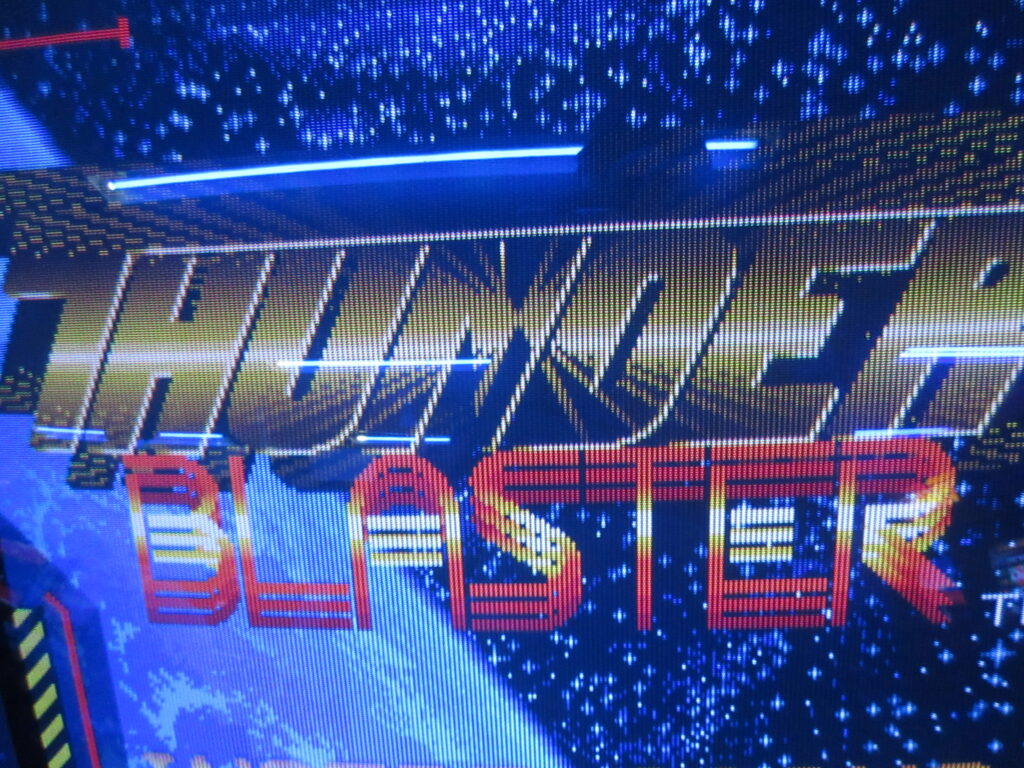
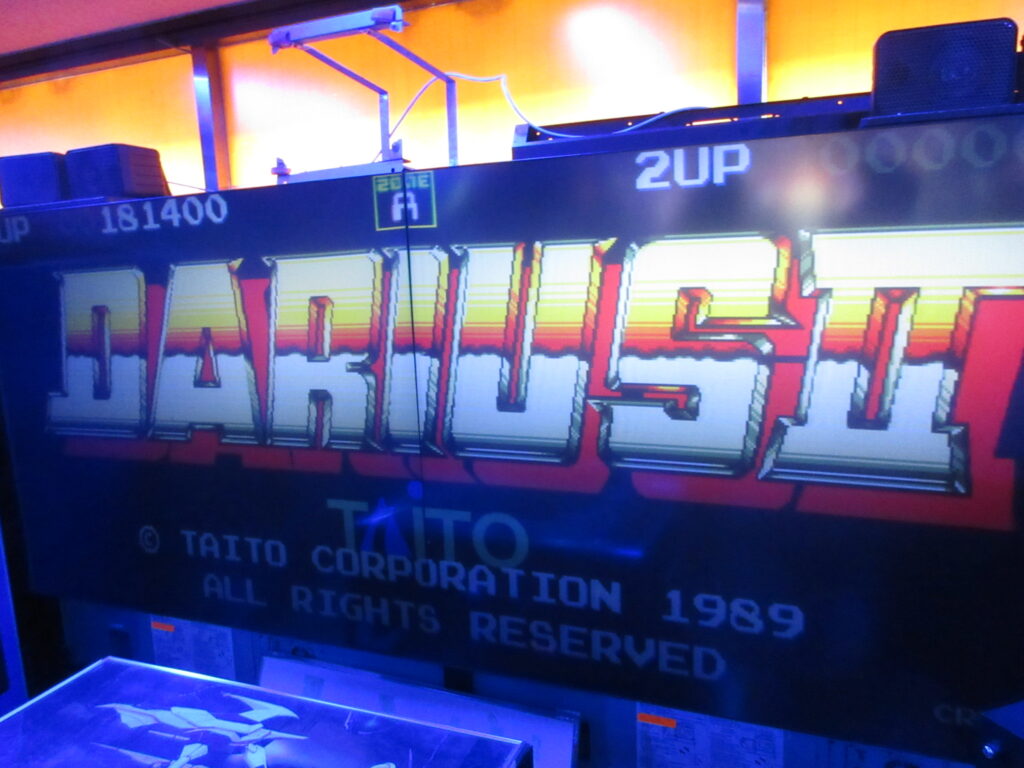
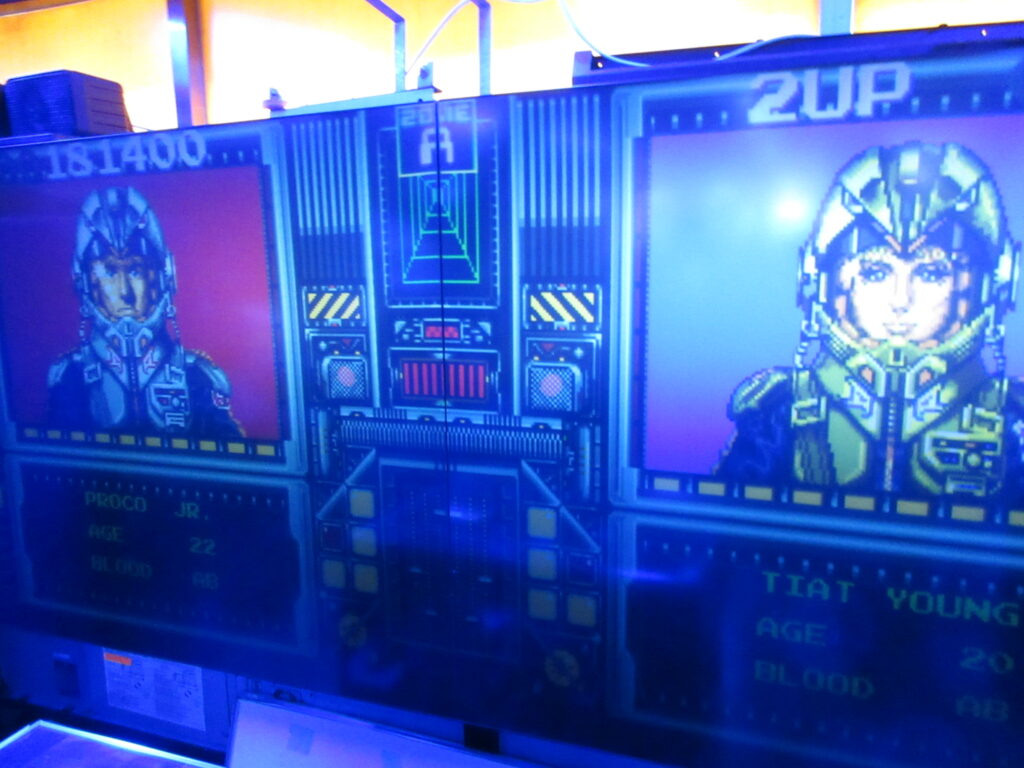
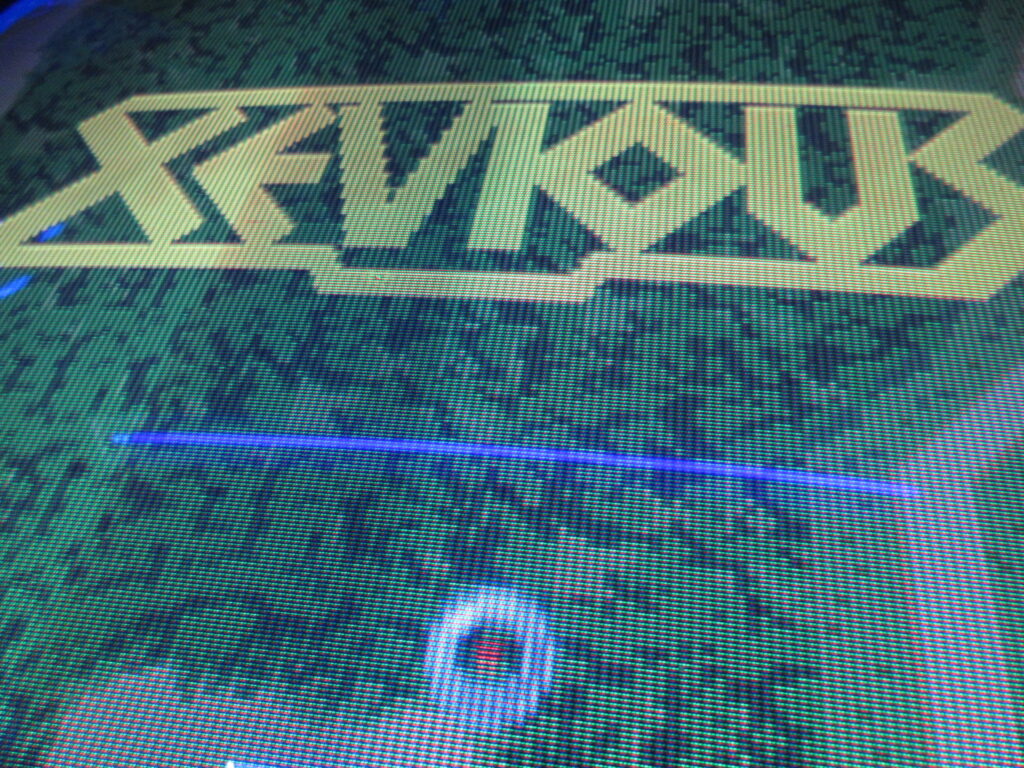
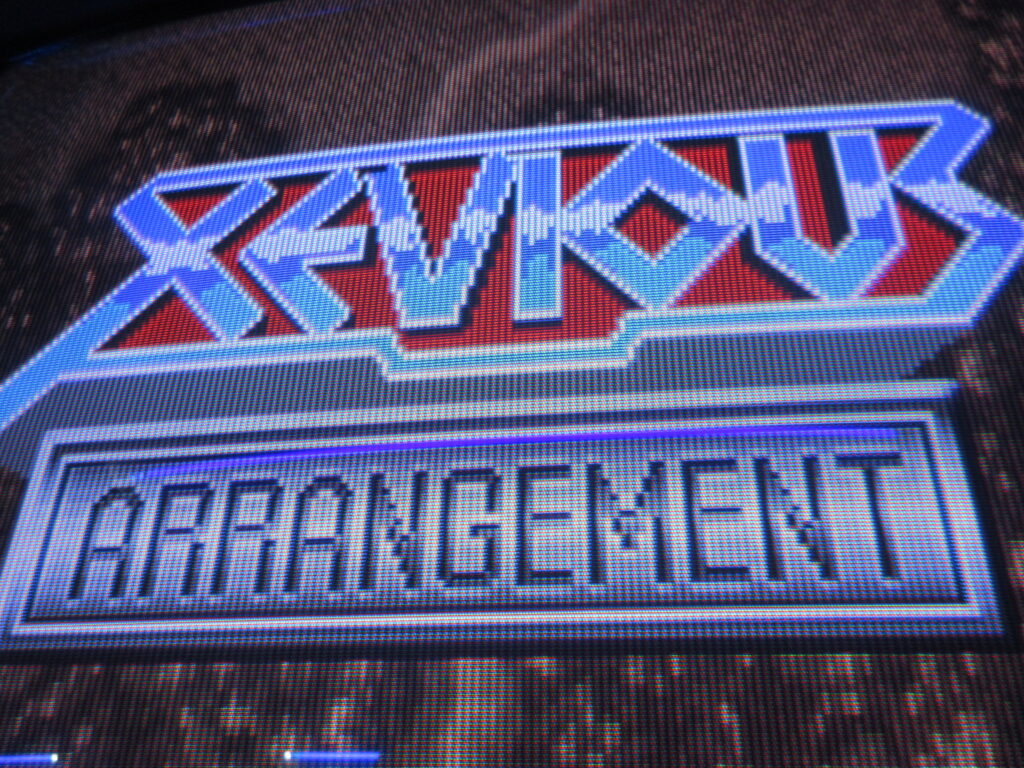
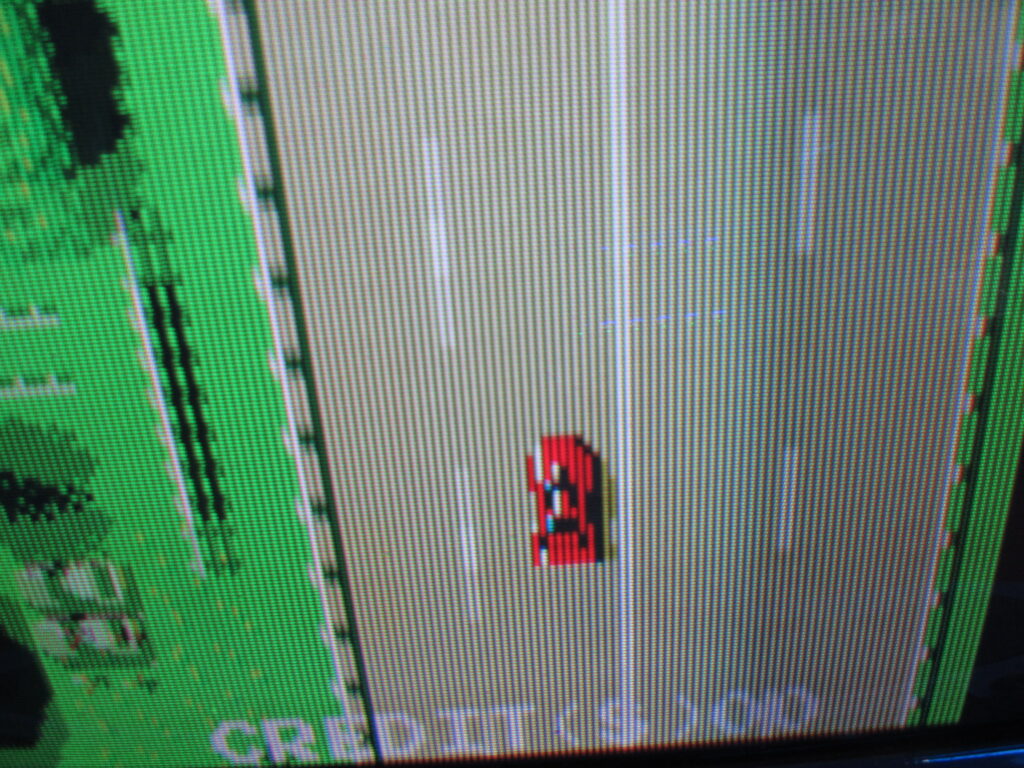
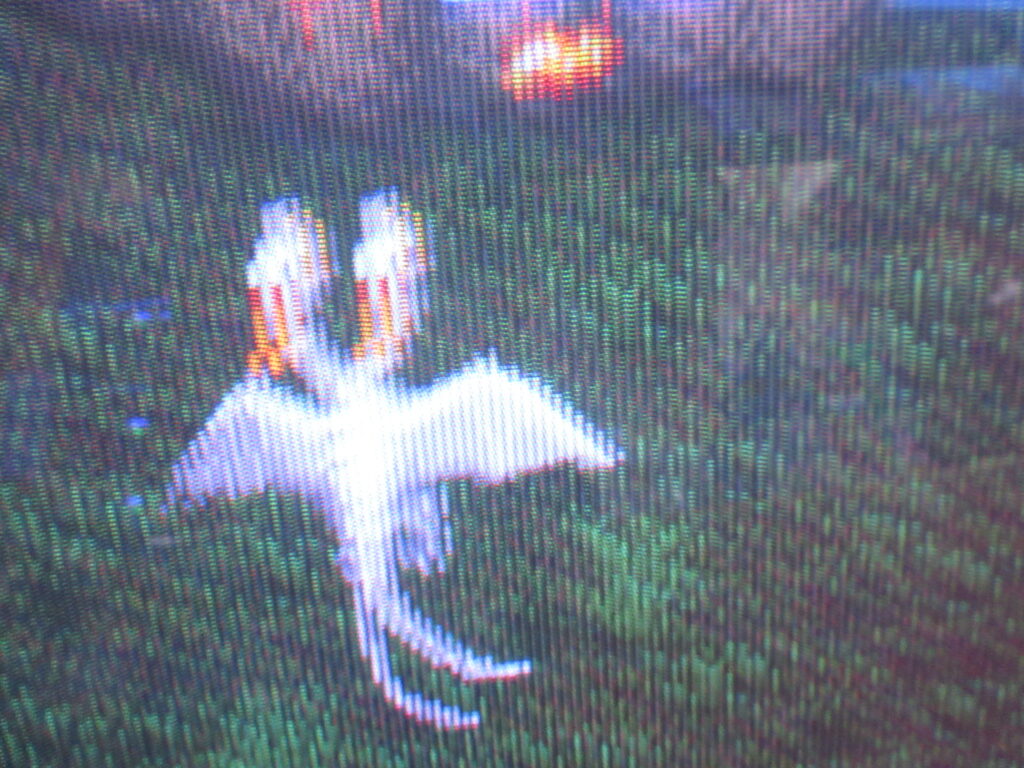
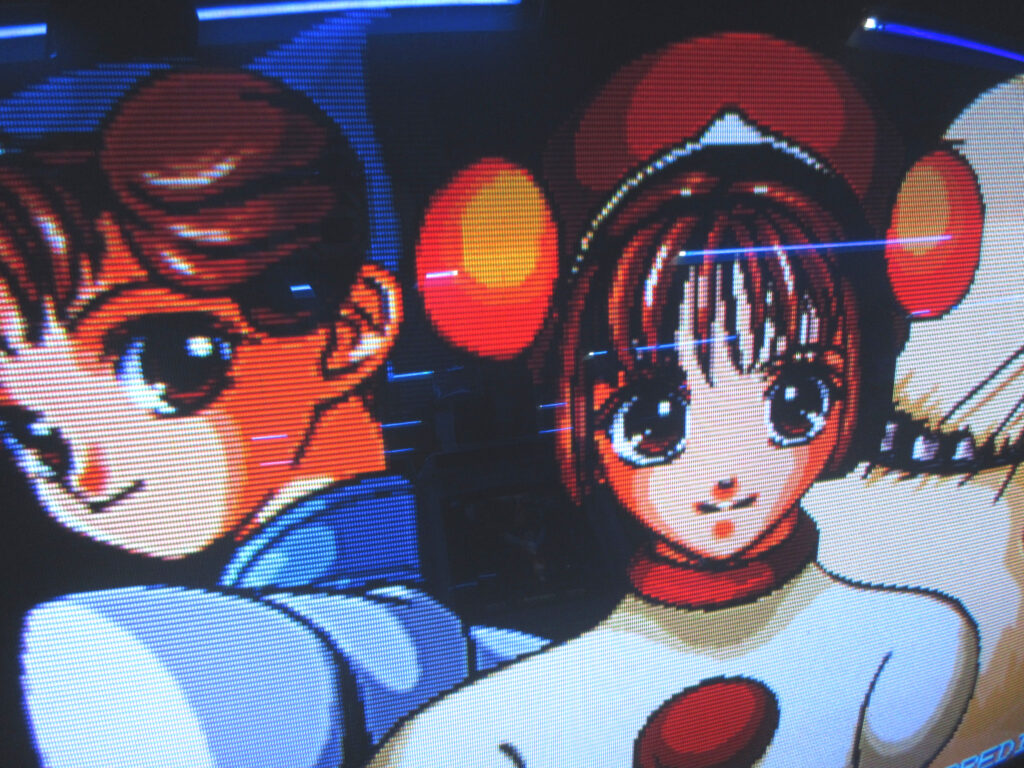
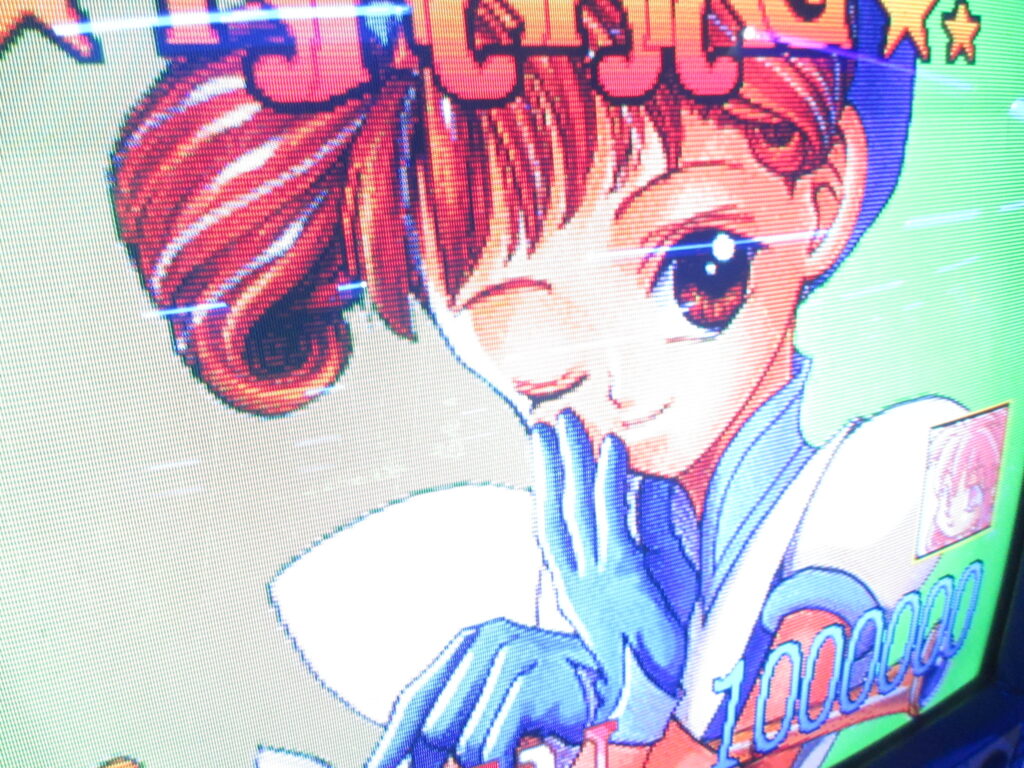
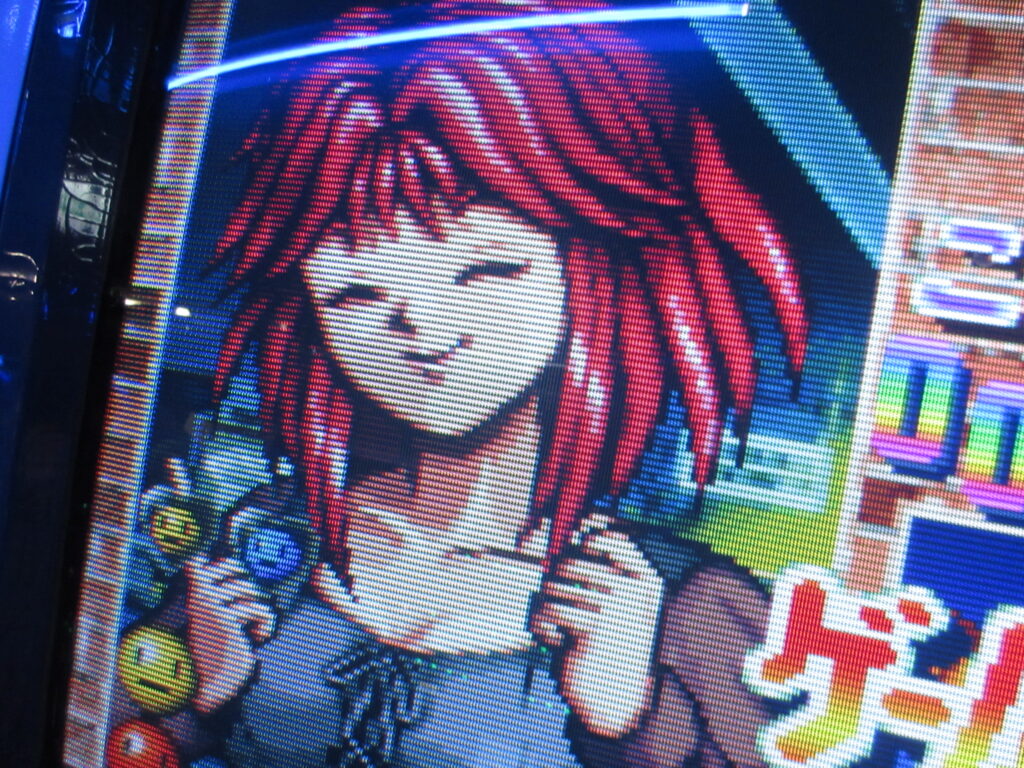
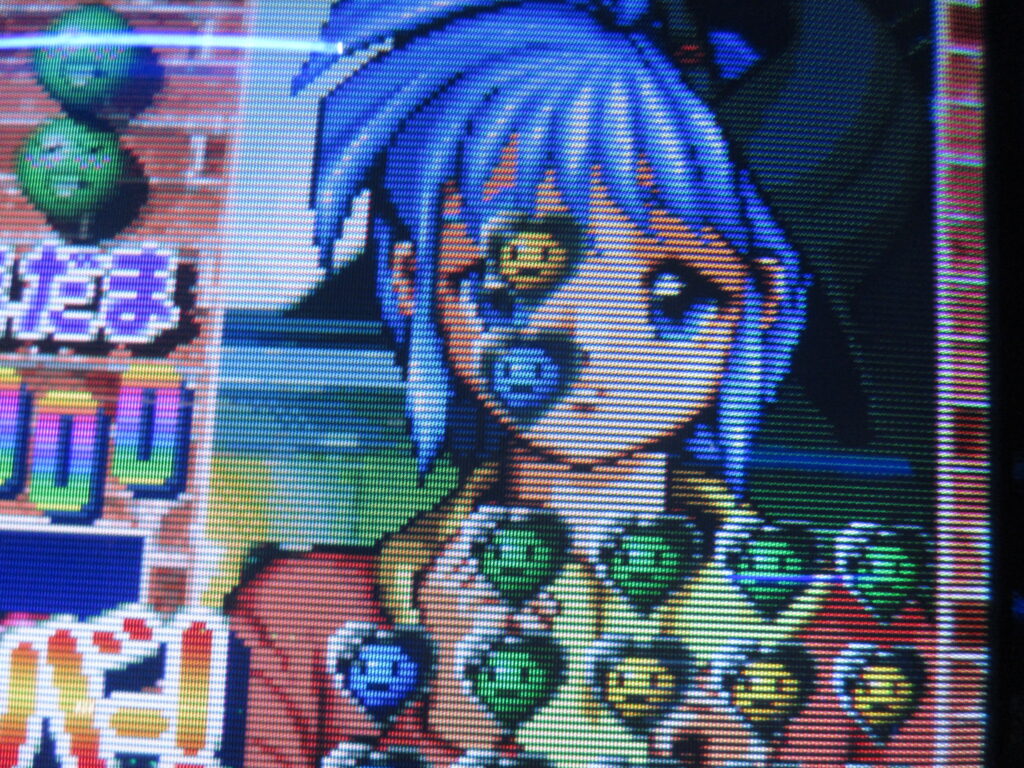
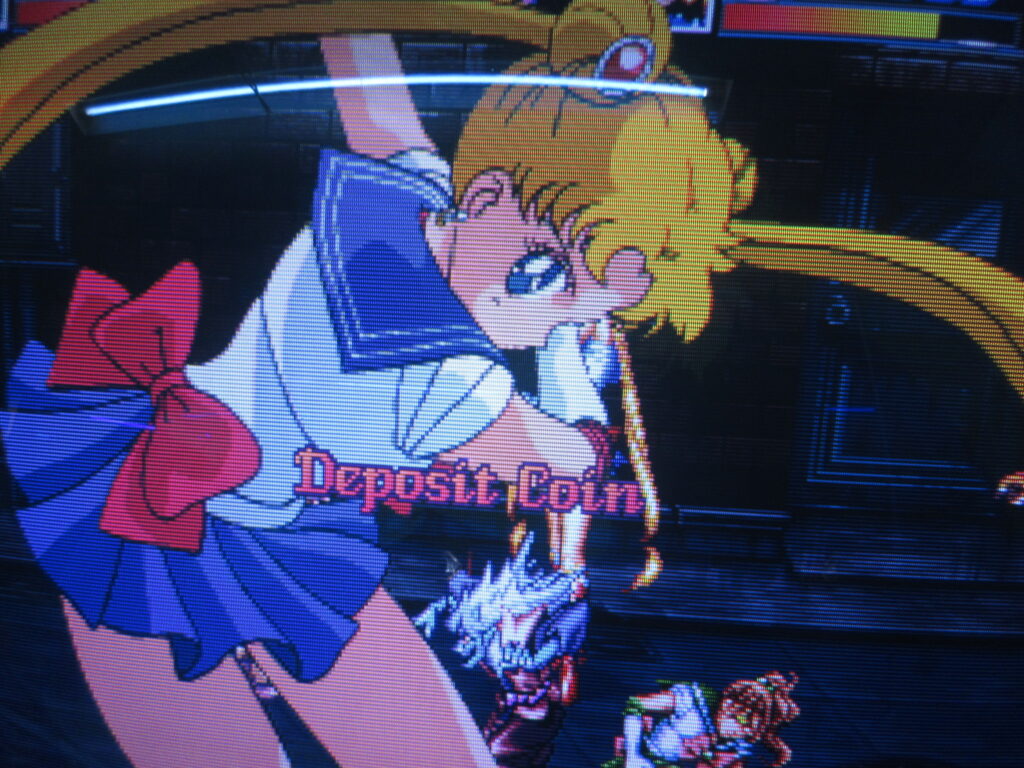
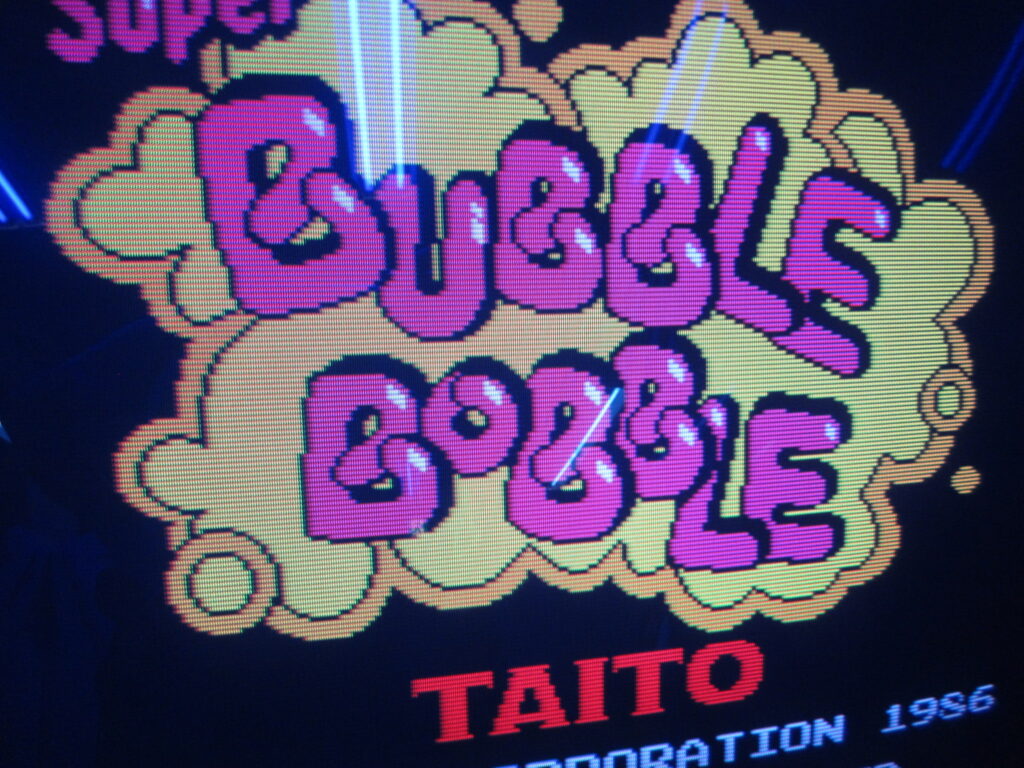
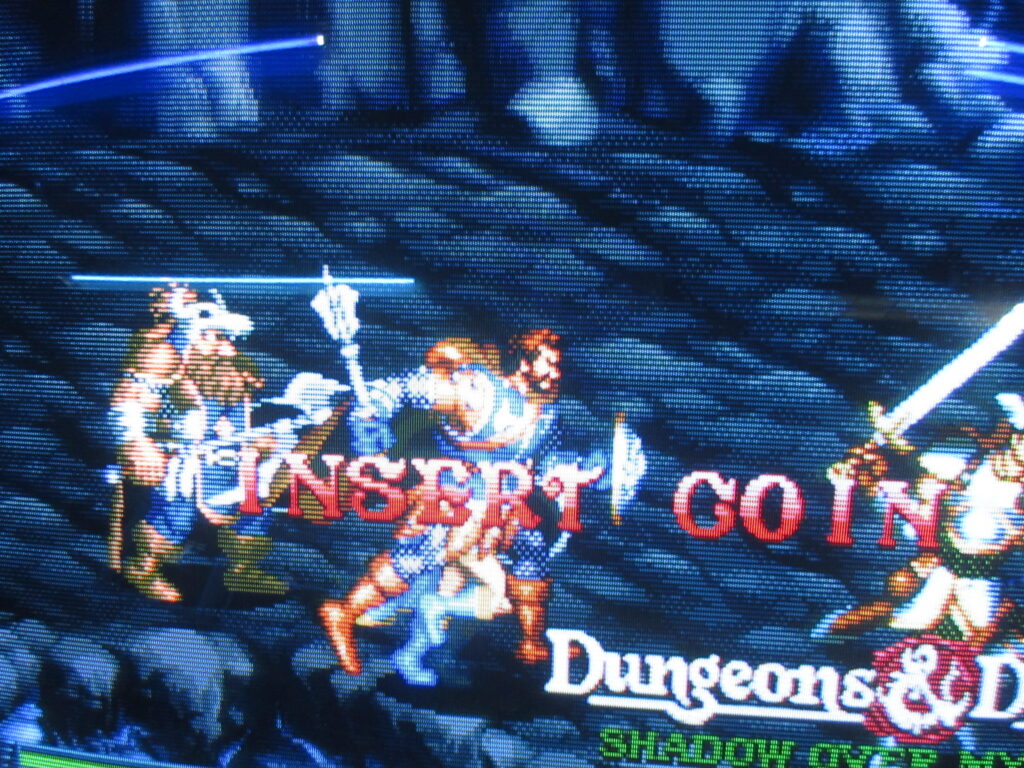
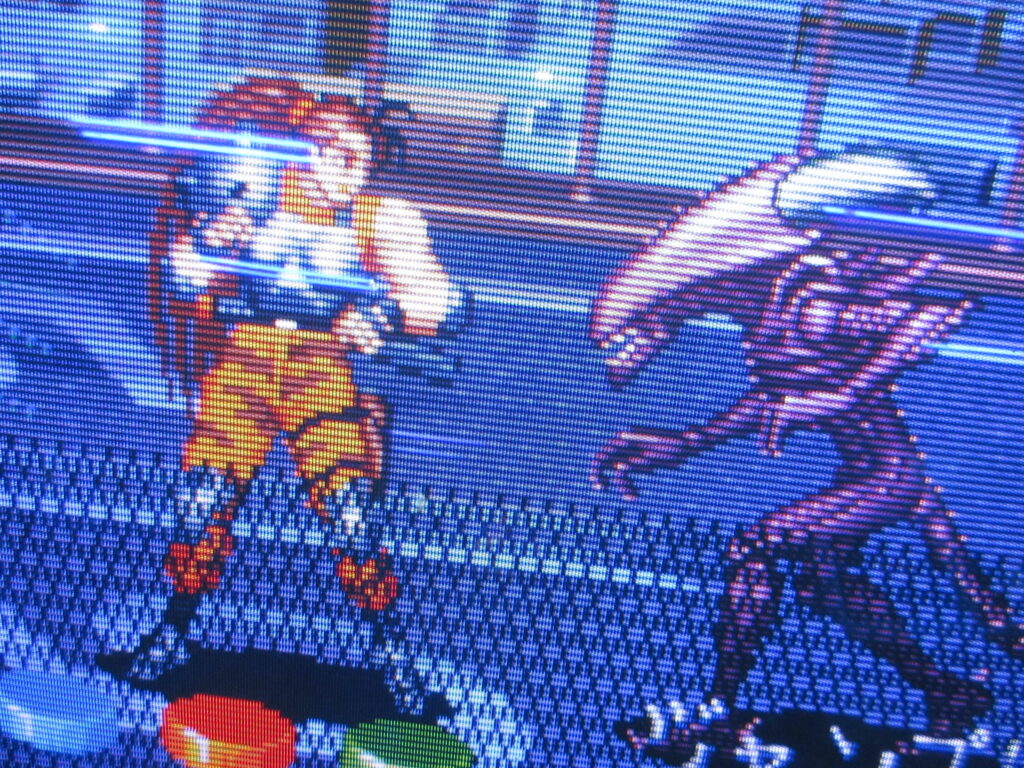
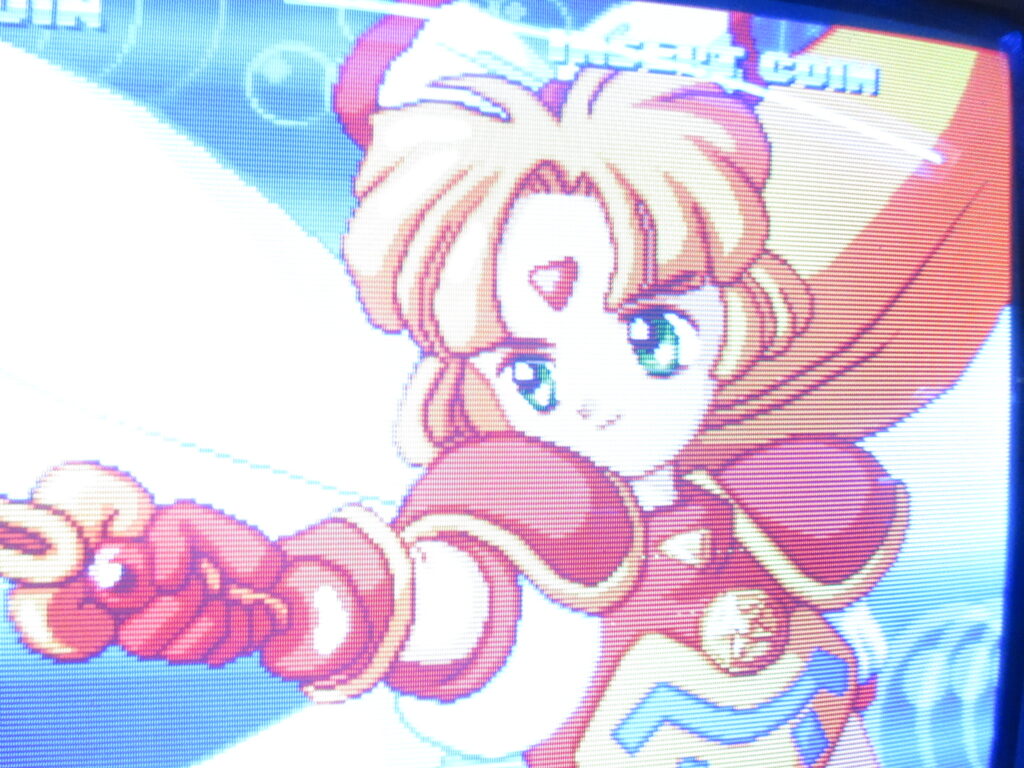
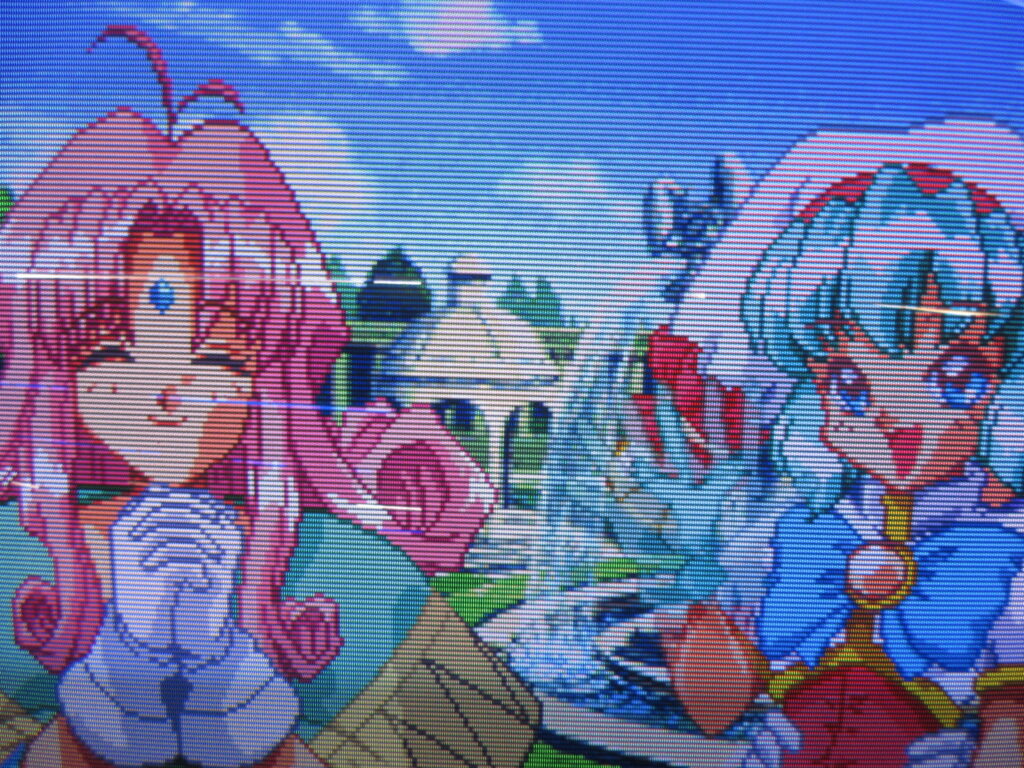
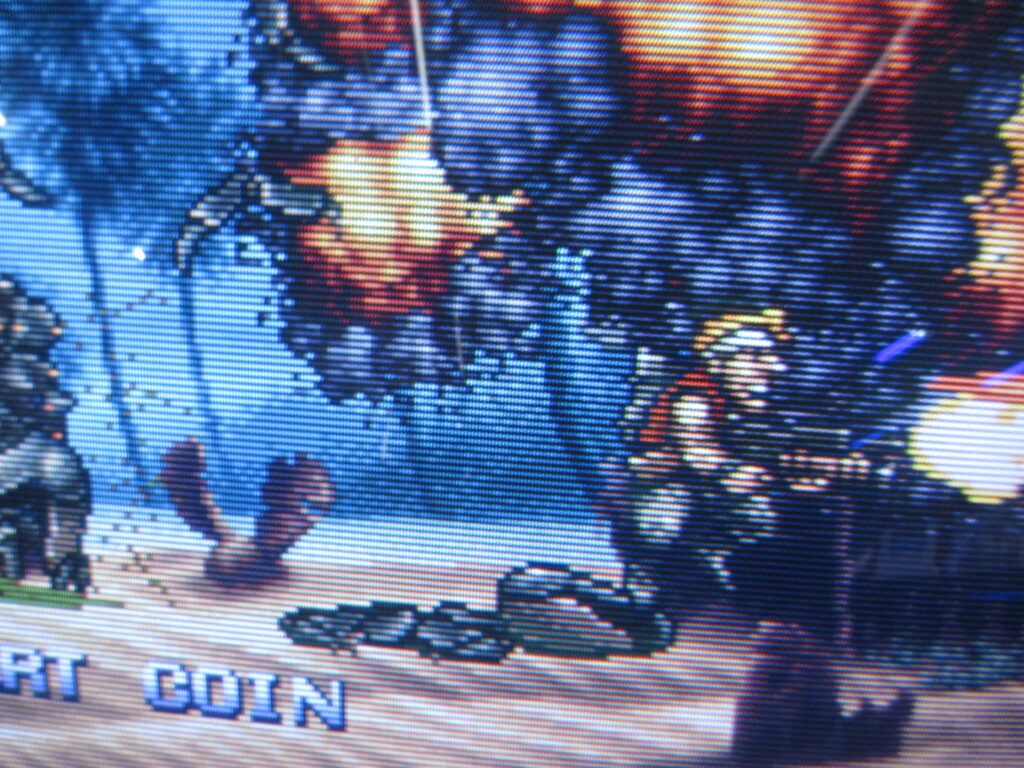
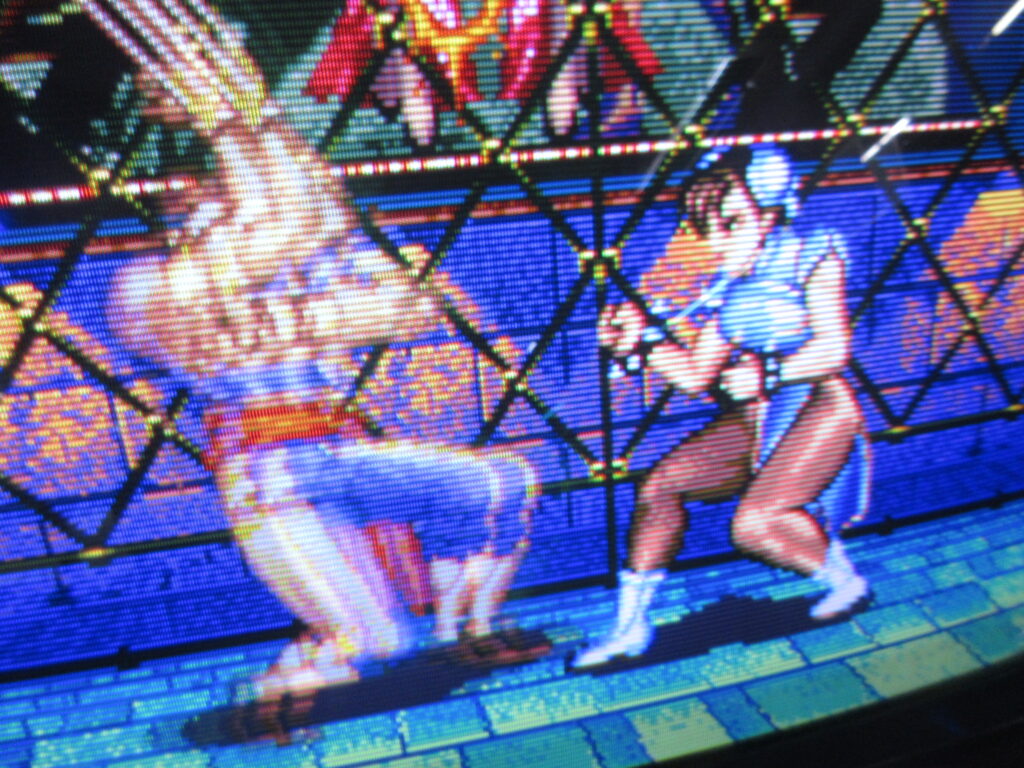
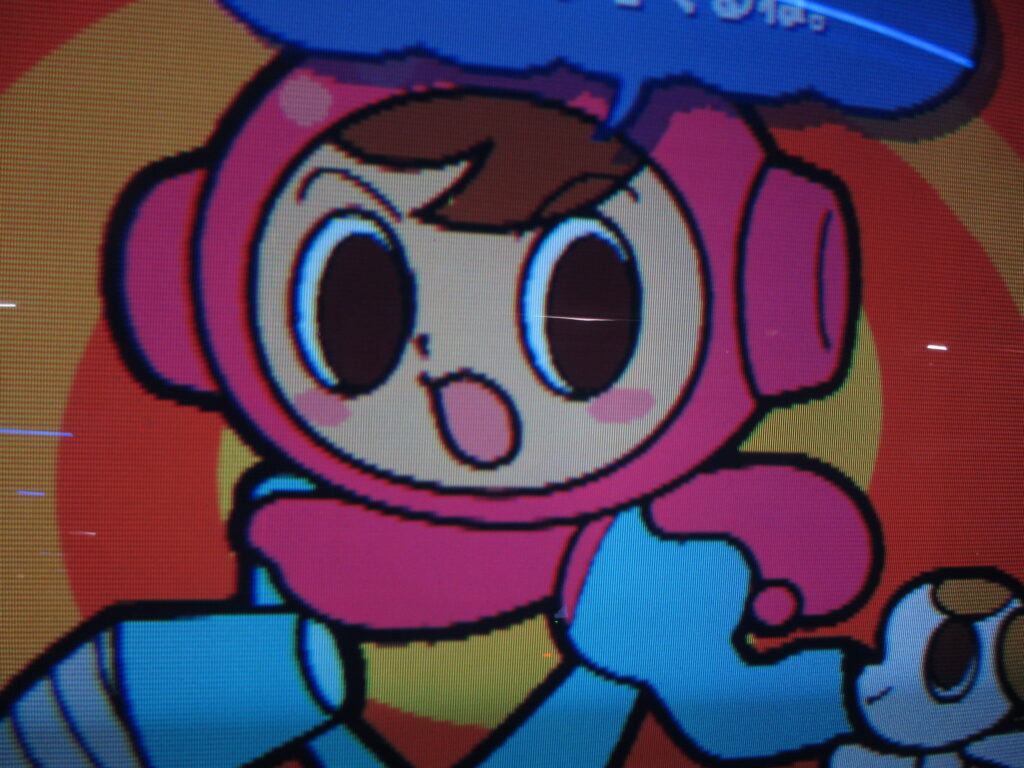
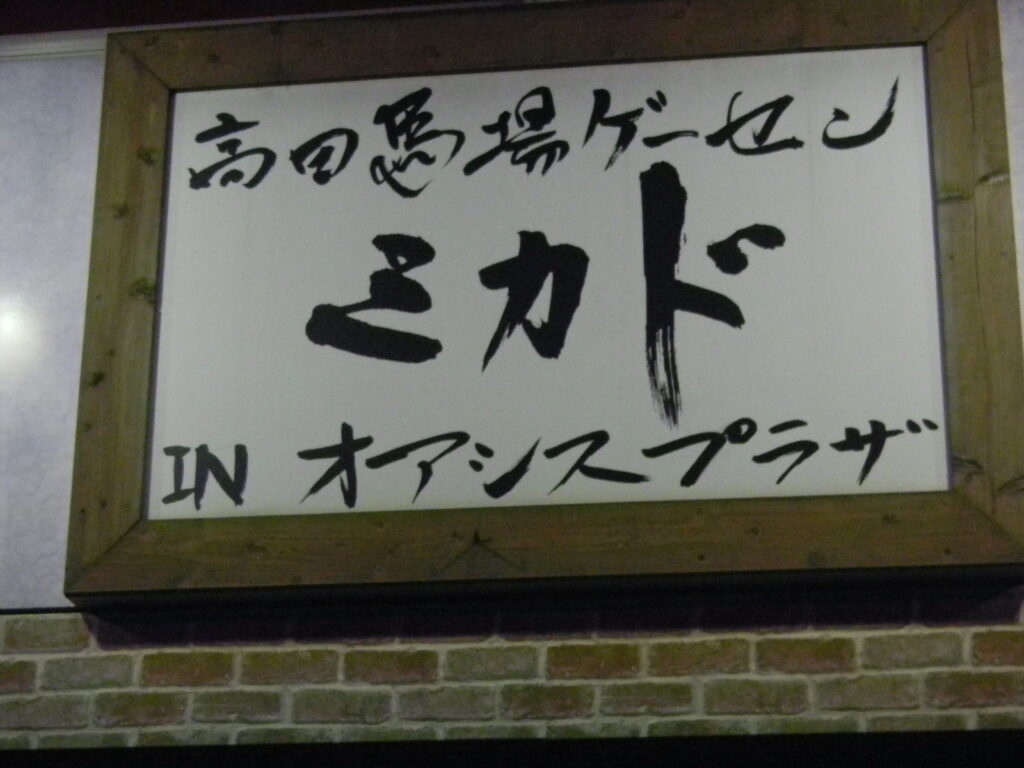
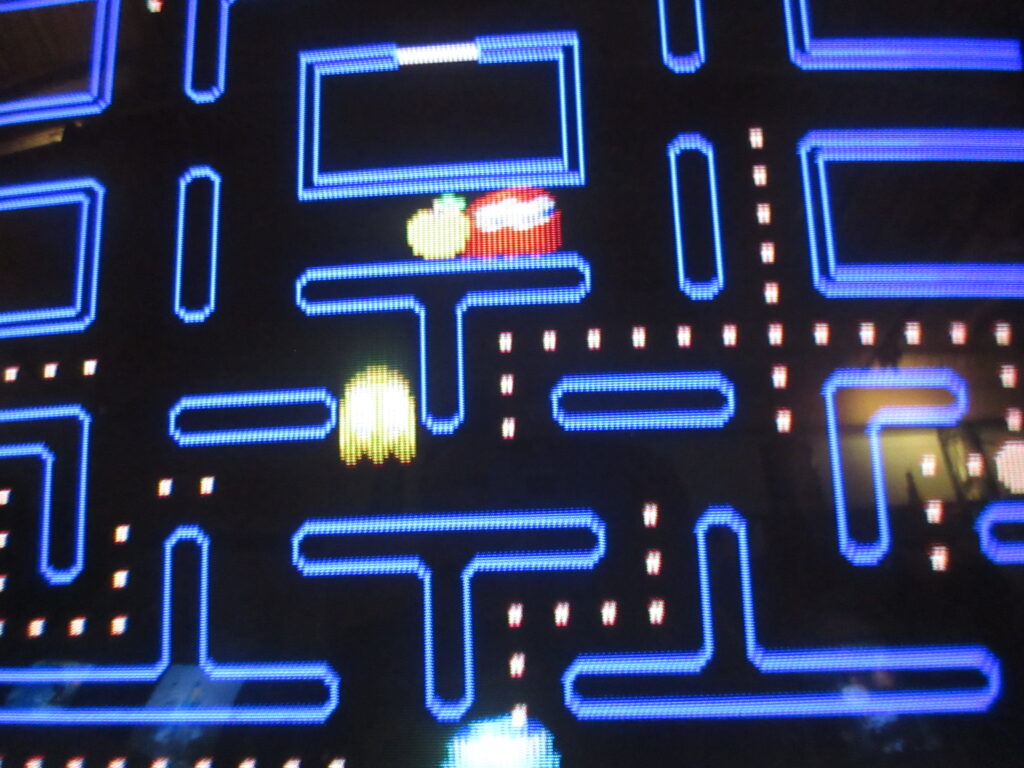
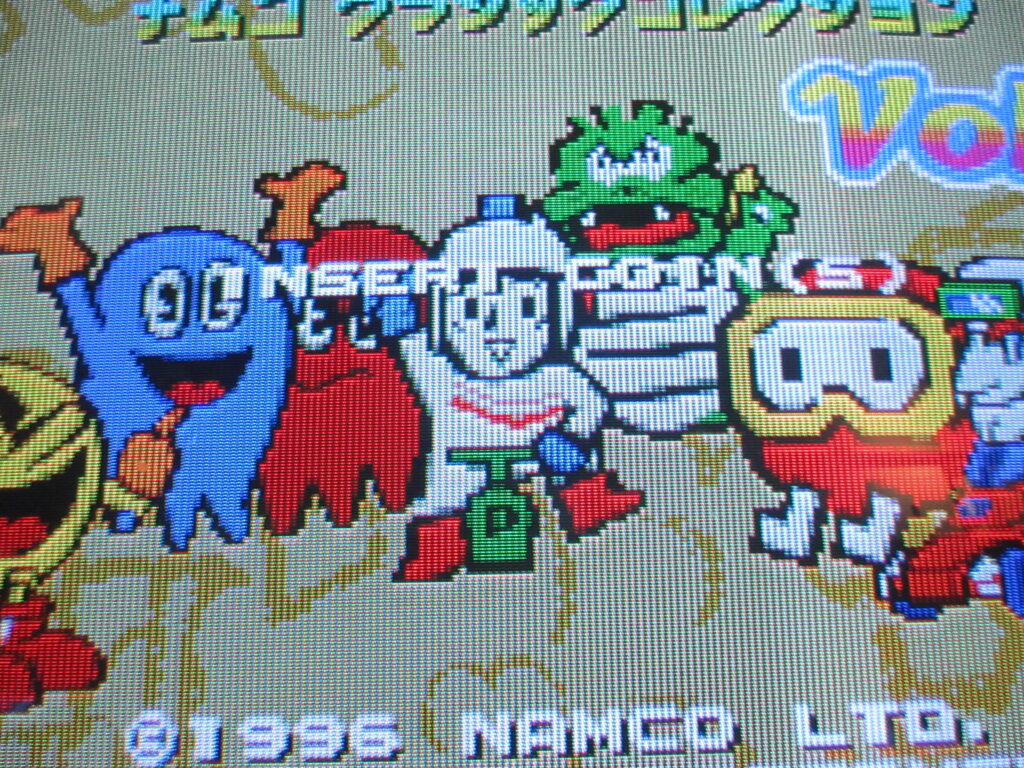
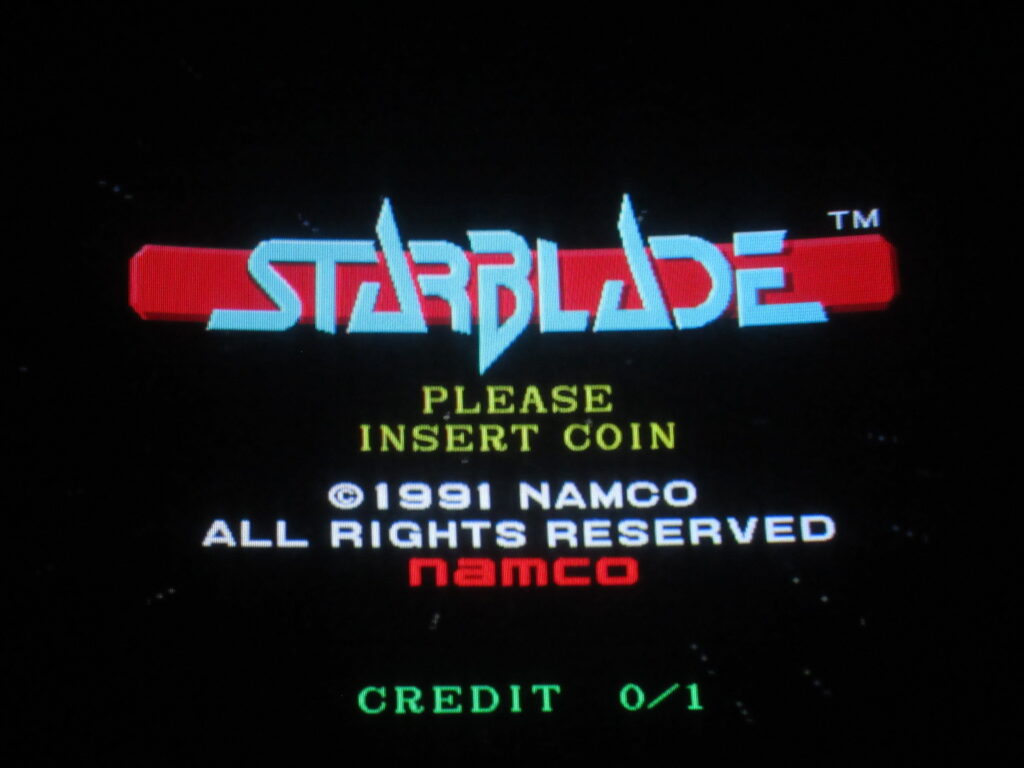
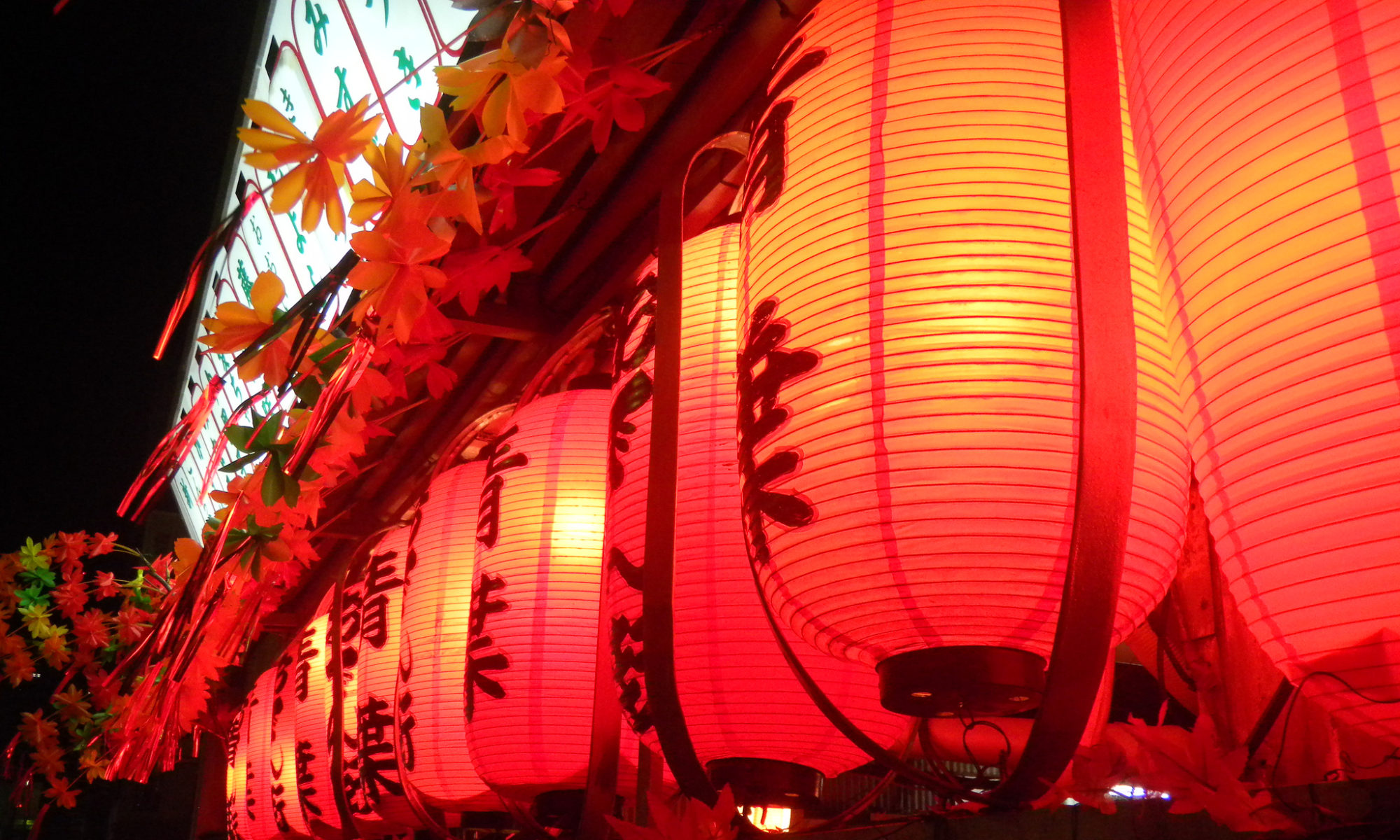
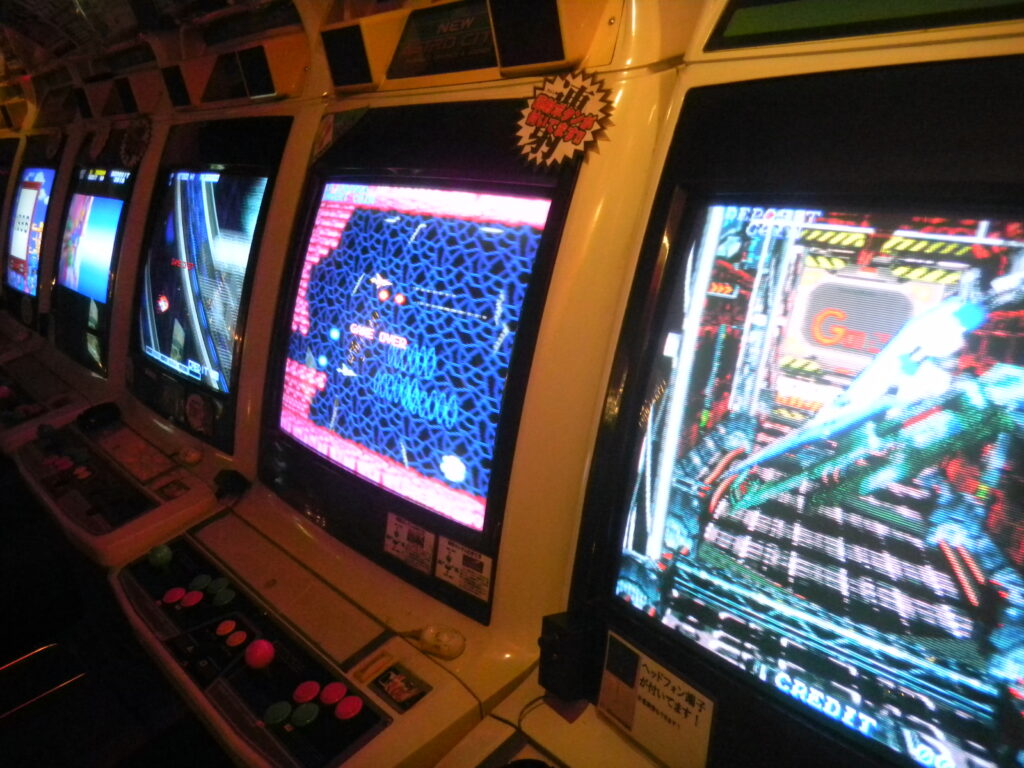
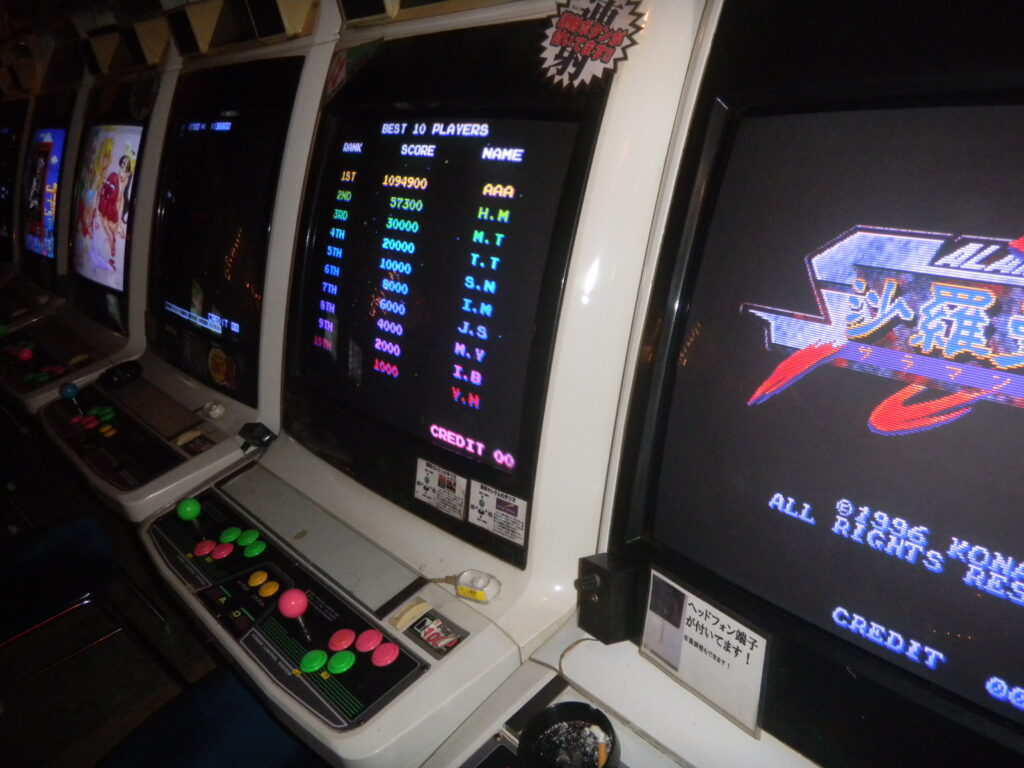
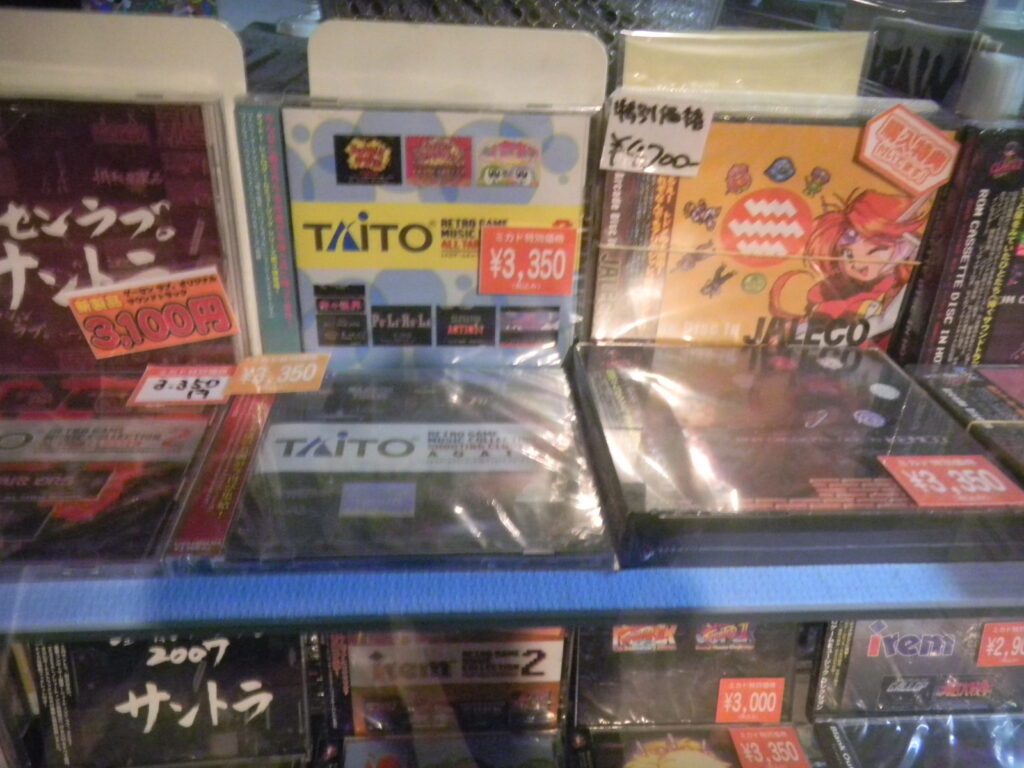
I found these photos from December 2013 on my hard drive, so I decided to post them here. This is the Mikado location next to Takadanobaba Station in Tokyo.
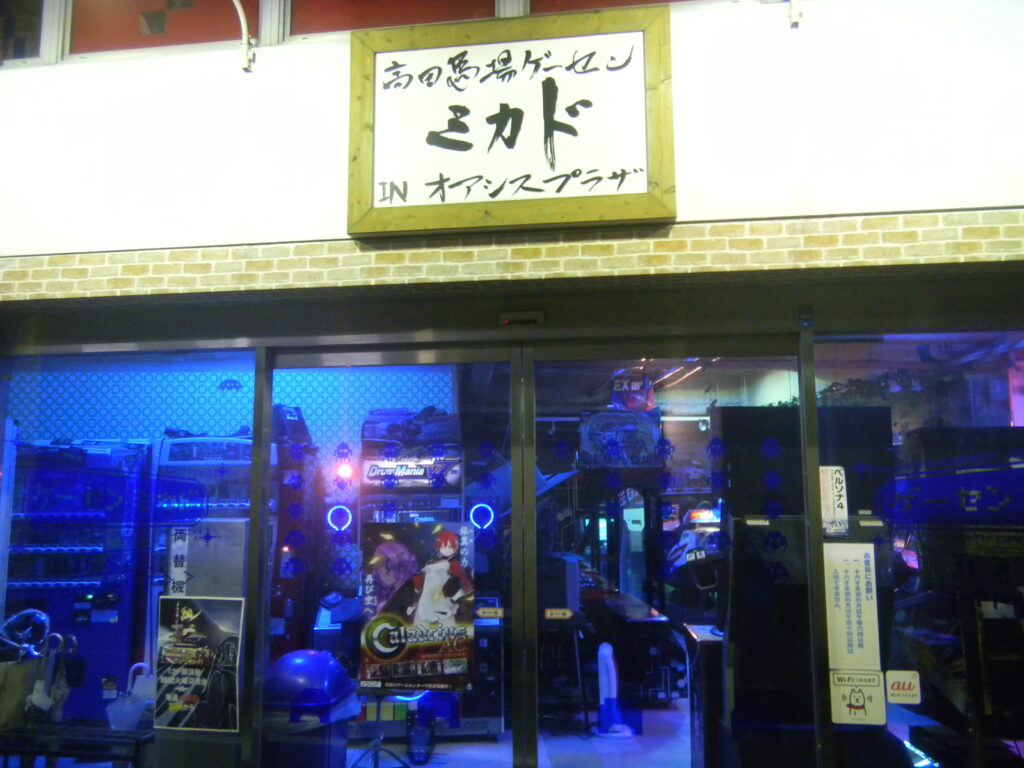
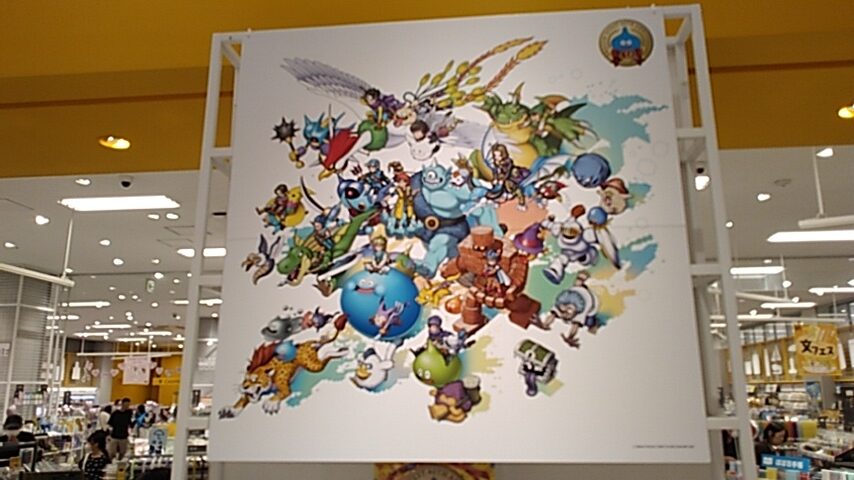
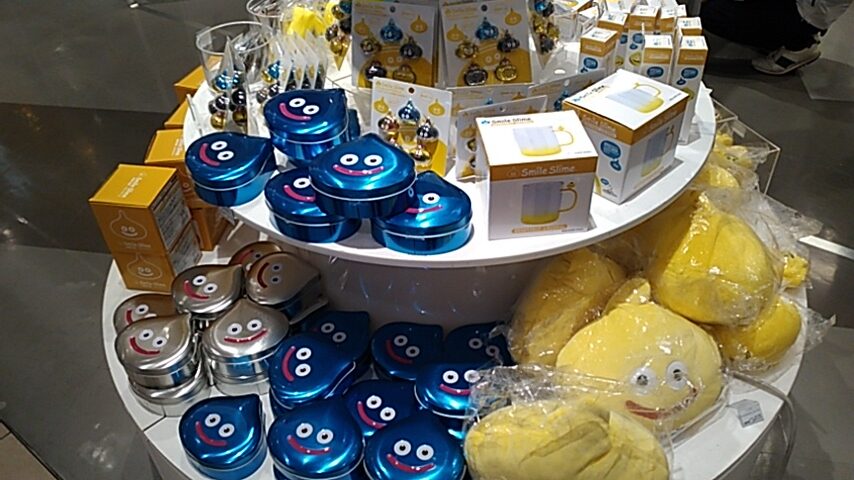
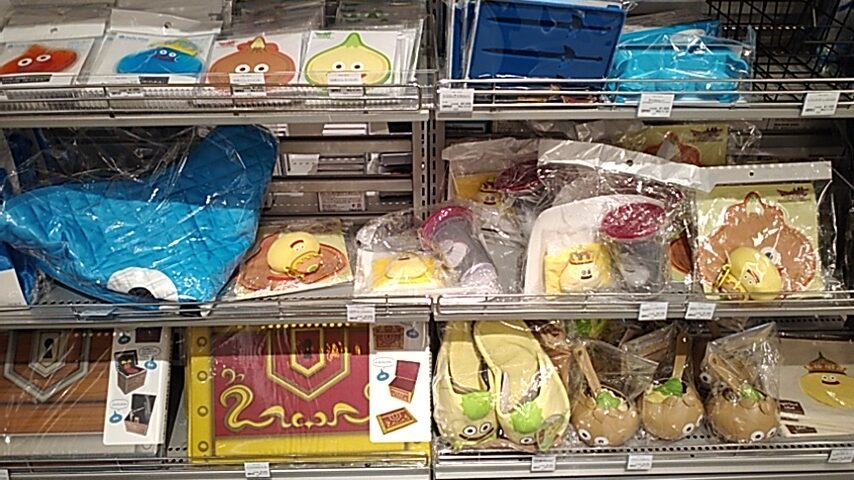
For the 3rd year in a row, Loft has had a Dragon Quest sale. This time it’s for the 40th anniversary of the beloved game series. Lots of neat merchandise on sale.
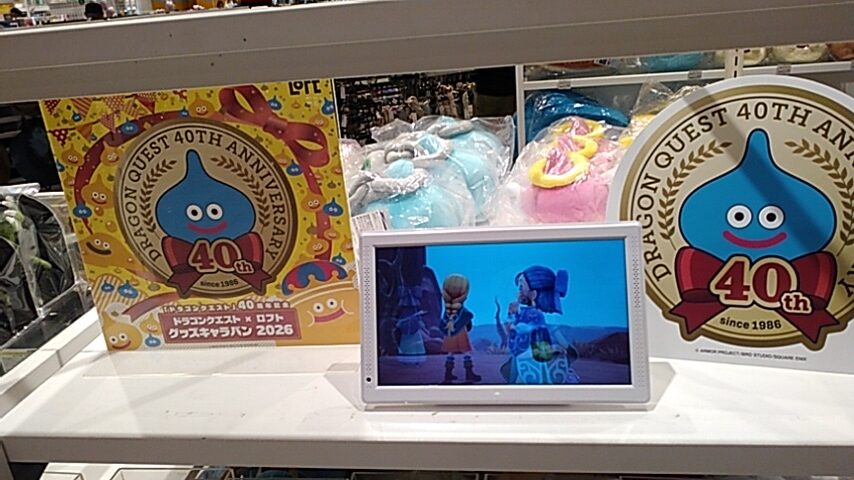
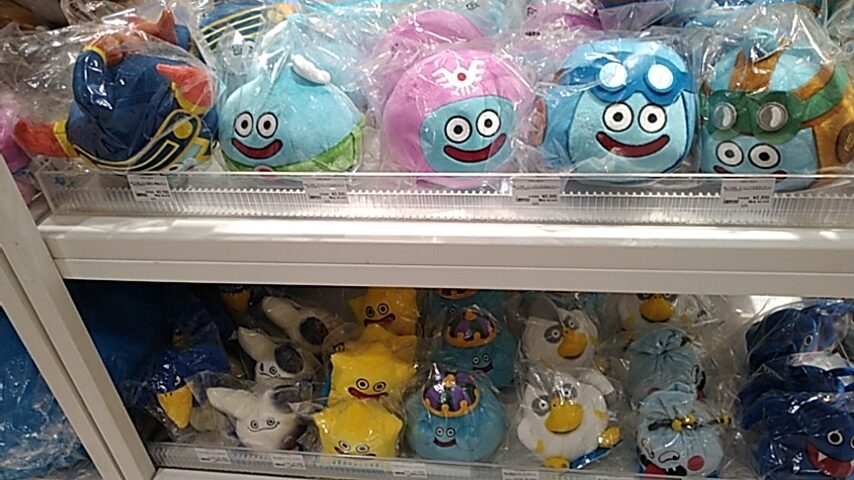
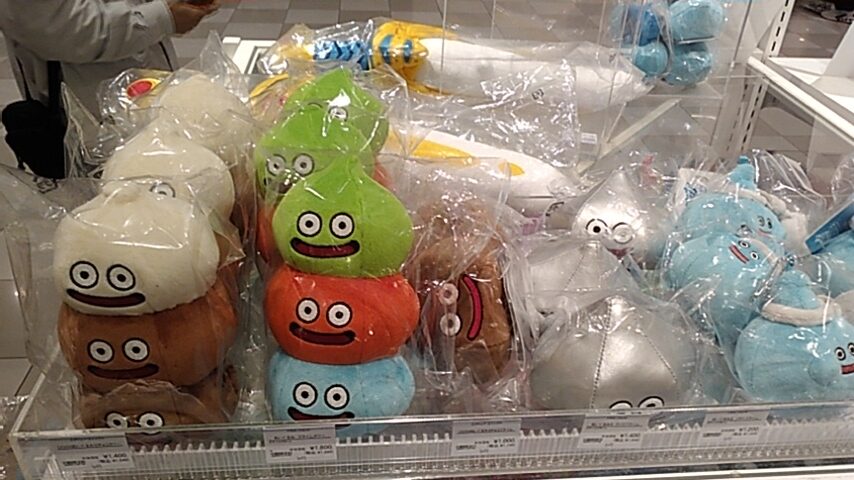
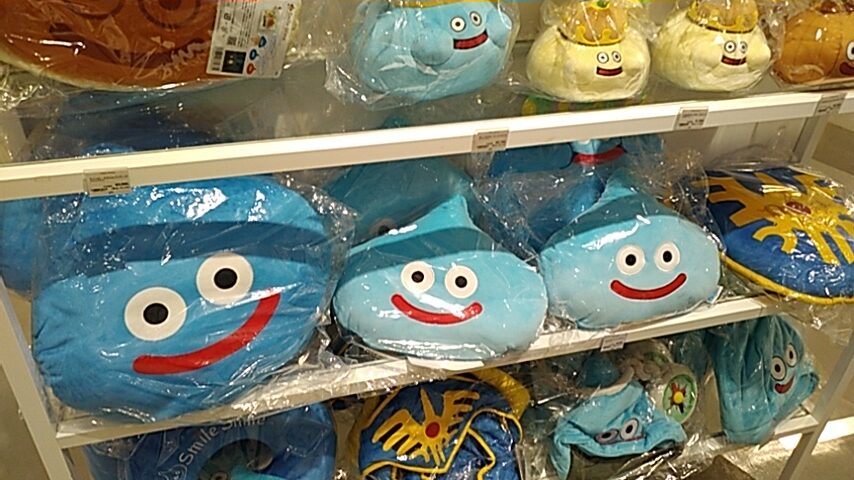
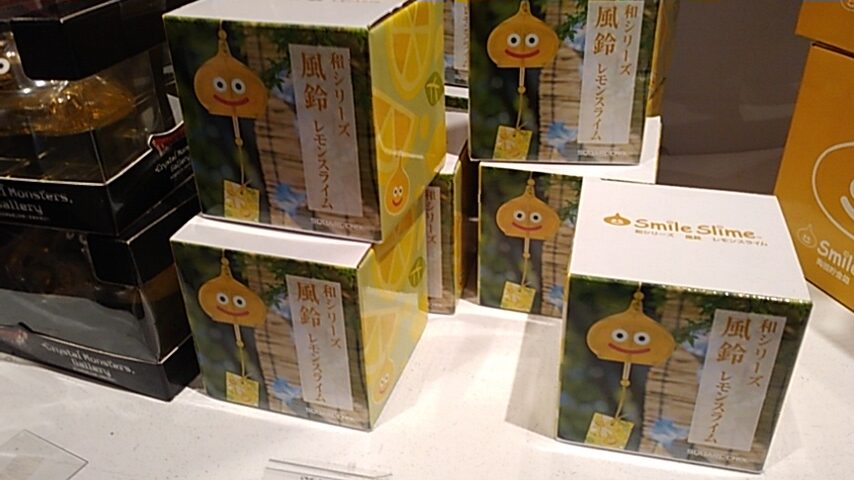
I bought one of these “Lemon Slime” windchimes. Summer is drawing to an end, but windchimes are nice any time of the year, I say.
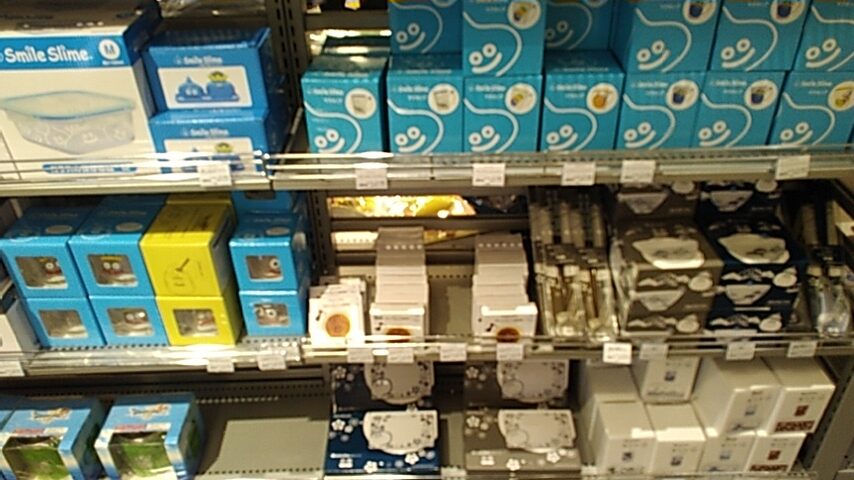
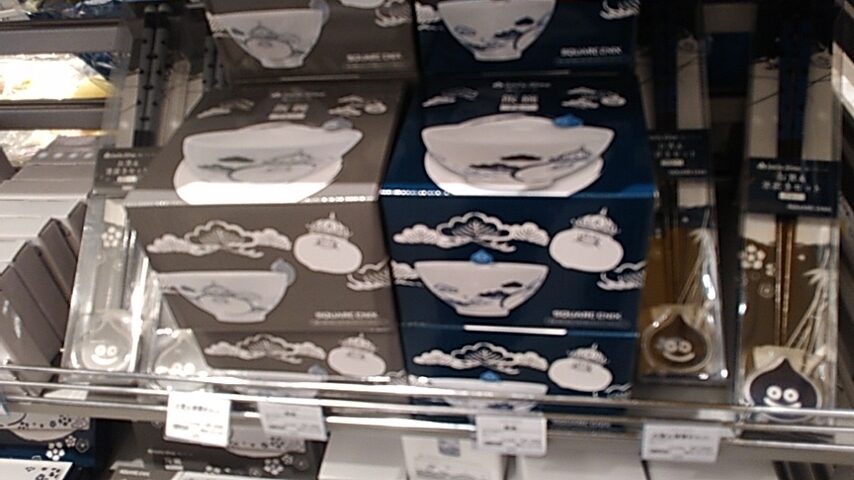
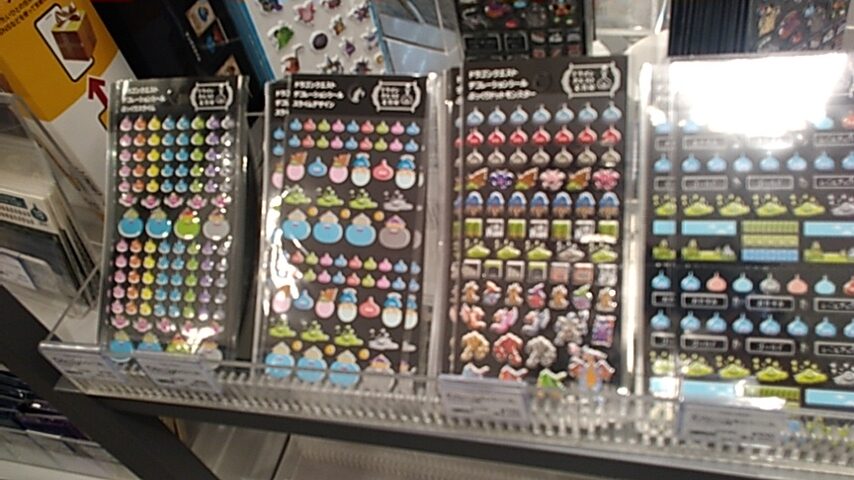
I also bought a sheet of Slime stickers.
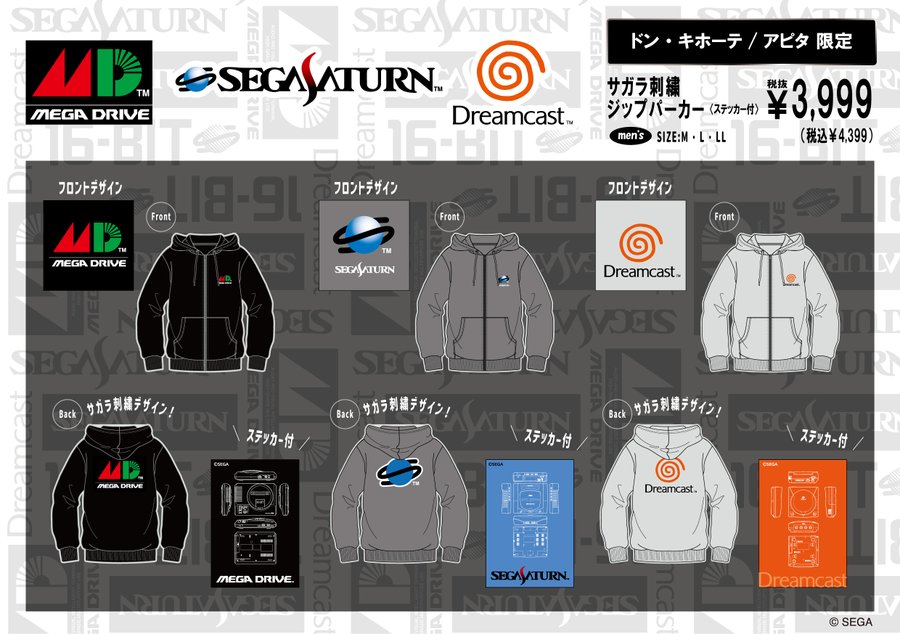
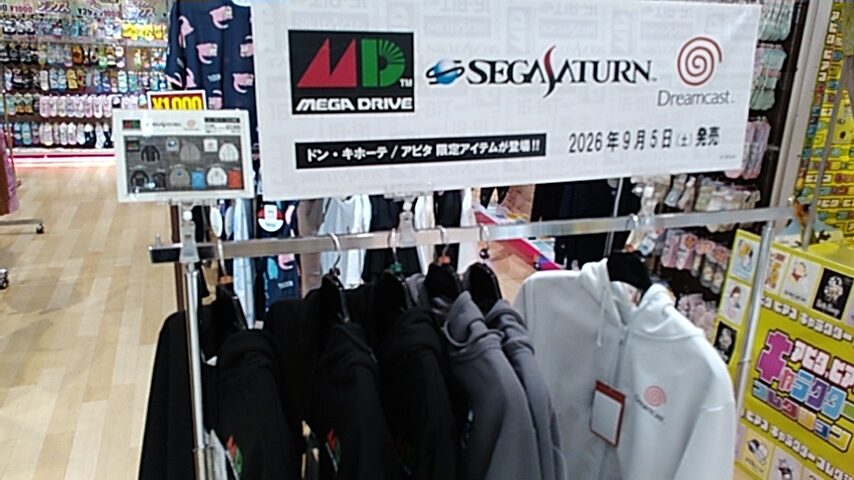
As of today, these Sega jumper jackets (called “zipper parkers”) went on sale at Don Quijote locations across Japan, but not all of them apparently. The closest location to me is the Apita in Keyaki Walk Mall in Maebashi. The mall opened at 9am, and not even an hour later this is all I saw:
Each of these come with a sticker, which is neat. Here are the front and back of each. As you can see in the pictures below, the console logos on the back are fuzzy and raised.


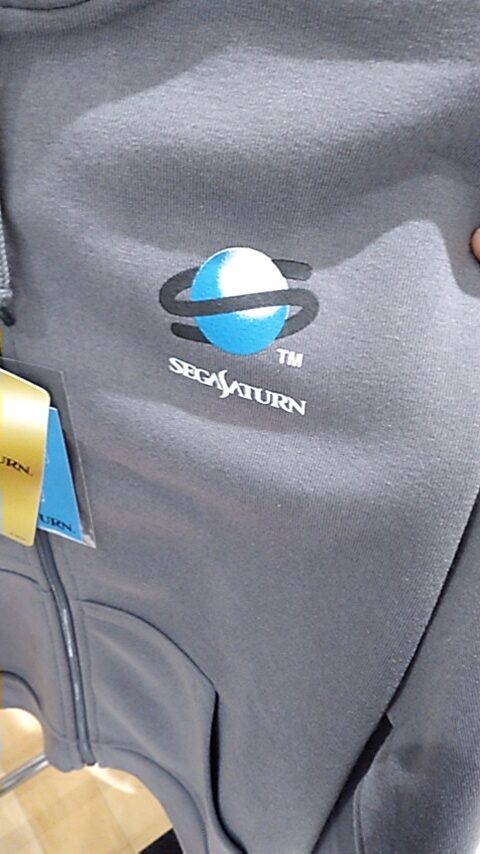


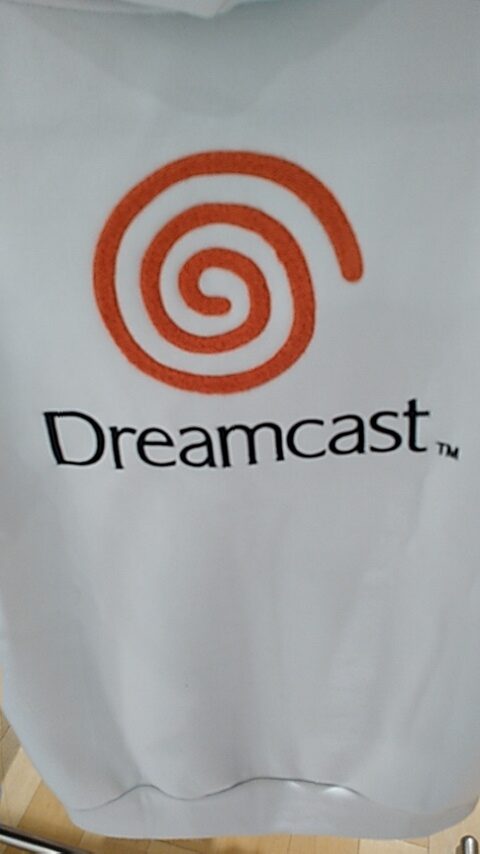
I bought the LL size Mega Drive jacket. These feel thicker than the similar jackets that Shimamura sold over 10 years ago. Unfortunately, these are 100% polyester. So, I do not know if it’ll make my skin crawl after a while. The Shimamura ones I have are 65% polyester.
Another shopper arrived while I was there, wearing a Mega Drive T-shirt. So I said to him, “So you’re a big fan too.” He was looking for the L-sized jackets, and I think he bought two. I told him the other nearest location selling these was in Isesaki.
When I passed by a bit later, there were only two left, a Mega Drive and a Saturn one, both M size. These sold out fast!
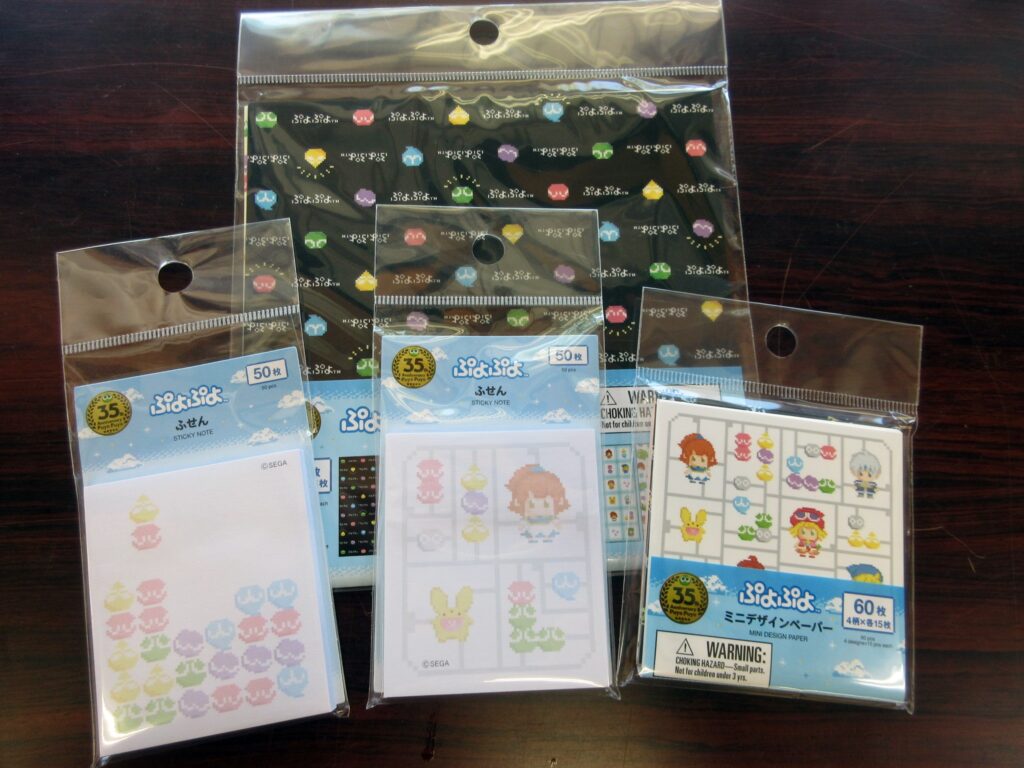
Neat Puyo Puyo loot from Daiso! I was at Daiso this week and noticed that they had these items. I’ve seen Puyo Puyo items at Daiso before, but these are new. I didn’t buy everything, but this is what I got.
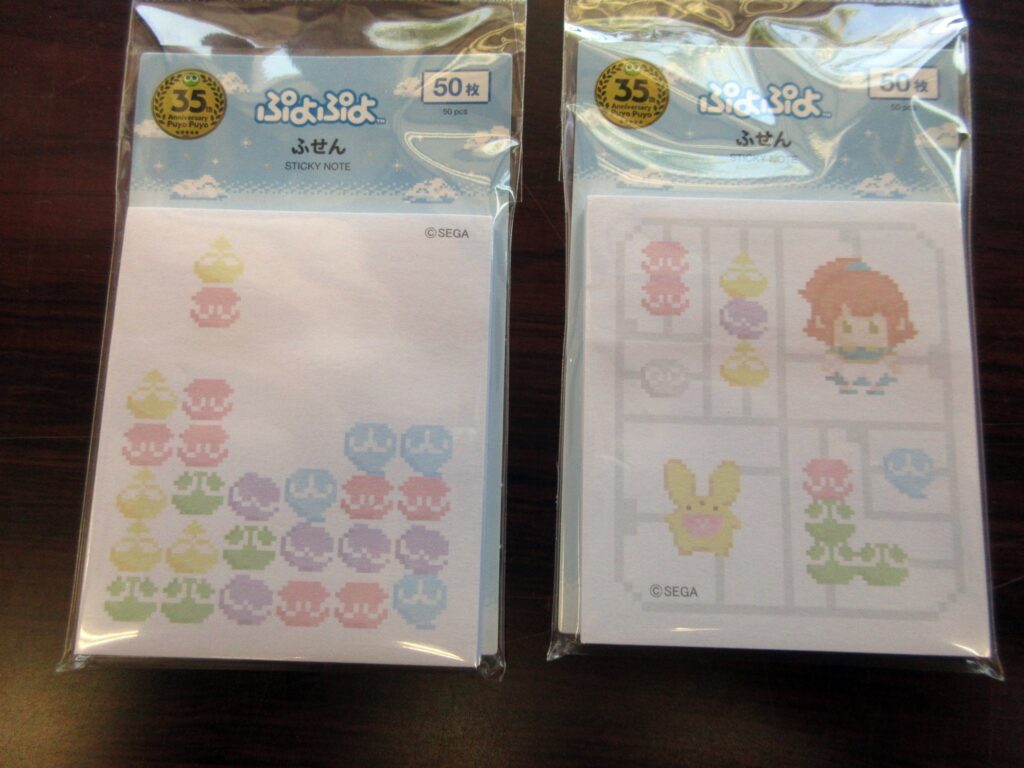
First up, let’s look at these sticky notes. I bought both varieties. On the left is a drop pattern of Puyo Puyos and on the right it’s like a plastic model with Arle, Carbunkle, and Puyos on a sprue! Retrogaming + plastic models = awesome.
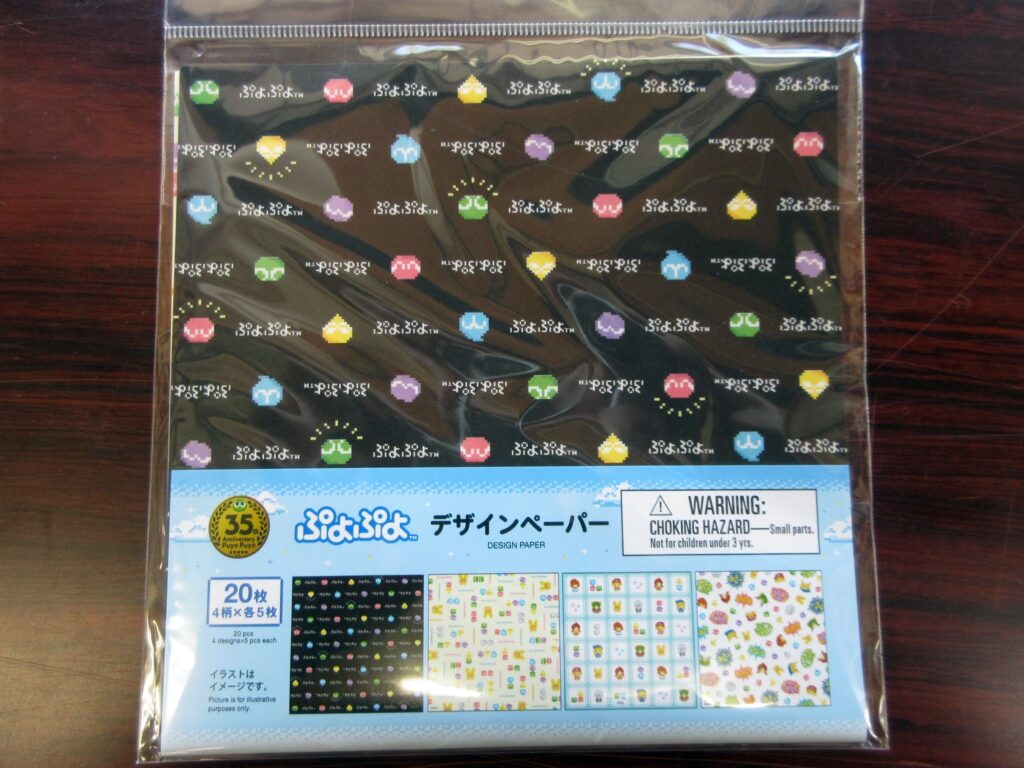
This is “design paper,” so basically origami paper. Here below are the designs:
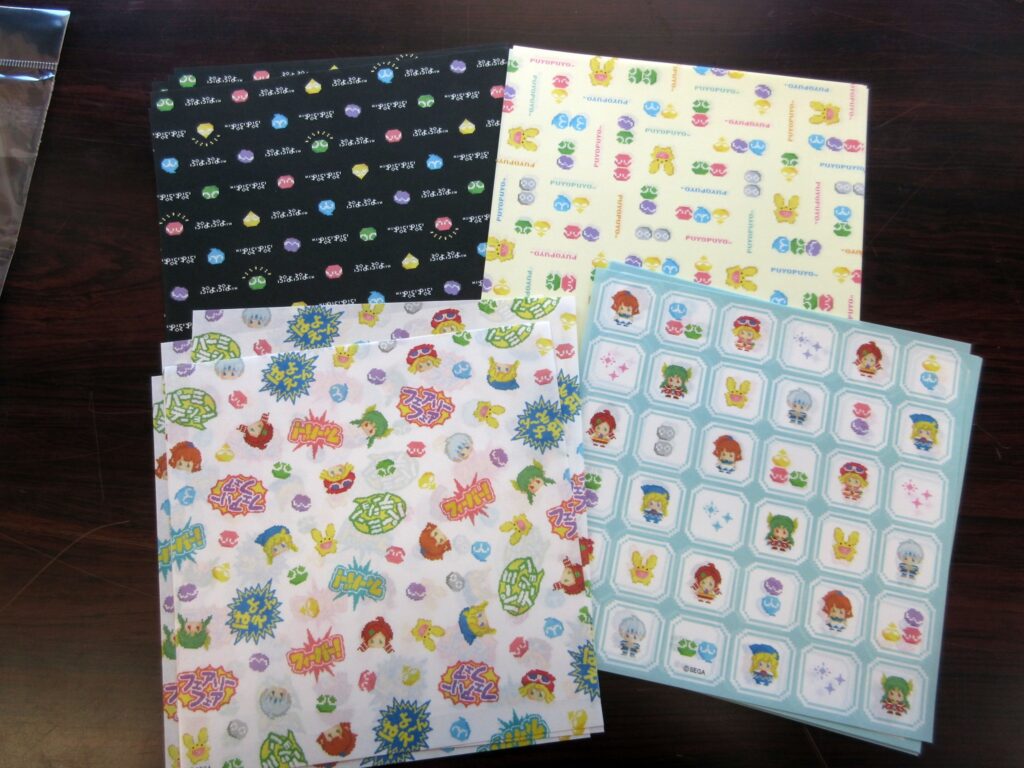
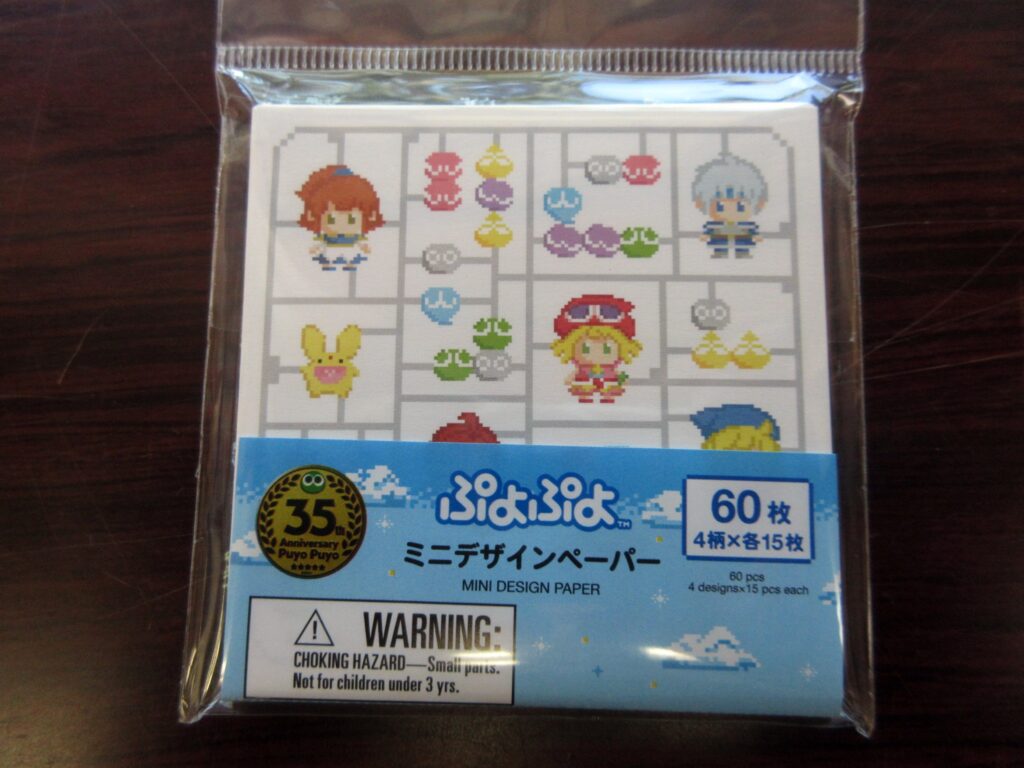
This is “mini design paper,” which is small origami paper. Here you see the same plamo motif as before, but with darker colors since these aren’t sticky notes meant to be written upon. Neat stuff is neat.
EDIT August 12th: I saw even more Puyo Puyo stuff at another Daiso and got these items.
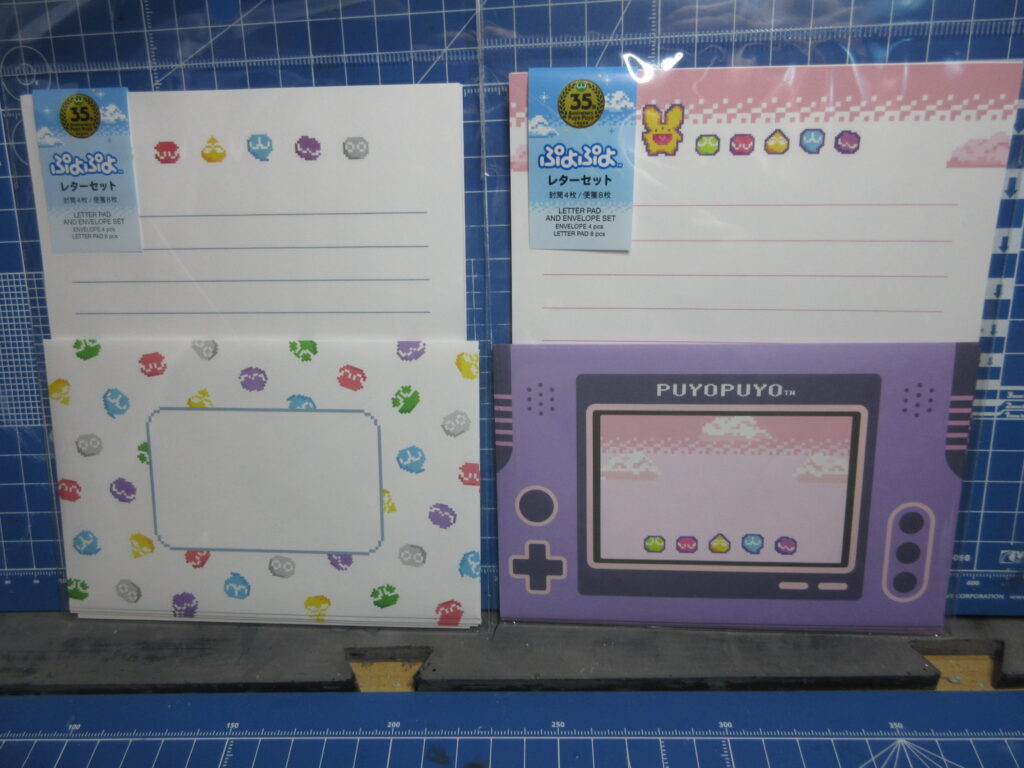
Letter paper, which comes with envelopes. Cute!
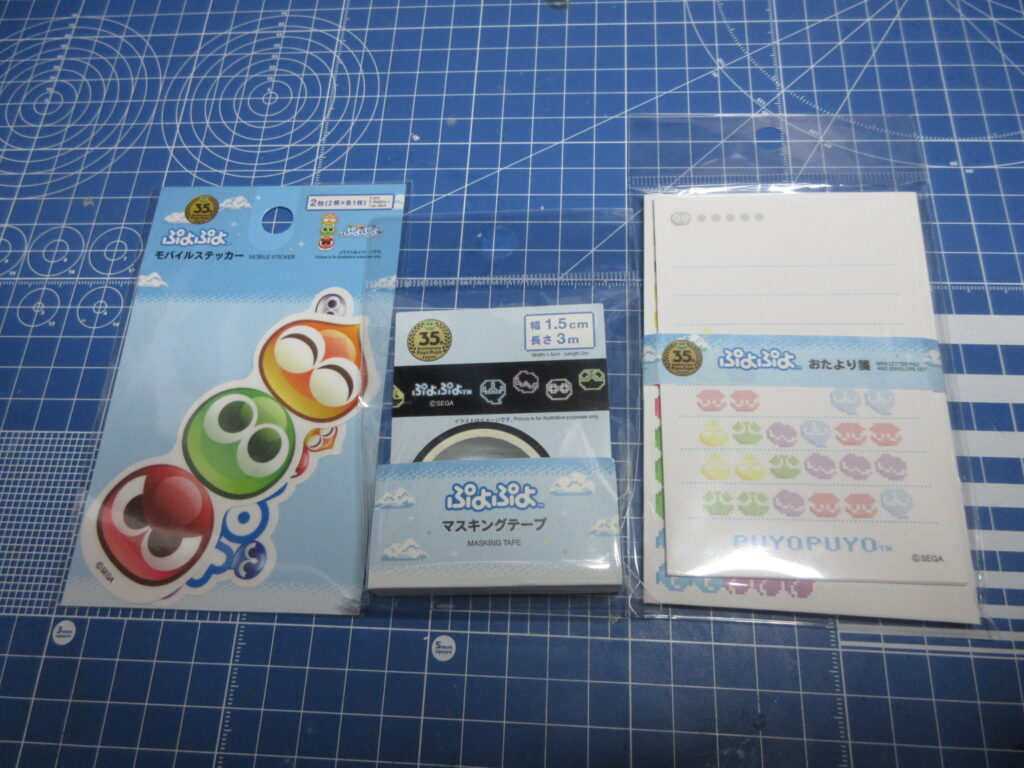
Stickers, masking tape, and a mini letter/envelope set. Neat.
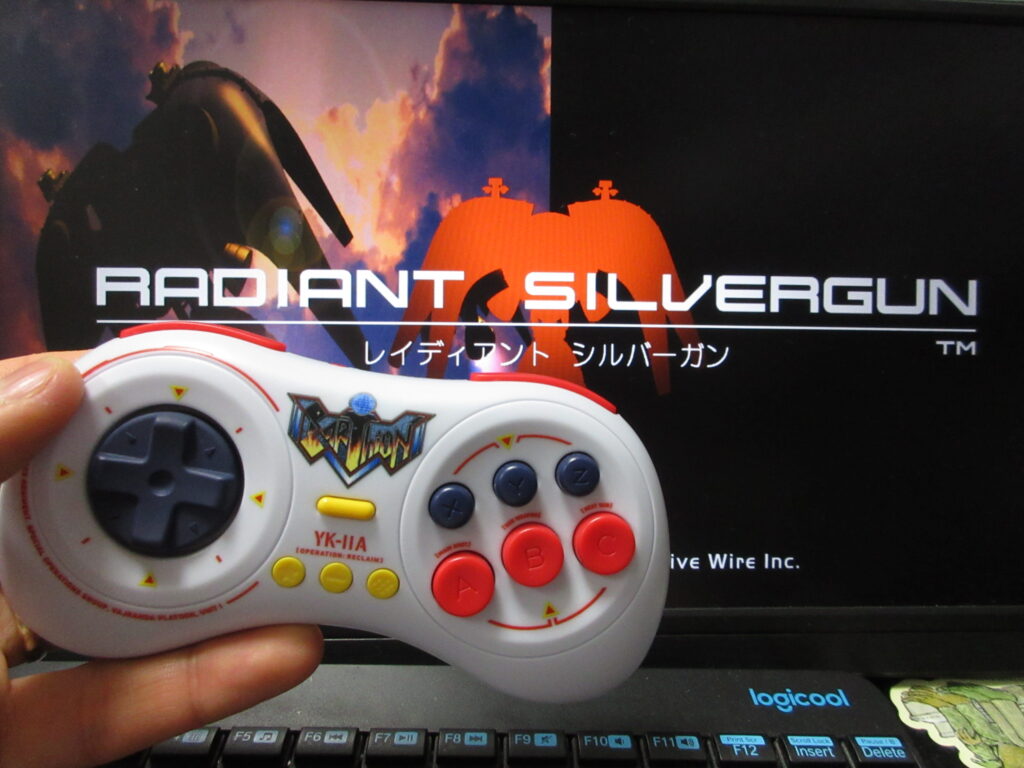
Last summer I posted a video on my YouTube and Odysee channels of testing out this LE Earthion Saturn-style gamepad by 8BitDo on Steam via Linux Mint as well as RetroPie. I recently bought Radiant Silvergun on Steam and it works great on Bazzite (I couldn’t get it to work on my Mint desktop). My desktop computer does not have built-in Bluetooth, so I bought a USB Bluetooth dongle. The results were a bit crappy. The controller works fine using the USB cable, but I have had many problems with my install of Steam on my desktop ever since I upgraded to a bigger HD. After a while, Steam forgets that the controller is connected and I have to reboot. When using the Bluetooth, the controls are floaty and is not very responsive. Fortunately with my Optiplex minicomputer with Bazzite as its OS. I am relieved, because I thought that the controller had some compatibility issue with Linux. The problem is either with the USB dongle or (most likely) the bad install of Steam I have on the Mint desktop.
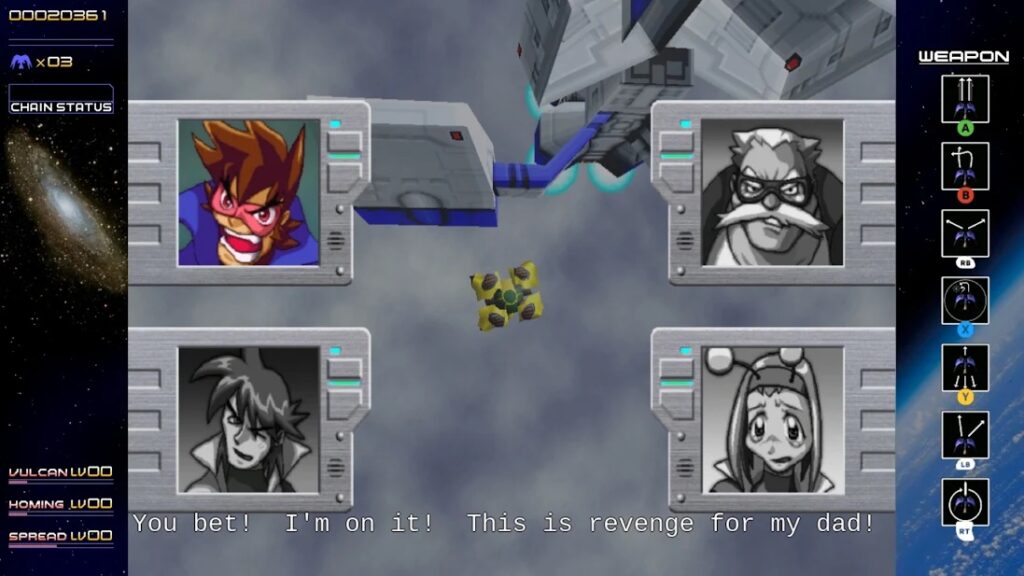
RSG on Steam features English subtitles! I was not expecting this. Mayu-chan bought this game for my Saturn back in 1997 for only 3,000 yen, when she was still my pen-pal! (Or was that in 1999?) It’s one of my most-prized Saturn games in my collection.
However, the game is too awkward playing on a Playstation-style controller (I have a Logitech F310), but if you’ve played the game on the Saturn then an 8BitDo M30 Saturn-style retro gamepad works exactly as you’d expect. After nearly 3 decades of playing RSG, I know the buttons by heart and I was expecting that I’d have to configure the buttons to get it to feel normal to me. It turns out that it wasn’t necessary at all!
I’ve tried this M30 controller out on many games and even when Steam says that the controller may not work, it actually works fine most of the time. So this is great news as it works on nearly all of the shmups I’ve played it on so far, as well as Saturn games I own that I’ve repurchased on Steam. King of Fighters, Metal Slug, Time Gal, Gunbird, Twinkle Star Sprites, Gradius Origins and many other games.
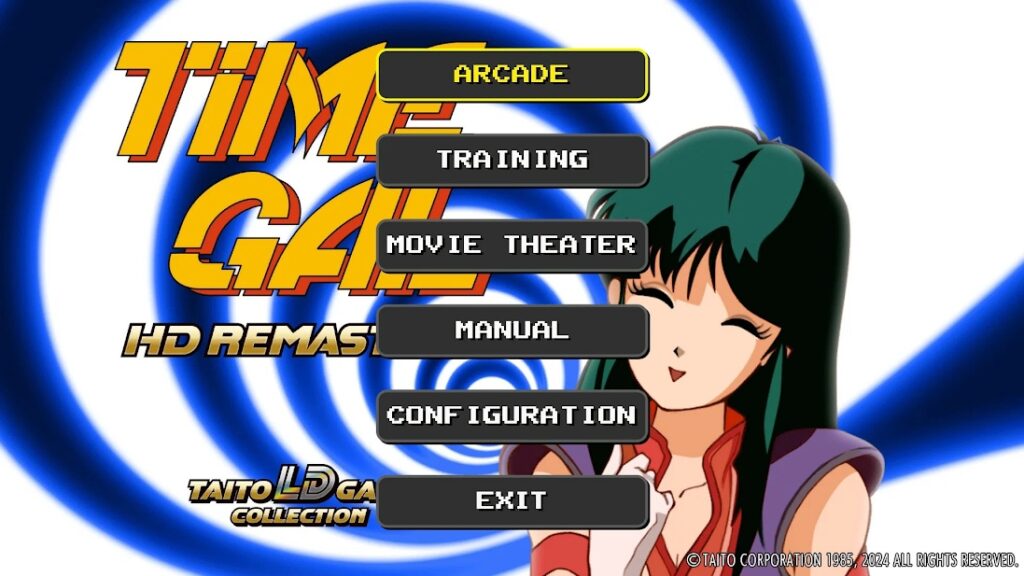
Unfortunately, not all of the Saturn Tribute (“S-Tribute”) games by City Connection do not automatically support the M30, which is a real shame. Elevator Action Returns, Layer Section and Cotton Boomerang work with this controller, but unfortunately Cleopatra Fortune and Metal Black do not. I haven’t tried reconfiguring the Steam Input on such games yet.
I bought several discounted games on Steam’s summer sale, which is unfortunately now over. (Although it’s probably for the best as I already have so many games as it is.) I mostly bought a lot of shmups and other retro games.
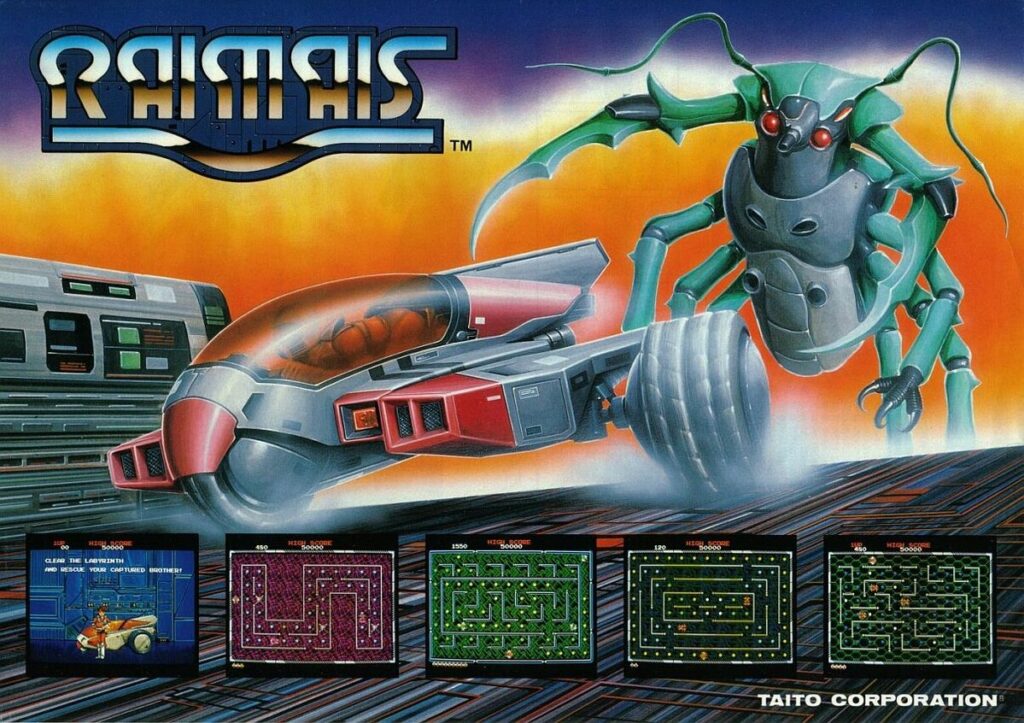
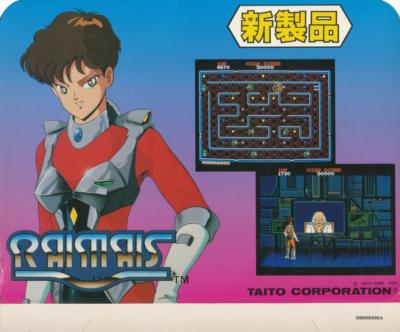
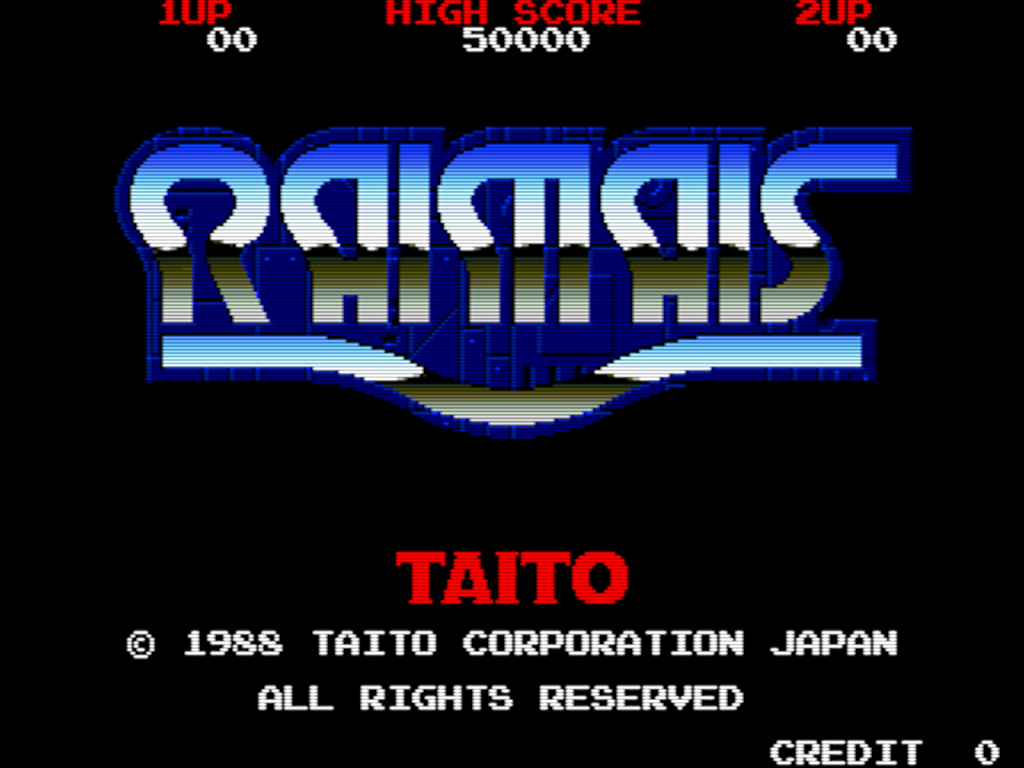
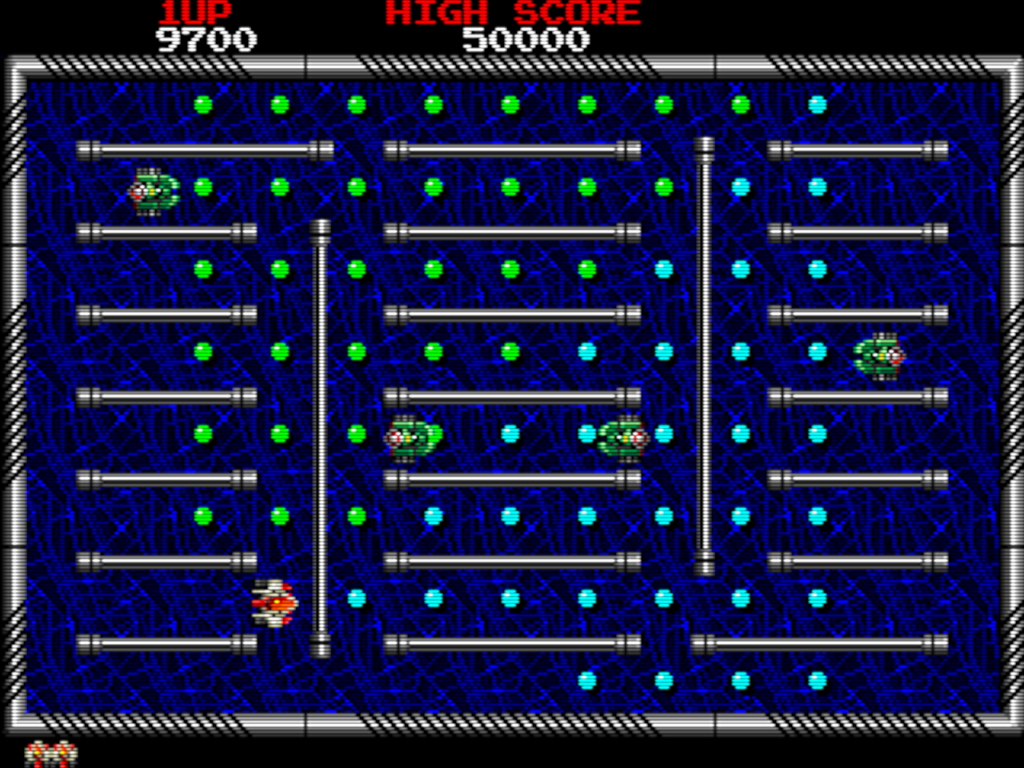
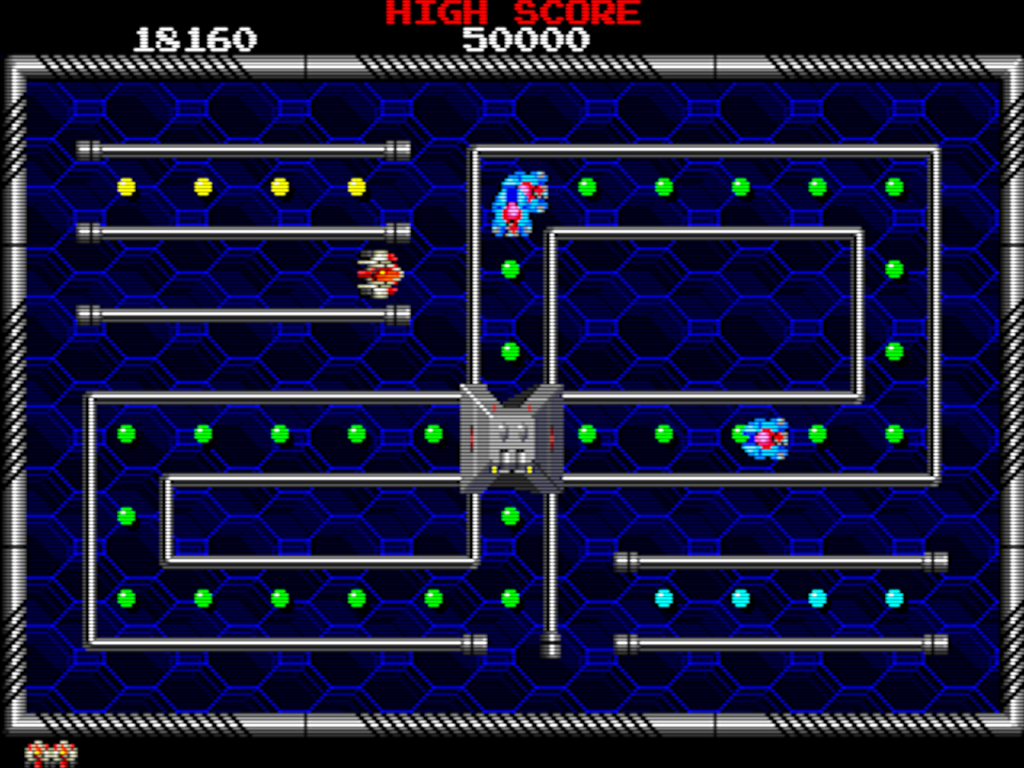
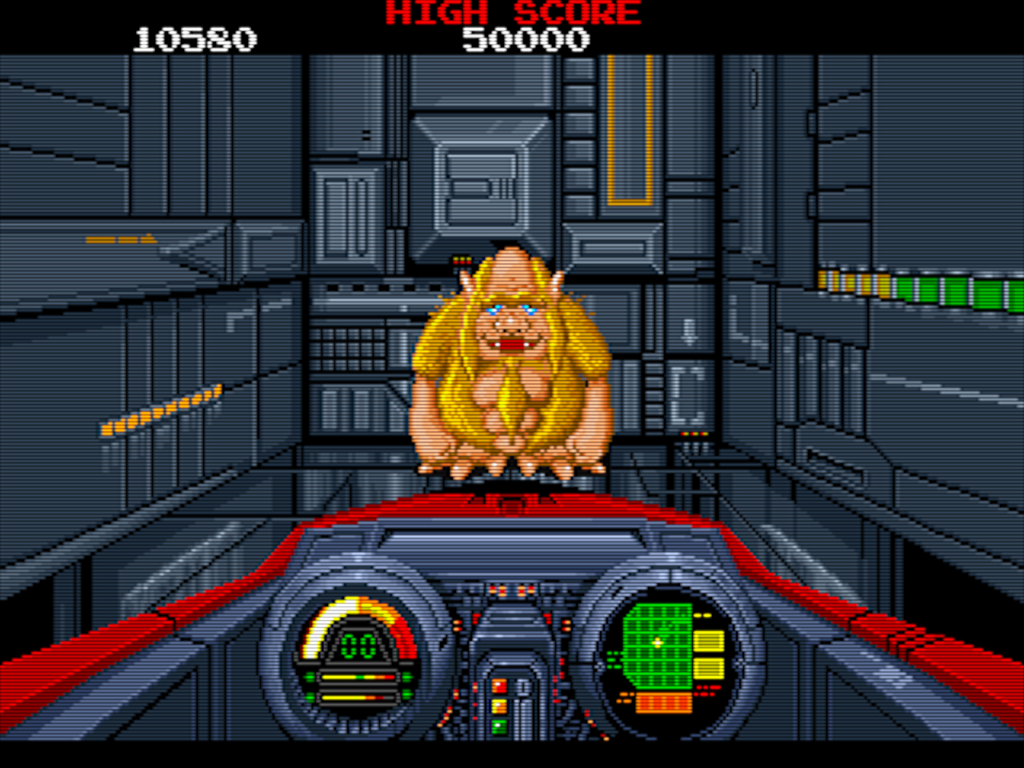
Here’s a late-’80s Taito arcade game I stumbled upon while browsing Final Burn Alpha titles. I guess I could describe it as a cross between Pac-Man and Rally-X, yet with a Taito aesthetic. Navigate the maze to collect the dots while avoiding enemies. You can collect power-ups like one to slow down the enemies, one that will kill one enemy as soon as it touches you, or a laser (similar to Arkanoid). When you clear a screen, several exits open up and the next level will be different depending on which exit you take. Give it a shot or else you suck.
According to Wikipedia, it was released as Youmais for the Famicom Disk System.
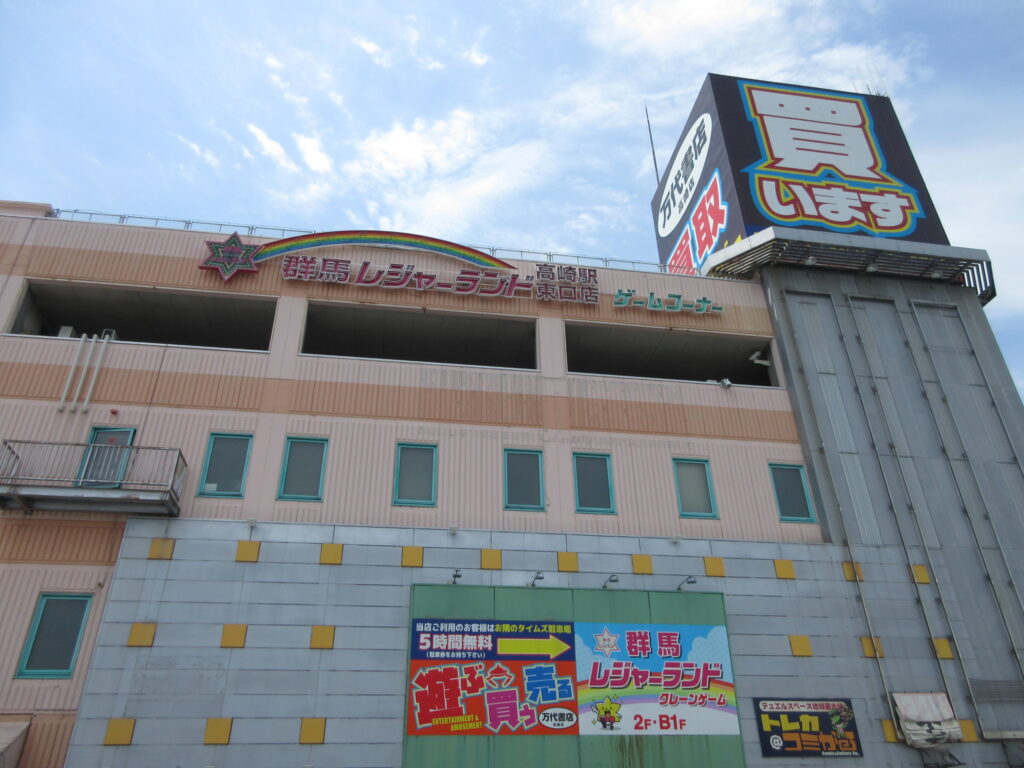
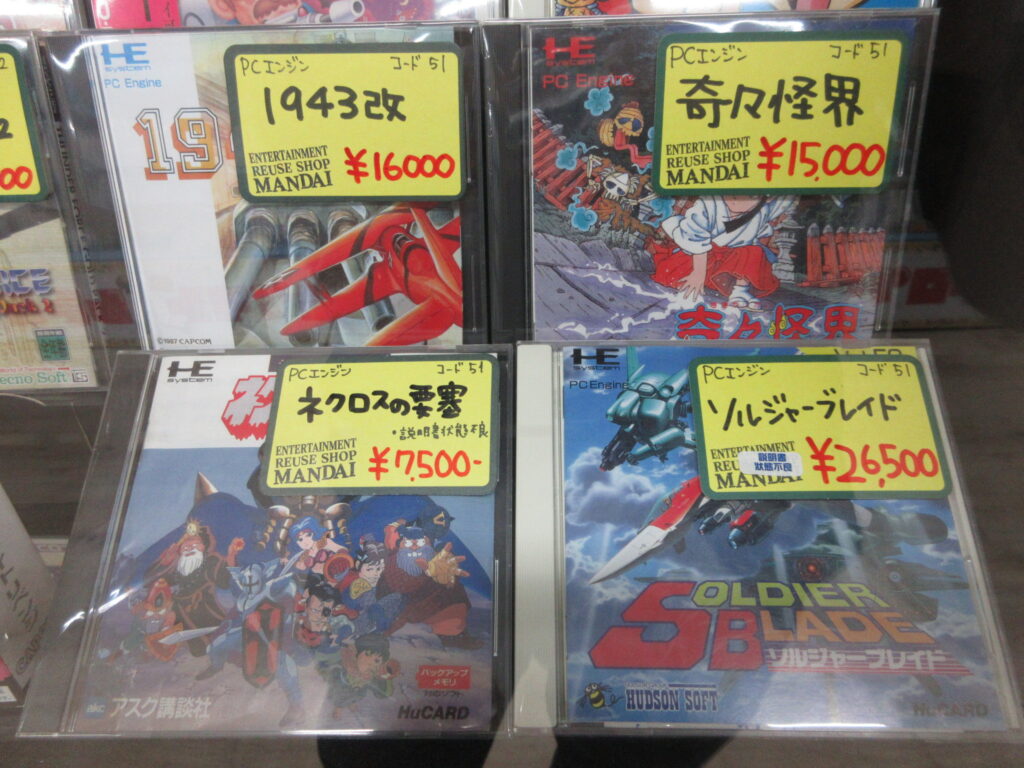
This is the building with Gunma Leisure Land game center and Mandai Shoten in Takasaki. We went down to Takasaki last Saturday. Mandai doesn’t open until 10, so I spent some time at the game center where I played some shmups like Senjin Aleste, which I wrote about in an earlier post. Then later I checked out Mandai.
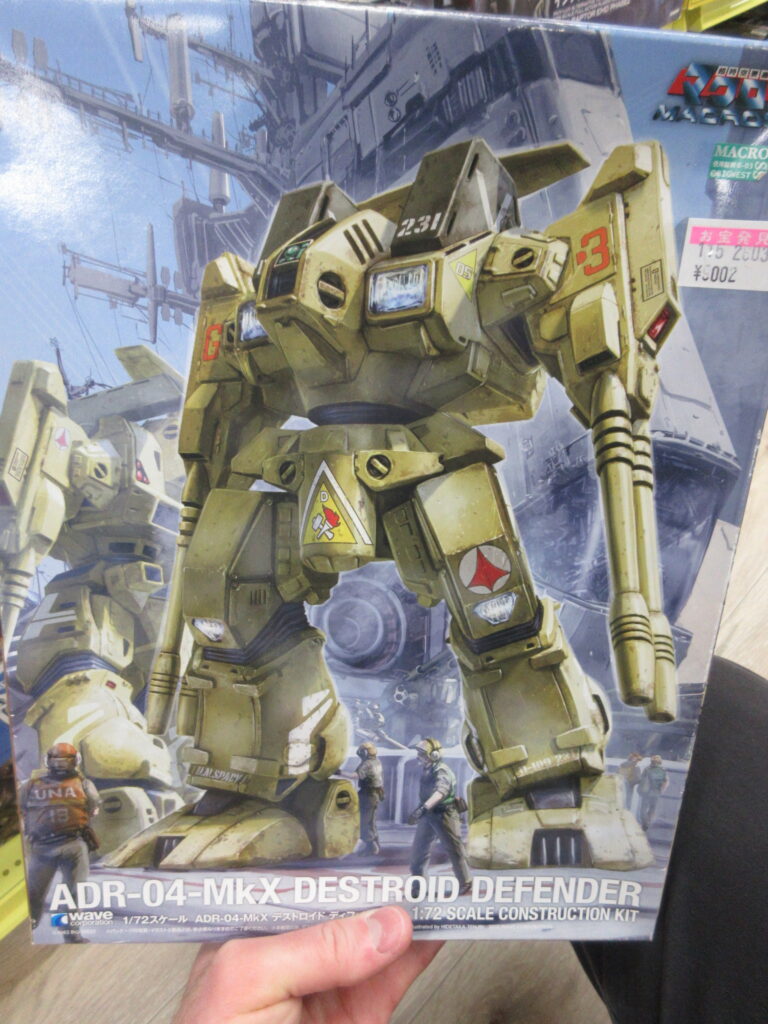
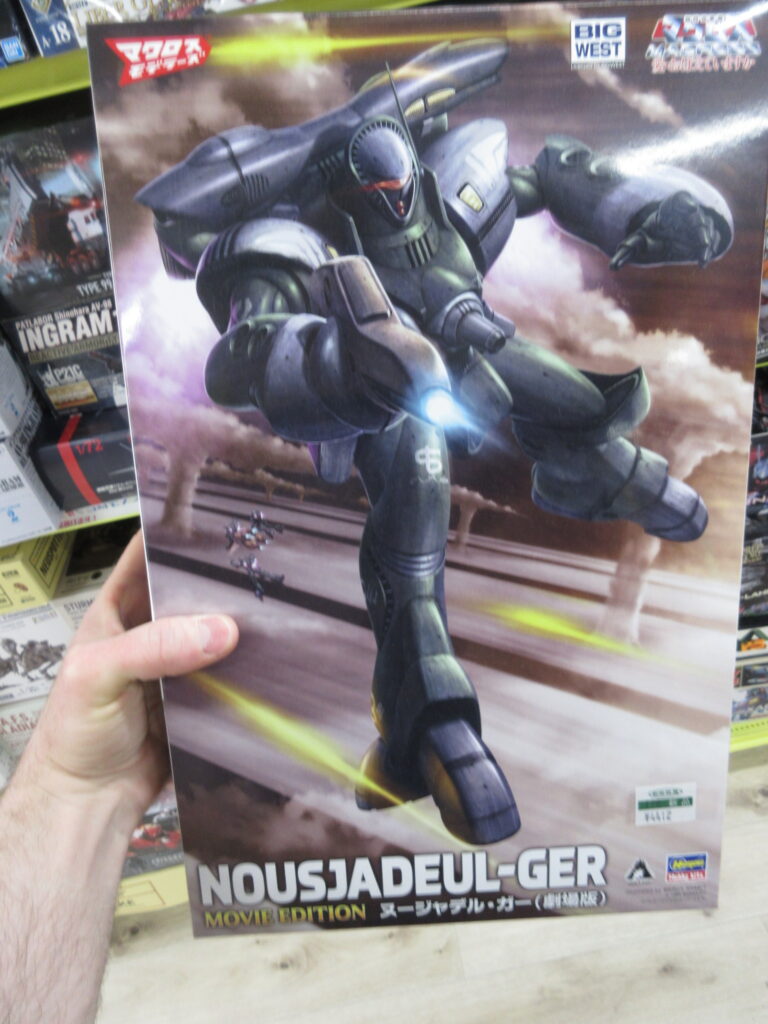
Plenty of Macross model kits, old and new.
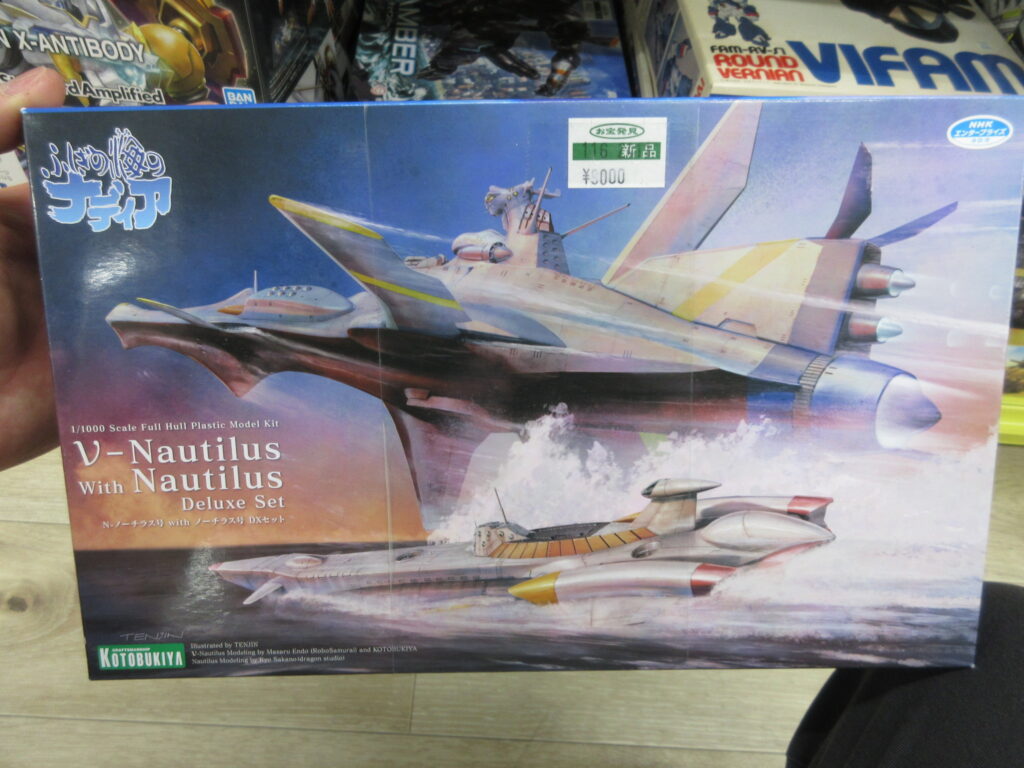
The Nautilus double set from Nadia. I have the regular submarine Nautilus, but not the nu-Nautilus starship.
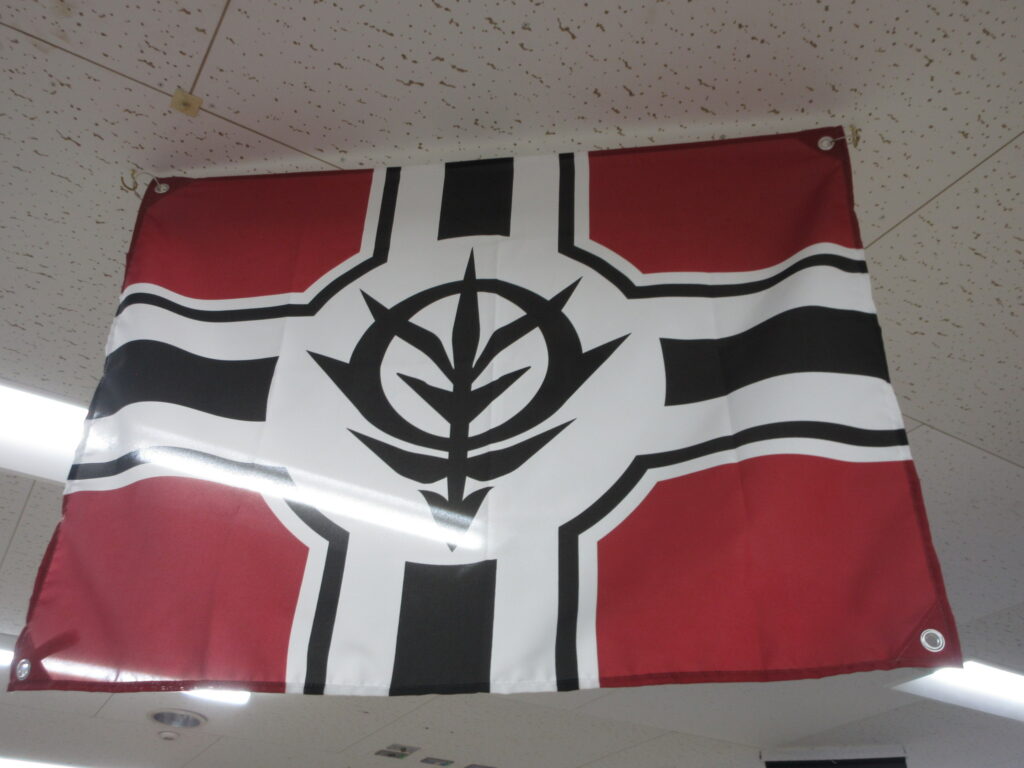
The flag of Zeon was hanging overhead. Nice touch.
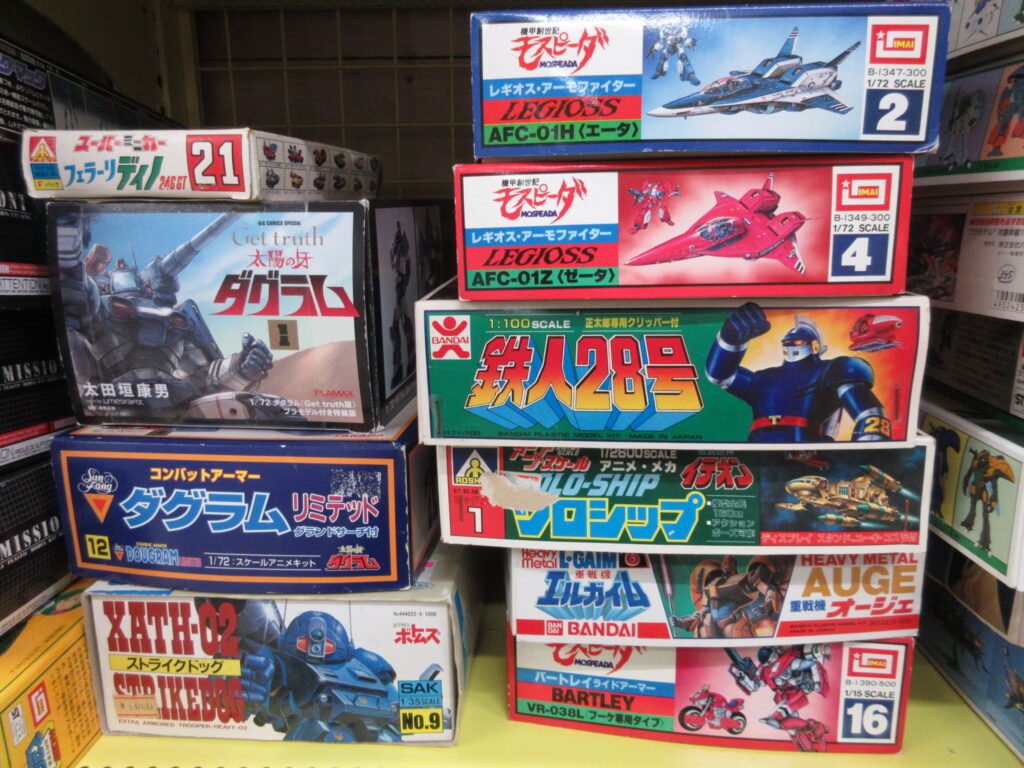
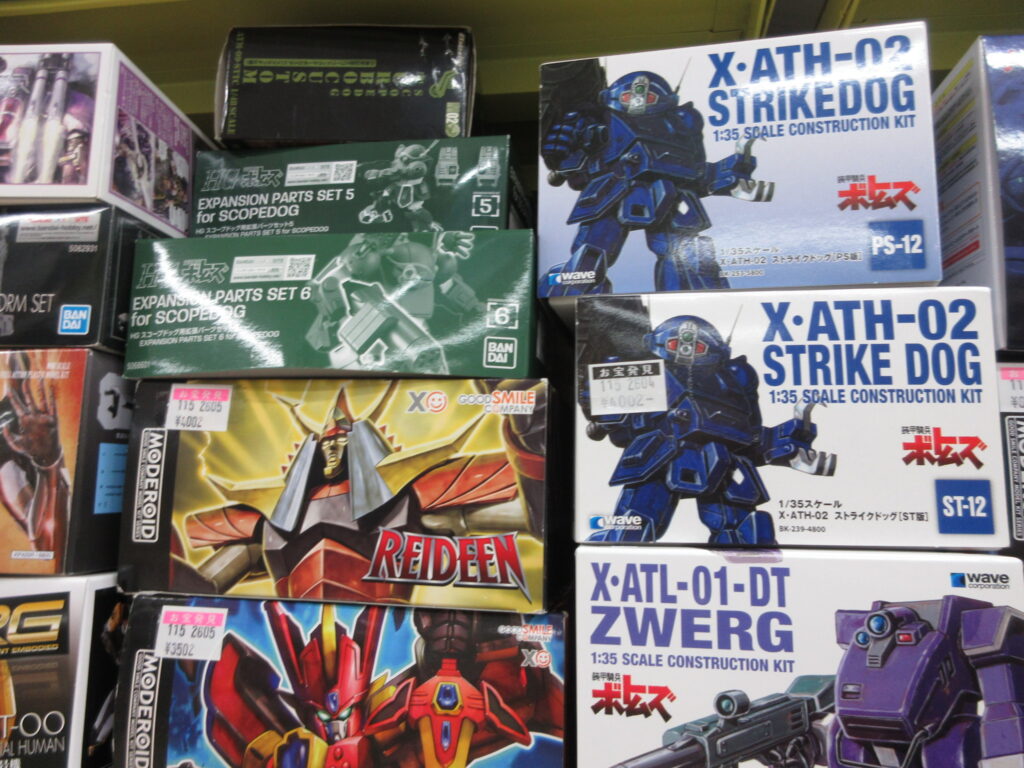
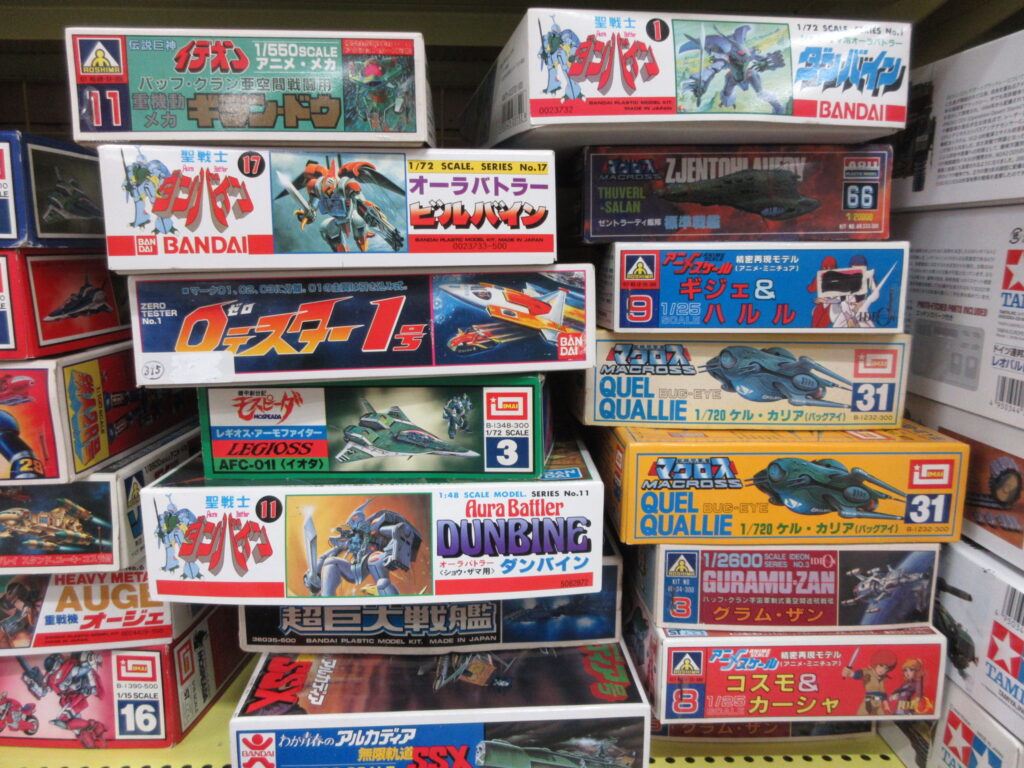
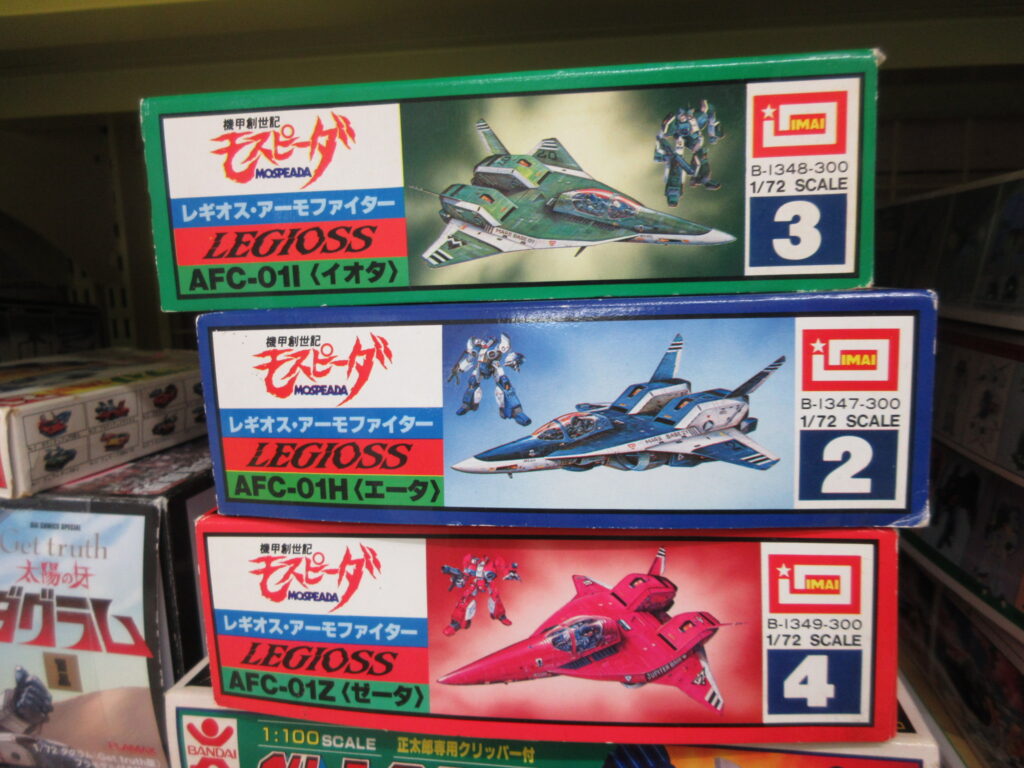
Several of these kits are pictured in the last post I made about going to Mandai.
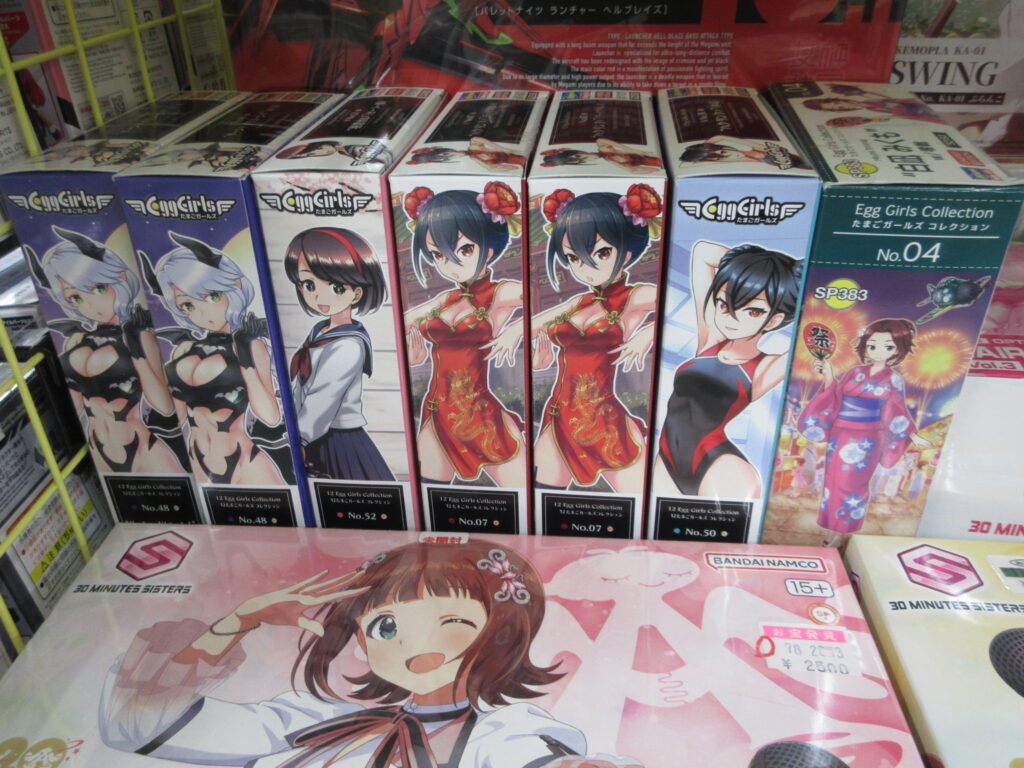
I didn’t notice these Eggplane Girl resin kits the last time I was here.
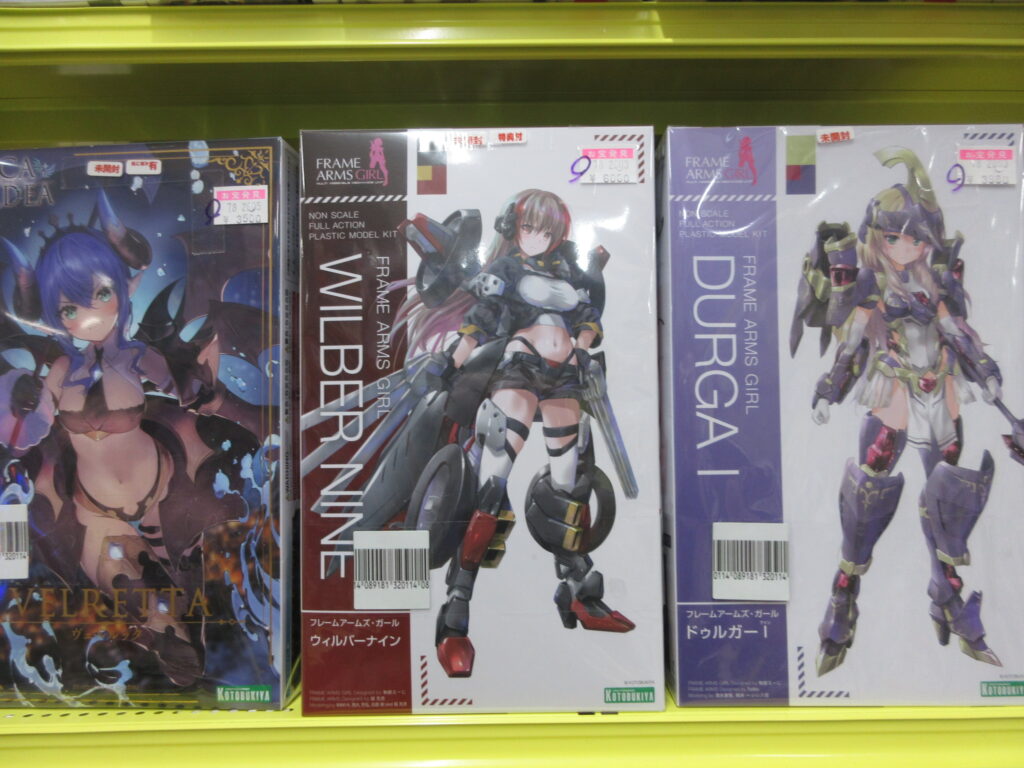
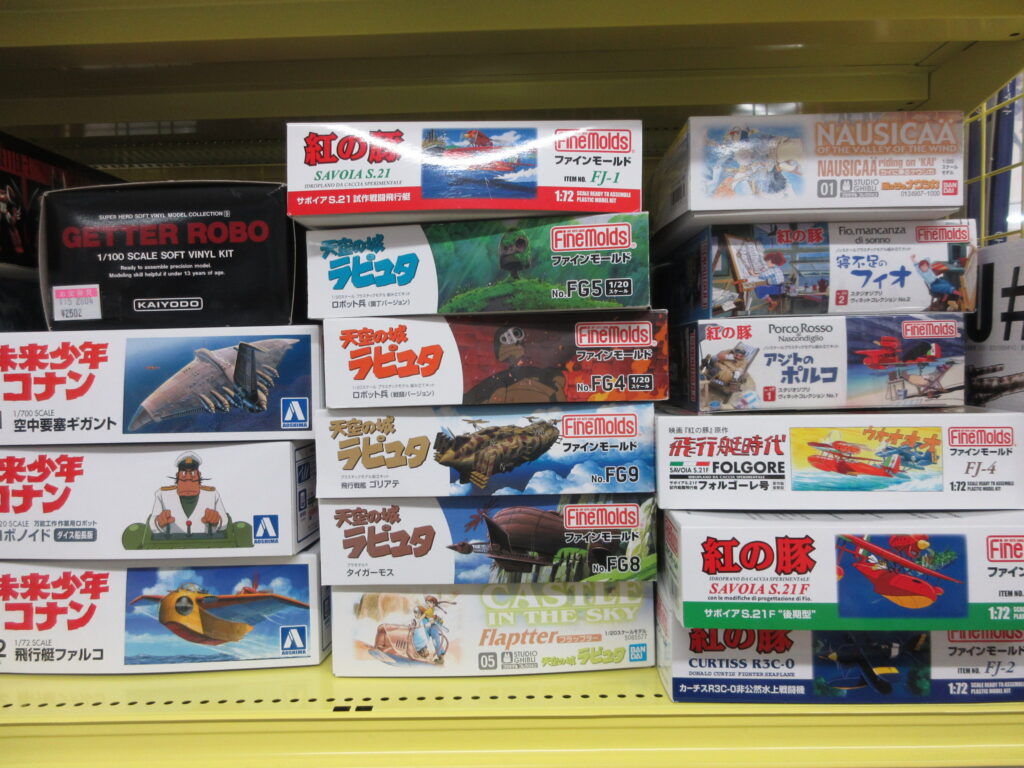
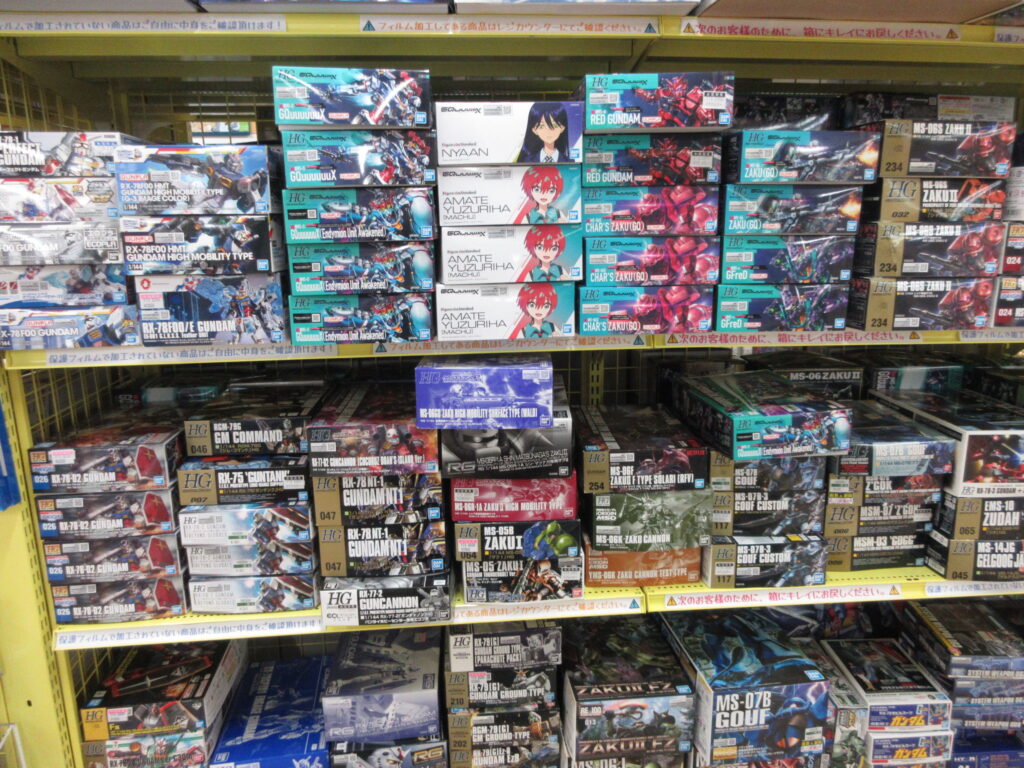
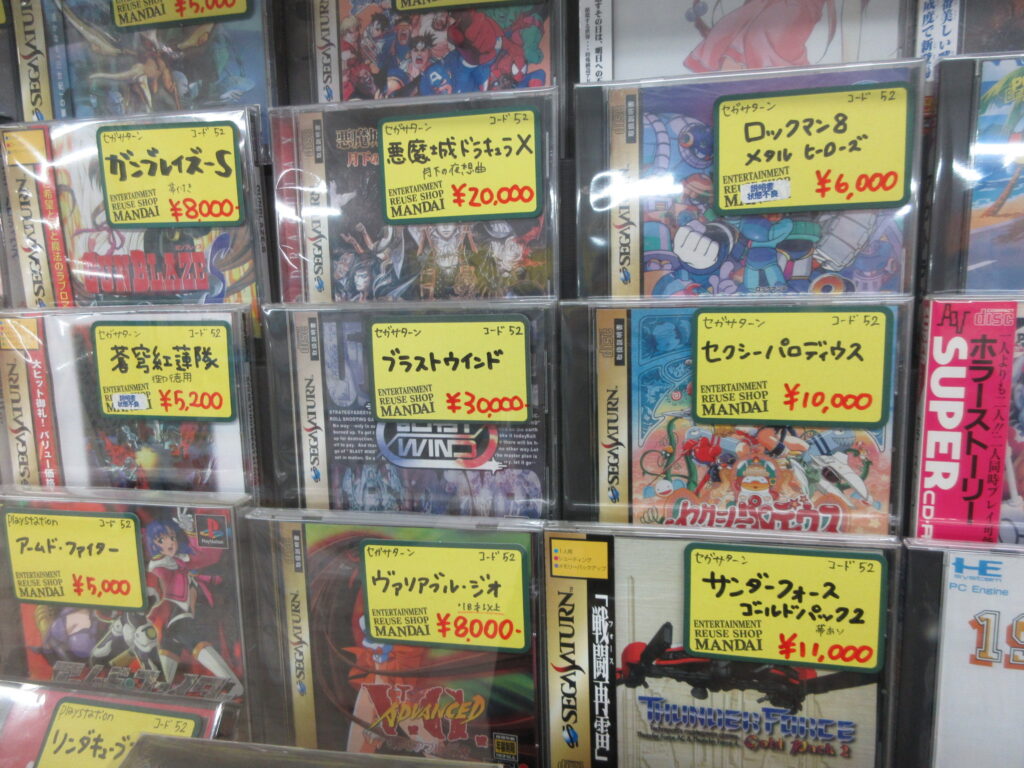
The high prices of Saturn games (and all retro games in general) is sad. I really need to sell a bunch of games now hat Ulan is getting braces. It’ll be a tough decision to make which ones I want to keep. I really can’t play any retro games anymore since my new TV has no S-Video inputs. I’d have to see if I have the regular composite inputs, but it looks like ass on a high-def TV. Rats.
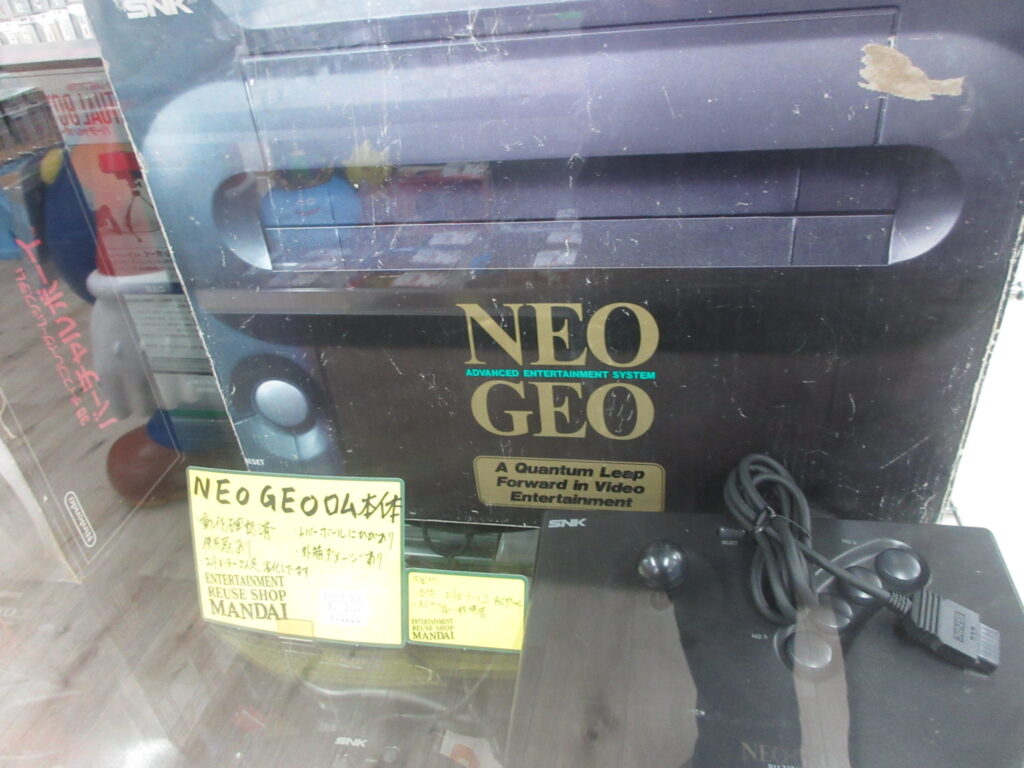
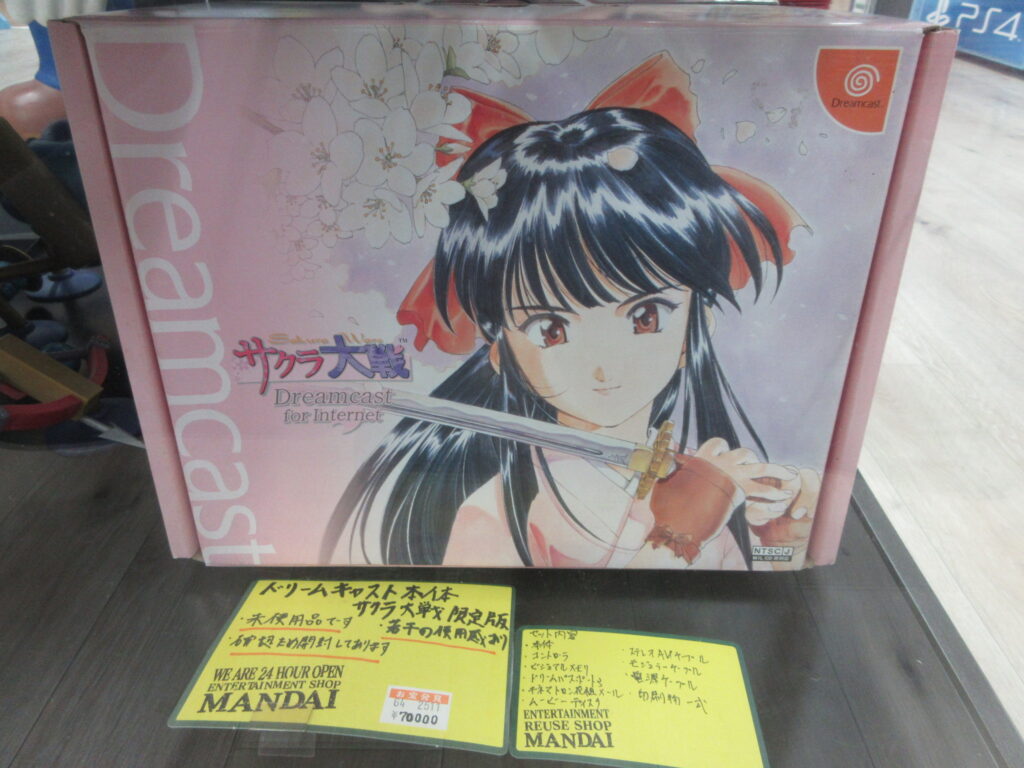
There’s a new Neo Geo console coming out that features HDMI output. Neat stuff, but I won’t be buying one. I also found a boxed Sakura Taisen Dreamcast. I bought mine when I first lived in Japan, in December 2000, IIRC. Unfortunately, the plastic has yellowed and the pretty pink color has been ruined. Rats.
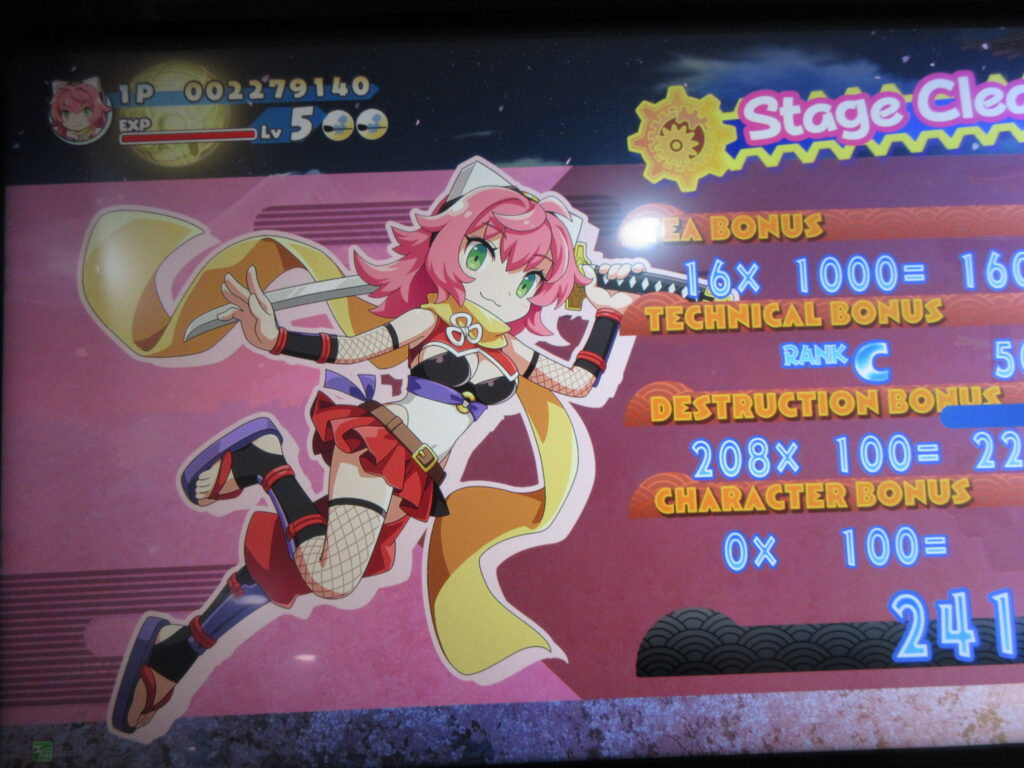
Oh yes, and when I was at the game center in the basement level, I got to play Cotton: Rock with You for the first time. You can play as Izuna, the unemployed ninja! I played those two games like crazy on the DS. Her shots are shuriken, and you can slash your sword for up-close damage and to swat enemy bullets away.
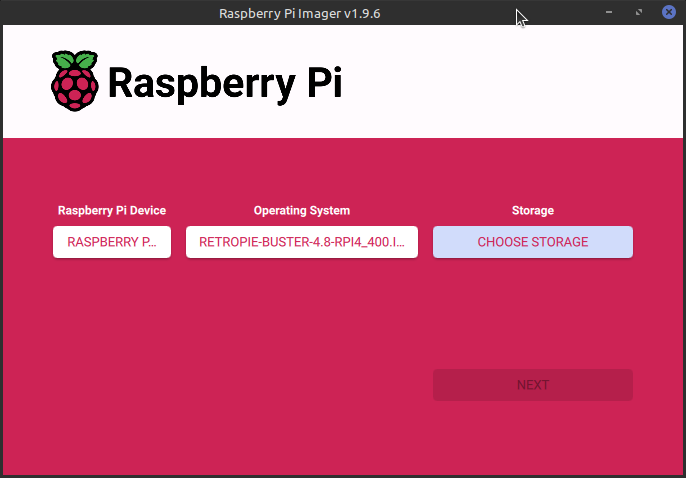
My friend Ryan built me a Raspberry Pi 5 with 16gb of RAM last year. He sent it to my dad’s home and I acquired it there when I visited in August. I had been using my Pi 4 (4gb of RAM) as a portable desktop. Once I installed Raspberry OS on my Pi 5, it blew me away how quickly it loads! It is very nice to use.
Since I no longer need to use my Pi 4 as a portable desktop, I decided to turn it into a dedicated RetroPie unit. I haven’t had a dedicated RetroPie since I sent my Pi 3 to my friend Gary.
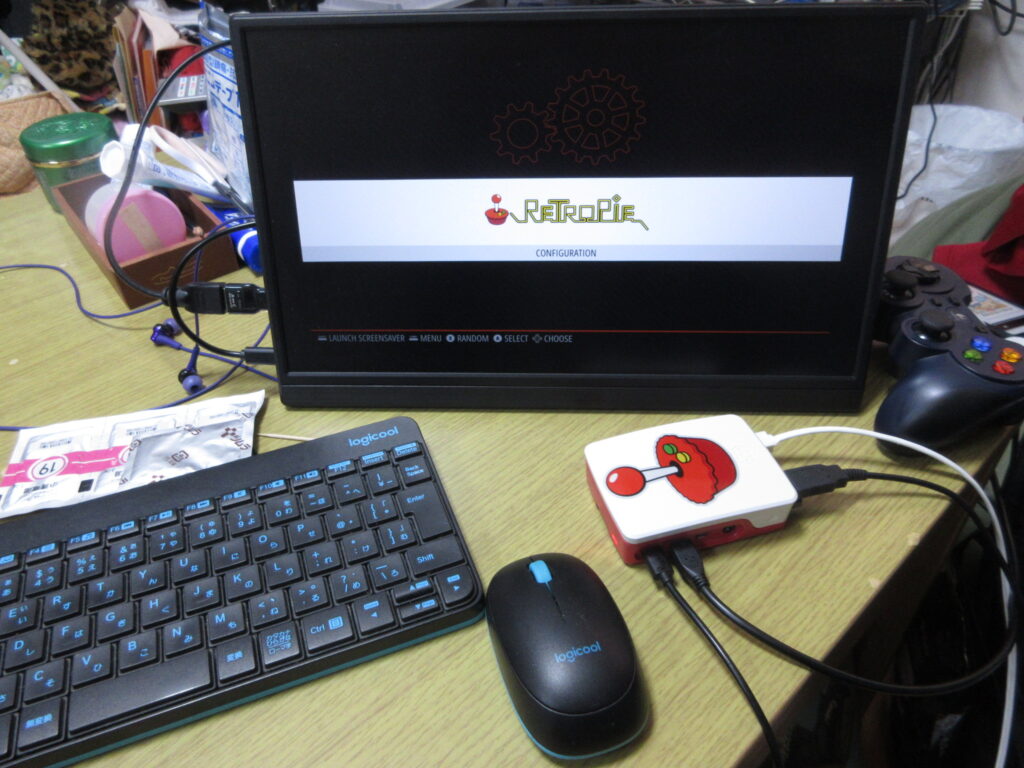
So here it is after it booted up, before any roms were added. I had to install emulators, BIOS files, the config files, and the downloaded images of the games’ covers and such. The Saturn emulator for RetroPie on a Raspberry Pi isn’t worth using. The ARM architecture cannot handle it, while the x86 architecture of my desktop can run a RetroPie Saturn emulator just fine.
At first I figured that a 32mb SD card would be enough space to install everything I wanted, but considering that I have several CD-based games for the Turbo Duo and Mega CD, I was not able to copy over all the games I wanted to. I went to Yamada Denki and bought a 128gb SD card and started over.
It’s not enough to just install the emulators and copy the roms over to their respective folders. The Retroarch controller config files as well as the game lists and game photos from the game data scrapers should also be copied to the RasPi’s new SD card. Here’s a list of what I made sure I copied over to the SD card:
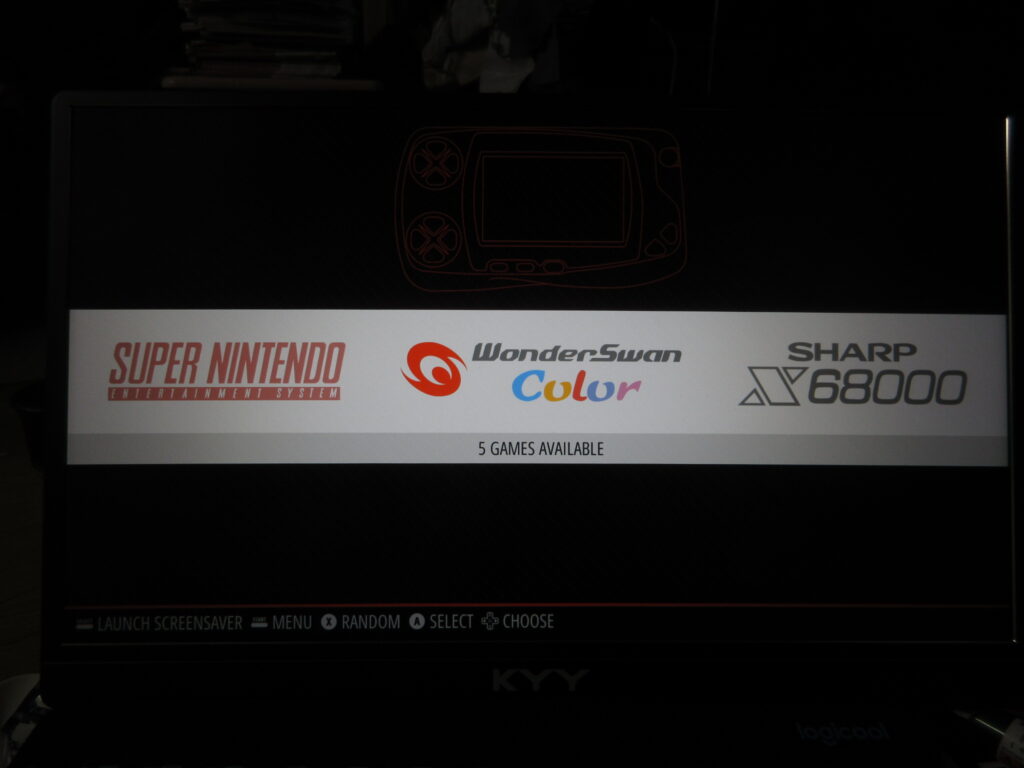
Once all those files were transferred over, it was time to test it out. I didn’t like how there was a black border on this 16:9 monitor, which made the game screens smaller. What the heck?
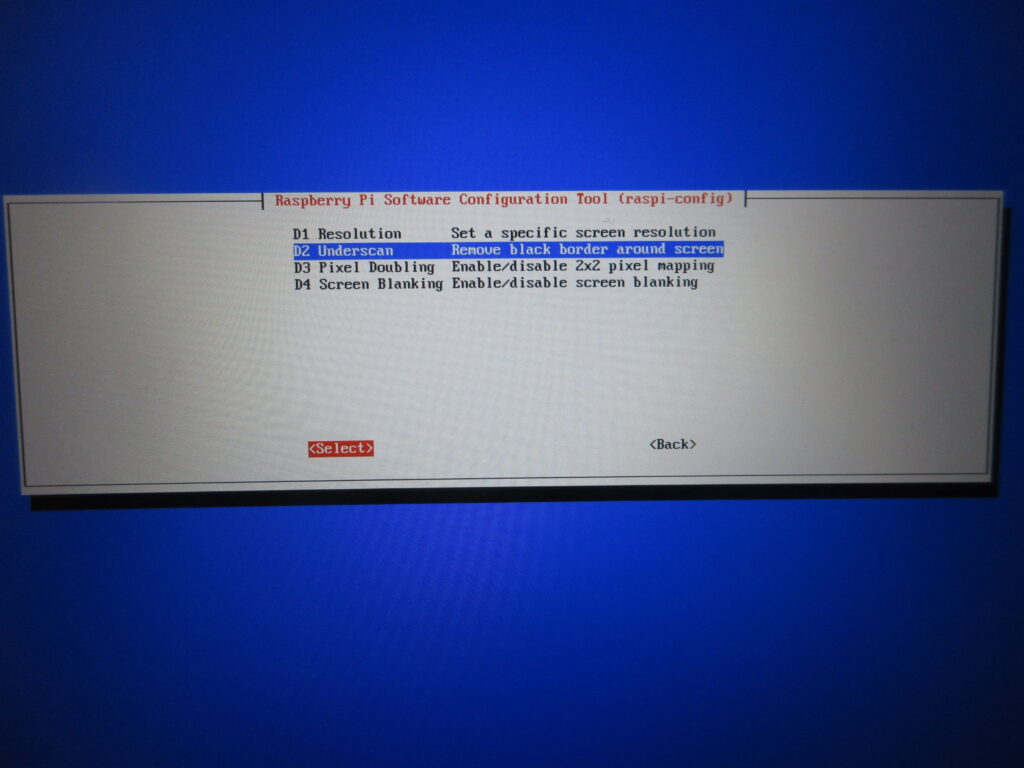
Here’s what I did. I set it to a resolution of 16:9 60fps and then with this “underscan” option I removed that dumb black border.
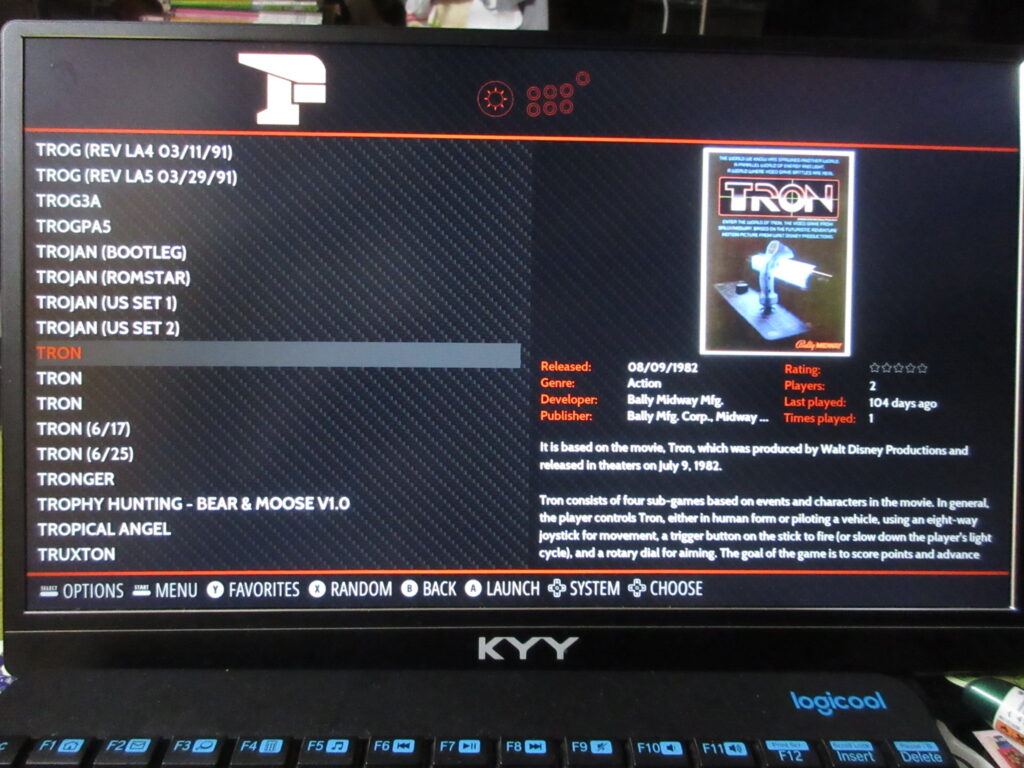
The scraped data is all there now.
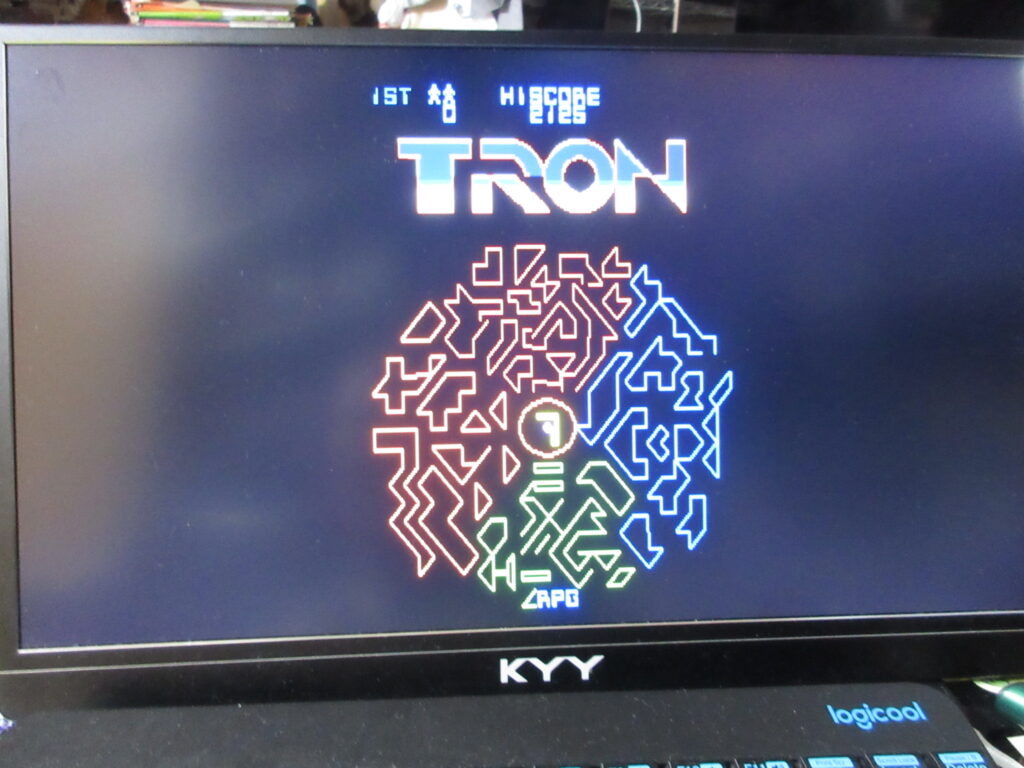
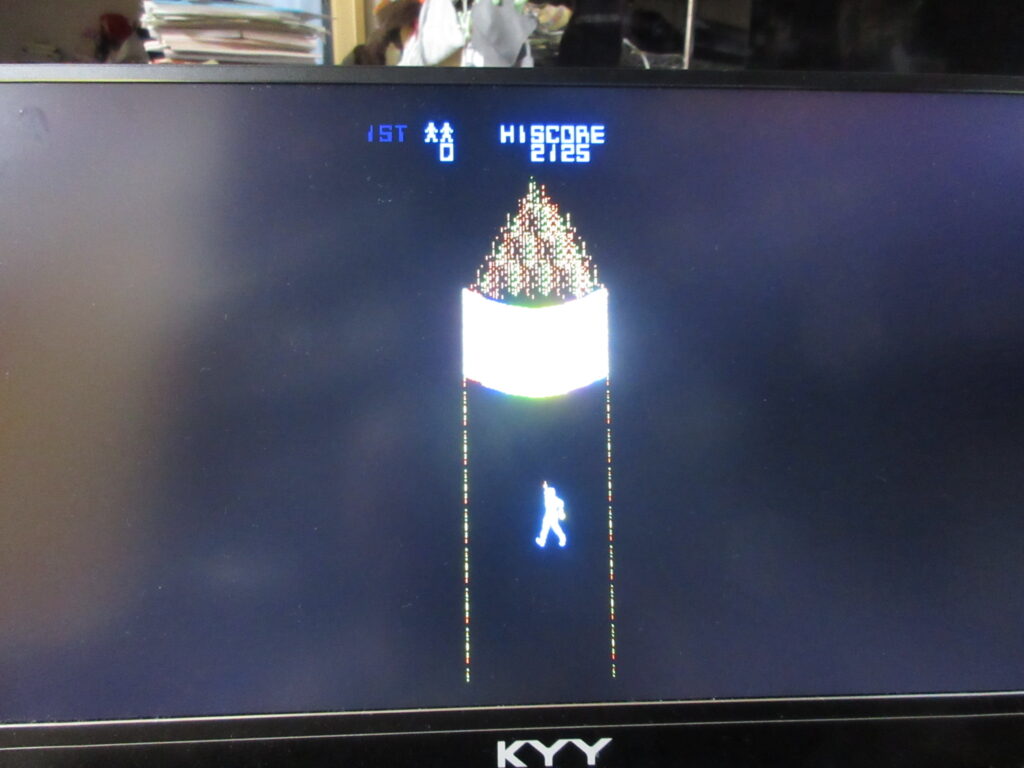
Tron. I’ll have to edit the game’s input configuration. This game is always awkward to play emulated because the arcade game had both a joystick and knob.
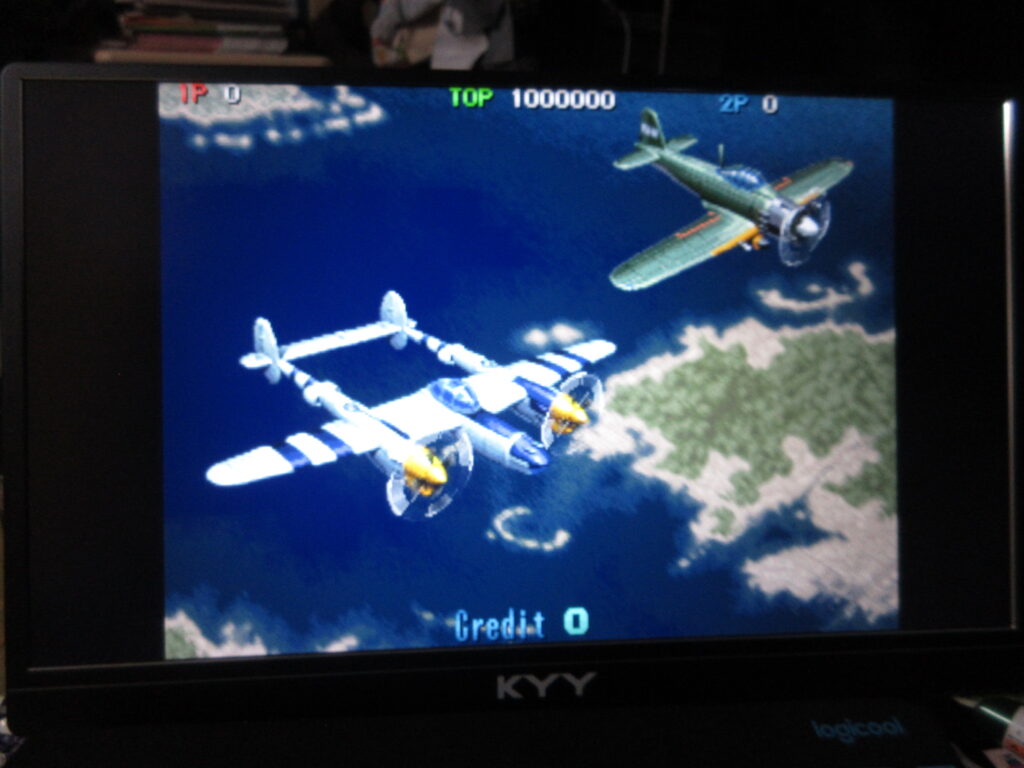
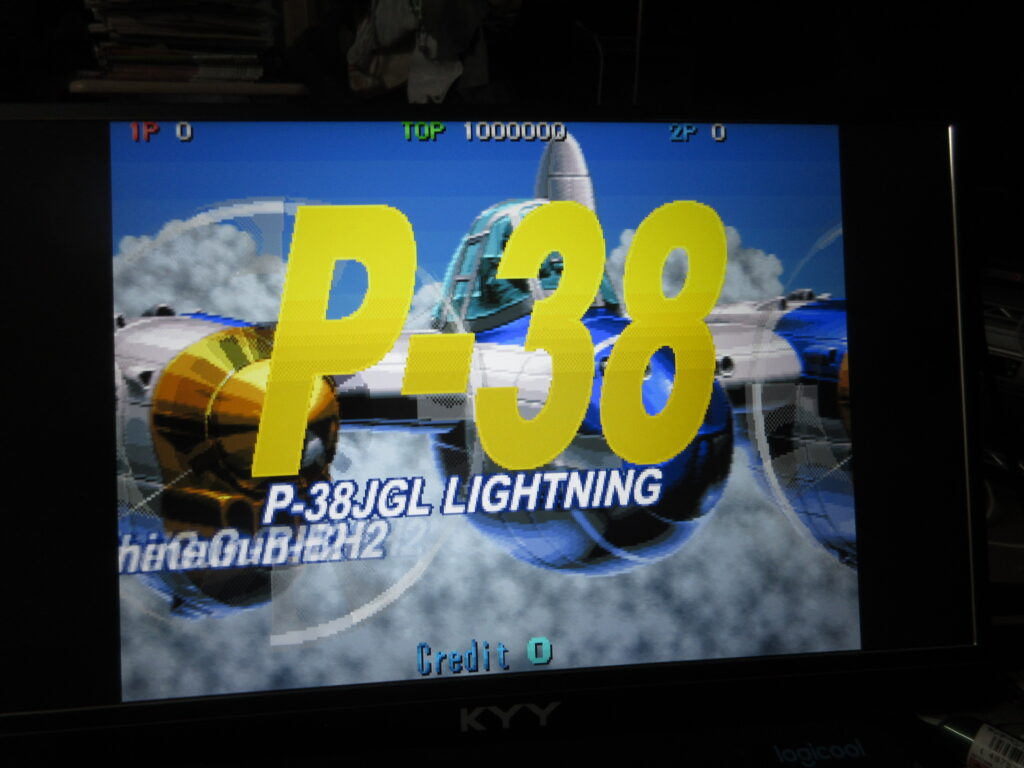
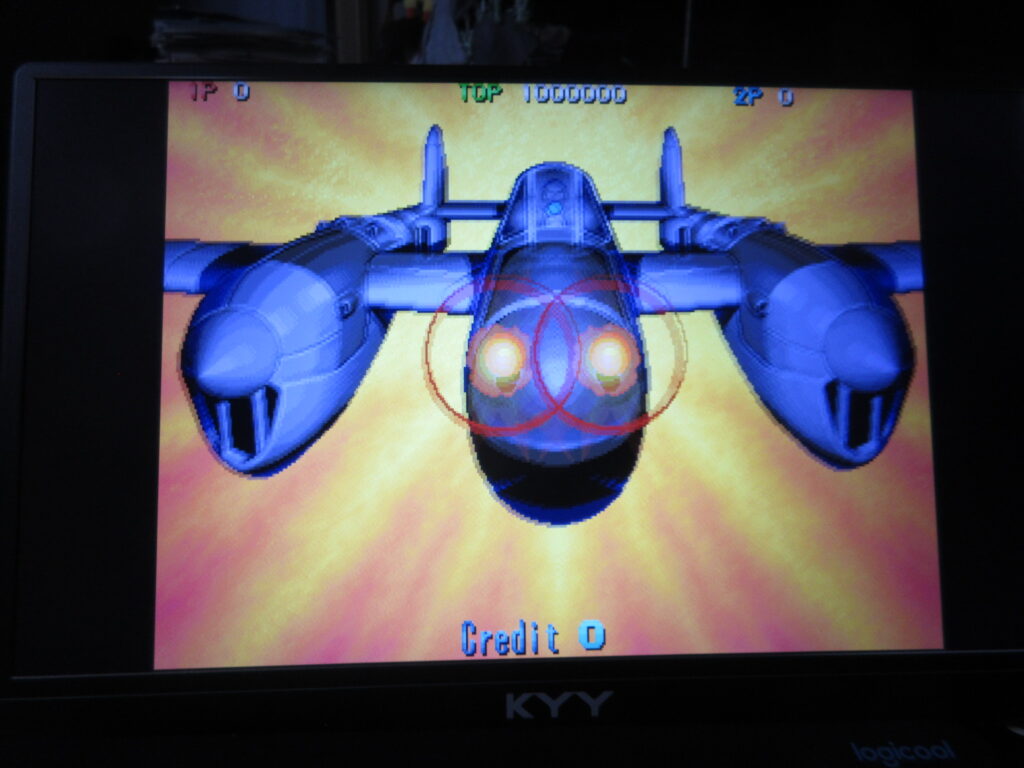
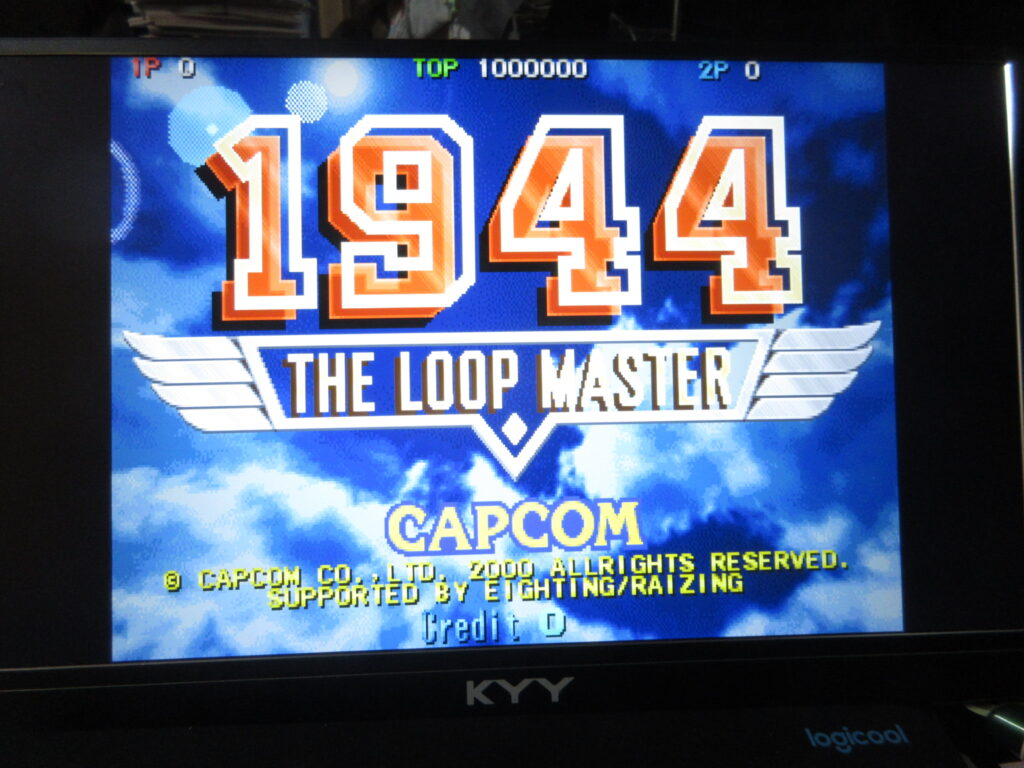
1944: The Loop Master. Once I add a CRT shader for the screen, I’ll be all set.