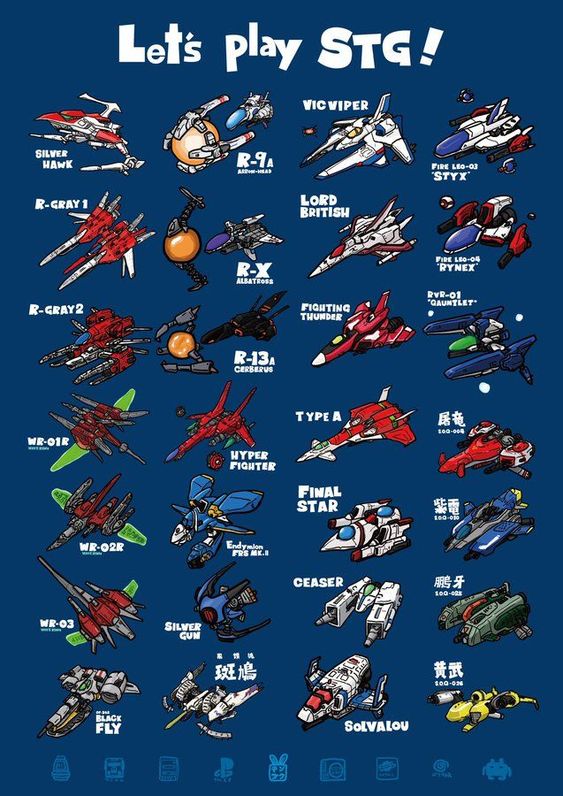
Yoinked from Pinterest. How many can you recognize?

Random crap.
Yoinked from Pinterest. How many can you recognize?
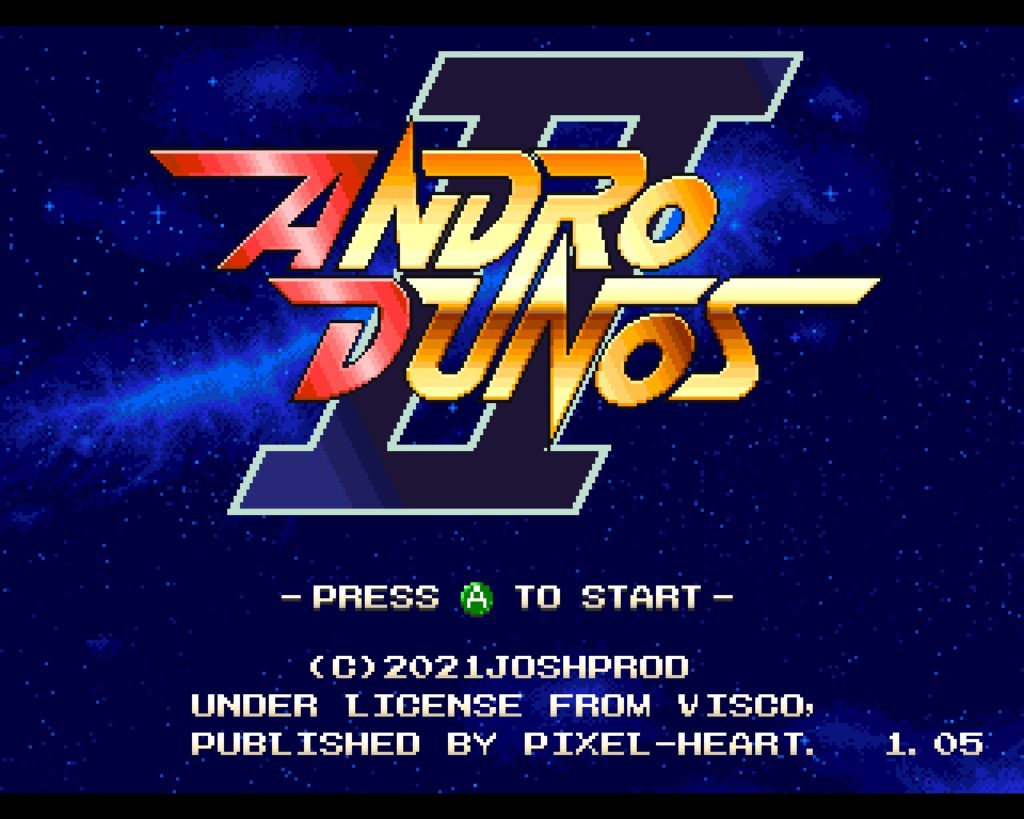
I’ve probably spent too much money on Steam games this past two years or more. I never liked the idea of buying games I did not have physical copies for, and I haven’t cared about gaming on the PC since the ’90s. But Steam offers a way to enjoy the console gaming experience on my computer without having to buy a new game console, so I’m happy. This past summer I wrote about how much I love Infinos Gaiden on Steam, and the same development team, Picorinne Soft, has done it again.
As far as Neo Geo shmups go, my two favorites are Blazing Star and Pulstar. I’d never actually heard of the original Andro Dunos before. So upon hearing about how great Andro Dunos II is, I played the original on RetroPie to try it out. While it isn’t a rather impressive-looking game graphically, it’s pretty solid and I’m surprised I’ve never heard of it before. It was made by a company called Visco, and that entire catalog has been purchased. Picorinne created this sequel, with improved graphics, yet keeping faithful to that 24-bit Neo Geo graphics style. I do not see any mention of Picorinne’s name in Andro Dunos II, but they are listed as being the developer in Steam, and both shmups feature great ’90s quality pixel art. (FYI, they also did a vertical shmup called Battle Crust, which feels more like a 16-bit arcade shmup.)
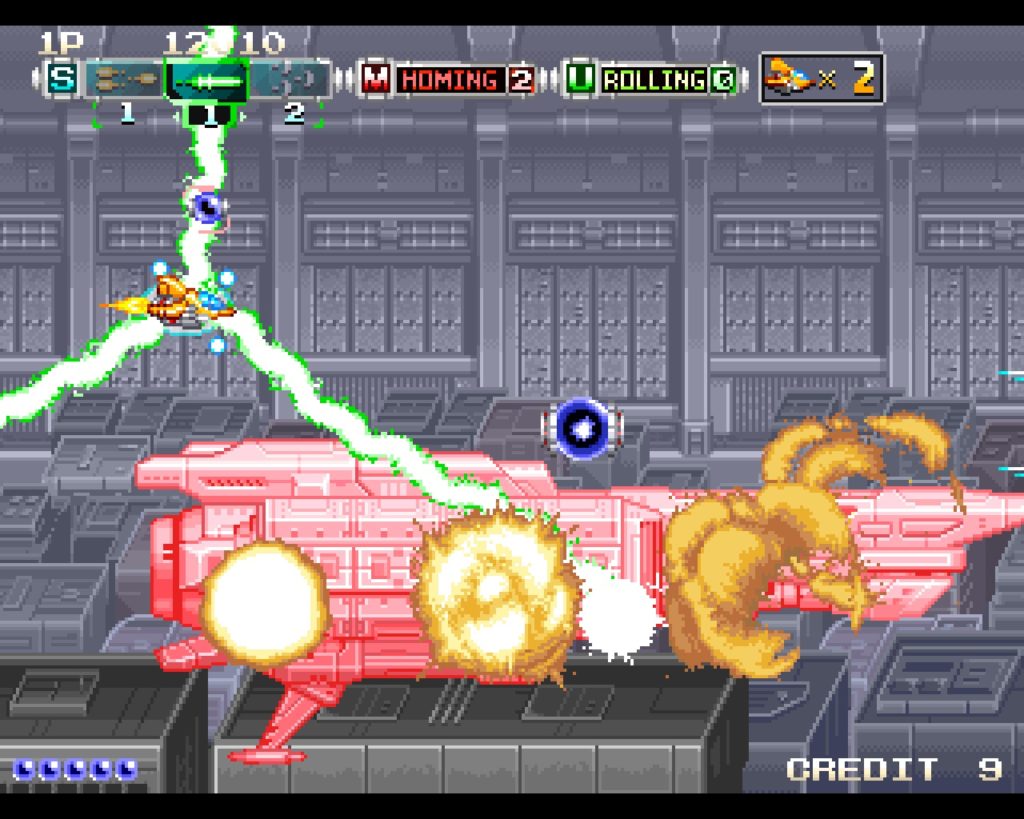
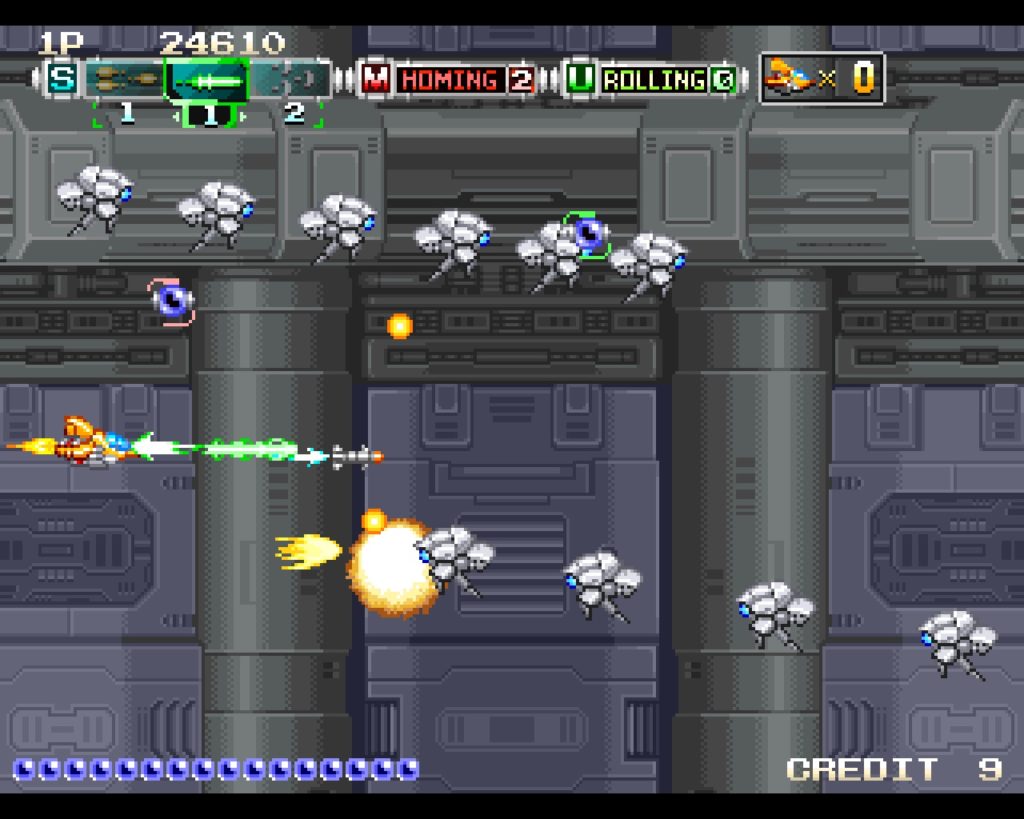
Just like Infinos Gaiden, this game also supports a 4:3 aspect ratio! I am so grateful for this. It irritates me when I play a vertical shmup that is formatted for 16:9 only, which makes the playing screen even smaller on my 4:3 monitor. This is of course a horizontal shmup, but nevertheless it’s good that I don’t have to bother with wasted borders to either side of the screen.
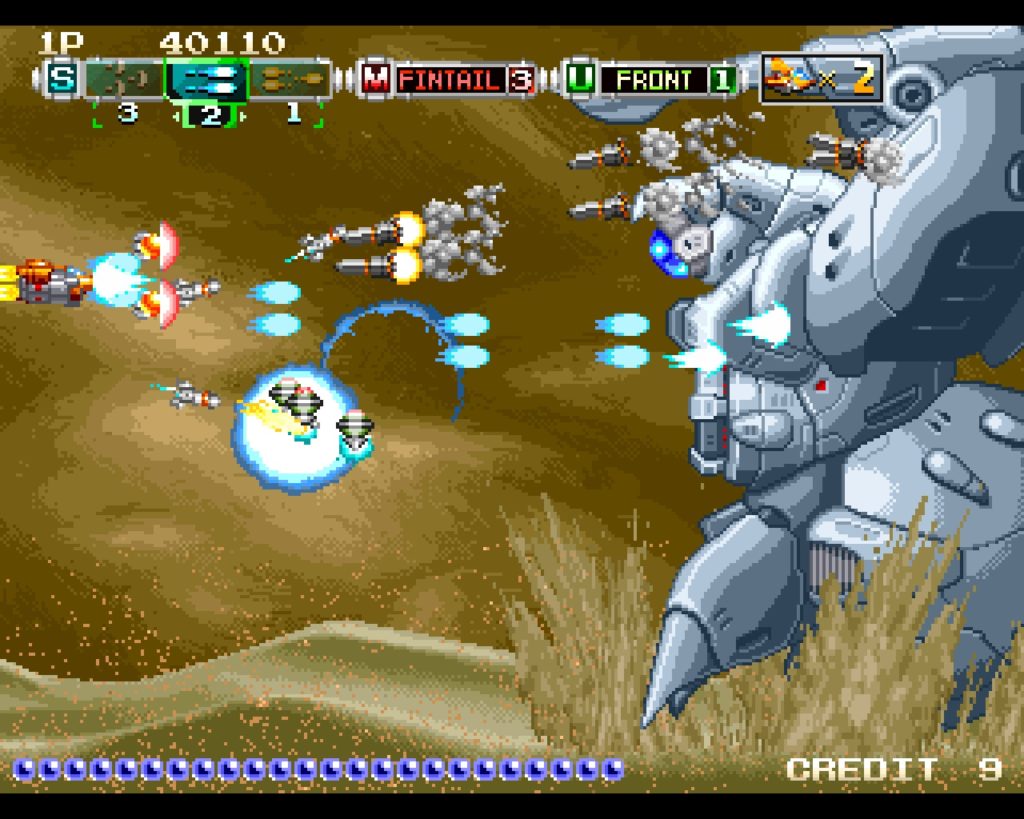
The first level starts you out inside of what seems to be an underground city, then you break out into a desert wasteland. Nothing but sand and desolation. Apparently this is what happens when we let the cows fart one too many times. If only we had listened to Bill Gates back in the 21st century and ate bugs and drank soymilk instead… we wouldn’t be pelted with sand storms and living underground, eating bugs and drinking soymilk! So anyhow, this is the first level boss, a giant mecha with a big shoulder cannon, a chest cannon, and the blue sensor weak spot to shoot at. Pretty cool.

Next you fly into outer space to look for jerks to shoot at. Oh look, a space colony.
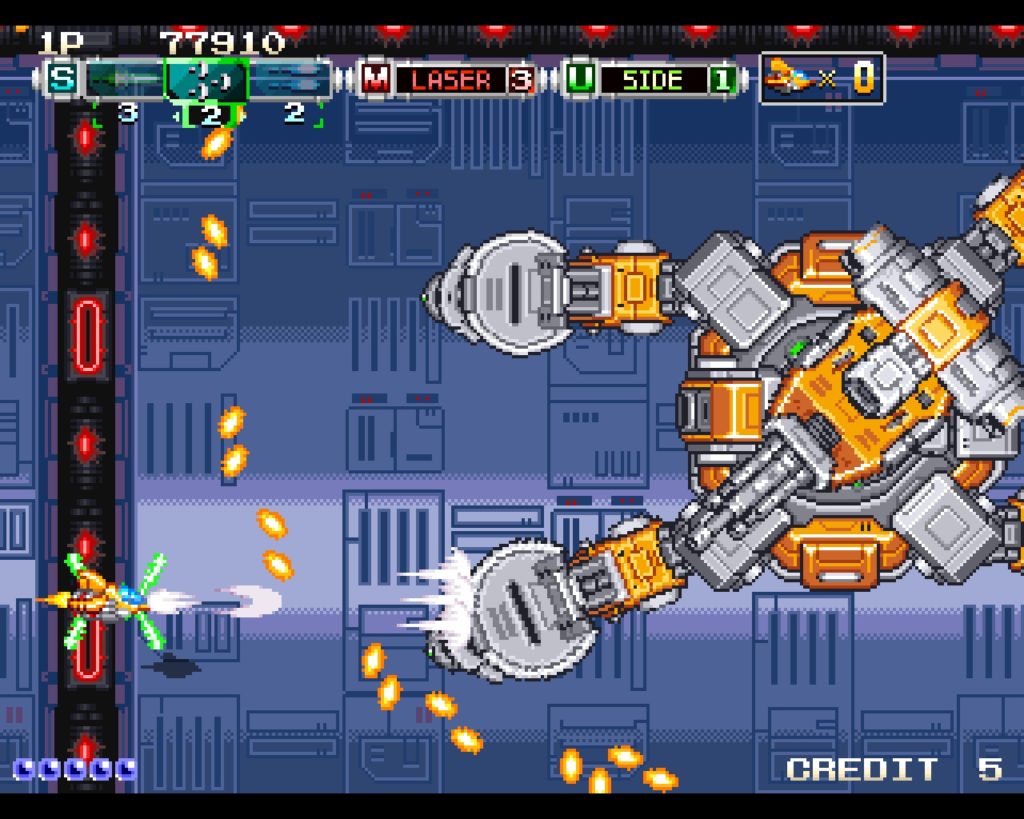
Gameplay is improved over the original. There is now an autofire, a button to cycle the weapons, and a button for the power attack. The original only had two buttons, which required button mashing for the regular shot and to charge up for the power attack.

Like Hellfire on the PC Engine and Megadrive, each of the weapons has its purpose, and you can switch between them using the trigger buttons. You can power up the shots individually by collecting powerups, and your weapons will lose power when you take damage.

Here’s the second level boss. Shoot the core!
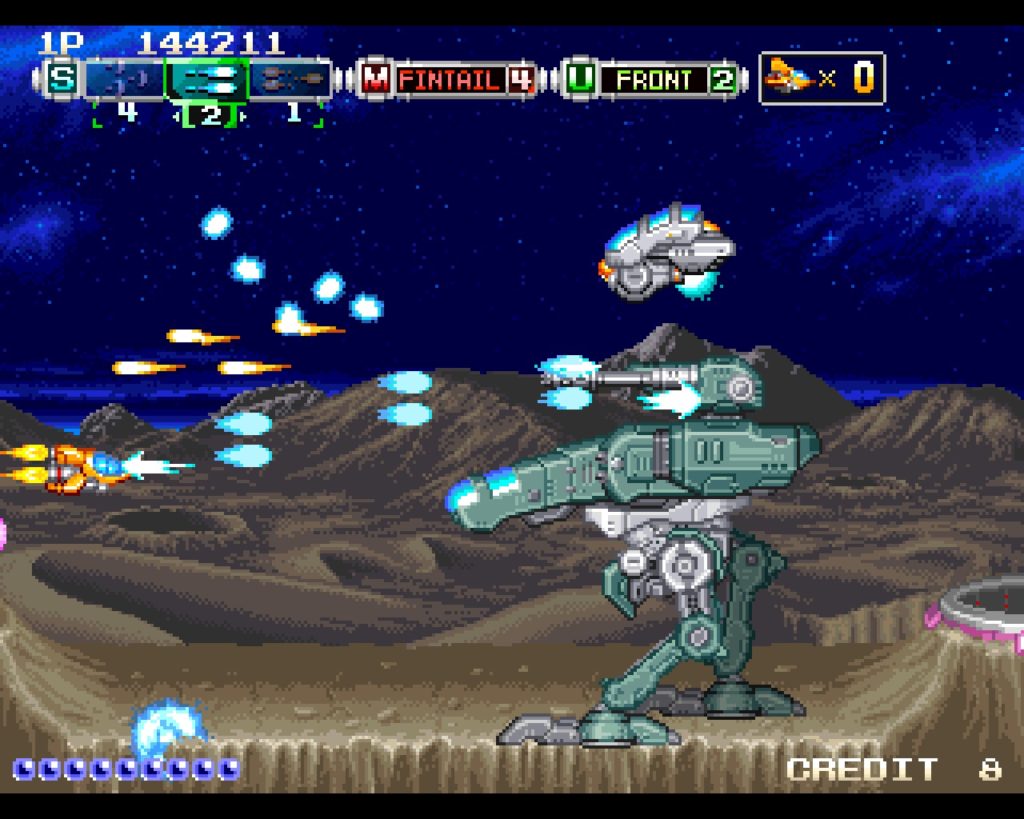

Now you’re on the moon.

Now you’re underwater. Games like this and Infinos Gaiden are cool because each level is distinct. People praise Eschatos, but that game is just the same thing over and over again, it seems. Very little variety.
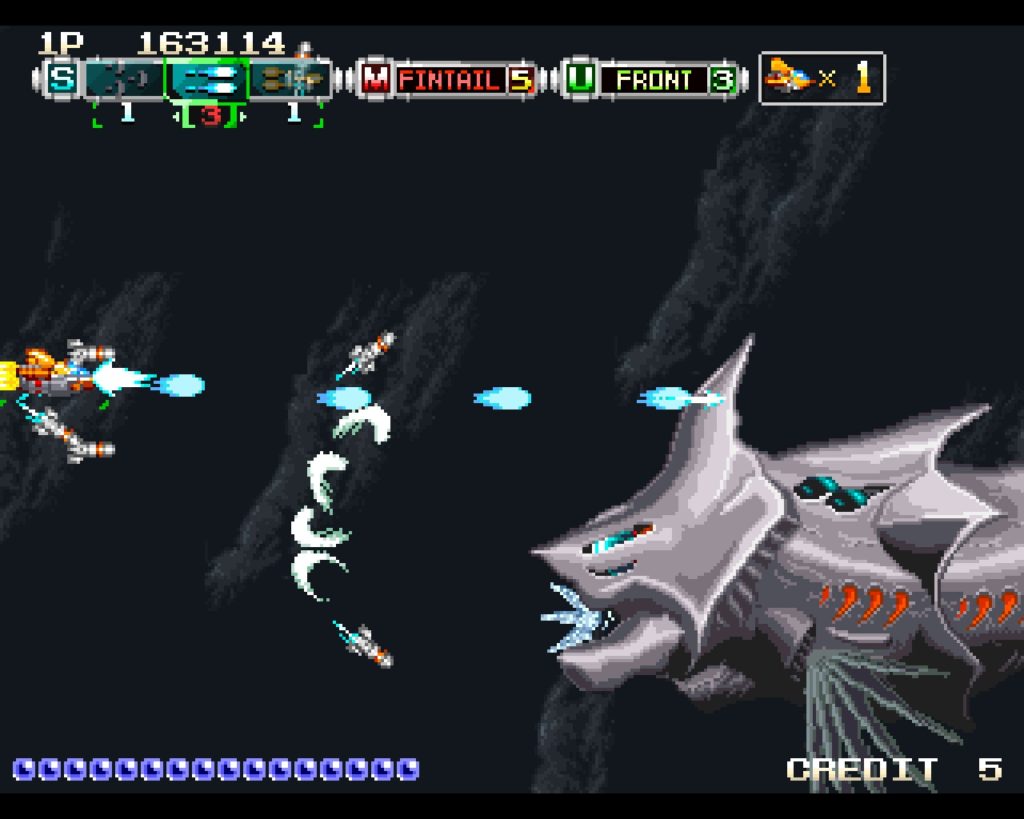
There’s always a strong Darius vibe whenever giant, mechanical fish are involved.
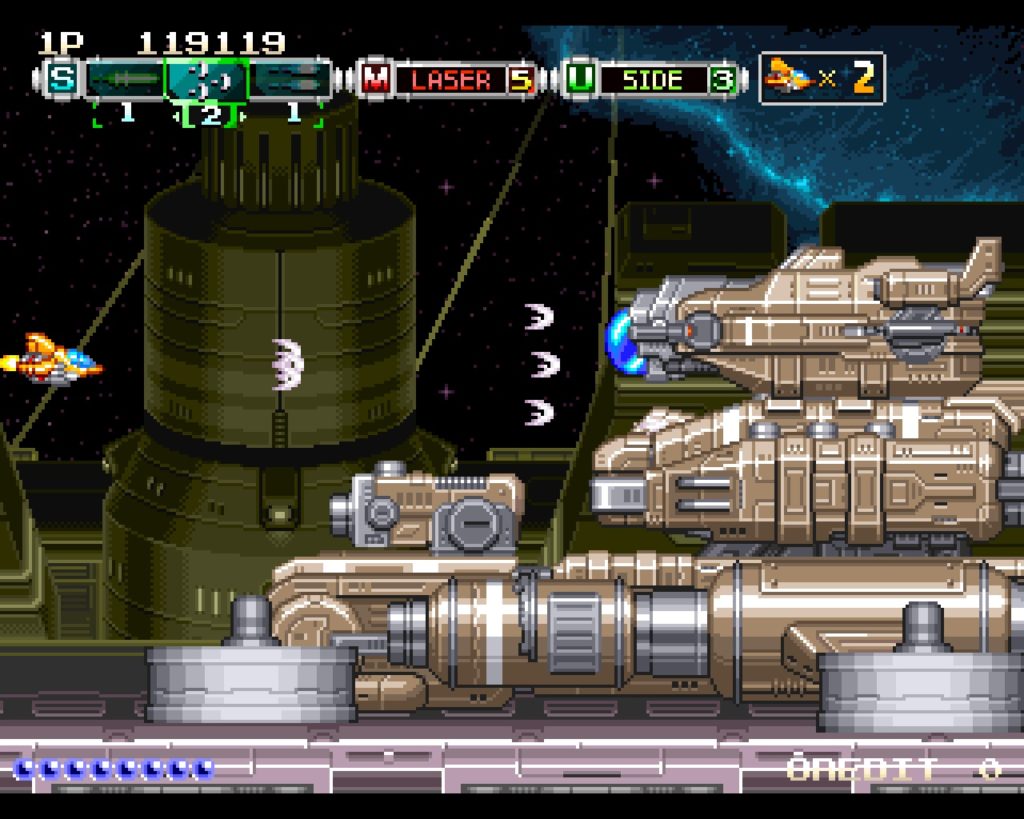
Then you fly over a space city. The boss of this level was taken from the original Andro Dunos game.
So you can’t go wrong with Andro Dunos II. Very fun, retro shmup action with beautiful sprite work, and it’s an improvement on the original. For my Linux desktop, I just had to set the launch option: gamemoderun %command% and the Proton compatibility tool runs the game just fine in Linux.
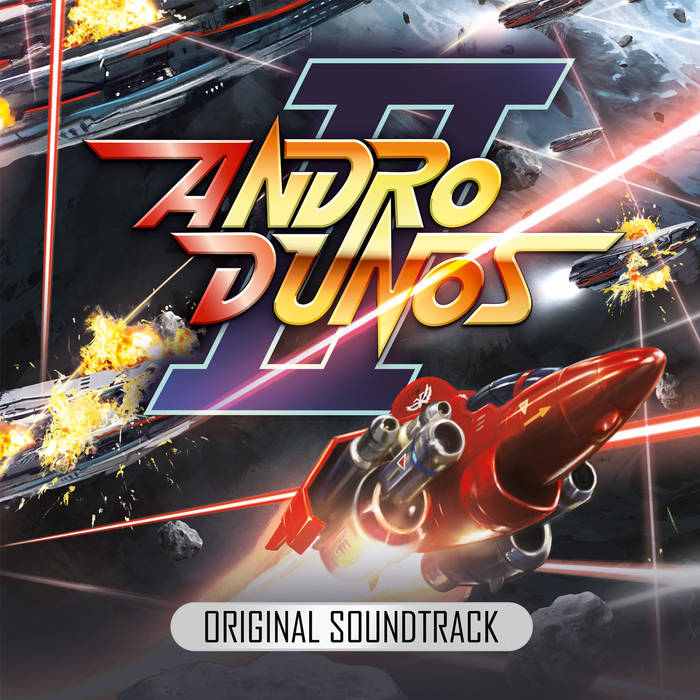
Top it all off, the music to this game is excellent synthwave by Allister Brimble. I bought the the soundtrack here at Bandcamp.
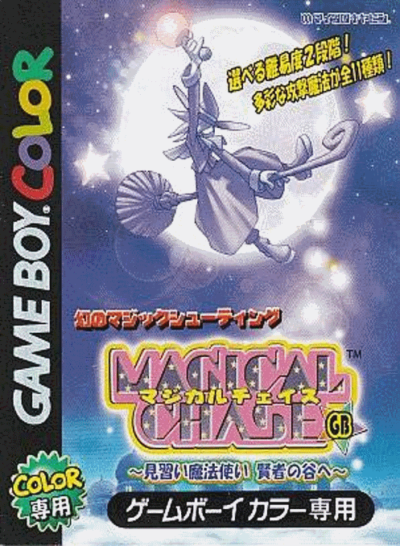
It was the summer of 2002. My first stint of living in Japan was coming to a close after 2 years, and I was in the process of packing up my belongings to move back to the USA. I happened to see Magical Chase for the GBC for only 3,000 yen. At the time, I had no way of playing the game, so I passed. It was only a few years later that this game’s value skyrocketed, and now I dare not look up to see its current value. I’ve kicked myself for passing on that opportunity. I figured that although it would be nice, I did not have a GBC, nor was I sure that I’d ever buy one. If I had only known, I could have at least bought it as an investment.

Well, I still don’t have a GBA, but I am able to play it on my Gamecube. Or Retropie, which I am using here for these screenshots. In 2002, this legendary cute-em-up was already rare and expensive for the PC Engine, and I figured that this GBC version would also go up in price. I wish I could somehow go back in time to snatch some of these games as I have become priced out of the market, thanks to hipsters.
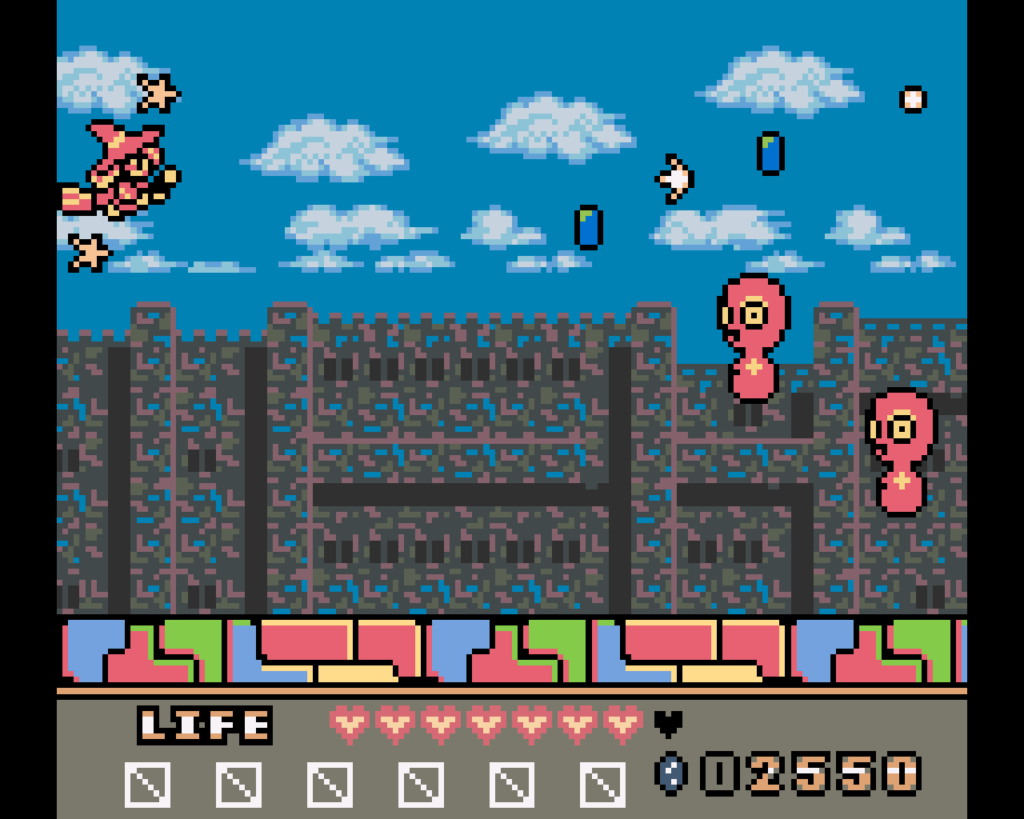

So cute.

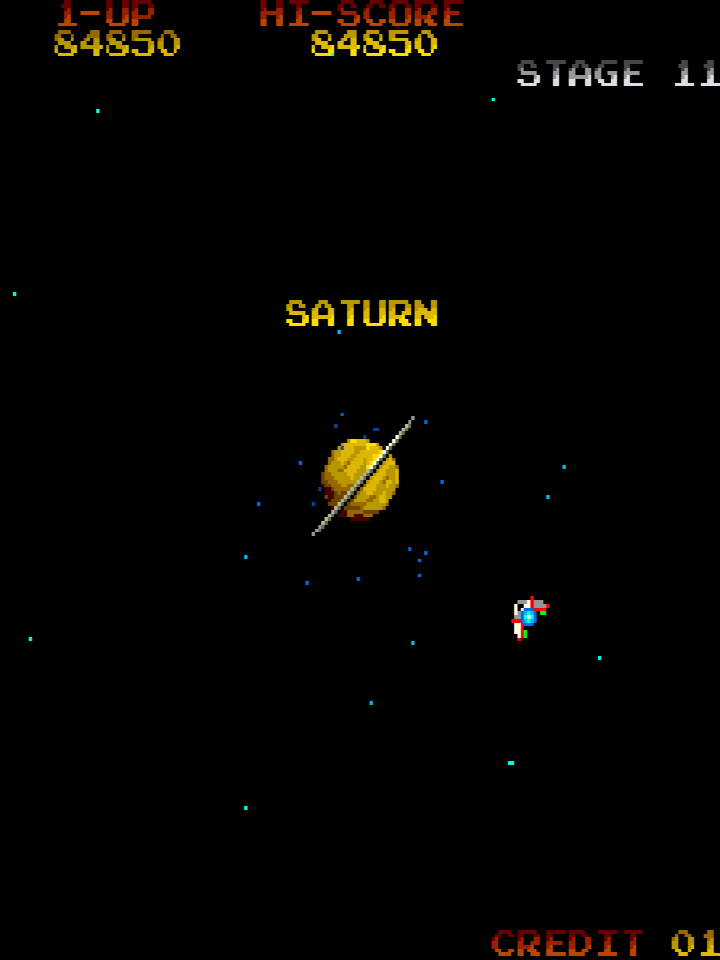
I pigged out on Korean BBQ (yakiniku) with the female spouse unit (the female offspring unit doesn’t eat much) while watching The Last Crusade (she likes Indy Jones movies, but not so much Star Wars, but that’s alright) and then Message from Space. Played some Gyruss and booze doesn’t work so well to enhance reflexes, so I gave up trying to beat my high score tonight. Still, thanks to the weekend challenge on the Retro Palace group on Gab, I finally made it to Saturn for the first time in my life today! As for the Famicom/NES version, I can’t figure out how to get past that ball & chain boss.
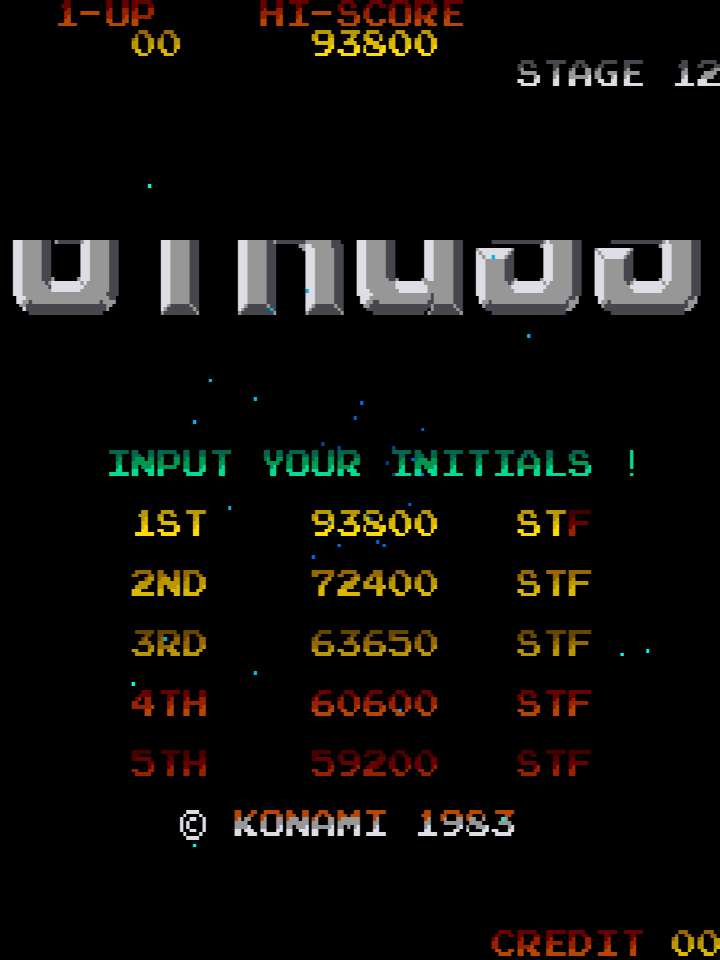
As a kid, playing Gyruss for the first time, I think that may have been the first time I ever had played an arcade game with an actual soundtrack. I’m talking besides Atari’s Star Wars… a game with a continuous soundtrack! Space Invaders has that great bass tune, but that only half counts. I’m talking Johann Sebastian BACH! As a kid, I was like, “DUDE, CAPTAIN NEMO MUSIC.” Before I found out he was Nadia’s father… No, I mean the Disney movie I watched over and over again on the Disney Channel whenever it was on because there was nothing else to do, which gave me a passion for sea monsters and stuff. Hearing this in the game, with a sped-up tempo, really blew my mind. Toccata and Fugue in D Minor! Classy.
I’m playing Gyruss, chasing alien starfighters in warp tunnels as they speed towards planet Earth, destroying them before they can approach my homeworld. And when I got that shot powerup for the first time, when it gave a real deeper, bass to the sound to the shots, I really felt like I had serious firepower at my fingertips. Oh man.
How many times have I told you kids to get off my lawn? I’m playing Gyruss.

This game came out last year, but I just now learned of it. Annalynn is a new game with an early ’80s arcade game appeal. It is a sort of a cross between Mario Bros. and Pac-Man.
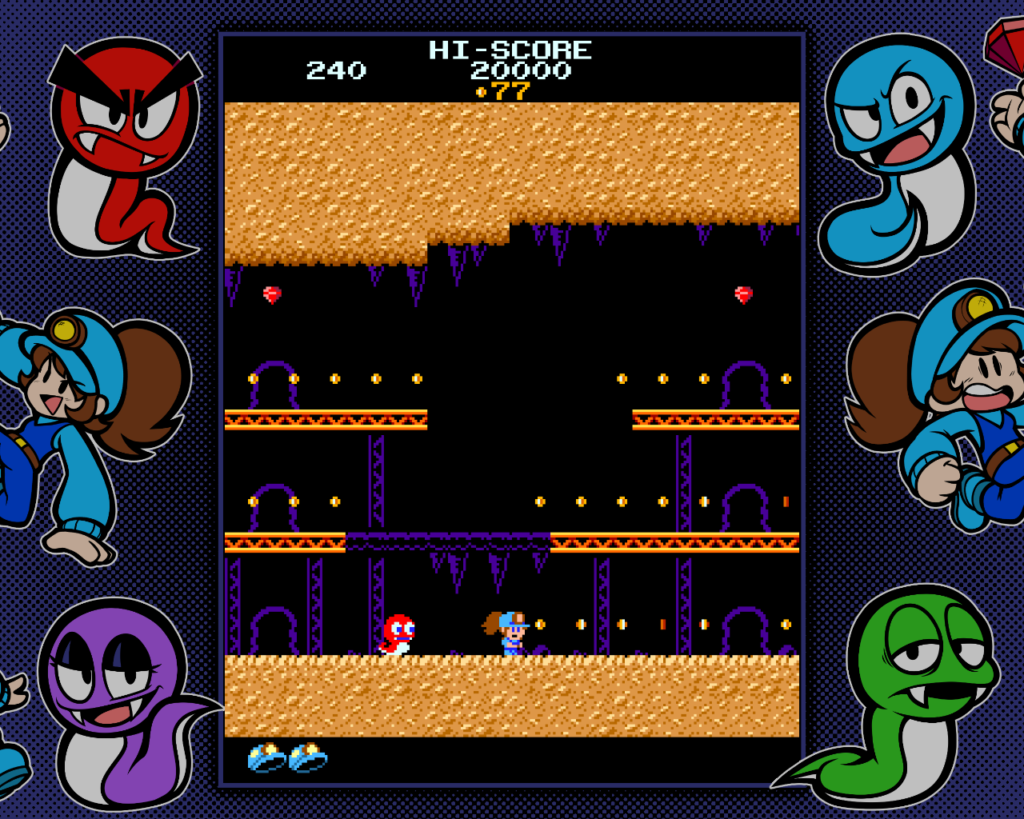
The intro to this game introduces a miner named Annalynn, who finds herself in an underground construction zone. These four cute snakes, Randy, Candy, Handy, and Mike are down there and they don’t like this intruder and will chase you. Anna’s pick axe is broken, so now she is defenseless.

It took me a bit to figure out how to play. As you can see, it’s a side-view platformer arena, sort of like Mario Bros. The goal is to collect all of the gems, just like Pac-Man. But you can’t jump up to hit the beams to stun the snakes like Mario would. Your only button allows you to jump. The snakes cannot jump, but they can slither into the snake holes in the background to move up or down to different platforms. Also, there are some half platform sections where you can jump through.
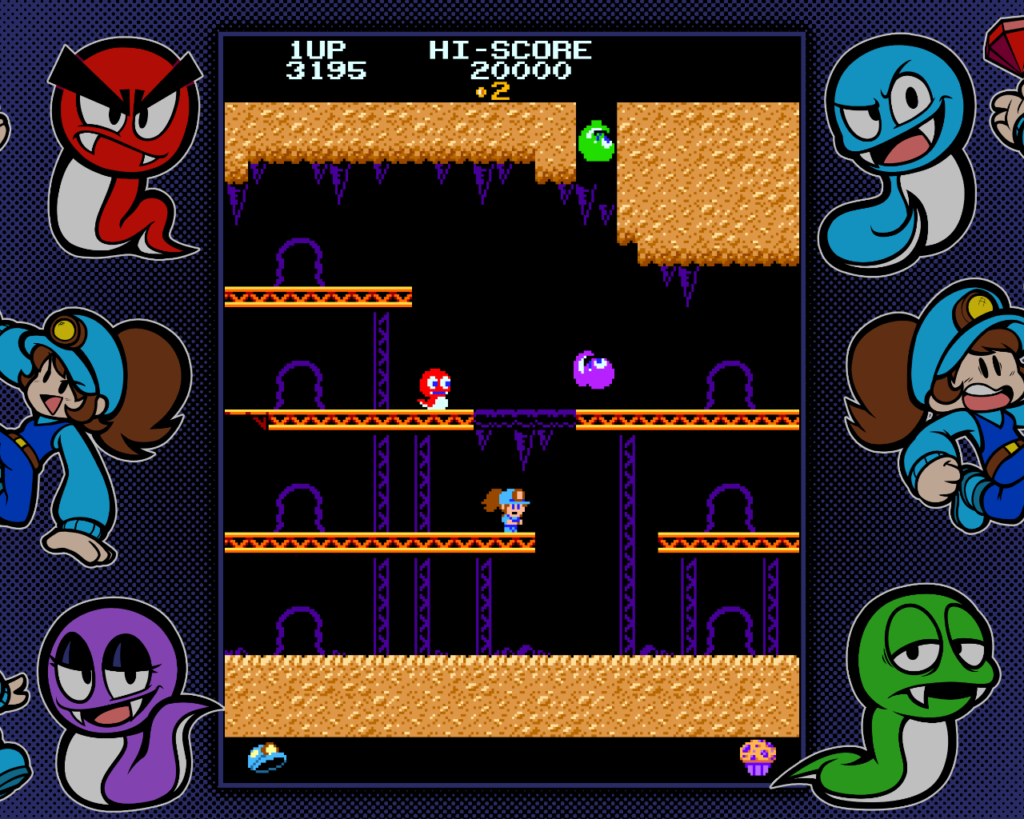
The snakes respawn by falling from holes in the ceiling. They fall way faster than I would expect for an early ’80s game. I’m not griping, but I think I just need to get used to how this game works.
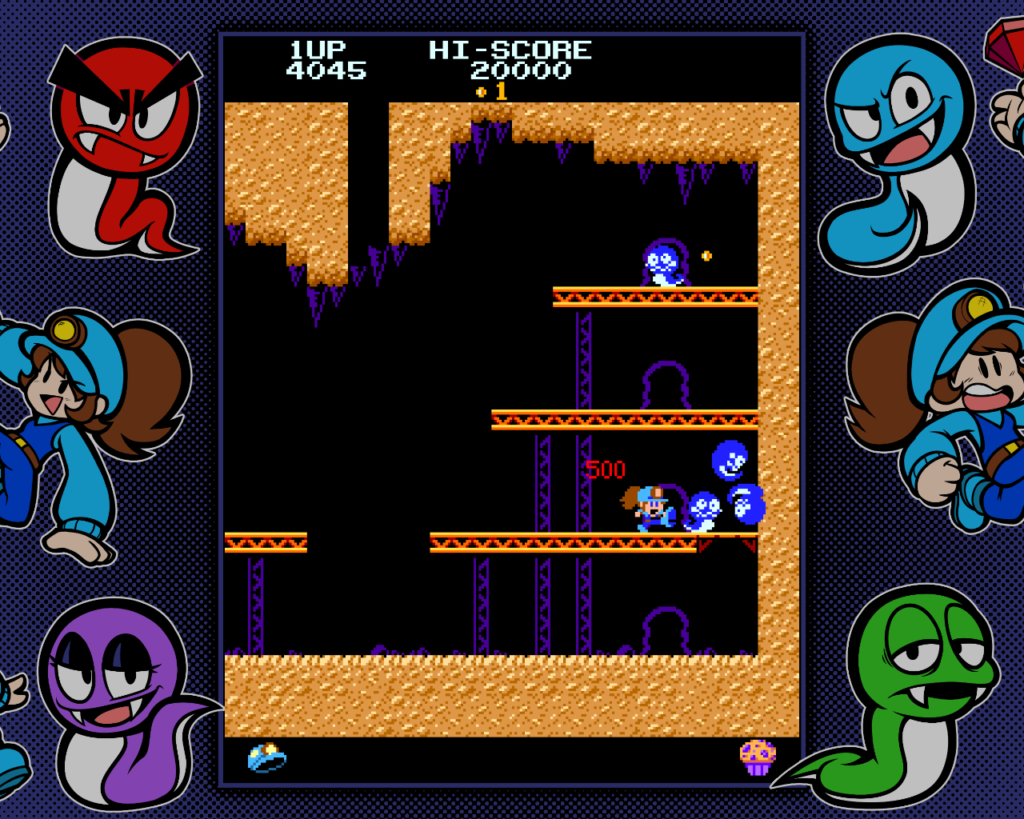
When you grab a power jem, the snakes all turn blue for a brief while and you can kick the crap out of them, so it’s just like Pac-Man in that regard.
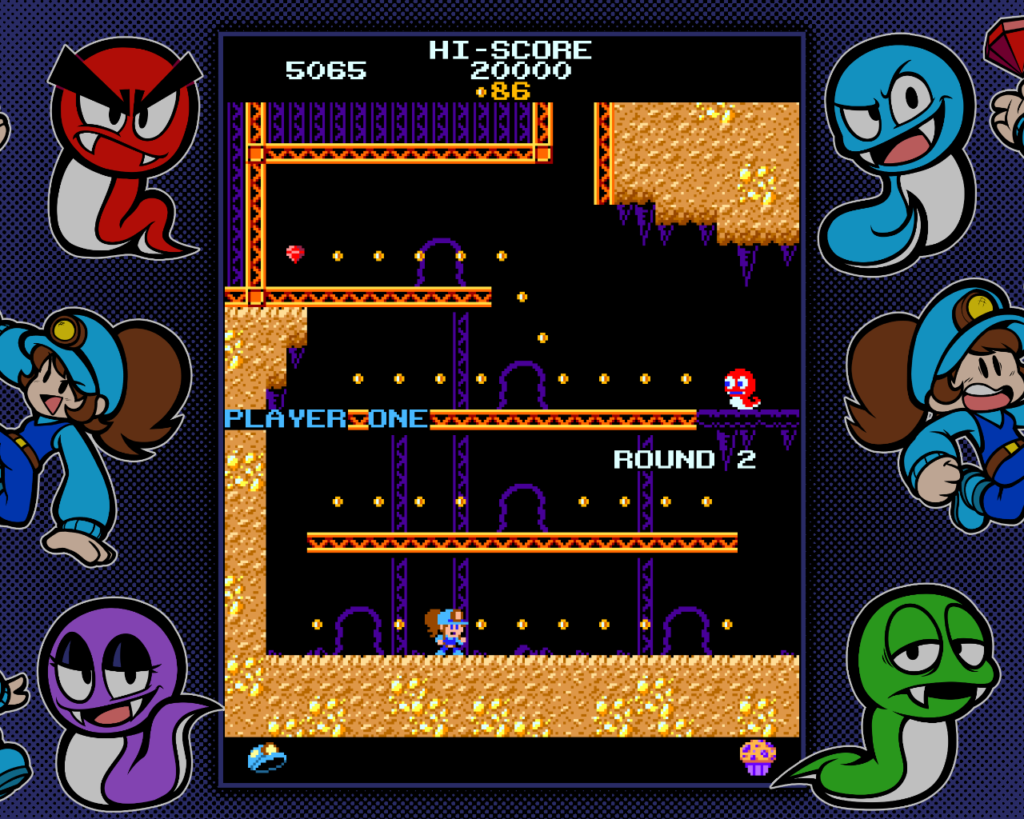
You’ll be alerted when a bonus appears in the arena, like a cupcake in level 1. Once you’ve collected all the gems, you proceed to round 2. Each round appears unique.

After the 4th round, ropes are introduced, harkening to Donkey Kong Jr.
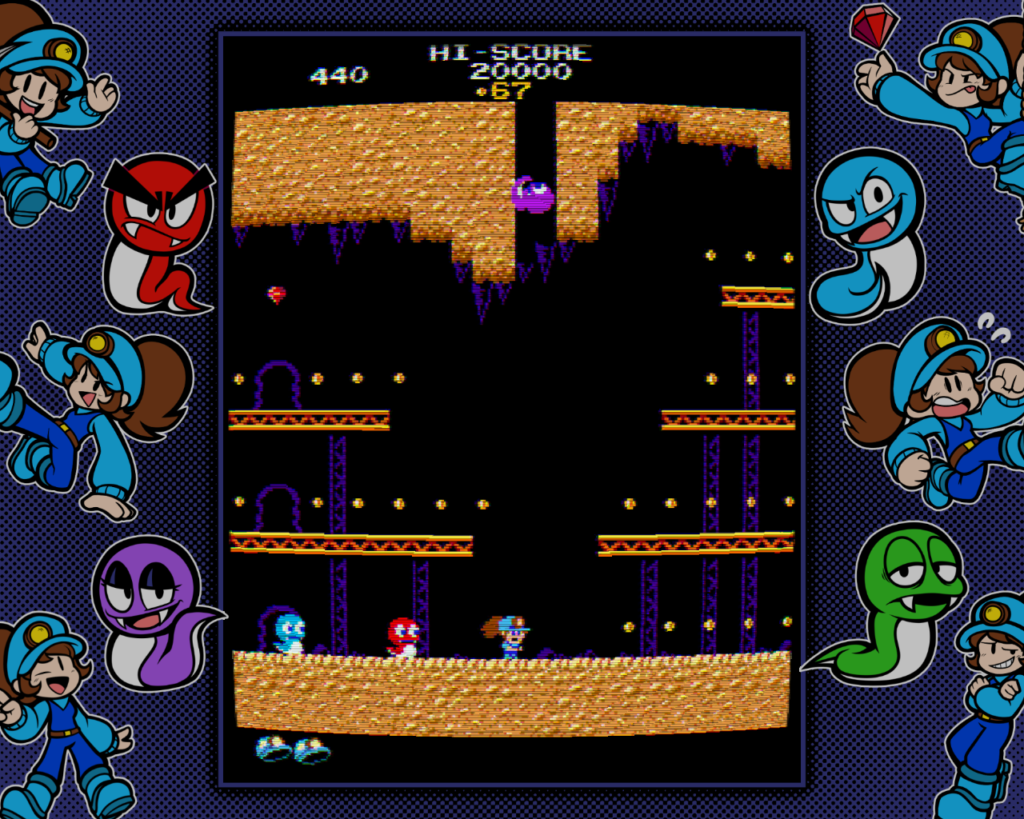
As expected, there is a simulated CRT mode with scanlines, but this takes it a bit further and simulates the curvature of an old monitor. Wow, that’s a neat effect, but I think I’ll leave it standard. There is also an option to give the snakes hats and sunglasses too.
The Proton utility allows this game to run perfectly in Linux. A 4:3 aspect ratio can be selected, which is always a welcome feature for me because I prefer 4:3 for my desktop. Actually, the 16:9 was enabled by default and I didn’t really notice it. All it really affects is the side art, which is very fabulously retro as well. The snakes are so cute! I think I will make iron bead versions of them.

This lamp was over half off on Yahoo Shopping Japan, with free shipping. I couldn’t resist. It arrived last night. It now sits on top of my CD rack, next to my Diamond Select TWOK Enterprise, under my fabulous Nadia poster. This is on my side of the bedroom.

Before:

After:

It was bound to happen eventually. The Sega World in my small town is finally being rebranded as Gigo. The iconic Sonic sign is in the process of being replaced and you can already see the Gigo sign above the door. Granted, nothing is changing except the name, but still, Sega has divested their arcade management division. You can read about this here:
I asked the manager if they were going to toss out the Sega flags, and he said no. He said that several others asked about the flags already, but he said that they will remain as decorations. The staff’s uniforms still say “Sega” on their backs. This rug is still in the front doorway.
I’d love to have a brand new rug like this in my home. I’m sure the female spouse unit would protest, though.

Oh yeah! A month or so ago I was outbid on one of these on Yahoo Auctions Japan, but this month I scored. It’s a Virtua Stick for the Sega Saturn. Over 20 years ago, I had the opportunity to get the double-sized (2 players) version for about 8000 yen, but declined. I couldn’t afford it at the time, and plus it was just too big. This Virtua Stick gives you the feel of playing on an Astro City or Blast City cab at home. It has autofire switches and a slide to set its rate of fire. It was sold as “junk” because it hadn’t been confirmed, but so far it seems to work just fine. It was a bit filthy, but I cleaned it up. FYI: Zippo lighter oil works well to remove price tag residue.
Oh, and what’s that next to it? That’s my Mayflash Saturn to USB converter. It works in Linux and this evening I played some Pac-Man on my new Virtua Stick in Final Burn via RetroPie.
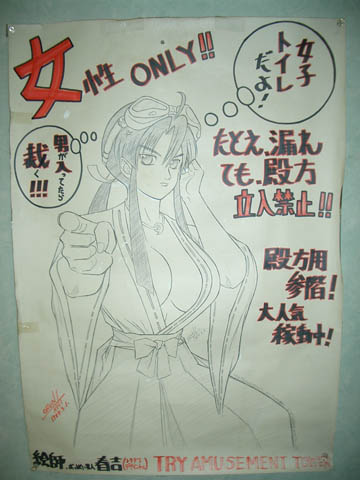
I took this picture at Try Amusement Tower game center in Akihabara in around 2004 or 2005. This poster warns that only women are allowed in the women’s restroom.
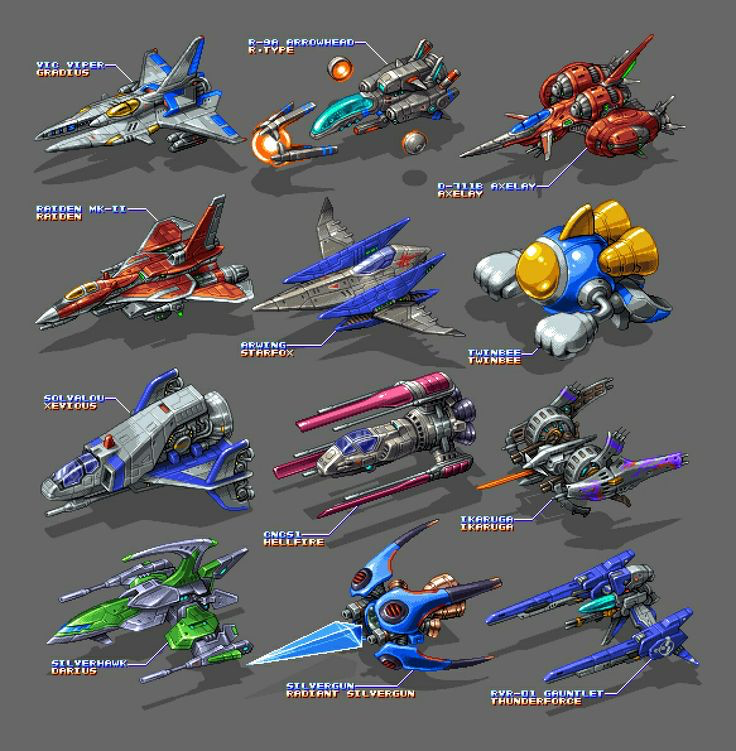
I have model kits of half of these ships: Vic Viper from Gradius, R-9A Arrowhead from R-Type, Raiden, Solvalou from Xevious, Ikaruga, and the Silverhawk from Darius. There is a model kit of Twinbee, but I haven’t picked it up yet. Since Starfox is the only one in the picture that isn’t a 2D shmup, if we were to replace its Arwing fighter with the R-Gray1 from Layer Section/Raystorm, my vote would probably be for that one. But since it’s not there, I’d probably vote for the Ikaruga. Even though I don’t care for the game as much as others, the design is just so simultaneously elegant and deadly. I have models of the Ikaruga and Ginkei from that game.