Random crap.
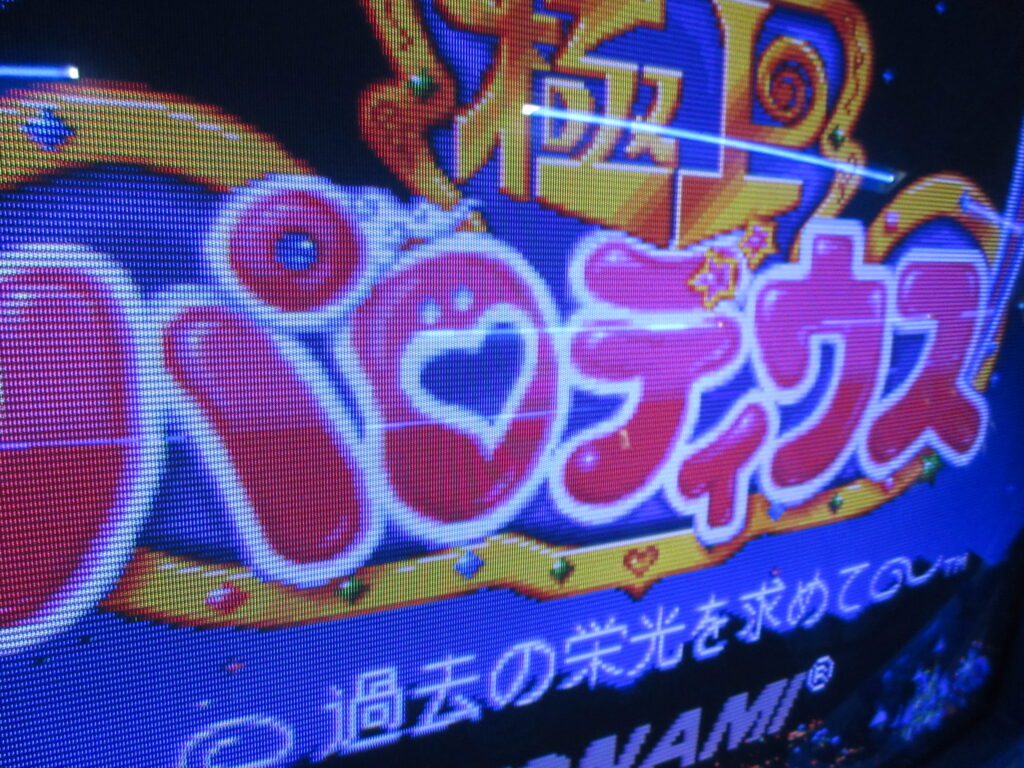
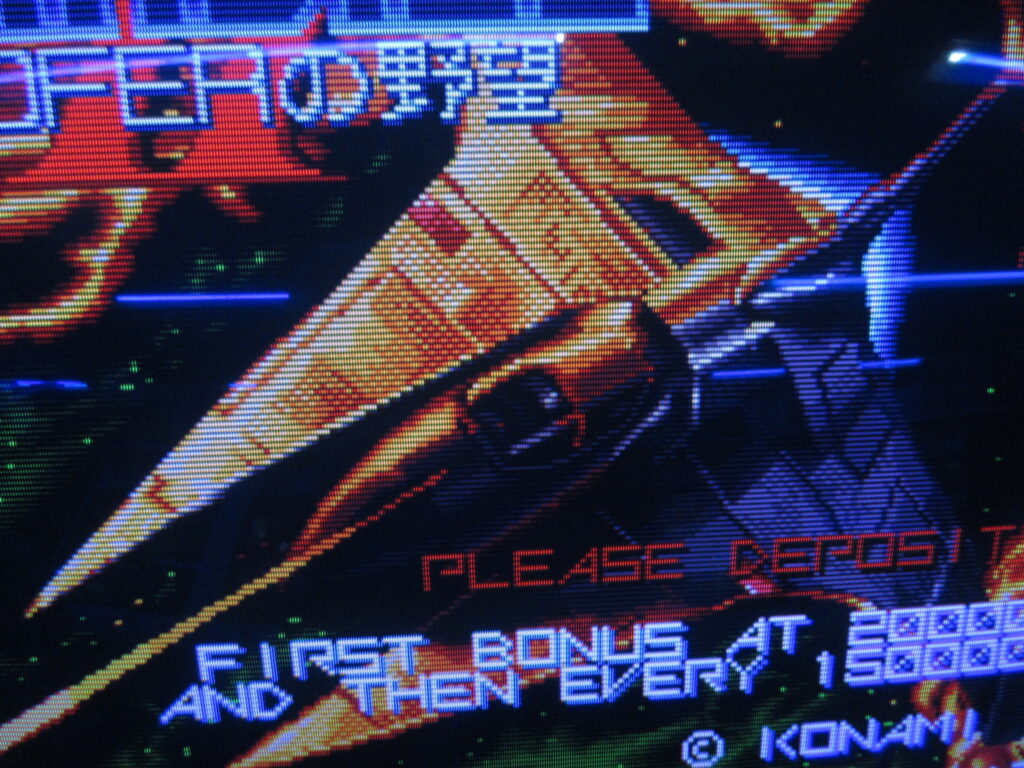
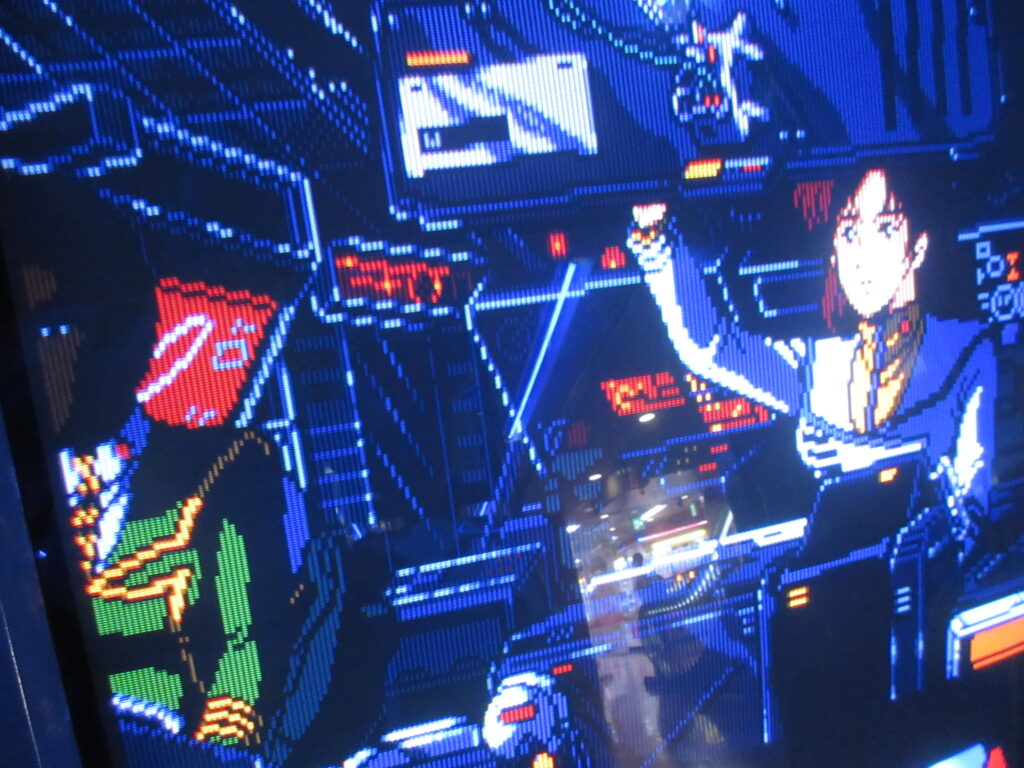
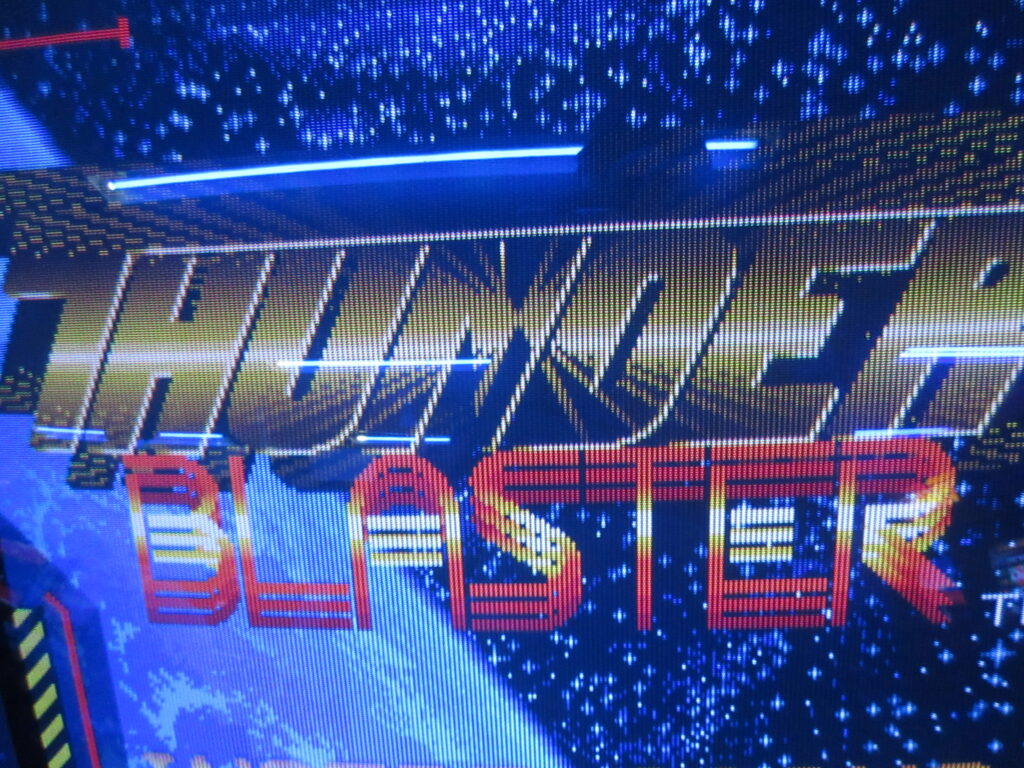
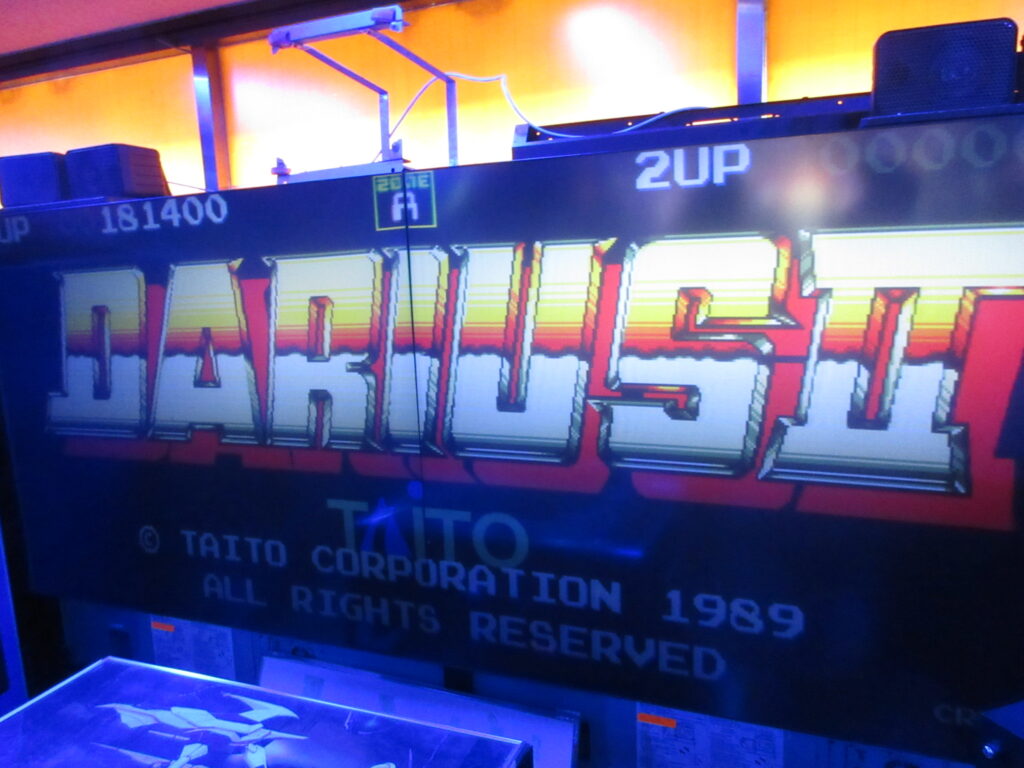
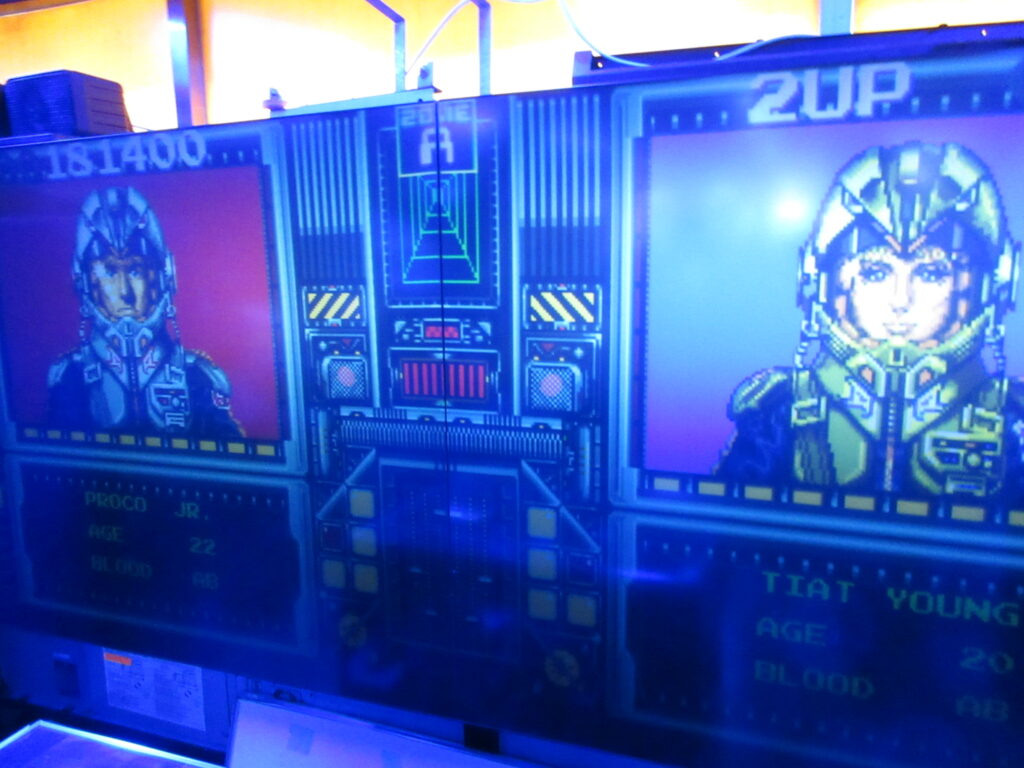
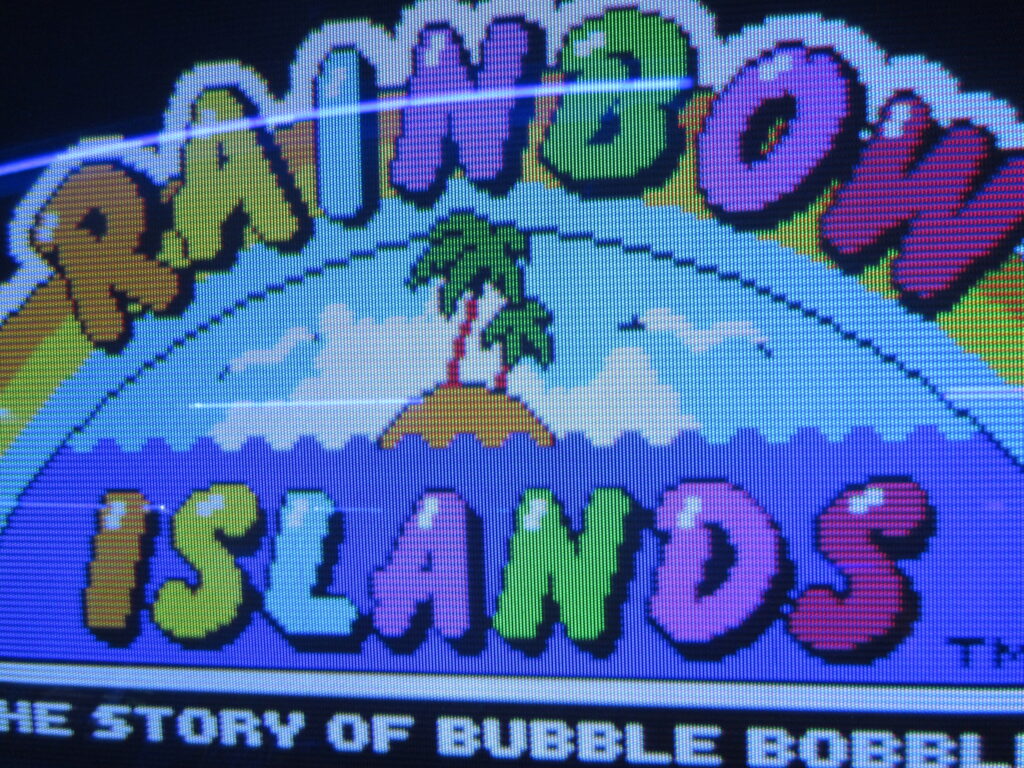
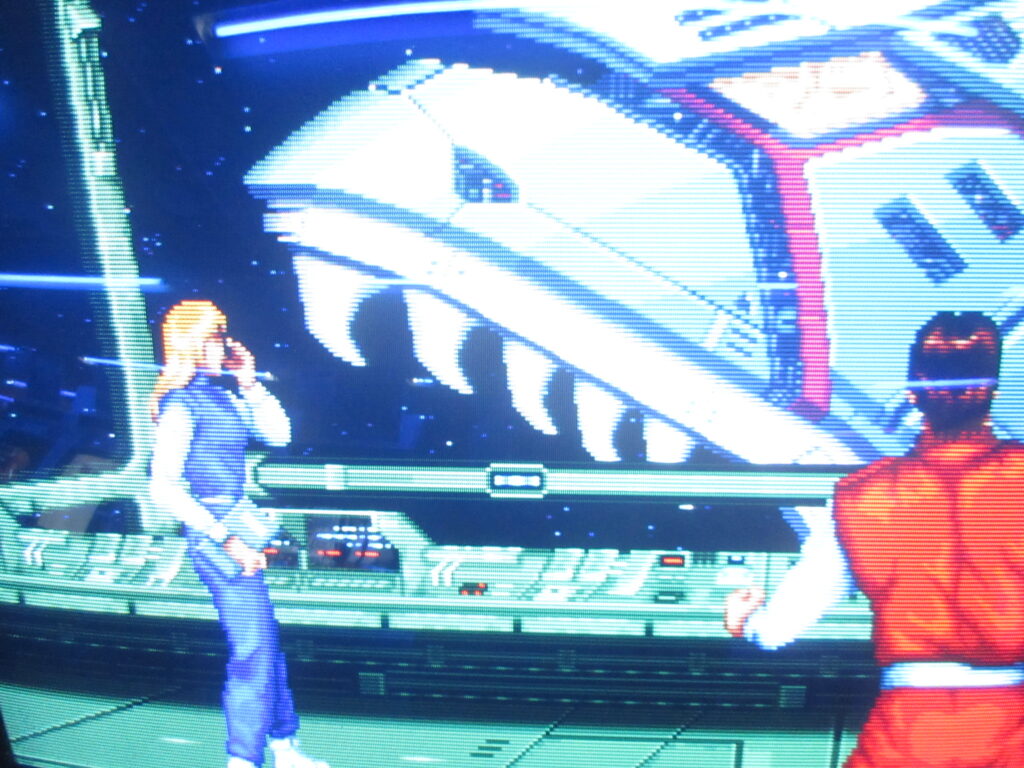
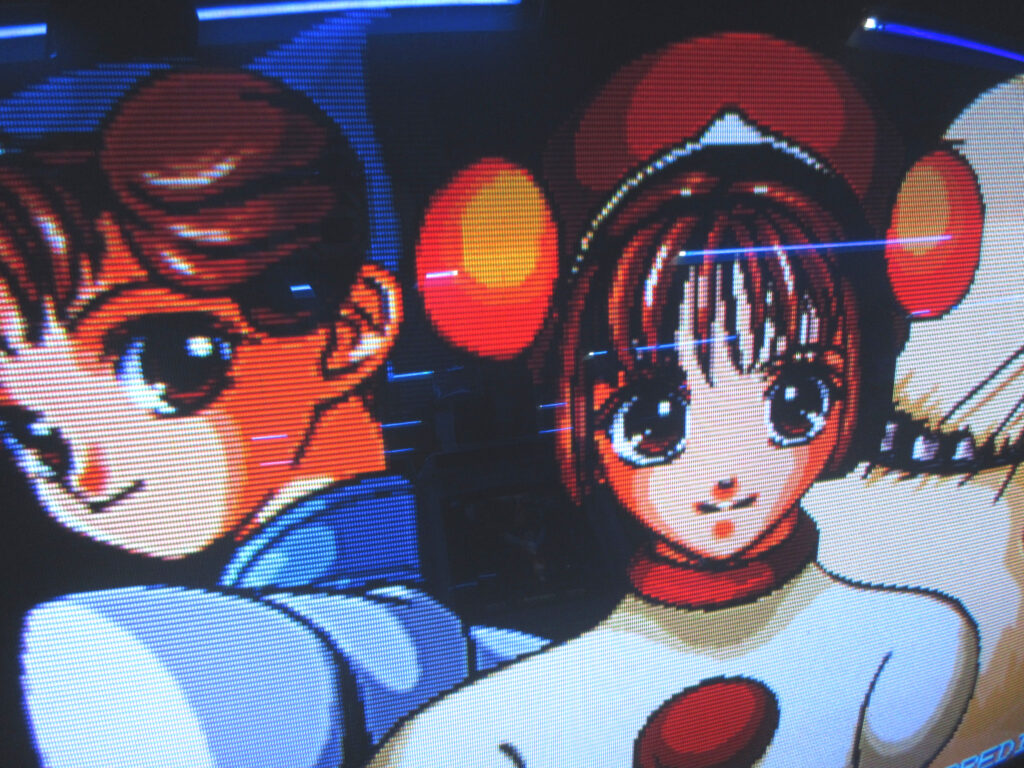
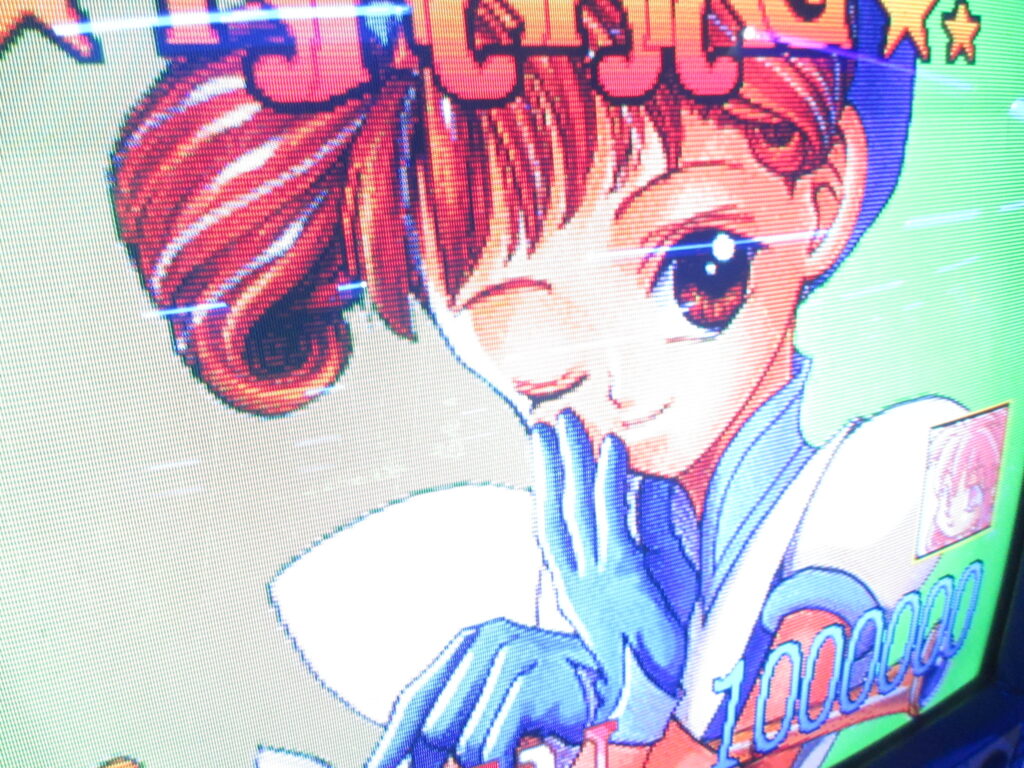
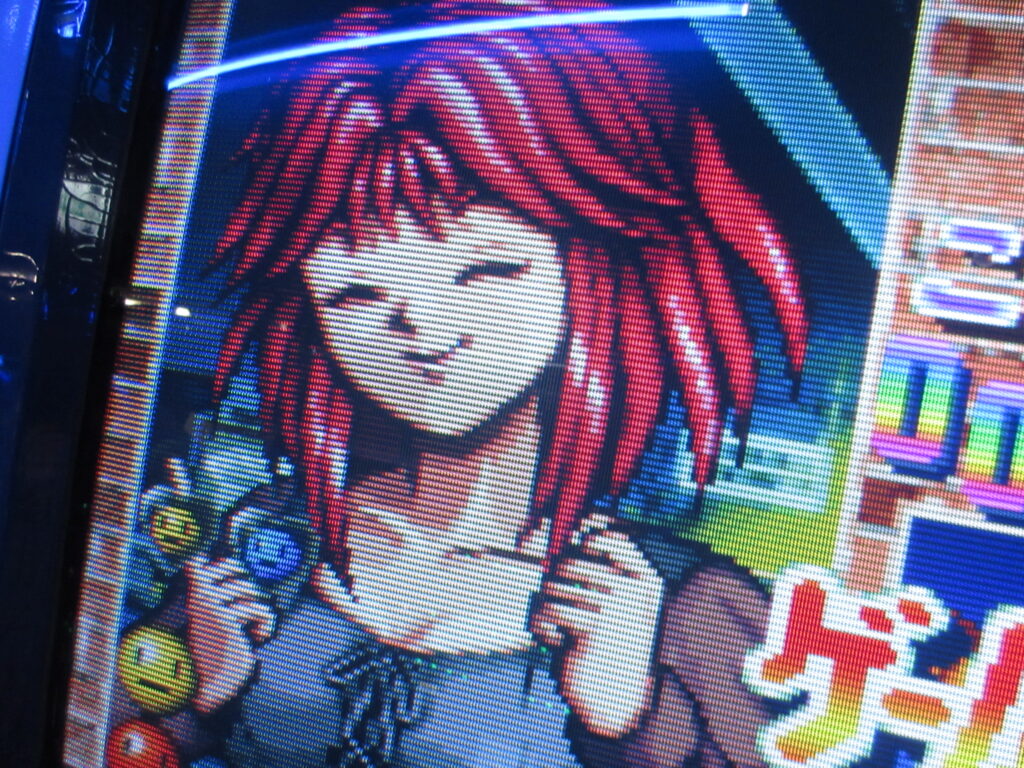
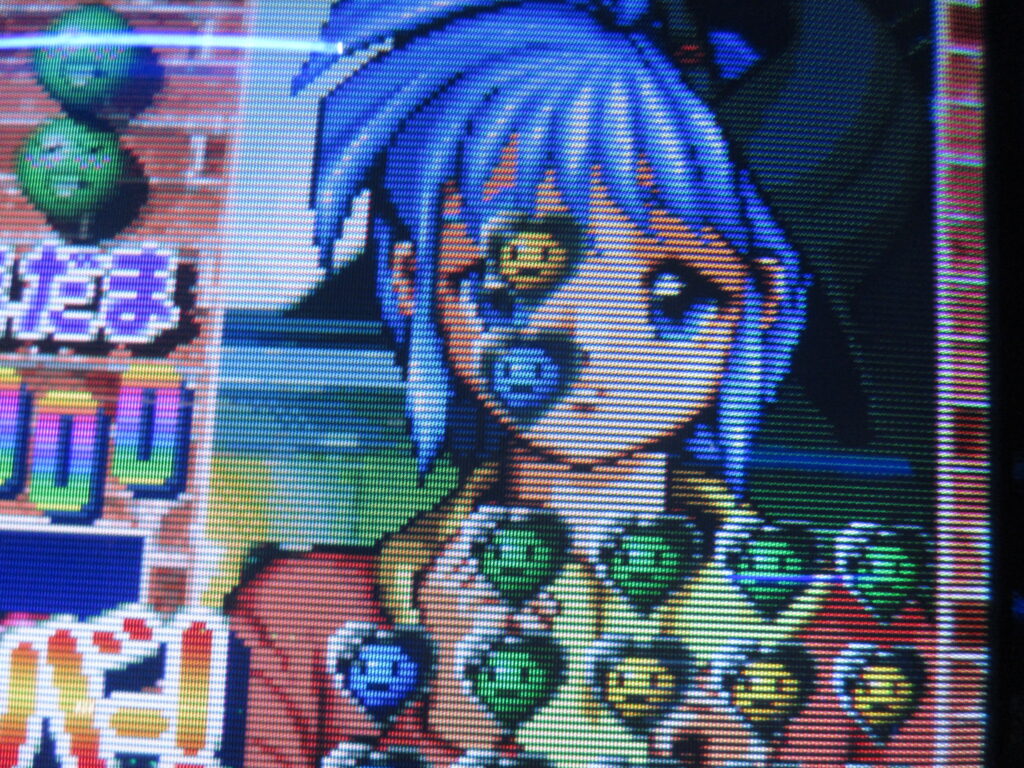
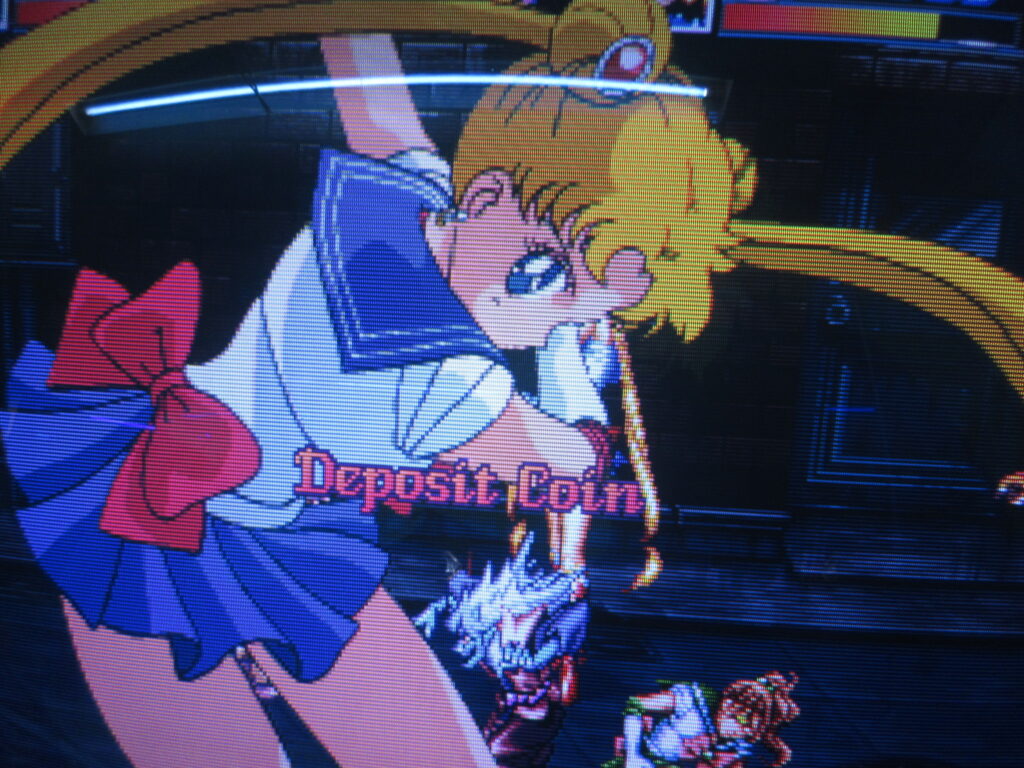
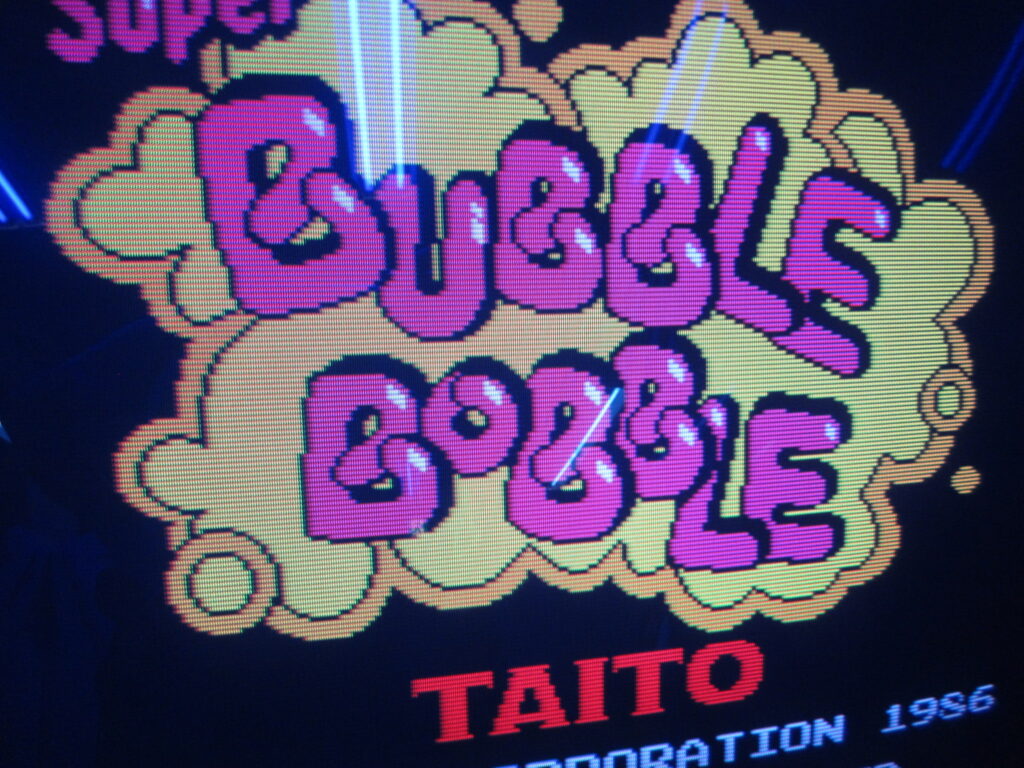
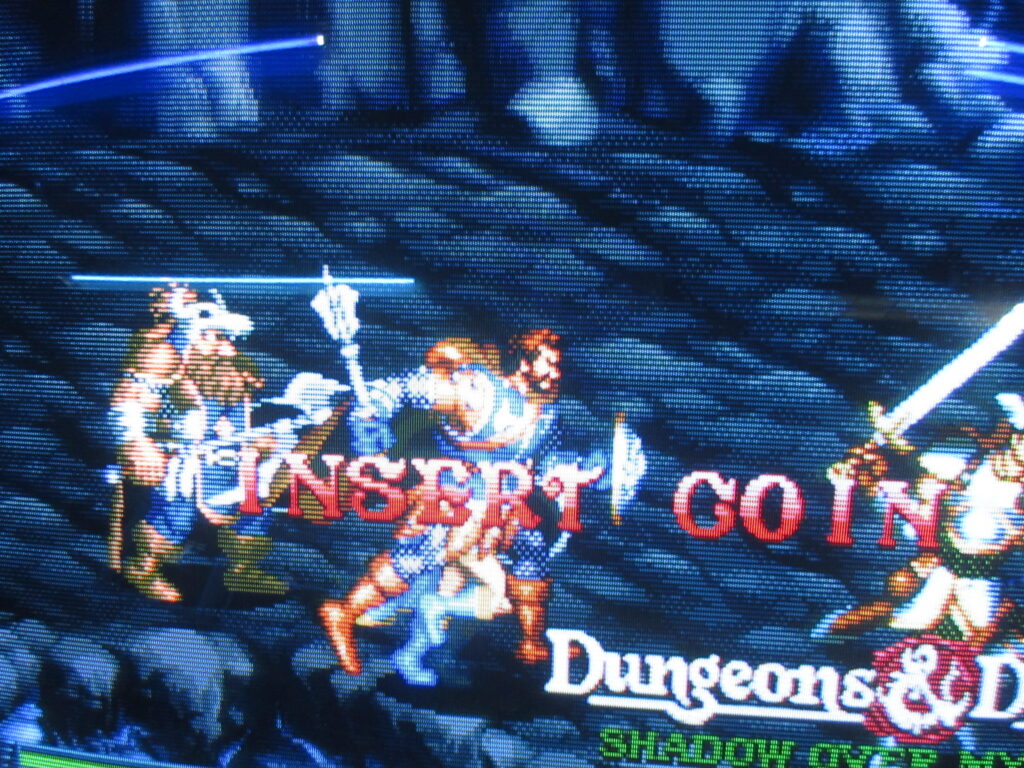
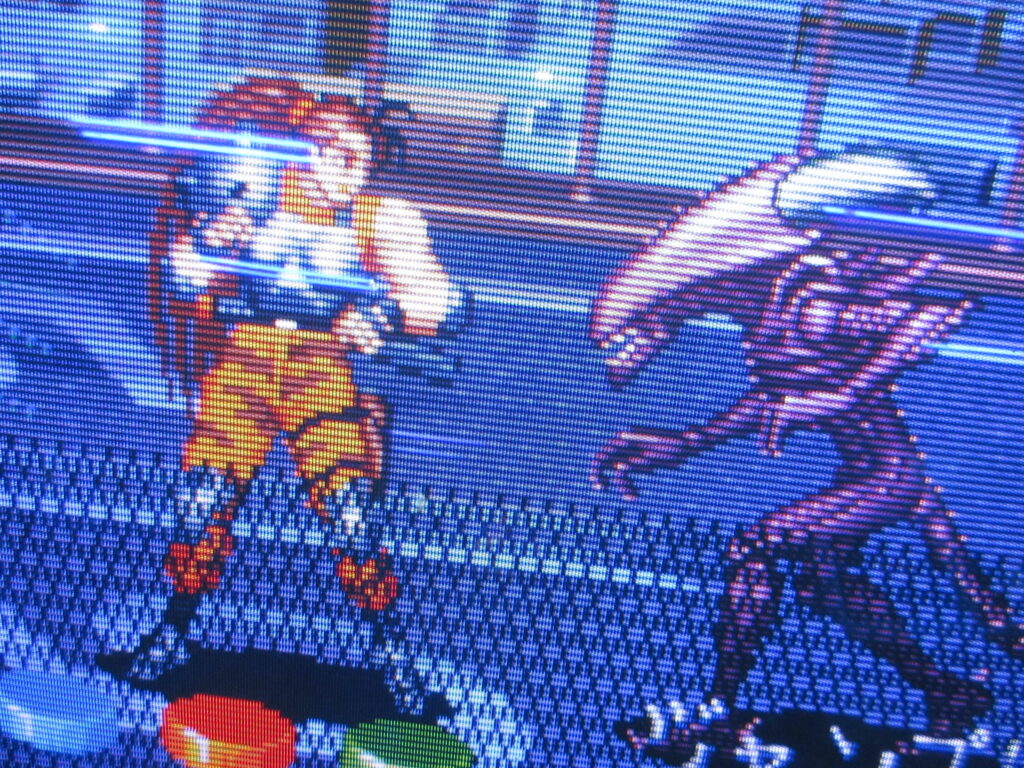
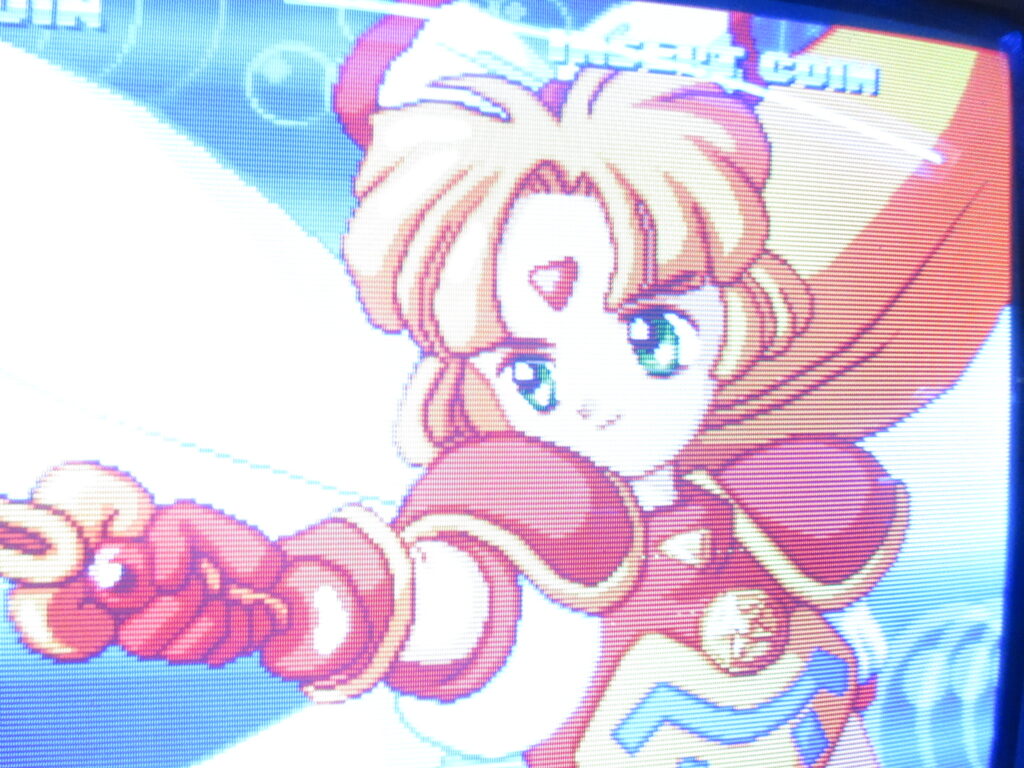
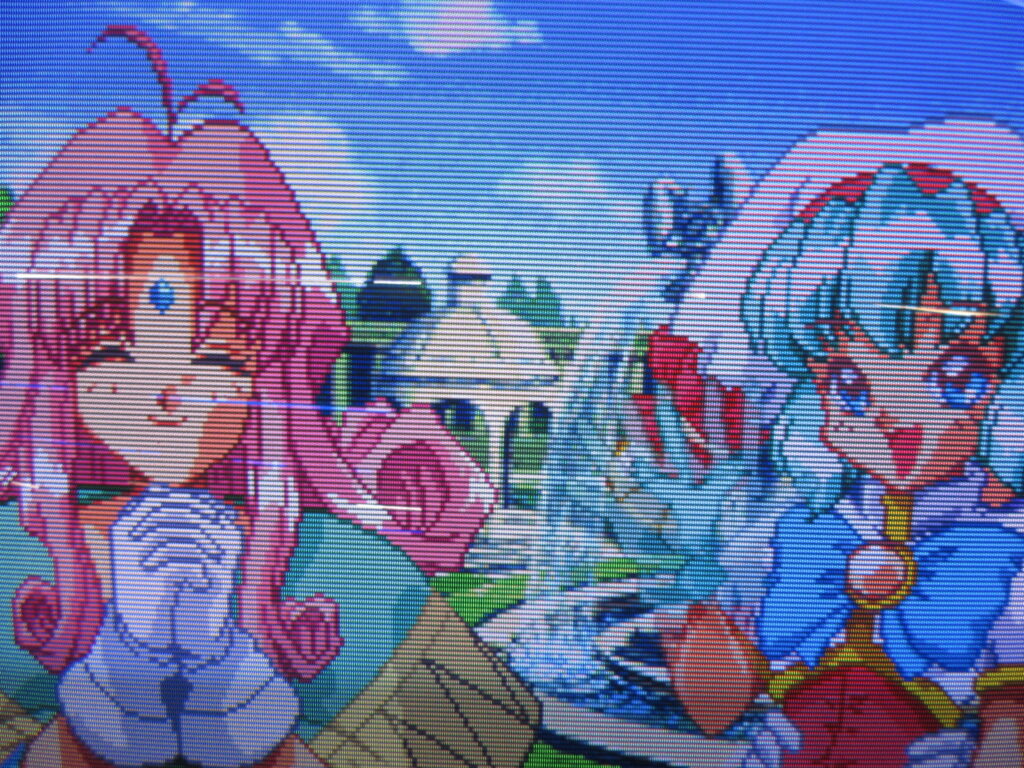
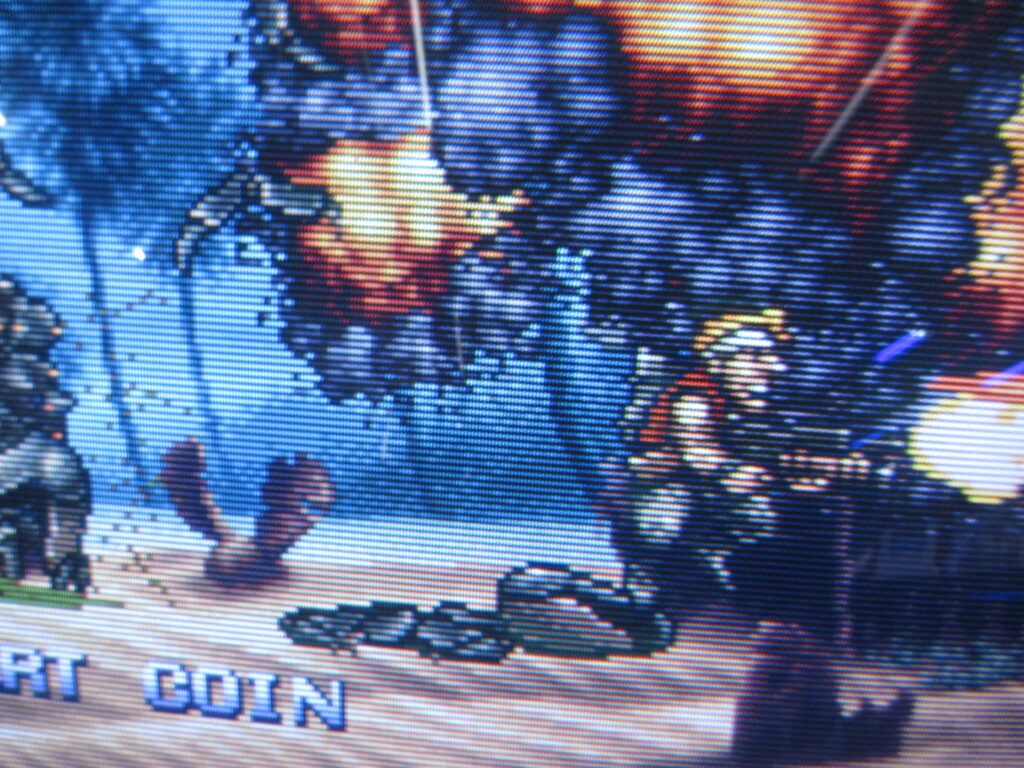
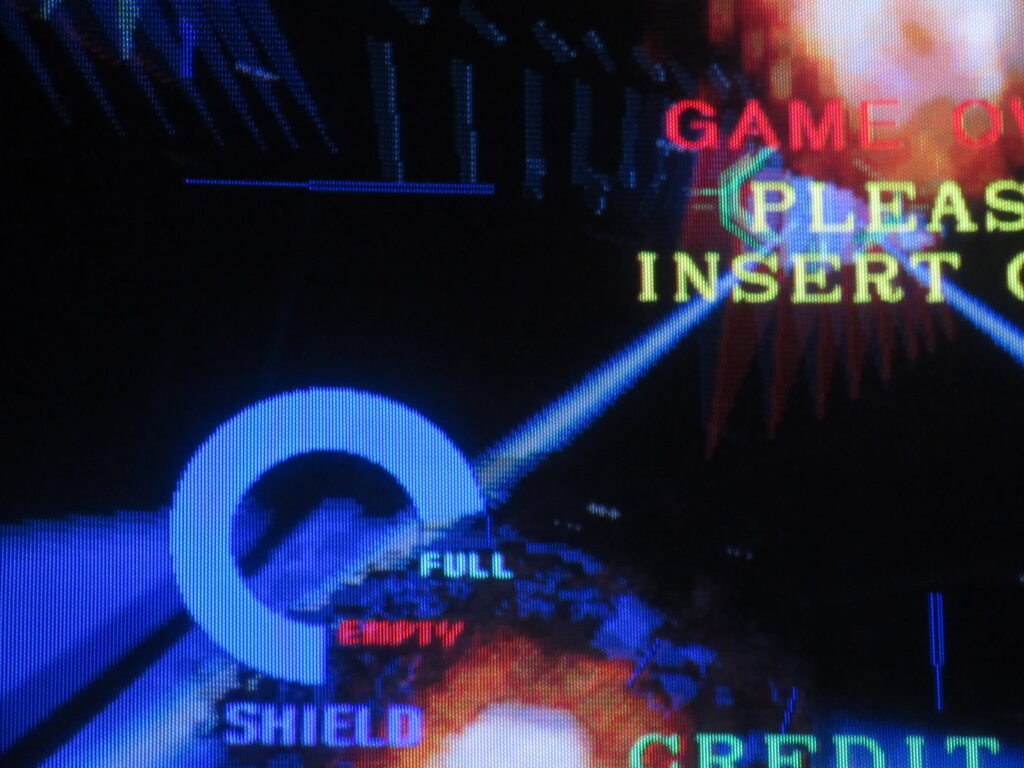
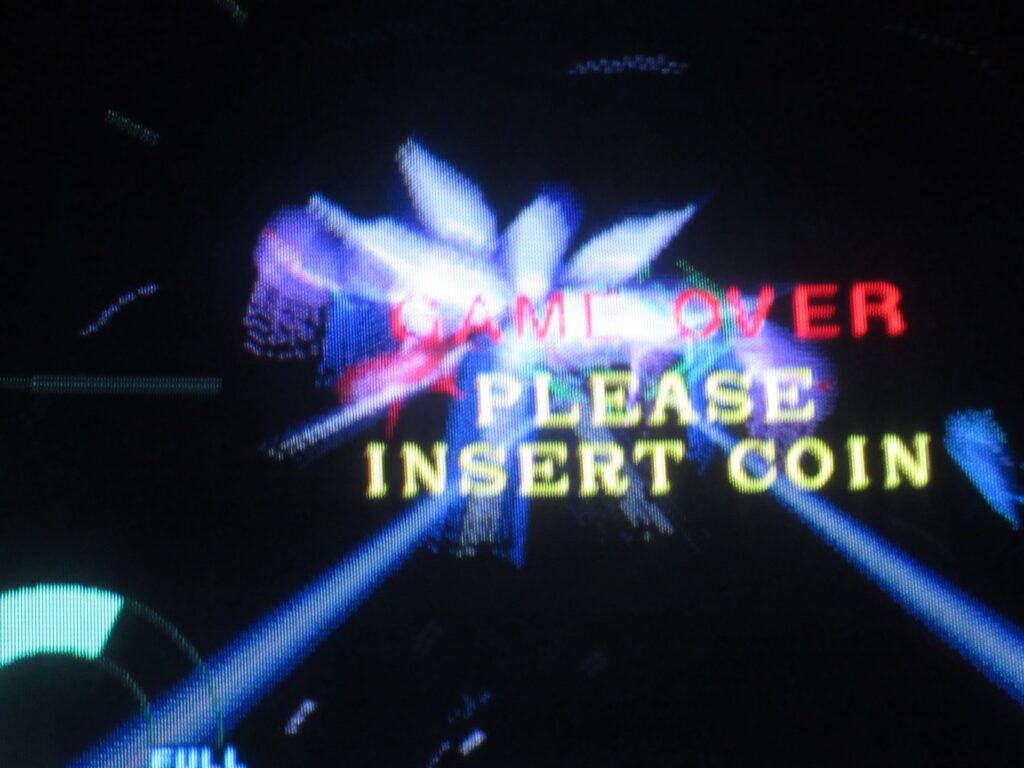
My friend Kevin took these pictures at the Starfighters arcade in Arizona I visited last year. They have some new pinball additions by Stern!
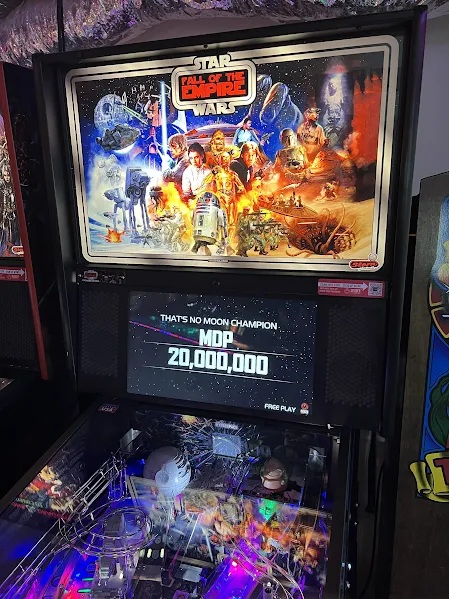
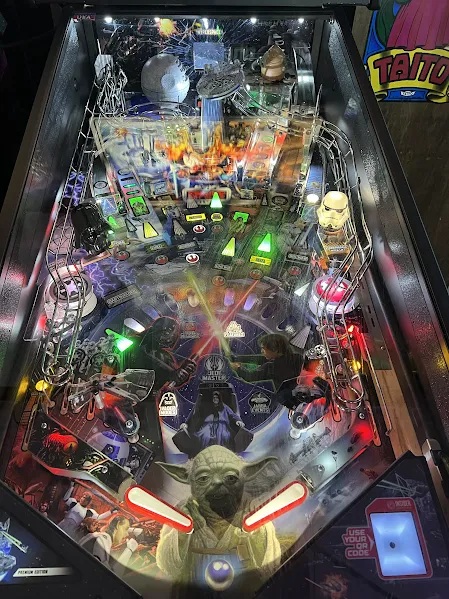
Star Wars: Fall of the Empire. Visuals only from the OT! Prequels can get lost.
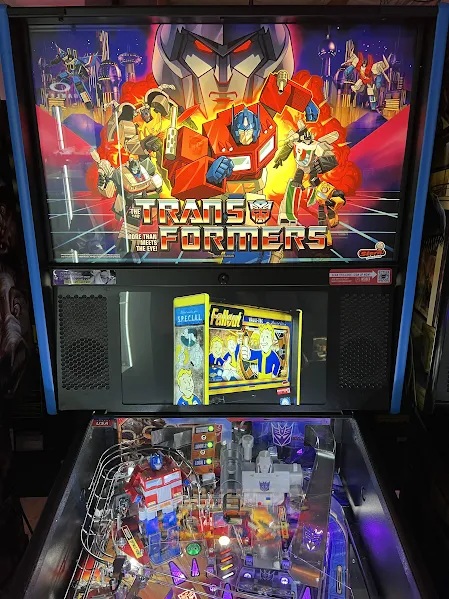
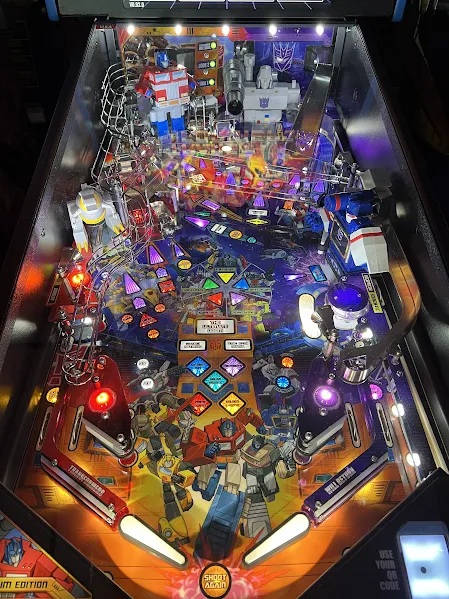
G1 Transformers! Yeah!
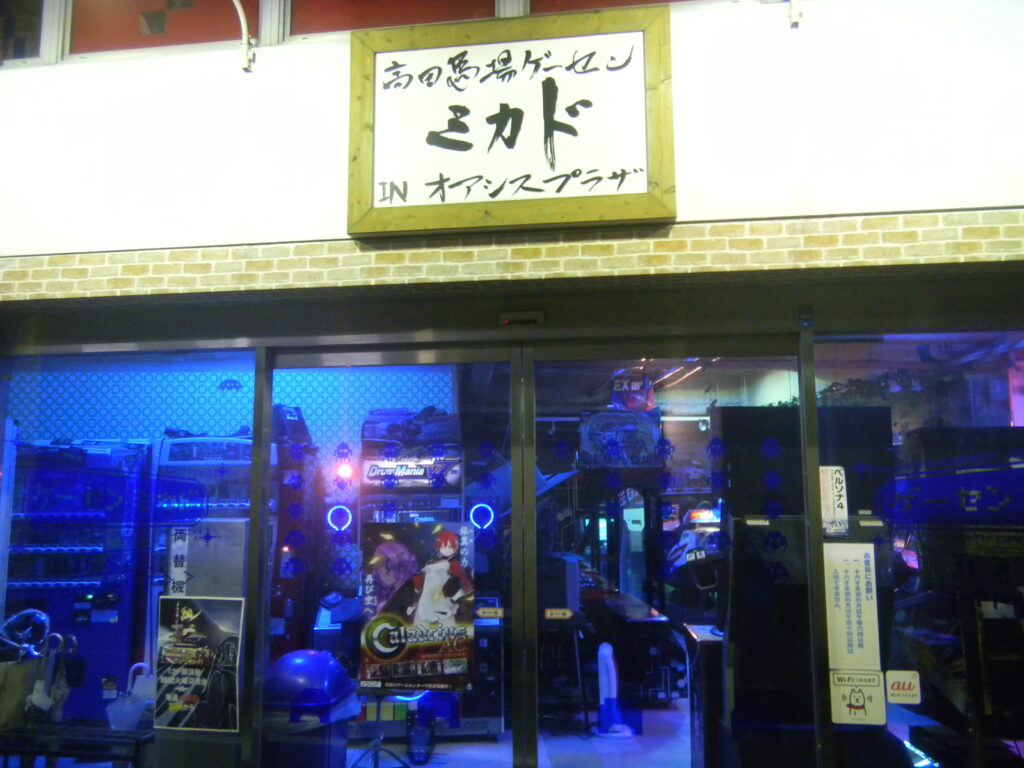
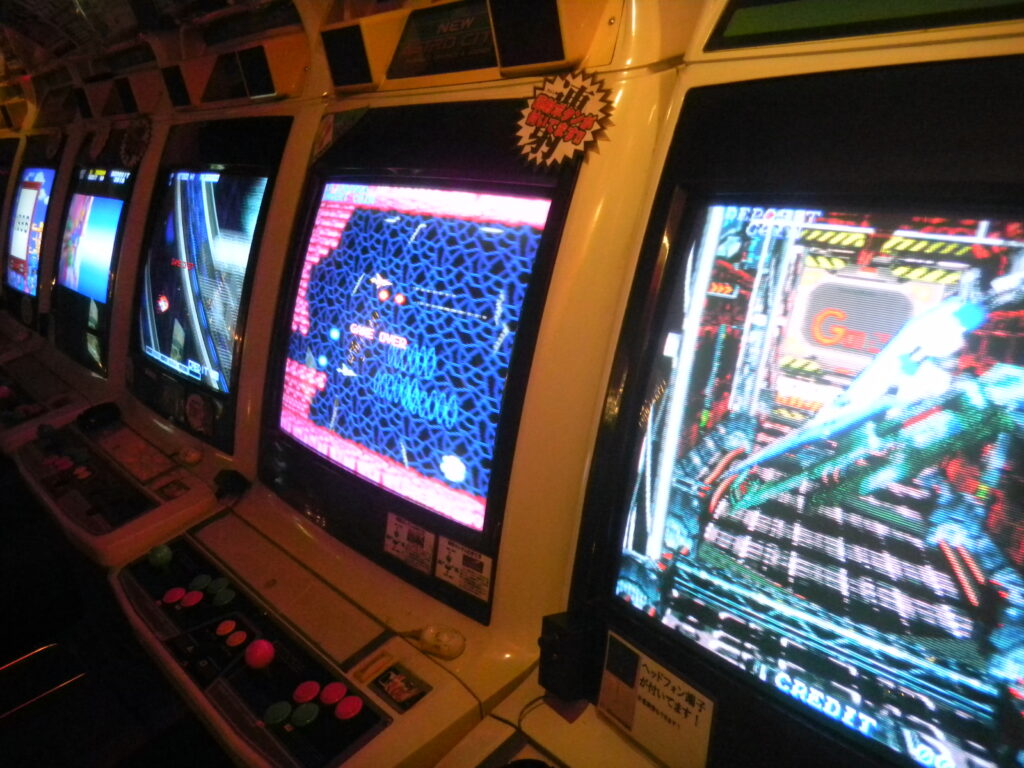
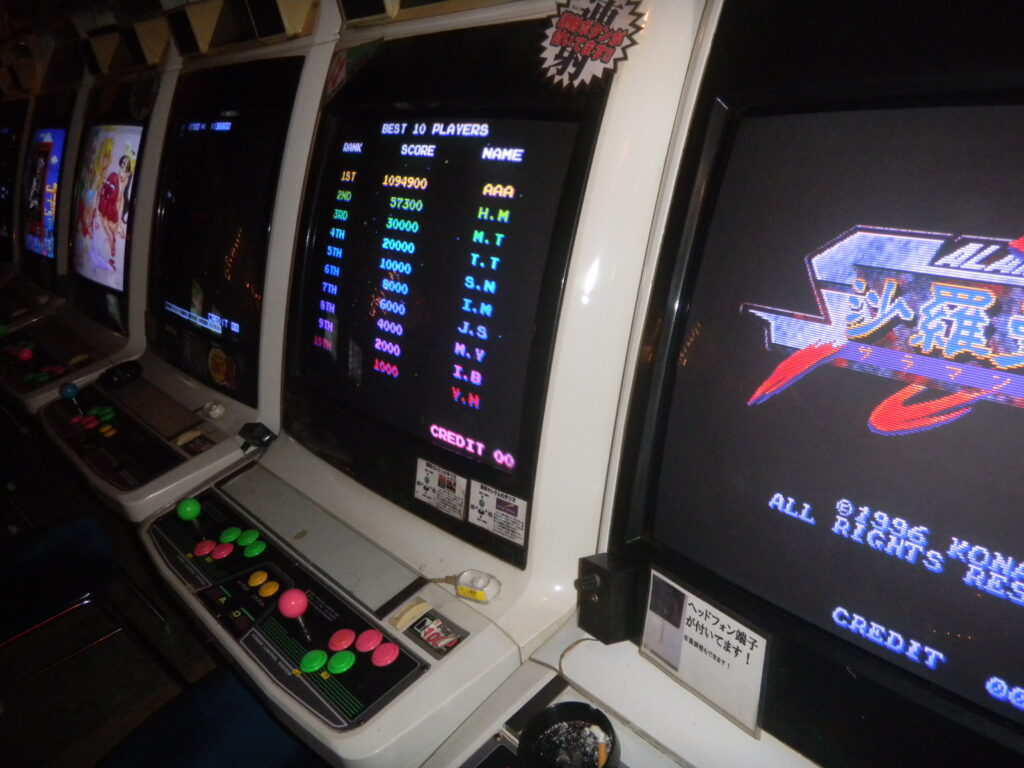
Unfortunately, I no longer know of any places in Japan where I can play pinball. There was a Mikado location near their main game arcade that specialized in pinball, but it closed down.
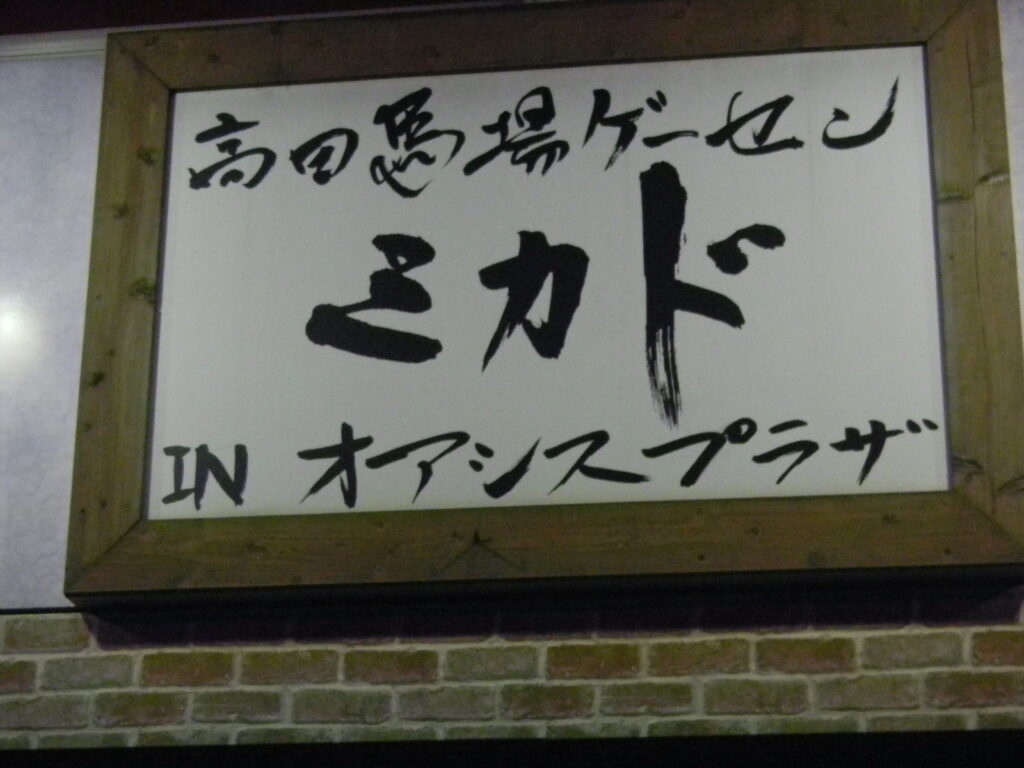
I found these photos from December 2013 on my hard drive, so I decided to post them here. This is the Mikado location next to Takadanobaba Station in Tokyo.
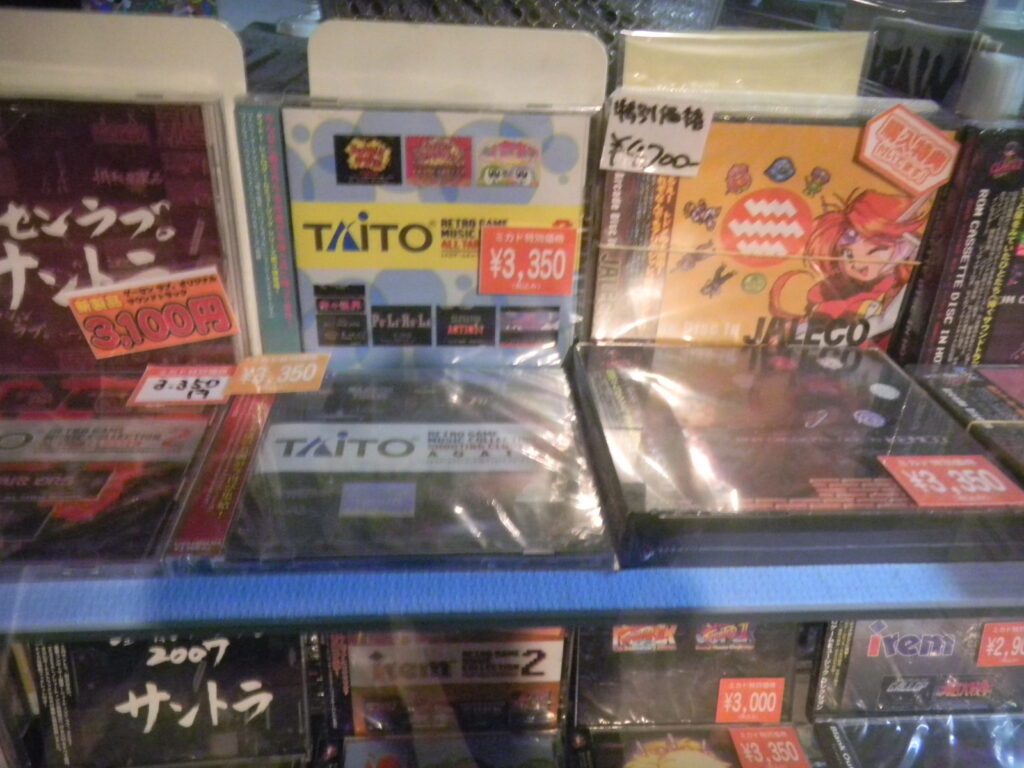
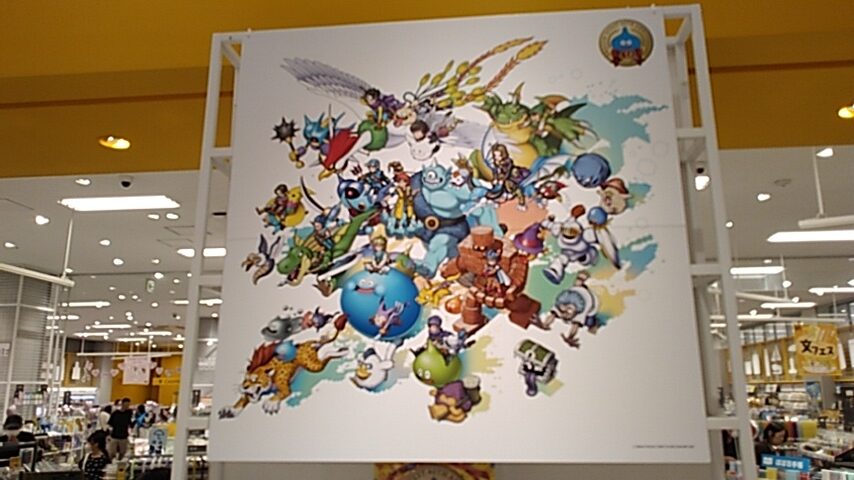
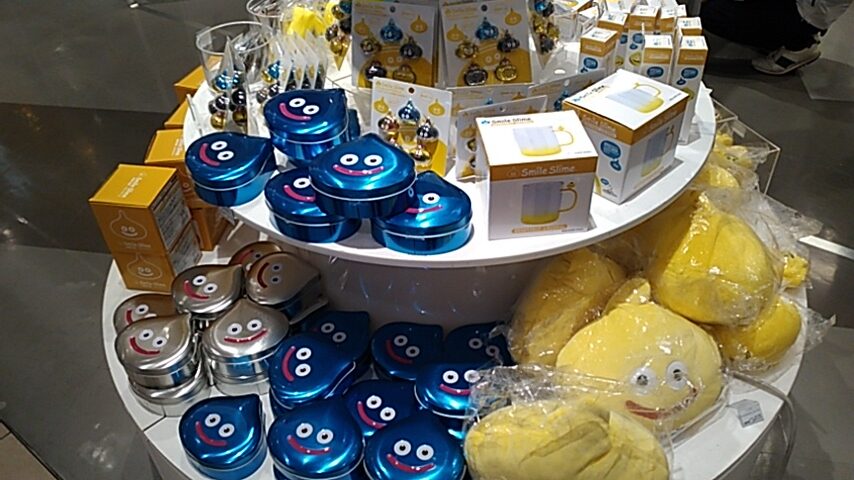
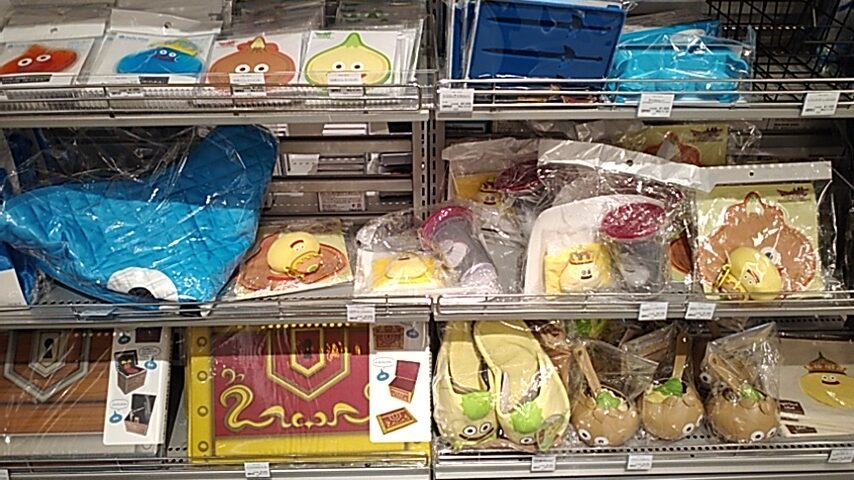
For the 3rd year in a row, Loft has had a Dragon Quest sale. This time it’s for the 40th anniversary of the beloved game series. Lots of neat merchandise on sale.
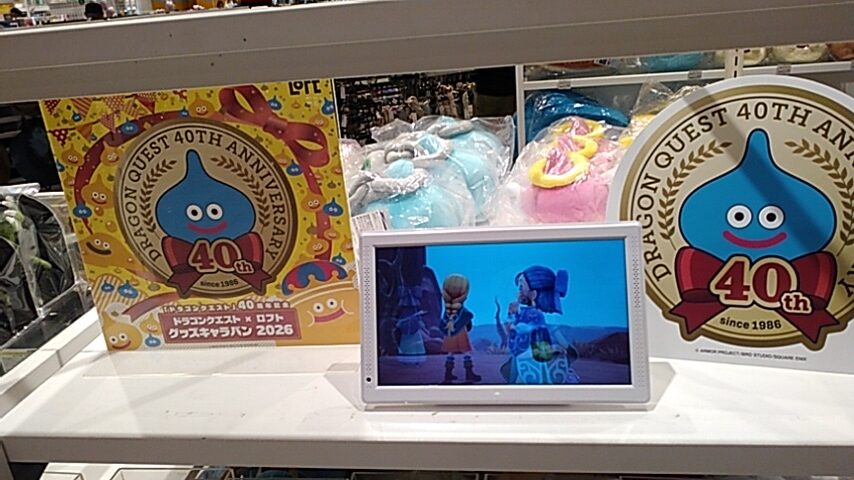
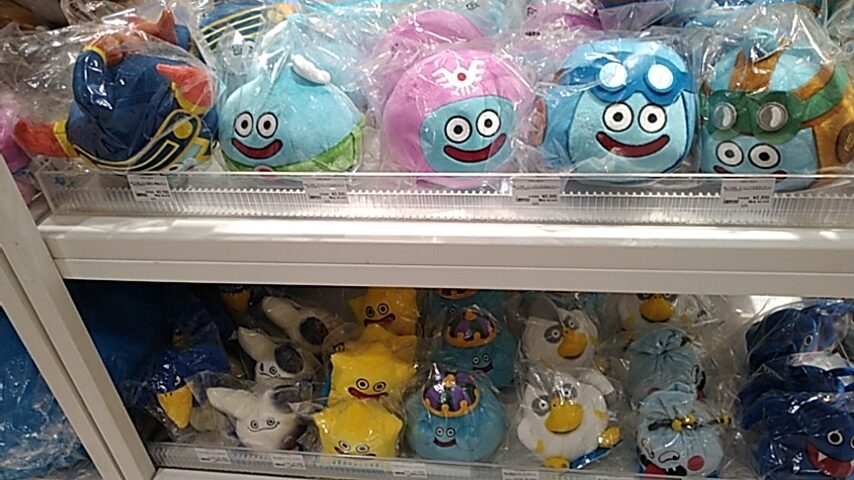
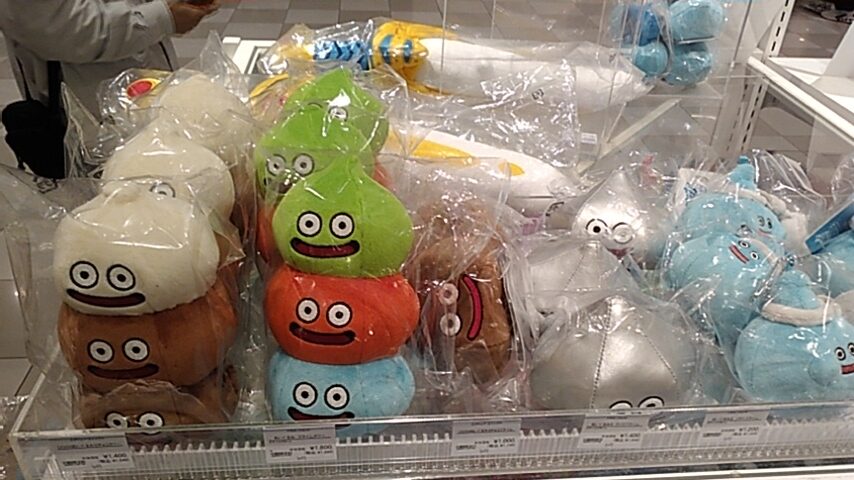
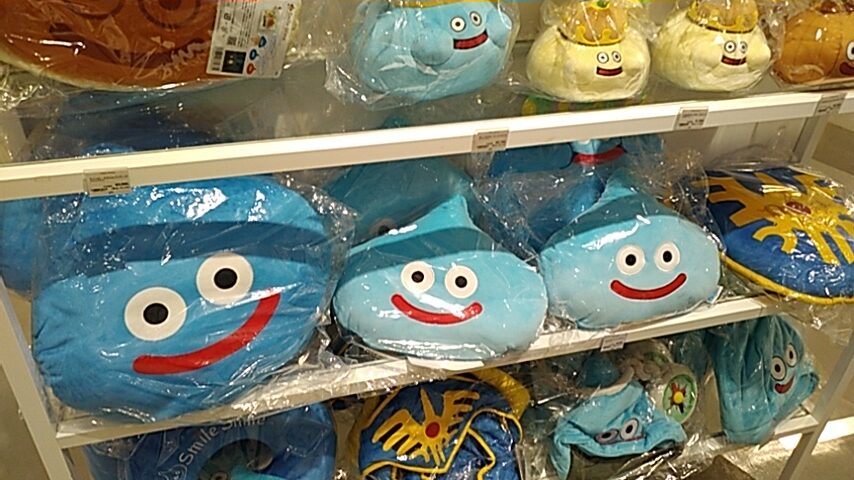
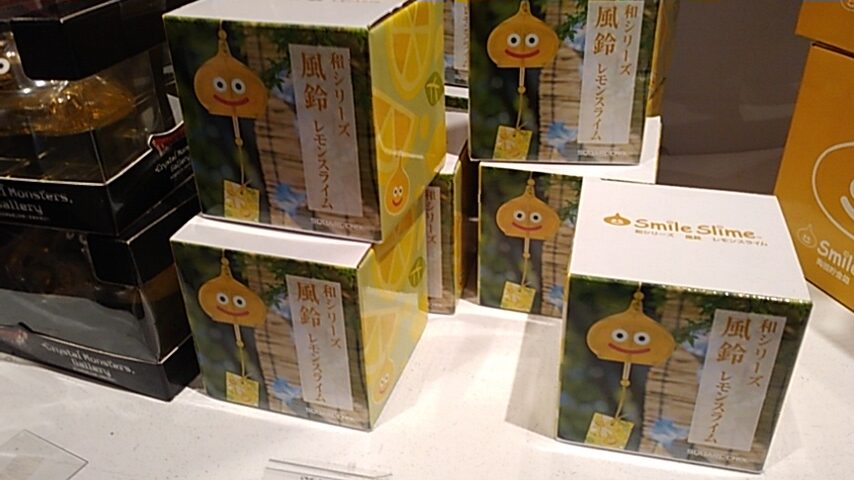
I bought one of these “Lemon Slime” windchimes. Summer is drawing to an end, but windchimes are nice any time of the year, I say.
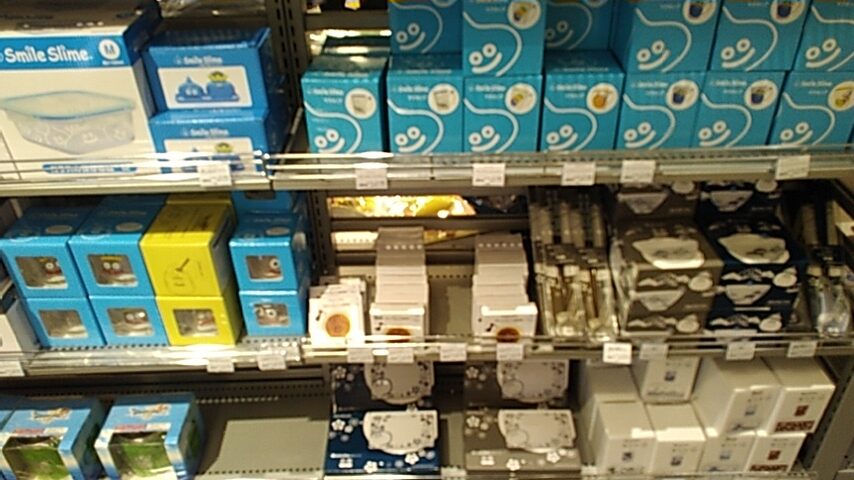
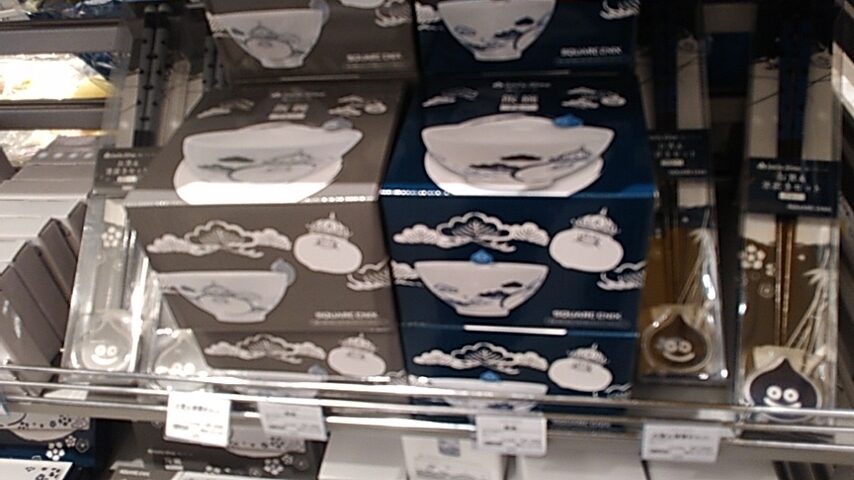
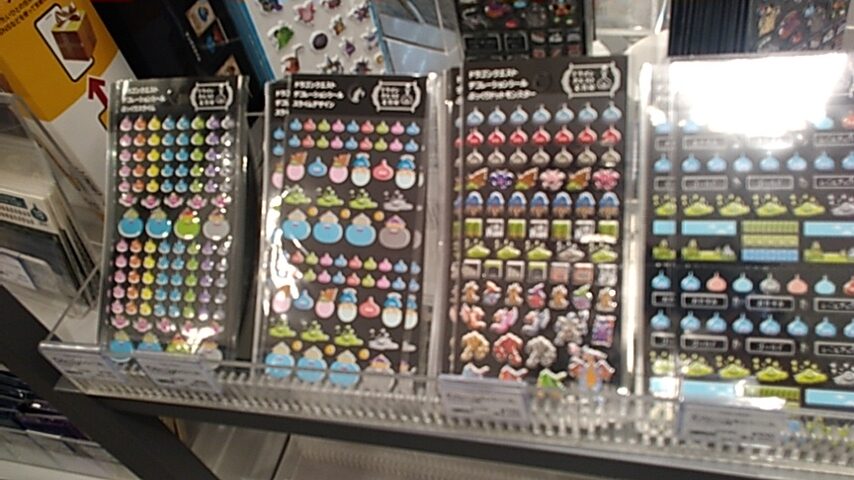
I also bought a sheet of Slime stickers.
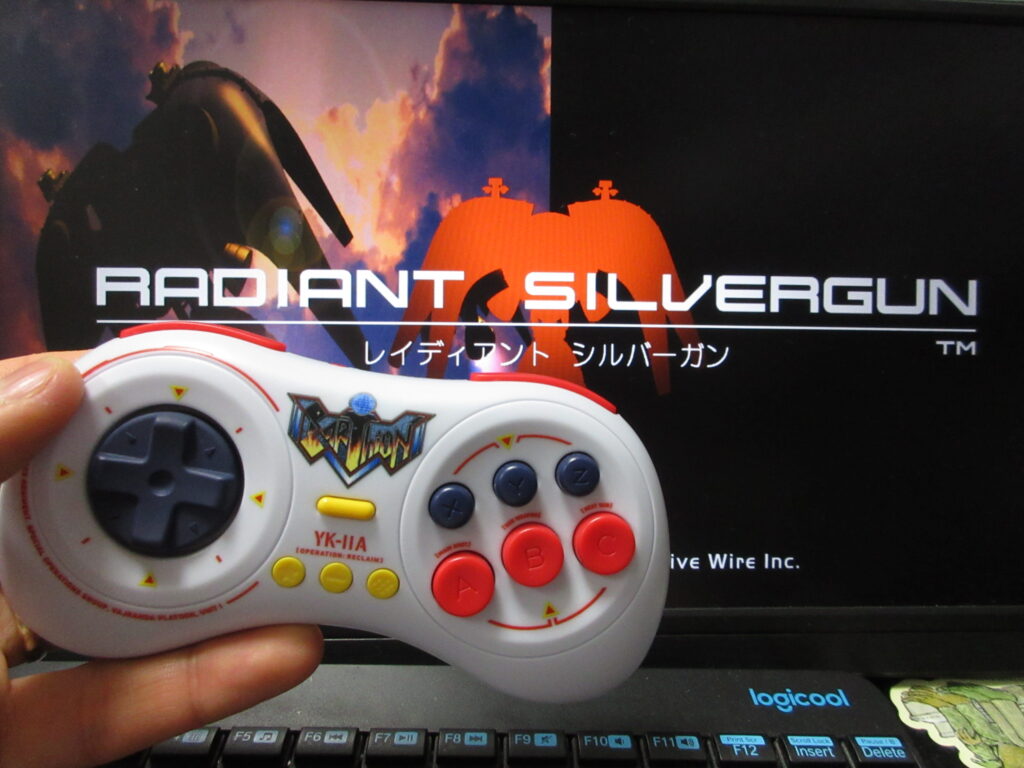
Last summer I posted a video on my YouTube and Odysee channels of testing out this LE Earthion Saturn-style gamepad by 8BitDo on Steam via Linux Mint as well as RetroPie. I recently bought Radiant Silvergun on Steam and it works great on Bazzite (I couldn’t get it to work on my Mint desktop). My desktop computer does not have built-in Bluetooth, so I bought a USB Bluetooth dongle. The results were a bit crappy. The controller works fine using the USB cable, but I have had many problems with my install of Steam on my desktop ever since I upgraded to a bigger HD. After a while, Steam forgets that the controller is connected and I have to reboot. When using the Bluetooth, the controls are floaty and is not very responsive. Fortunately with my Optiplex minicomputer with Bazzite as its OS. I am relieved, because I thought that the controller had some compatibility issue with Linux. The problem is either with the USB dongle or (most likely) the bad install of Steam I have on the Mint desktop.
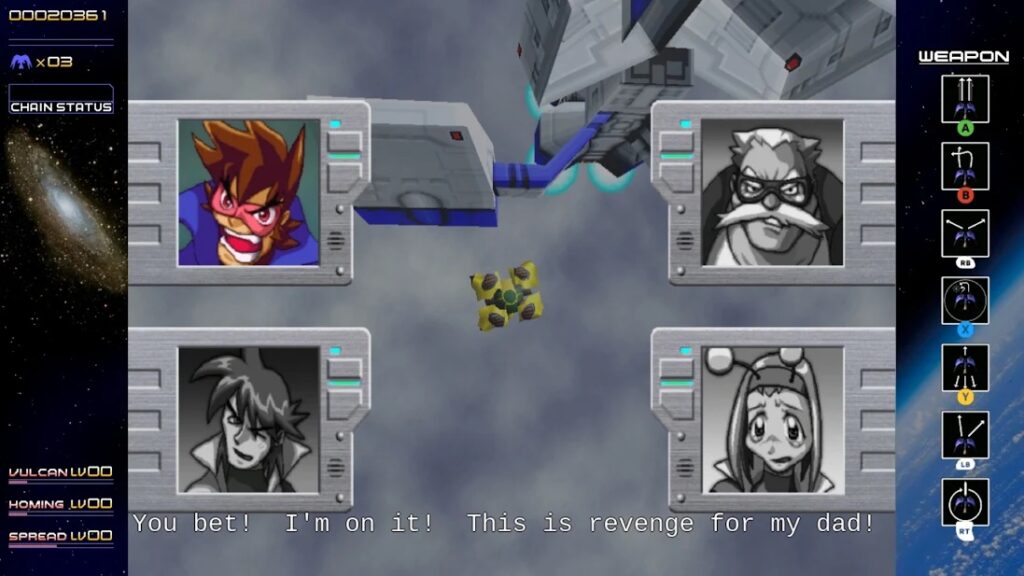
RSG on Steam features English subtitles! I was not expecting this. Mayu-chan bought this game for my Saturn back in 1997 for only 3,000 yen, when she was still my pen-pal! (Or was that in 1999?) It’s one of my most-prized Saturn games in my collection.
However, the game is too awkward playing on a Playstation-style controller (I have a Logitech F310), but if you’ve played the game on the Saturn then an 8BitDo M30 Saturn-style retro gamepad works exactly as you’d expect. After nearly 3 decades of playing RSG, I know the buttons by heart and I was expecting that I’d have to configure the buttons to get it to feel normal to me. It turns out that it wasn’t necessary at all!
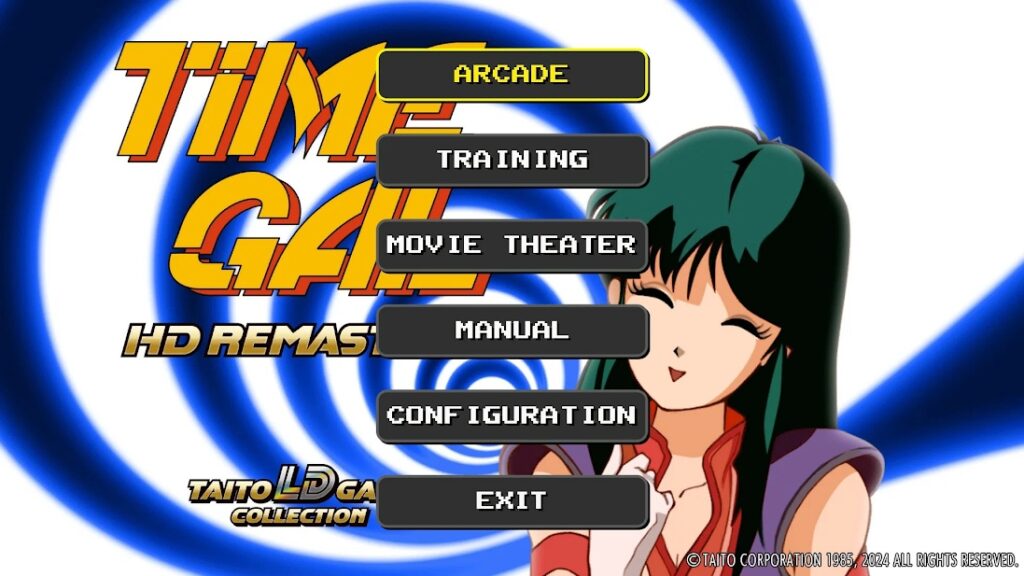
I’ve tried this M30 controller out on many games and even when Steam says that the controller may not work, it actually works fine most of the time. So this is great news as it works on nearly all of the shmups I’ve played it on so far, as well as Saturn games I own that I’ve repurchased on Steam. King of Fighters, Metal Slug, Time Gal, Gunbird, Twinkle Star Sprites, Gradius Origins and many other games.
Unfortunately, not all of the Saturn Tribute (“S-Tribute”) games by City Connection do not automatically support the M30, which is a real shame. Elevator Action Returns, Layer Section and Cotton Boomerang work with this controller, but unfortunately Cleopatra Fortune and Metal Black do not. I haven’t tried reconfiguring the Steam Input on such games yet.
I bought several discounted games on Steam’s summer sale, which is unfortunately now over. (Although it’s probably for the best as I already have so many games as it is.) I mostly bought a lot of shmups and other retro games.
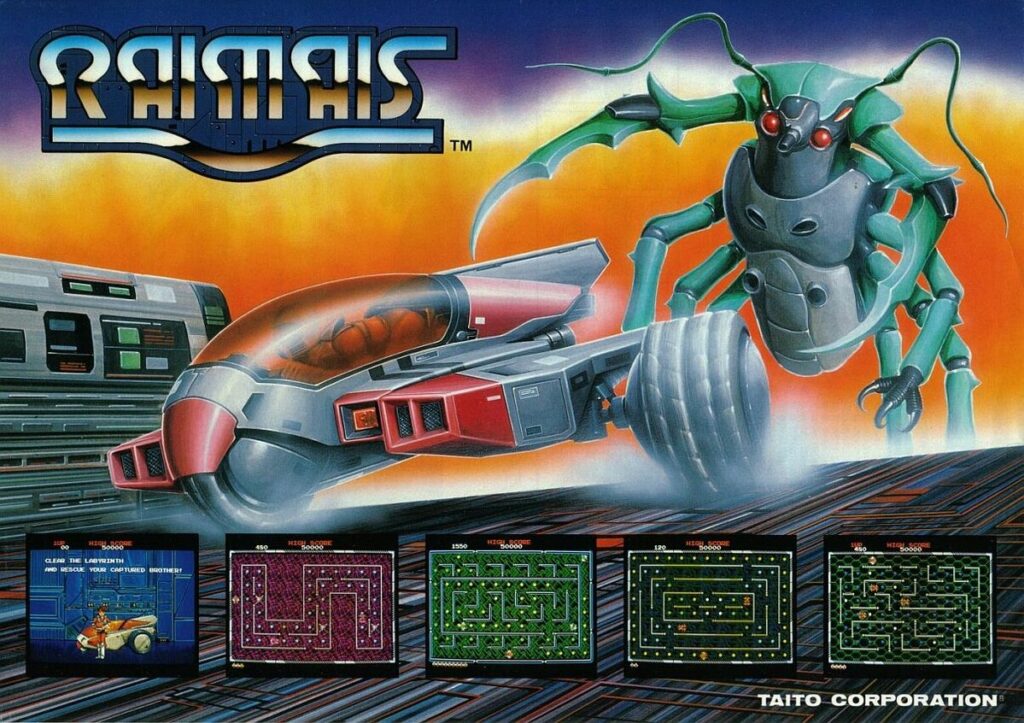
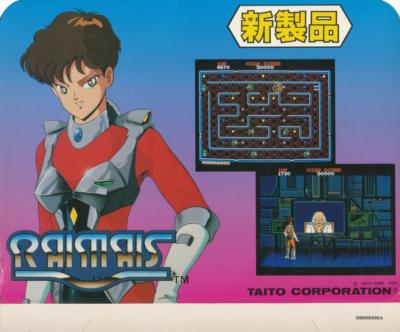
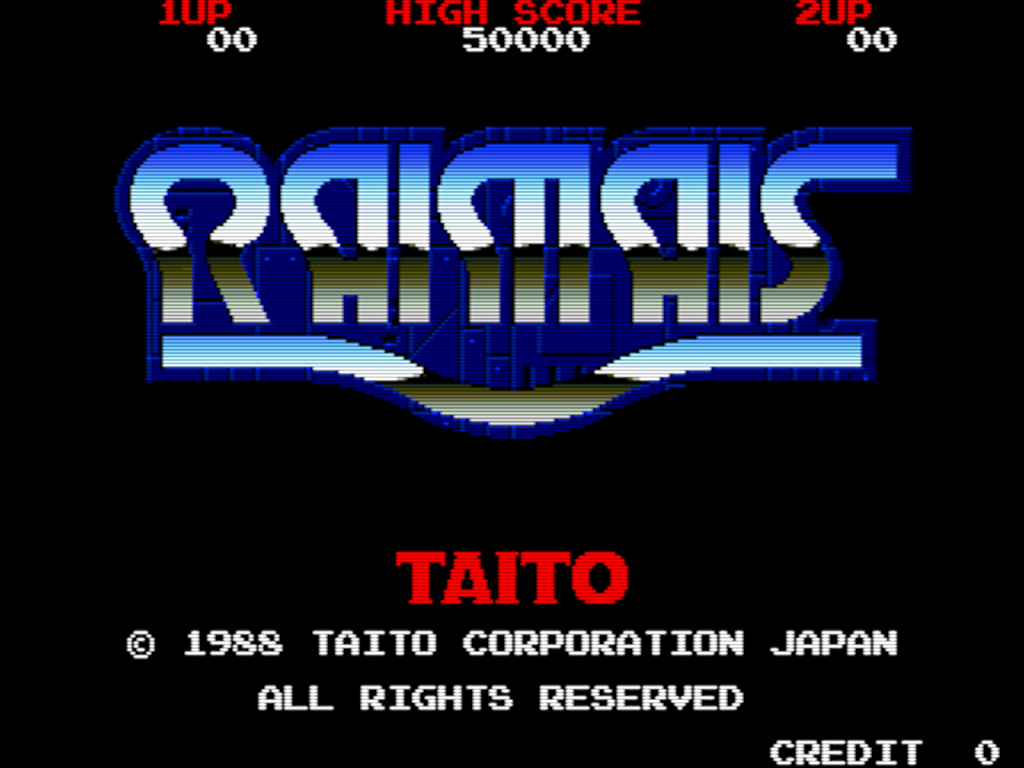
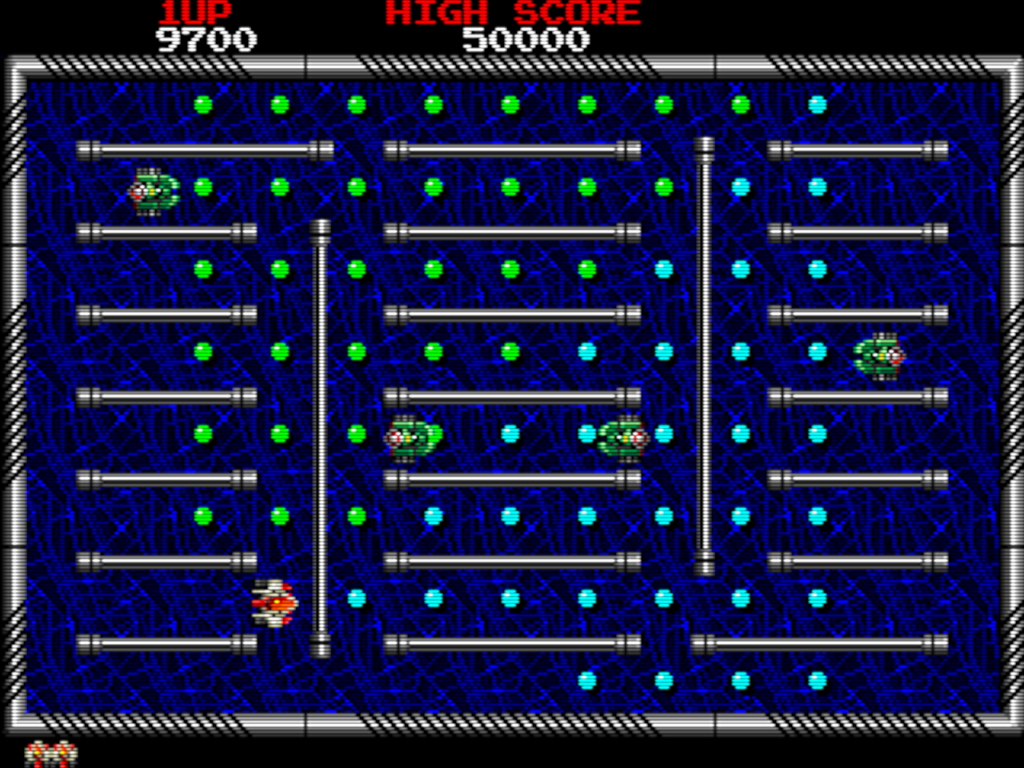
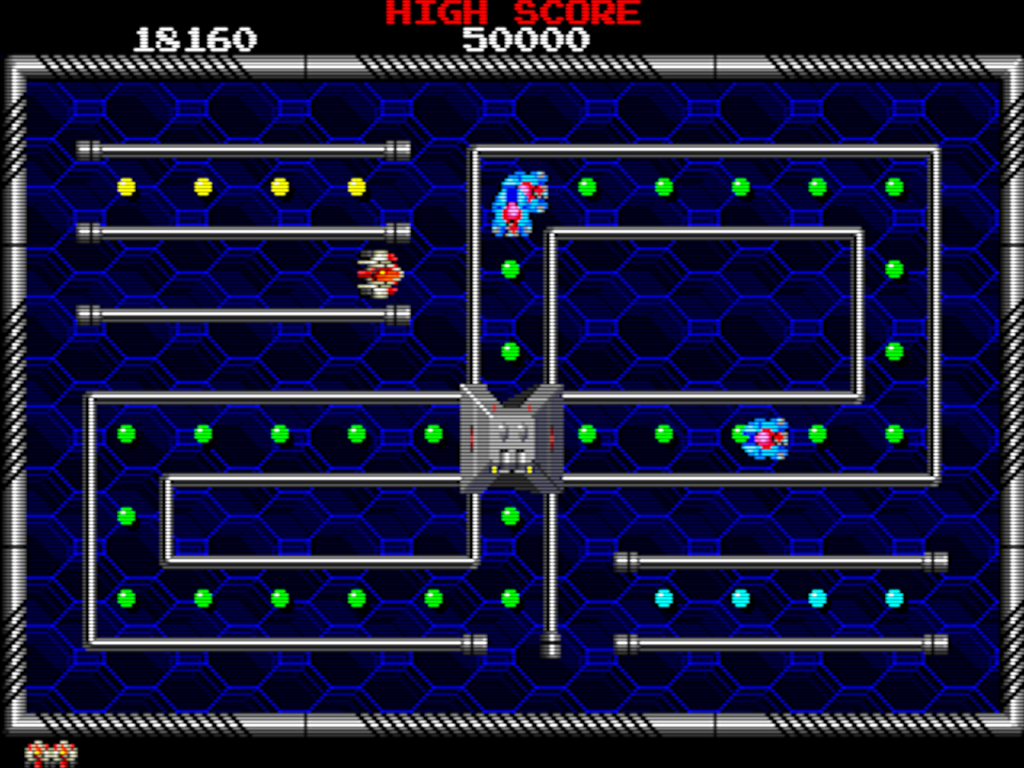
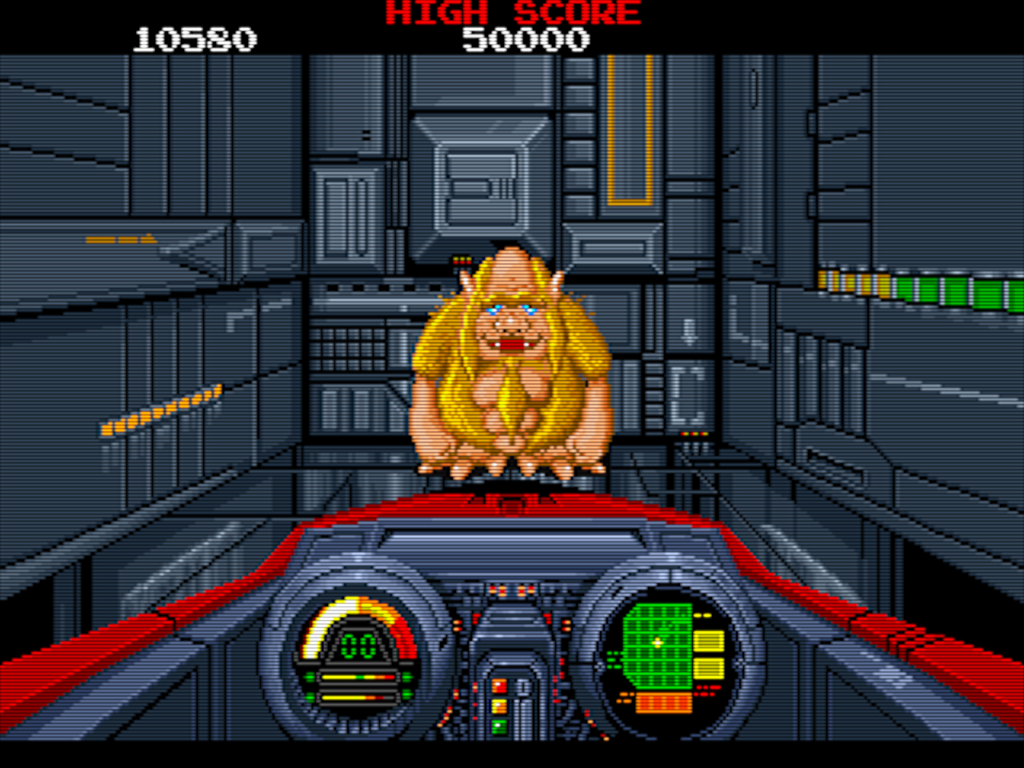
Here’s a late-’80s Taito arcade game I stumbled upon while browsing Final Burn Alpha titles. I guess I could describe it as a cross between Pac-Man and Rally-X, yet with a Taito aesthetic. Navigate the maze to collect the dots while avoiding enemies. You can collect power-ups like one to slow down the enemies, one that will kill one enemy as soon as it touches you, or a laser (similar to Arkanoid). When you clear a screen, several exits open up and the next level will be different depending on which exit you take. Give it a shot or else you suck.
According to Wikipedia, it was released as Youmais for the Famicom Disk System.
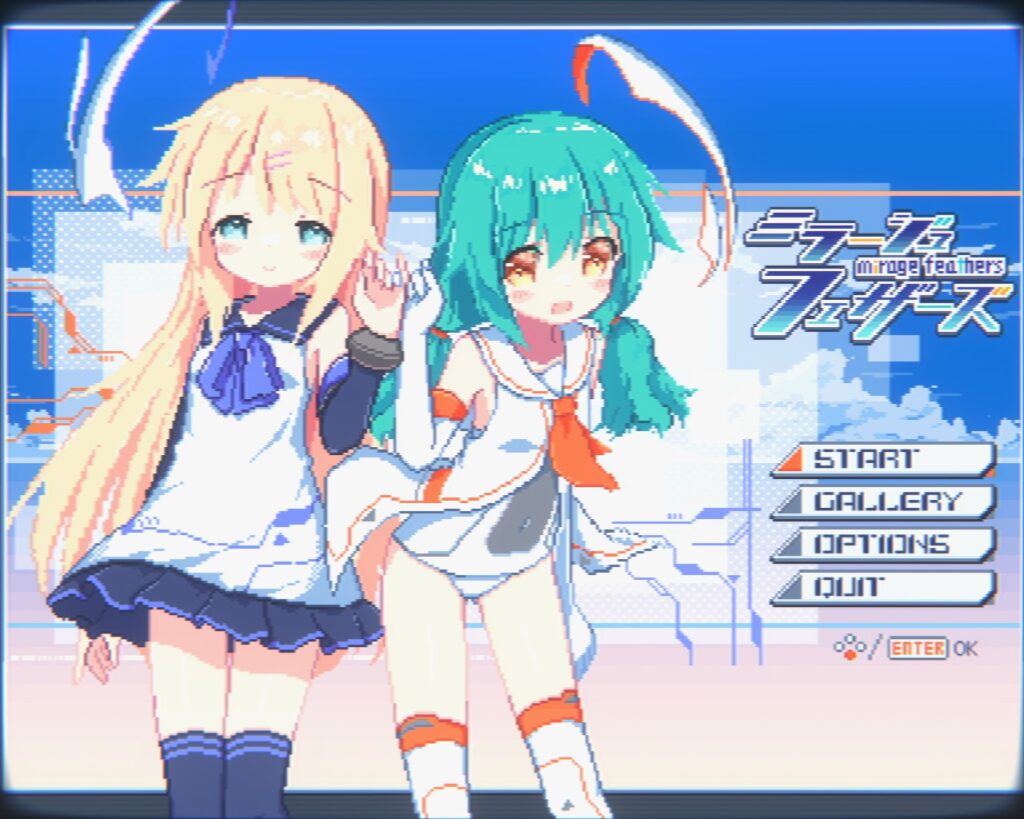
Mirage Feathers by Oyasumi Workshop is a pleasant surprise. This neo-retro game showed up in my recommendations and after just looking at the game’s video for a few seconds, I wanted to buy it. It only cost me 600 yen, so I couldn’t resist!
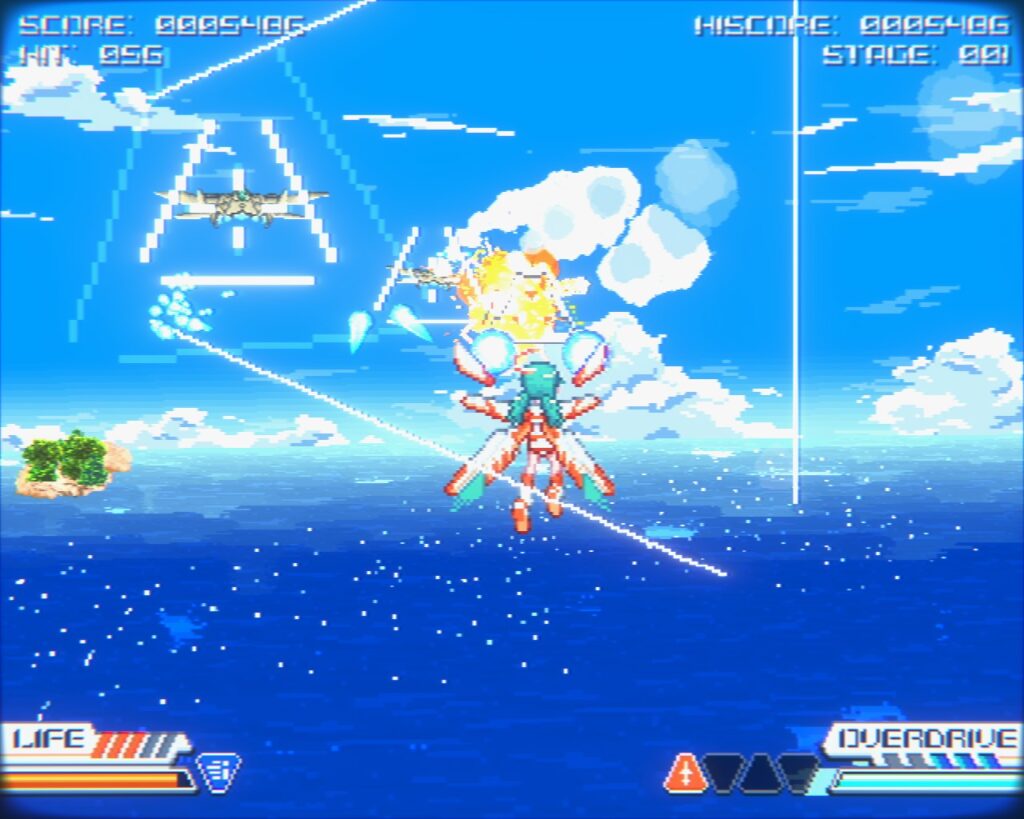
There is a war at hand, and the military has decided that they need highly-sentimental, dopey-eyed young girls to shoot rockets at stuff and blow it up. The gameplay is like Afterburner (not Afterburner II since there is no throttle control). You have a main shot plus lock-on missiles. Later you can gain new weapons, like a lock-on plasma cannon you can switch to from the missiles instead. Other weapons come along later, but I haven’t gotten that far. It gets its Touhou comparisons from bullet-hell blossoms (in 3D) and cute girls. I really like how this game supports a 4:3 aspect ratio too.
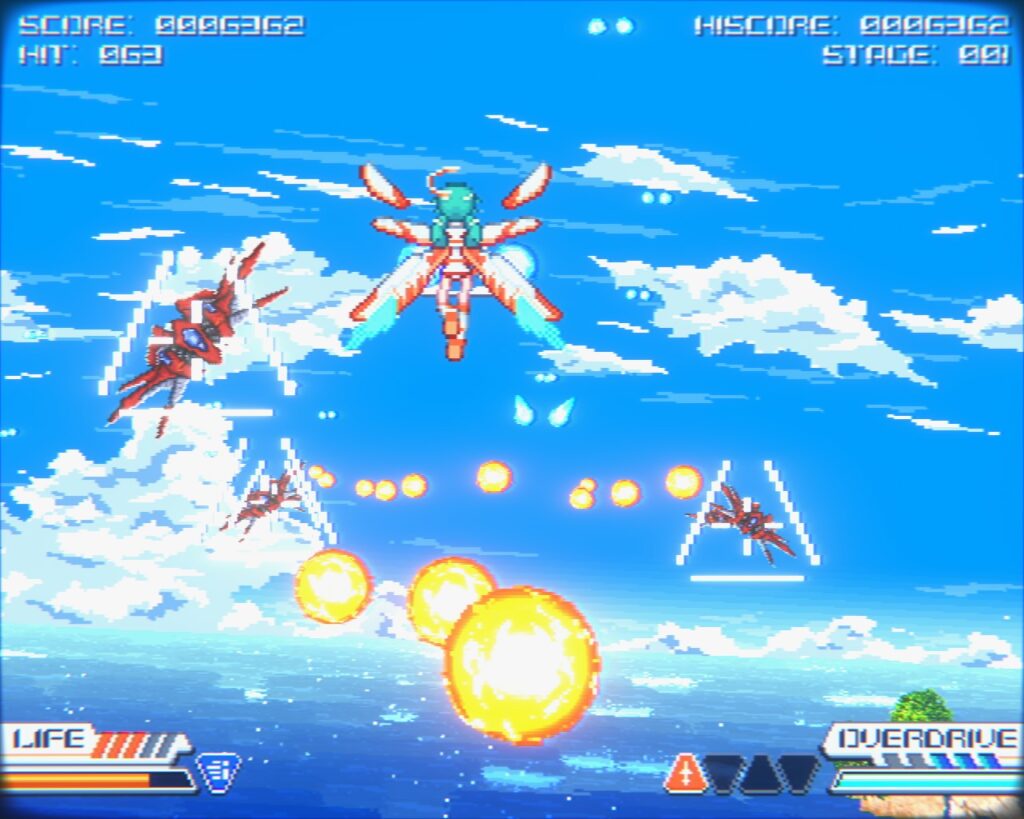
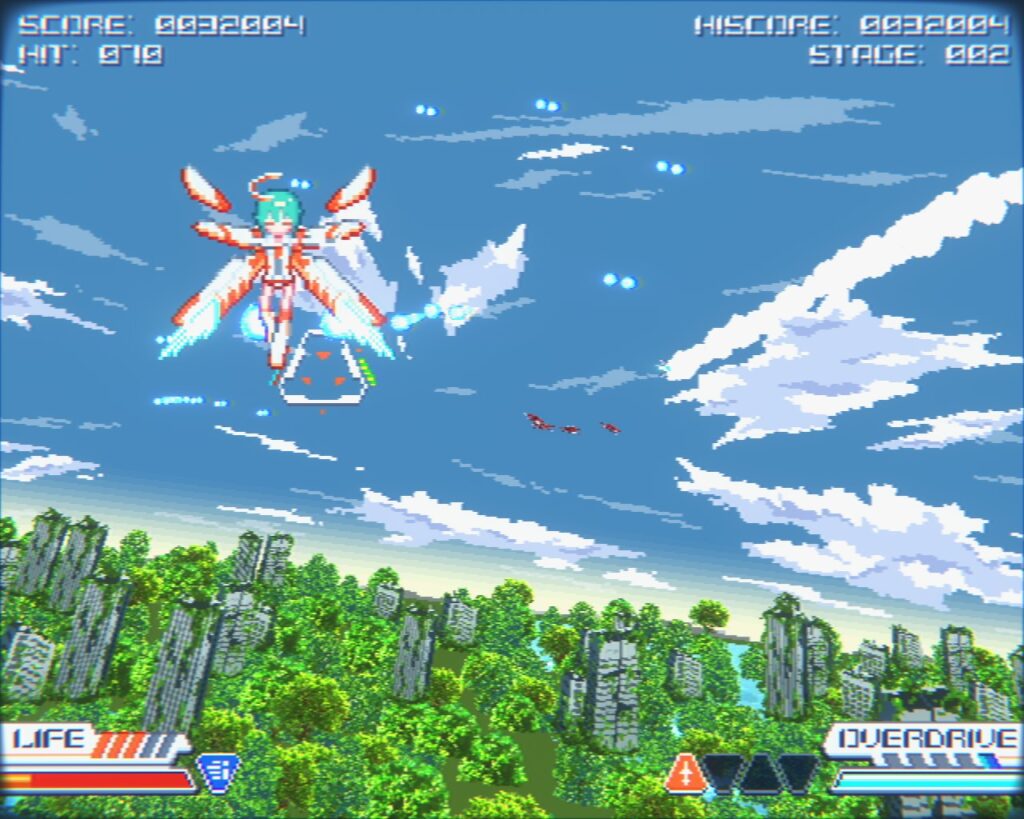
Just like Afterburner, this game will unleash hell’s fury on you and you’ll take a beating without knowing what hit you. That’s just the way this kind of game is (at least for me), so maybe younger gamers wouldn’t expect this. It’ll really kick your ass.
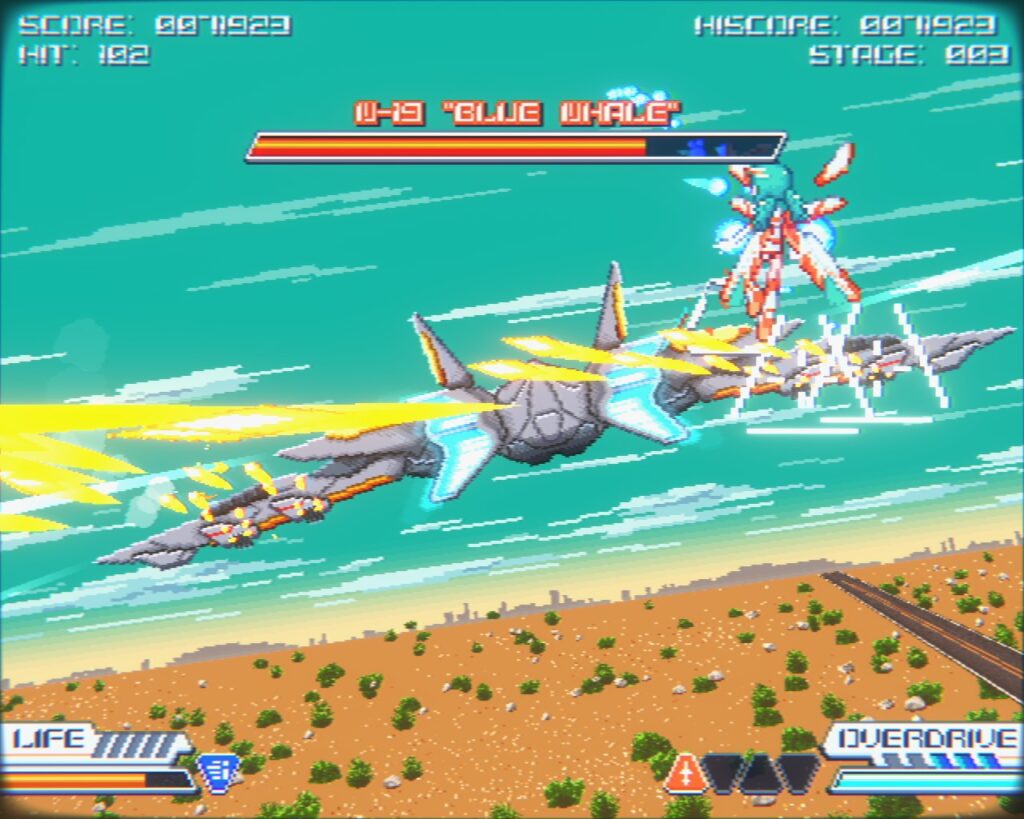
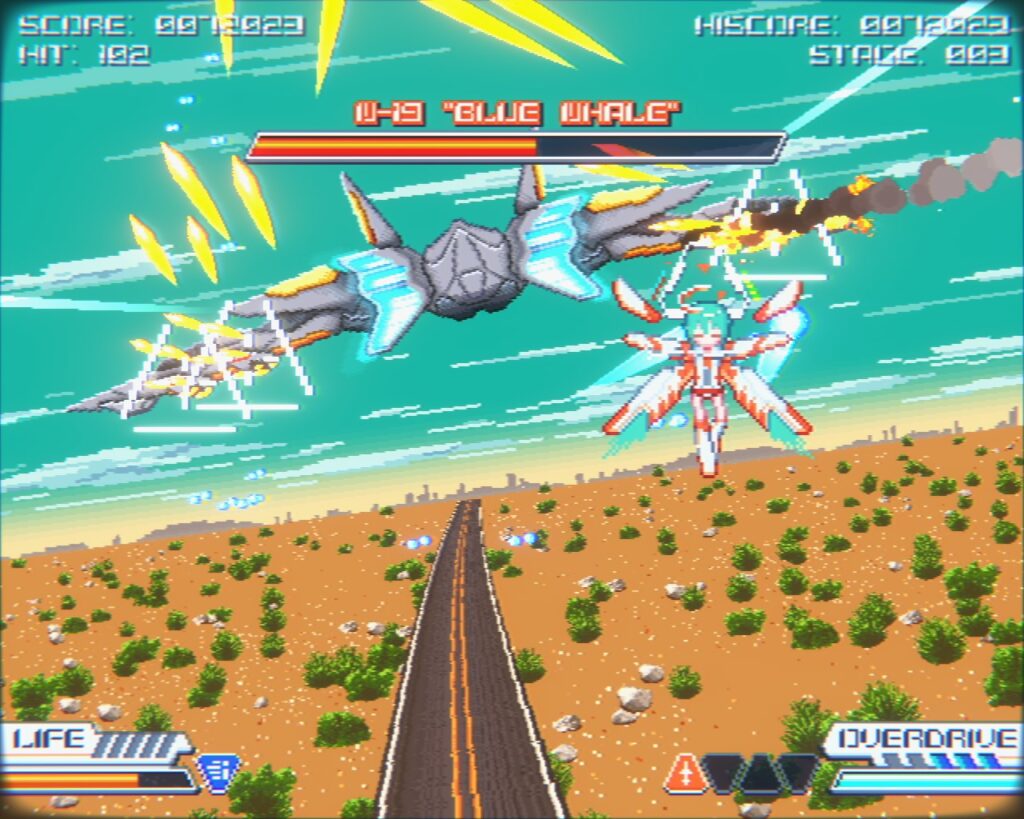
Unlike Afterburner, this game has end bosses like Space Harrier does. The first level’s boss is this huge jet called Blue Whale. The guns on this will go crazy on you.
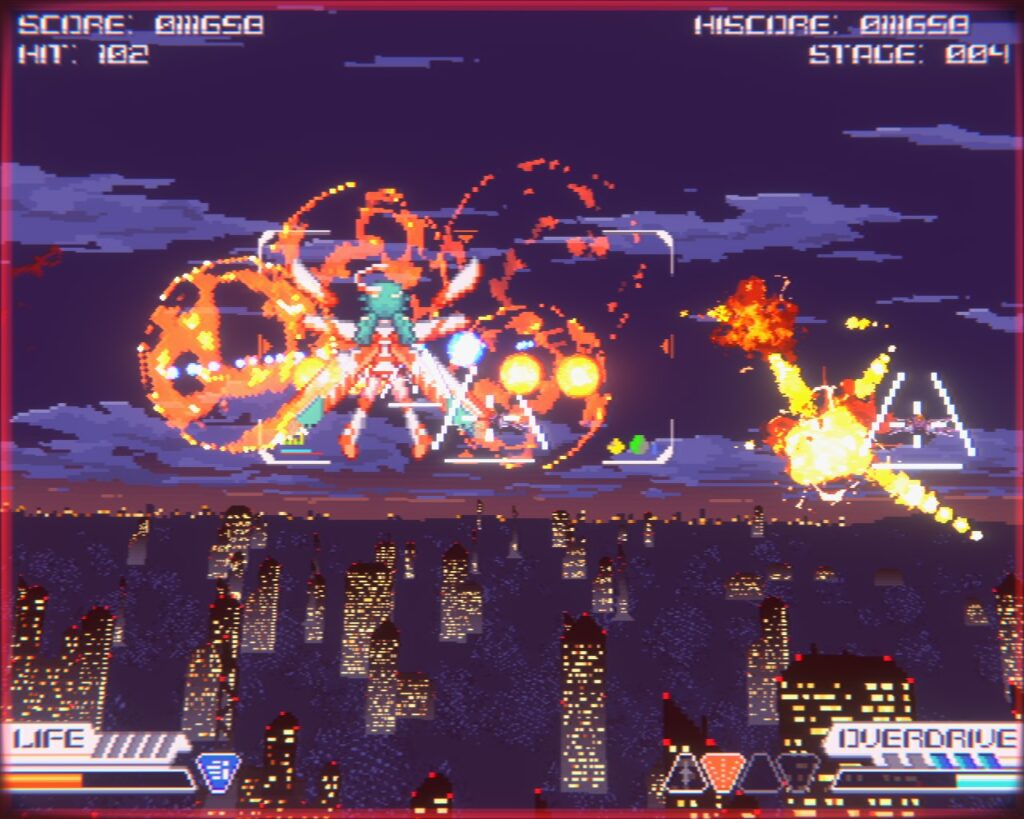
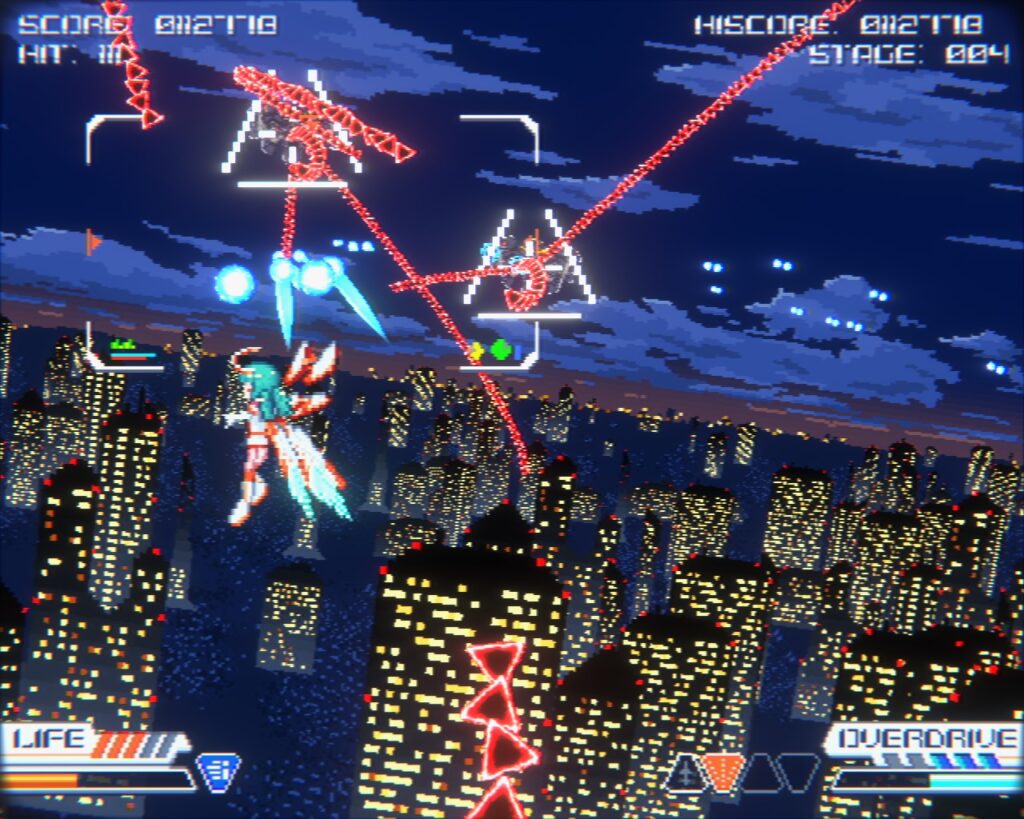
Level 2 features night flying. The story is kinda weird. These young girls are flying soldiers of a sort and the protagonist’s best friend from the academy turned out to be some sort of MK Ultra victim who attacks her, and the protagonist is forced to defend herself. The gameplay starts with her AI assistant helping her track down her friend, and she’s getting revenge on those who turned her friend against her. The story is rather drawn-out and you’ll get an achievement just for sitting through it. I personally don’t care for the dopey moe-style character designs, but the gameplay makes up for it. Definitely recommended!
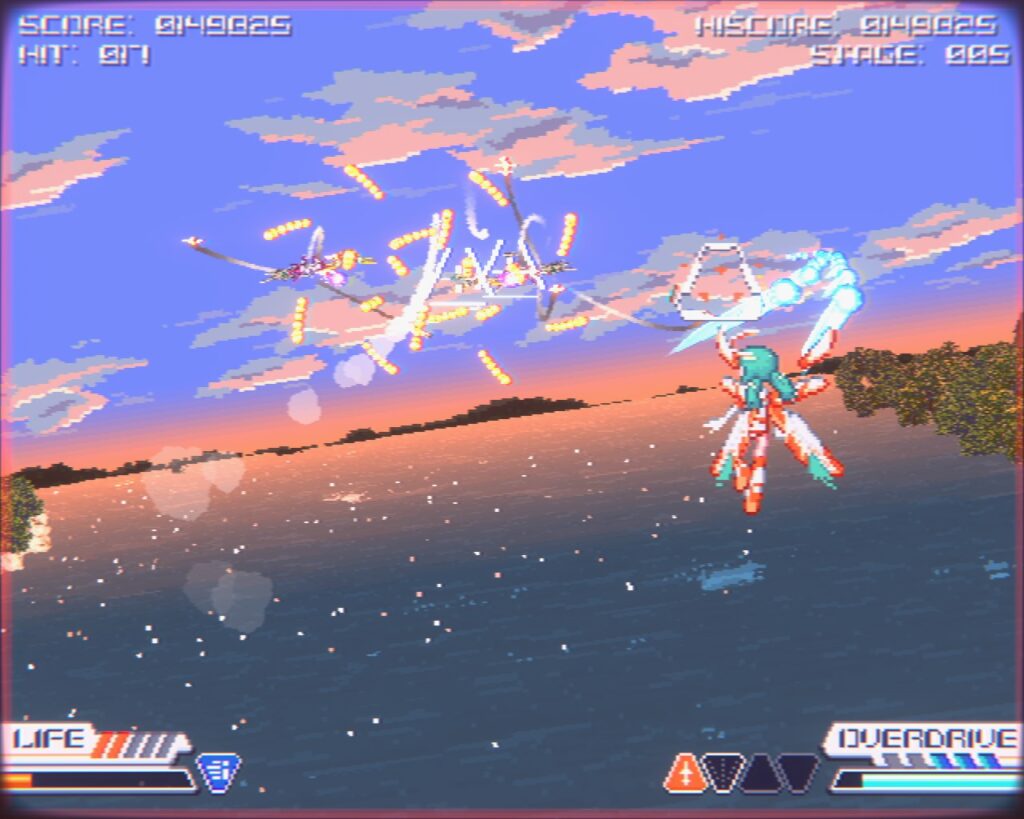
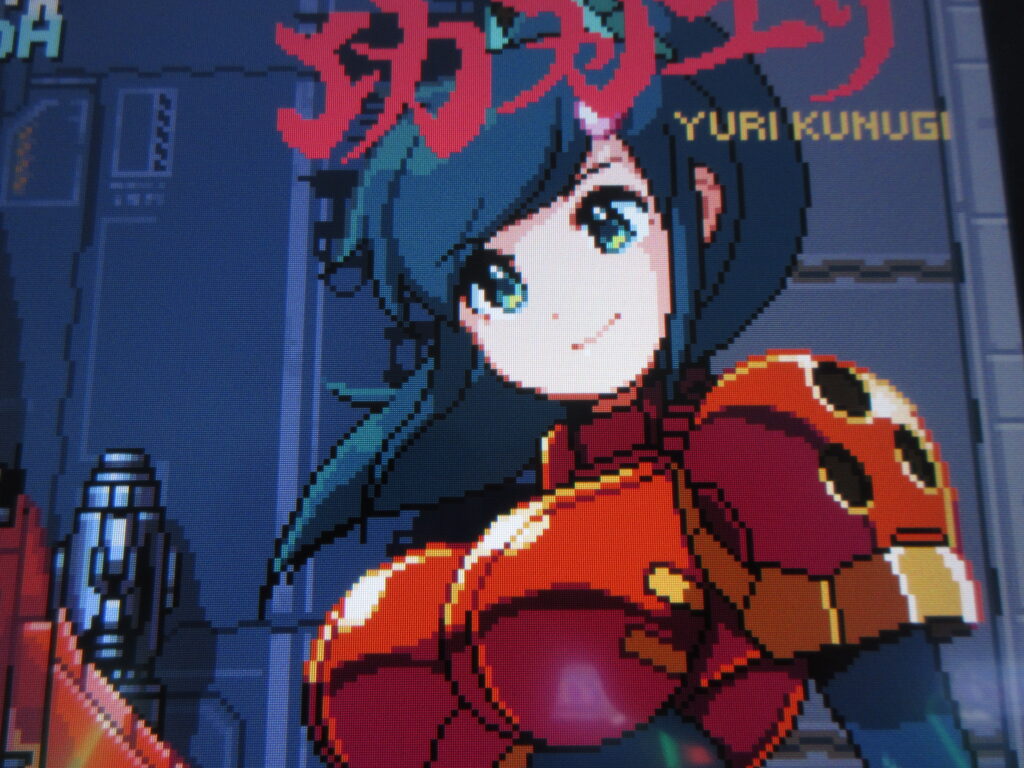
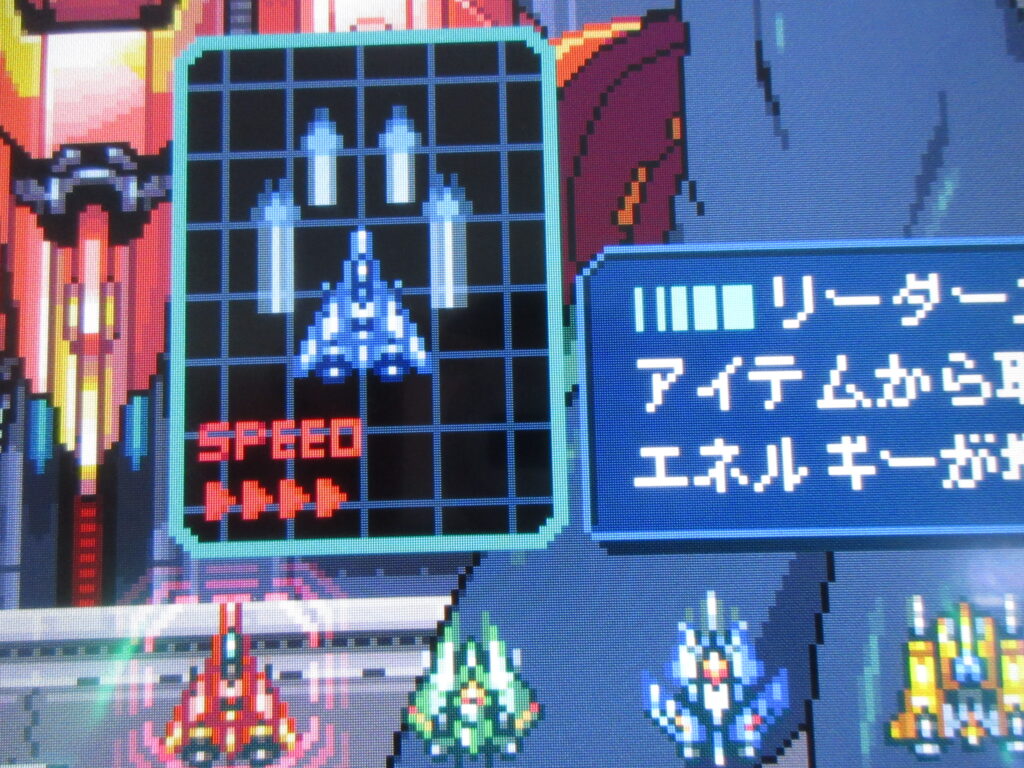
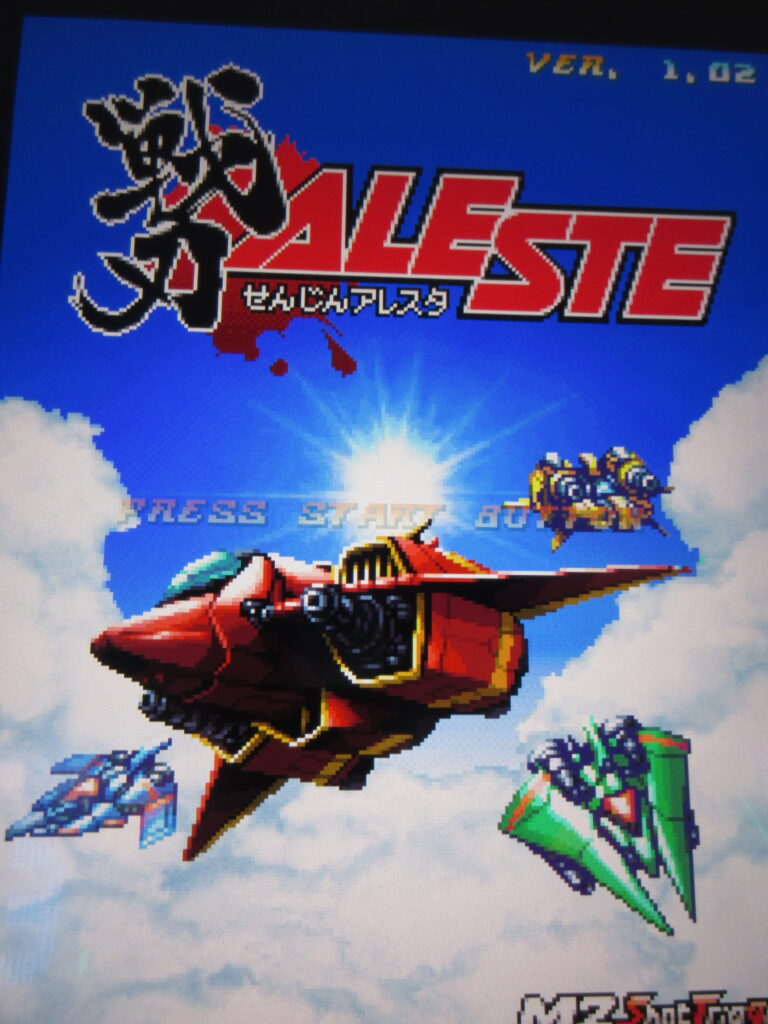
I was at the Gunma Leisure Land game center north of Takasaki Station on a Saturday morning with plenty of kill since I wasn’t with the female family units and I played Senjin Aleste. I played this game last summer at a game center in Iida, Nagano Prefecture. I really love this game and I want M2 to release this on Steam, Switch, and Playstation. It’s been a few years already. What are they waiting for?
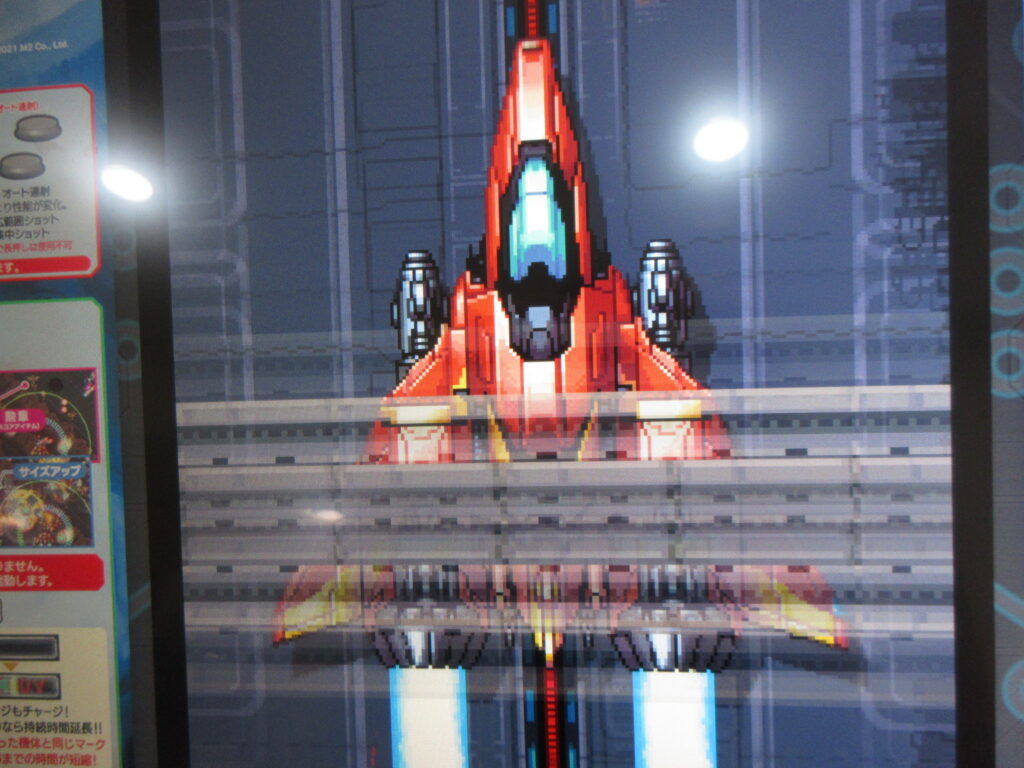
I totally love M2. They really know how to make neo-retro games. This game is 100% pixel graphics! It plays a lot like Blazing Lazers and Space Megaforce. You select a character, one of four girls. But really you end up playing them all as a team so you are just selecting the one to start with.
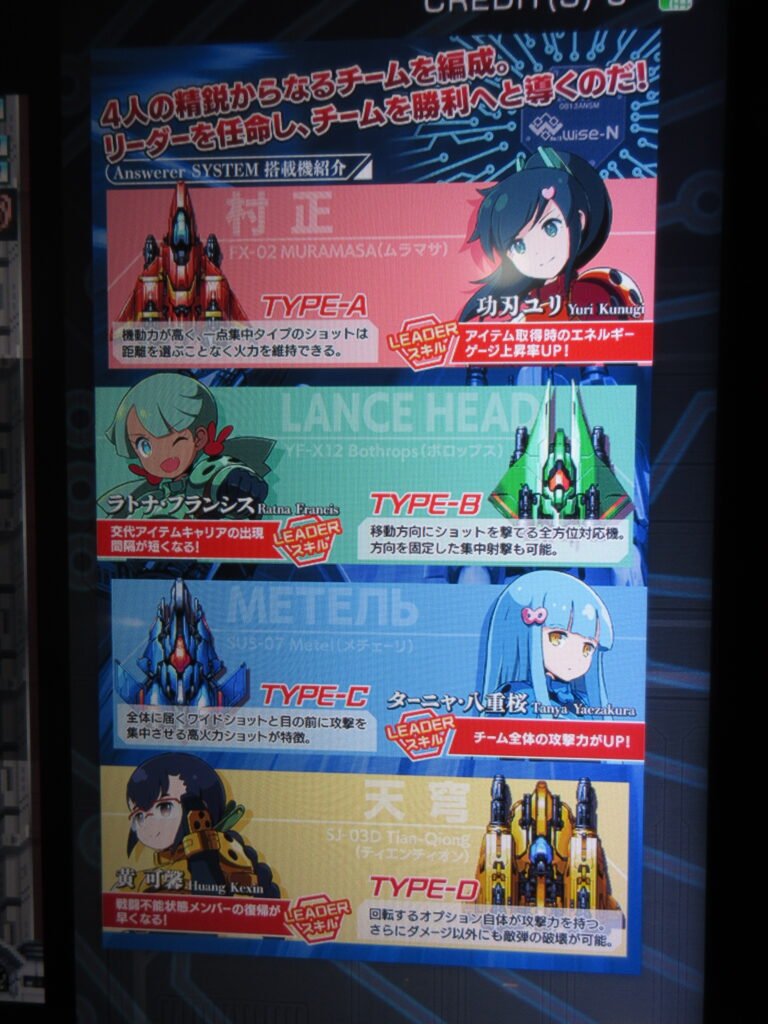
Each girl pilots her own ship, each with different weapons styles. There’s a Japanese girl Yuri Kunugi (Type-A), an ambiguous girl Ratna Francis (Type-B), a Slavic/Japanese girl Tanya Yaezakura (Type-C), and a Chinese girl Huang Kexin (Type-D). The Type-A is like a Dodonpachi-style fighter with orbiters that circle around the nose. Type-B has orbiters that fire in the direction you want them to. Type-C is more of a spread-shot. Type-D, the pudgy Chinese girl with glasses and big tits, has orbiters which fire ring lasers in 360 degrees. She really wrecks bosses, so I liked to try to save her for the end of the level.
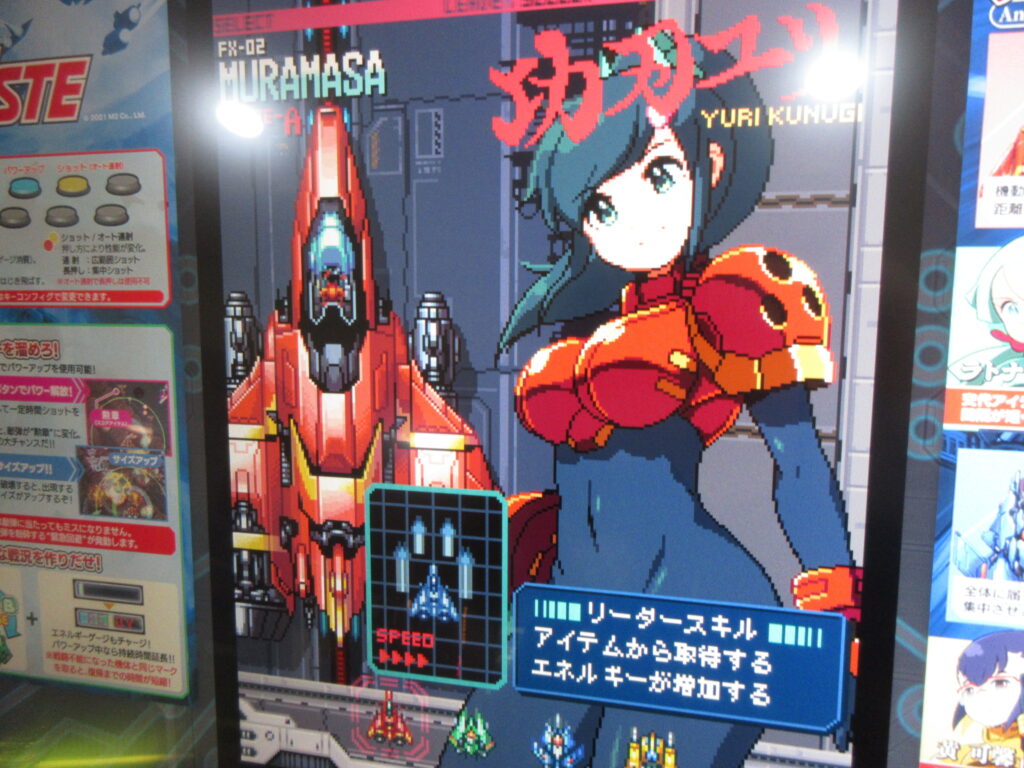
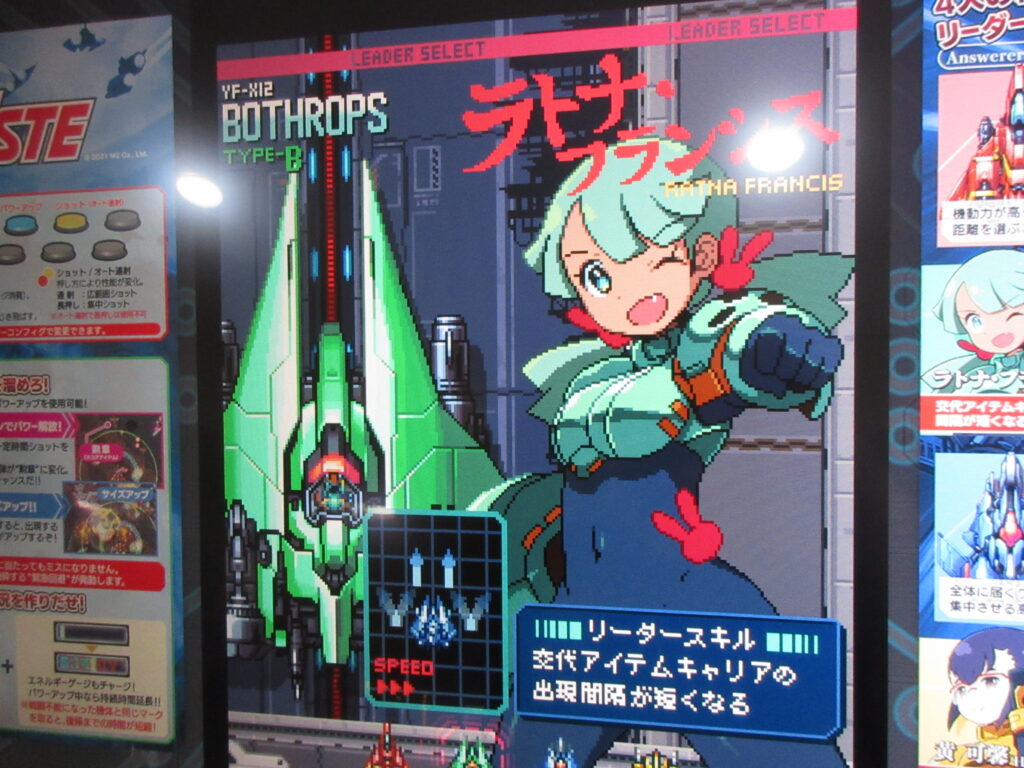
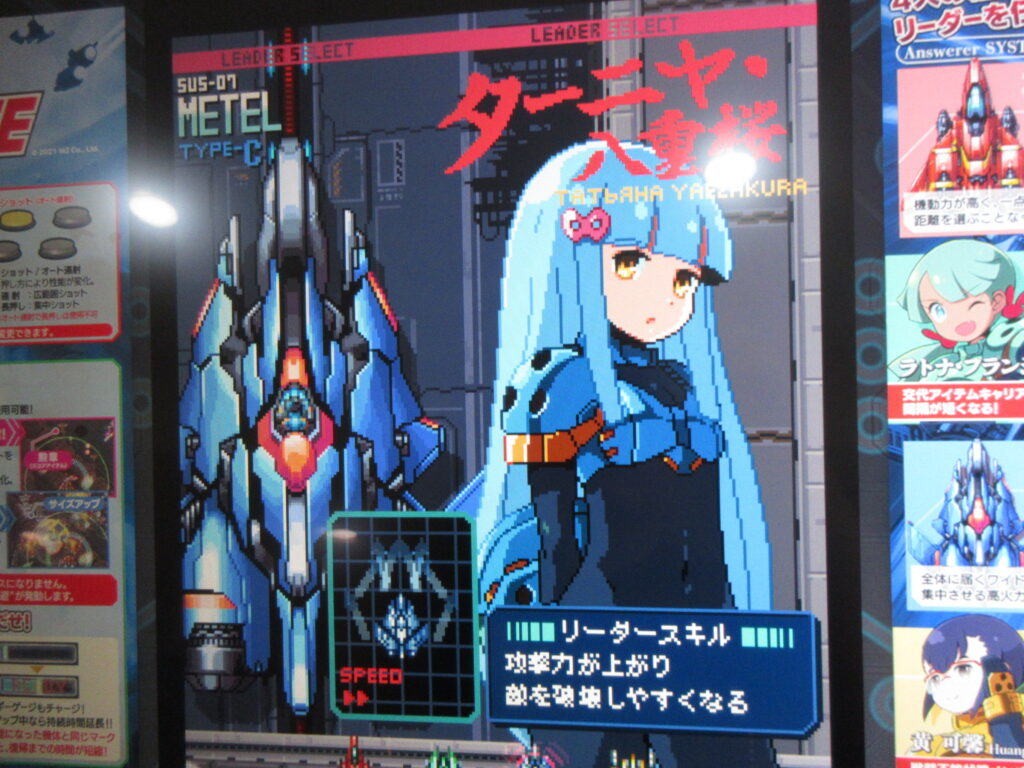
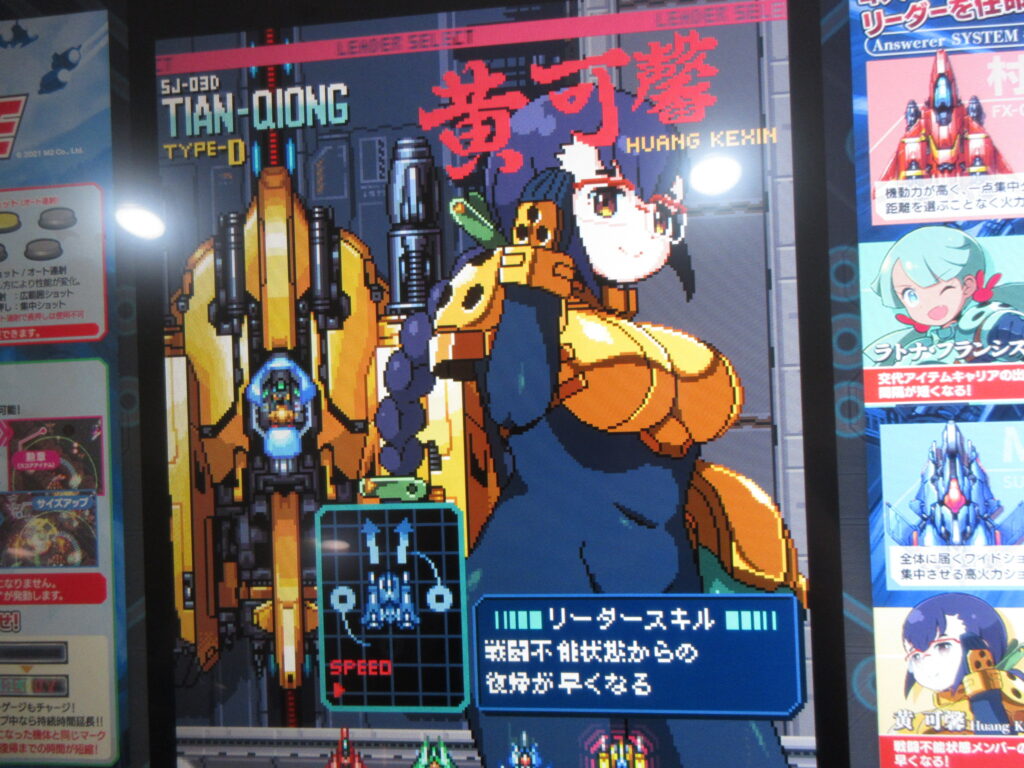
A ring builds around your ship over time. Pressing a button will push back enemy bullets within that ring momentarily, hopefully enough for you to move out of the way. Destroying enemies give you P powerups, which gradually make your weapons stronger.
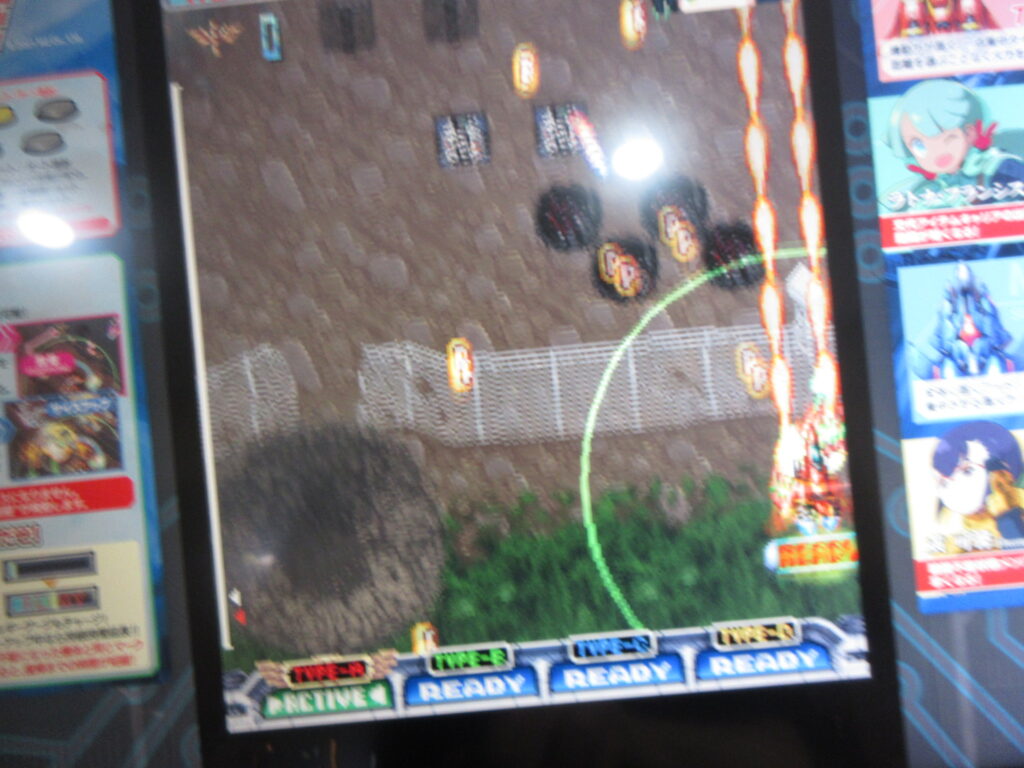
You have three buttons: your shot (which you can either rapid fire by mashing it or a focused attack by holding it down), the ring defense to escape incoming bullets, and a bomb that is actually weak. Picking up a Bomb powerup provides a much stronger bomb, so don’t hesitate to nab those when the screen is filled with badguys.
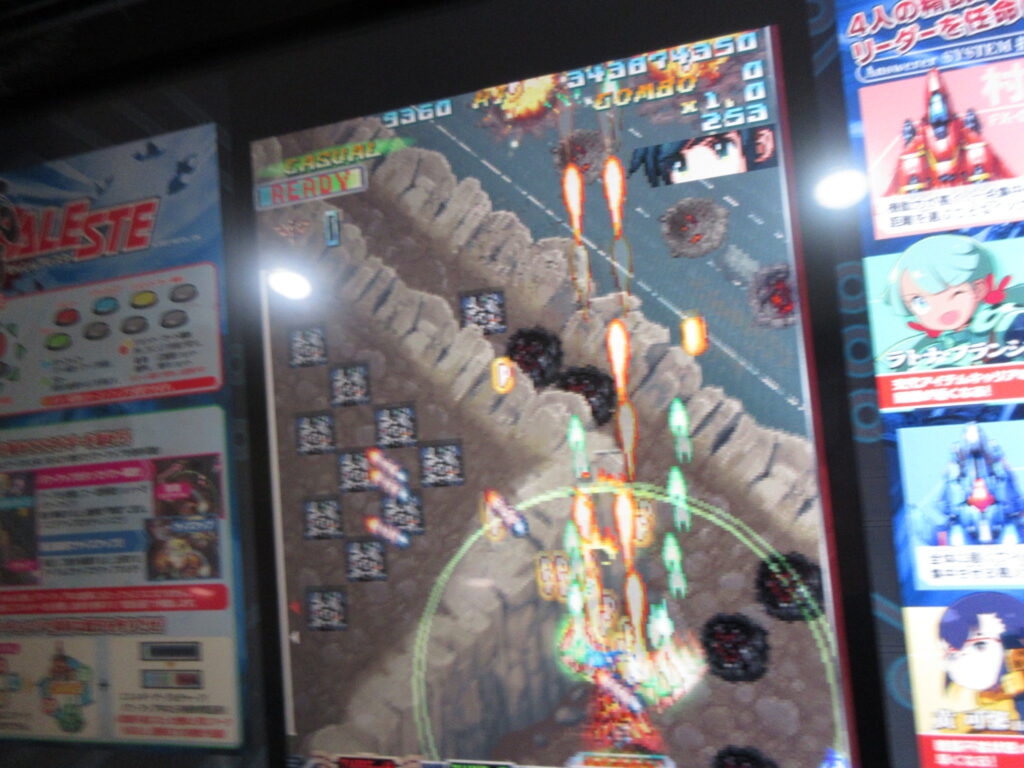
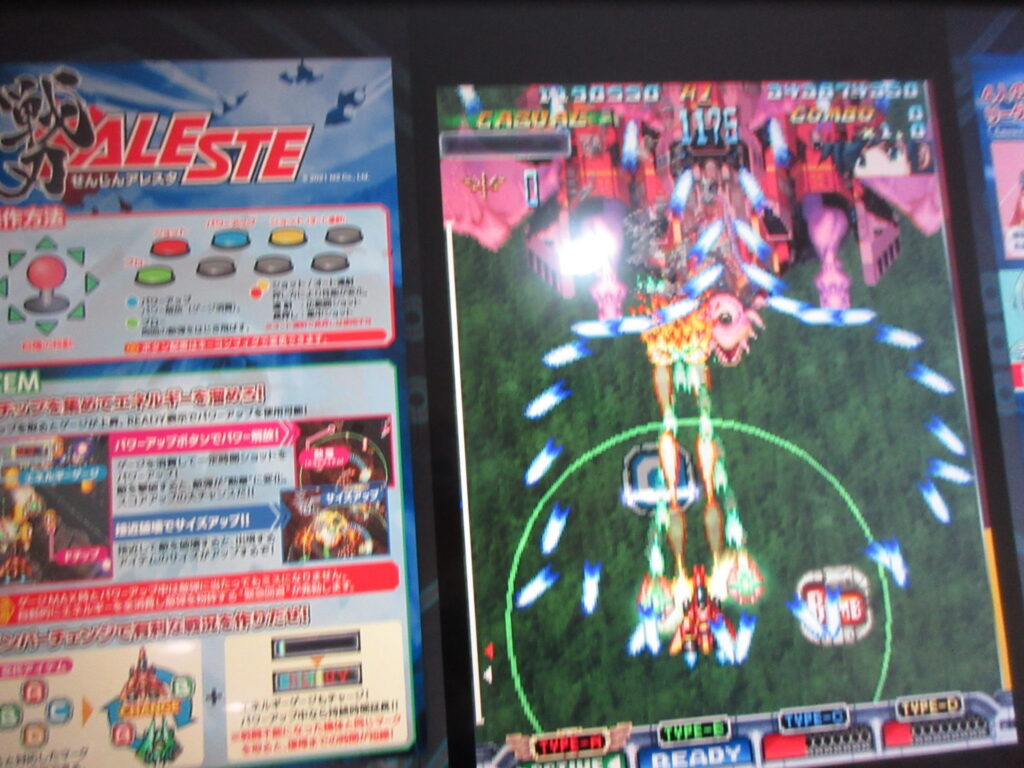
When you pick up a bomb icon, the bomb auto-activates. The four ships are A, B, C, D. Collecting any of these letter powerups will change you to that girl. When a girl gets shot down, she will slowly regenerate her ship. If all four are hit before any of them can repair, it’s game over. So the 4 girls are like a tag team.
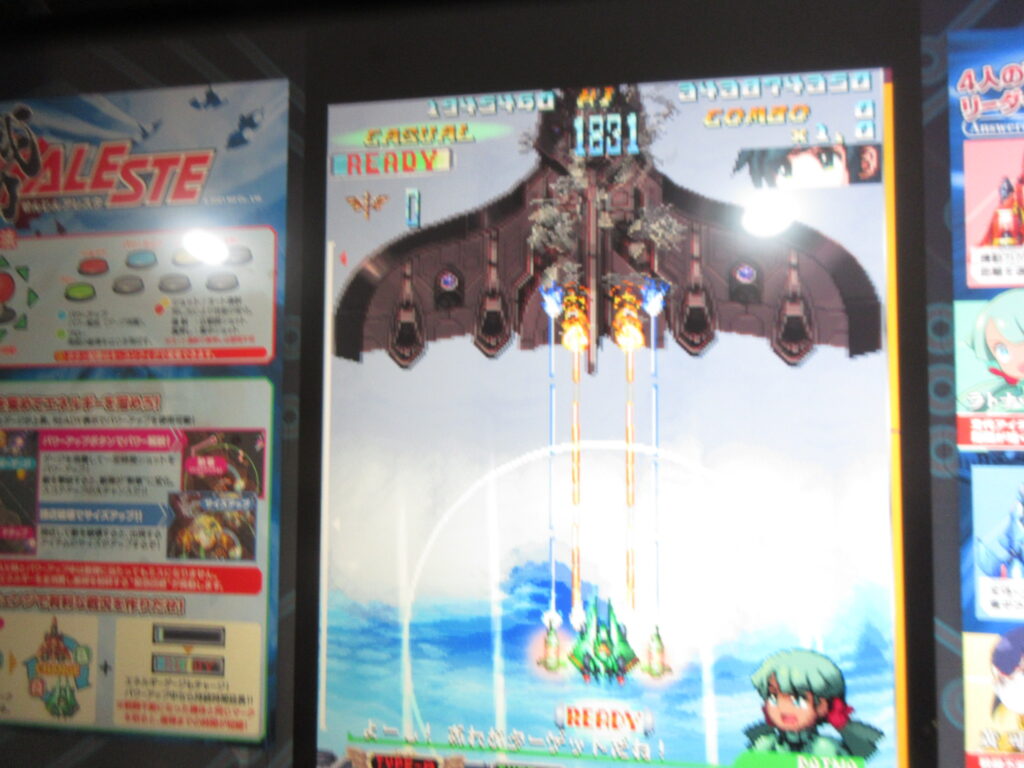
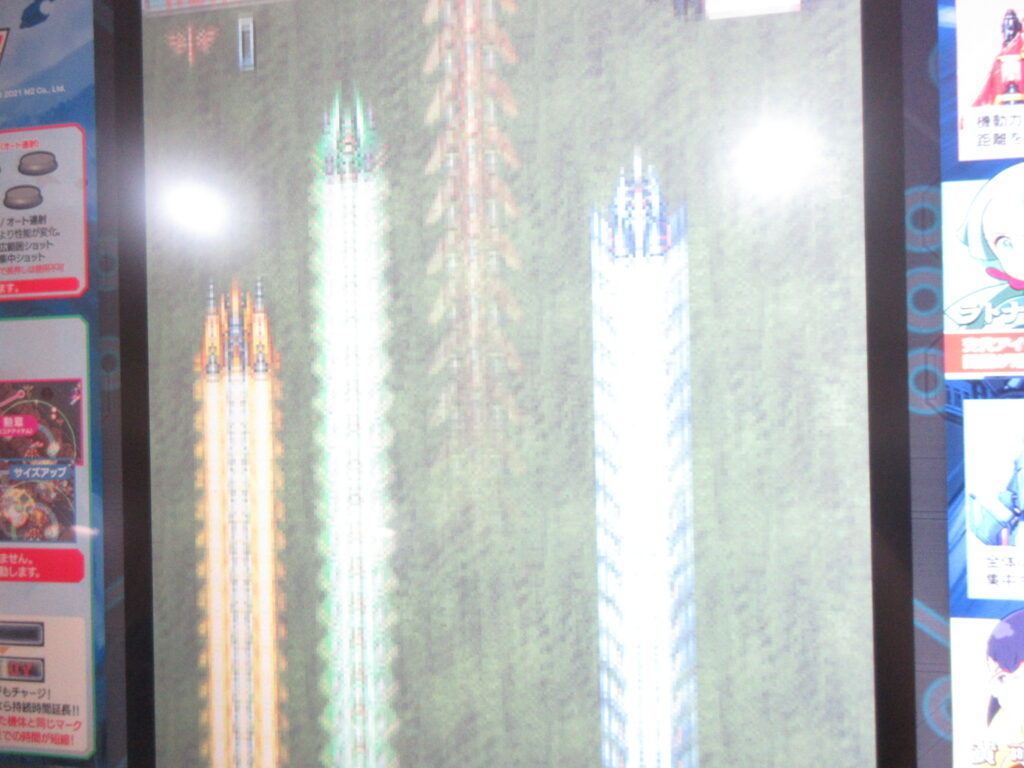
Look how the fighters streak off at the end of a level! That’s exactly like Super Aleste/Space Megaforce on the SFC/SNES! It was a bit hard to play one-handed while holding my camera to take some quick pictures, so the focus isn’t the best. Sorry. If you don’t like it, you can lick me where I pee.
My friend Ryan built me a Raspberry Pi 5 with 16gb of RAM last year. He sent it to my dad’s home and I acquired it there when I visited in August. I had been using my Pi 4 (4gb of RAM) as a portable desktop. Once I installed Raspberry OS on my Pi 5, it blew me away how quickly it loads! It is very nice to use.
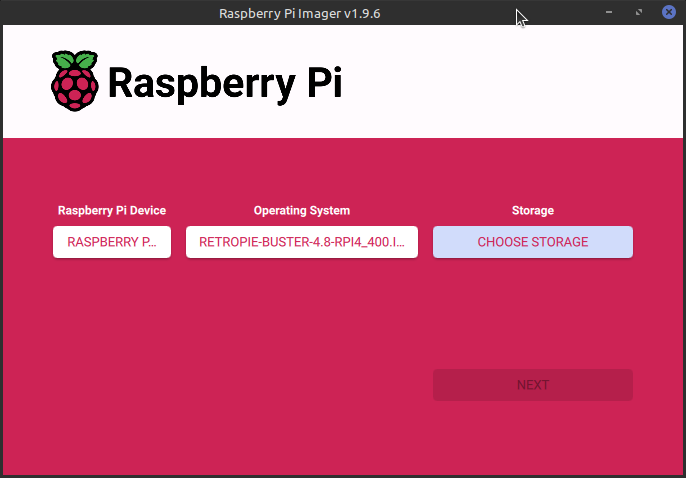
Since I no longer need to use my Pi 4 as a portable desktop, I decided to turn it into a dedicated RetroPie unit. I haven’t had a dedicated RetroPie since I sent my Pi 3 to my friend Gary.
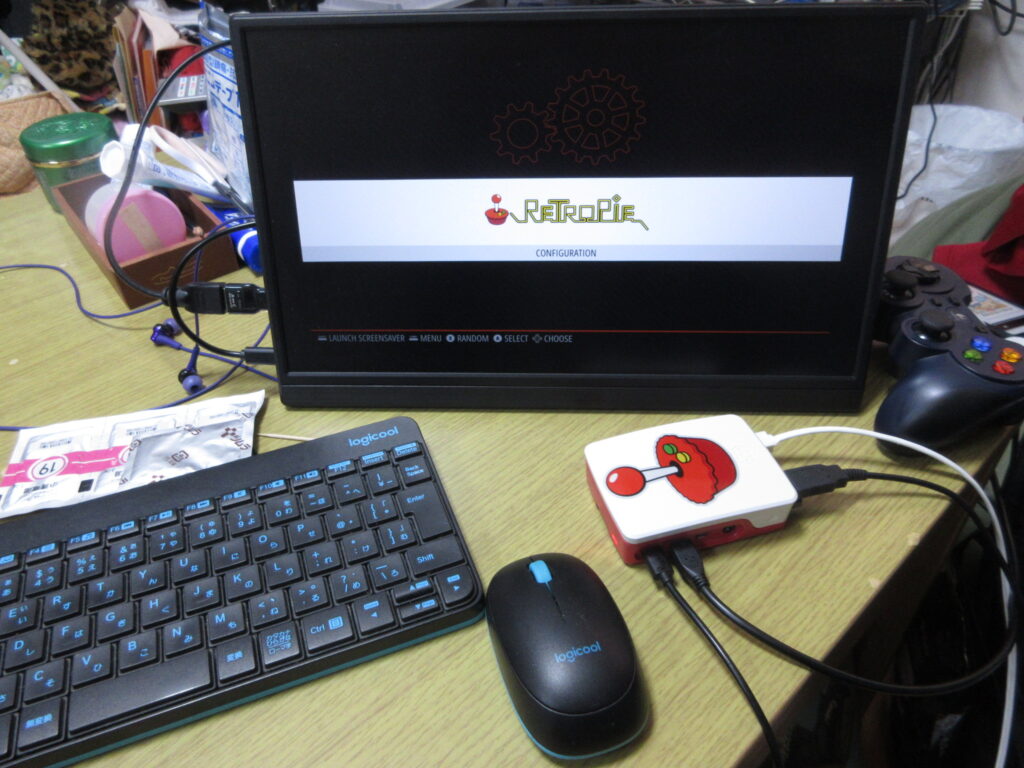
So here it is after it booted up, before any roms were added. I had to install emulators, BIOS files, the config files, and the downloaded images of the games’ covers and such. The Saturn emulator for RetroPie on a Raspberry Pi isn’t worth using. The ARM architecture cannot handle it, while the x86 architecture of my desktop can run a RetroPie Saturn emulator just fine.
At first I figured that a 32mb SD card would be enough space to install everything I wanted, but considering that I have several CD-based games for the Turbo Duo and Mega CD, I was not able to copy over all the games I wanted to. I went to Yamada Denki and bought a 128gb SD card and started over.
It’s not enough to just install the emulators and copy the roms over to their respective folders. The Retroarch controller config files as well as the game lists and game photos from the game data scrapers should also be copied to the RasPi’s new SD card. Here’s a list of what I made sure I copied over to the SD card:
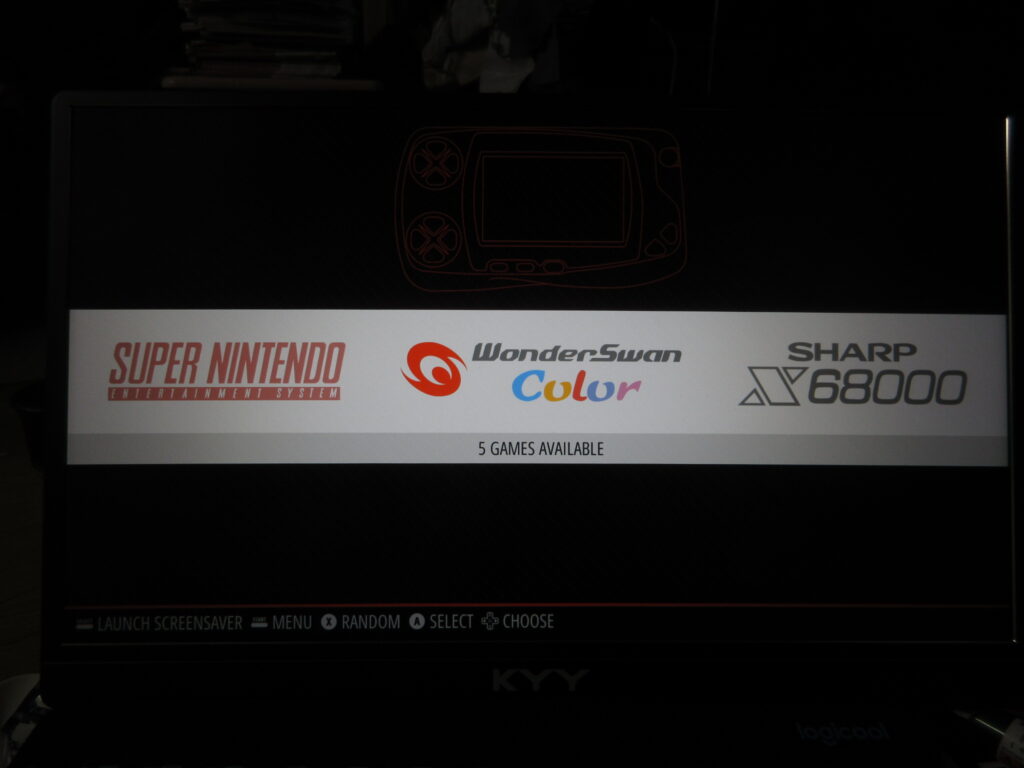
Once all those files were transferred over, it was time to test it out. I didn’t like how there was a black border on this 16:9 monitor, which made the game screens smaller. What the heck?
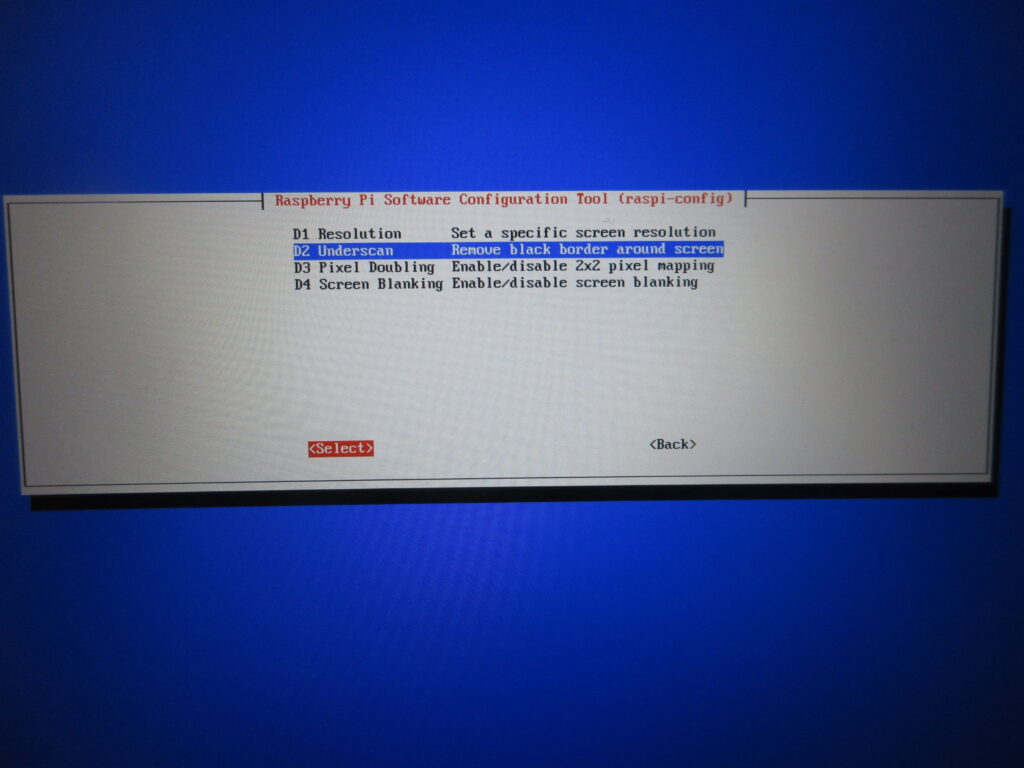
Here’s what I did. I set it to a resolution of 16:9 60fps and then with this “underscan” option I removed that dumb black border.
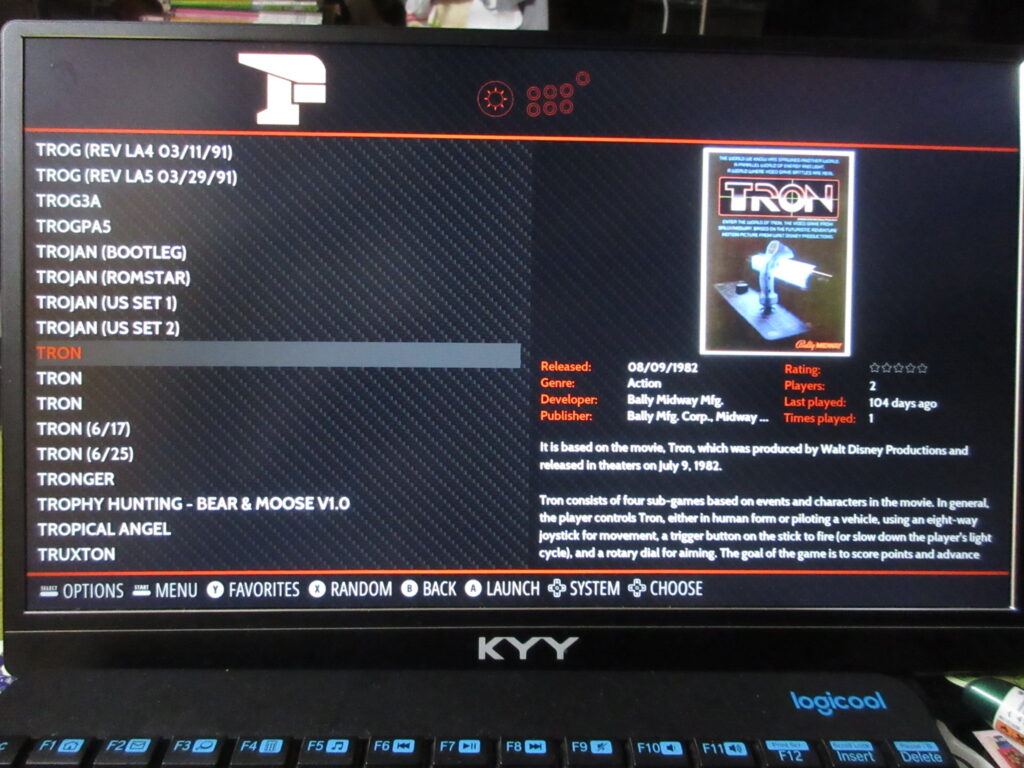
The scraped data is all there now.
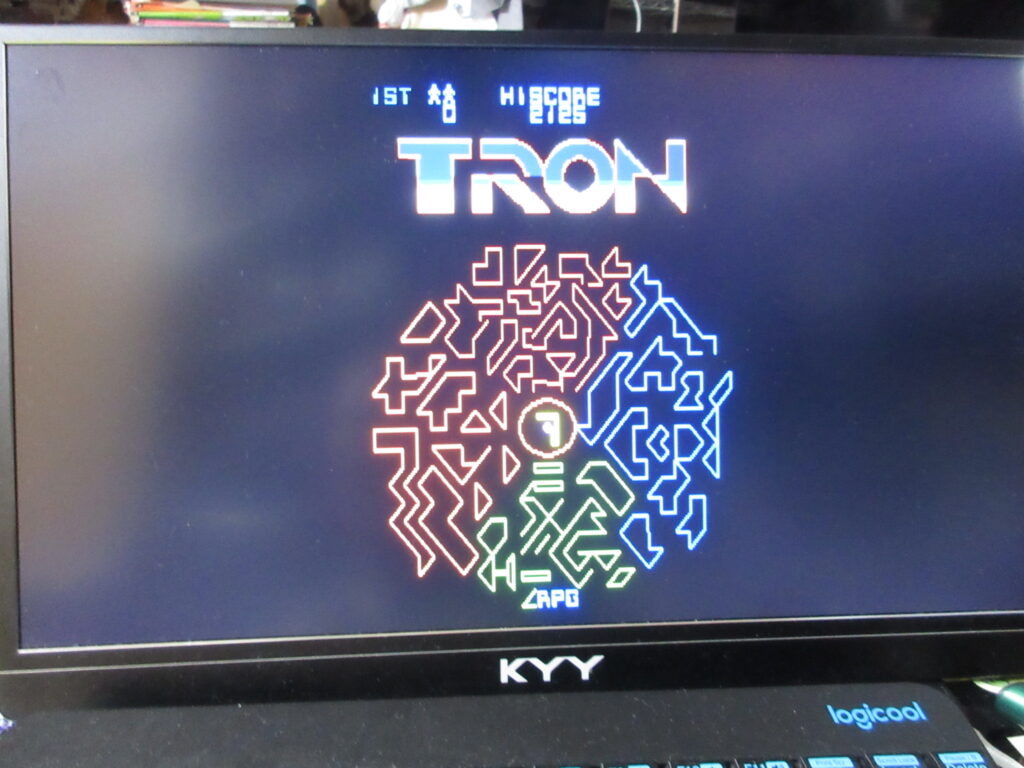
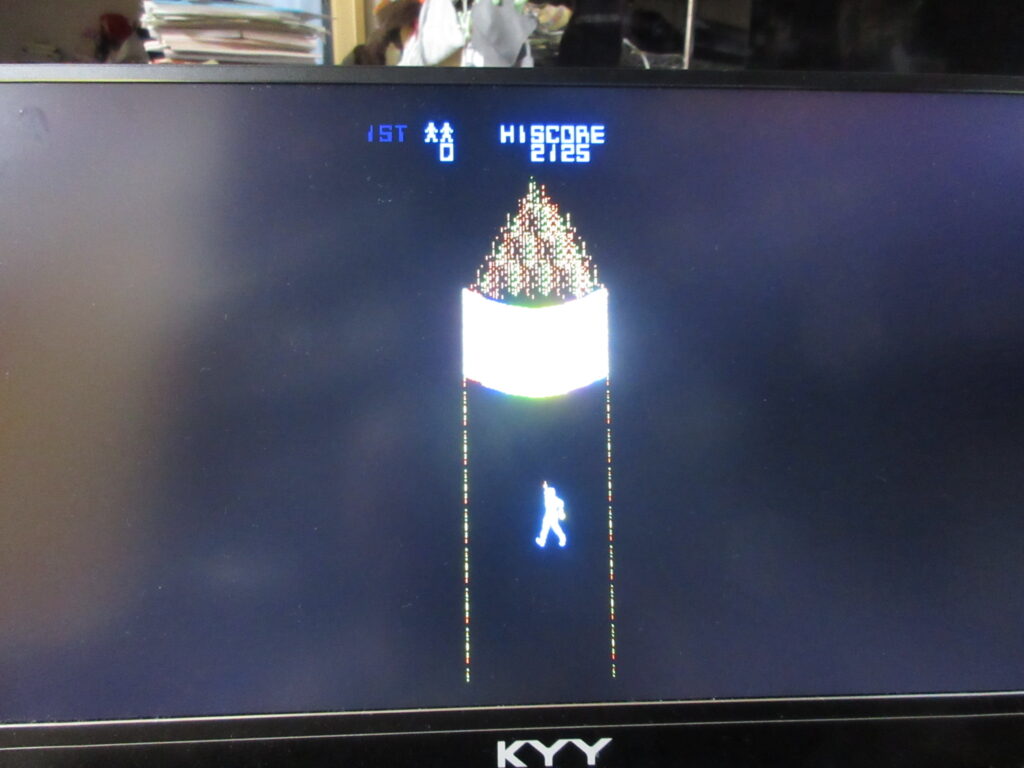
Tron. I’ll have to edit the game’s input configuration. This game is always awkward to play emulated because the arcade game had both a joystick and knob.
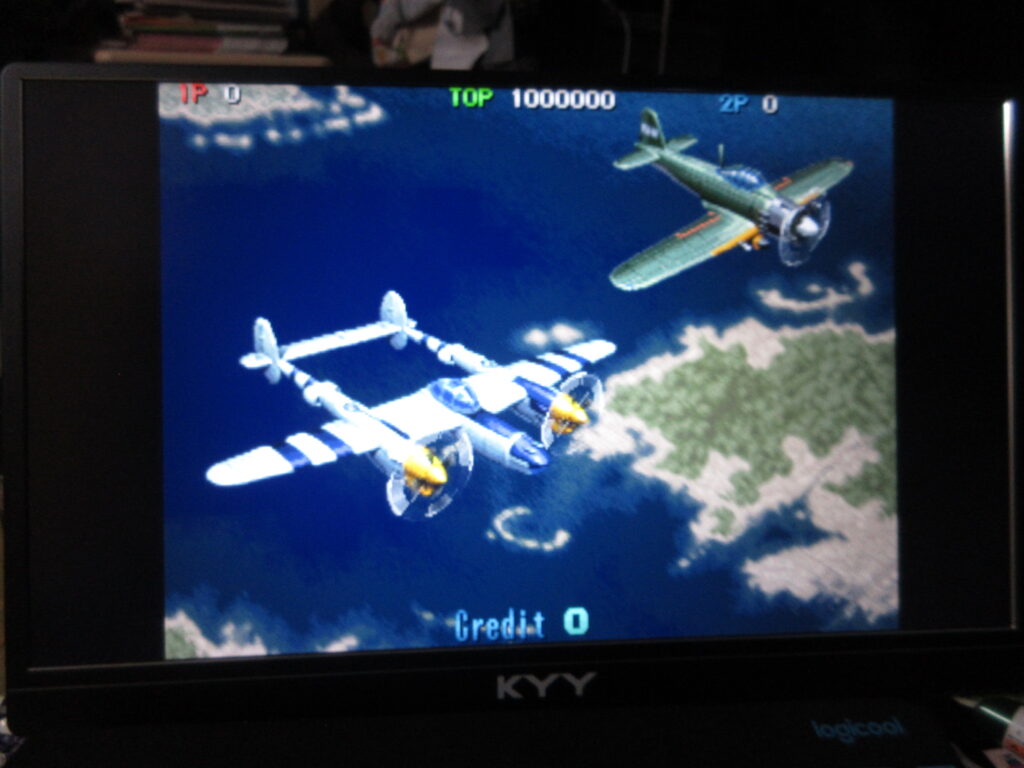
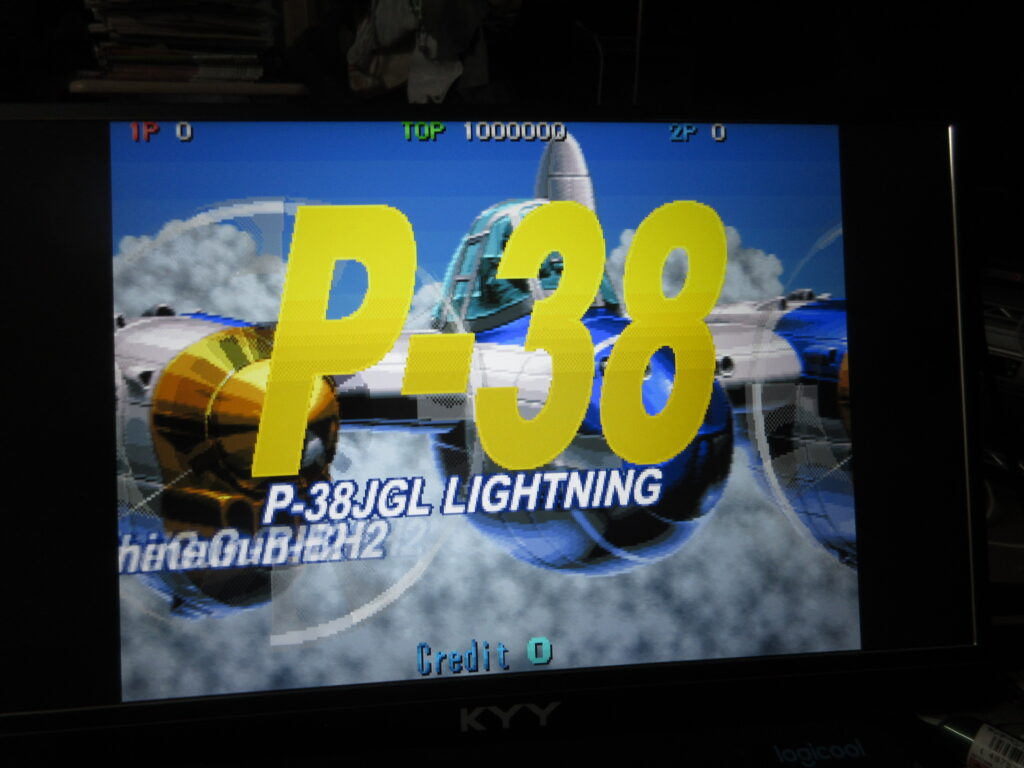
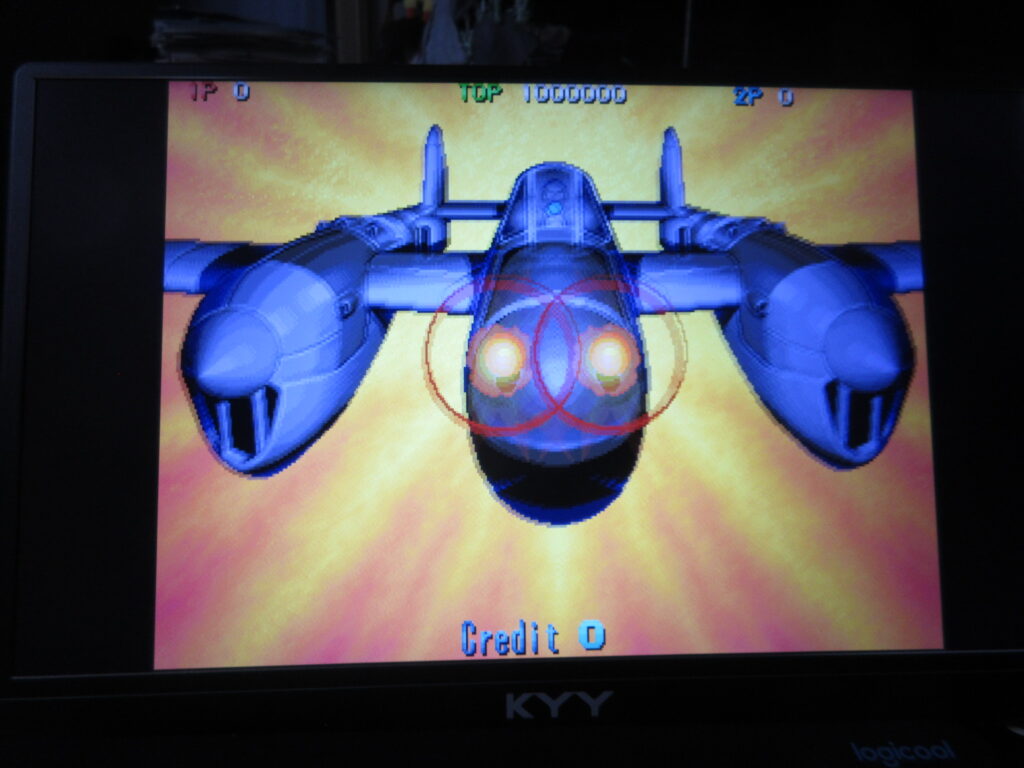
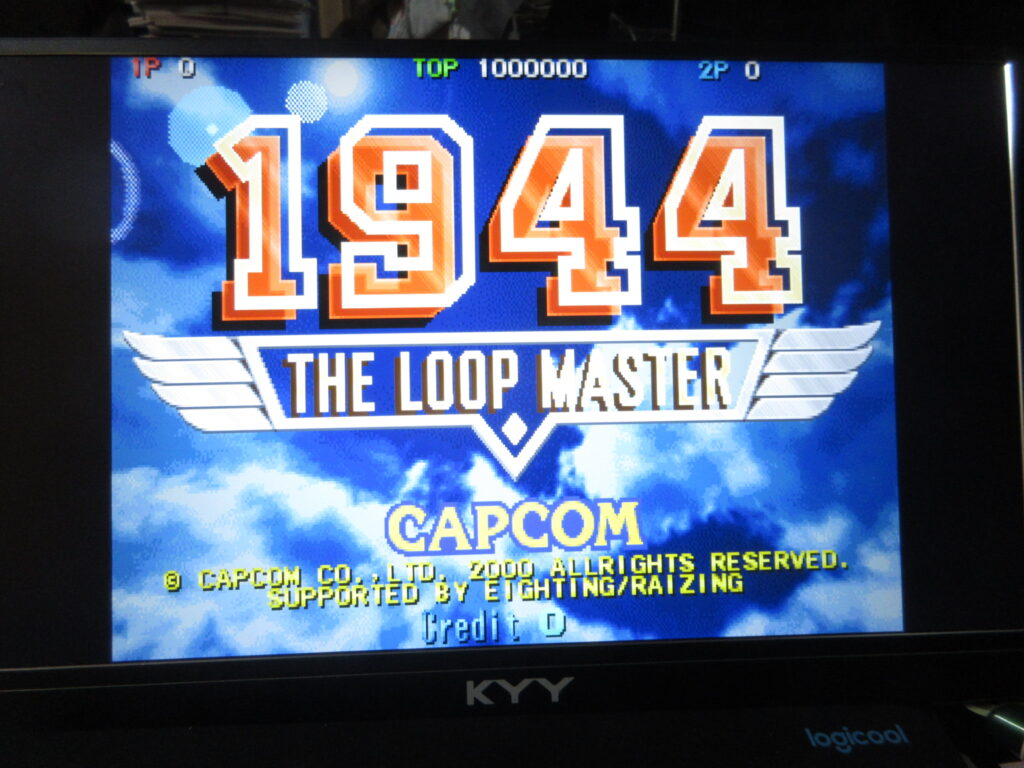
1944: The Loop Master. Once I add a CRT shader for the screen, I’ll be all set.